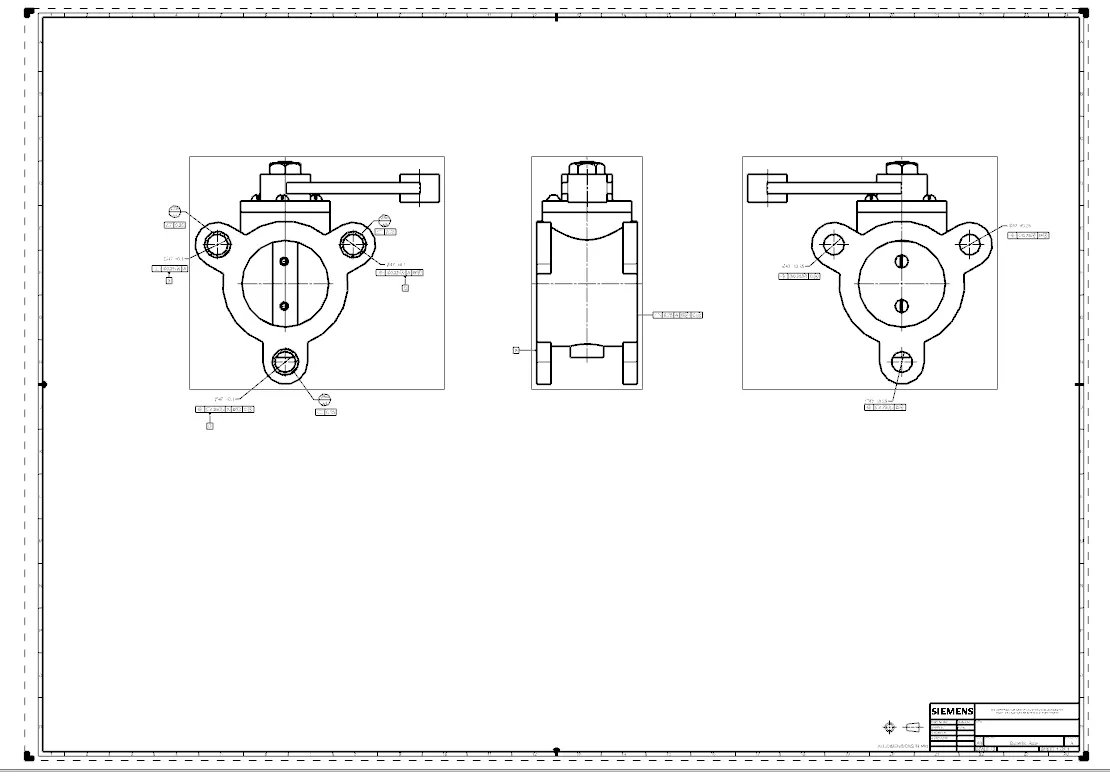
Week 14 challenge
ASSEMBLE AND APPLY GD&T TO THE BUTTERFLY VALVE ASSEMBLY
STEP-1:
Firstly create a folder under the name of the Butterfly assembly then keep all the parts that are related to the Butterfly valve.
STEP-2:
Open the NX CAD, open the file in that open assembly name it, and save it in the same folder where all parts are.
After that open all the parts in that assembly.
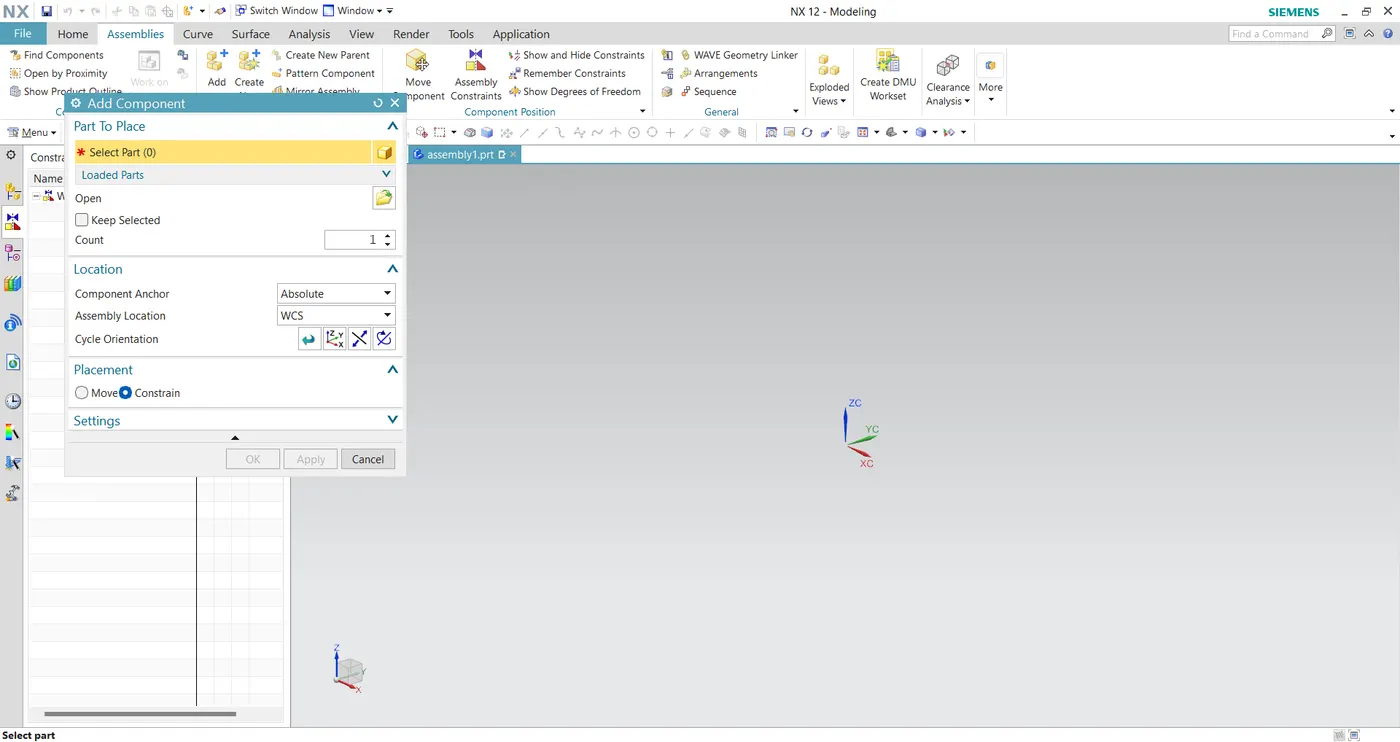
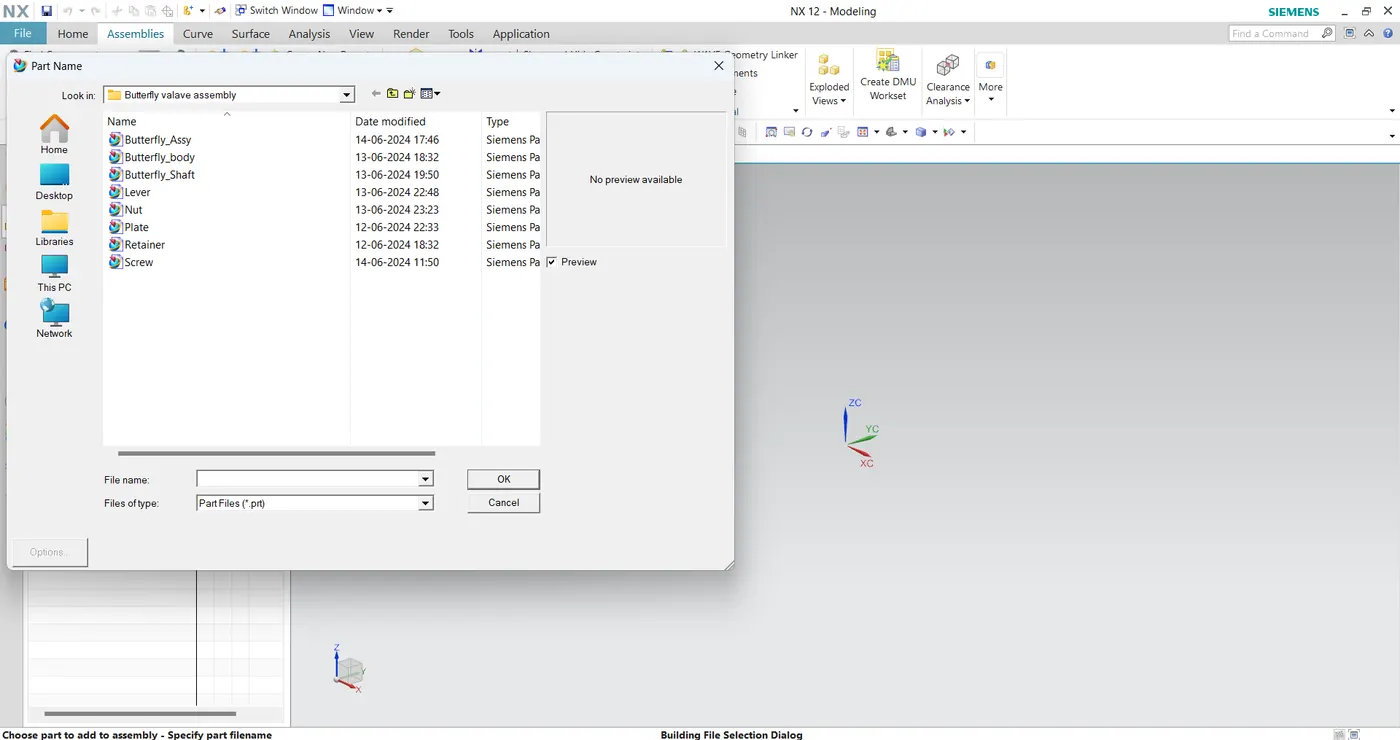
After uploading the parts then starting align the parts one by one. Firstly align the Shaft with the Plate and screw it.
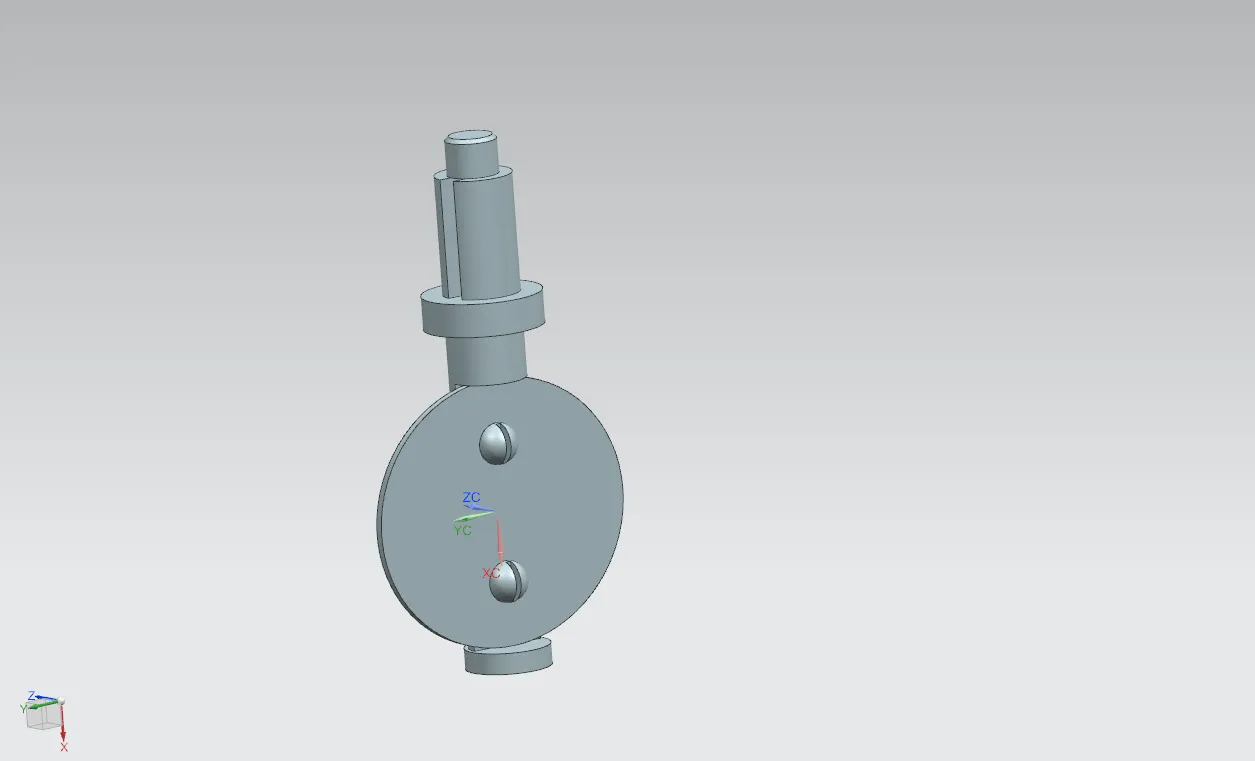
After this align the Shaft & plate with the Butterfly Body.
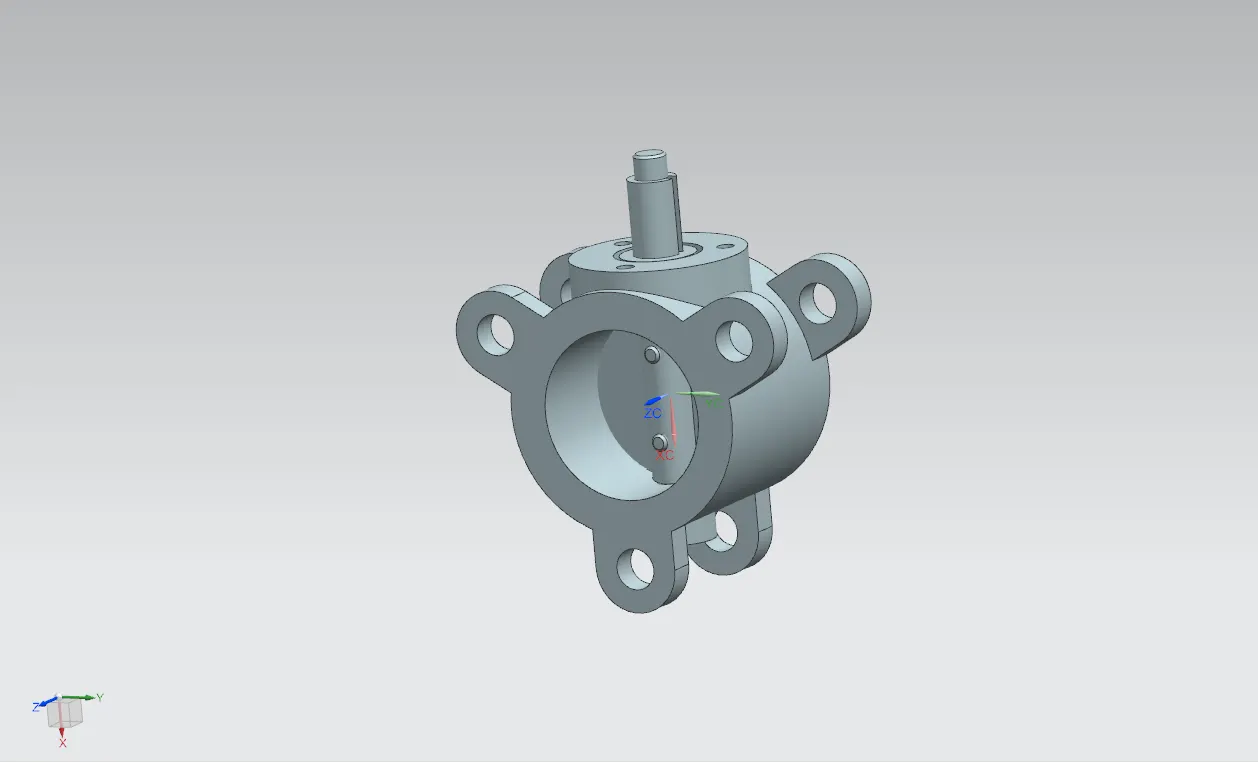
After that align the retainer with the shaft upper and screw it.
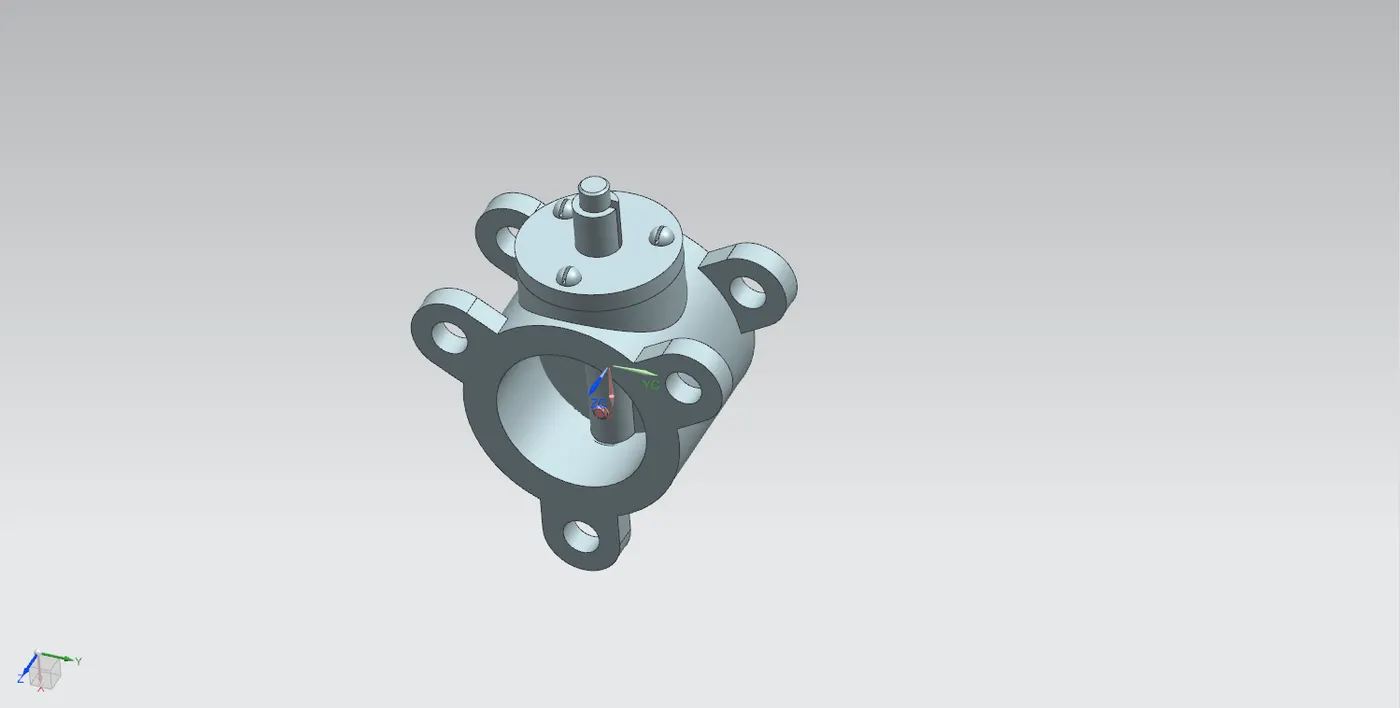
After that align the lever key area with the shaft key area.
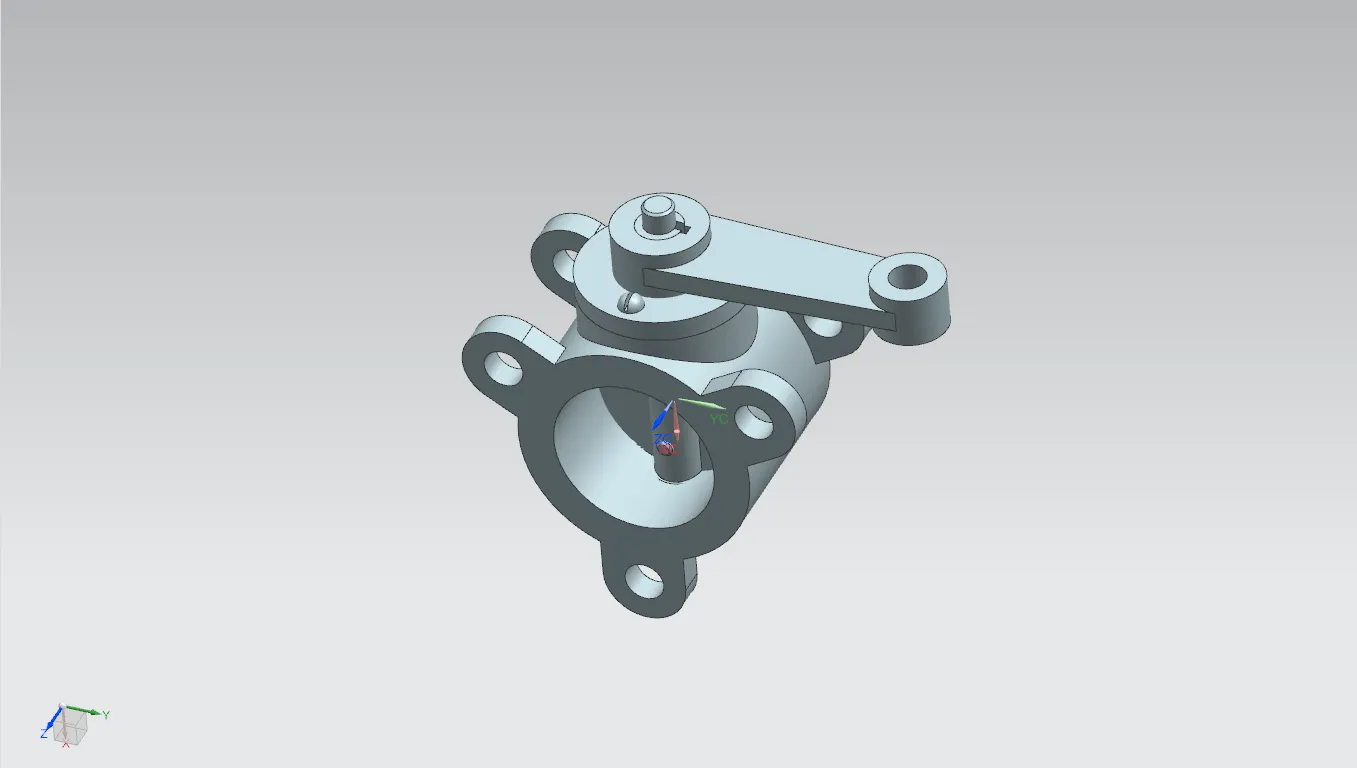
Finally, align the Nut on the Lever and Shaft.
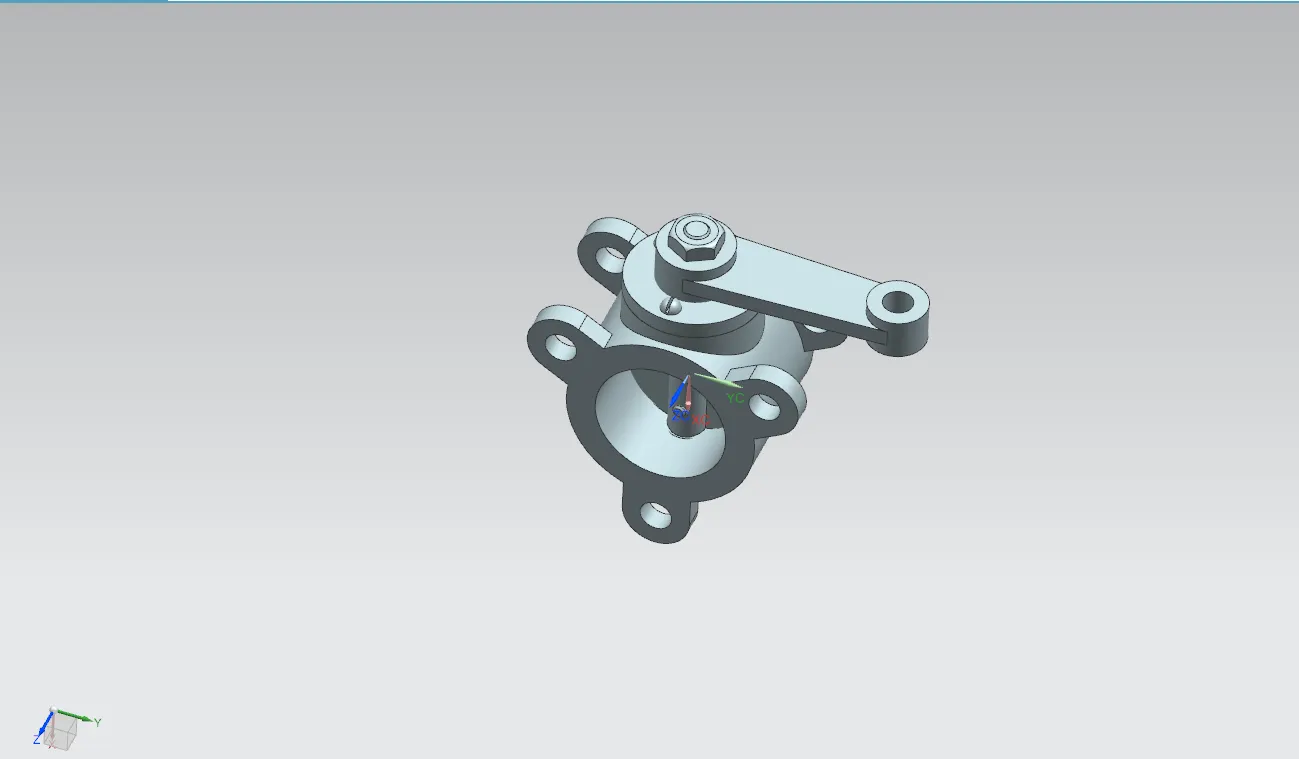
That's how the Butterfly valve will look after assembly.
STEP-3:
Now Apply GD&T on the created Butterfly Valve Assembly.
Open the Drafting in NX CAD, and choose the projection needed for applying GD&T.