Week 14 challenge
OBJECTIVES:
- Assemble all the components in assembly workbench
- Implement the GD&T fundamental and Denote it on Drawing Sheet for the assembly
Answer:
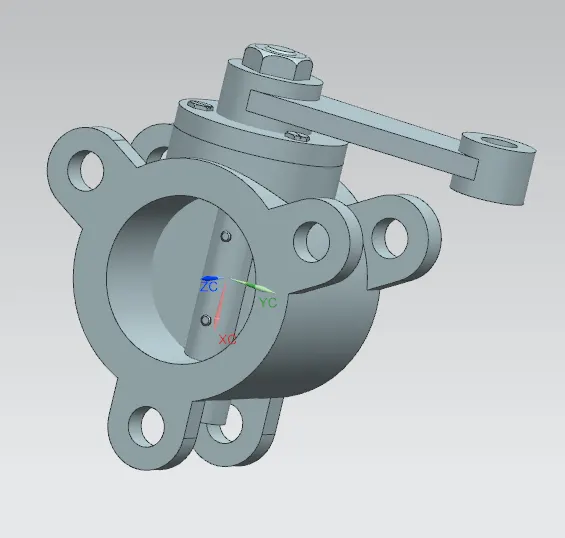
Creation of Butterfly valve assembly:
- Create a assembly folder of butterfly valve and put all the components part files in it.
- Then create a assembly file of butterfly valve
- Then fix the butterfly valve body. All the parts will be assembled in main body.
- Then assemble all the components of butterfly valve using assembly constrains (Infer center, Align, Touch).
Isometric view:
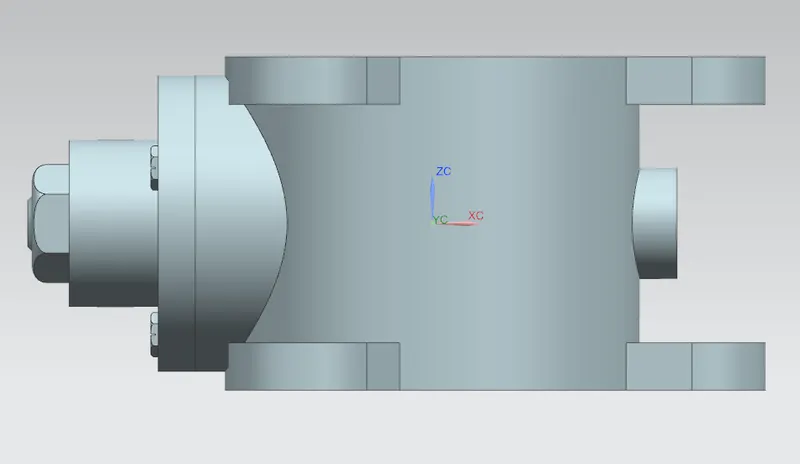
Front view:
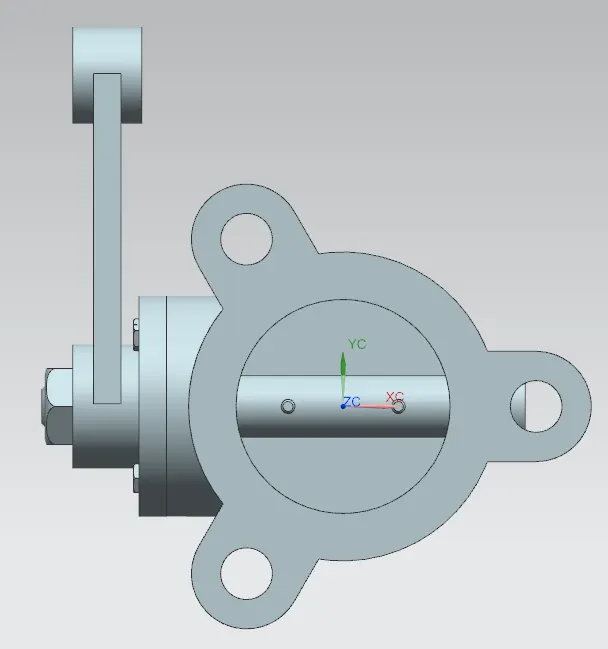
Top view:
Left Side view:
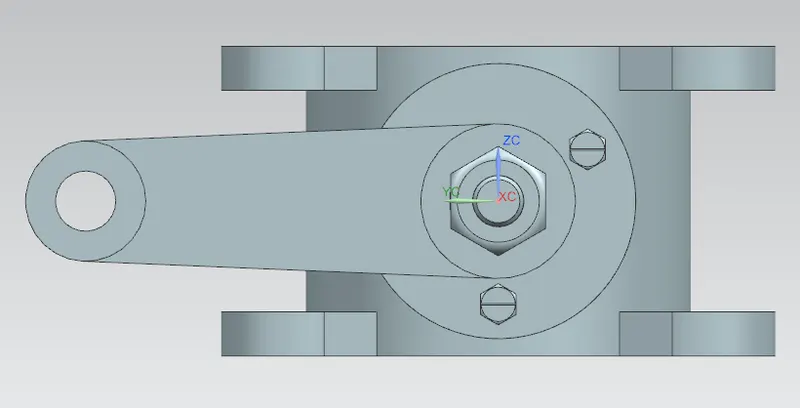
Right Side view:
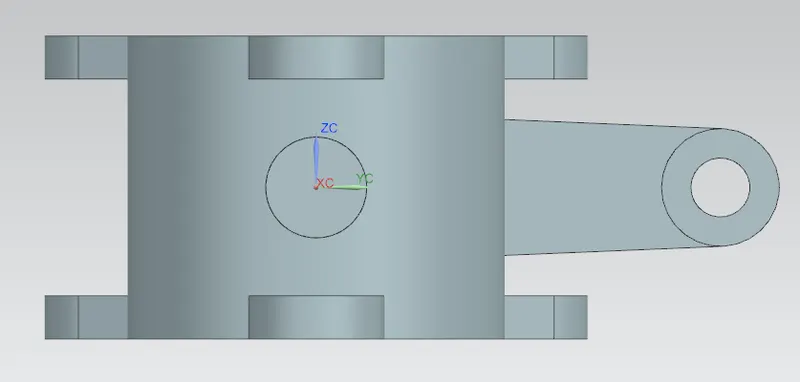
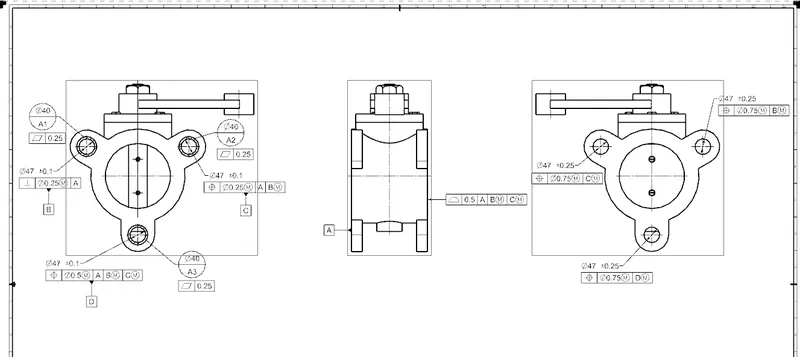
After completion of assembly of butterfly valve, next step is to denote the GD&T in drafting sheet.
- Select size of the sheet
- Add the appropriate base view of the butterfly valve assembly in the sheet
- Then add the projection view of the base
- Then apply GD&T to arrest required degrees of freedom.
Conclusion:
Assembly of the butterfly valve components in the assembly workbench has been created using NX12 software and implement the GD&T fundamentals in the Butterfly valve assembly and denoted it in the drafting sheet.
Thanks