Week 12:Project 2-Meshing of Rear Wheel Holder challenge
OBJECTIVE:
To create the mid surface and mesh for the rear wheel holder.
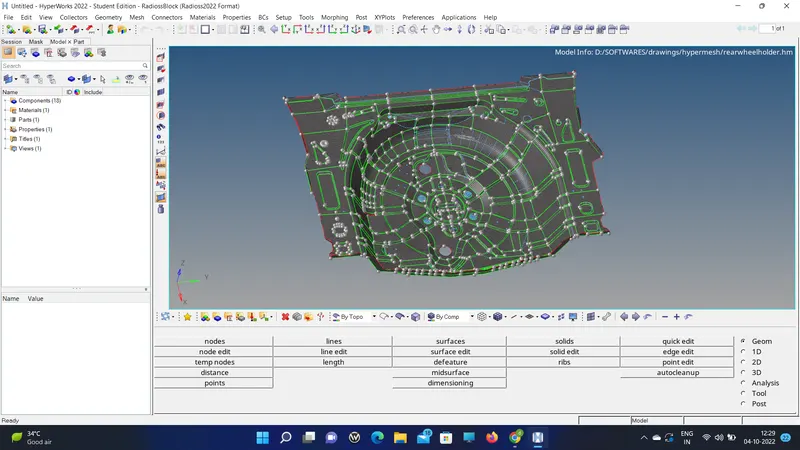
CAD MODEL IMAGE:
PROCEDURE WITH REQUIRED IMAGE:
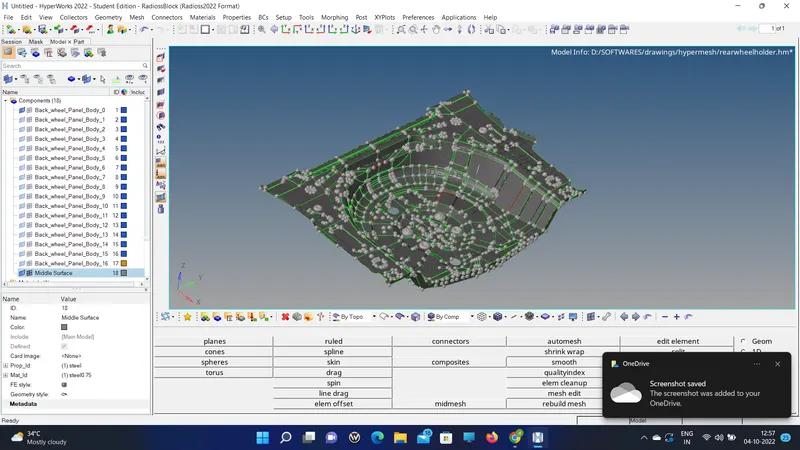
1. Import the model and create a mid-surafce.
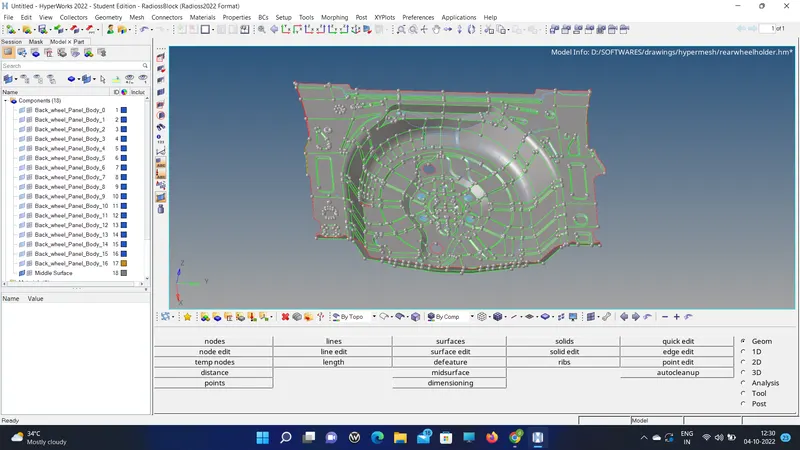
2. Then clean up the a mid-surface if any deviated from the parent geometry.
3. Then separate the geometry into pieces in order to get the proper mesh flow.
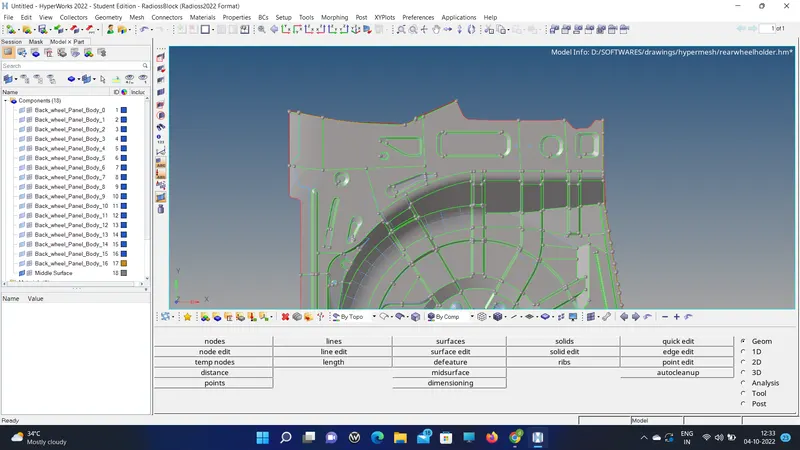
4. I did clean at one side then I used the reflect option, the remaining unsymmetric portion I meshed again.
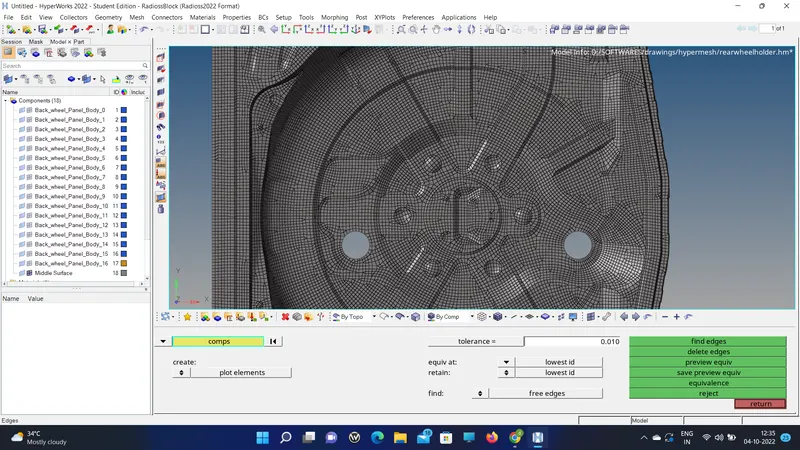
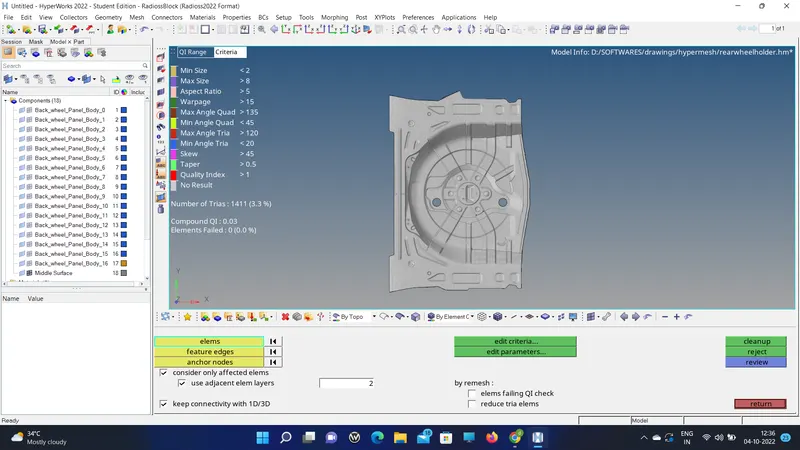
5. Cleared all quality parameter asked in the challenge.
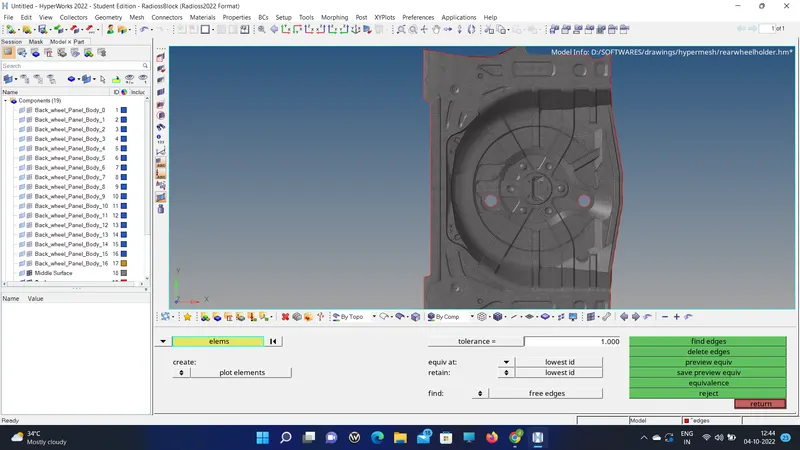
6. Replace the free edges if needed and clear all the free edges which are not present in the parent geometry.
7. Apply thickness by inserting property and material and assigning thickness which is in geometry.
RESULT AND FINAL CAD IMAGE:
Thus the mid-surface and meshing are done.