Week 12:Project 2-Meshing of Rear Wheel Holder challenge
OBJECTIVE :
To mesh the given component with following quality criteria and assign the thickness.
Target Element Length = 5 Units
| S.N | Quality Criteria | Value |
| 1 | Aspect Ratio | 5 |
| 2 | Skewness | 45 |
| 3 | Warping | 15 |
| 4 | Taper | 0.5 |
| 5 | Min. Length | 2 Units |
| 6 | Max. Length | 8 Units |
| 7 | Min angle Quad | 45 |
| 8 | Max angle Quad | 135 |
| 9 | Min angle Tria | 20 |
| 10 | Max angle Tria | 120 |
| 10 | Tria % | 10 |
CAD MODEL :
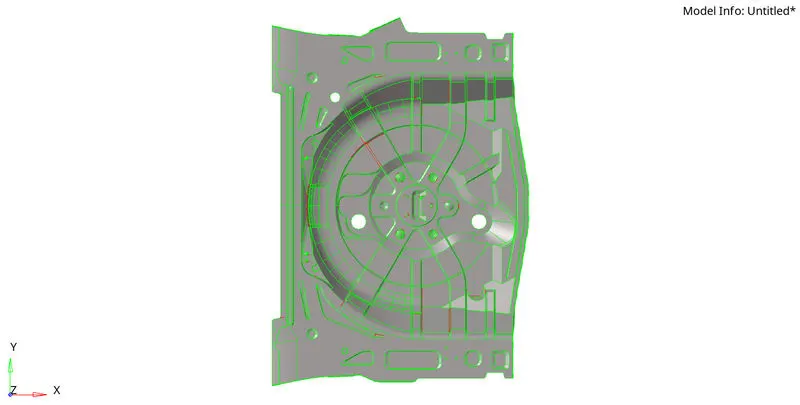
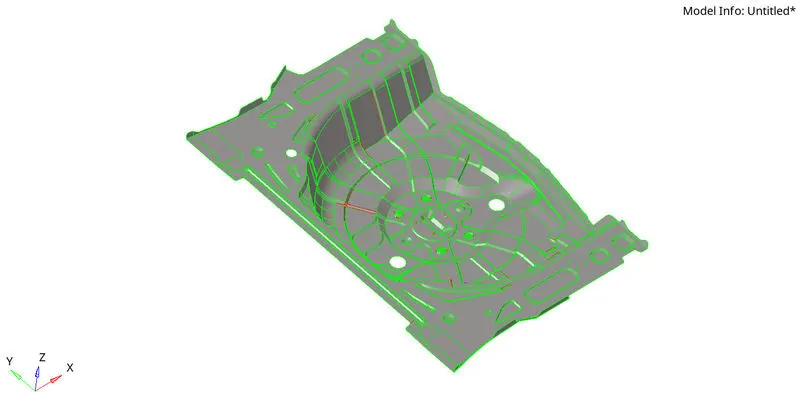
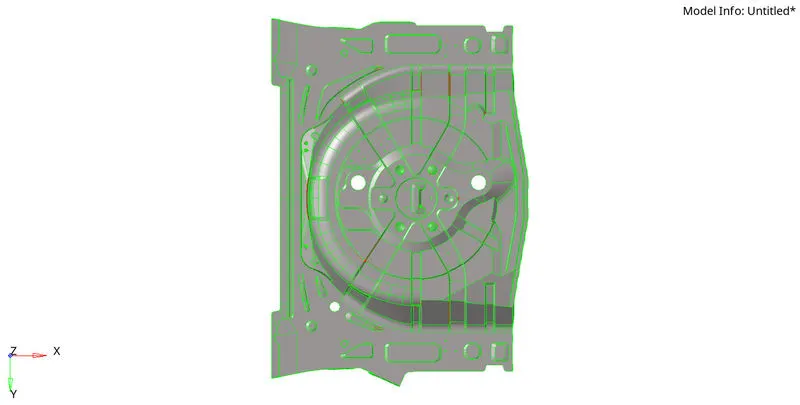
PROCEDURE :
1. Import the cad model in the hypermesh.
2. Deleting the solids and organizing the components using organize panel from tools section.
3. Clean up the surface of the geometry by using quick edit tools.
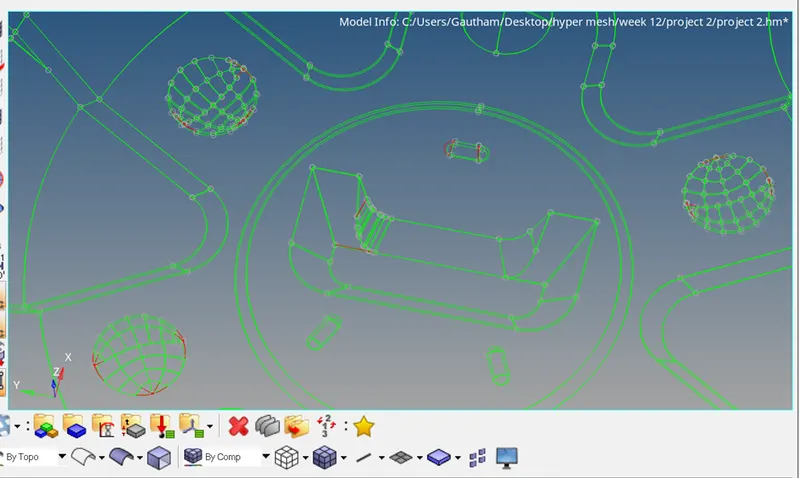
Here fix the all the red lines.
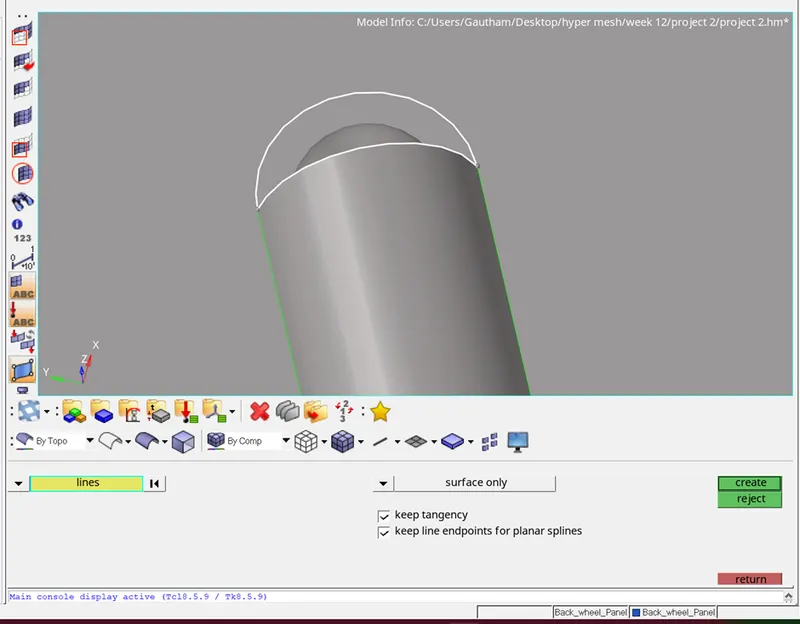
Here create the surface which the area is incomplete.
4. Extract the mid surface from the model by using manual offset of surface. 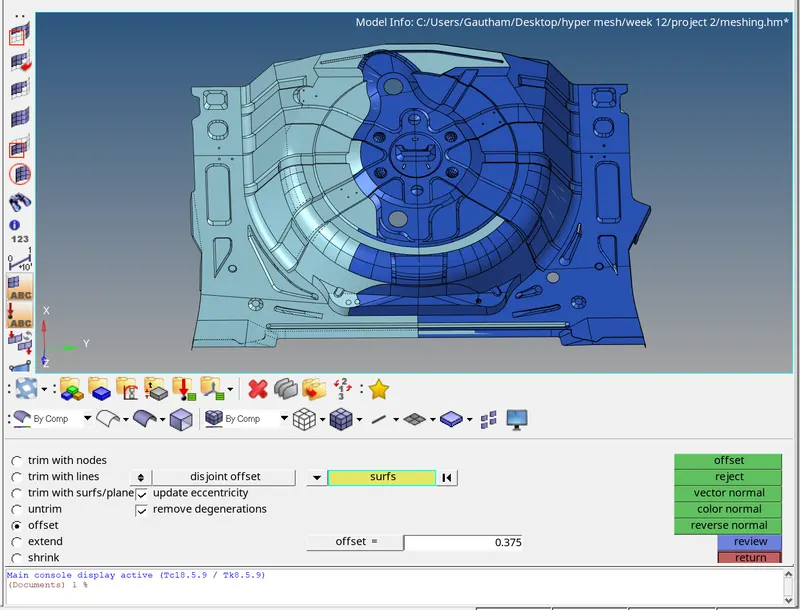
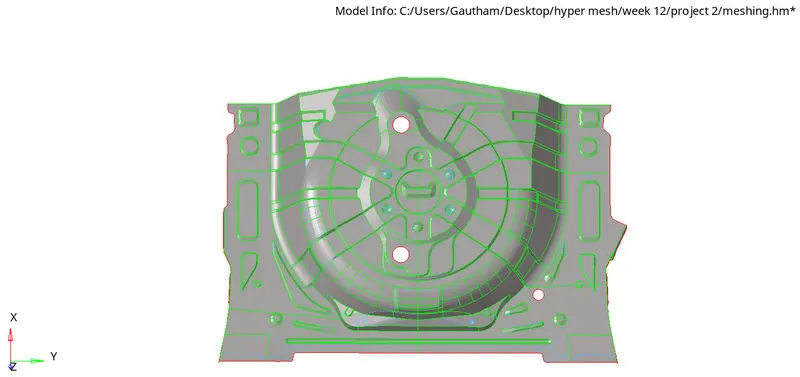
Here the mid surface is completely extracted.
5. Setting the quality criteria.
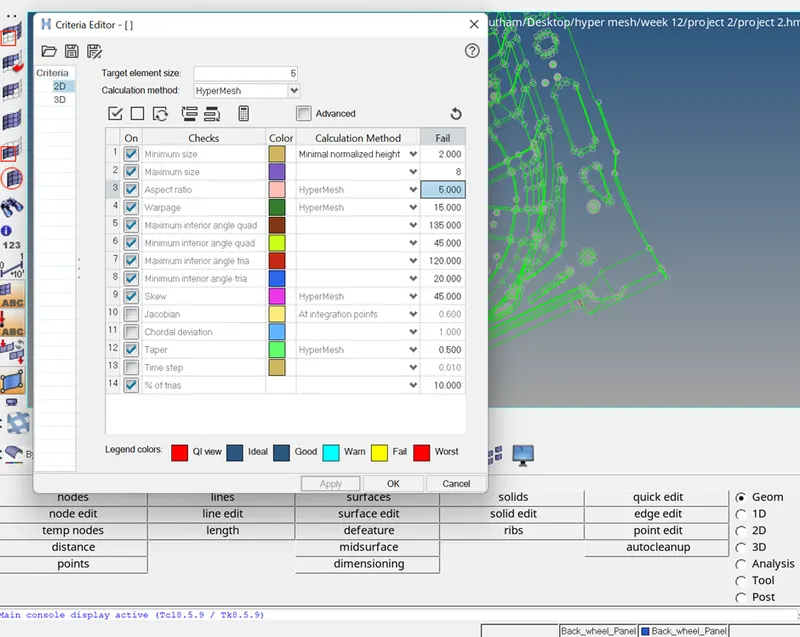
6. Mesh the extracted mid surface by the meshing tools.
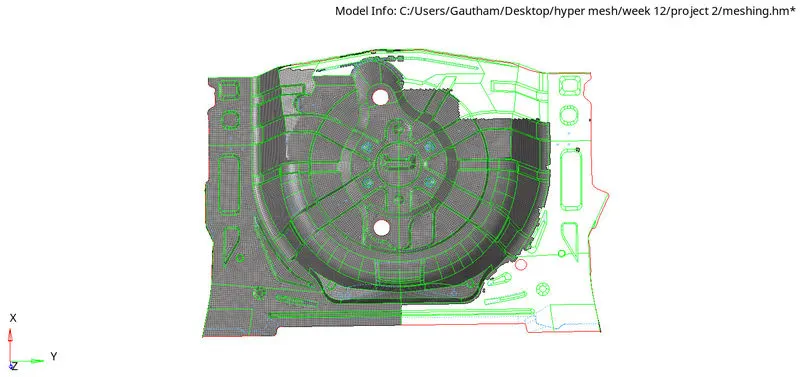
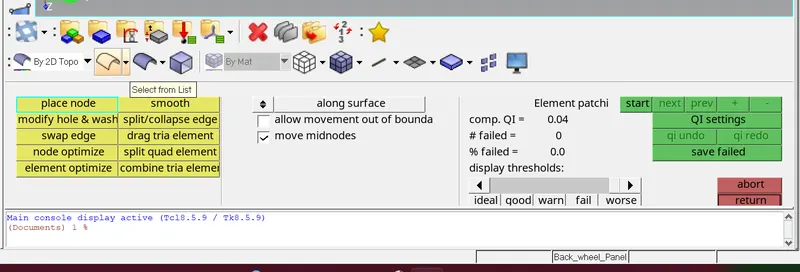
7. Then the mesh flow is checked and corrected by the quality index and clean up tools.
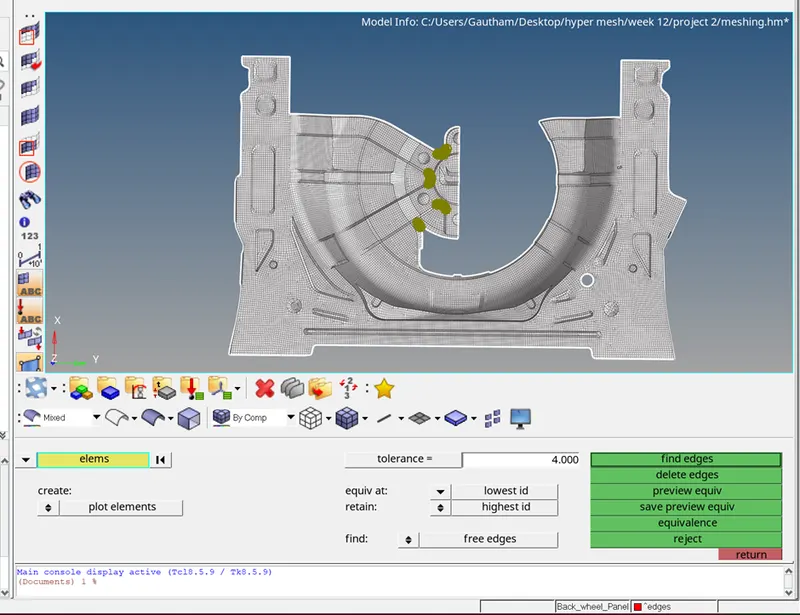
8. The non connected edges are identified and equivalanced by the EDGE option.
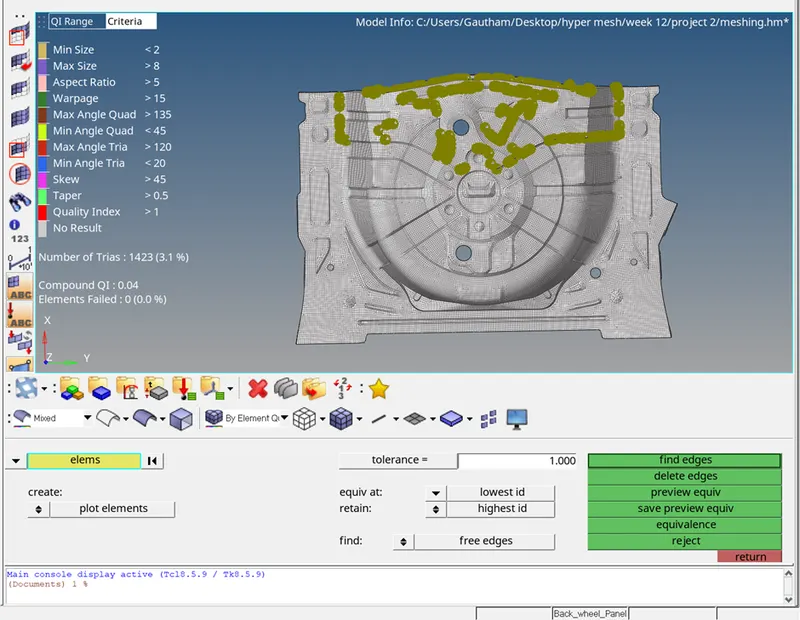
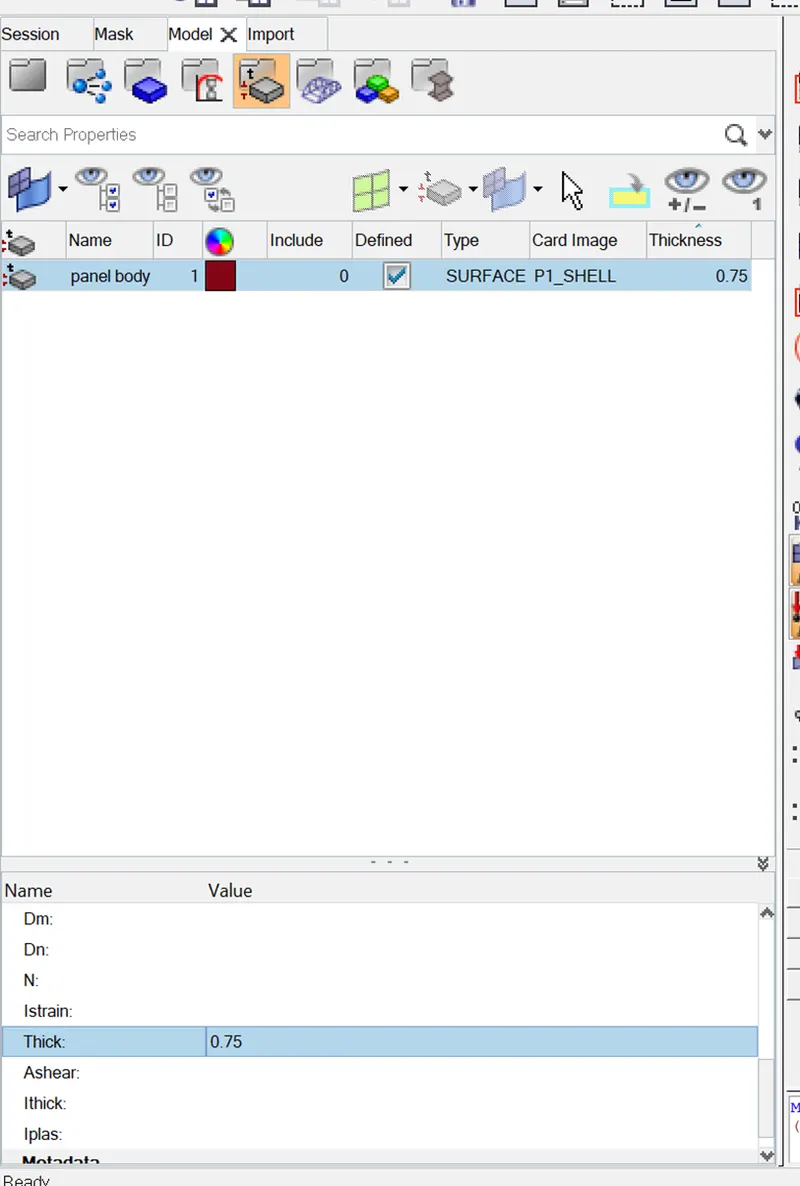
9. After completion of the meshing process the thickness are assigned. create the property and enter the thickness value as 0.75 .
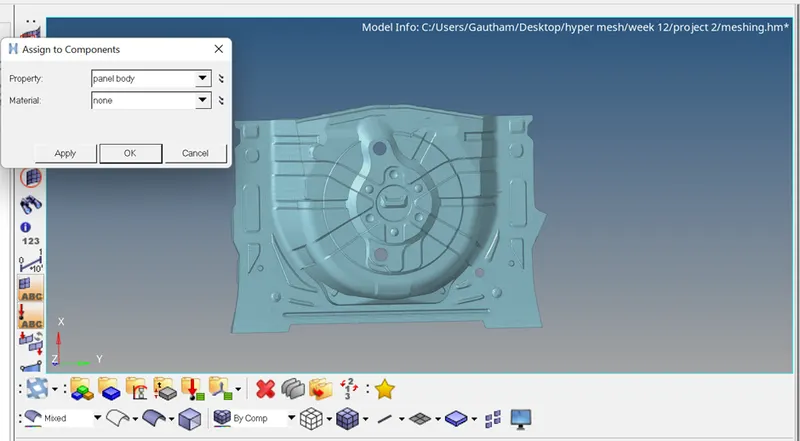
10. After creating the property then assign to the component by right click the component and select the assign.
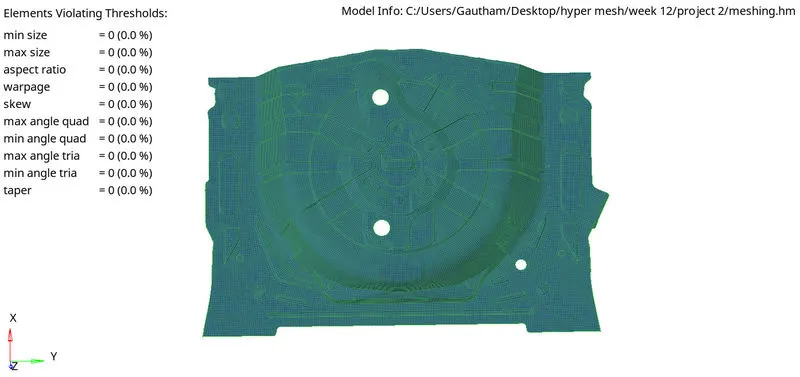
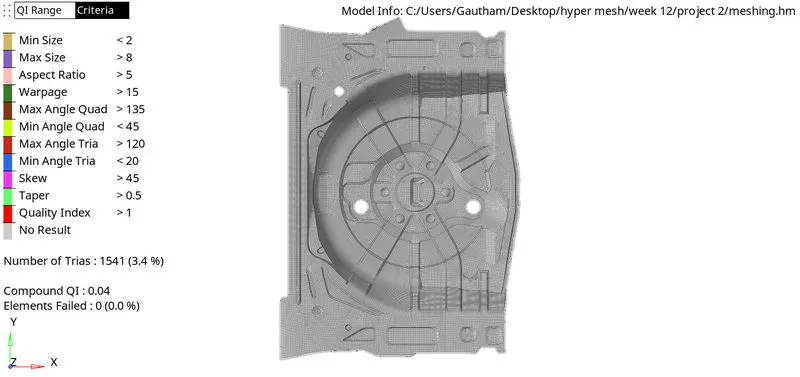
FINAL MODEL :
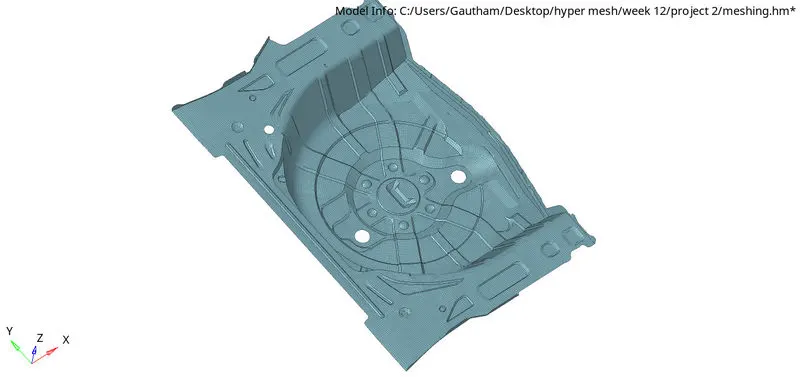
RESULT :
The given component is meshed with good mesh flow of the quality criteria and thickness is assigned.