Week 12:Project 2-Meshing of Rear Wheel Holder challenge
Project 2-Meshing of Rear Wheel Holder
AIM:
To extract a mid surface and mesh the given component.
GIVEN MODEL: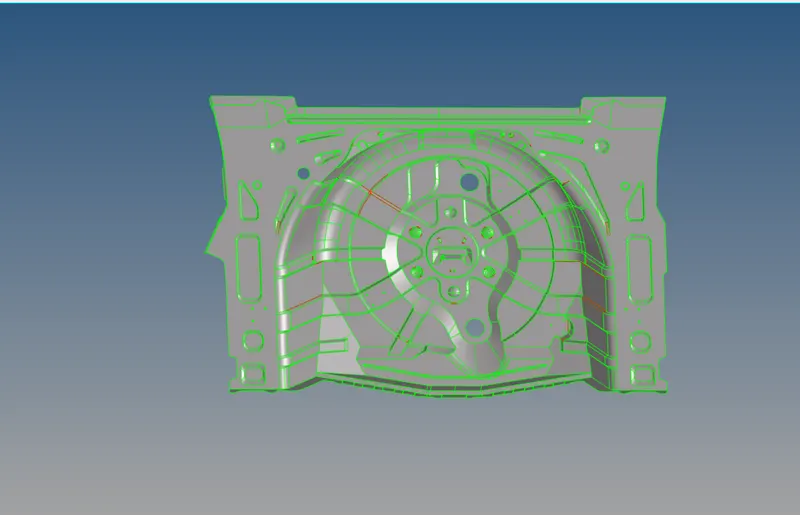
OBJECTIVE:
- To geometrically clean the model for any error on it.
- To extract a midsurface of the component.
- To clean and defeature the mid surface so as to avoid any minimum length errors while meshing.
- To assign thickness to the mesh according the component.
- Checking for edges.
PROCEDURE:
- The given component has been imported into hypermesh with opistruct profile.
- After that any solid from the surface is deleted from the component.
- The given problem can be fixed by replacing the lines and using fillers surface which is present in quick edit geometry toolbar.
- After geometry cleanup next, to define the criteria file which is required by our model meshing.
- After meshing next step is generate the midsurface for meshing.
- We have selected automidsurface option with offset + planes + sweep midsurface option present with the model.
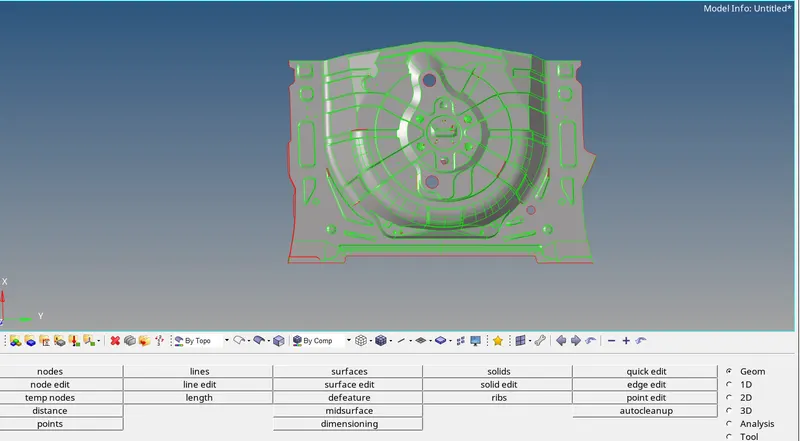
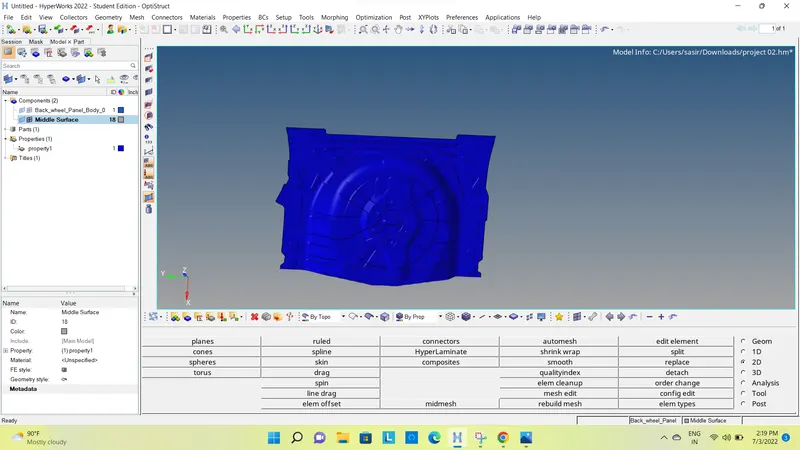
- After midsurface we get the following component.
- As the model generated has some geometry problem, we need to cleanup the midsurface before meshing the component.
- Next step is meshing the component.
- We have generated 2D mesh, for meshing.
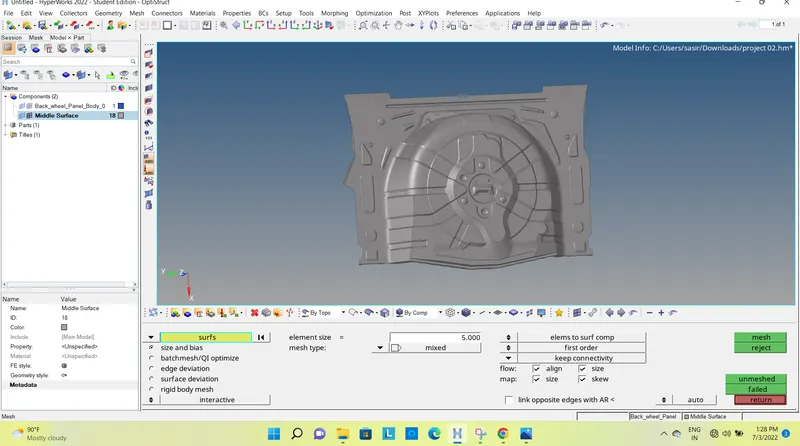
- After meshing we get the following components.
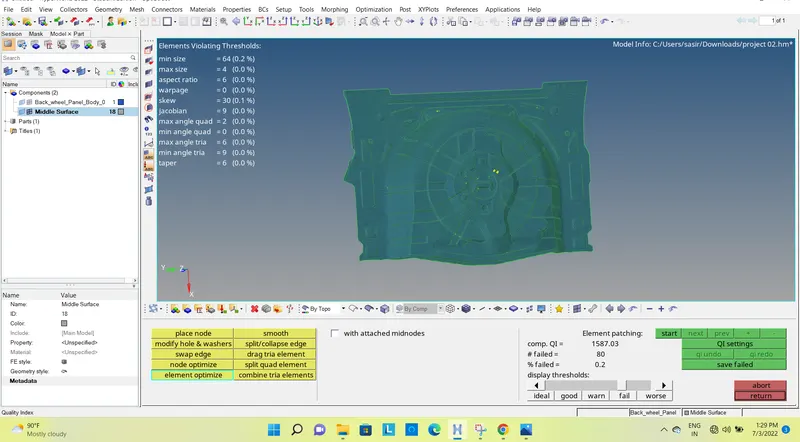
- After meshing the components consists of failed elements which doesn’t meet the criteria.
- These elements need to be cleaned to get the requirement mesh criteria.
- Then assign the thichness to the components.
RESULT:
- Mid surfacing is done on the given component
- Meshing is performed on the midsurface as per given requirement.