Week 12:Project 2-Meshing of Rear Wheel Holder challenge
Question for this week chanllege ;
Target Element Length = 5 Units
| S.N | Quality Criteria | Value |
| 1 | Aspect Ratio | 5 |
| 2 | Skewness | 45 |
| 3 | Warping | 15 |
| 4 | Taper | 0.5 |
| 5 | Min. Length | 2 Units |
| 6 | Max. Length | 8 Units |
| 7 | Min angle Quad | 45 |
| 8 | Max angle Quad | 135 |
| 9 | Min angle Tria | 20 |
| 10 | Max angle Tria | 120 |
| 10 | Tria % | 10 |
Aim;
TO create midsurface &mesh the given rear wheel holder and zero the quality certiria error
Software used ;
Hypermesh sudent version
Produrce ;
- Import the STEP file from the skill lync wedsite & open it in the hypermesh
- Study the model and understand the sturcture of the model and plan to construct the midsurfce
- Before mid surface repair the parent model so we can have a compelete fine model in the mid surface .
- Take mid surface for .500mm and select the proper mid surface for this model
- After the midsurface genration check for any incomplete suface are damaged surfaces and correct it .
- Toogle the sharp corners and unwanted points and lines in the surfaces to give a good flow in the mesh and give a split in the surface .
- Mesh the model for 5mm with mixed elements
- Rectify the quality cirteria by using the quality index option .
- By the help of the quality index tool we can correct the mesh and give a good flow in the mesh .
- Reduce the trias in the mesh as much as possible to give a fine mesh
- Fine mesh with good flow and less error in the mesh
- Follow this procedure and zero the error in the mesh criteria .
- Pictures are added below to show the process step by step .
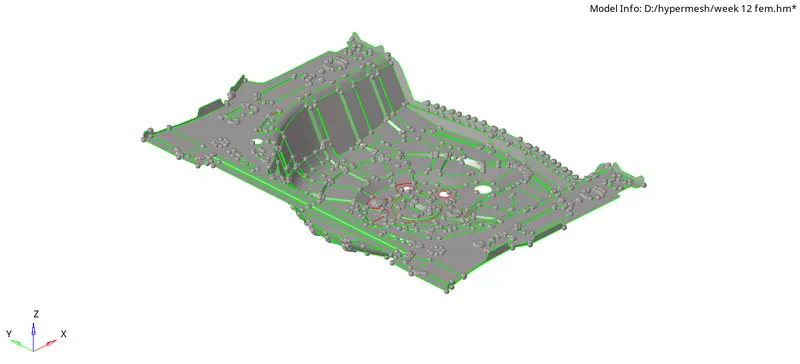
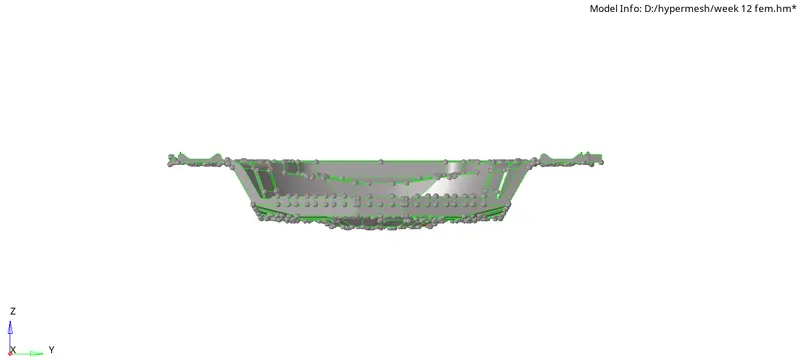
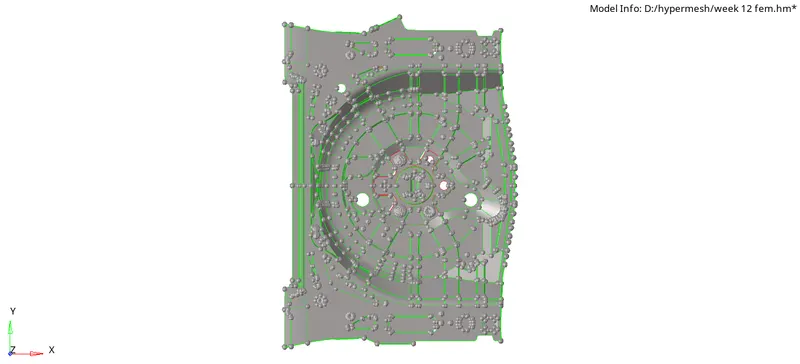
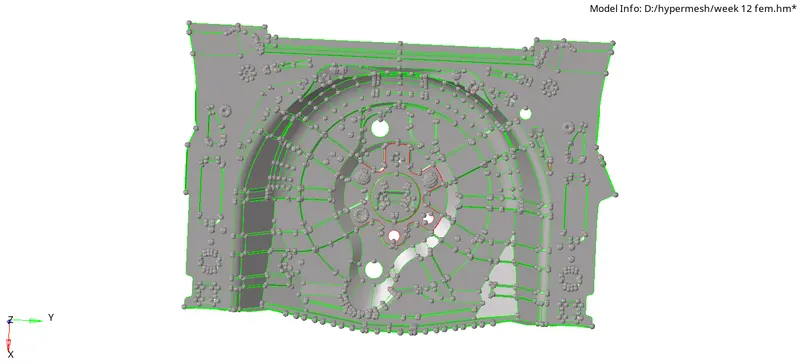
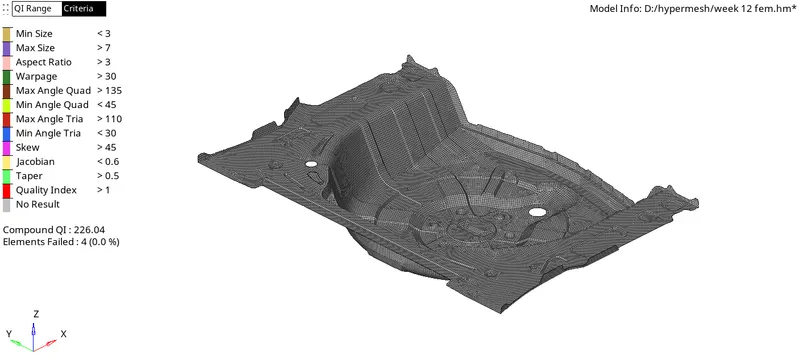
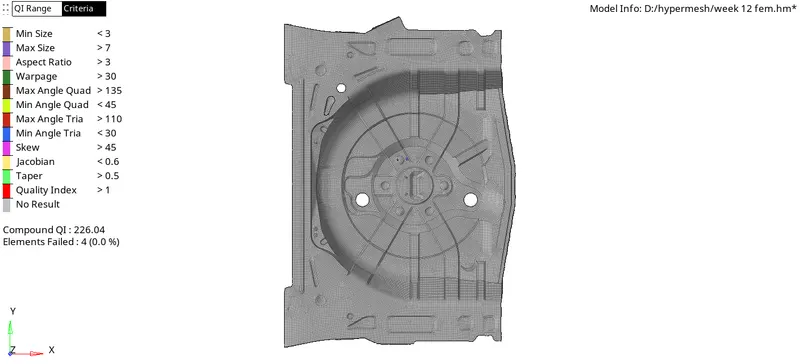
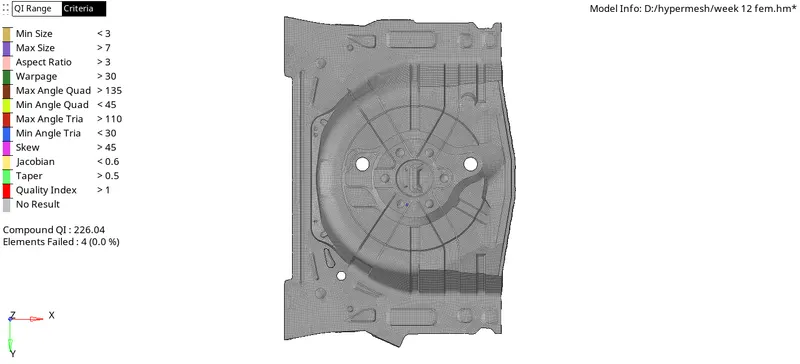
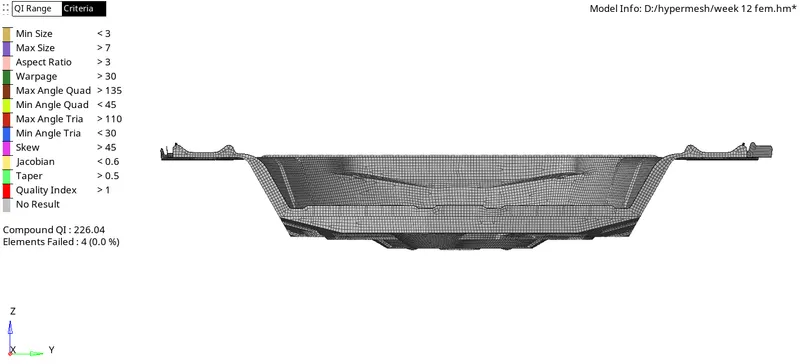
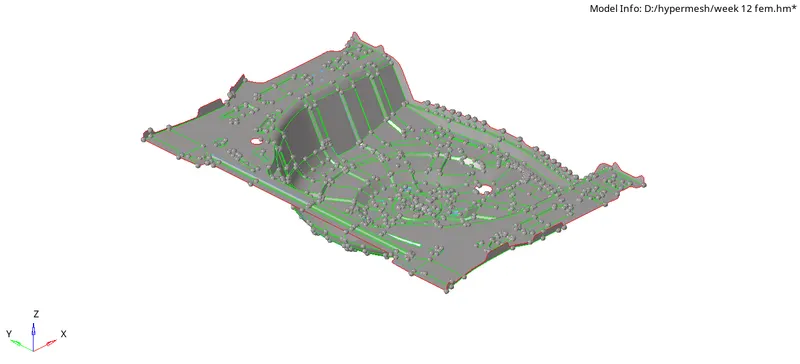
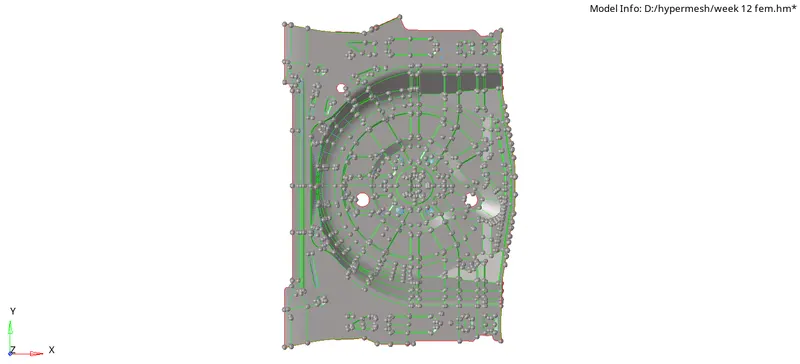
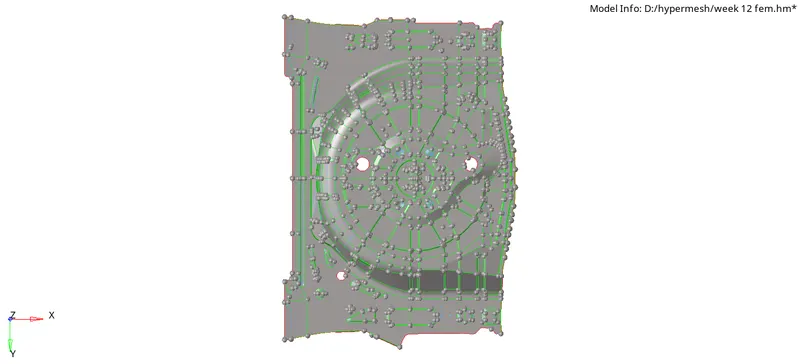
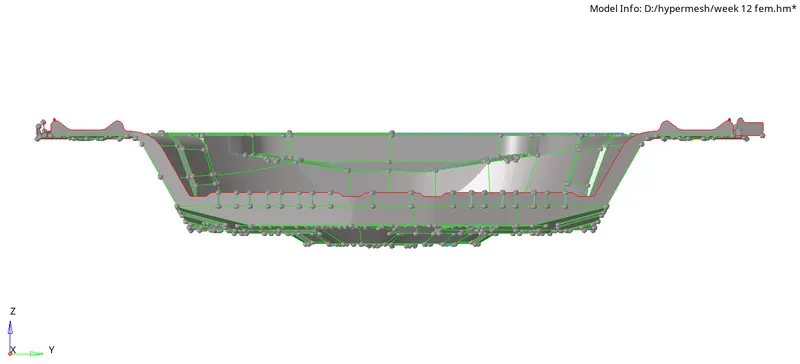
Result;
thus the given rear wheel holder isd taken mid surface and meshed with zero error in thr cirtietia .