Week 12:Project 2-Meshing of Rear Wheel Holder challenge
Aim- MEshing of the Biw part Rear wheel holder and assiging the thickness.
Objectives- GEometry clean up of the model.
2.Extracting the mid surafce
3.MEshing and checking the qulaity certeria.
Step1 Importing the cad Model-
we import the cad model in to hypermrsh by uaingbthe optidtruvt file,
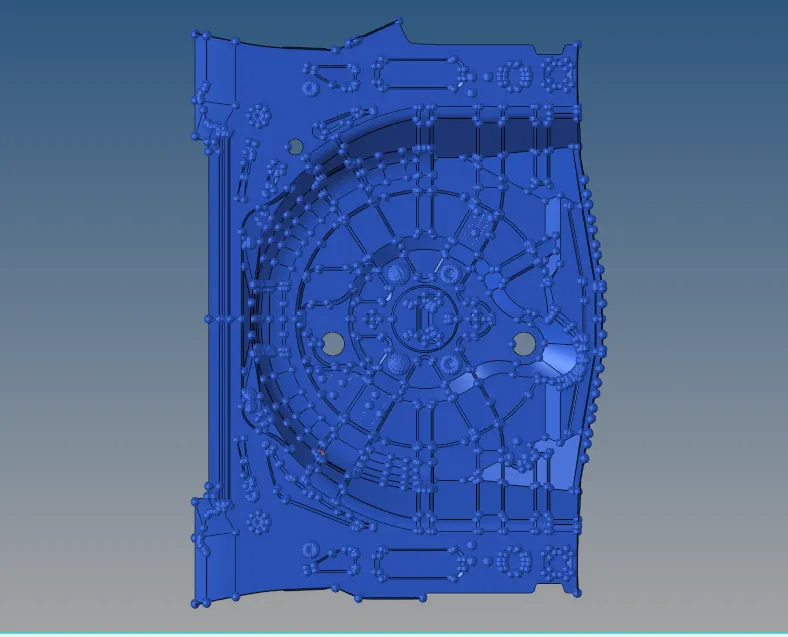
fig 1 -importing the model
2.Step 2- Geomtery clean up
when we import the model there are overlapping surfaces,freed edges contained in the ,model which need to be cleaned before exrrracting the mid surface.the geometry clean up can be done by soing the toogle edge,sruled surf from yhe surf and by using the filler surf from the geo.
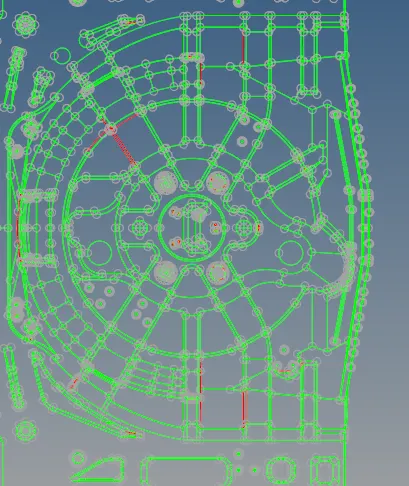
fig 2- containing the free edges
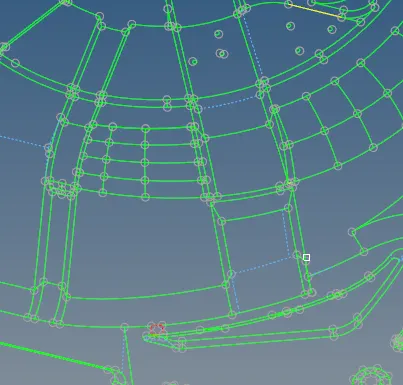
fig 3- After geometry clean up
Step 3-Generating the mid surface
Mid surface is the 2d resprentaion of the solid model by extarcing the mid surafce we can save the computional analysing time anfter extracting mid surface and meshing we acn apply the thickness to convert in to solid model.There ere two methods of ontaining the mid surace one is by manully and the other one by automid surafce.the mannuly mid surafce when the compoments have vaying thickness and its obtainned by suing the offst option from the surf. and aotomid surface is used for uinfron thickness and here er have used auto mid surface for extarcting the mid surafce.here we ahve used ooset+swwep+planes option to extarct the mid surface. after extracting teh mid surafce it contin some free edges which need to cleaned up before meshing.
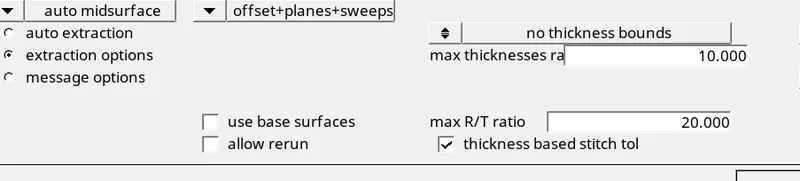
fig4 extracing the mid surface
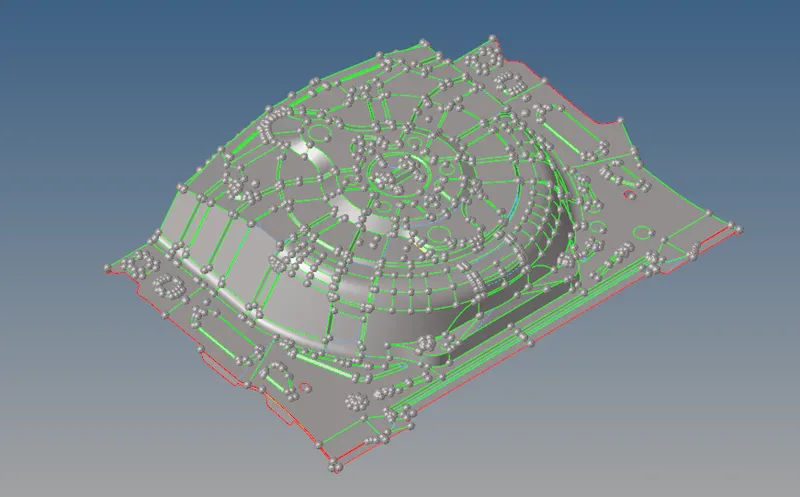
fig 5-Extracted mid surface of the compoment
Step4- Meshing and checking the Quality certeria
Meshing is the process of spliting the complex model in to number os simpler parts. for better mesh flow we need split surfaces in to smaller surcaes which aids in thge better mesh flow .While meshing there should not two opposite trias.rotating quad and no tras should touch the feature line.and there should proper elmnts conectvicty if not the nodes of the elmnts are replaced . and opposite trias are recovered by using the drag option from the quality index.
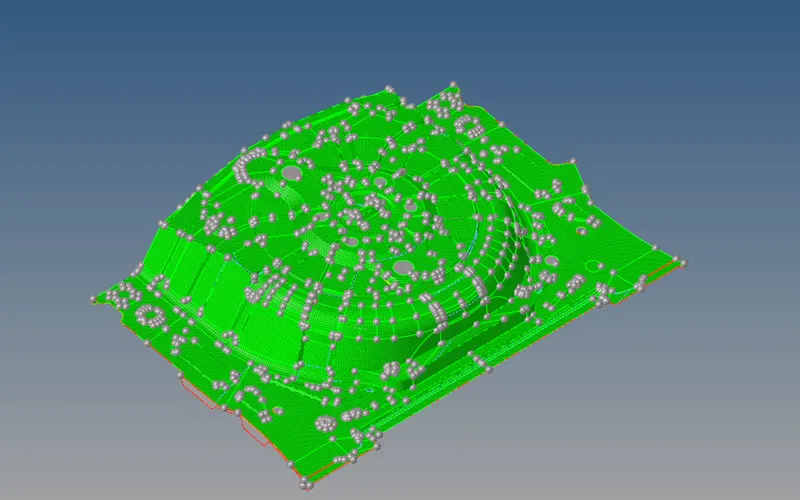
fig6 -Meshed model of the compoment
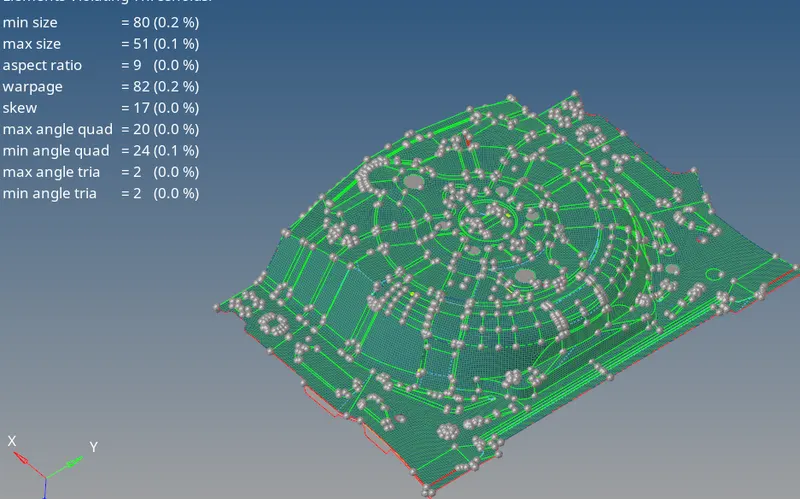
fig6 - Elmnts failed for the qulity
step5-Assiging the thickness-
As till above we have an shell model now we have to conver shell elment in to solid elemnts by assiging the thickness to the the shell. first we need crete seperate collector and we need to assighn the property i.e thickness by measuring the thickness between the nodes by projecting thenodes to the surfaces. and we have to orgainise all the elments in to proprty collector .
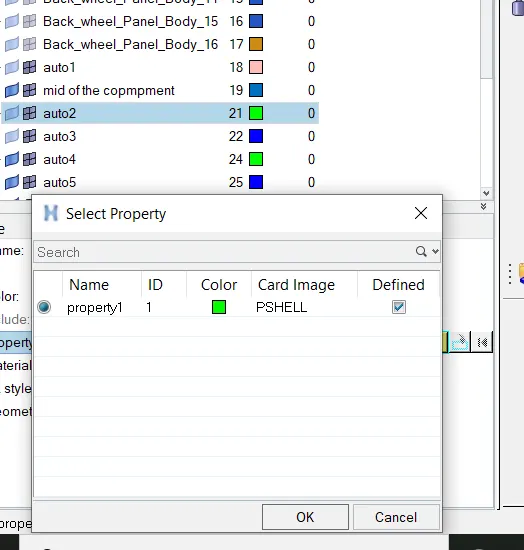
fig 7- Assinging the thickness
Conclusion
1. Leant to geometry clean up the model
Extarcting the mid surafecs and the geometry clean of the mid surafec and meshing the mid surafecs and assingging the thickness.