Week 12:Project-1-Meshing of Door Inner Panel Challenge
Aim:
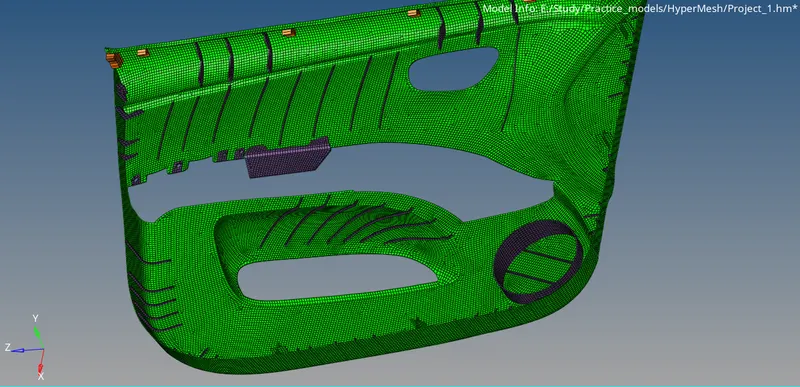
To generate a mid surface and to mesh the Door Inner panel.
Pre-requisites:
- Geometry
- HyperMesh software
Overview:
- Import geometry to HyperMesh software.
- Generating mid-surface.
- Generate mesh
- Clean up the mesh as per the quality criteria.
- Create property cards and assign thickness.
Procedure:
-Firstly, import geometry to HyperMesh software.
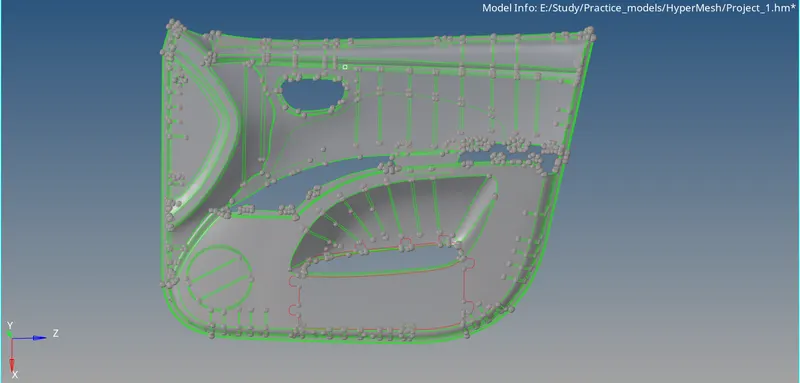
-Topology clean up the geometry.
-After cleaning up the geometry we can generate mid-surface. As, this geometry is having plastic components, there will be components with different thickness as well. Hence, for those components we need to generate maual mid-surface.
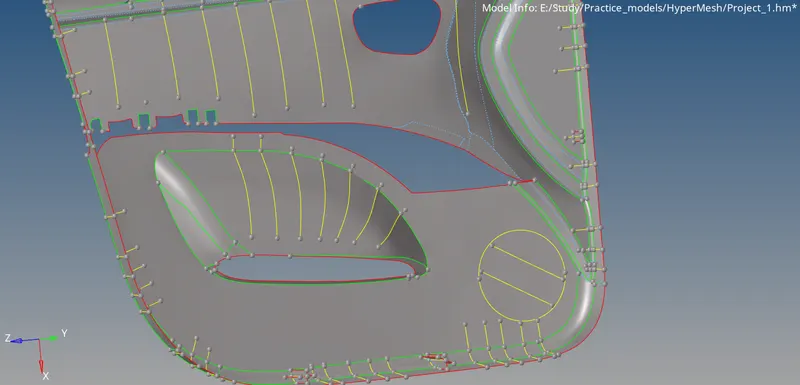
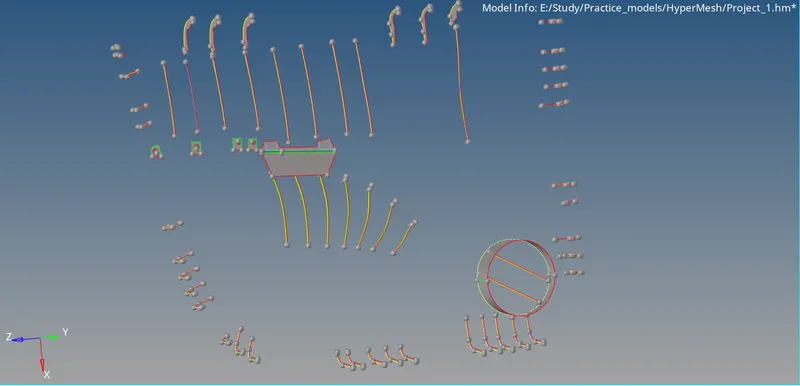
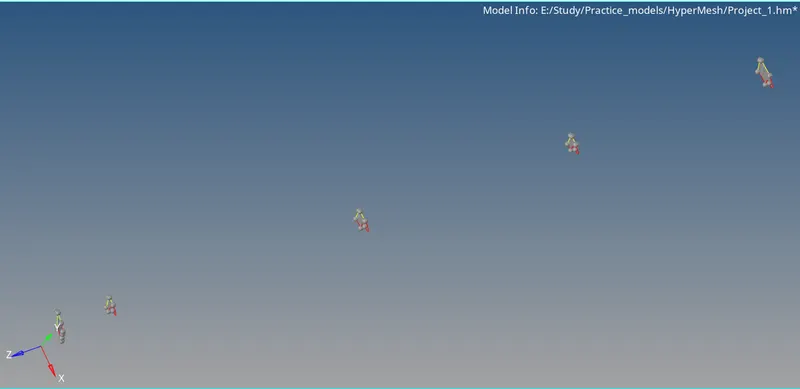
-Now, generate mesh for the mid-surface.
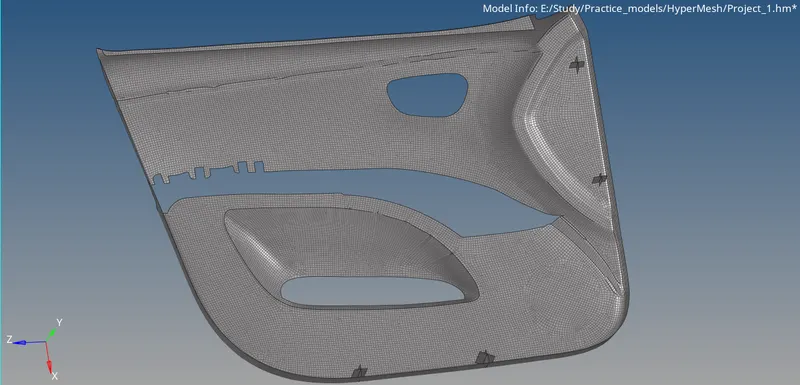
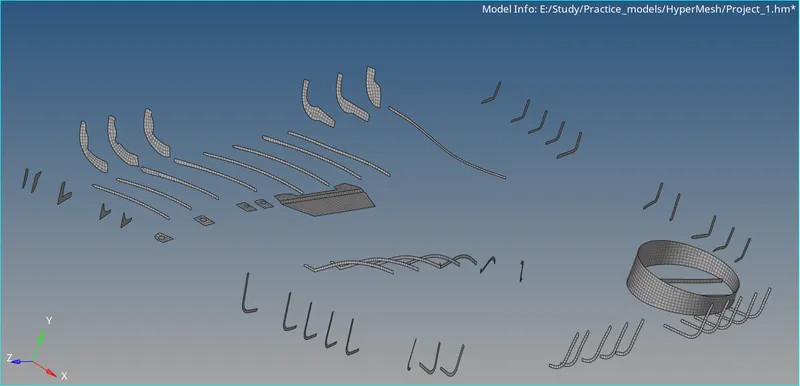
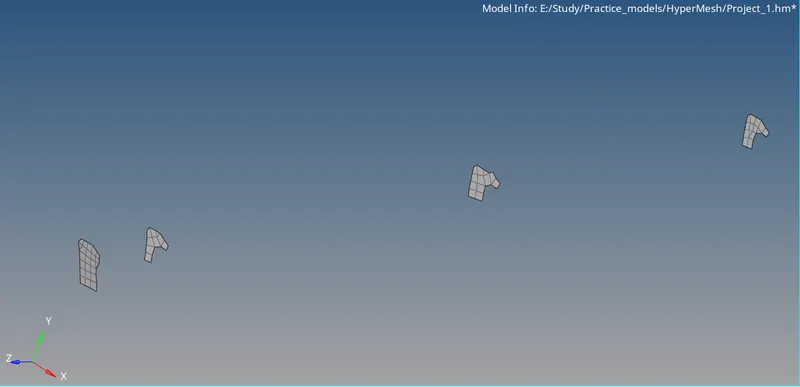
-Now, clear the mesh and allign all the elements in an order and clear the quality as per the given quality critera.
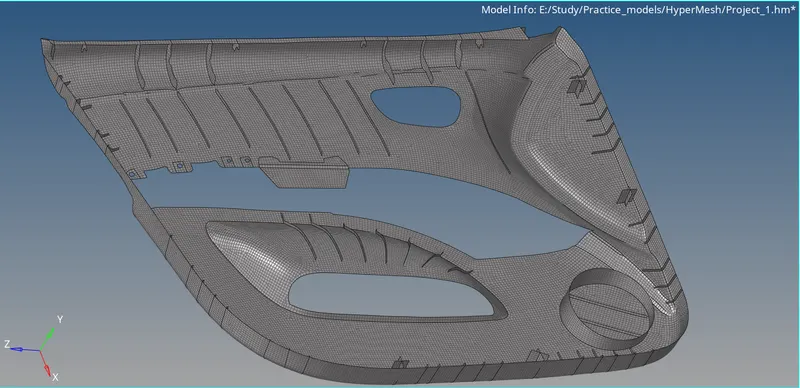
-Now, create property cards and assign thickness for the geometry.
Objective:
In this project I have learned how to generate mid-surface for a complicated plastic geometry and generate mesh and clear the mesh as per quality criteria and as well as to allign all the elements and to assign property cards for the geometry.
Conclusion:
Mid-surface and mesh for the Door Inner Panel has been generated.