Week 12:Project-1-Meshing of Door Inner Panel Challenge
Aim : TO extract the Midsurface of the flor panel and create Midmesh for the same.
Cad image :
Procedure : 1) Geometry cleanup
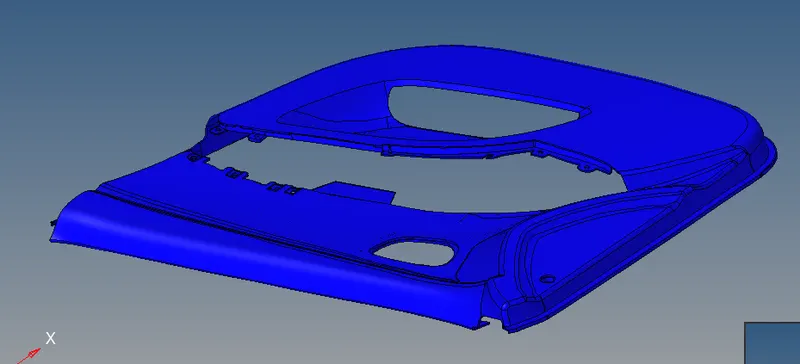
Use the Toogle and Surface edit options to delete and create surfaces or edit the free edges in geometry.
2) Cleanup the entire cad so that there are no free edges.
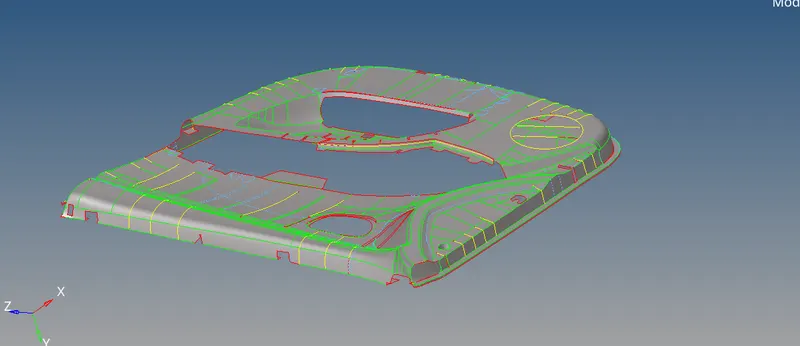
3) After the cleaned up cad is generated, extract the midsurface using the Automidsurface tools.
4) Edit the Midusrface for geometry errors and bad features.
6) Use the autocleanup for removing features less than 3mm. Use the element quality criteria file.
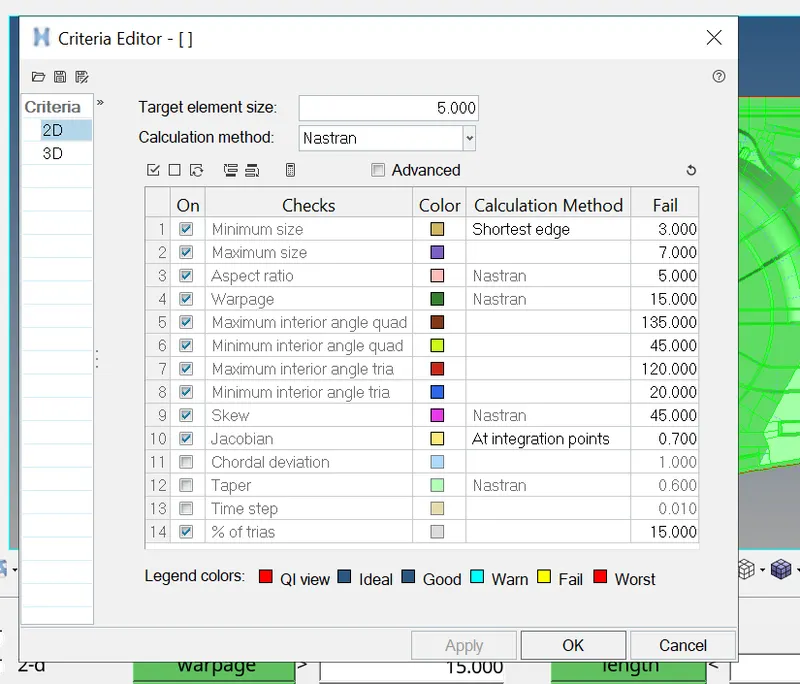
7) After the cleanup, use F10> AUtomesh to generate the mesh on the geometry.
8)Cleanup the mesh according to the quality critera and simplify the violating features.
Final Mesh :
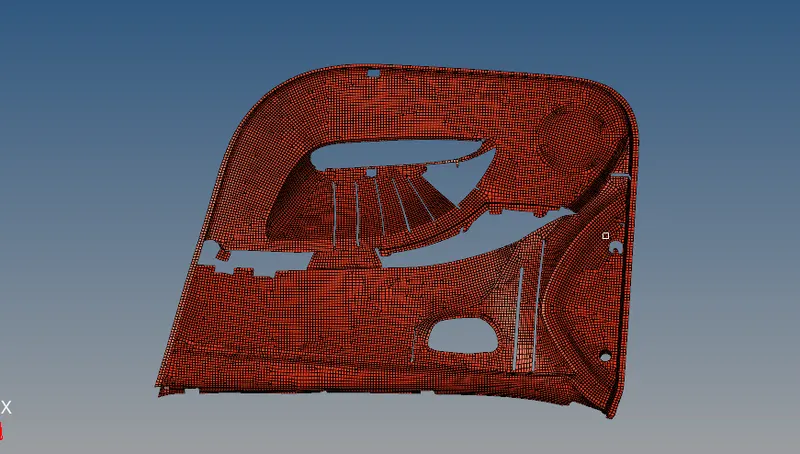
Conclusion: Mesh for the DOOR has been generated.
Lessons learnt.
1)viewing element with quality .
2)Mid extraction and meshing.