Week 12:Project-1-Meshing of Door Inner Panel Challenge
AIM:
To mesh the following component without any quality errors.
OBJECTIVES :
To mesh the given side door of a passenger vehicle under given quality criteria.
QUALITY CRITERIA :
Target Element Length = 4mm
| S.N | Quality Criteria | Value |
| 1 | Aspect Ratio | 5 |
| 2 | Skewness | 45 |
| 3 | Warping | 15 |
| 4 | Taper | 0.5 |
| 5 | Min. Length | 2mm |
| 6 | Max. Length | 6mm |
| 7 | Min angle Quad | 45 |
| 8 | Max angle Quad | 135 |
| 9 | Min angle Tria | 20 |
| 10 | Max angle Tria | 120 |
| 10 | Tria % | 10 |
PROCEDURE :
1. Import the side_door_edited.hm into hypermesh.
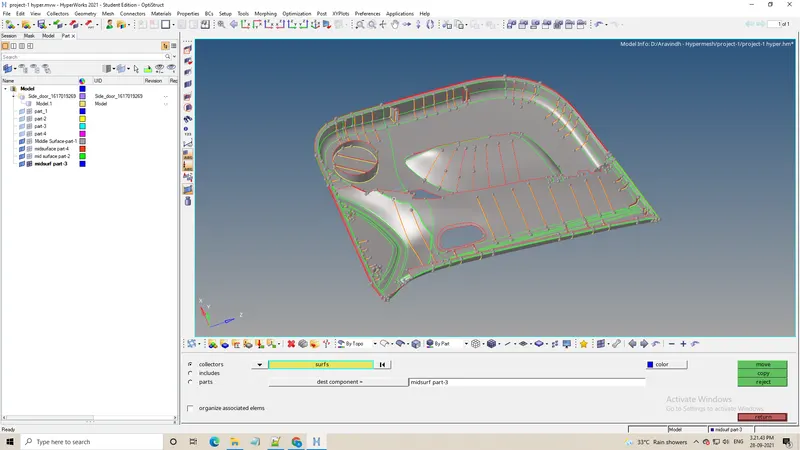
2. Delete the solids and measure the dimensions at various places.
3. Tools > Organize the components into different collectors.
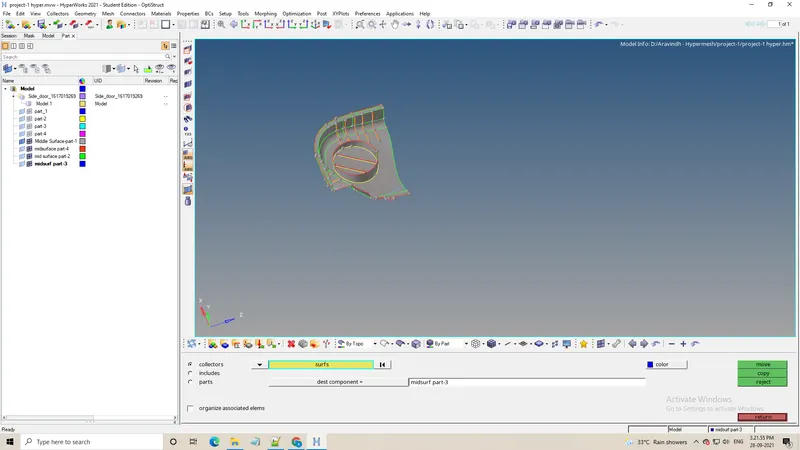
4. Geometry > Midsurface > automidsurface using skin offset select the component and generate midsurface.
5. Create midsurfaces at ribs manually using Surface edit > offset methods and connect the midsurface using extend , surface trim commands.
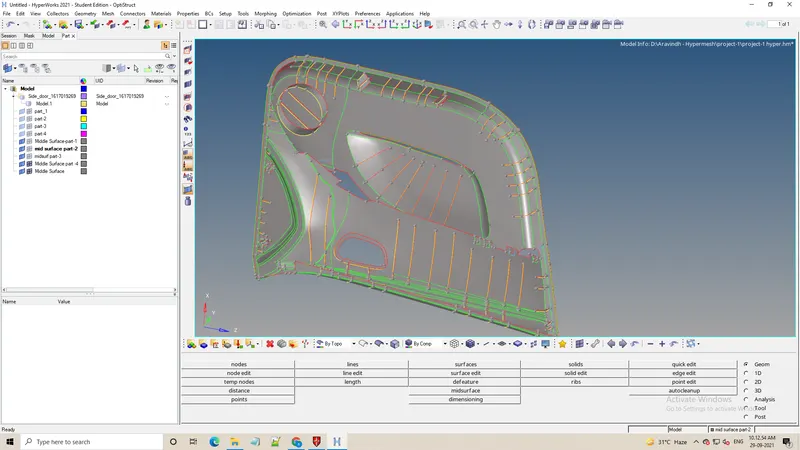
6. Create properties to generated ribs and other features with respectives thickness and assign them to component collectors.
7. Divide the side door into pieces by spliting the midsurface to obtain proper mesh.
8. Automesh the surfaces for proper mesh flow after setting up the mesh parameters and quality criteria.
9. Clean up the elements to stay within quality criteria using element optimize , place nodes , drag tria elements.
10. Check for connectivity of features to the surface using Tools > Edges and replace the nodes(F3) if needed.
11. Tools > Check elements is used to check the elements seperately for quality and mask them.
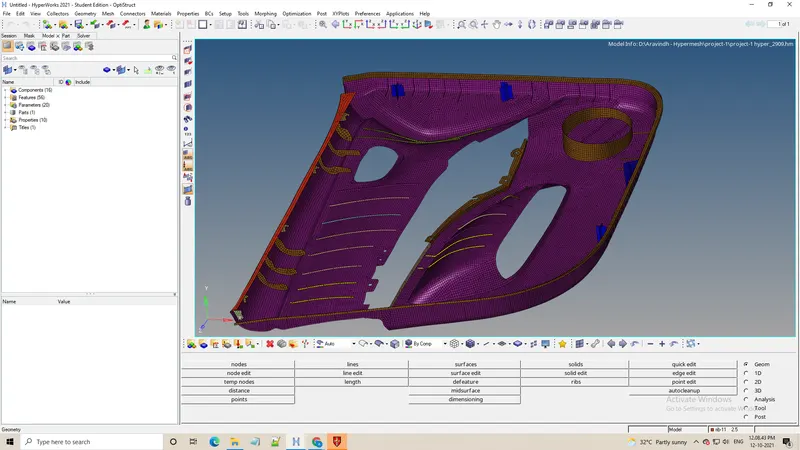
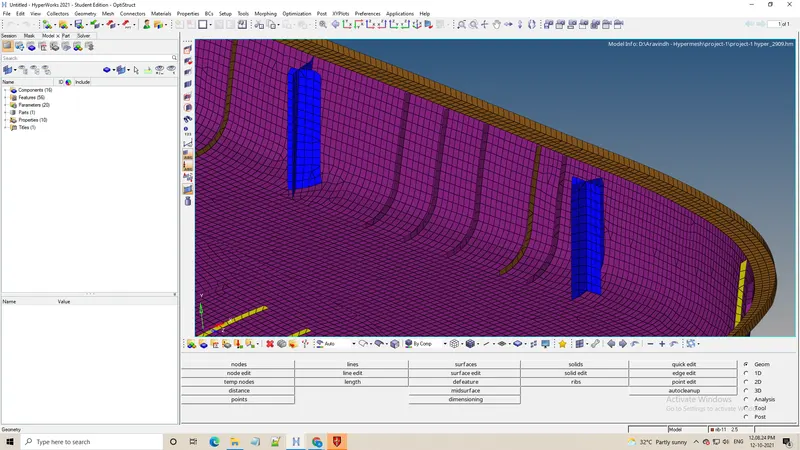
12. Select 2D Traditional and Detailed Element Representation to preview thickness.
CONCLUSION :
1. The Geometry is cleaned up.
2. Midsurface is extracted manually to retain all features properly.
3. Proper mesh flow is obtained while maintaining quality criteria.
4. Min length quality is sacrificed to retain features.