side Door Meshing
AIM:
To mesh the side door component according to given quality criteria and assign thickness
PROCEDURE:
1. A new file was opened in Opti struct format in Hypermesh, the side door component was imported.
2.The given Side Door Component was divided In to 3 halves using Trim with lines option In surface edit pannel.
3.The Componenet was Organized in to Diffrent collectors Using Organize Option In the Tool pannel.
4.Necessary GEometry Clean Up Was done on THe components Individually.
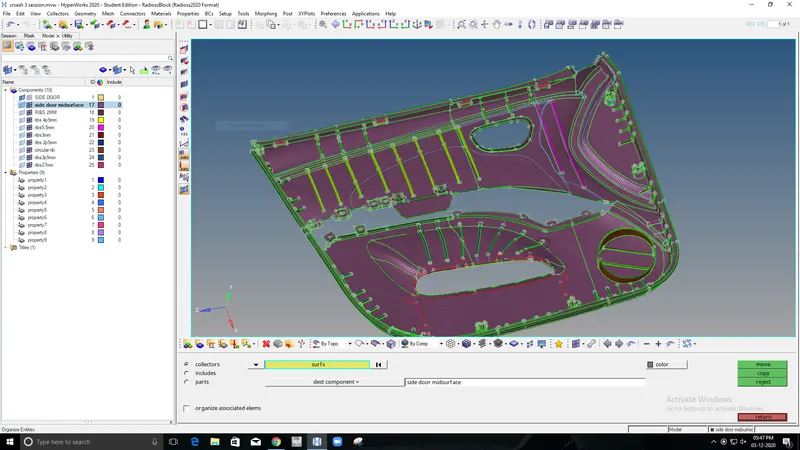
5.The Mid surface Of the Outer part such as without ribs are first extracted Using Offset Option in The surface edit Pannel.
6.The Mid surface Of the ribs,circular Ribs which are inside is extracted using offset option as well.
7. The ribs were extended and join with outer extract to form a complete midsurface
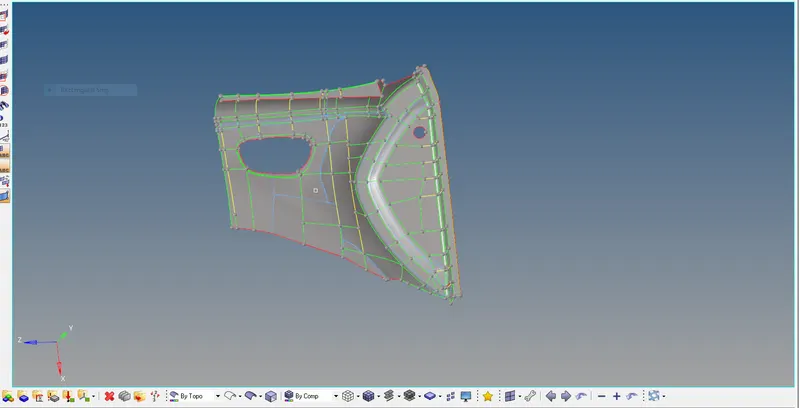
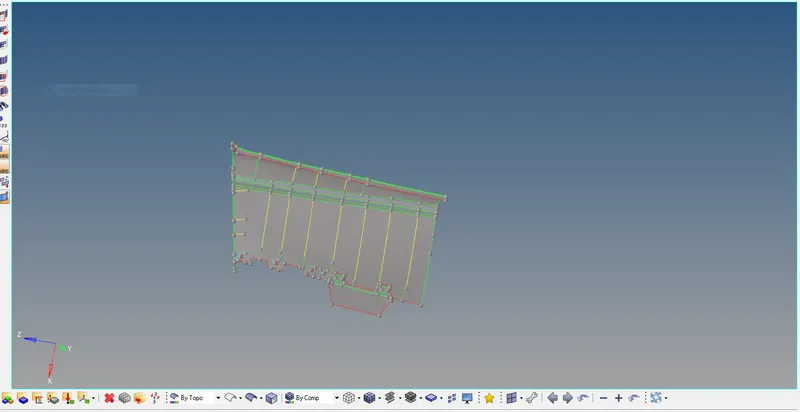
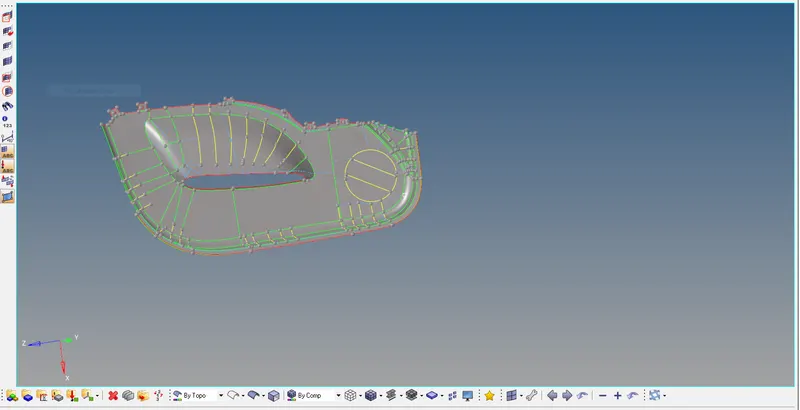
8. 2D mesh was Generated In each Componenet Individually According to The Given Element Size And Element clean up was done.
9.Quality was checked And Edges Are checked Individually In each componenet.
10.After Checking all these The components are organized in to single component again and once again edges are Checked and Nodes are equvalanced.
11. Finally, thickness was applied to the elements by creating a new component and assigning new property.
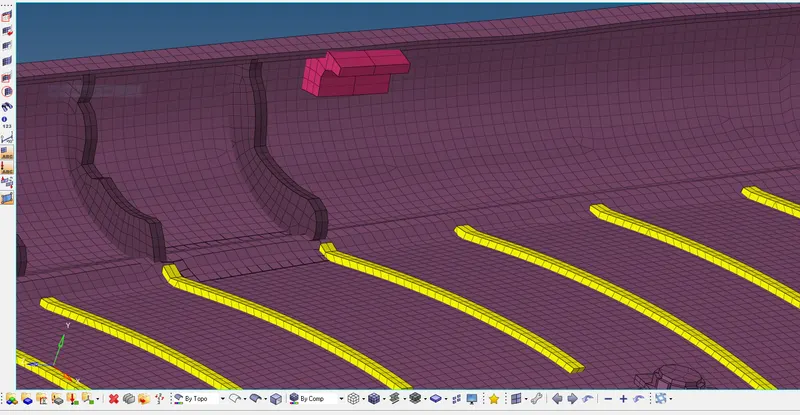
12. The Thickness was Assigned refering Original Component And the project is Saved.
CONCLUSION:
From the above challenge i've able to gain knowledge in Extracting Manual Midsurface for the complex geometry and How to mesh the geometry And Assigning Property And Thickness to it.