Week 12- Final project
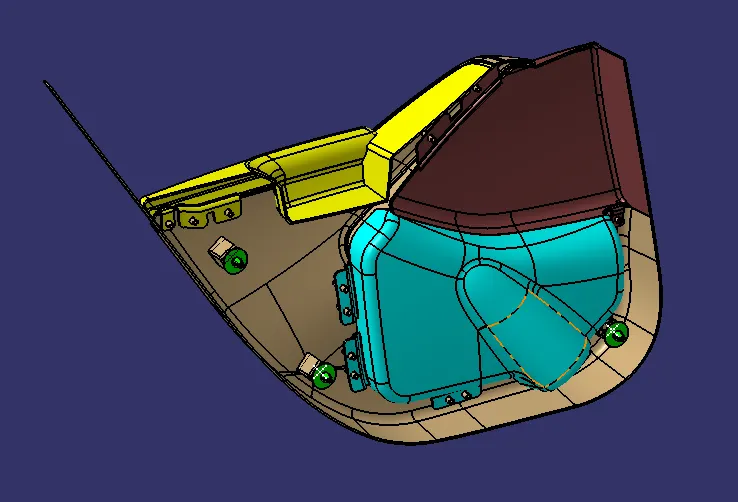
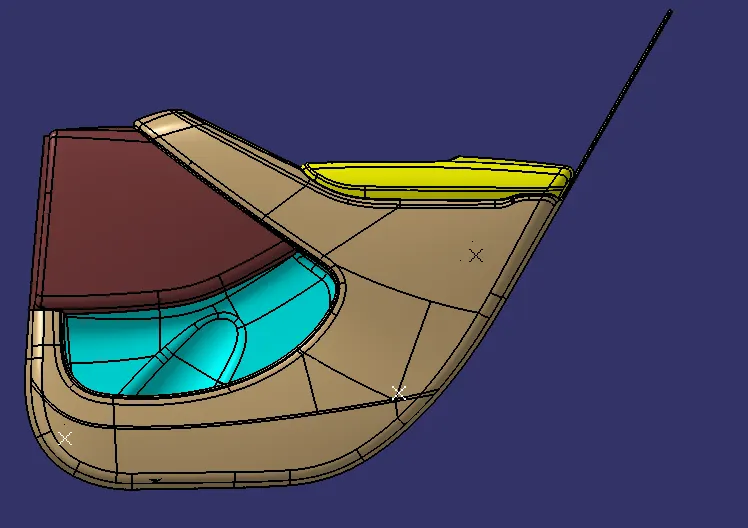
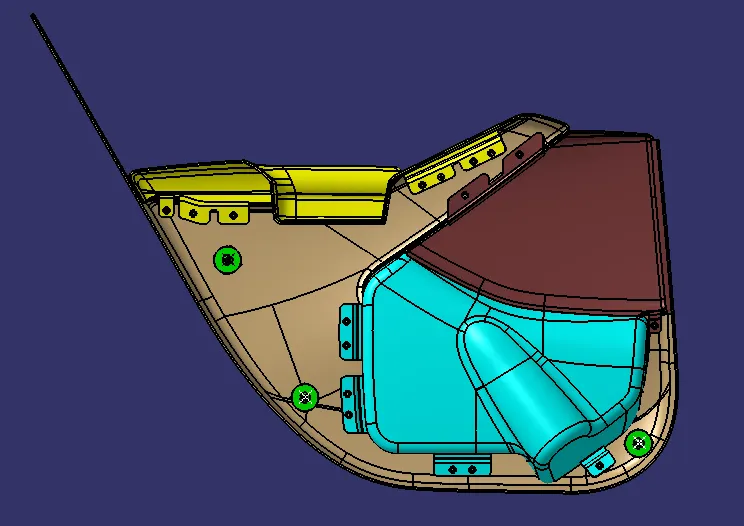
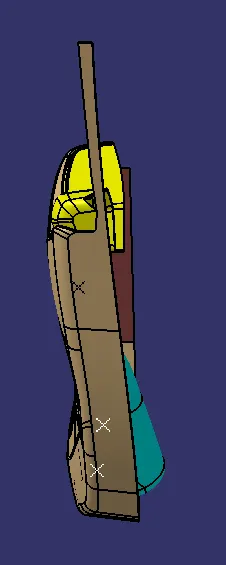
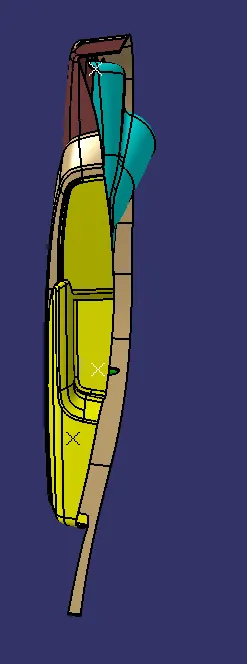
FULL DOOR TRIM ASSEMBLY
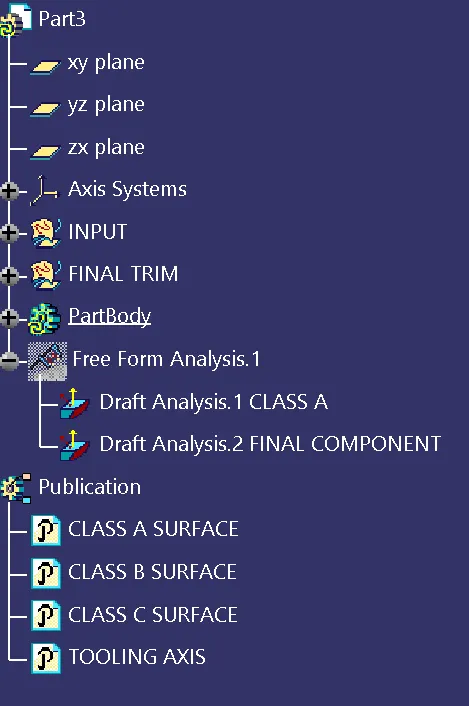
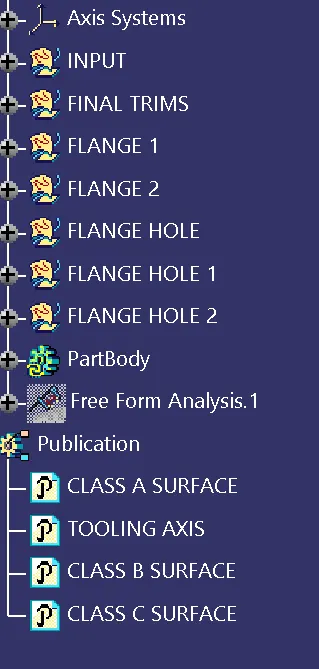
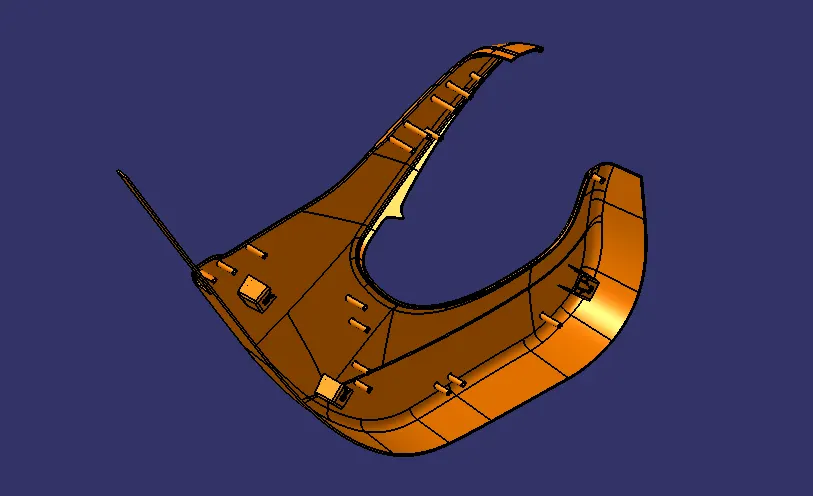
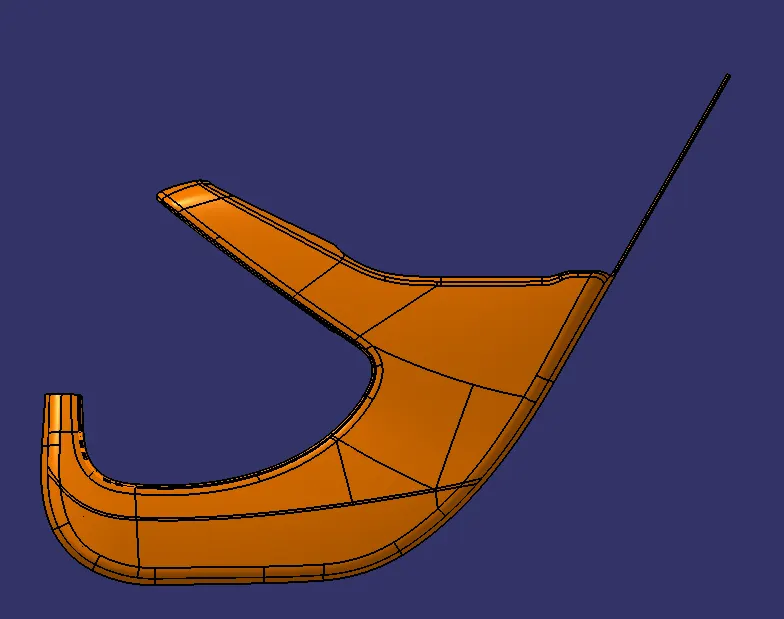
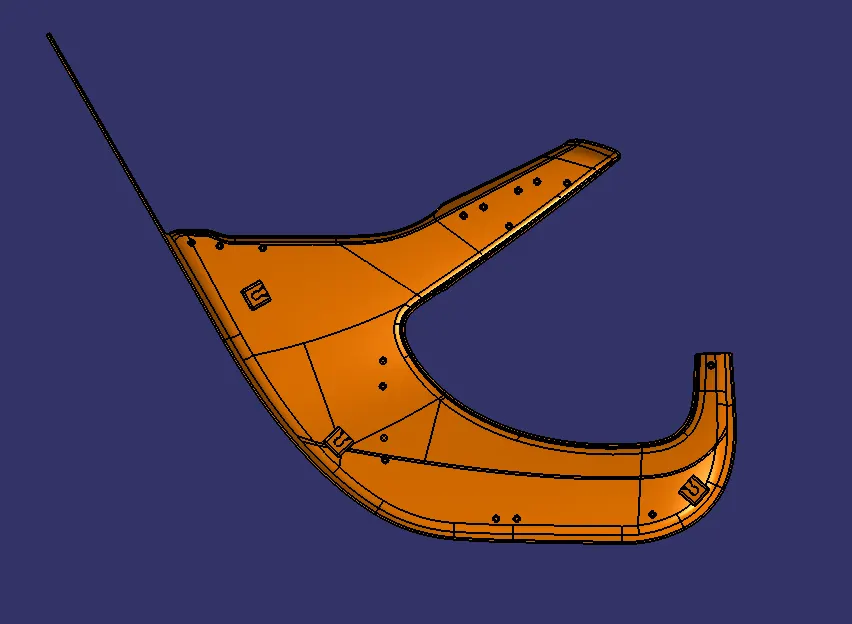
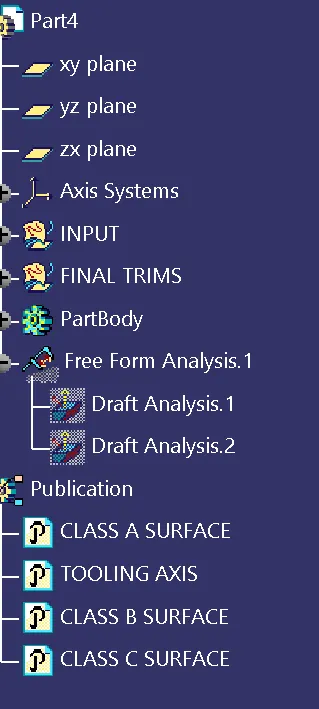
TOOLING AXIS CREATION
- First we have to analyse the model
- Find the suitable surface where tooling axis is perfect
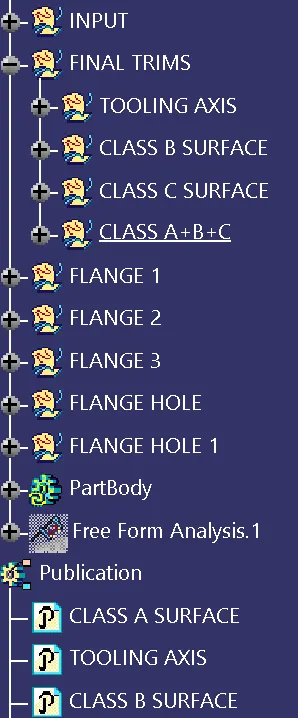
- Then extract that surface and create a point on the surface
- Draw a line using point and direction
- Change the properties of the line to tooling axis
DRAFT ANALYSIS CREATION
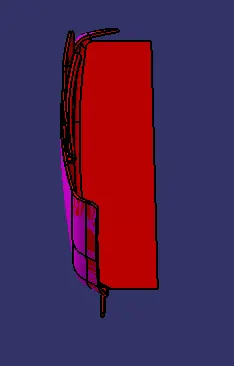
- Select the draft analysis from the tool bar and it has to be changed to material mode
- Click on the compass option and drag the compass to the tooling axis and place it on the tooling axis
- Lock command is then applied on the compass to fix it
- Then click on the surface of the part to find the draft analysis
- Colour codes are classified and draft angle is applied
- Running point analysis is used to display permissible draft and angles
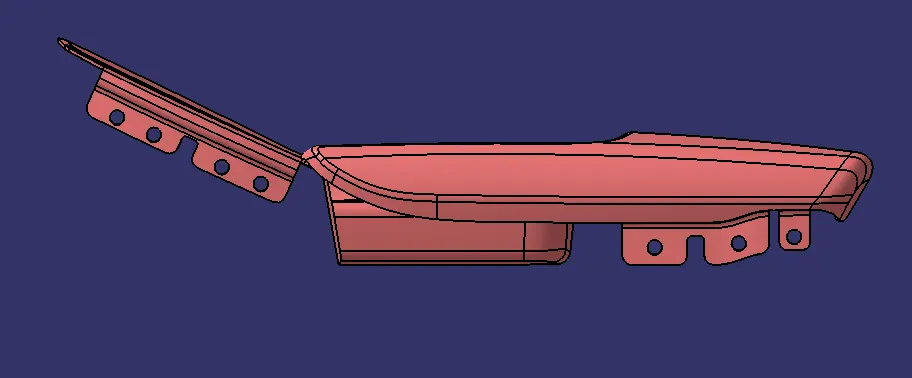
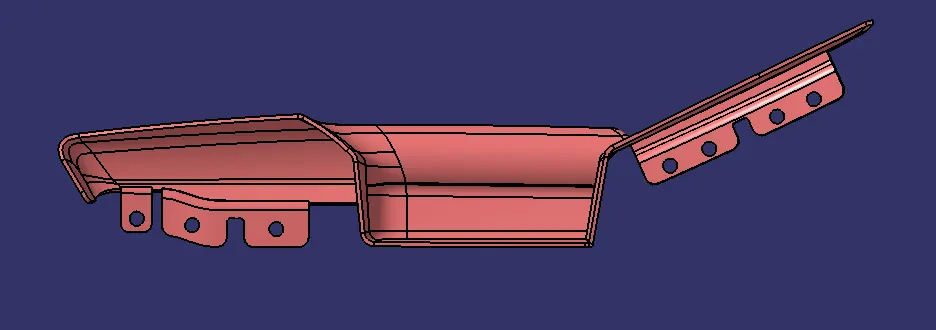
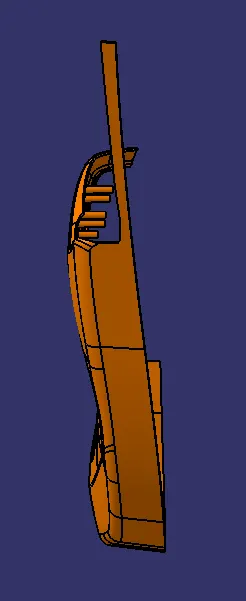
DOOR SIDE ARM REST
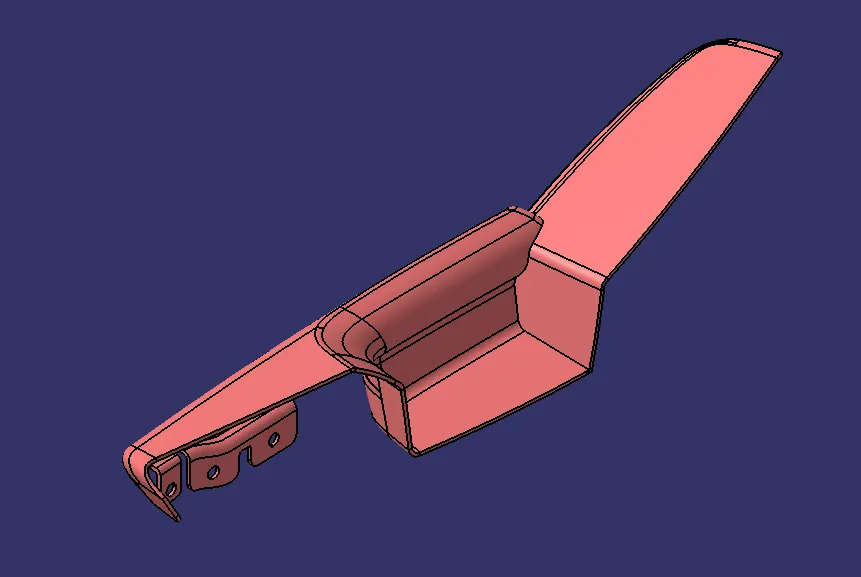
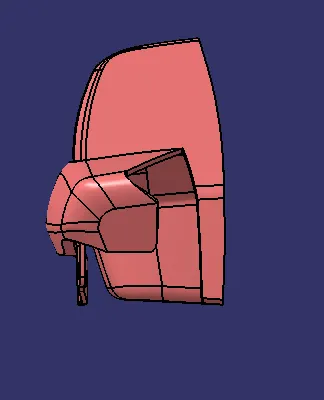
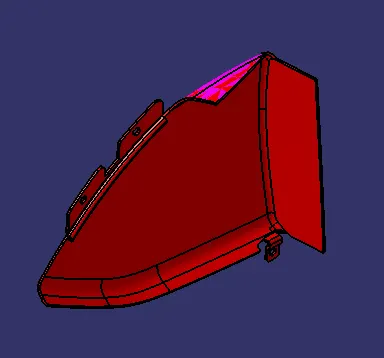
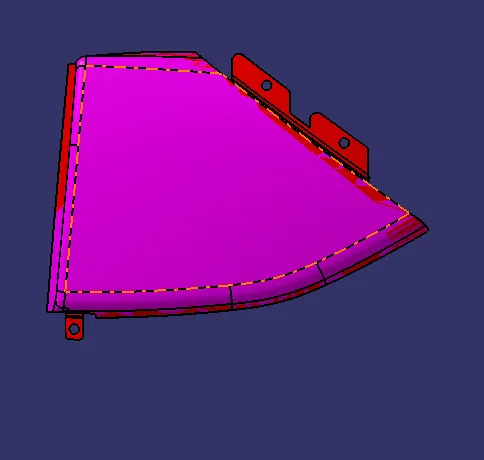
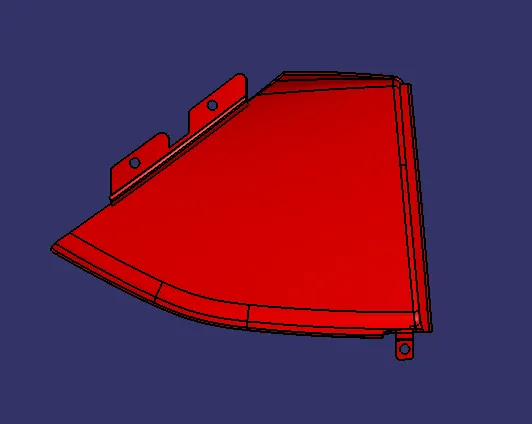
MAP POCKET
BOTTLE HOLDER
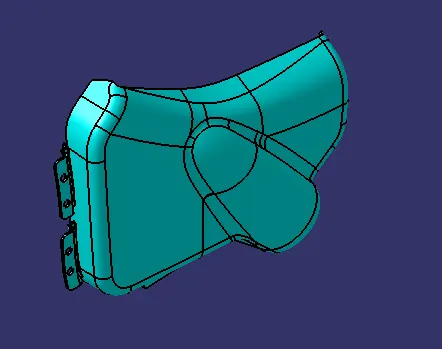
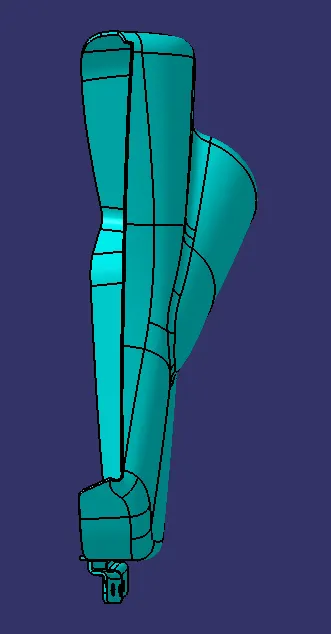
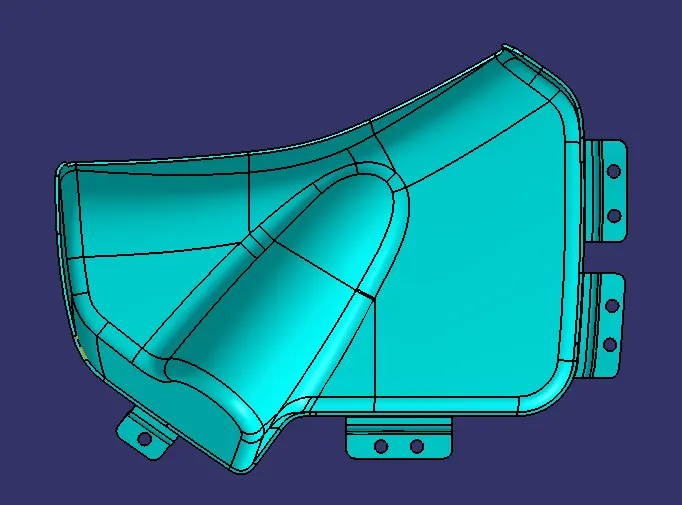
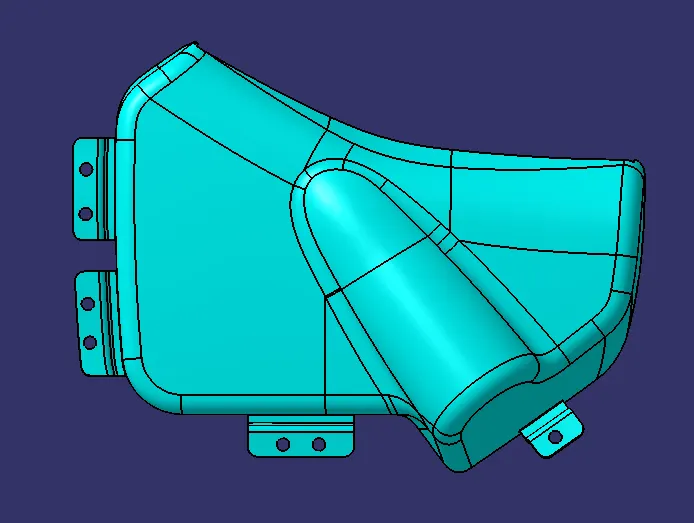
LOWER SUBSTRATE
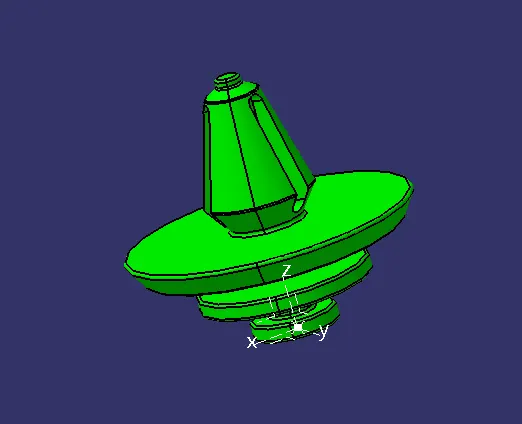
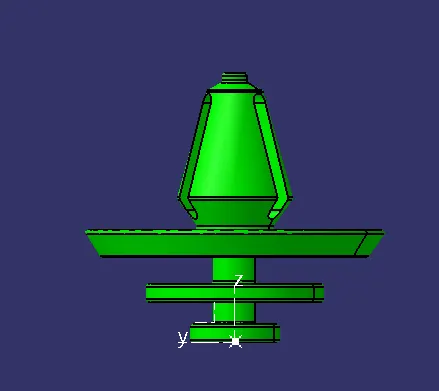
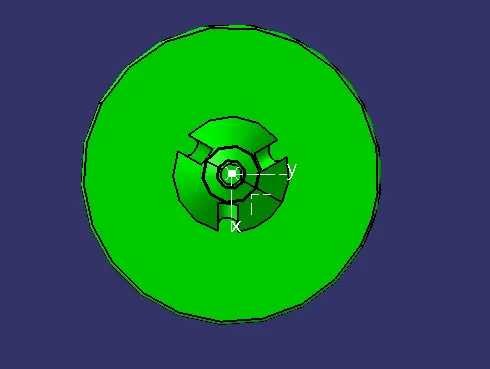
PUSH PIN CLIP
FULLY ASSEMBLED DOOR TRIM ASSEMBLY