Week 11 - Project - A pillar Design with Master Section
A pillar Design with Master Section:
AIM:
Create the solidbody with given class A surface and master section,and create the dog house as per given section and drawings.
GIVEN DATA:
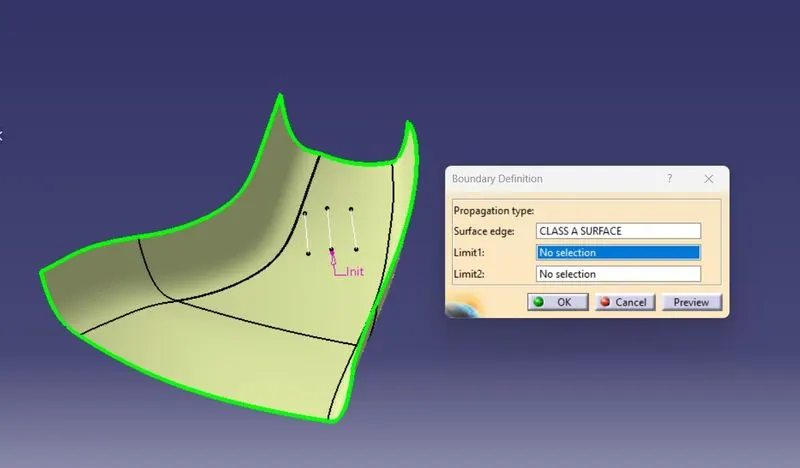
CLASS A SURFACE:
- Styling surface team given class A surface to feasibility check team to create solid model.
- From given class A surface we need to check quality of class A surface.
MASTER SECTIONS:
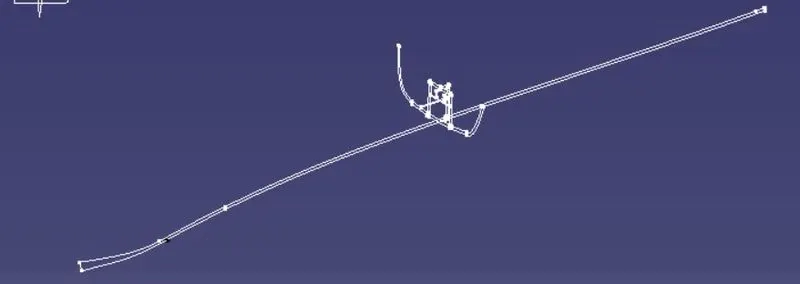
- Given master section contains lot of individual curves we need to use join command to create two main master sections.
- Given master section cointain dog house engineering feature and 2.5mm thick from the class A surface.
CREATION OF TOOLING AXIS:
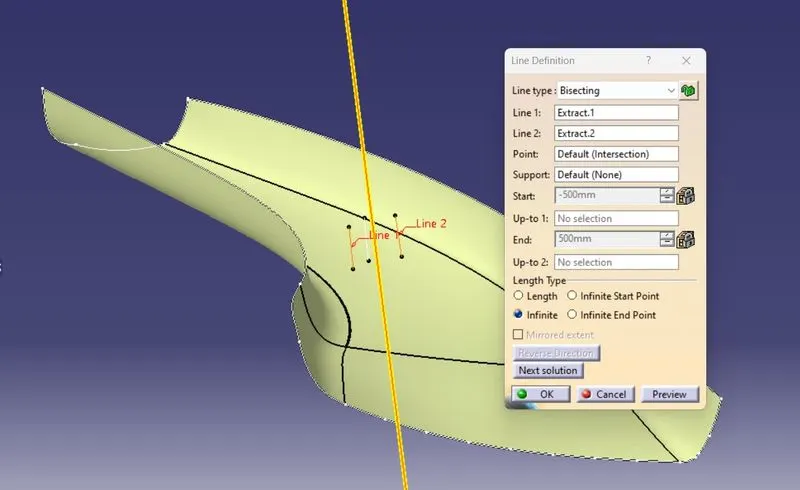
By Creating bisecting line we are create the tooling axis.
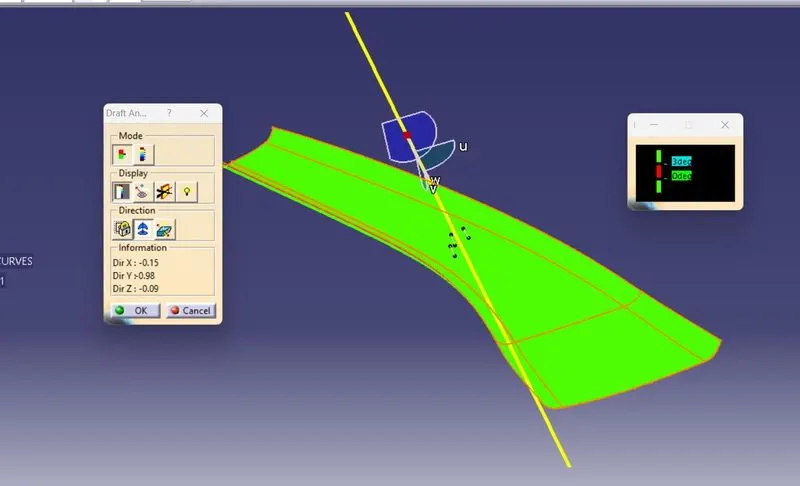
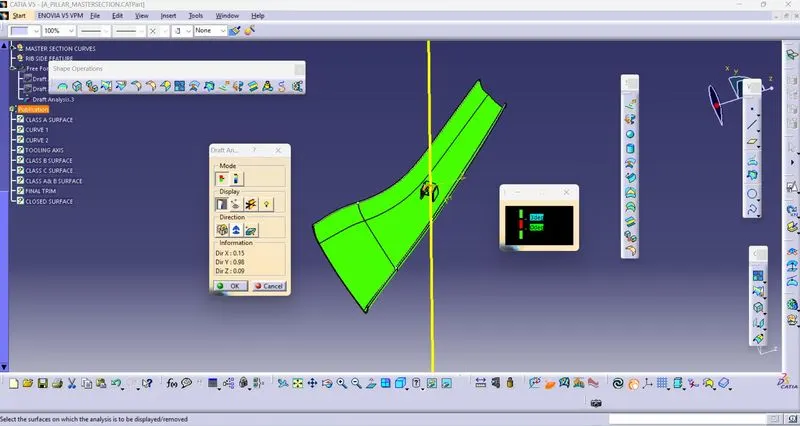
After that we need to check draft analysis to conform the tooling axis.
CREATION OF CLASS B SURFACE:
By offseting the class A surface we are creating the class b surface,here we saw the non connecting errors ,by using multiple extract,boundary,join.
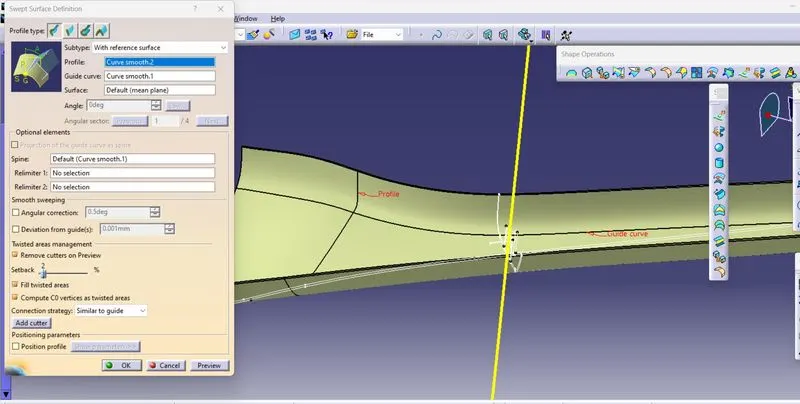
CLASS C SURFACE:
By creating boundary,sweep,trim we create the class c surface.
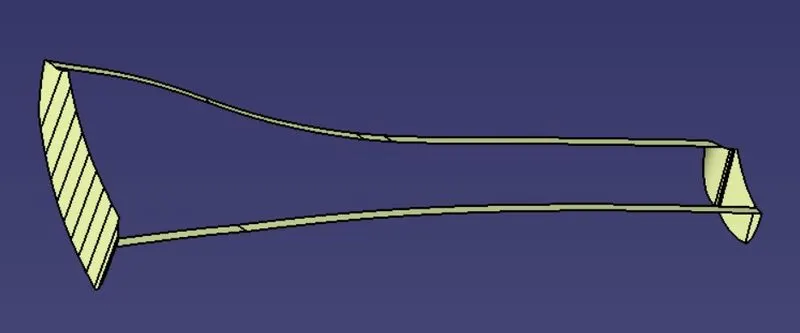
JOIN OF CLASS A & CLASS C SURFACE:
By Using join command we create the join of class A and Class B surface.
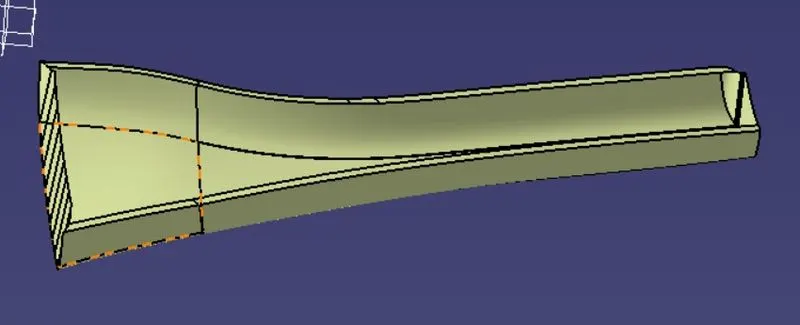
Final Trim:
We Trim the the join of class A & C Surface and Class B surface.
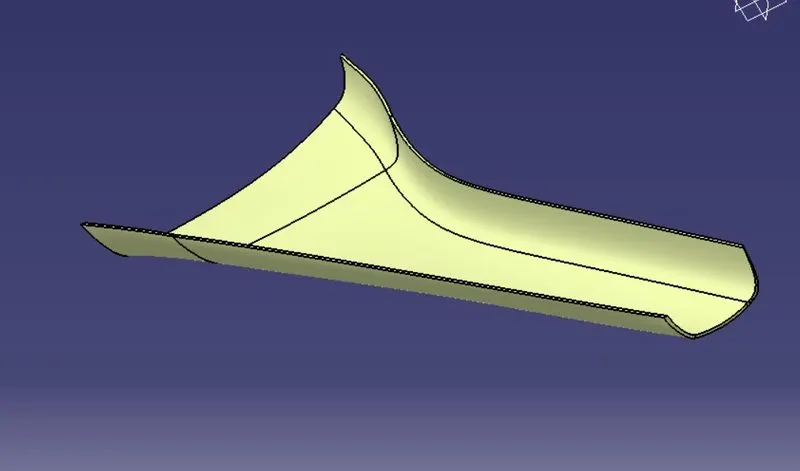
DRAFT ANALYSIS AFTER FINAL TRIM:
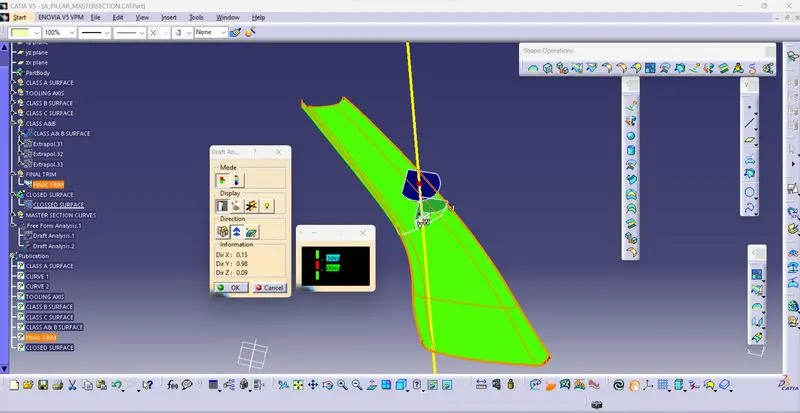
CLOSED SURFACE:
By changing user interface into part design then using closed surface option we create the solid body of class A surface.
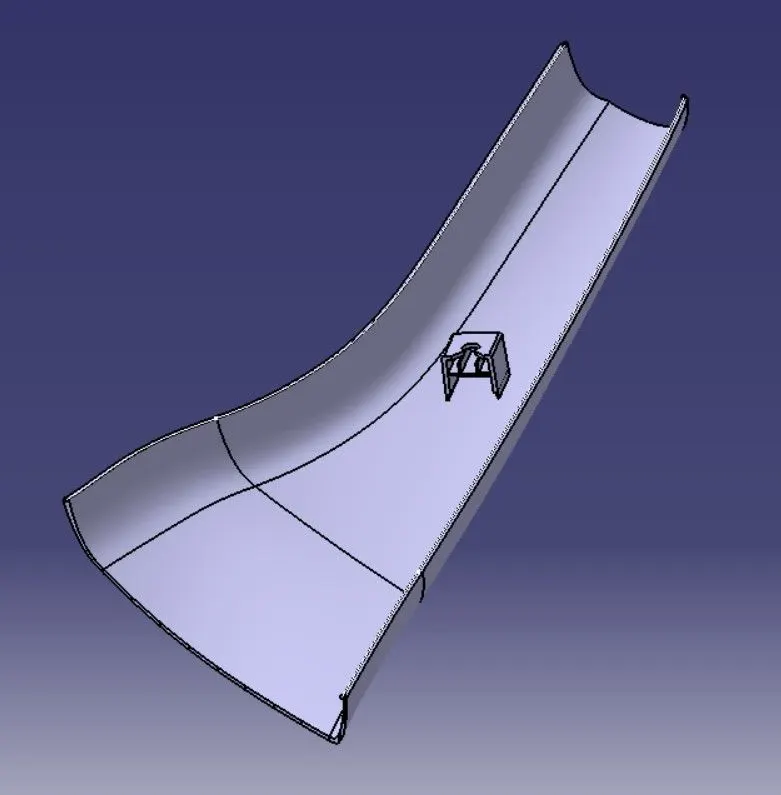
CREATION OF DOG HOUSE:
- By using given master we need to use extrude surface,trim,thickness,ofset commands to create the doghouse.
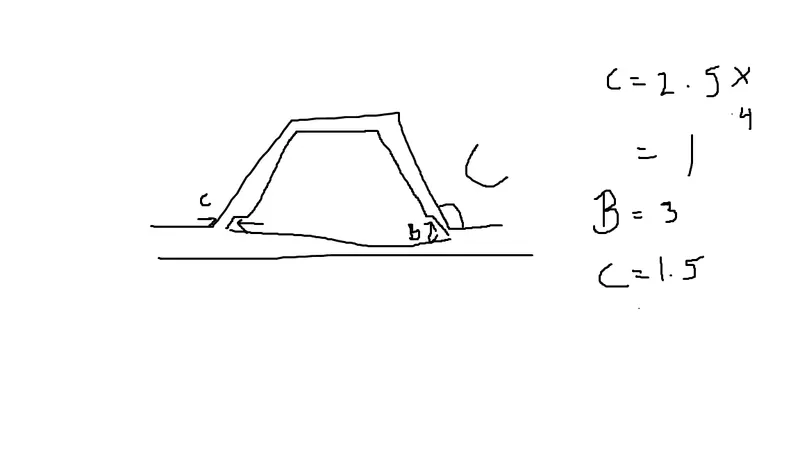
- before create the dog house we need to consider the design rules.
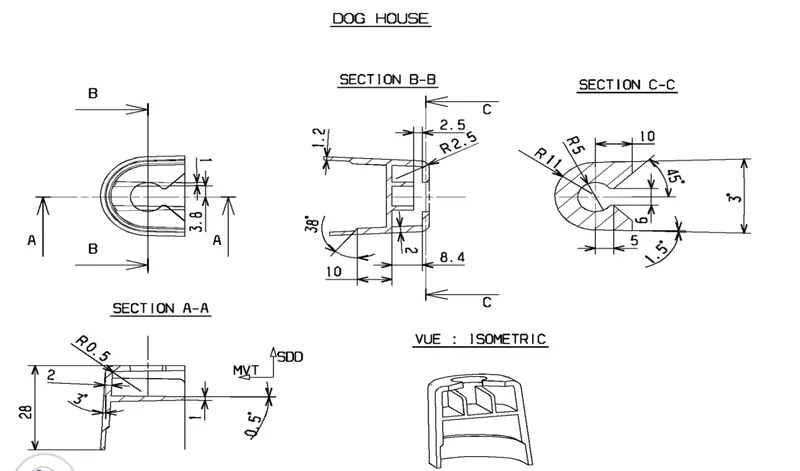
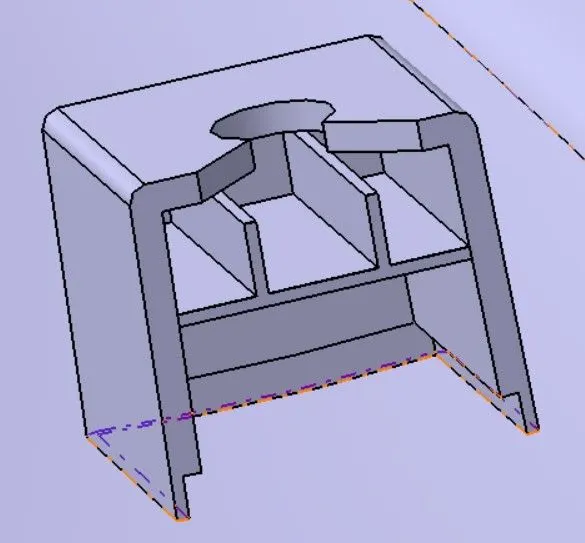
DRAFT ANALYSIS AFTER DOG HOUSE CREATION:
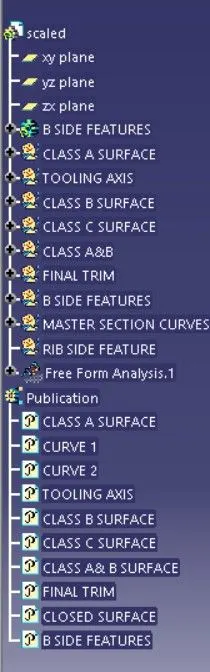
FEATURE TREE:
TOP VIEW:
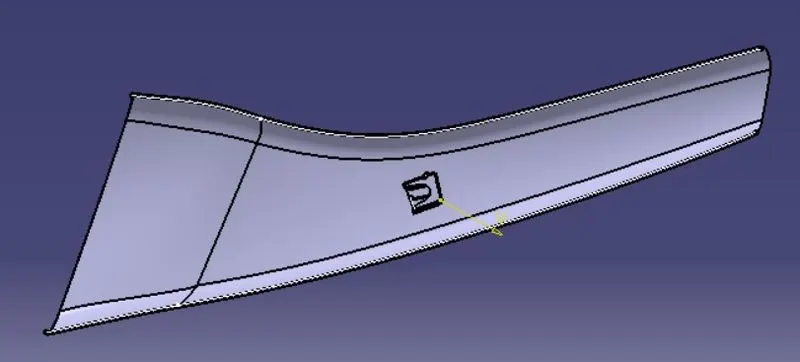
SIDE VIEW:
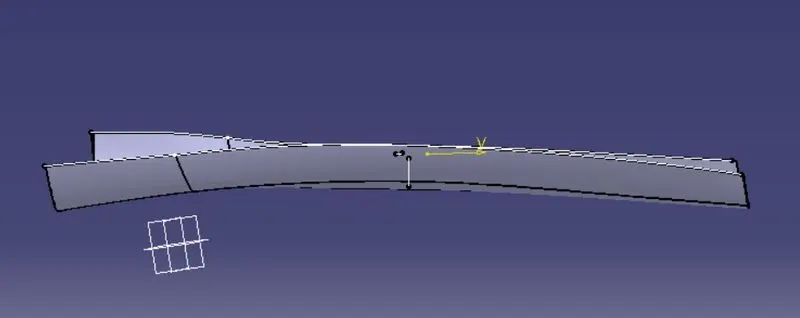
ISOMETRIC VIEW:
CONCLUSION:
From this challenge we know how to create the A pillar design with given master section.