Week 11 - Project - A pillar Design with Master Section
A pillar Design with Master Section
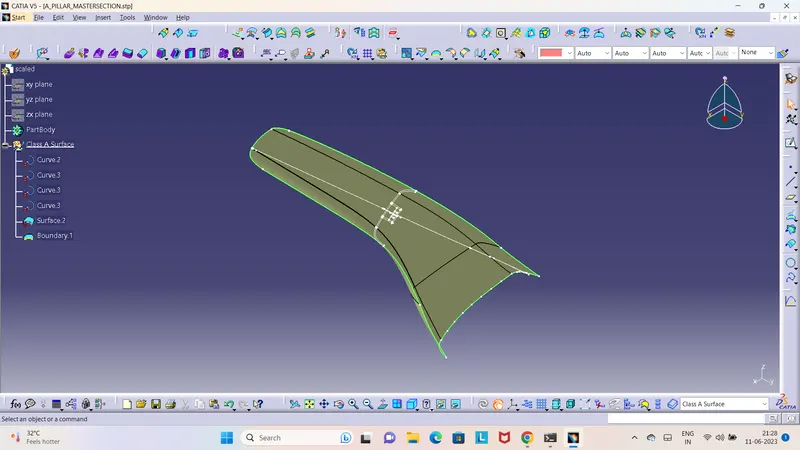
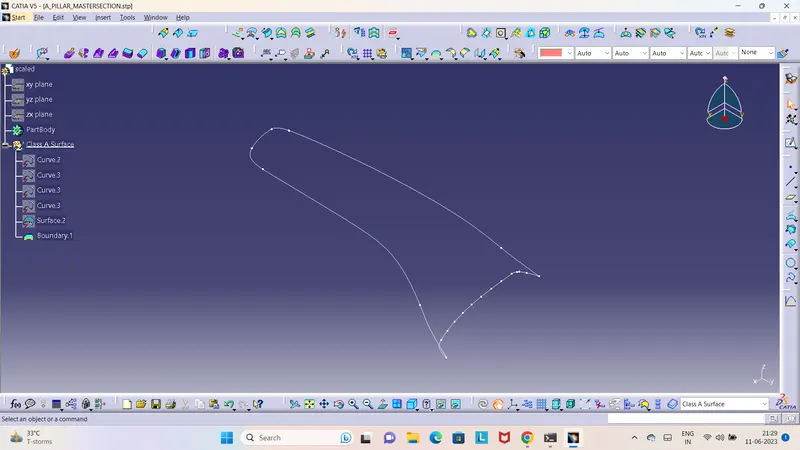
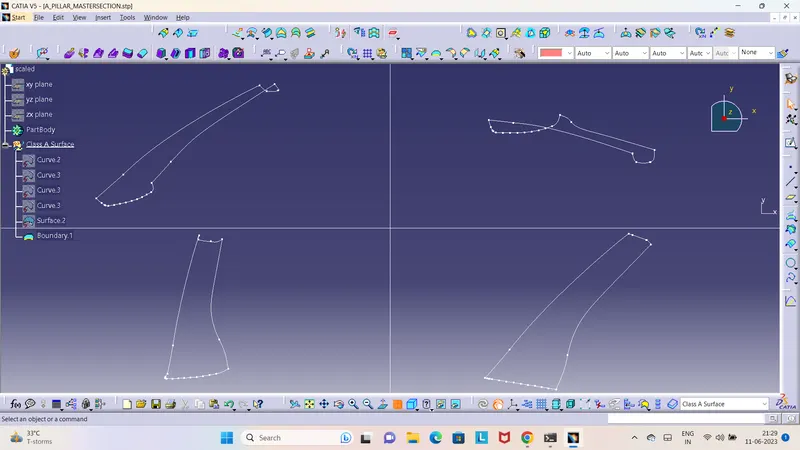
1. Given Class A Surface
Check for gaps between surfaces for that click on join and then preview.
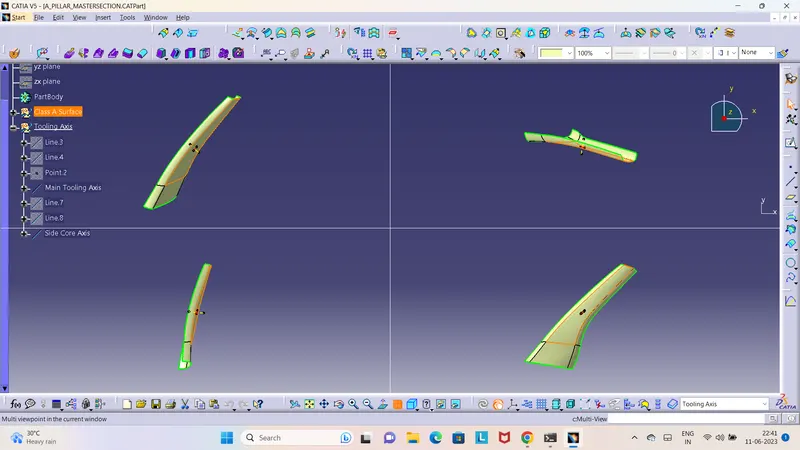
2. CREATING A TOOLING AXIS
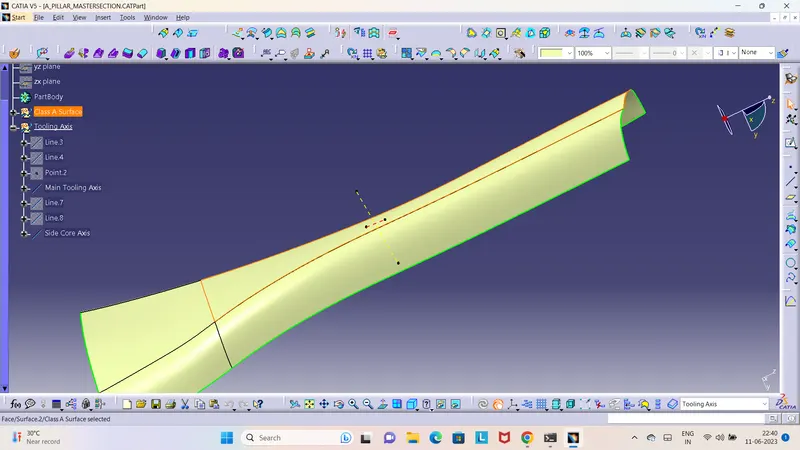
The tooling axis is created for the component by bisecting method and also created the Side core axis also.
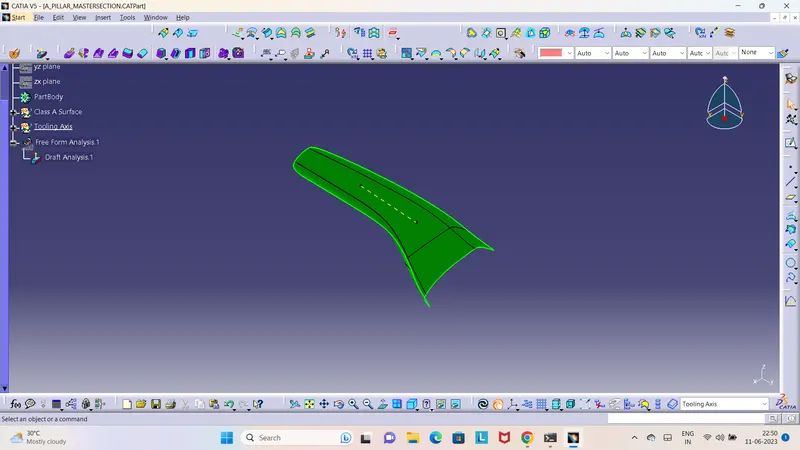
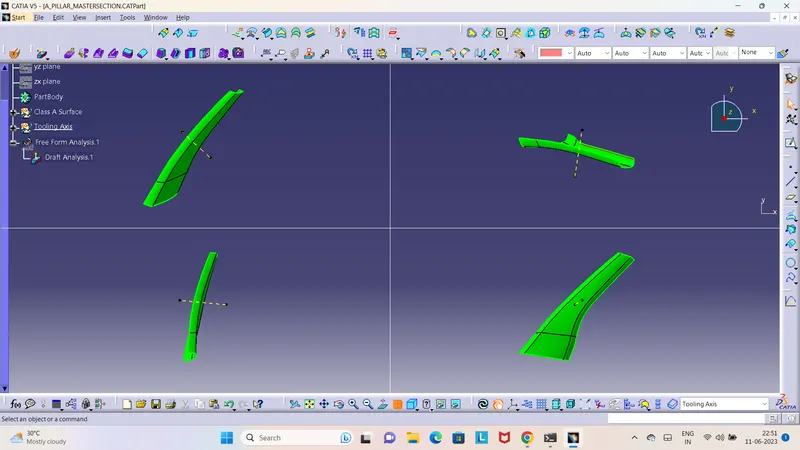
3. DRAFT ANALYSIS
The draft analysis is completed for class A Surface.
4. CREATING CLASS B SURFACE
To create the class B surface, offset the class A surface inside as per our thickness requirement of 2.5mm.
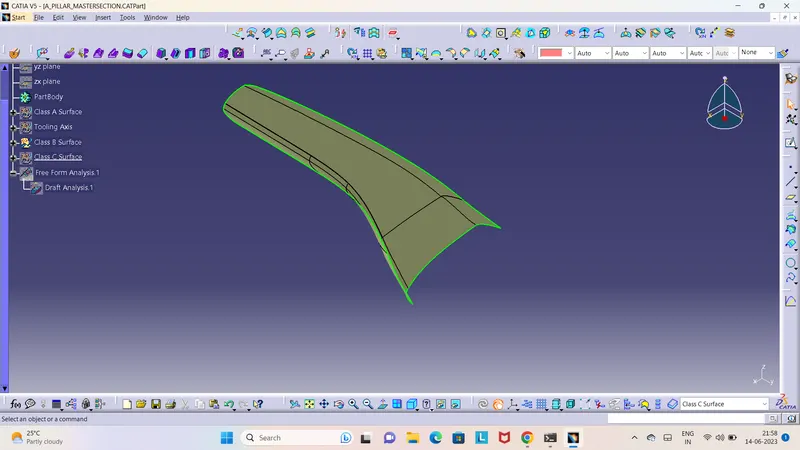
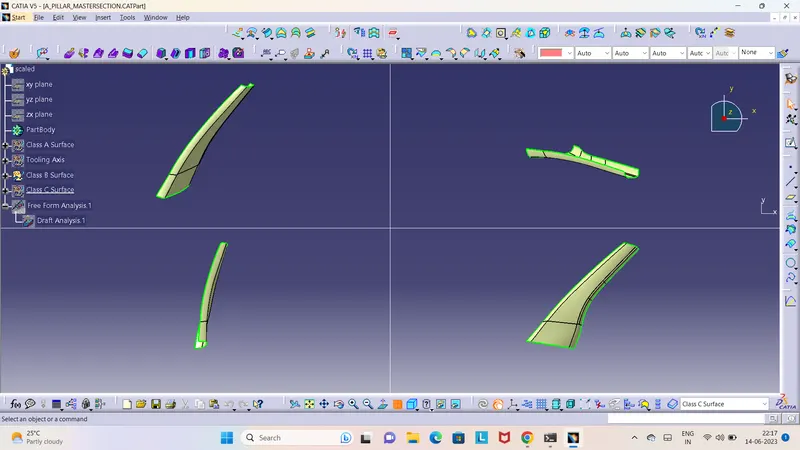
5. CREATING CLASS C SURFACE
By using the Class A surface Created the Class C surface Using the Tooling axis
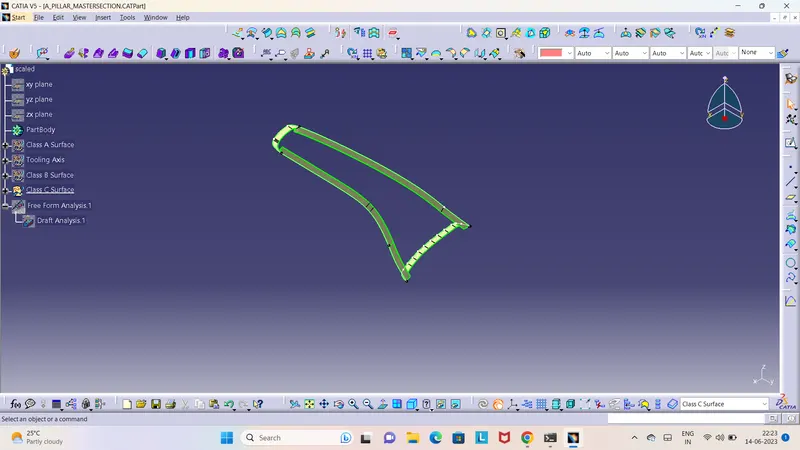
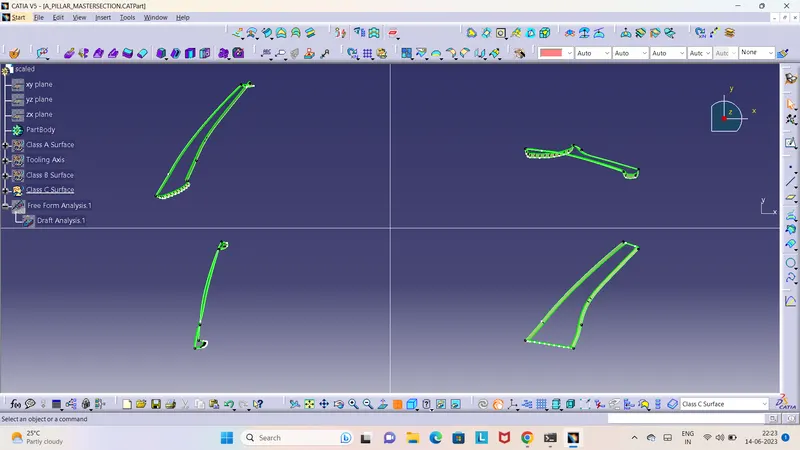
6. Joining Class A Surface with Class C Surface
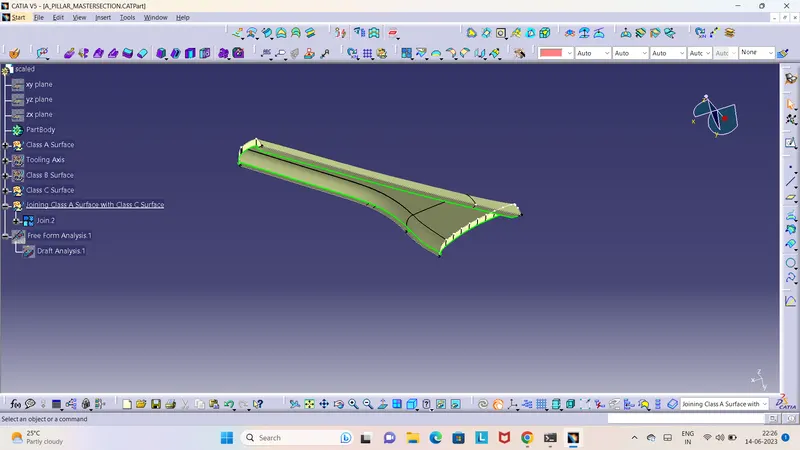
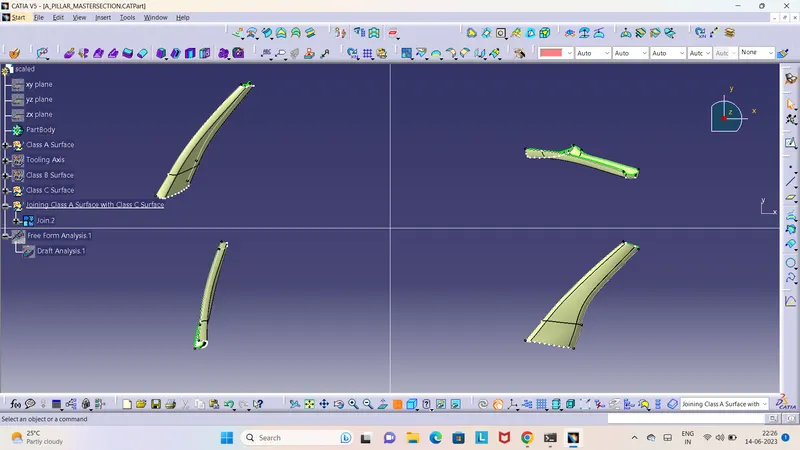
7. Final Trim of Class B with Class A and C Surface
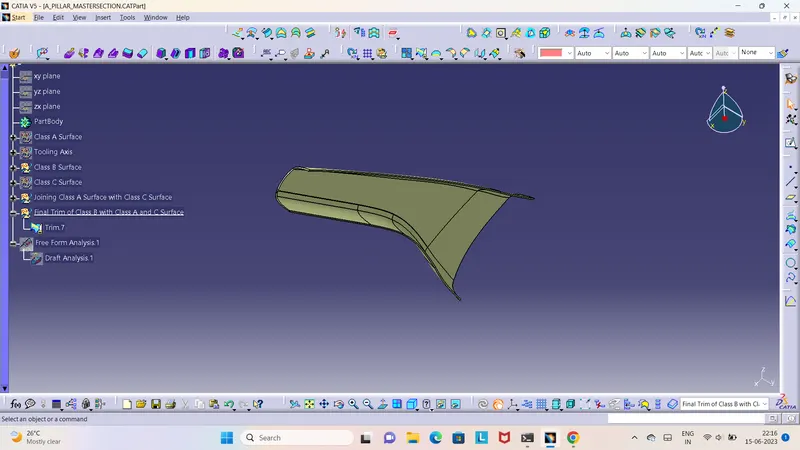
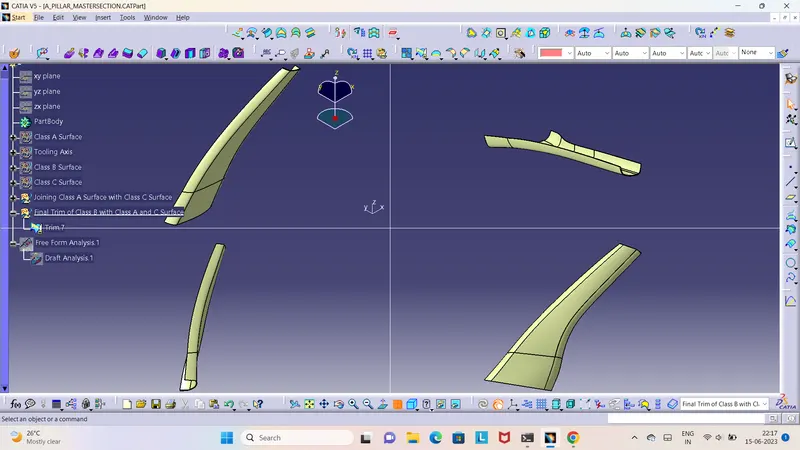
8. Given Closed Surface to the component door trim
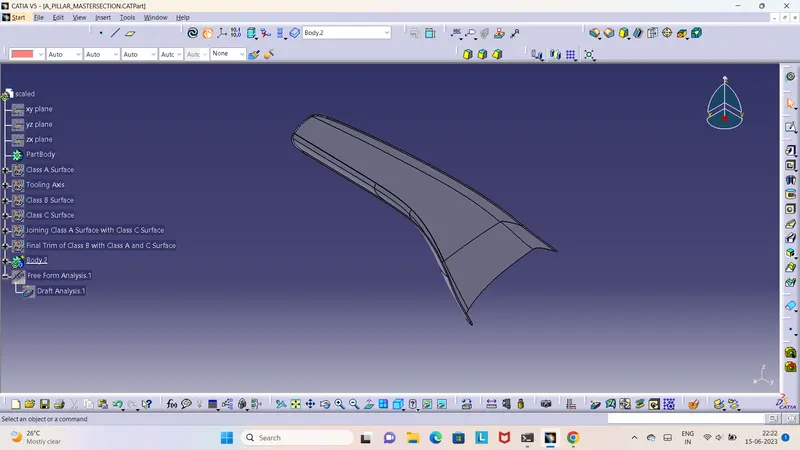
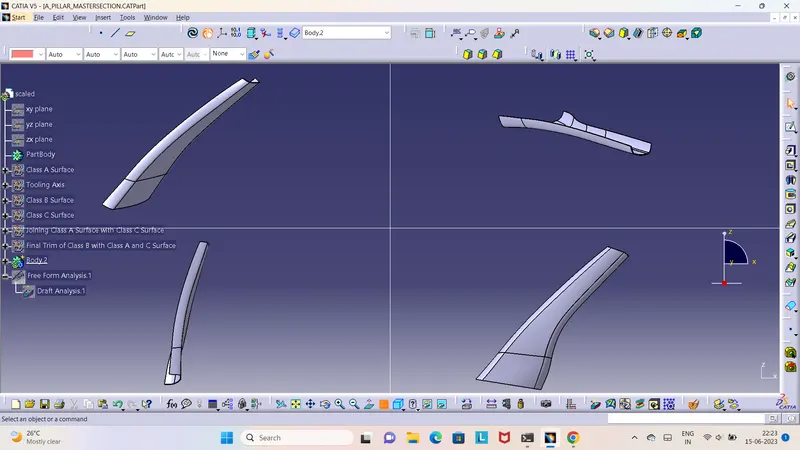
9. Creating the Dog House.
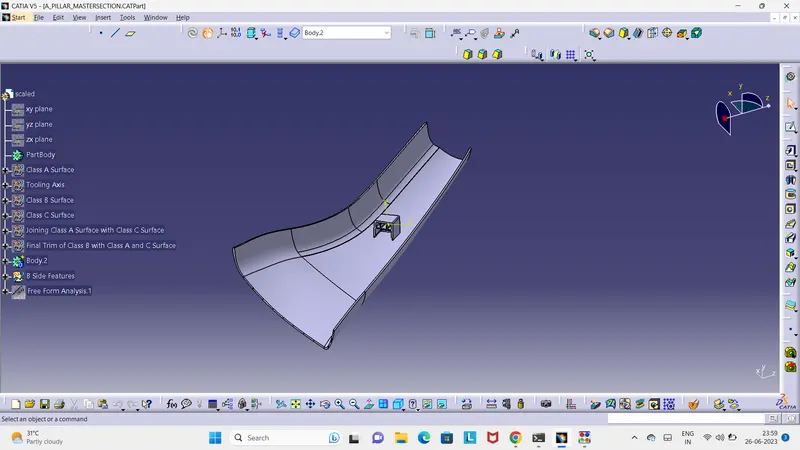
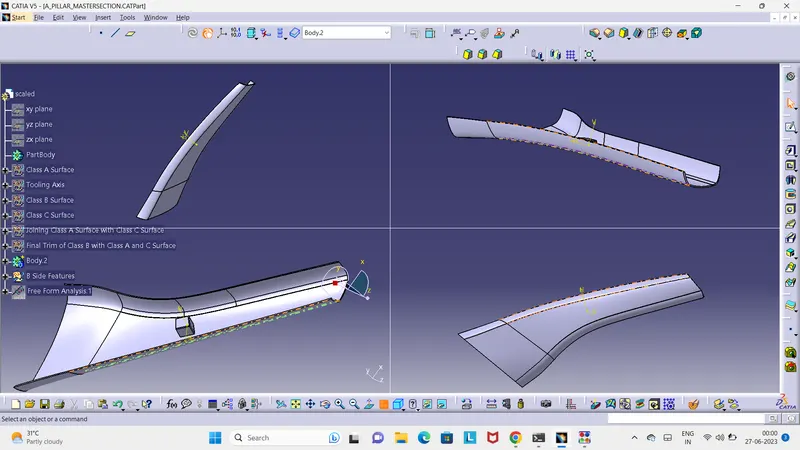
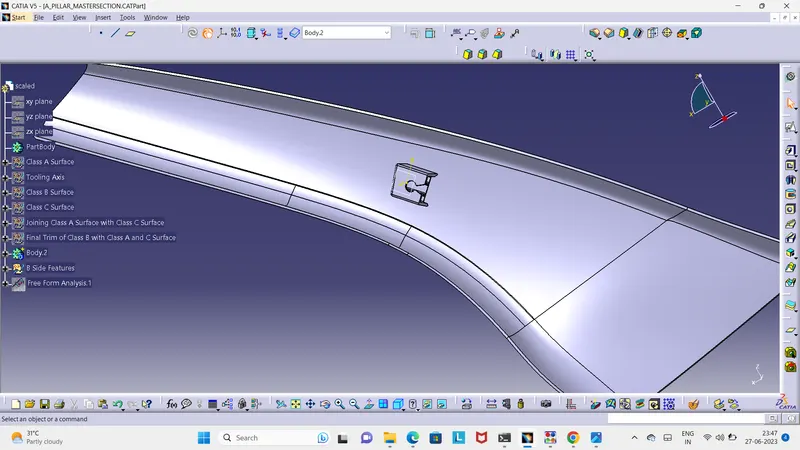
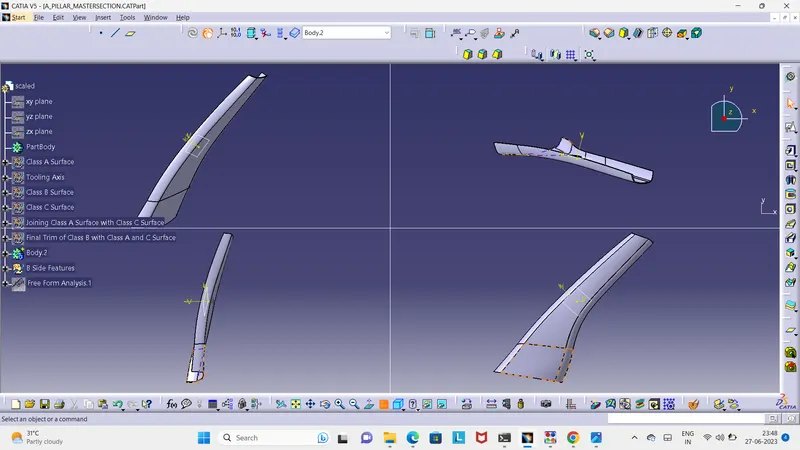
10. Final Draft Analysis.
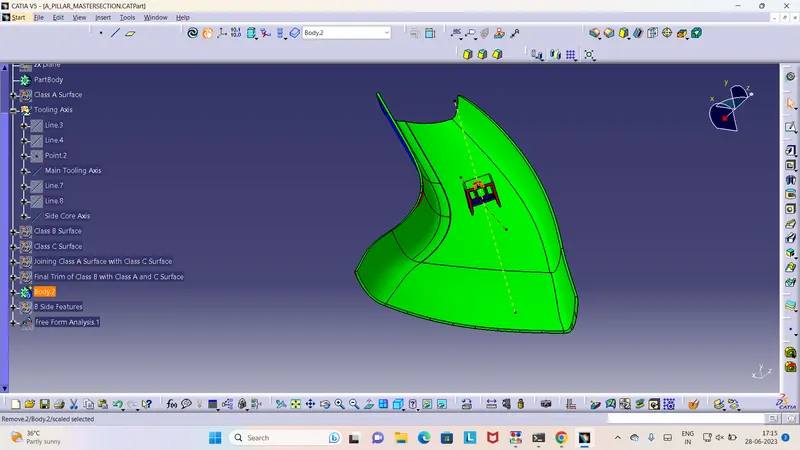
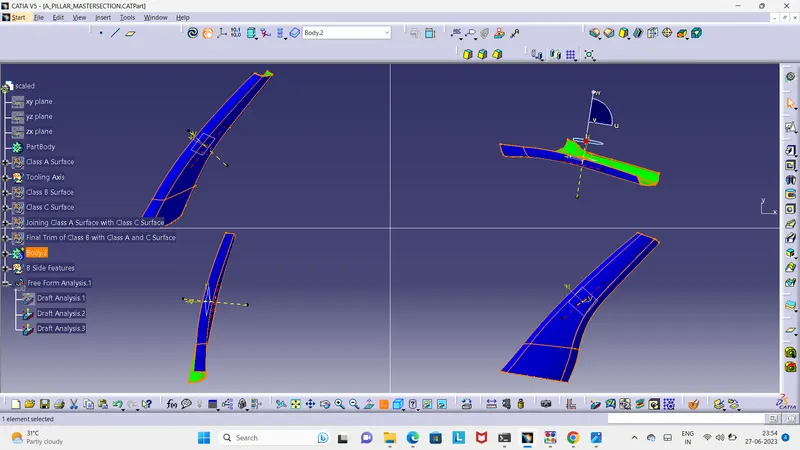
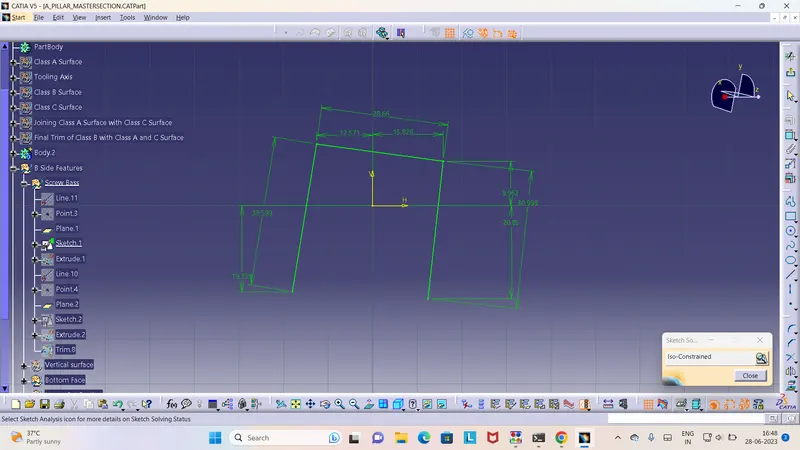
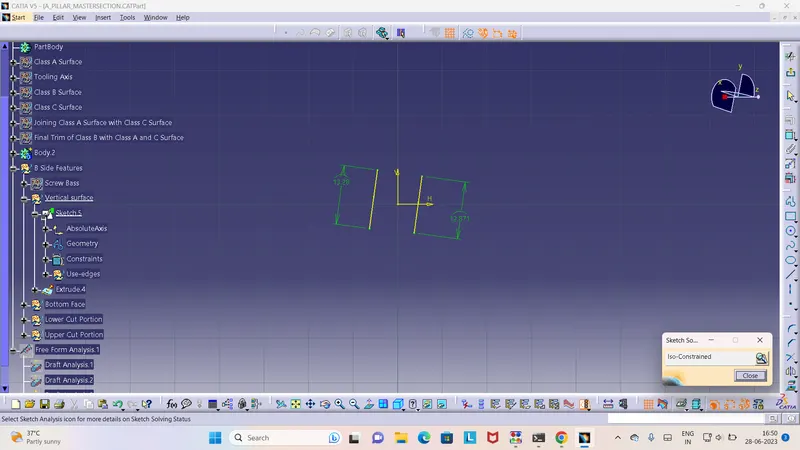
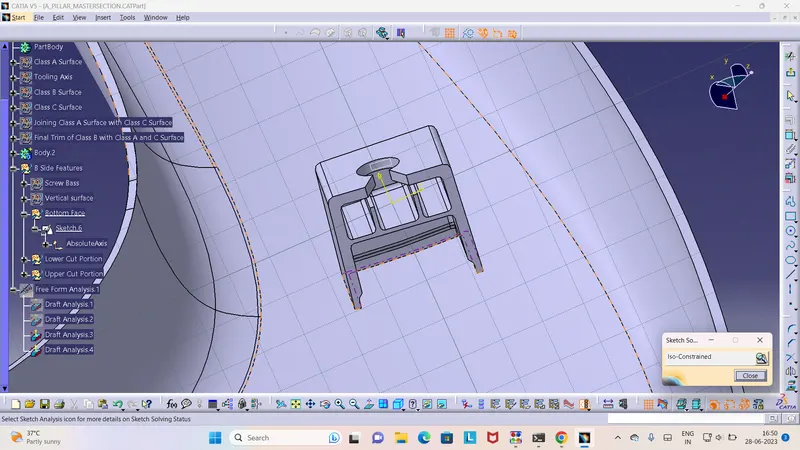
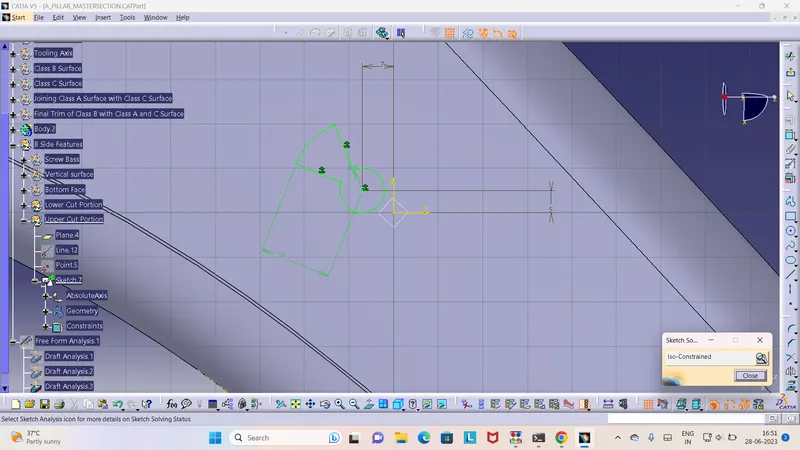
11. Sketch Solving Status.