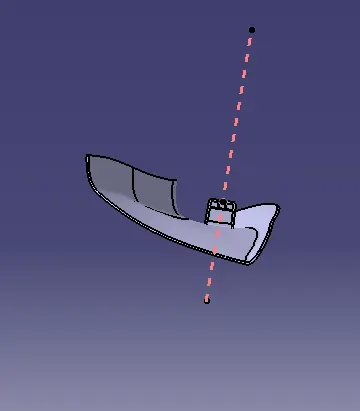
Week 11 - Project - A pillar Design with Master Section
Report :
Class A Surface:
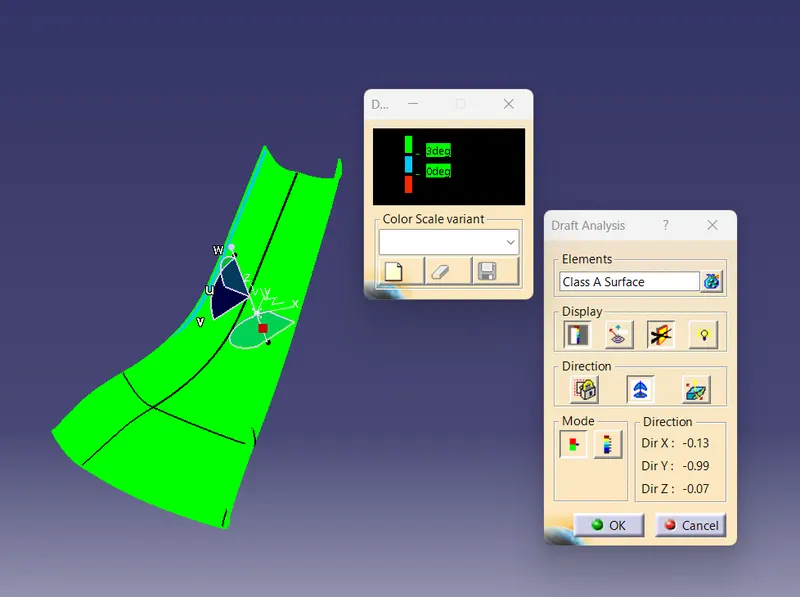
as we have class A Surface we have to create tooling axis according to the drafting direction
for creating draft analysis we have to make a tooling axis with the help of axis system
Class B Surface:
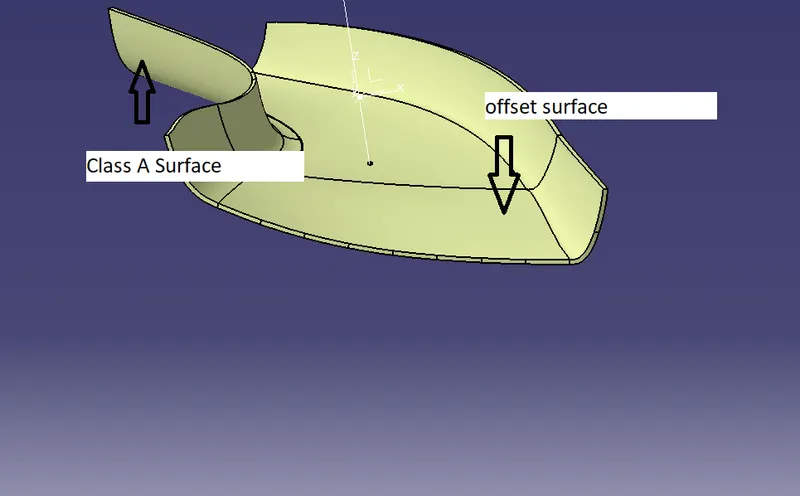
For Creating class B We have to create offset with 2.5 in reverse direction and then we can start with creating full surface so that we can have final offset and then we can create class c surface. For Creating class B surface we can use sweep command
Class C Surface:
now we have class A and B We can create Class C surface which will be 90 degree respecting to tooling axis and then we can trim class (A+C) together, to get the final closed surface we can extend class b upto some point to get final part Join(Class A+C) and Class B trim together.
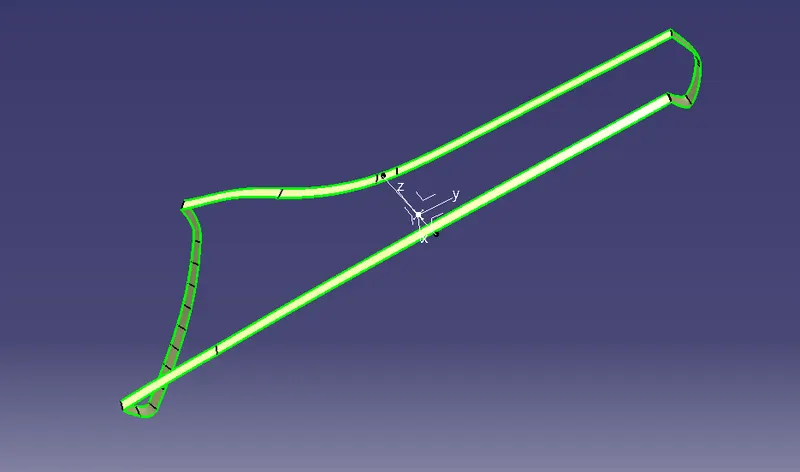
Now we are done with Final trims and ready with part we can use closed surface in part workbench to close the surface
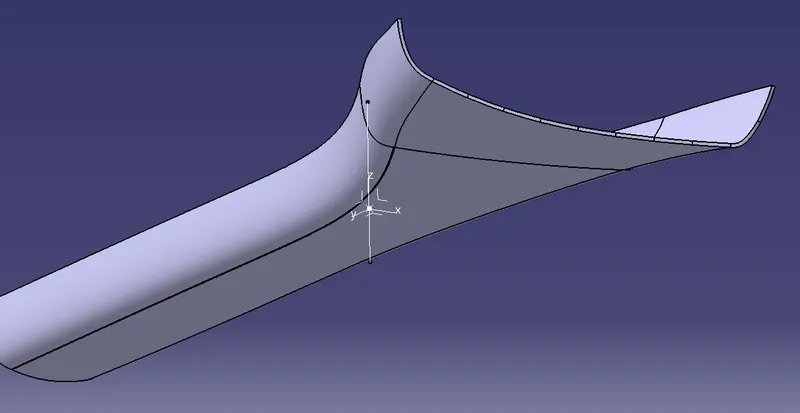
now we can create dog house as per given drawing, after done with dog house we have to create draft analysis for fdog house
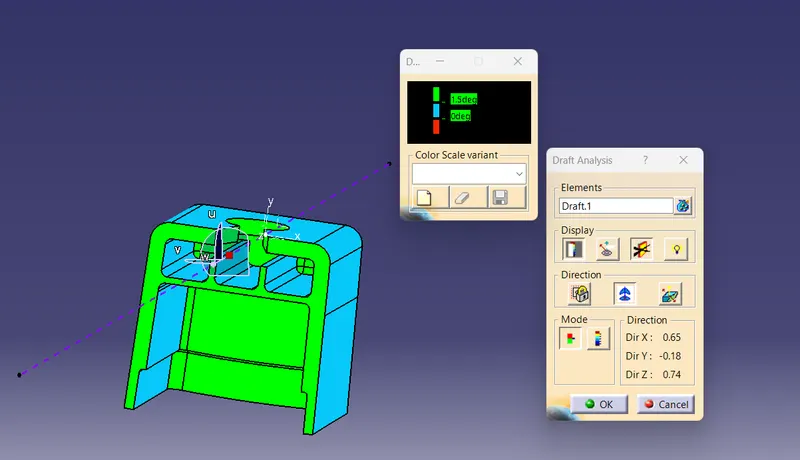
once getting done with dog house we can now finally assemble the dog house and part bosy together to get final product
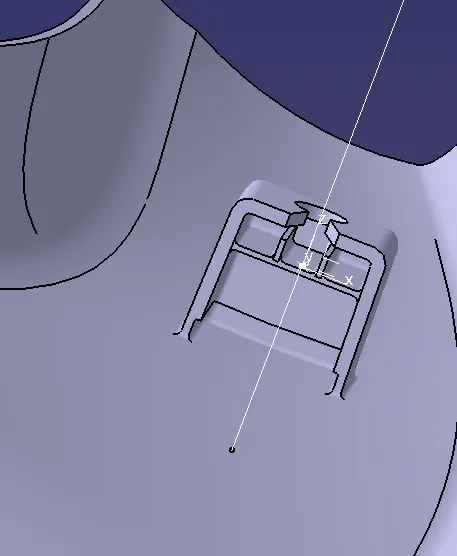
Now AFter Assembling we can create draft analysis with the final product and its get Completed
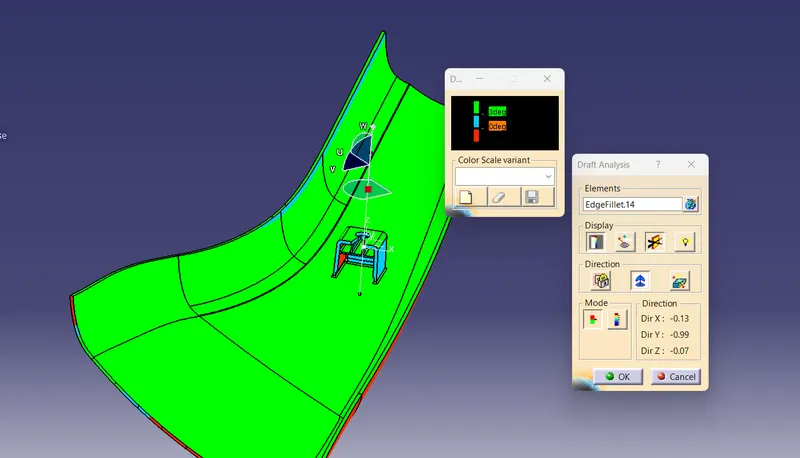
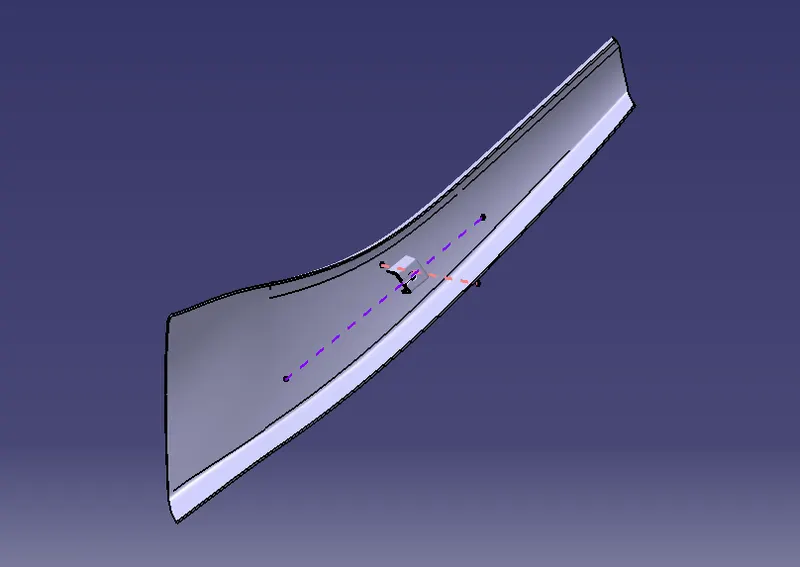
Isometric View:
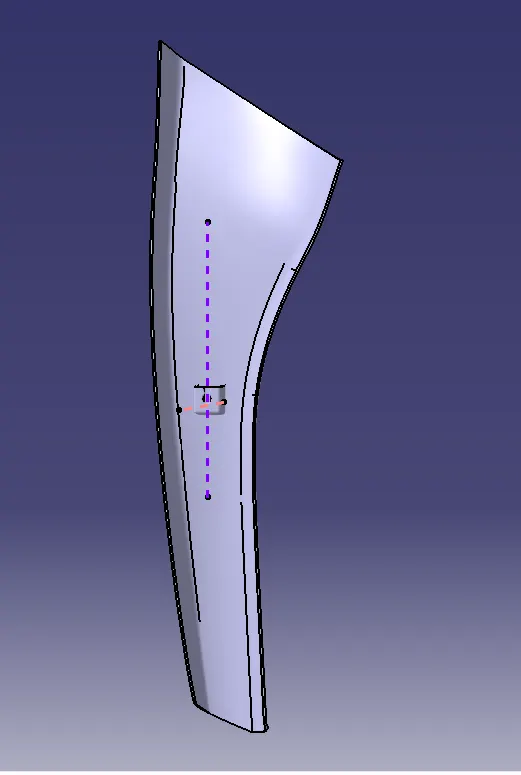
Front View:
Side View:
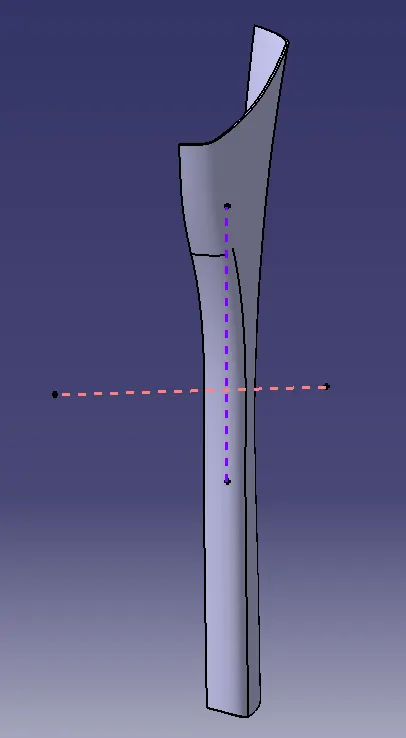
Top View: