Week 11 - Final project
CLASS A SURFACE:
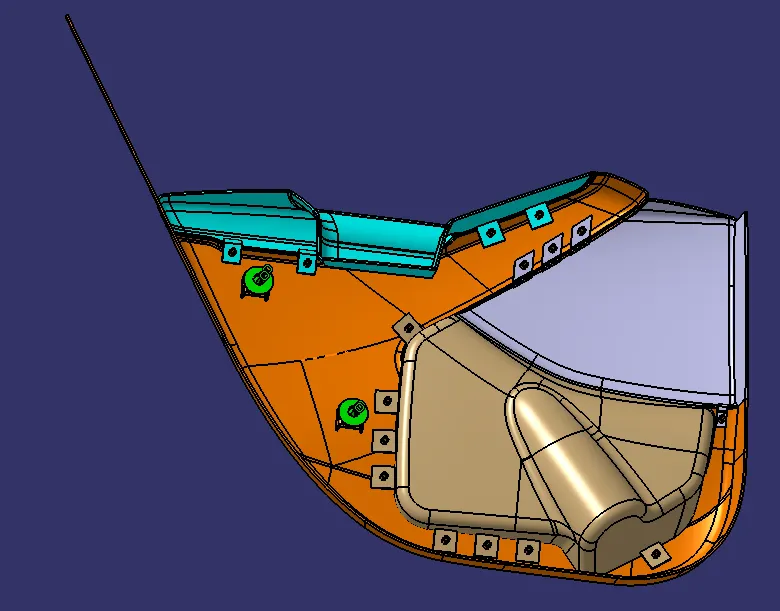
It is surface which is made by the designer. It is aesthetic surface and usable outside futures are on this surface.
CLASS B SURFACE:
It is bottom side surface of class A surface. It is made by class A surface. It is formed with thickness distance from class A surface.
CLASS C SURFACE:
It joins the both class A and class B surfaces. This surface is equal to the thickness of the component.
TOOLING AXIS:
- Class A surface or part is used to manually analysis which is best for tooling and create the axis perpendicular to the product. It is called tooling axis. Mould is open and closed by this axis.
DOG HOUSE:
It is used mainly for three functions.
- To eliminate the sink marks
- To lift the bosses for hight
- To give outside bosses from B surface
RIBS:
Ribs give strength to the model. It is made by some guidelines like draft, fillets etc.
MASTER SECTION:
They check and give new alteration model in 2D with class A surface which is used make 3D model for next step designing.
METHODOLOGY:
TOOLS:
- Extract:
This comment is used to create the required surface again. Which means copy the surface again for next operations.
- Un trim:
This tool is used to un trim the surface which means create the full surface of previous surface from current surface.
- Trim:
This tool is used to cut and eliminate the unwanted surface.
- Extrapolated:
This tool is used to increase the length of surface or area with the help of different option.
- Offset:
It is used to create the same surface again in required distance.
- Edge Fillet:
It is used to create sharp edges to round edges.
- Boundary:
It is used to form the boundary lines on opened surface.
- Sweep:
It is used to create the surface in required length from the profile.
- Join:
It is used to join the separate surfaces and create the single surface.
- Close (Part command)
It is used to create the solid part from closed hollow part.
- Curve smooth:
It is used to change the smooth curve from tangency curve.
- Fill:
Fill some gaps portion with this comment
- Blend:
Two bounty lines used to fill the gaps by this comment.
14.Split:
It is used separate the surface with the help of another surface as cutting tool.
- Pad:
It is used to extrude to create 3D part from 2D sketch.
16.Thicken:
It is used to give thickness of the surface model. It is one of the part bench comments
TOOLING AXIS CREATION:
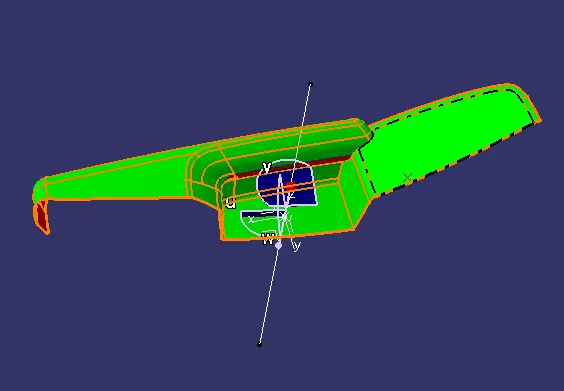
- First create the class A surface and manually analysis and fix the direction of tooling.
- In this part two hole on the surface. So, we can directly take its perpendicular as the tooling axis because its most suitable for tooling axis. Carefully watch and take this axis with the help of all types of views.
- First created the point on the surface and create new axis system.
- Then this intersect line is used to create the new lines on both wall lines. Then the both lines are used to create a bisecting line in tooling direction or it is zero degree drafting part, so we directly draw line through the line to form tooling axis.
- Change some appearance to this line like thickness, colour, dot lines. Finally, it is called tooling axis. It is published for frequent uses.
- Dog house is created by side core. So, we created separate tooling axis for dog house. Same method is used to create a tooling axis parapedicular to the main axis.
DRAFTING ANALYSIS:
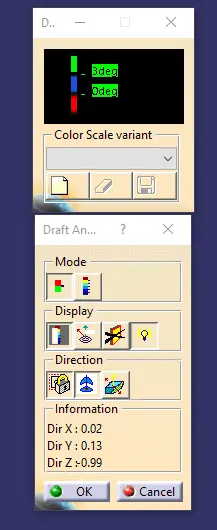
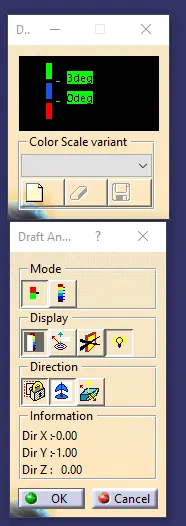
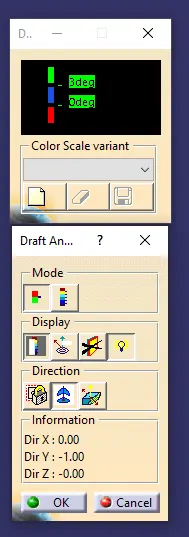
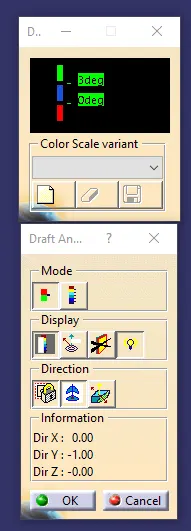
- Go to insert < analysis< feature draft analysis.
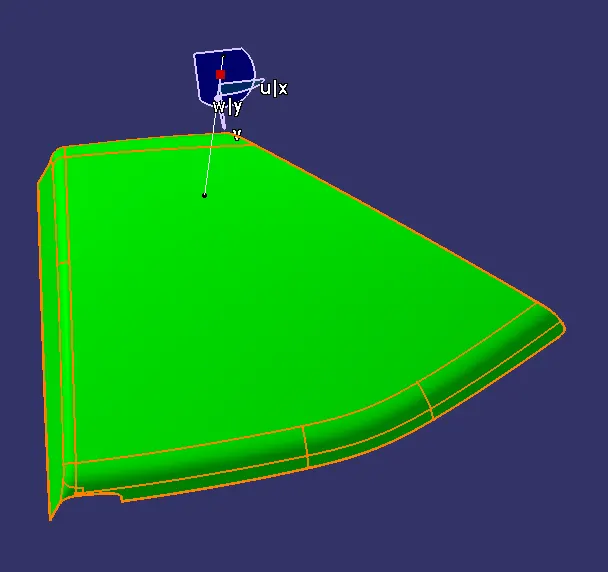
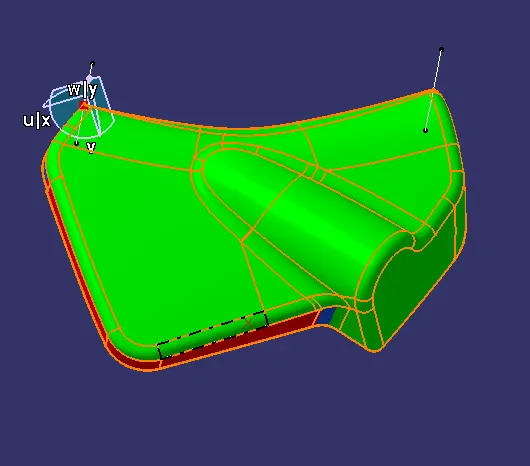
- Compass is fixed on the tooling axis.
- Then we click on the surface it showing different colour. This colour is used to analysis the drafting value of surface with the help of analysis table.
- It is zero-degree draft component. So, we no need to take drafting analysis. If we take it will show zero-degree draft angle.
DRAFTING ANALYSIS
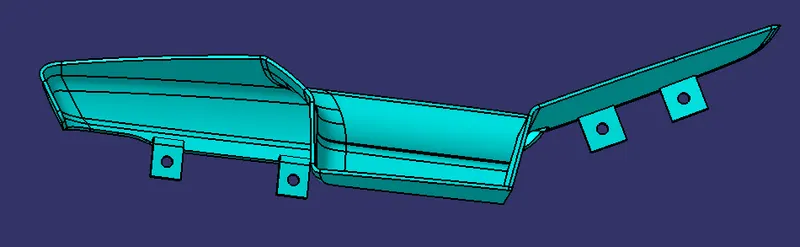
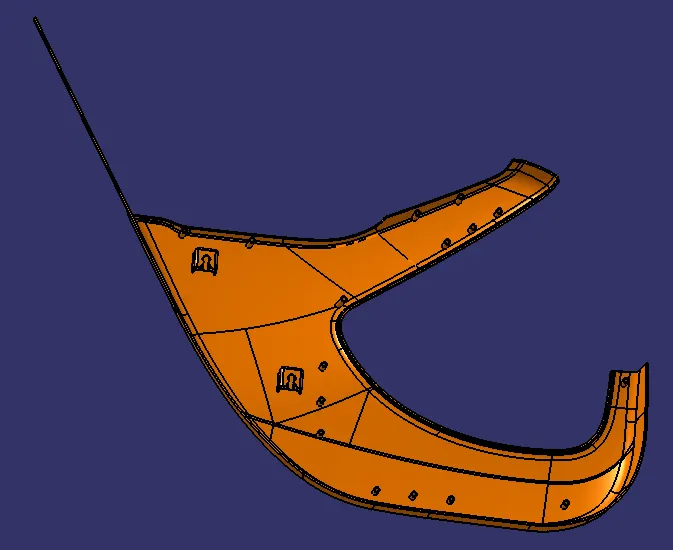
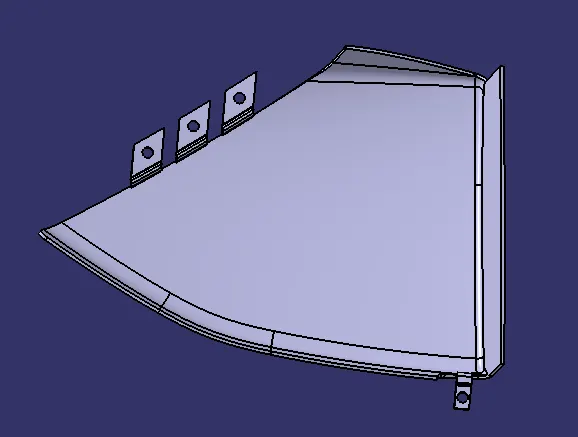
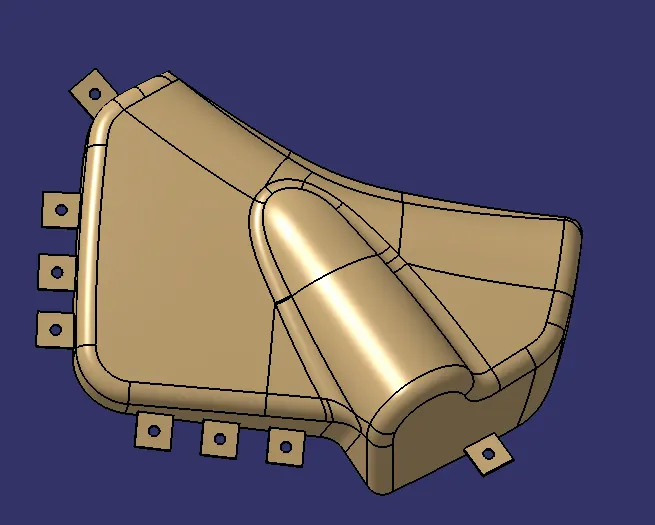
FINAL PART:
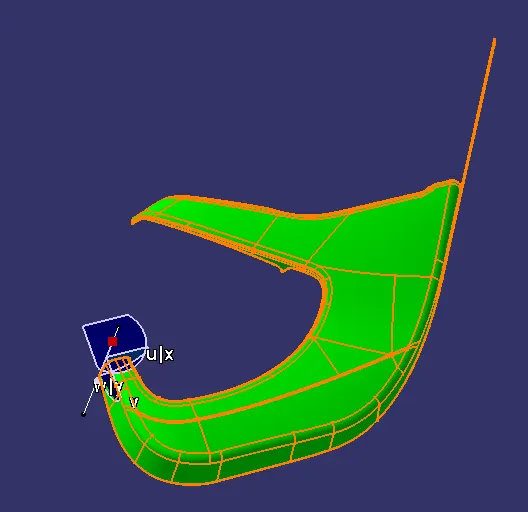
- Join command is used to join the surface A class and the surface A, C class
- Trim commend is used to trim class AC and B. They join themselves.
- Finally, we got hollow product.
- In part bench close commend is used to get the solid model
- We give different colours to appearance and easily analysis different parts.