Week 11 - Final project
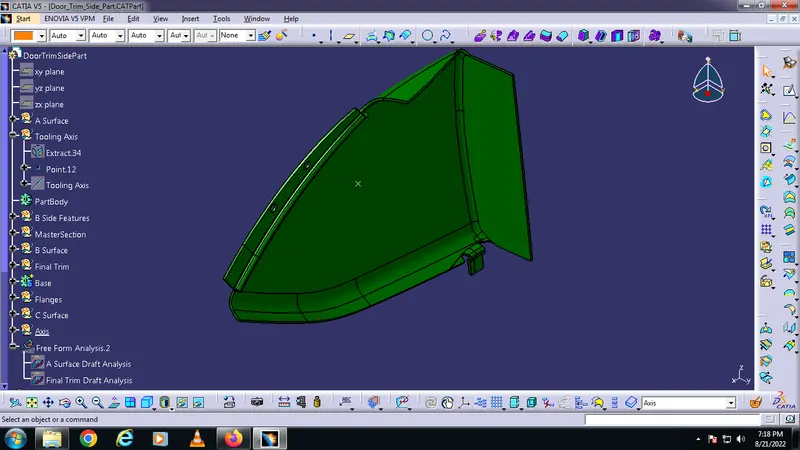
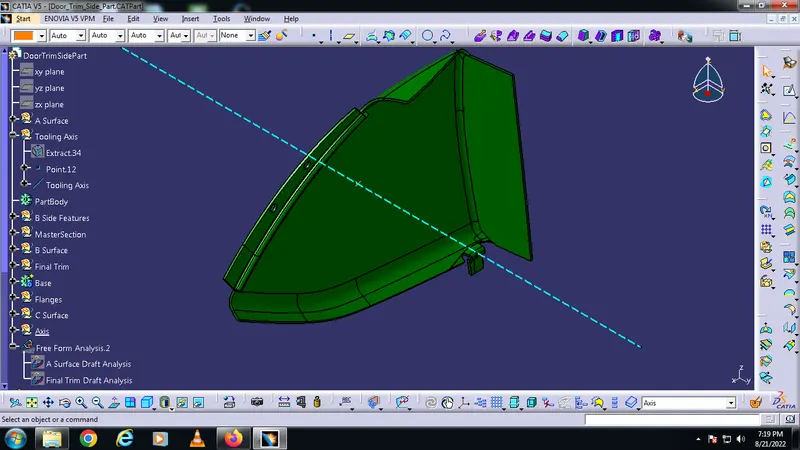
Tooling Axis -
Making a point at the center of the surface. Then making the tooling axis from the point.
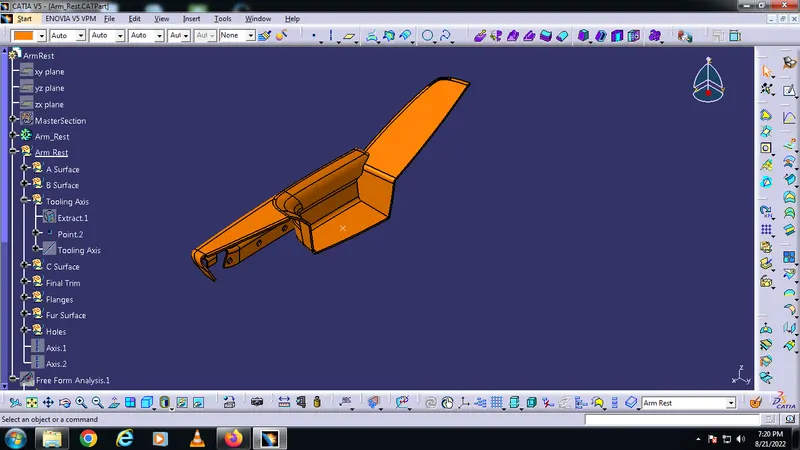
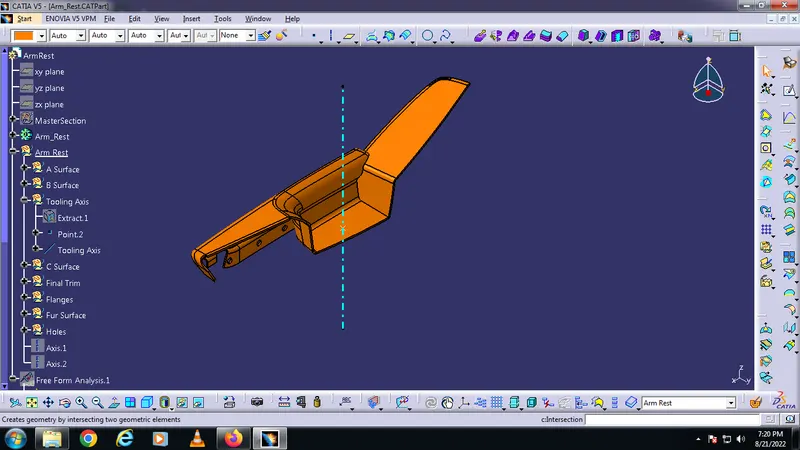
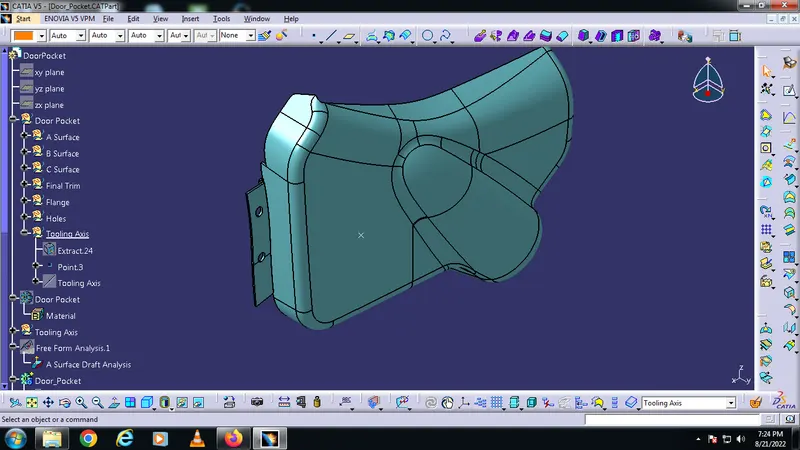
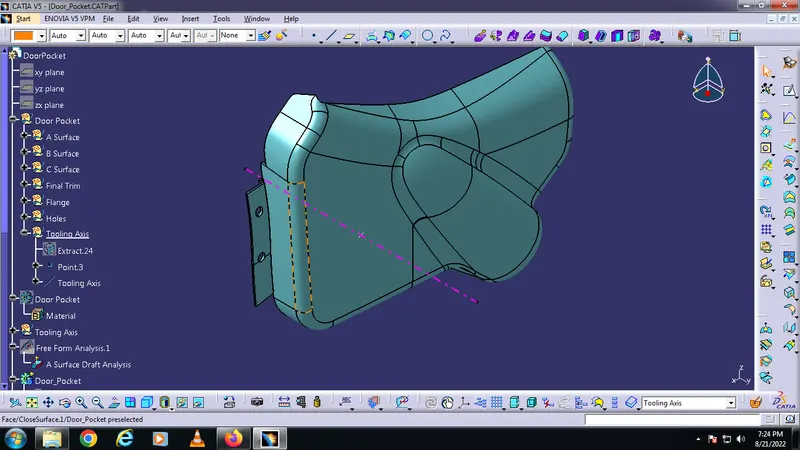
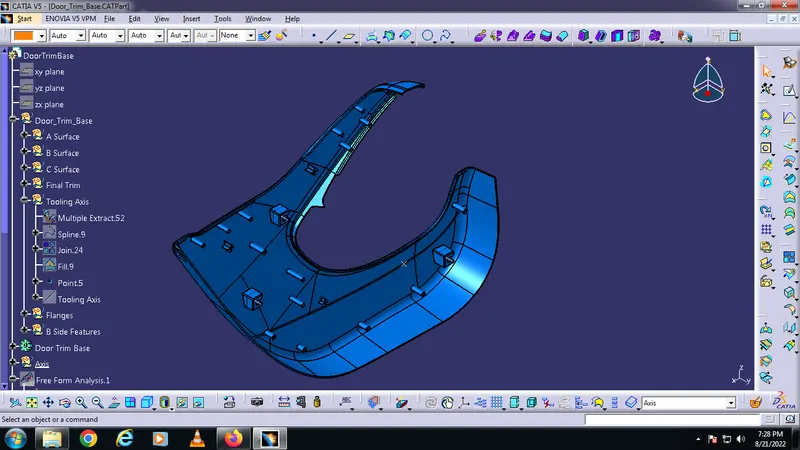
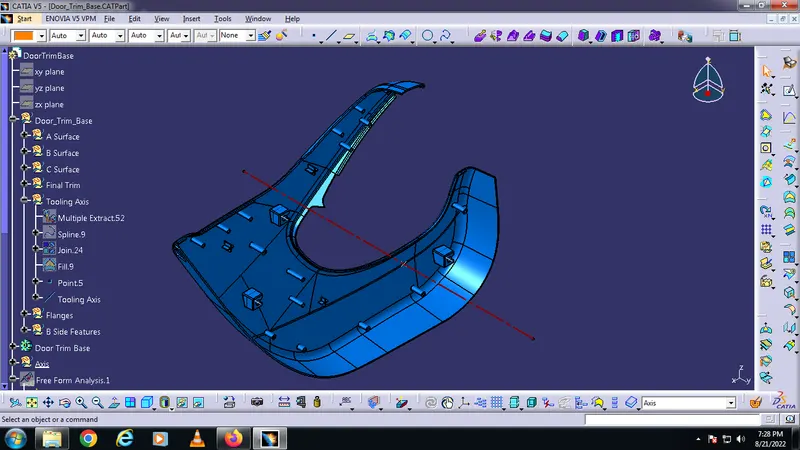
Side core Axis
Making a point on the center of the top surface. Making side core axis from the point.
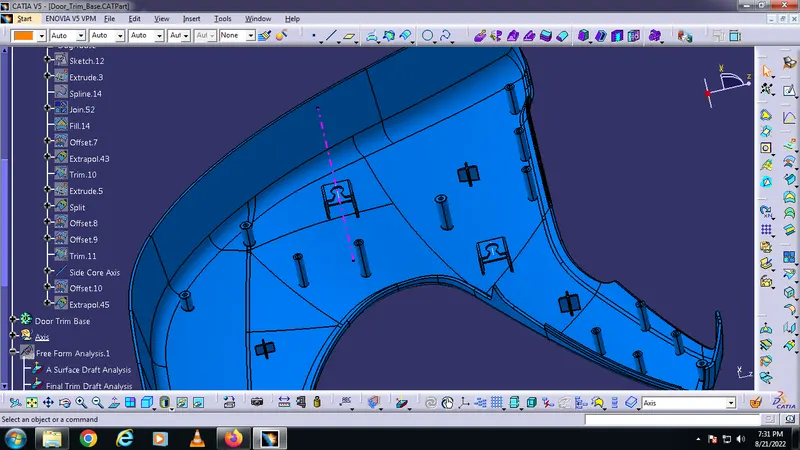
Draft Analysis -
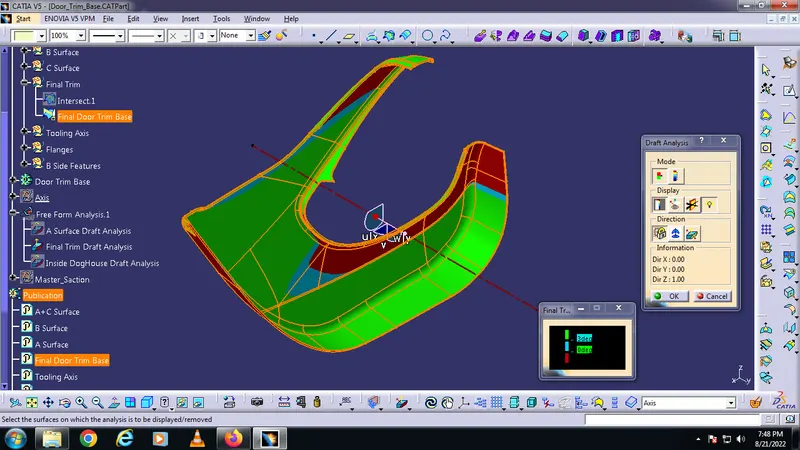
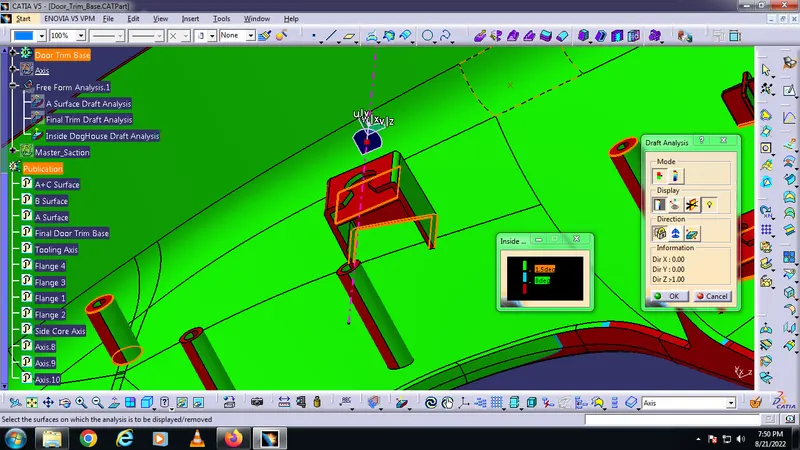
To do Draft Analysis, go to tools > analysis > Feature Draft Analysis. This tool has three groups of options namely; mode, display, and direction. First, the second icon from the direction group is selected and the red dot in the compass is clicked and dragged to the part to be drafted. The line in the dragged element is matched with the tooling axis and it is locked using the first icon in the direction group. It will define the tooling axis direction and lock it. Then click the base bracket. It will turn green or with green and red based on the draft angles. Minimum draft angle is set to 3. If the portion has enough draft angle, it will show it in green.
A Surface Draft Analysis :
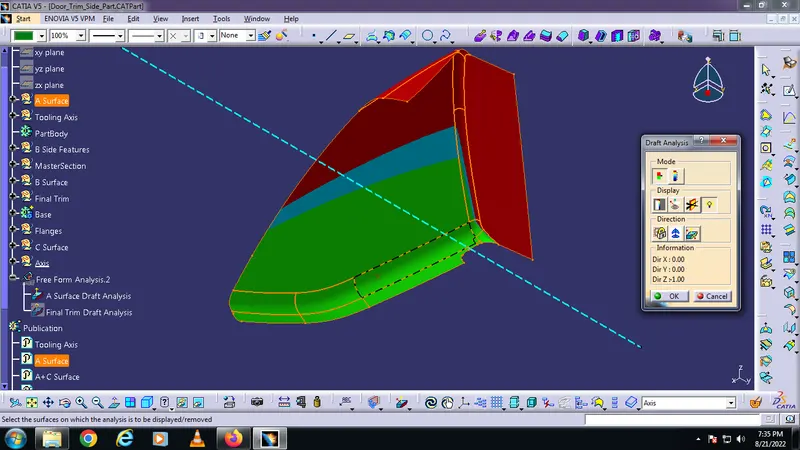
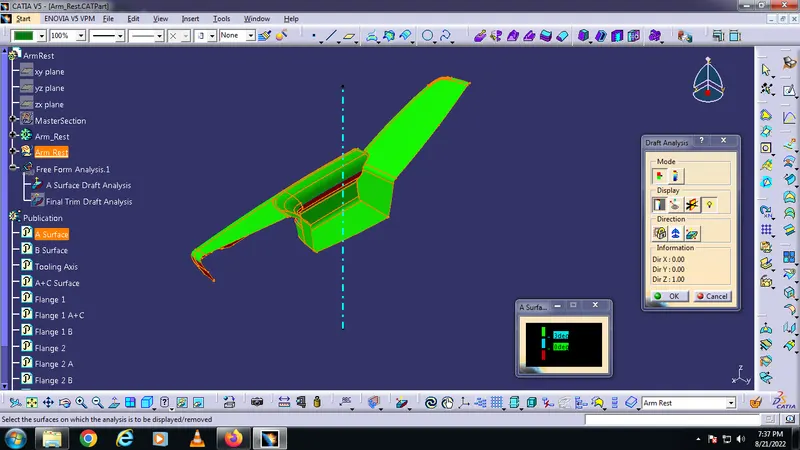
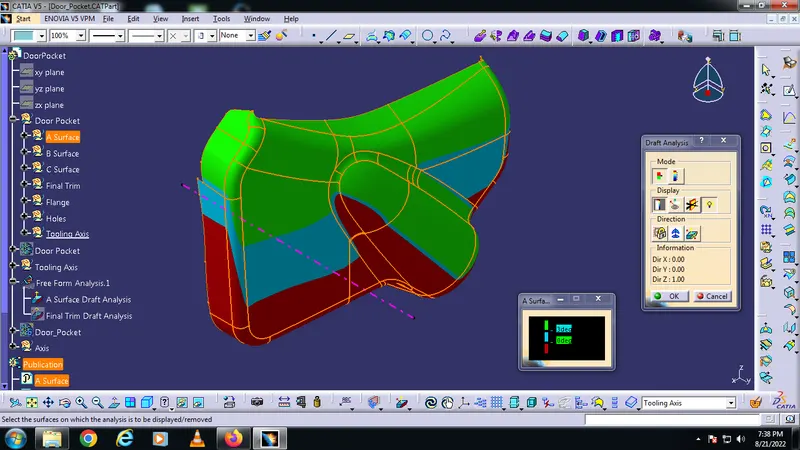
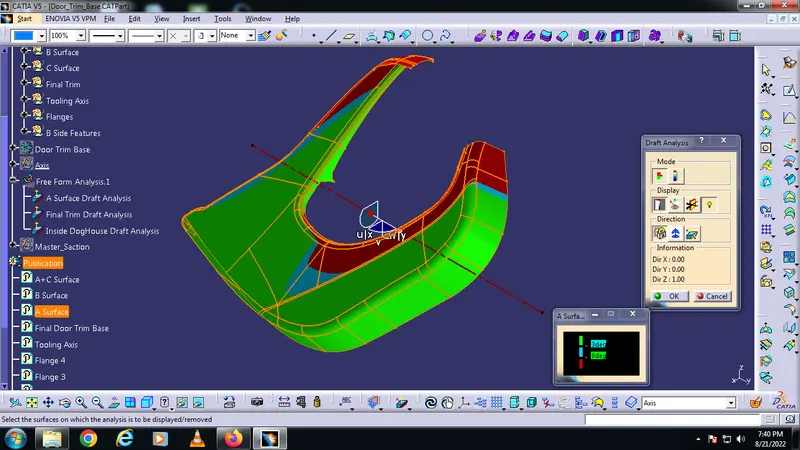
Final Part Draft Analysis :
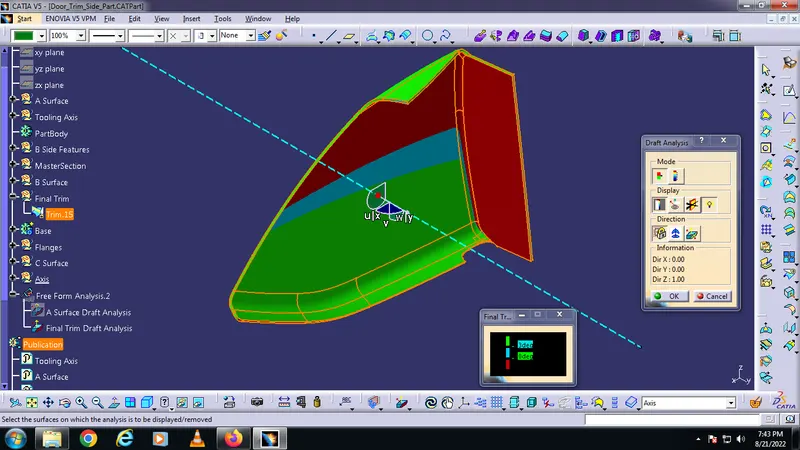
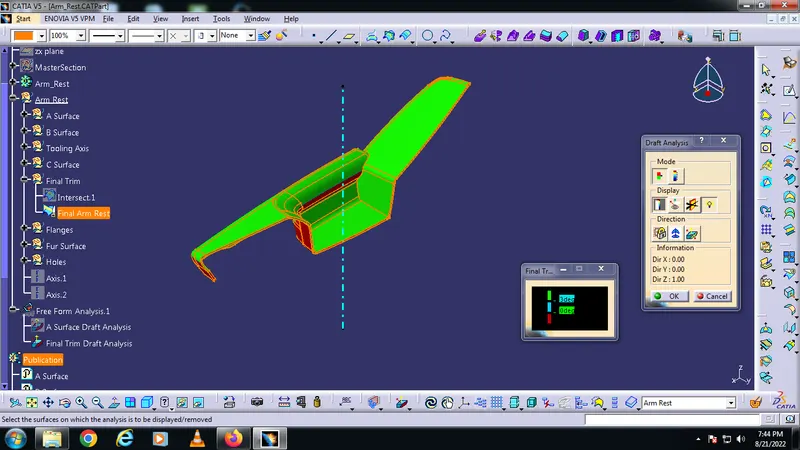
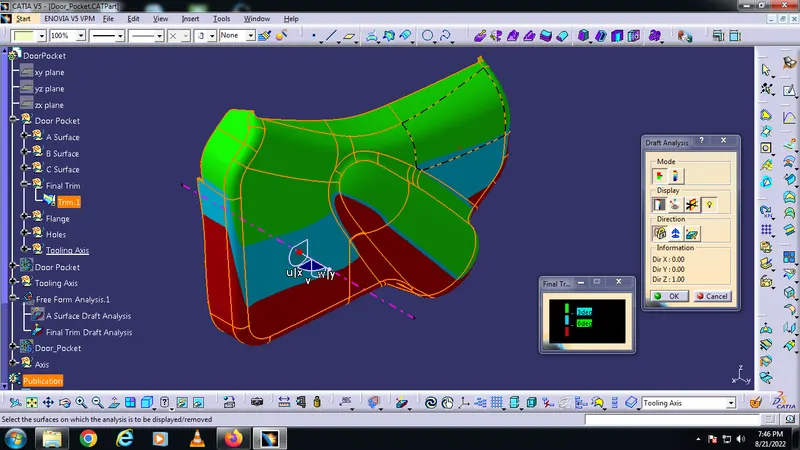
Dog House Draft Analysis :
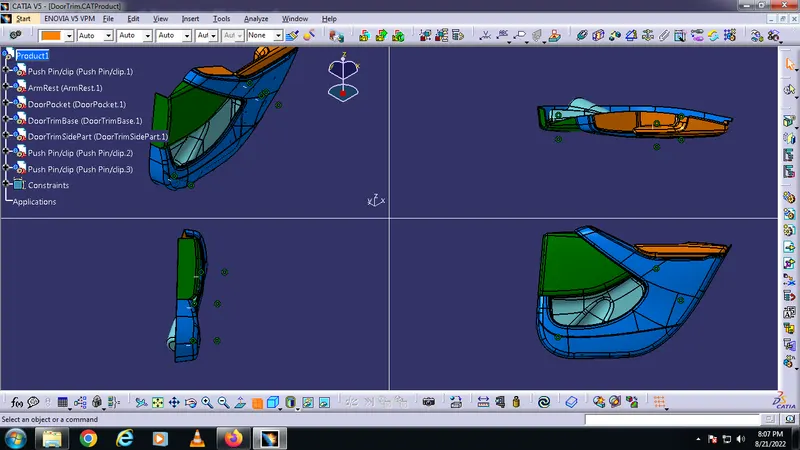
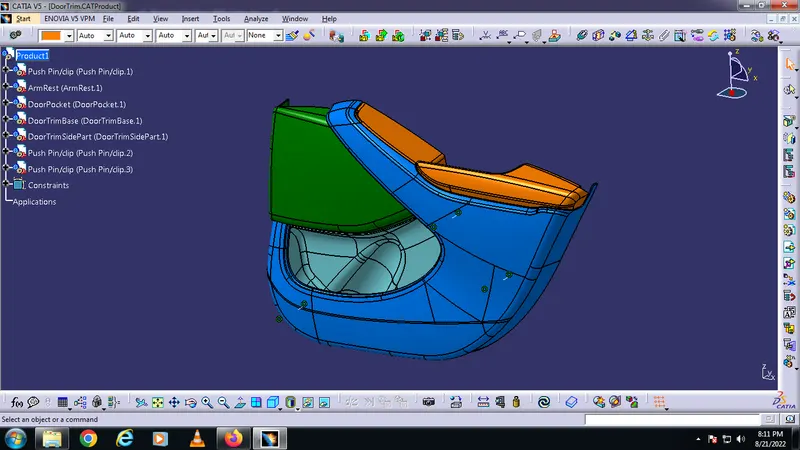
Door Trim Design in various orientations -
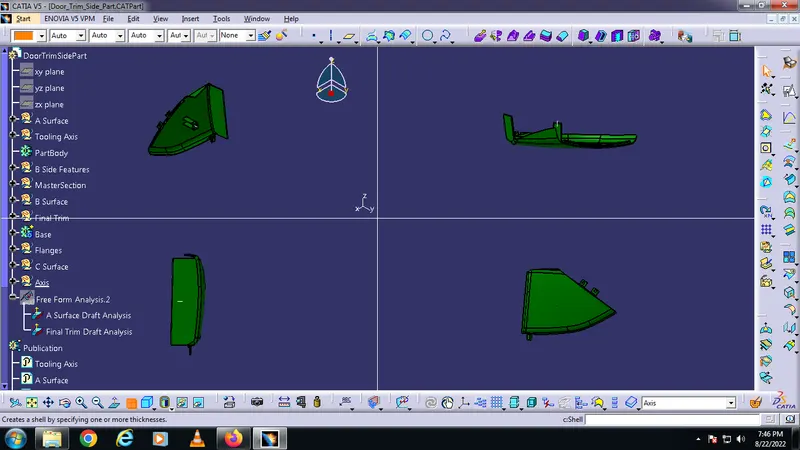
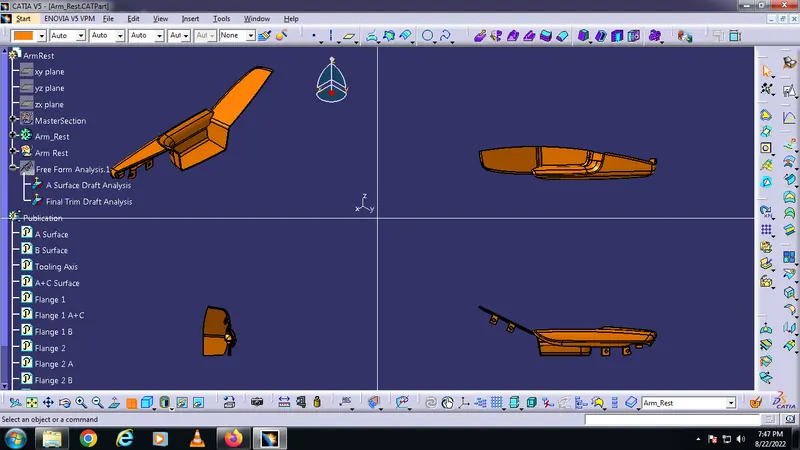
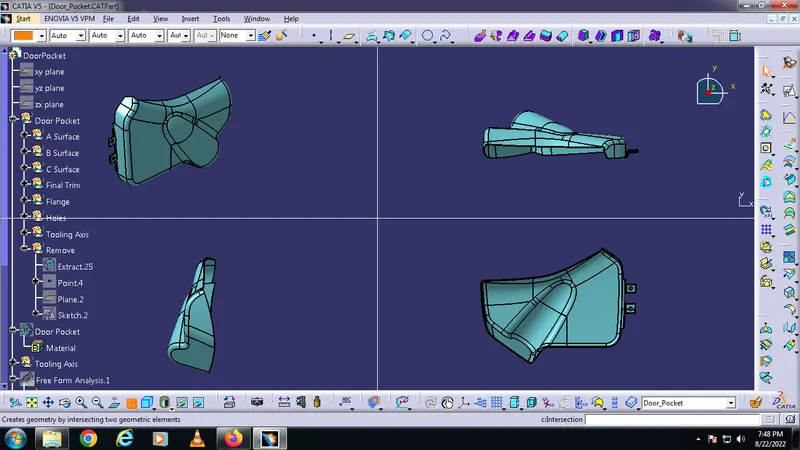
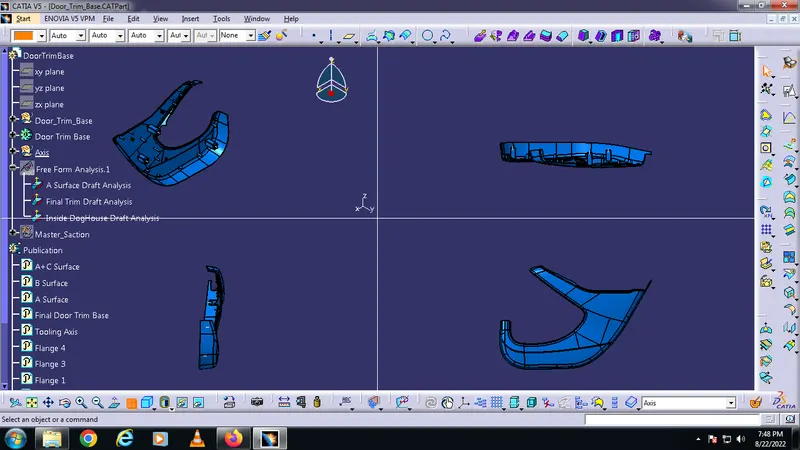
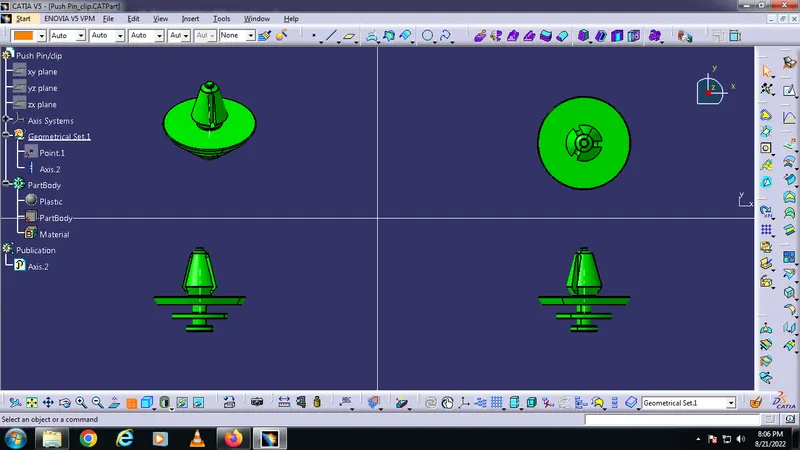
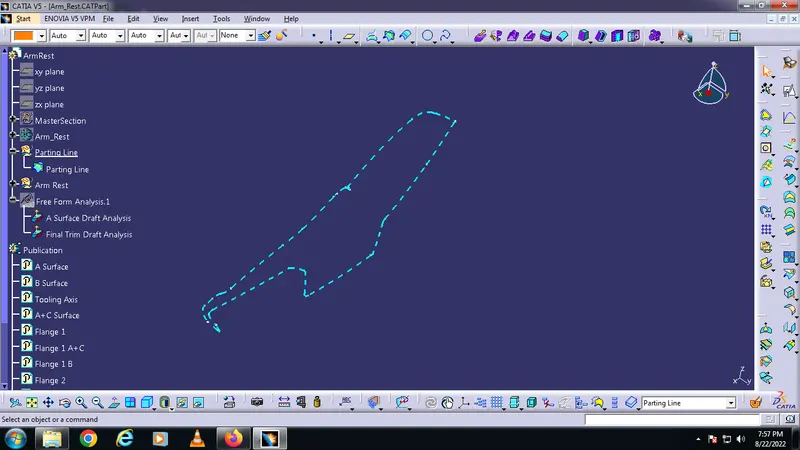
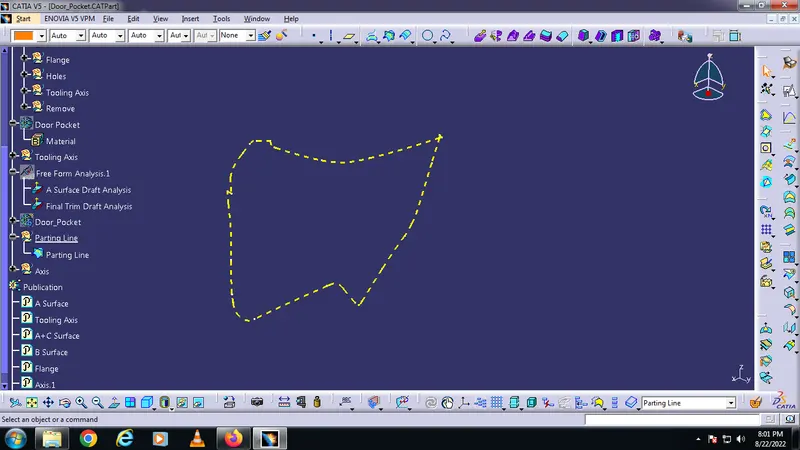
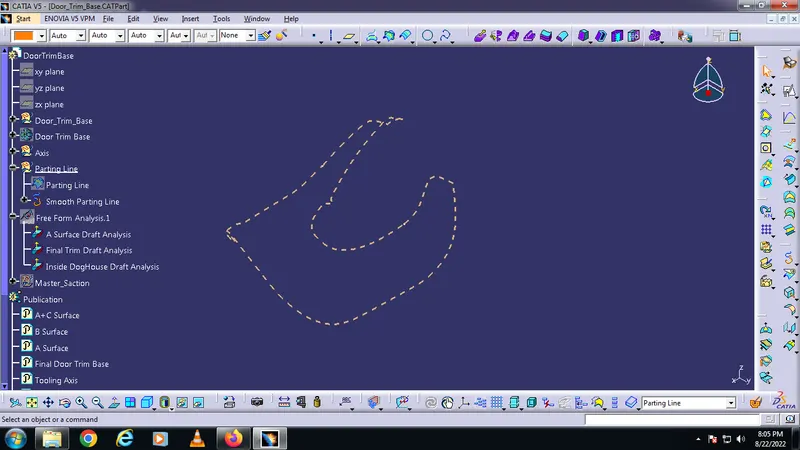
Parting Line Of the parts :
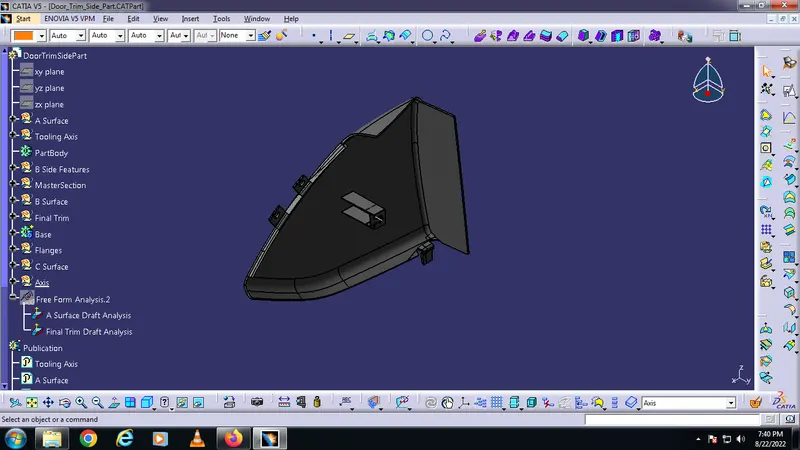
Door Trim Side Part
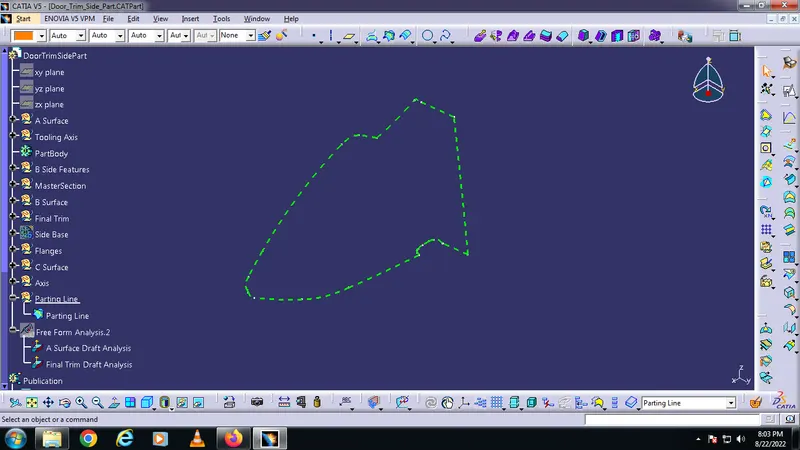
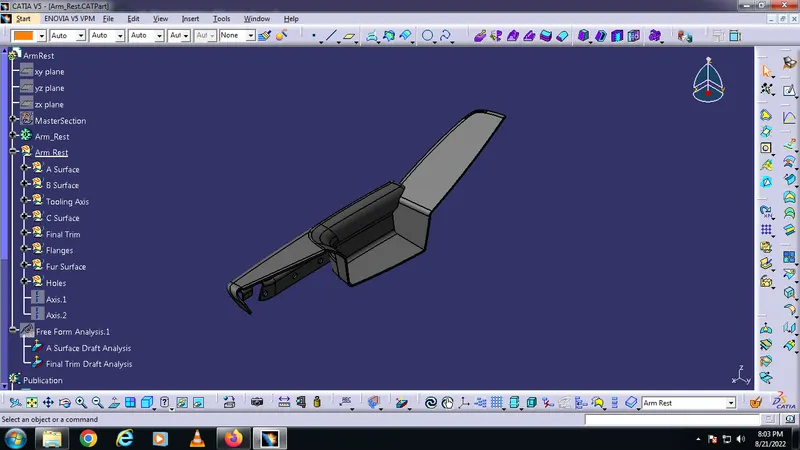
Arm Rest
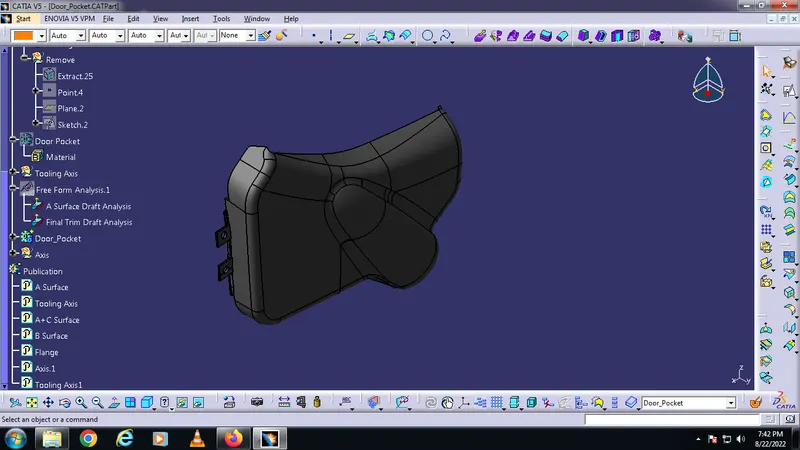
Door Pocket
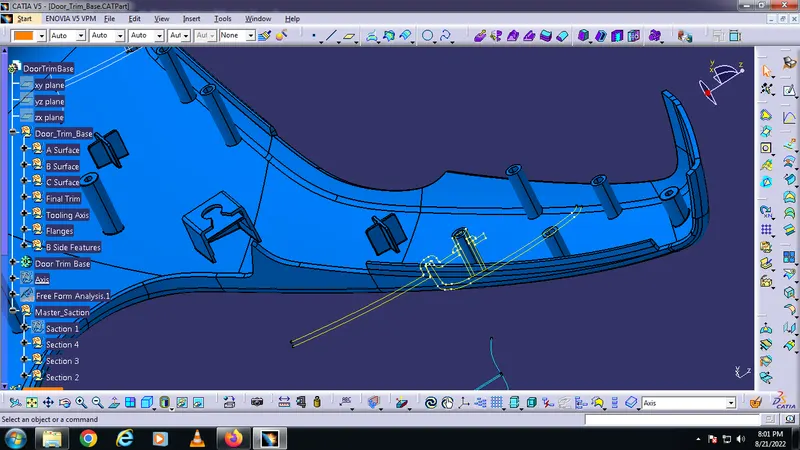
Door Trim Base
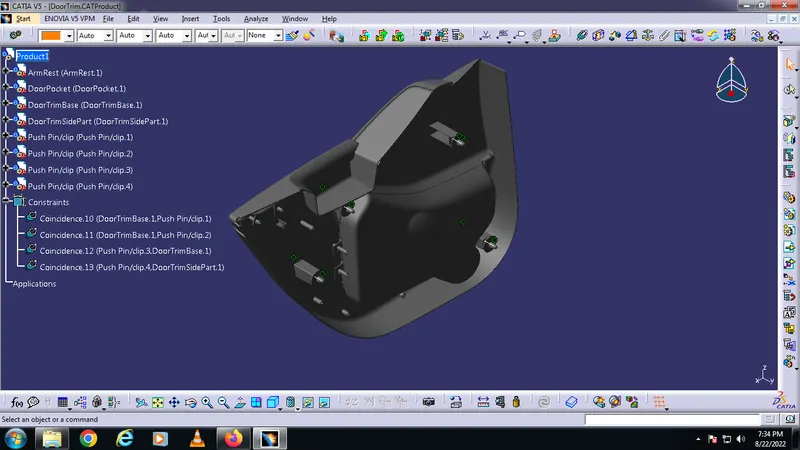
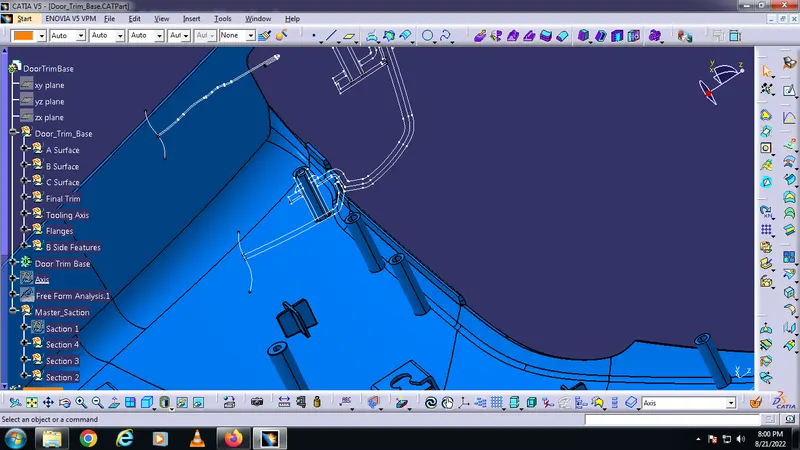
B Side Features With MasterSections :
Isometric View After appling Plastic Material :
Weight of Side Part is 0.218kg
Weight of Arm Rest is 0.179kg
Weight of Door Pocket is 0.321kg
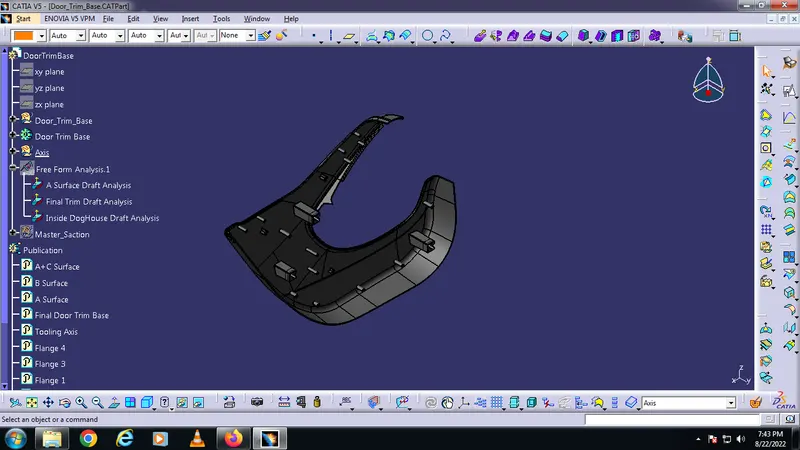
Weight of Door Trim Base is 0.62kg
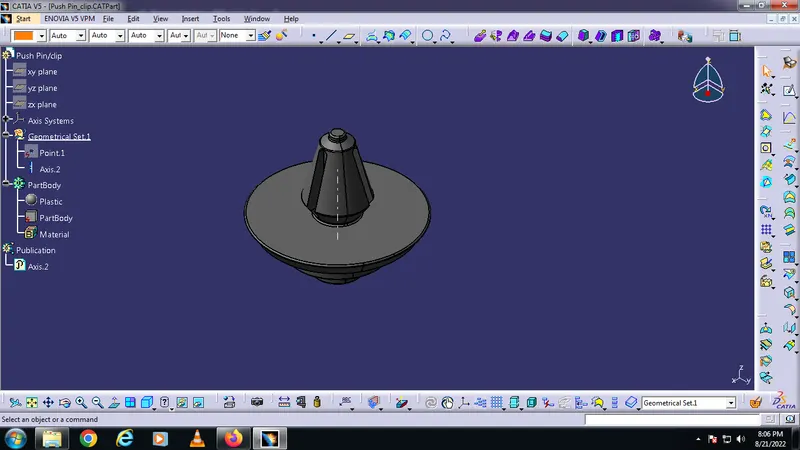
Weight of Push Pin 0.005kg
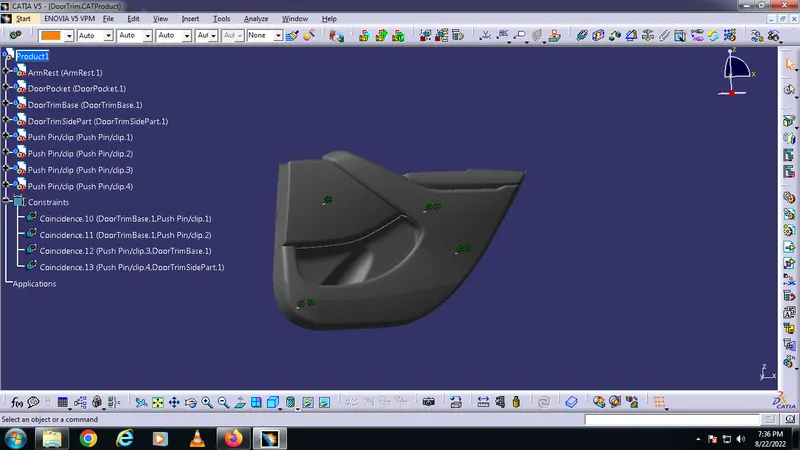
Door Trim Assembly :