Week 11-Challenge [MORPHING CAR'S SIDE BODY TO DESIRED SHAPE AND WRITING MACRO]
#WEEK 11 CHALLENGE

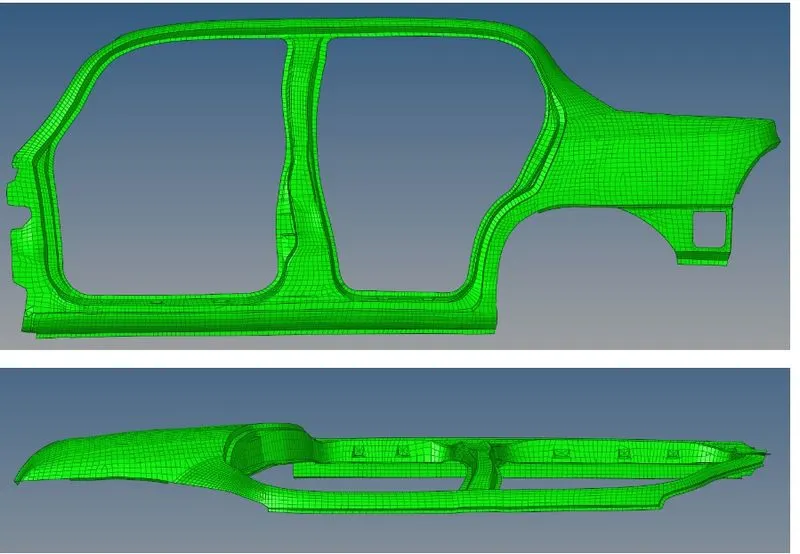
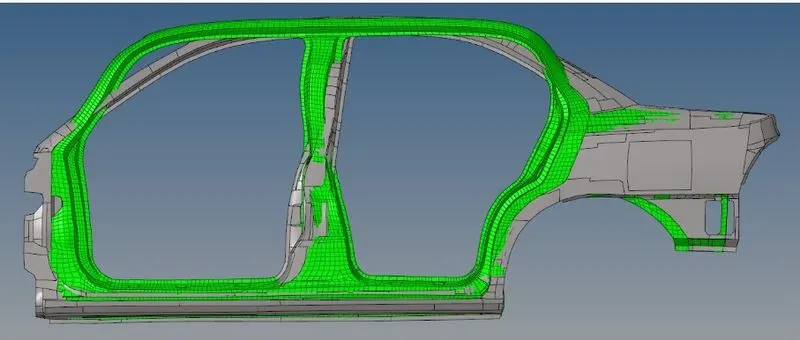
OBJECTIVE: To give the side body component to desired shape as shown in images above and writing a Macro for the same.
PROCEDURE:
STEP 1: Import the given side boody .HM file to Hyperworks and we can see the FE
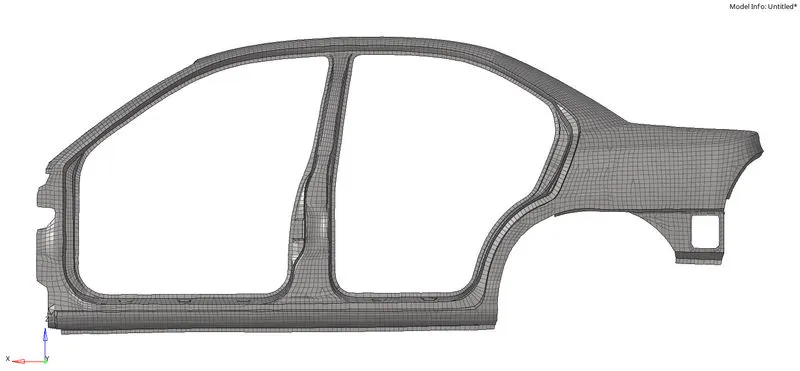
STEP 2: Extracting the surface from FE
*Geom>surface>FE>select elements>displayed>create
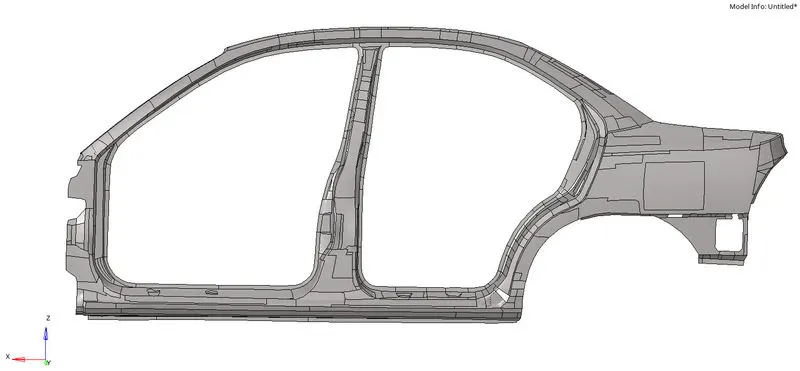
STEP 3: Duplicate the given component and Organise it to keep save our Parent 2D elements.
STEP 4: We’ve to create morphing volumes
*Tool>hypermorph>morph volume>create>elements(displayed)>create



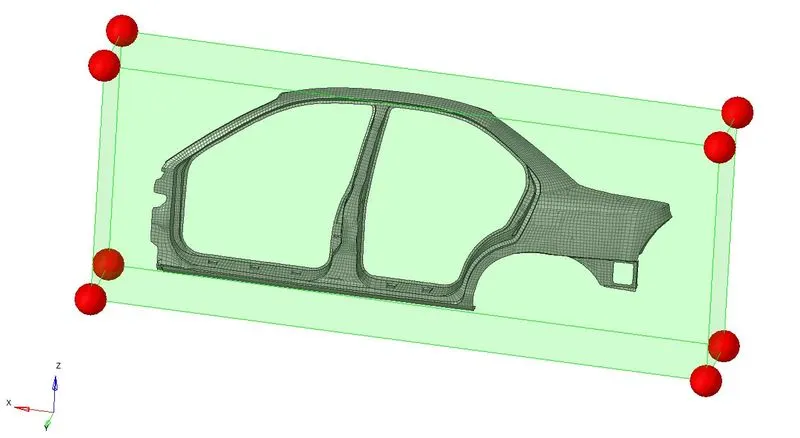
STEP 5: We’ve to split this morph volume
*Tool>hypermorph>morph volume>select edges>split

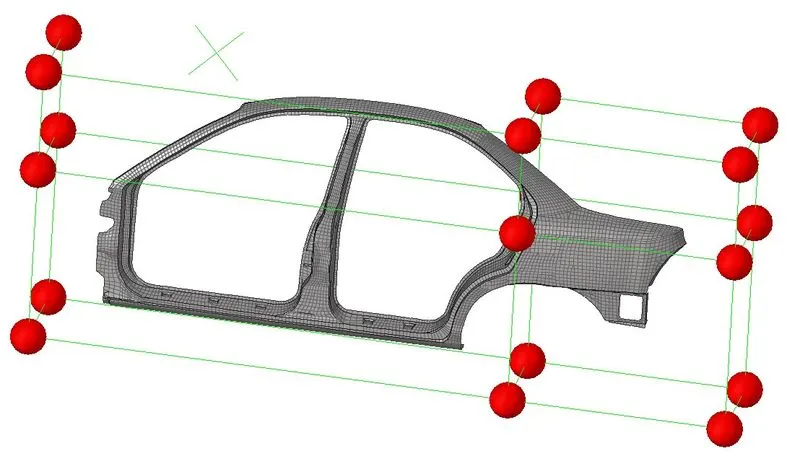
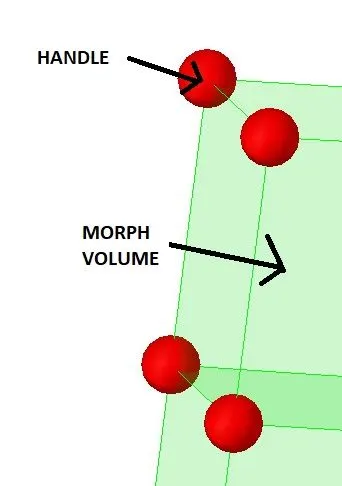
STEP 6: Now we’ve to give desired shape by moving handles, as we can see after selecting any node a bunch of arrows occurs which help us to move the handles and elements as well.
*Tool>hypermorph>morph>move handles>..

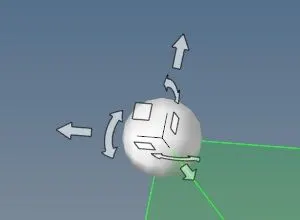
STEP 7: Keep moving handles till to change the shape and it matches the given image
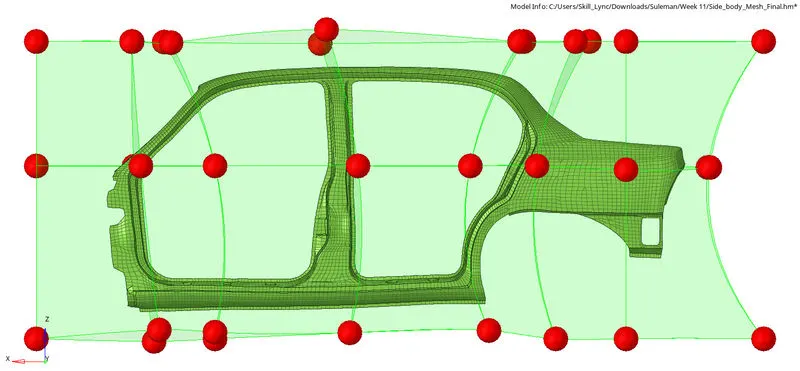
STEP 8: Writing a Macro
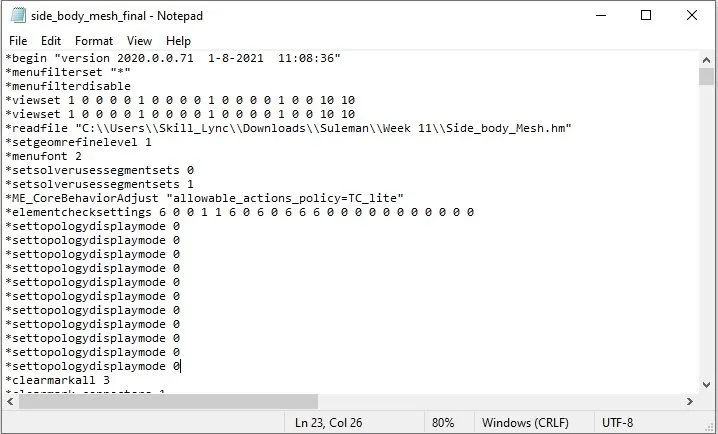
- Open the command.tcl file in notepad.
- Copy and save this file as a separate .tcl file.
RESULTS:
- 2D Finite Elements
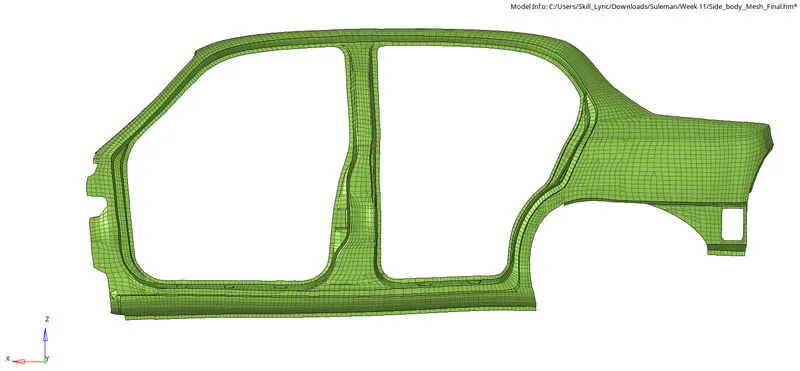
- Original surface to FE
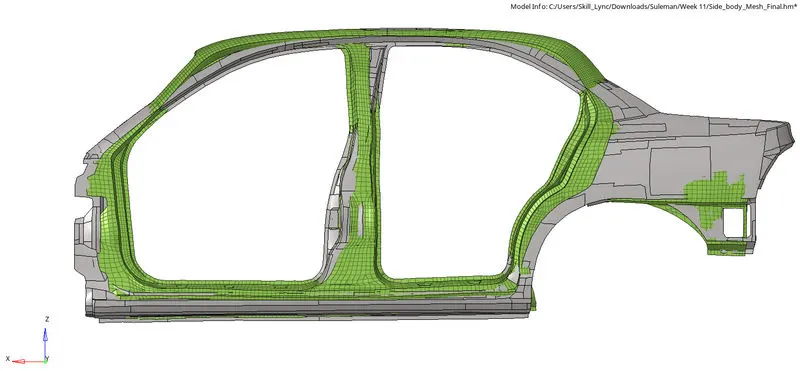
- Saving Separate .TCL File
LEARNINGS:
- Creating morph volume, Splitting morph volume, moving handles to get desired shape.
- Reading/Writing macro file (.tcl file).
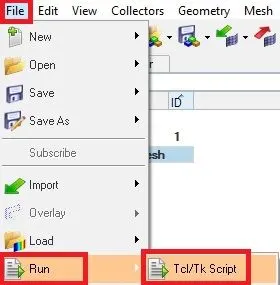
- Running .tcl file