Week 11 Challenge
ANS 1)
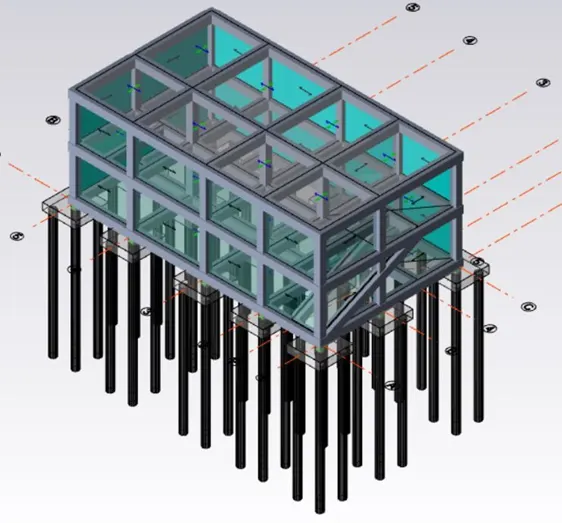
AIM : To design the slab and roof foundations of the model and to outline the thought process for designing of the elements.
TOOLS USED :
- Design.
- Settings.
- Check panel.
- Catalogue.
- Pile cap column.
- Result.
PROCEDURE :
- First open the file in which the structure was constructed.
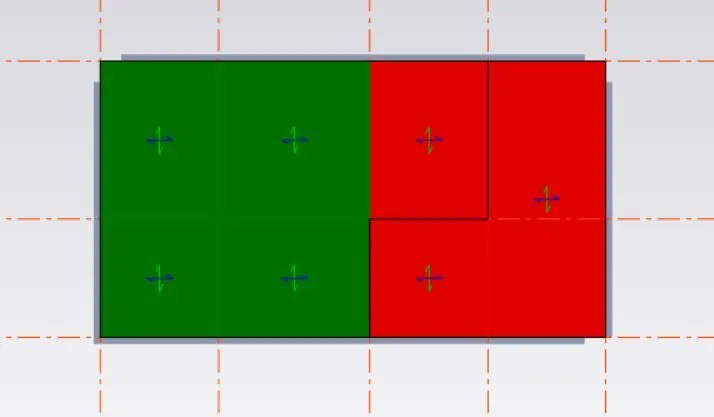
- Next after designing the columns and slabs, now we have to design the slabs.
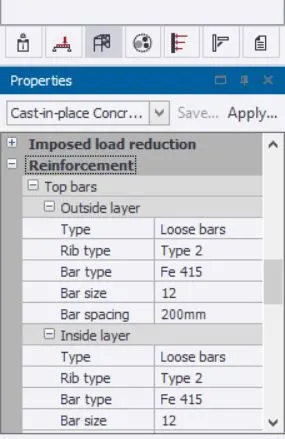
- Go to result view and select all the slabs and click on status.
- The colour of the slab member shows whether the slabs will pass or fail.
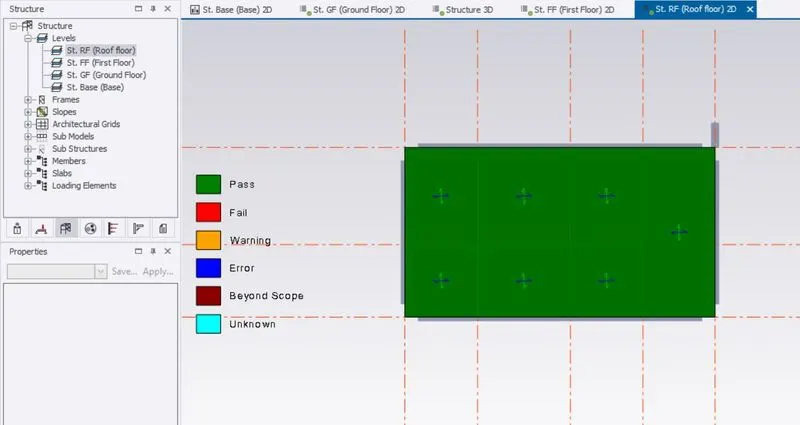
- Now select the sbals which are in red colour, which indicates that they failed.
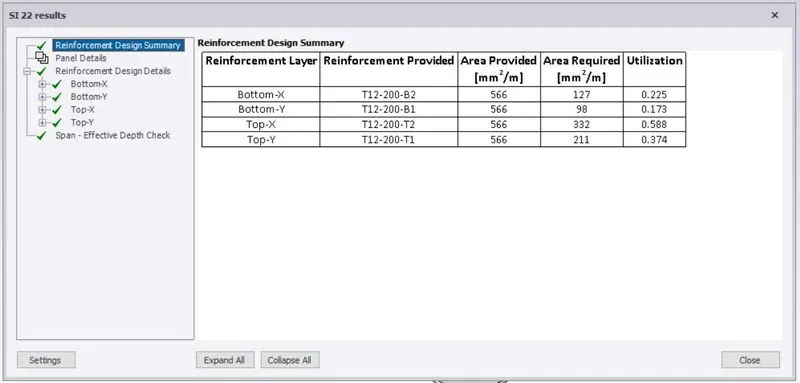
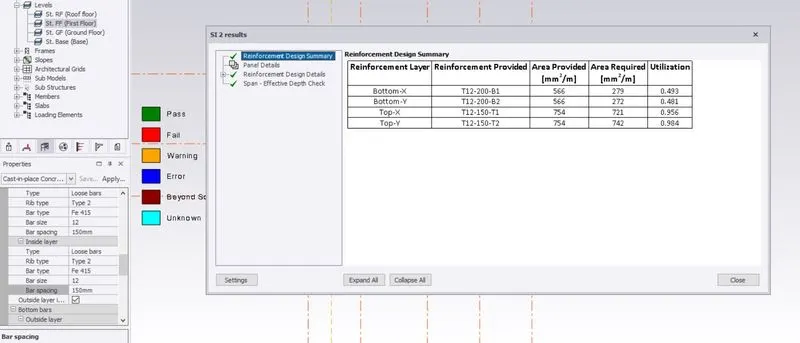
- Right click and select check slab option.
- Now we can see the required parameters.
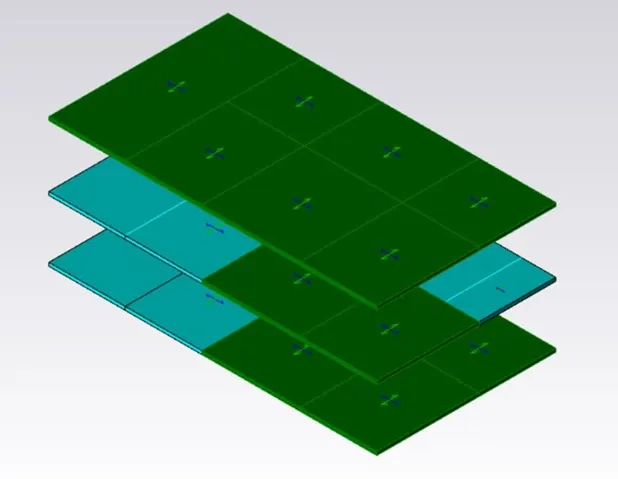
- Now go to properties ---> reinforcement and chage particular parameters to pass the slab under loading.
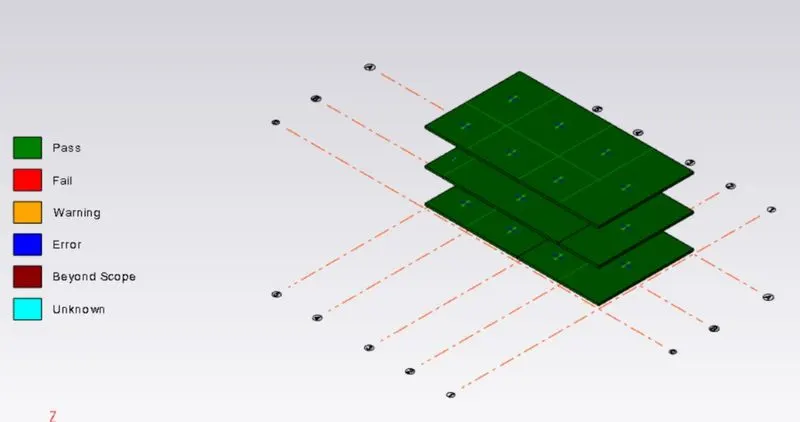
- Repeat the same process for all the slab members.
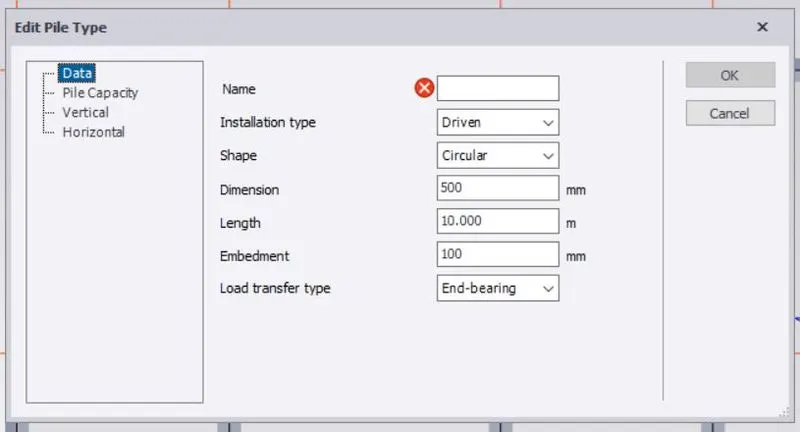
- Now we have to insert pile caps for the colums in the foundation.
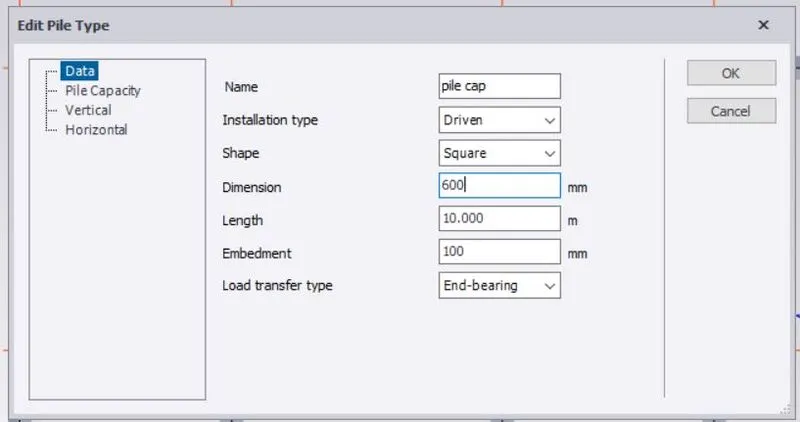
- First click on catalogue option.
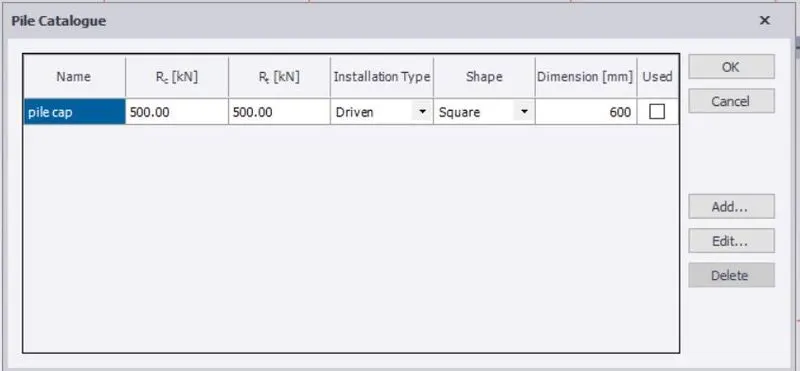
- Catalogue dialogue box appears, now enter the values and click on ok.
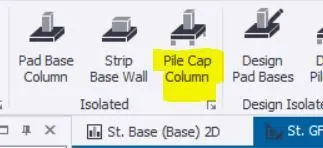
- Now select pile cap column option and select the columns.
- Based on the requirement change the properties of the pile caps, like 1,2,3,4 and 5.
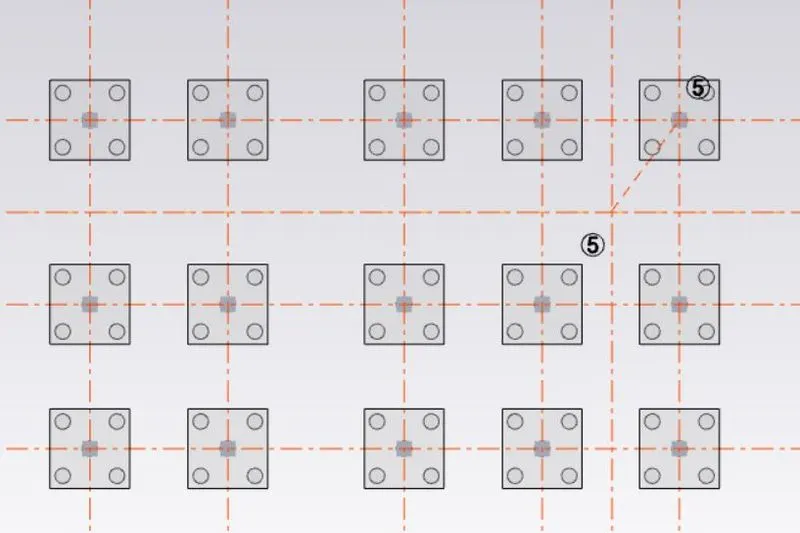
- Repeat the same process for all the columns.
RESULT :
With the above steps we can design the slabs and insert pile caps for all the columns in the structure.