Week 11 Car Crash simulation
Aim: To perform a parametric study using 3 different values of thickness for the car body.
Software: Ansys 2021 R1
Summary
Objective
Procedure for setup
Results
Conclusion
Objective:
To to perform a parametric study using 3 different values of thickness for the car body.
To analyse the total deformation and Equivalent stresses acting on the model
Introduction:
This project is about performing a parametric study using 3 different values of thickness for the car body. The car body will be fixed and the wall will move a given distance.
Procedure for setup
Open ANSYS>>Drag and Explicit dynamics model in the project schematic window.
Go to the engineering data to choose the materials: Stainless Steel alloy.
Go to the model tab
Rename the different as required
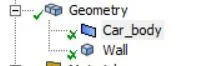
Set the thickness of the car body at a given value and to parametric type.
Go to connection >> contacts
Delete the default contacts
Set the symmetry
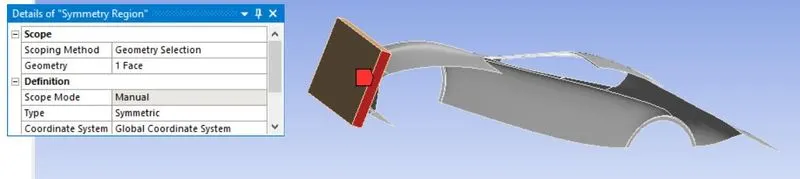
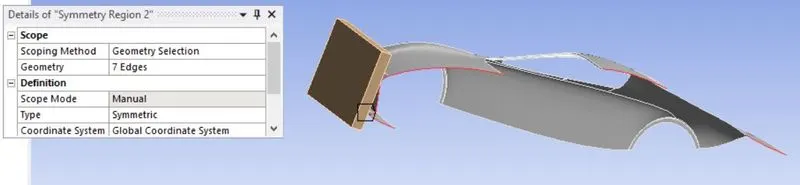
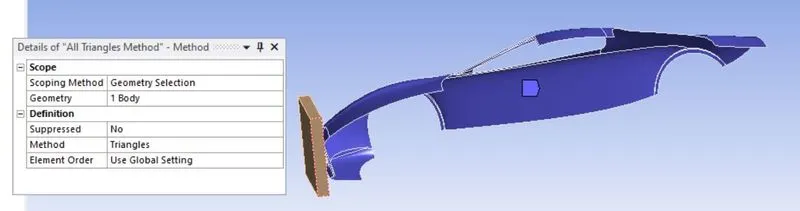
Go to tab for the meshing:
For the meshing choose the values as follows:
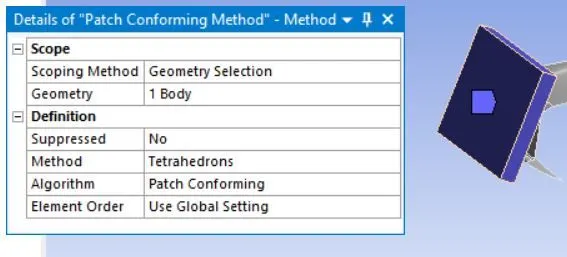
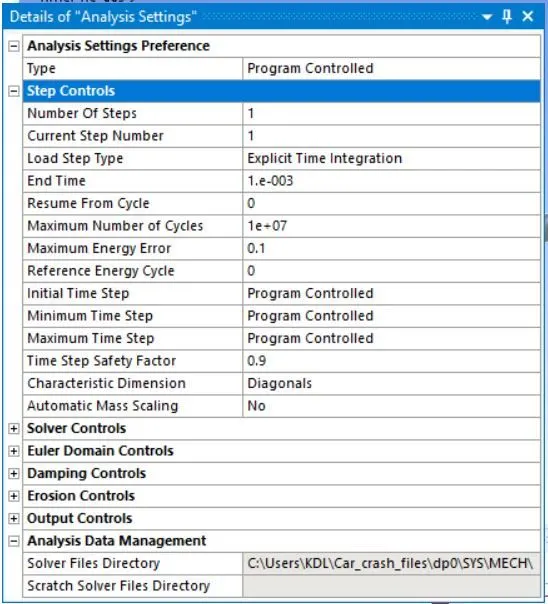
The following analysis settings are defined for the simulation.
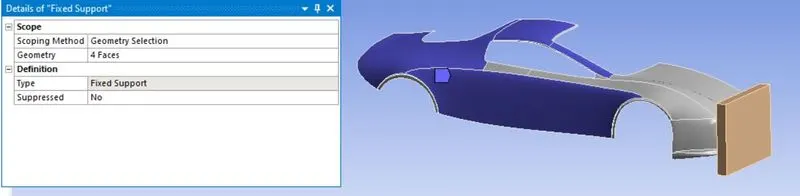
Set the fixed support
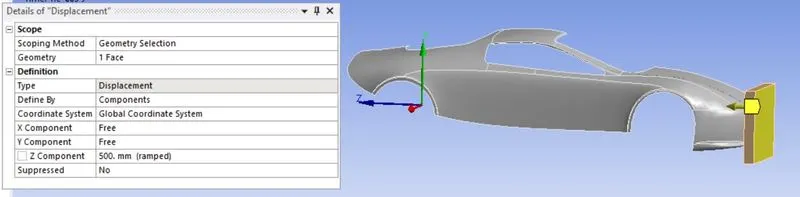
Set the displacement:
Go to solution tab and insert equivalent stress, total deformation and Plastic equivalent strain.
Results
From parametric chart:

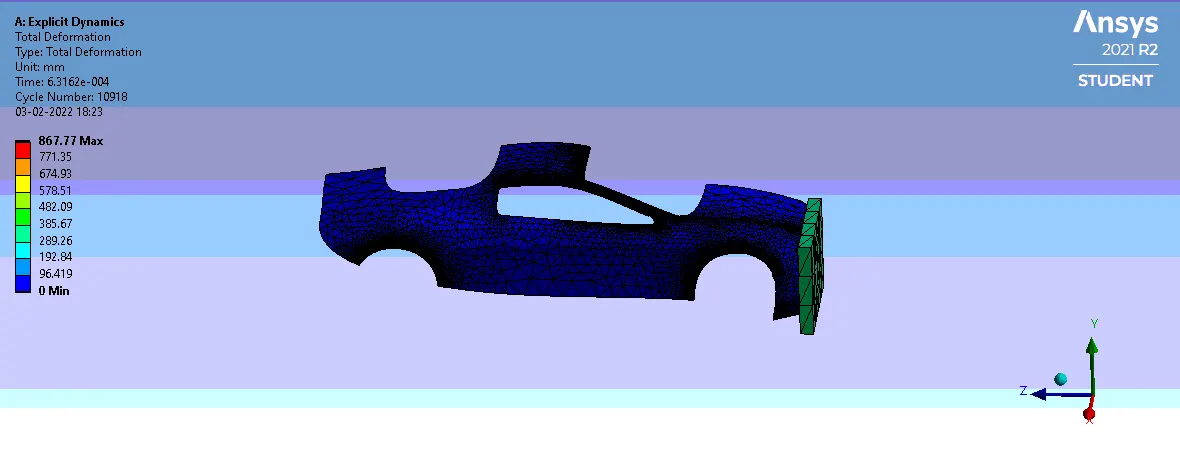
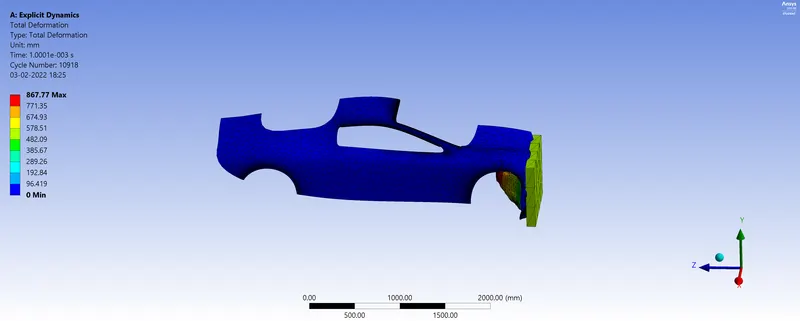
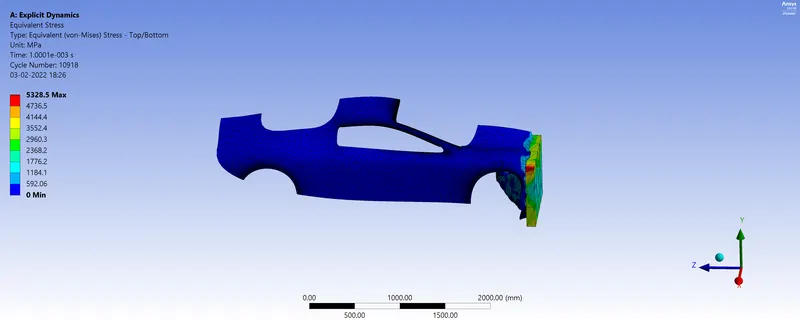
Case 1 : 0.3mm for the thickness
Total Deformation
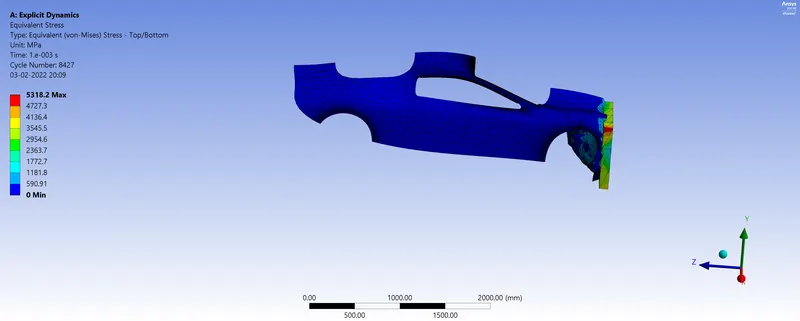
Equivalent Stress
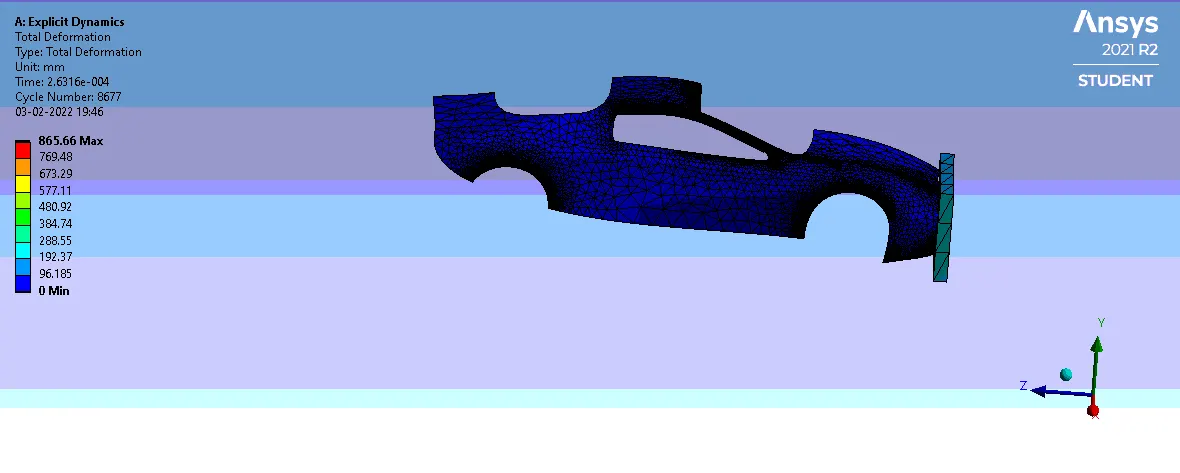
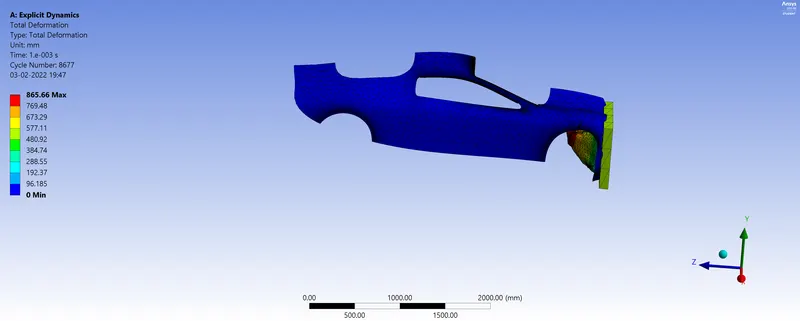
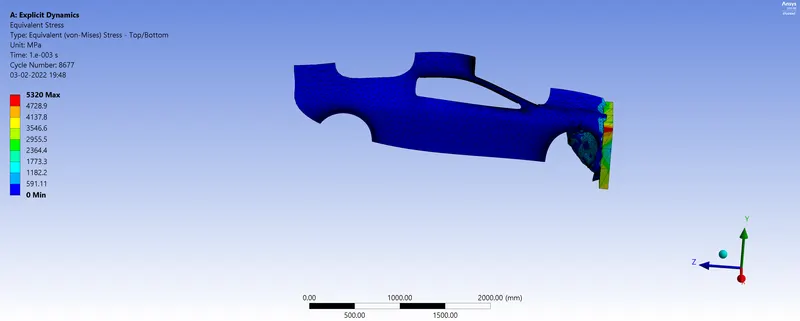
Case 2 : 0.6mm for the thickness
Total Deformation
Equivalent Stress
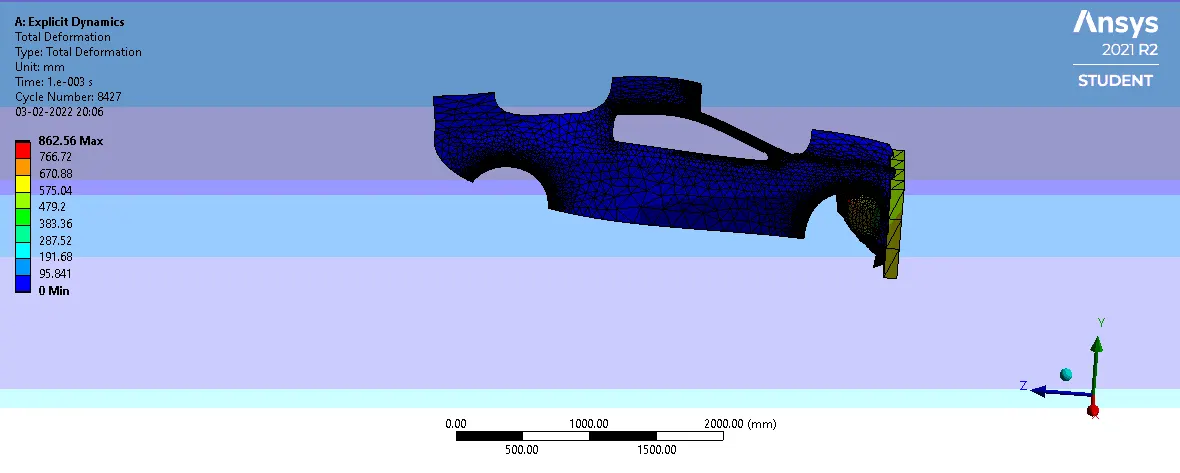
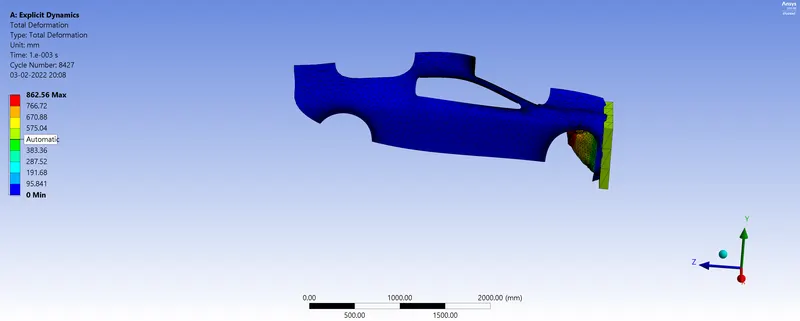
Case 3 : 0.9 mm for the thickness
Total Deformation
Equivalent Stress
Parametric result
Conclusion
Through this parametric study, we notice that maximum Equivalent stress and maximum total deformation are decreasing when we increase the thickness of the car body.