Week 11 Car Crash simulation
Aim-To perfrom the a car crash analysis using the ansys workbench.
Procedure-
1.open the explict dynamics from the analysis sytem .
2.assign the matrial type of the model to be imported using the tool engineering data-edit-engineering data sources.
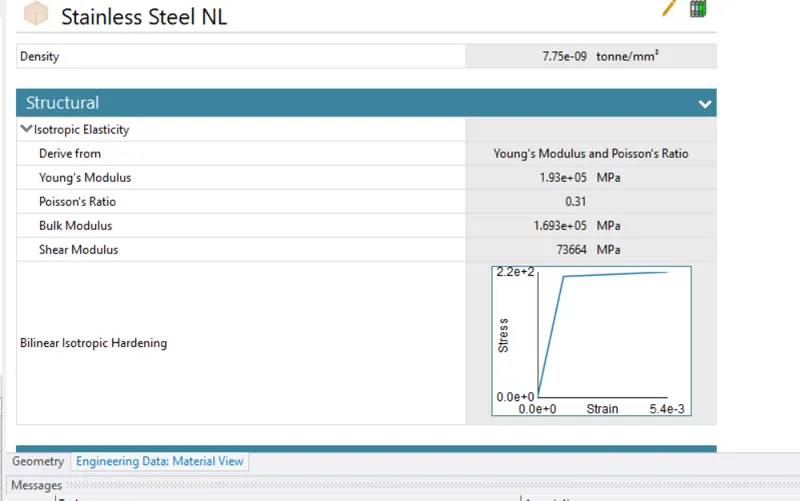
3.upgate the model to work on the model for the structural analysis.under the model geometry assign the name of the model and assignthe structural steel as the material type for the wall and stainless steeel as m,aterial for the car body.
4.To reduce the computional time only half portion of the geometry will be used in analysis we will be applying symmentry to generate the result considering the whole model.
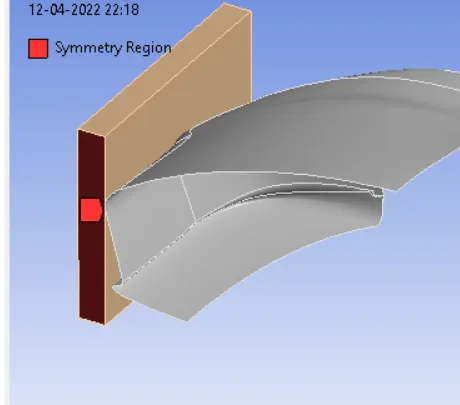
symmentry 1
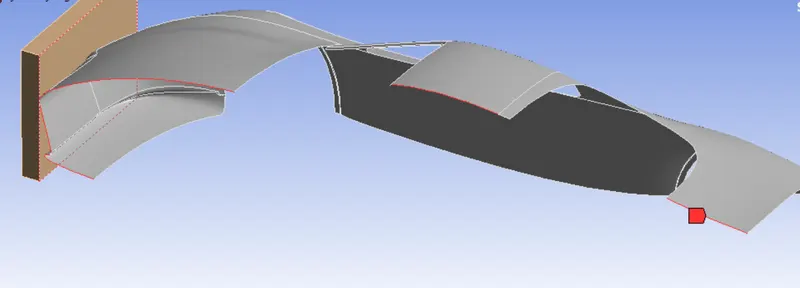
symentry 2
5.Mesh the wall considering the method of tetrahydron and mesh the car body surface considering the method as triangles.
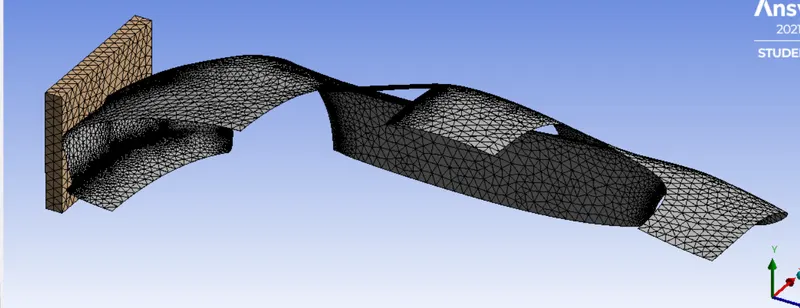
6. mesh the whole model considering the default mesh.
7.In analysis setting tab uner the explict dynamics menu enter the end time as 0.01.
8.insert the dispalcement subneu under the nalysis setting tab to provide the dispalcement distance of 500 mm in the z direction towards the car body.
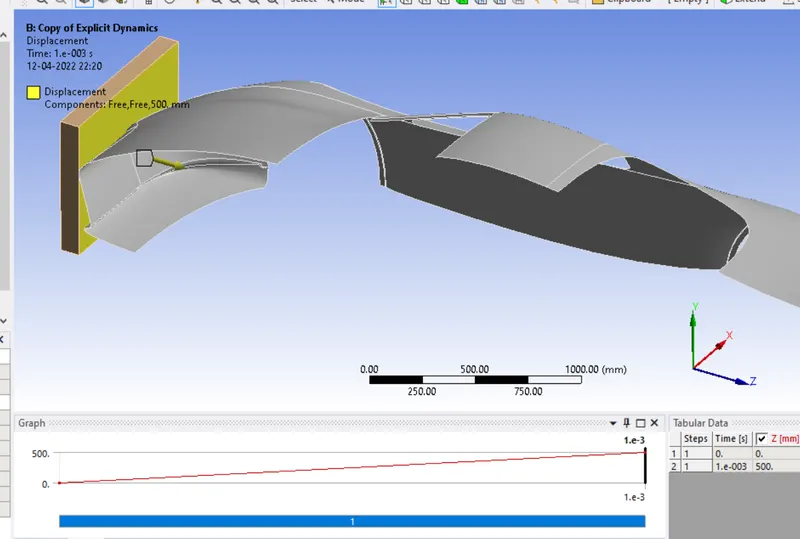
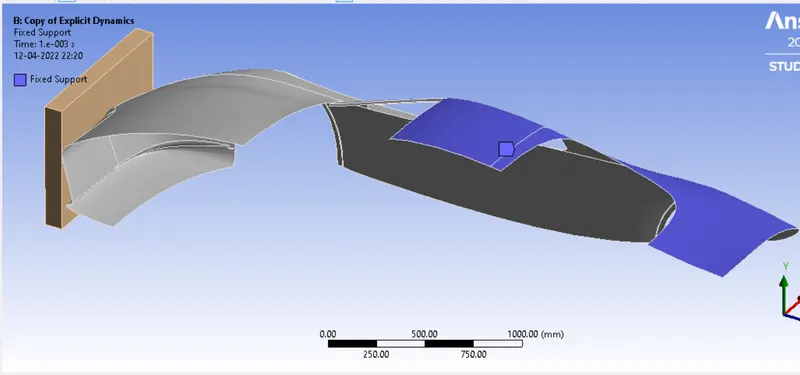
9.provide a fixed support to the surafce of the car body to prevent it from sliding off.
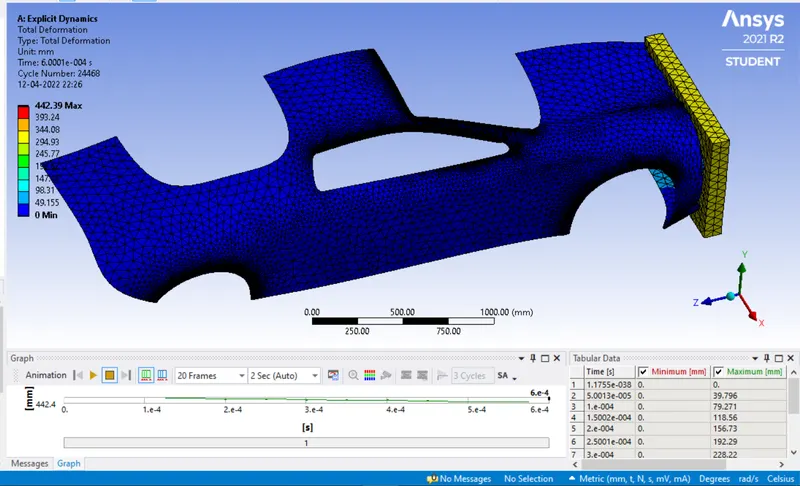
10.Insert the total deformation and voin mion stress then press solve.
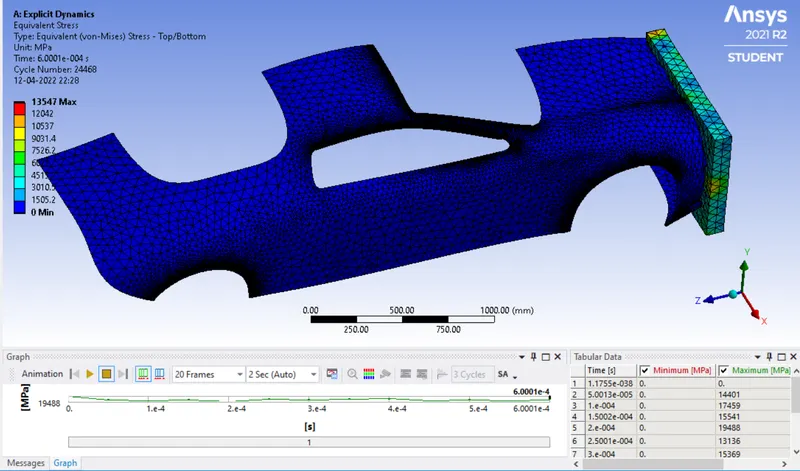
case 1 when the thickness is 0.2 mm
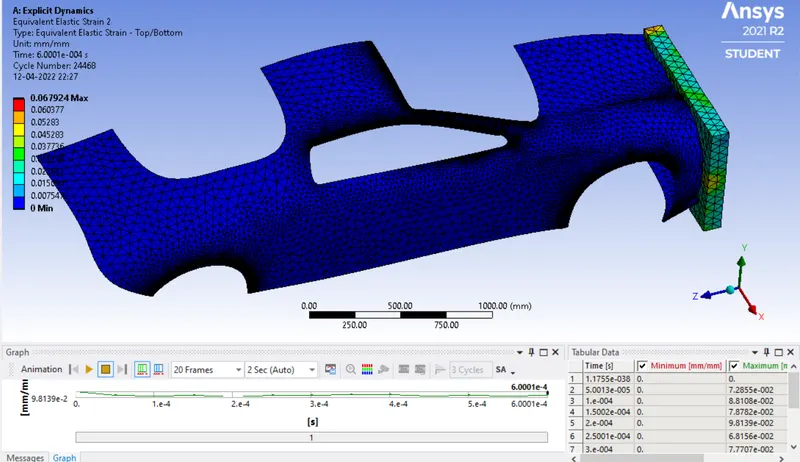
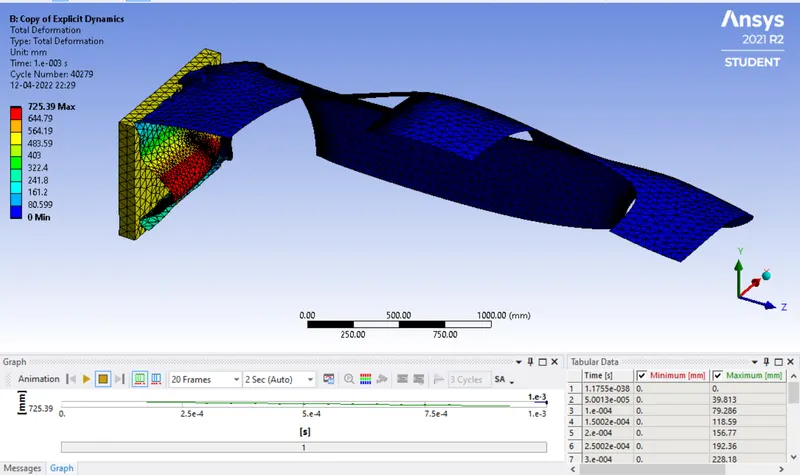
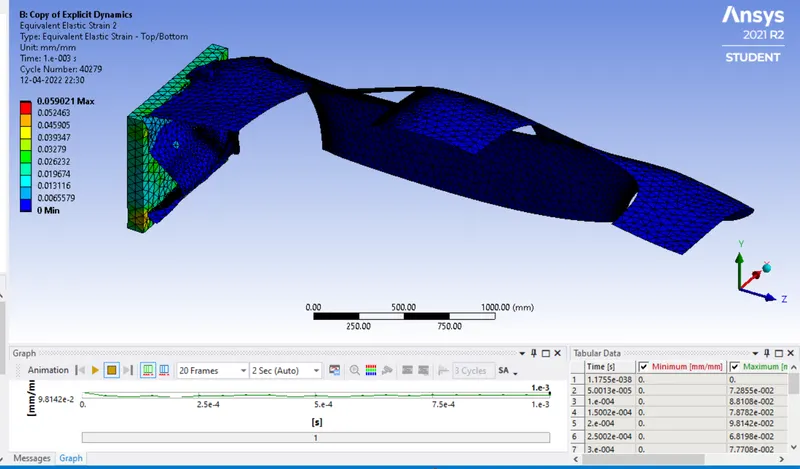
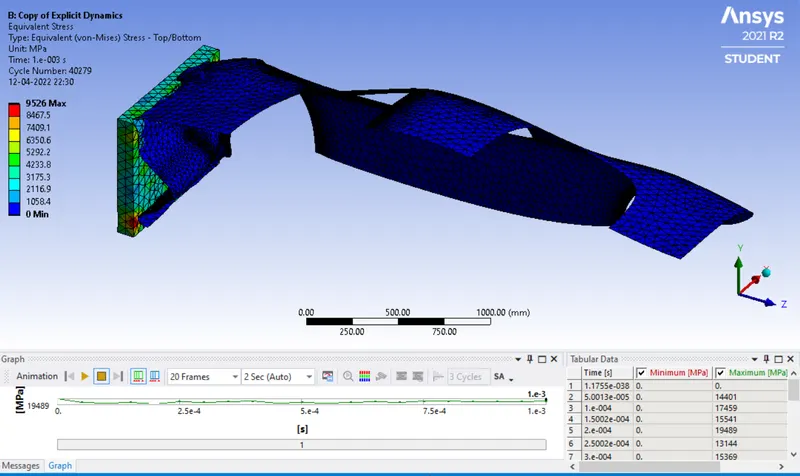
case when thickness is 0.5mm
case 3
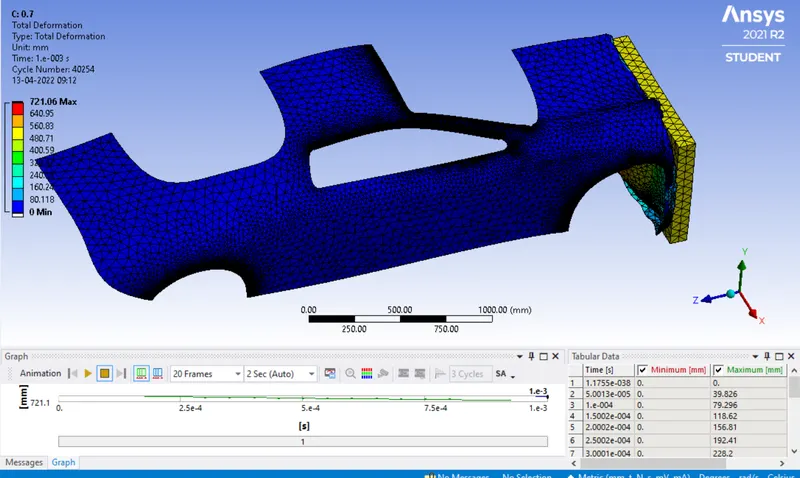
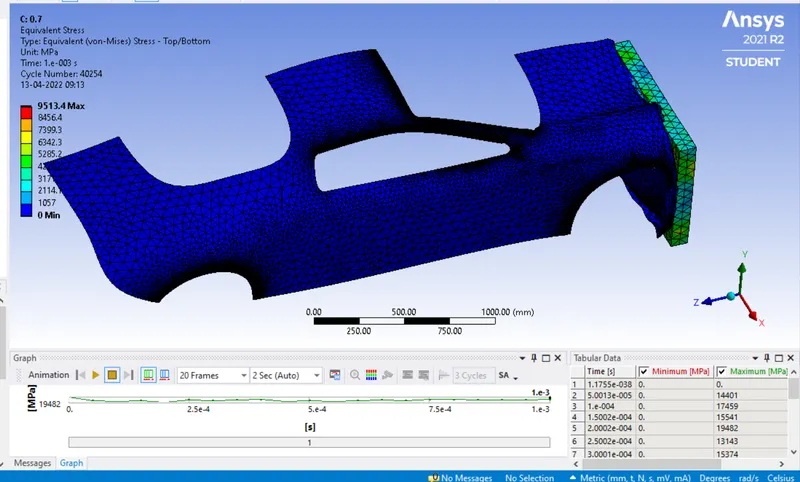
conclusion
| thickness | stress | Total deformation |
| 0.2 | 1357 | 442 |
| 0.5 | 9526 | 725 |
| 0.7 |
From above table its tnfere that as the thickness incraeses the resitance deformation and stress increaes which results in decrease of stress and deformation values.