Week 11- Assembly Workbench
1. Quick Return Mechanism Parts:
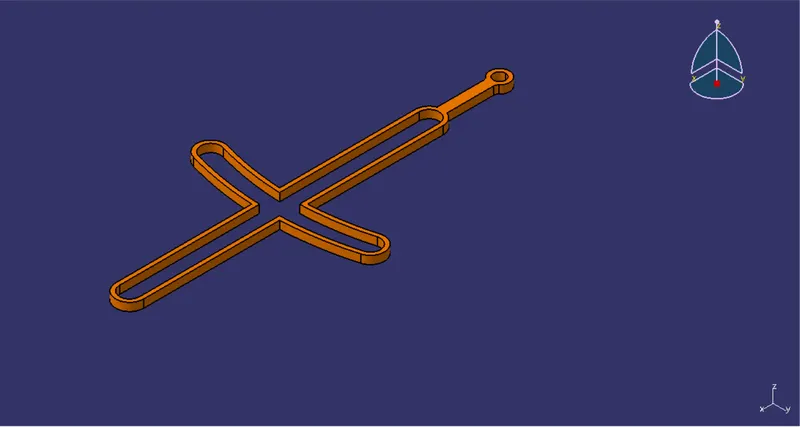
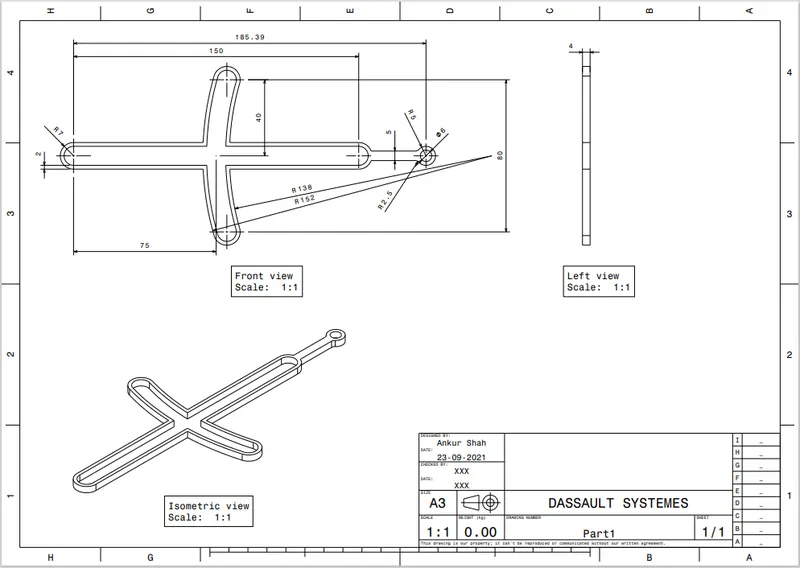
Part 1
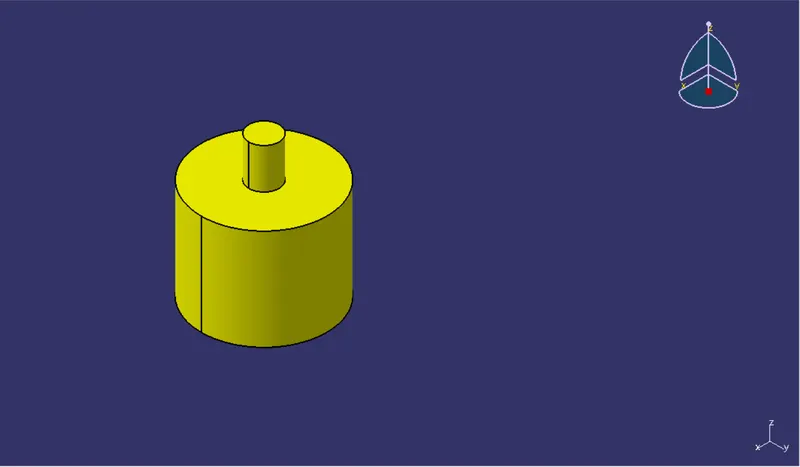
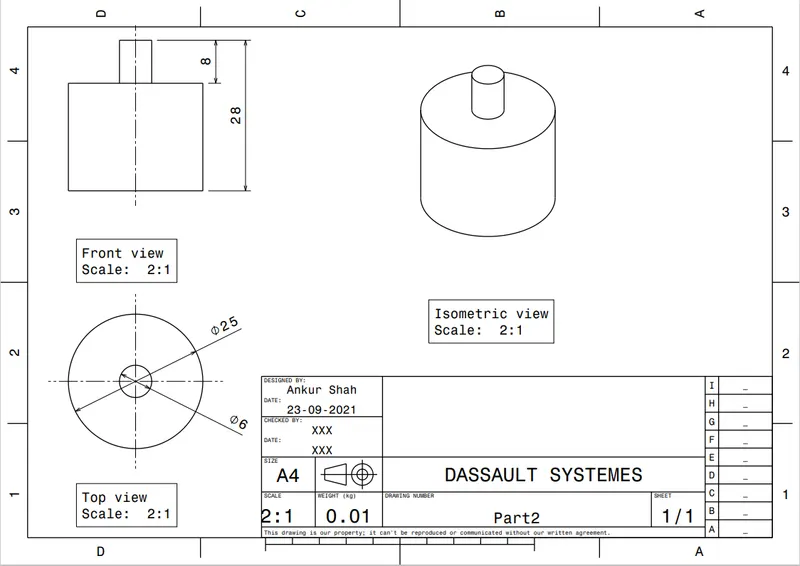
Part 2
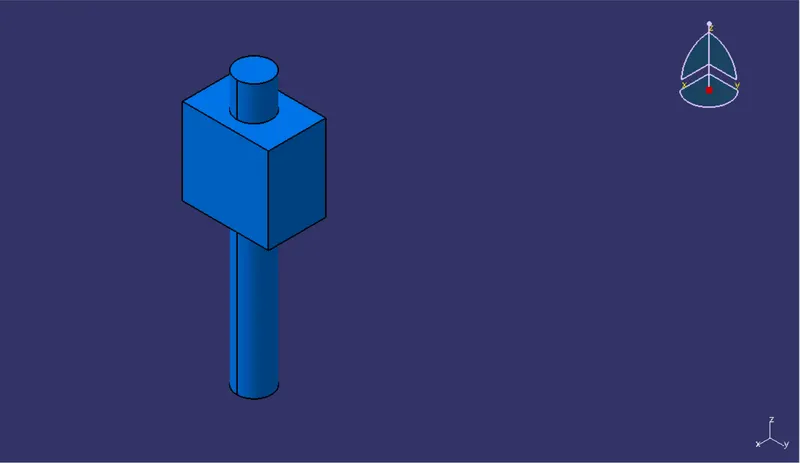
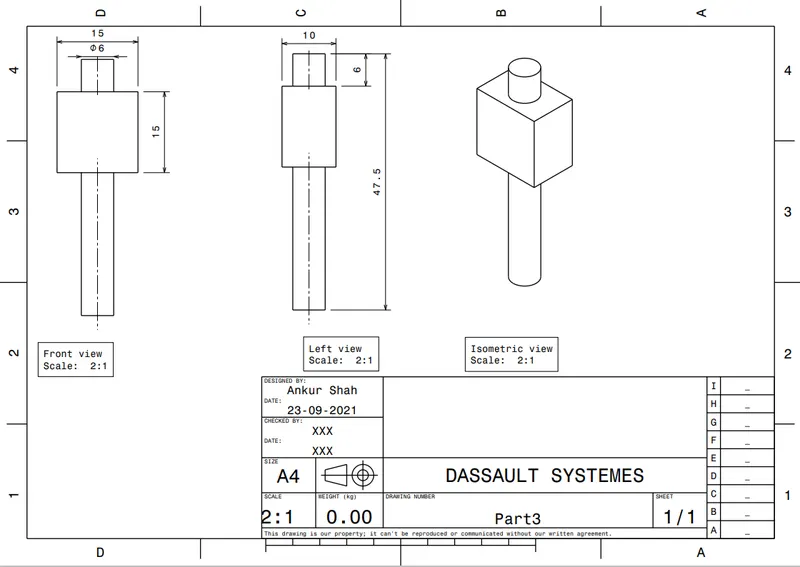
Part 3
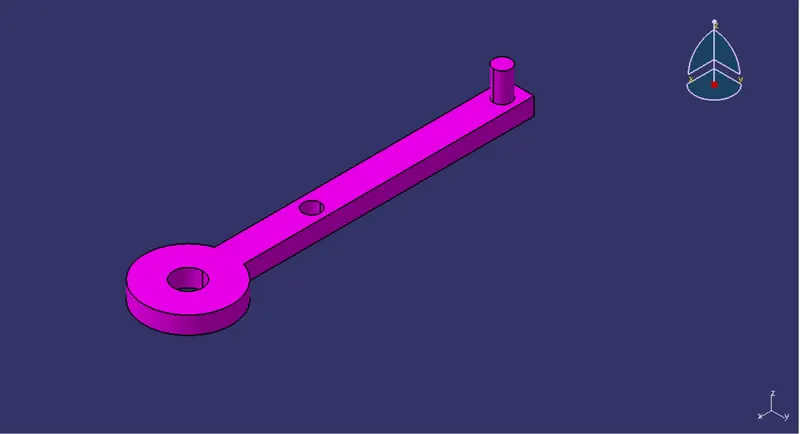
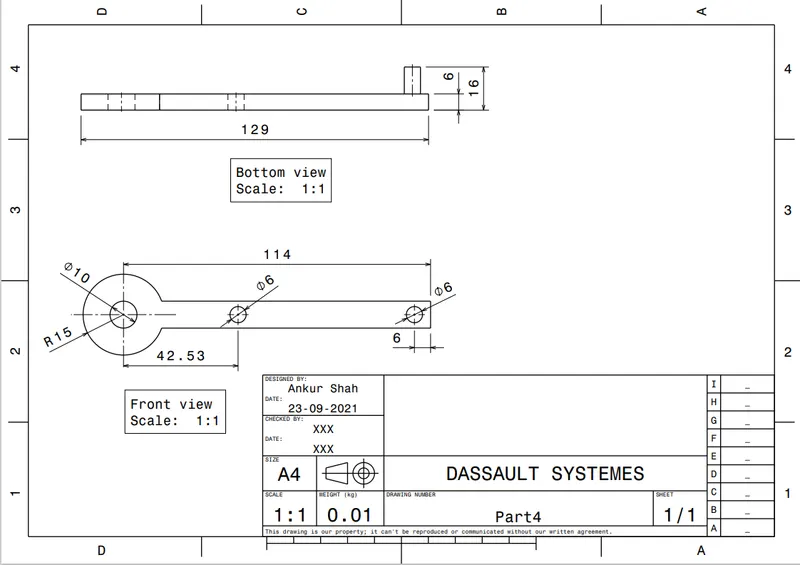
Part 4
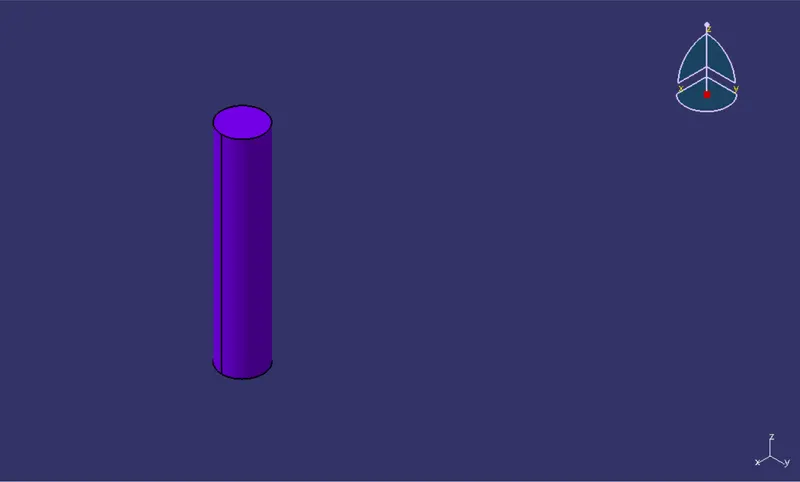
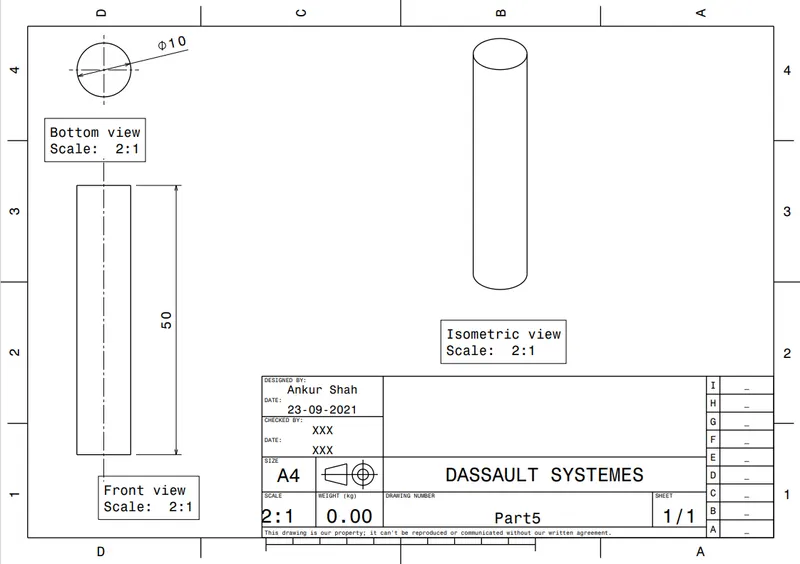
Part 5
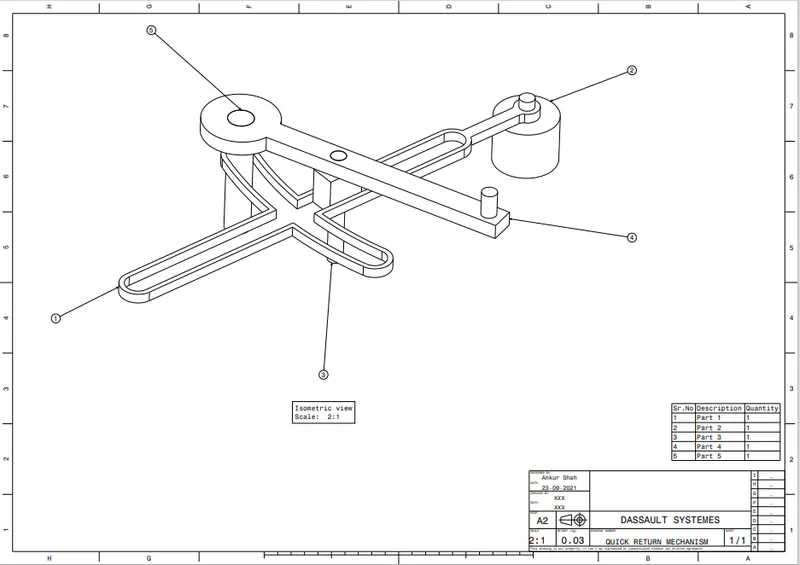
Quick Return Mechanism Assembly:
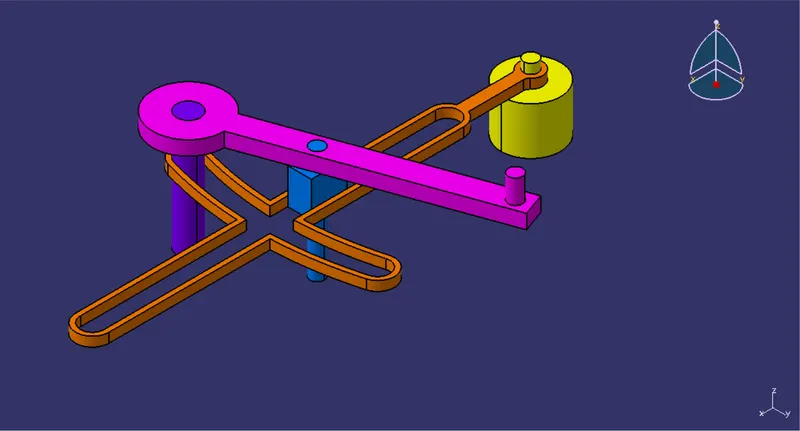
Isometric View
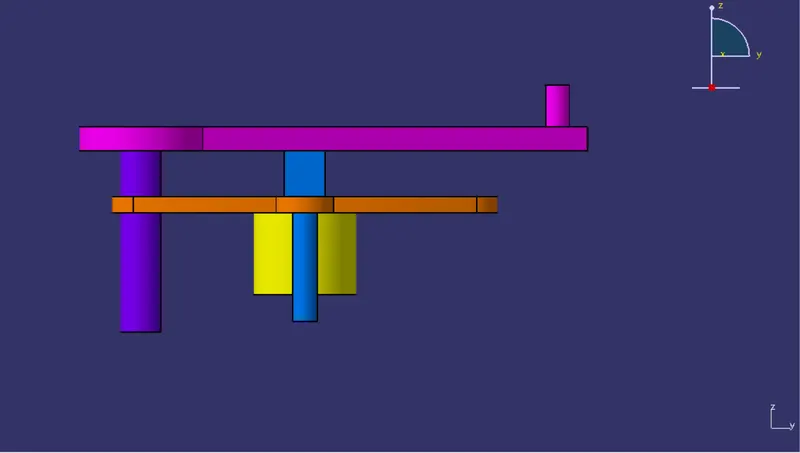
Front View
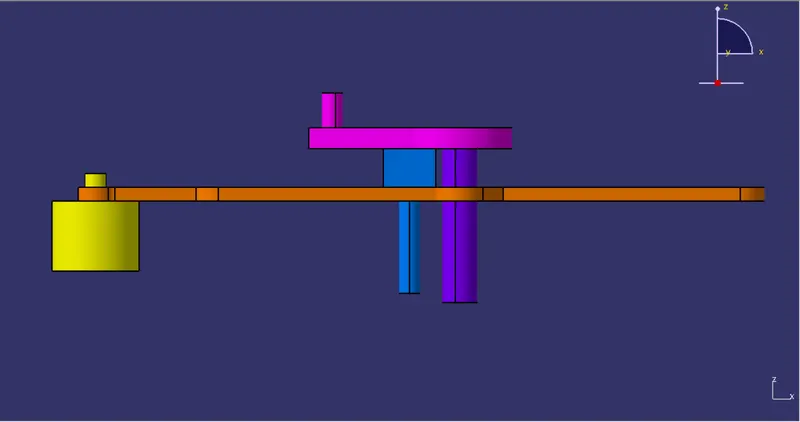
Side View
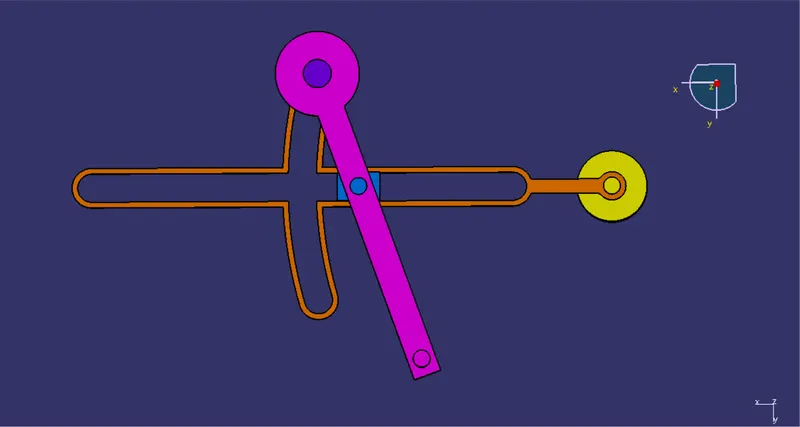
Top View
Procedure for creating the Assembly:
- First, seperate parts are created as CATPart files using the 2D Drawings provided
- Once all the parts are created, the Assembly Design Workbench is opened in CATIA
- The Reference point and planes are created through which all other parts are referenced
- The Reference elements are individually created in all parts. These elements would be constrained
- The following constraints/mates are given:
- Fix Constraint
- Coincidence Constarint
- Contact Constraint
- Offset Constraint
6. The Generate Numbering option is used to number the components
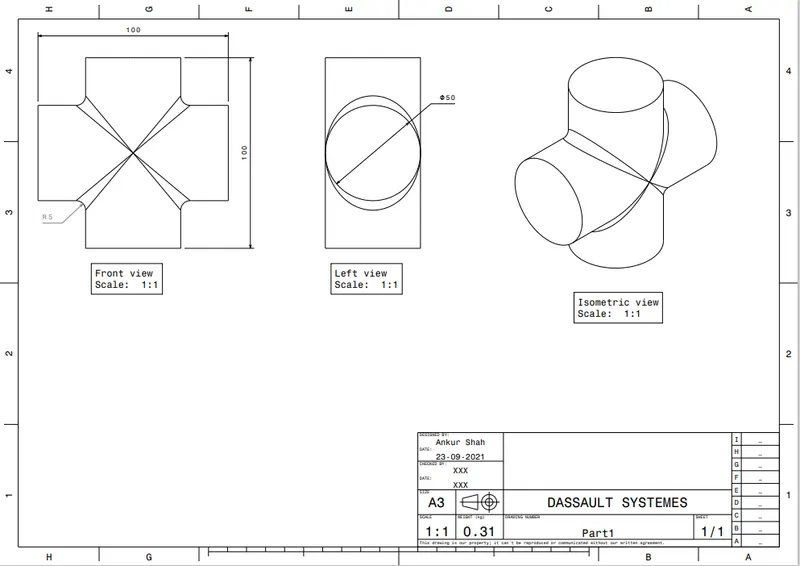
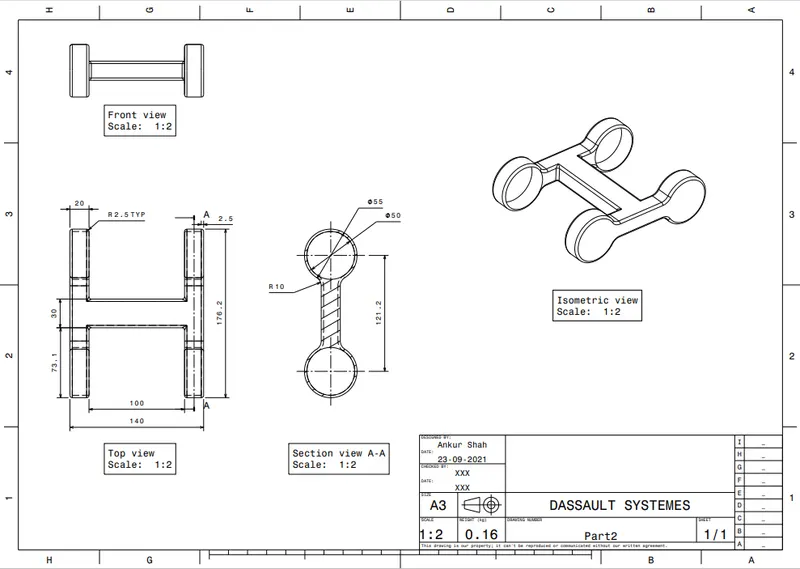
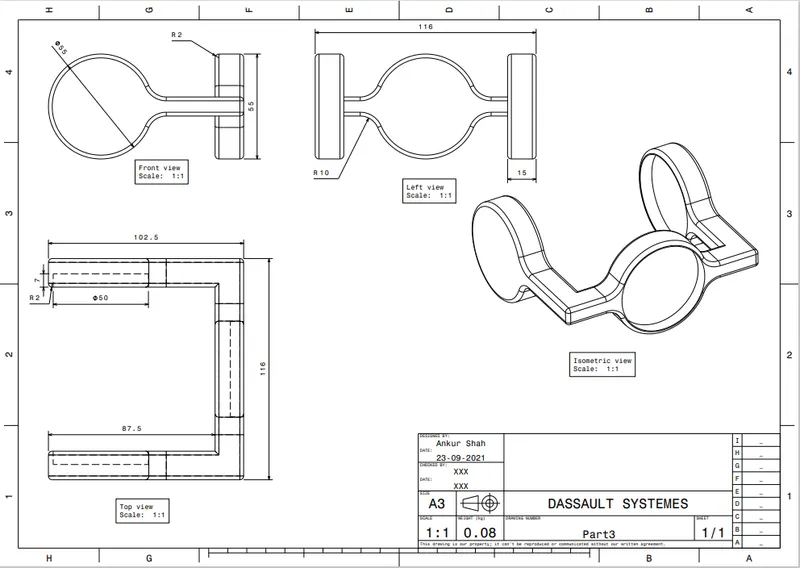
2. CV Joint Parts:
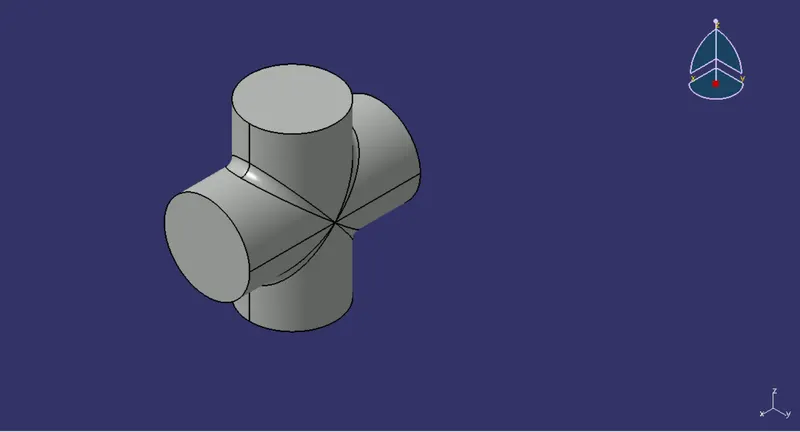
Part 1
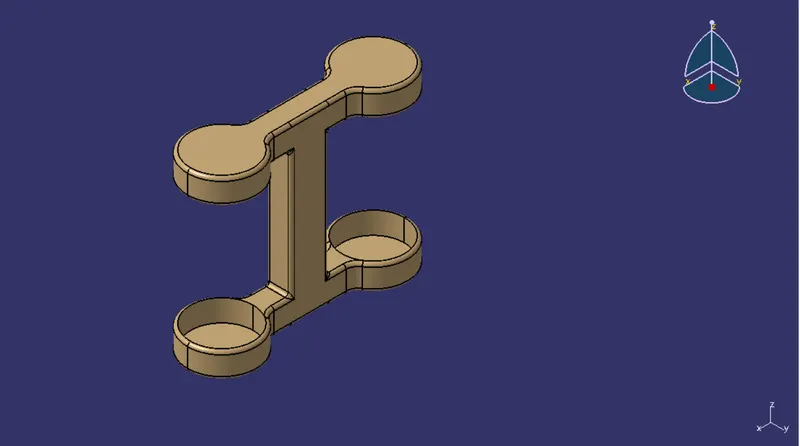
Part 2
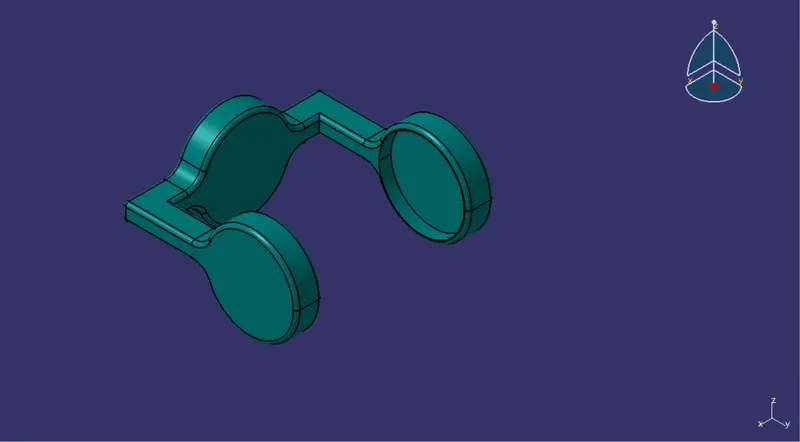
Part 3
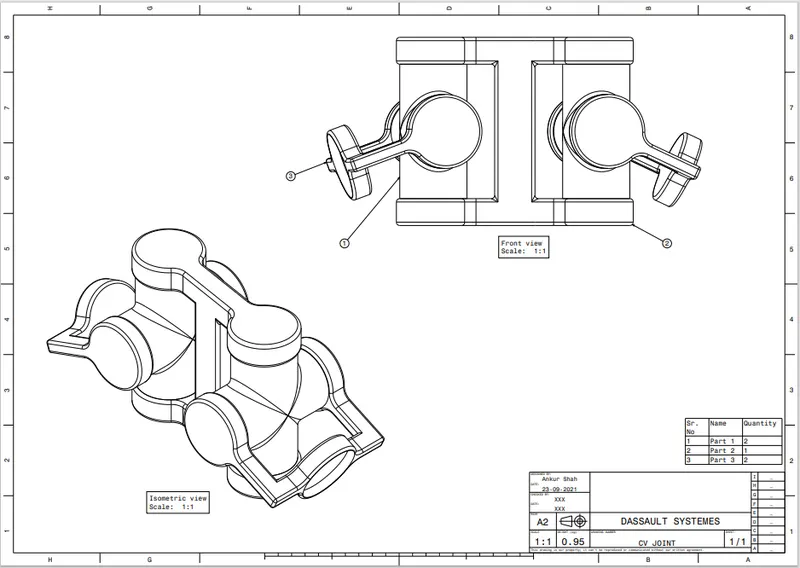
CV Joint Assembly:
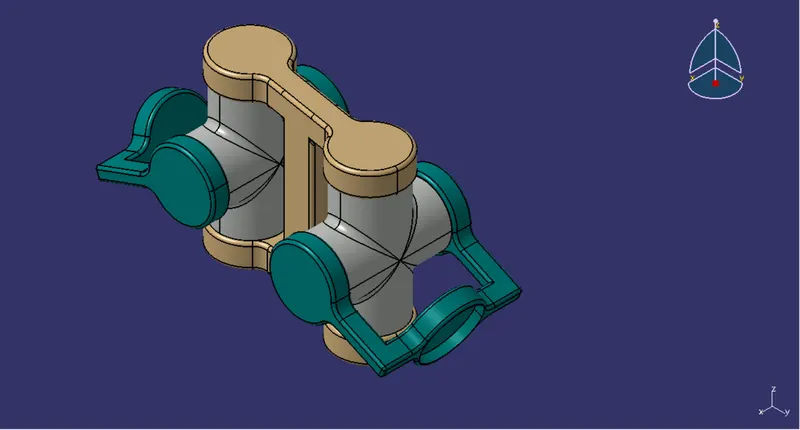
Isometric View
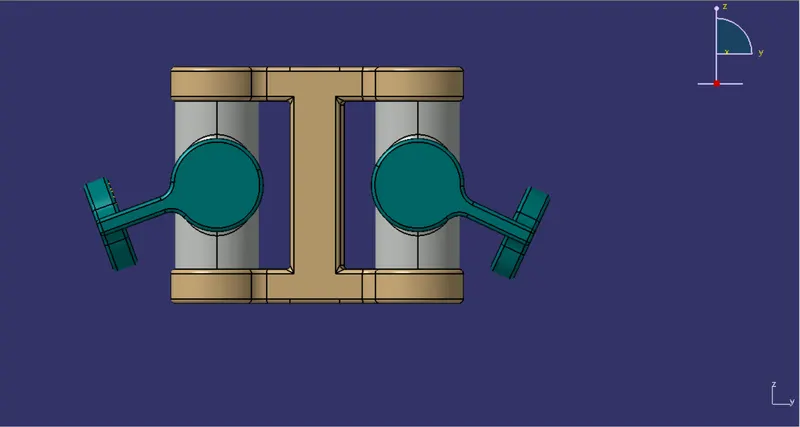
Front View
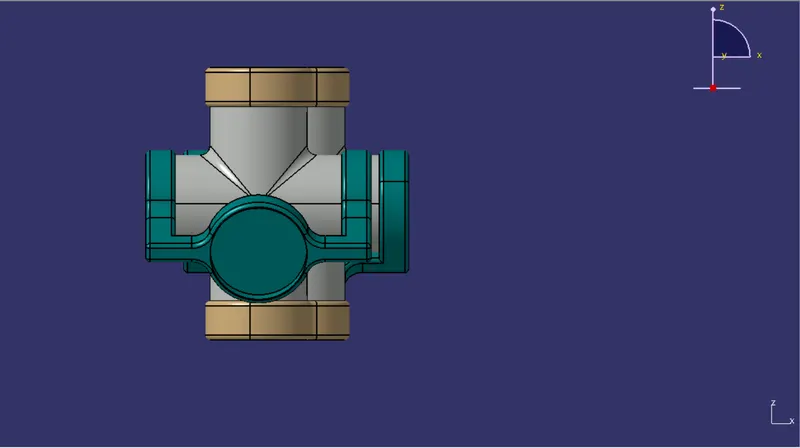
Side View
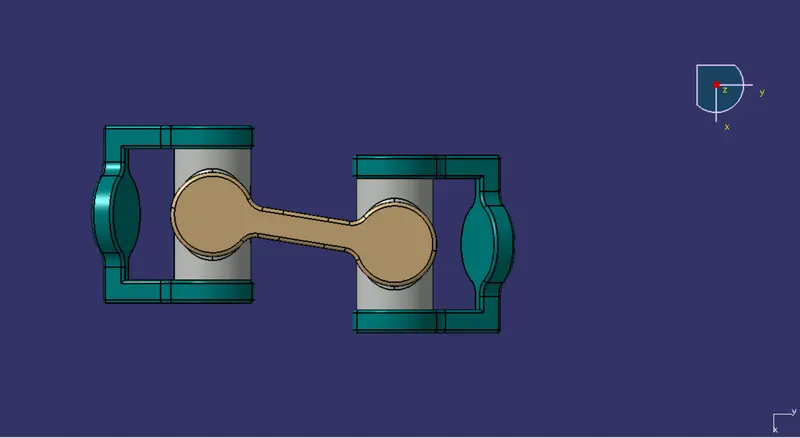
Top View