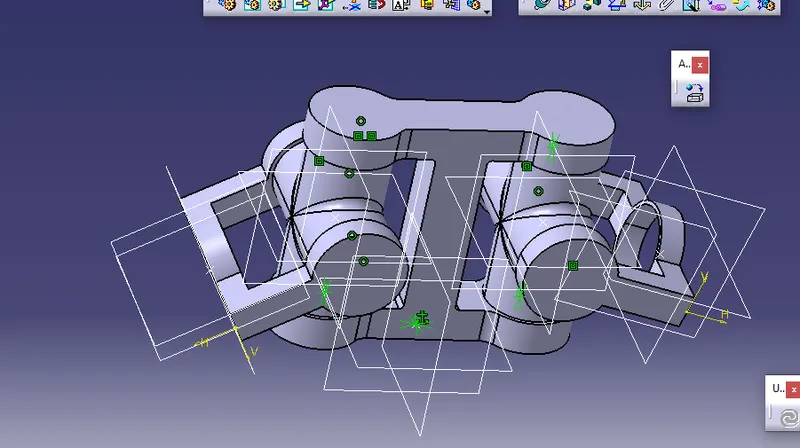
Week 11- Assembly Workbench
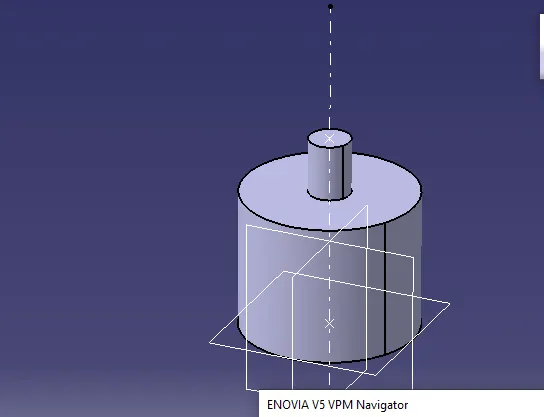
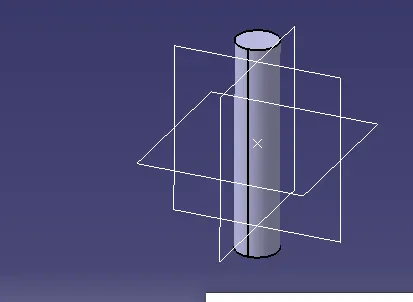
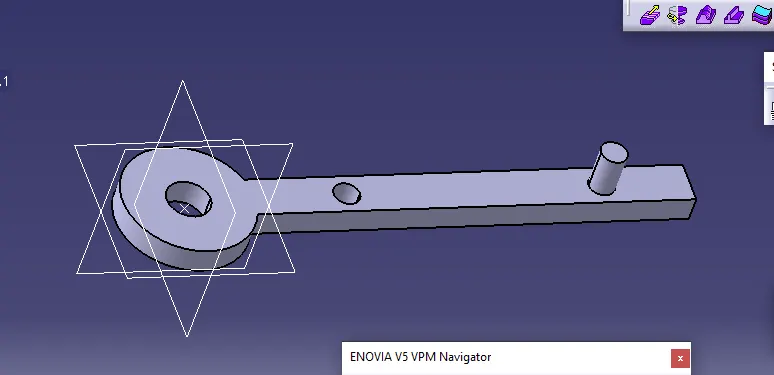
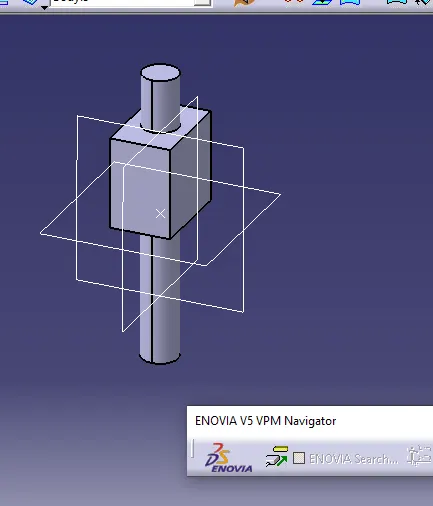
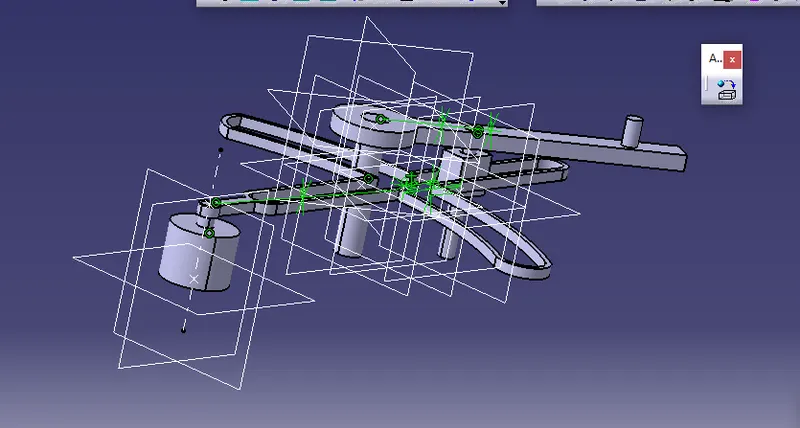
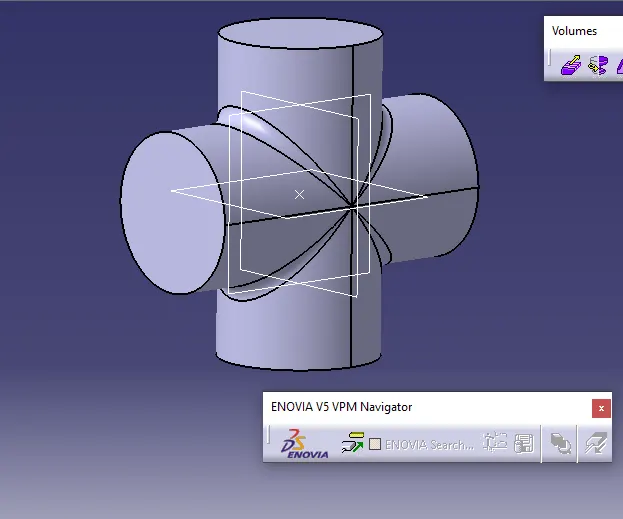
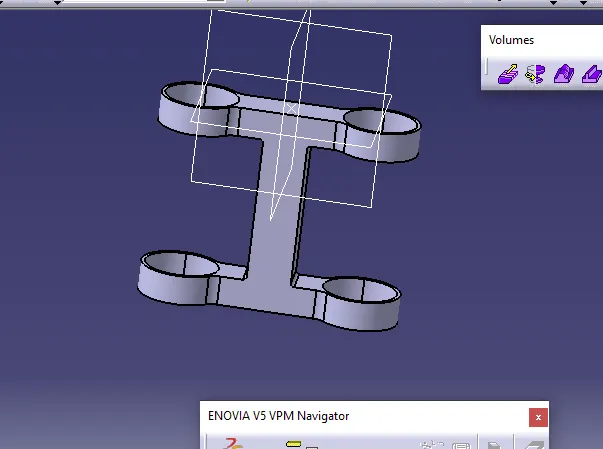
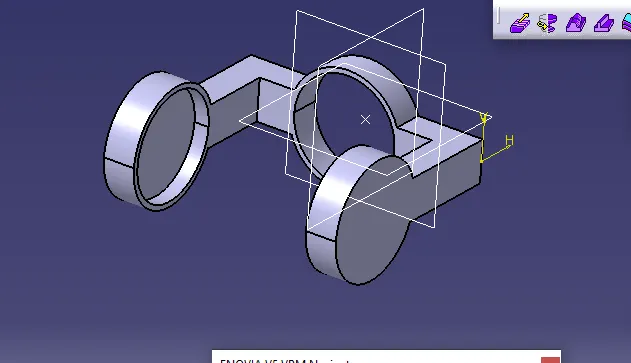
AIM: To create solid models of the given drawings and assemble them in assembly workbench .
Tools used
Pad, pocket, shell, symmetry, coincidence, constraints, trims, Boolean operations.
Procedure
1.Open part workbench
2.Create positioned sketch by selecting a plane and point
3.Using the given drawing s create the sketches of the given models ,assume the missing dimensions.
4.Using part workbench or surface workbench create the solid models of the sketches
5.Using Boolean operations in part workbench create the solid models
6.Now open file>new >product
7.Using ‘existing component’ option open all the cat part of the same drawing in assembly workbench
8.Create a skeleton in which the all parts get assembled and skeleton don’t moves make use of the FIX constraint
9.Use coincidence to constrain all the edges and also create axis line to make the work easy
10.Use contact constraints for the part which are to be contacted with each other
11.Now to make sure that all the parts are constrained use manipulate the components in several directions and click inupdate
12.If all the parts move to their place then the assembly is successfully constrained.
13.To save the assembly go to file >save management>select save as >select save propagator.
14.Create the drawings of each of the component in drafting workbench.