Week 11- Assembly Workbench
AIM: To create the part model and assembly for the given drawing.
DRAWING - 1
CV JOINT
First create sketches for the given diagram in part workbench and then assemble it.Sketches and CAD part are given below
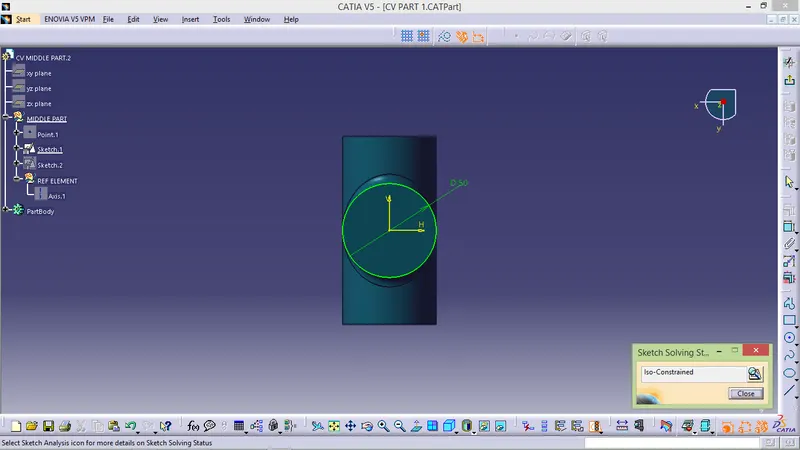
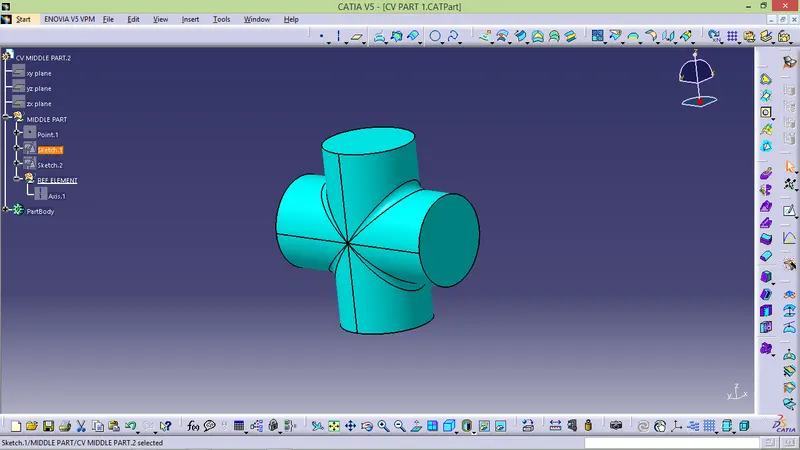
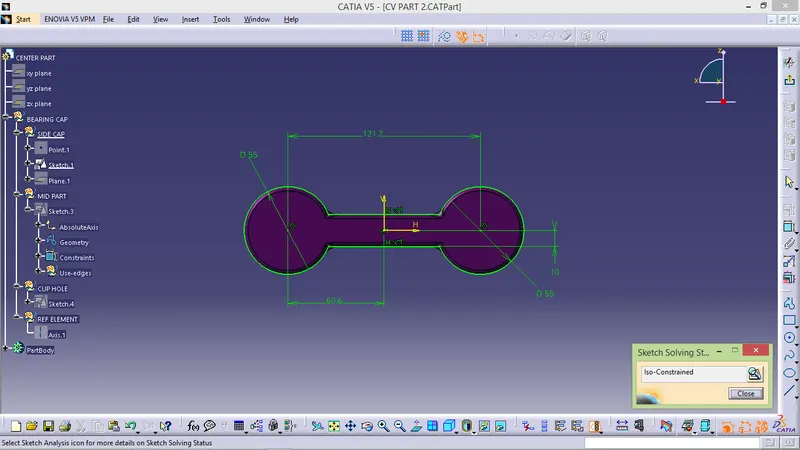
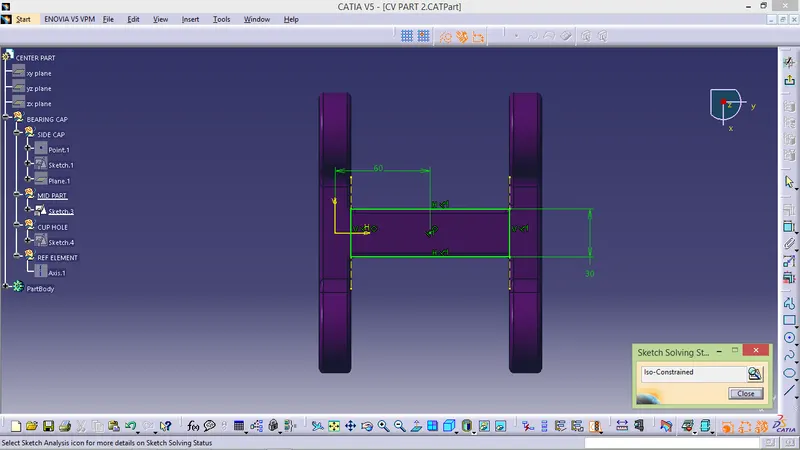
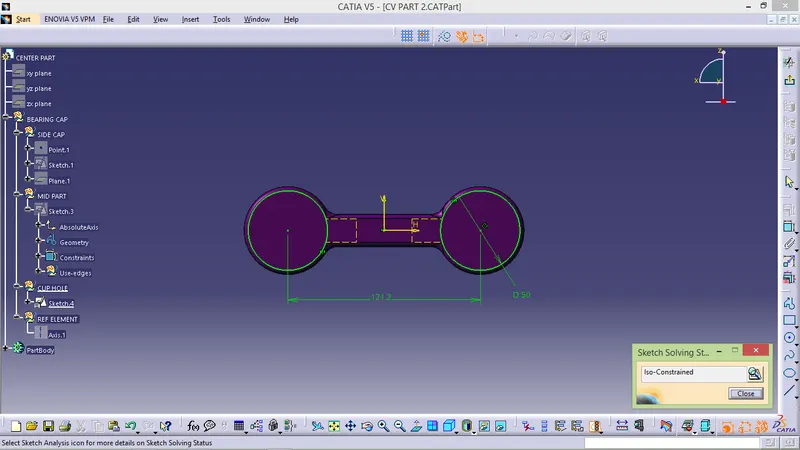
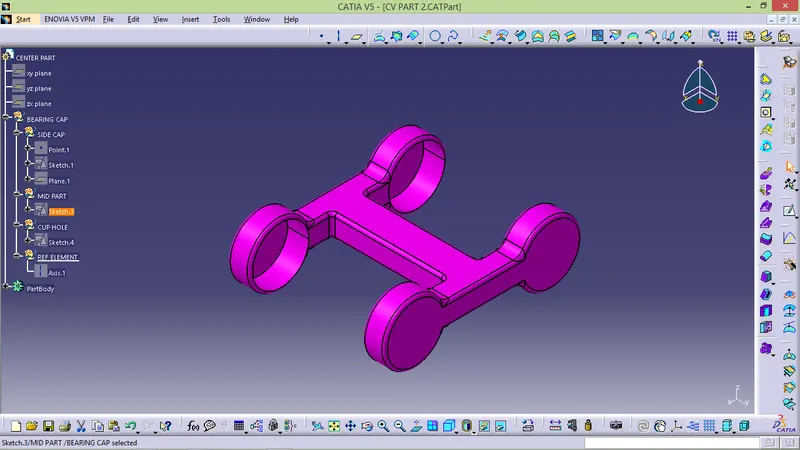
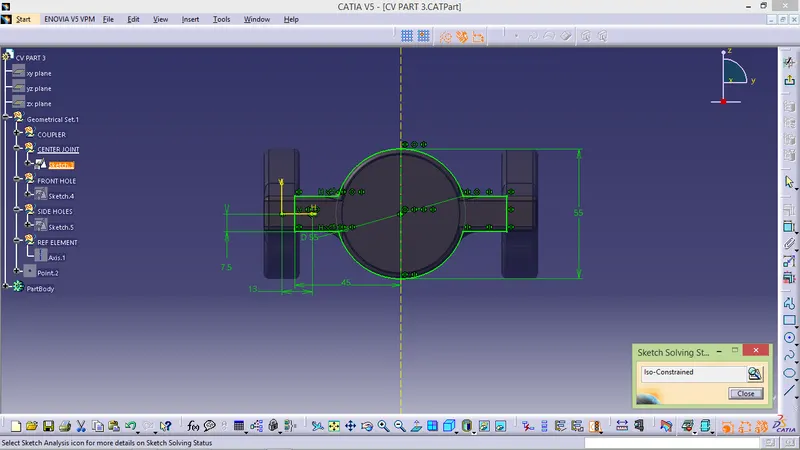
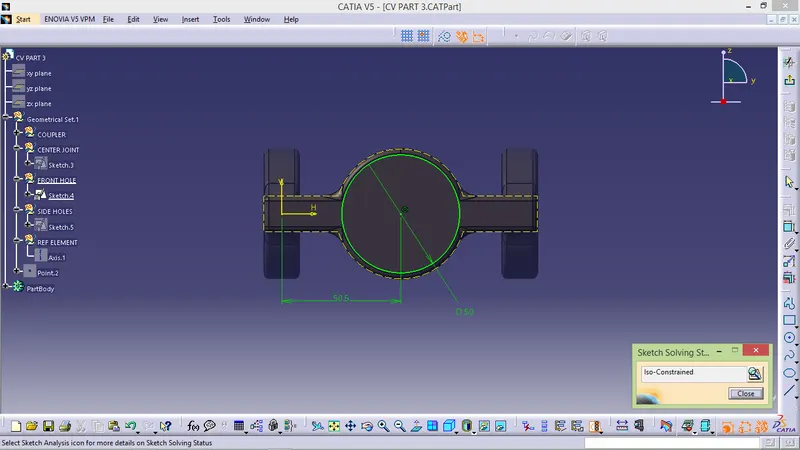
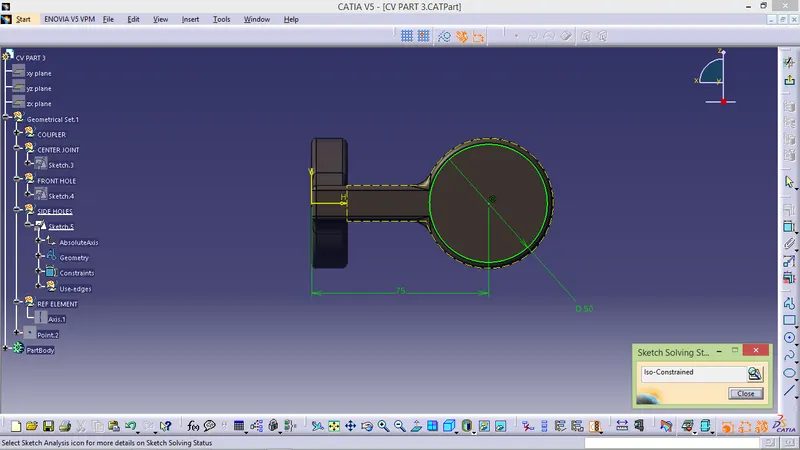
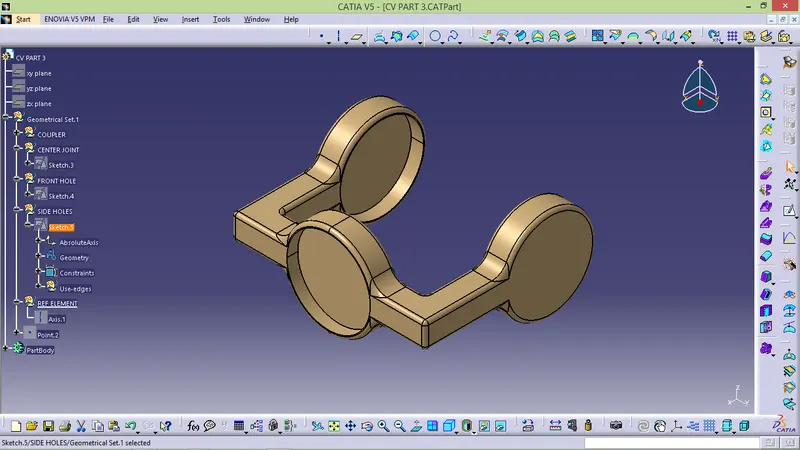
After creating all parts go to assembly workbench
- START -> MECHANICAL DESIGN -> ASSEMBLY DESIGN.
- Insert all part and then assembly one by one properly.
- First create parent for the assembly and fix it.
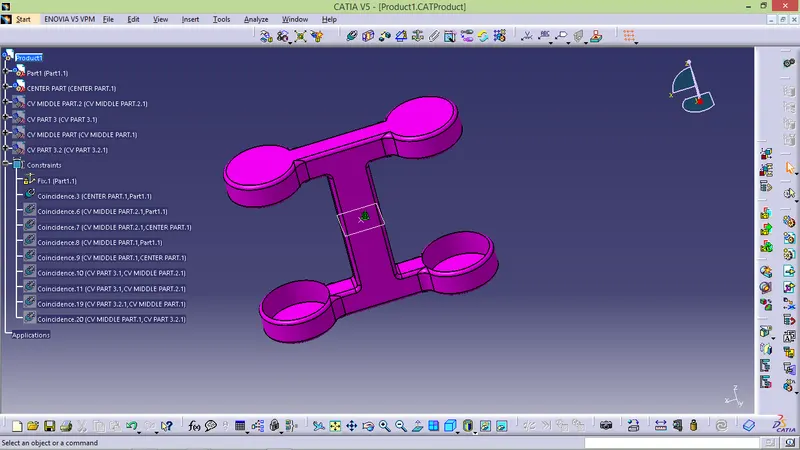
- create origin for assembly and name it and arrange the tree structure properly from top to bottom
- use surface contact to align the part
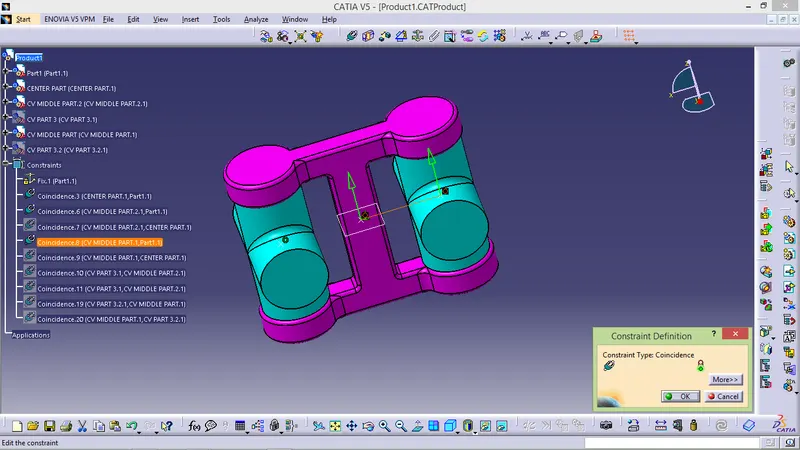
- Now coincide the part in required direction and required axis and offset the if needed.
- coincide the both bearing with mid part.
- now coincide the both coupler one by in the right axis to the requier value.
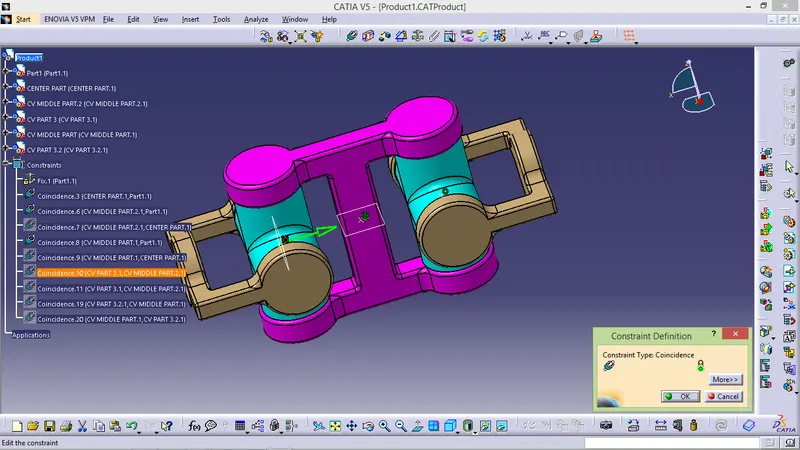
2D DRAWING :
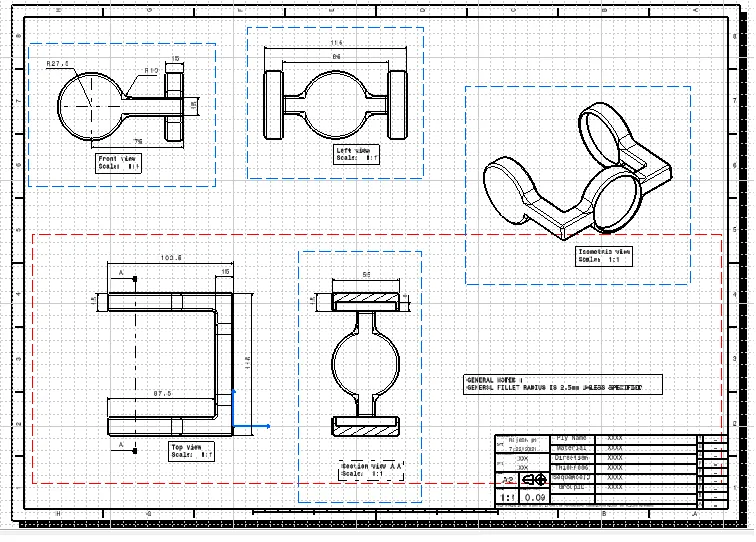
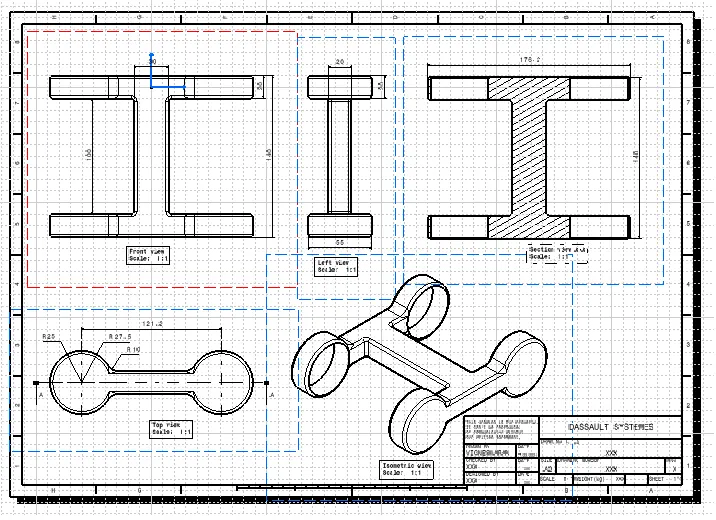
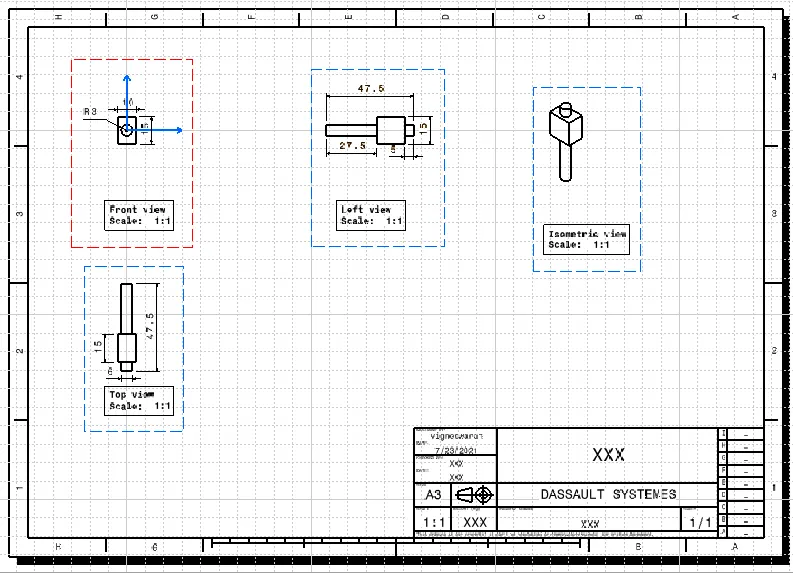
DRAWING - 1
QUICK RETURN MACHANISM
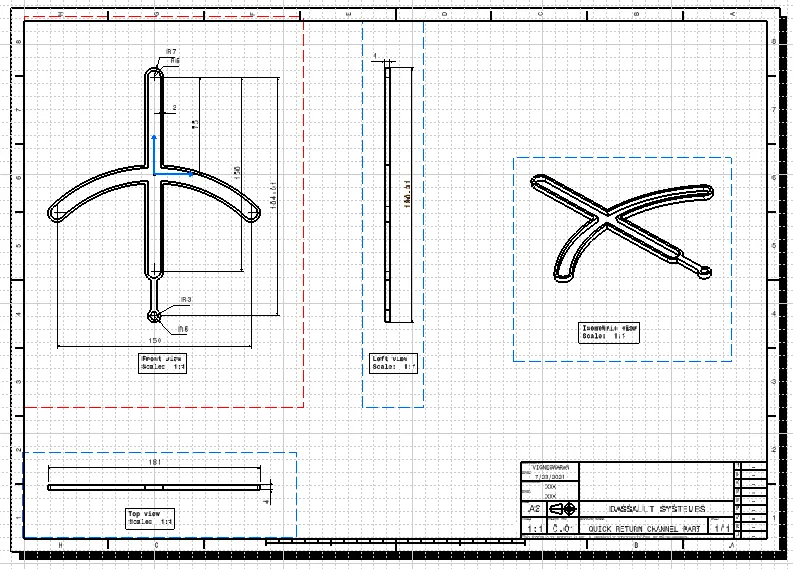
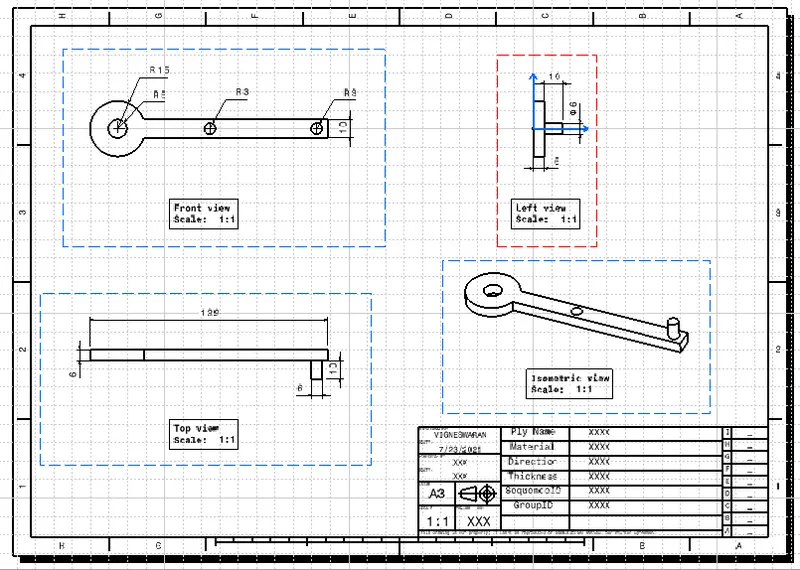
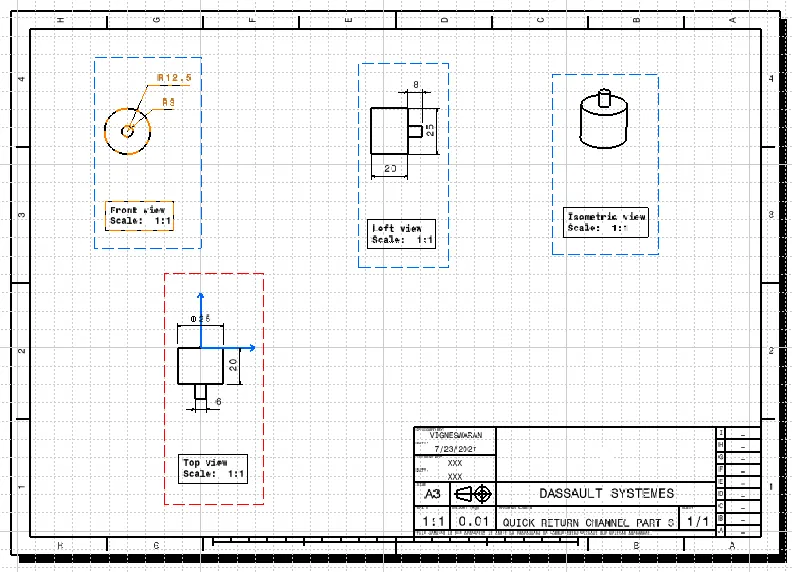
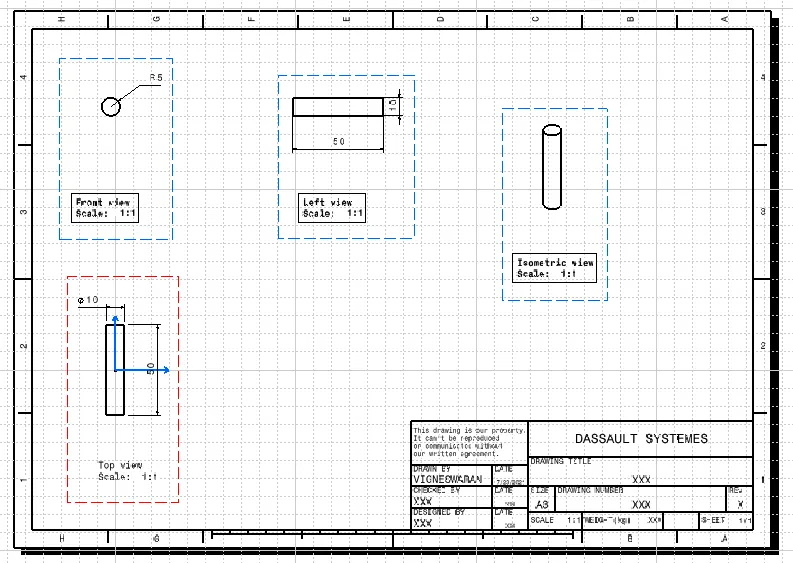
First create sketches for the given diagram in part workbench and then assemble it.Sketches and CAD part are given below
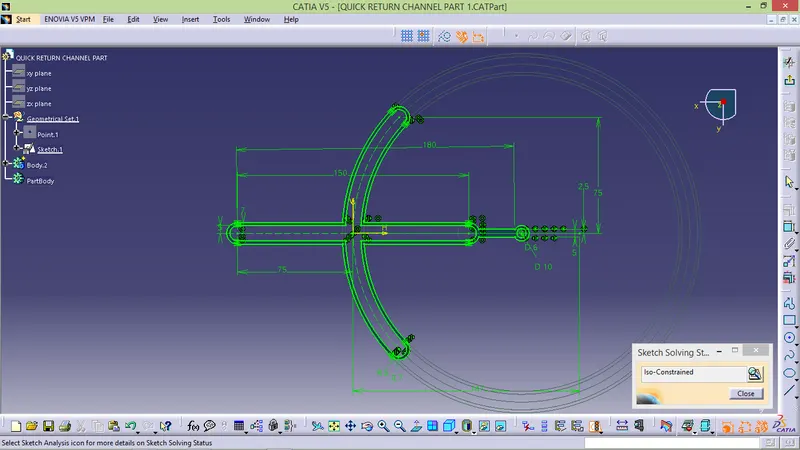
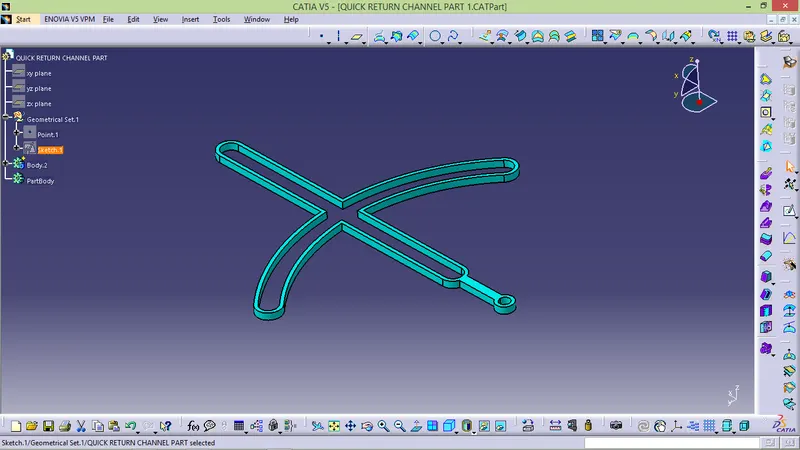
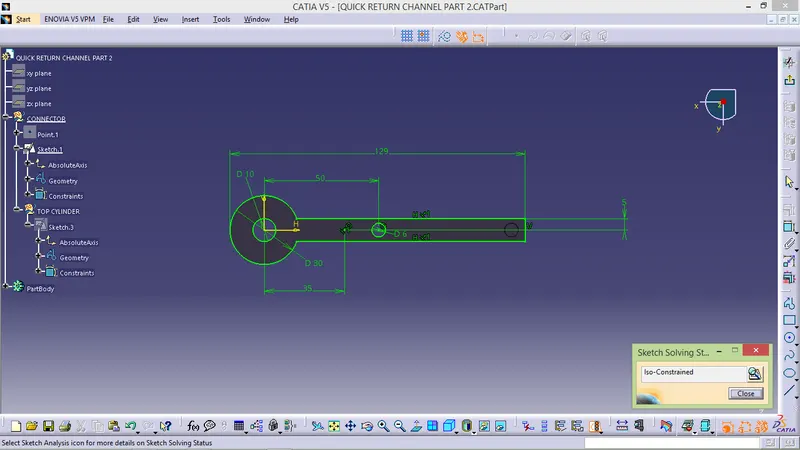
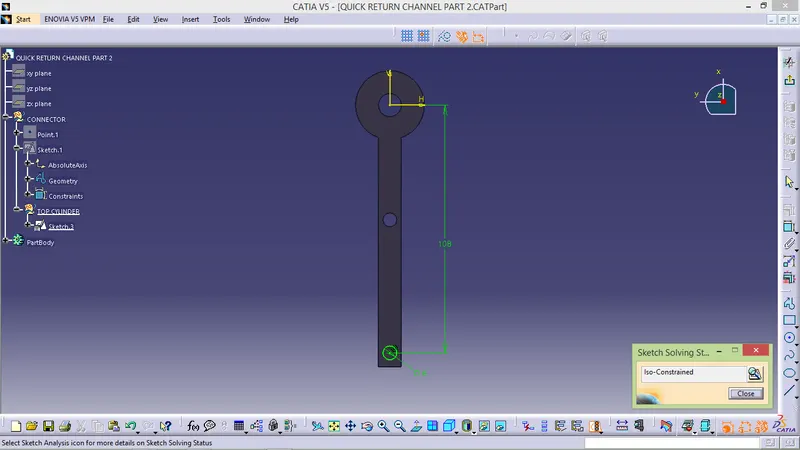
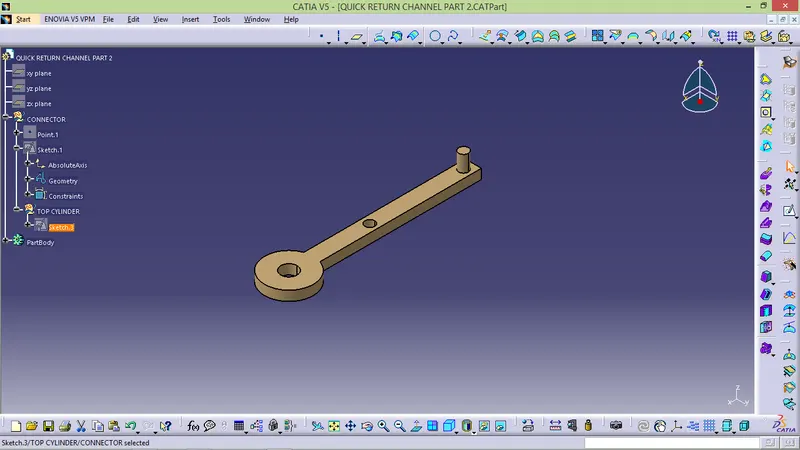
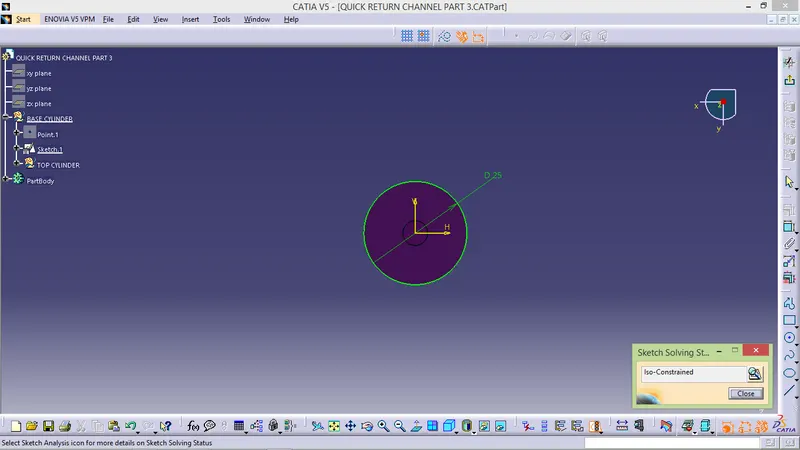
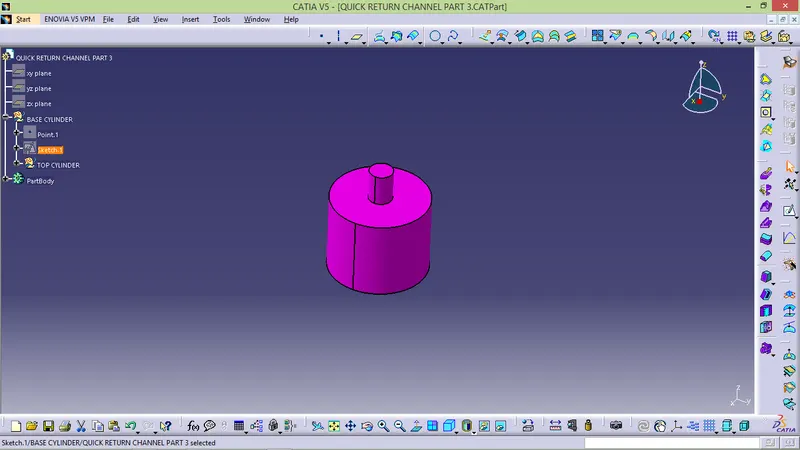
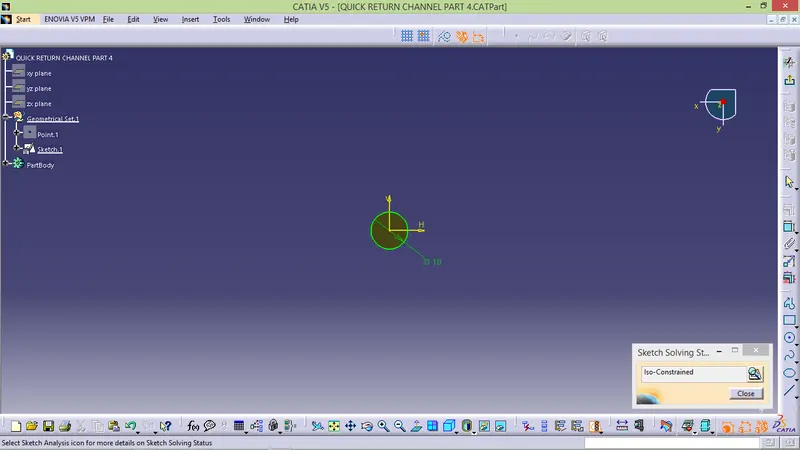
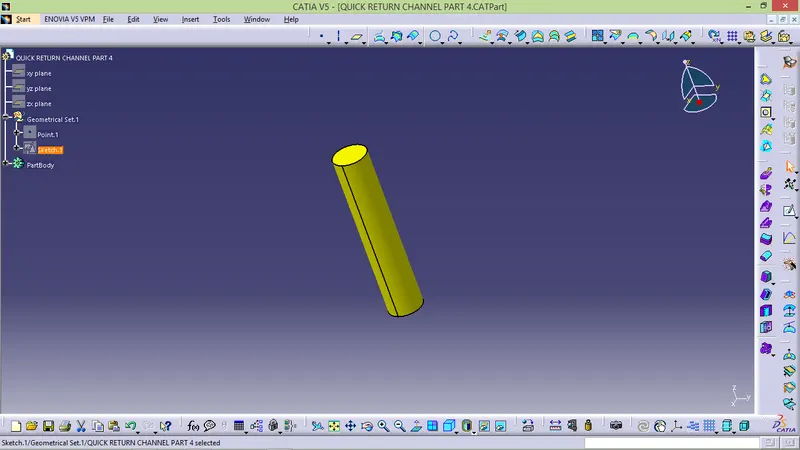
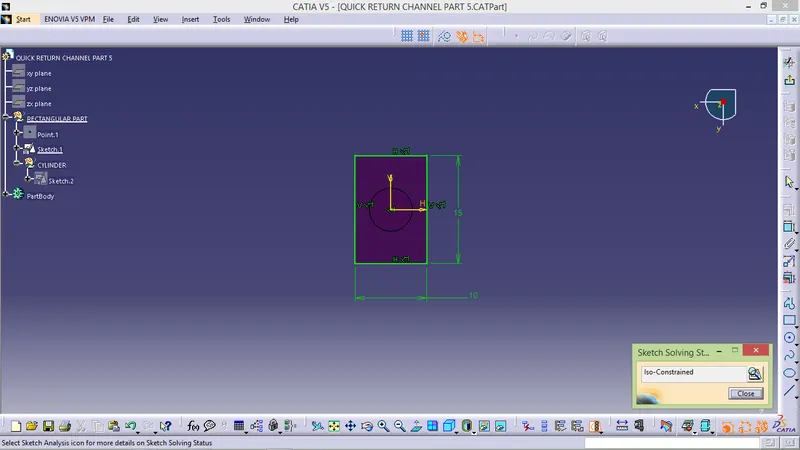
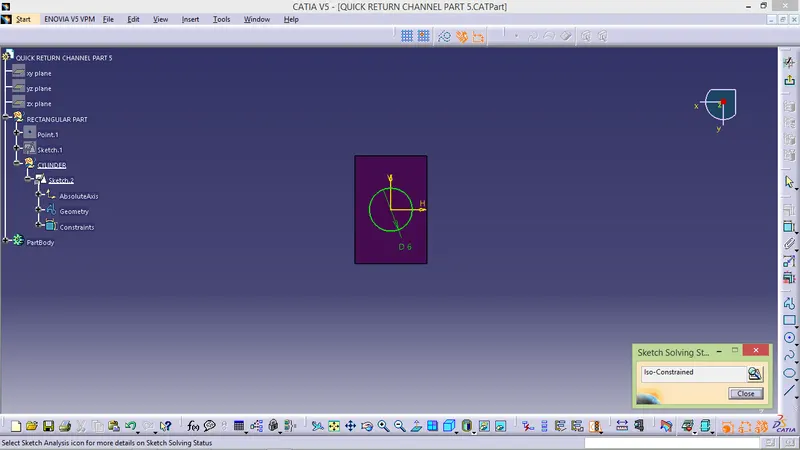
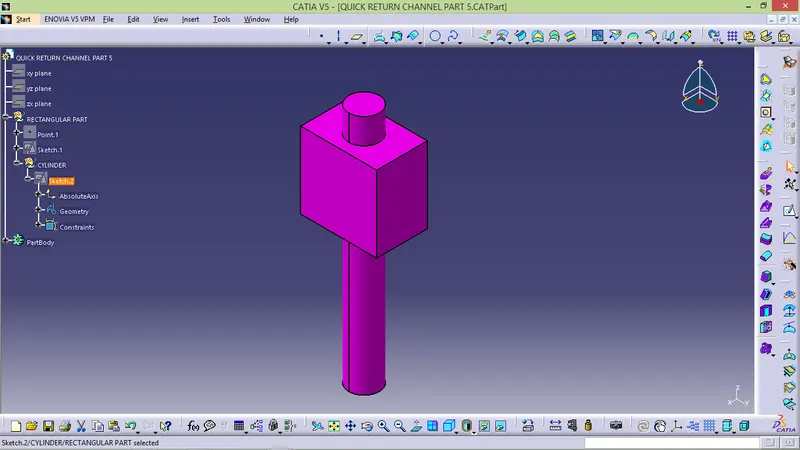
After creating all parts go to assembly workbench
- START -> MECHANICAL DESIGN -> ASSEMBLY DESIGN.
- Insert all part and then assembly one by one properly.
- First create parent for the assembly and fix it.
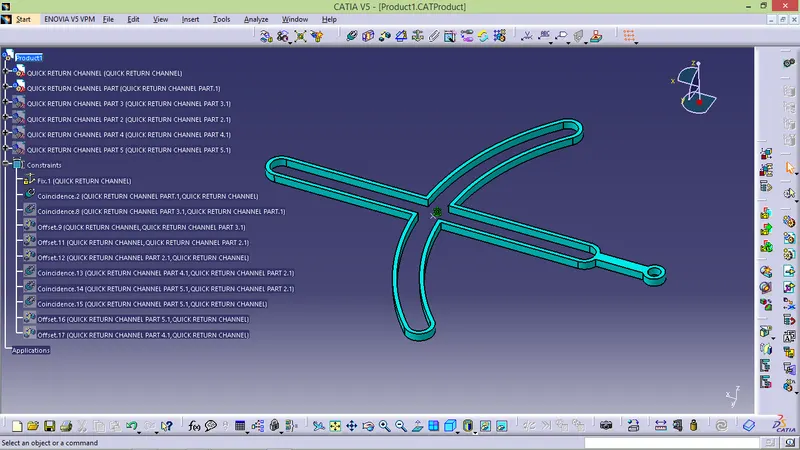
- Use surface contach to align slider and channel.
- offset the cylinder in req value.
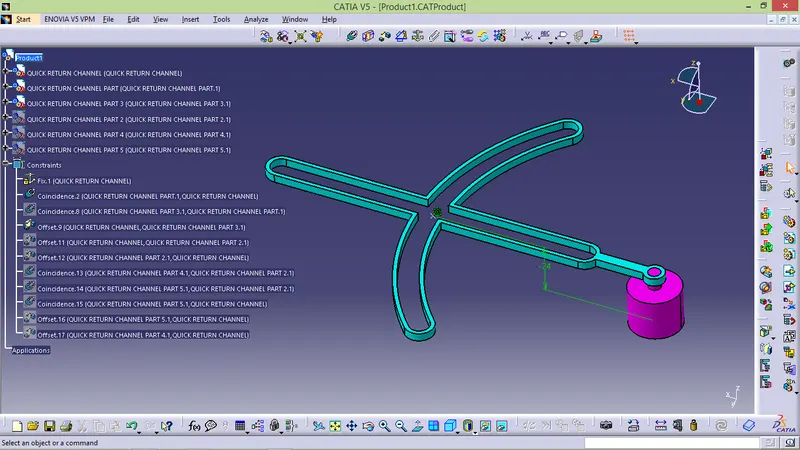
- Now coincide the pin and connector and oofset to the required value
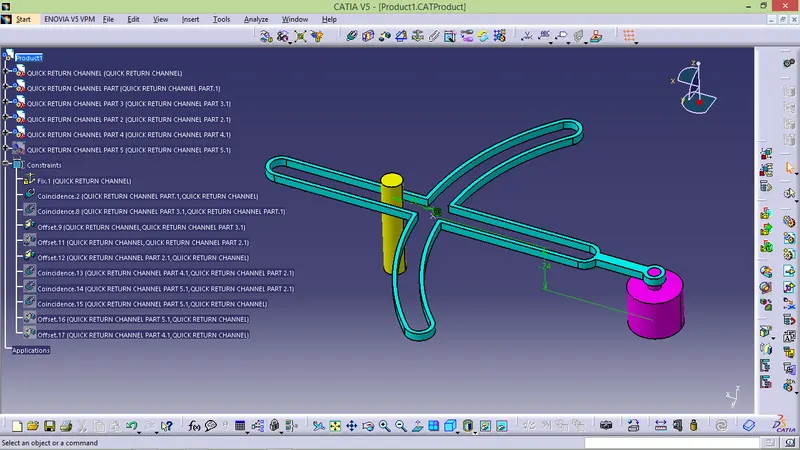
- Now coincide and offset slider pin and connect to required value and fix it.
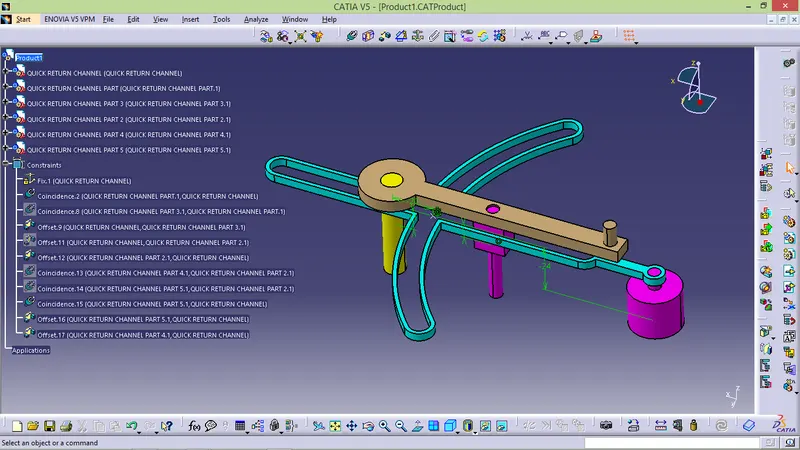
2D DRAWING