Week 11- Assembly Workbench
Aim:
To Draw the Components as given in the Diagram, and Assemble it as a single component.
Drawing-1:
Draw the components as given in separate parts.
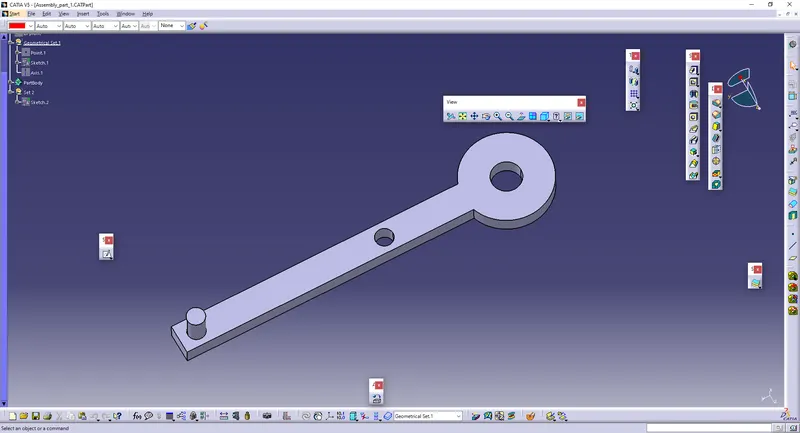
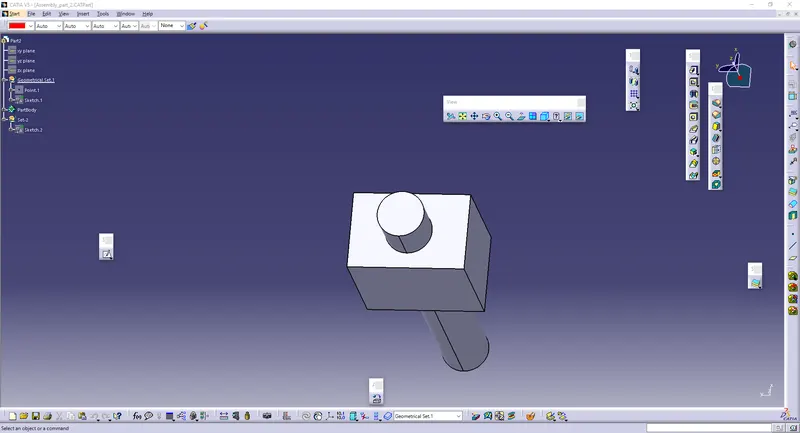
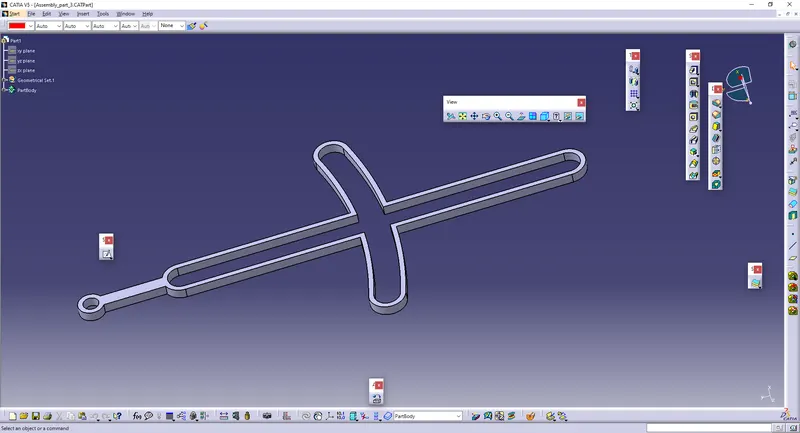
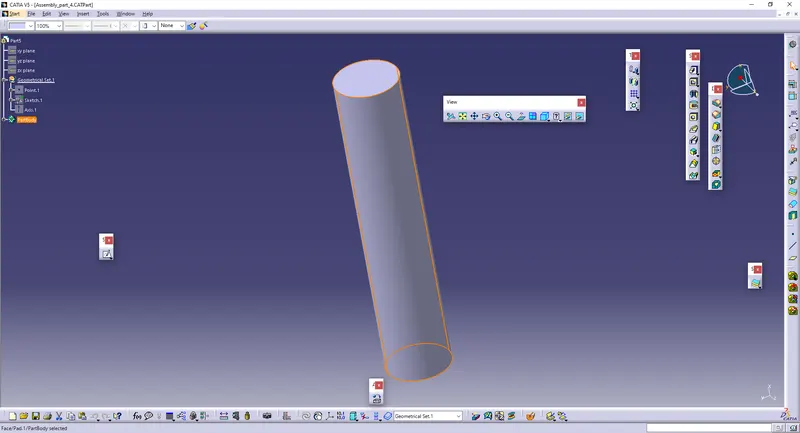
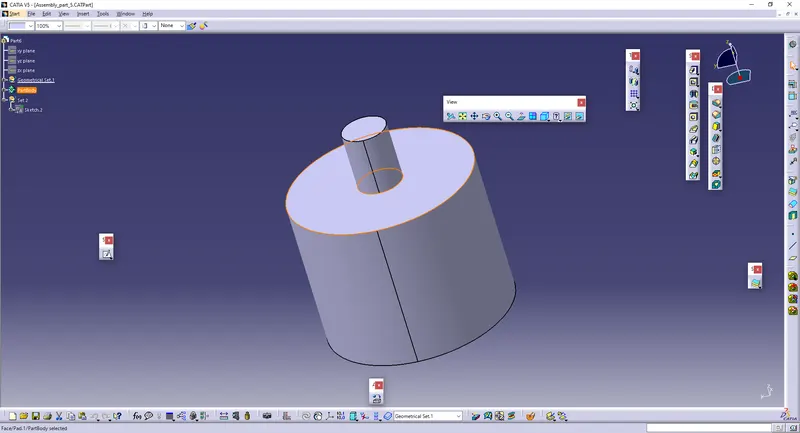
* Go to Assembly Workbench, and Double Click the Product, and click EXISTING COMPONENT, to upload the parts which are drawn above.
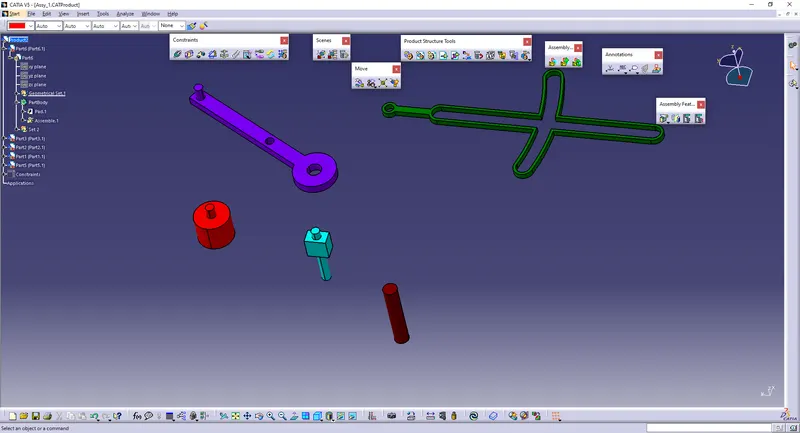
* Give FIX to the component which is remaining constant.
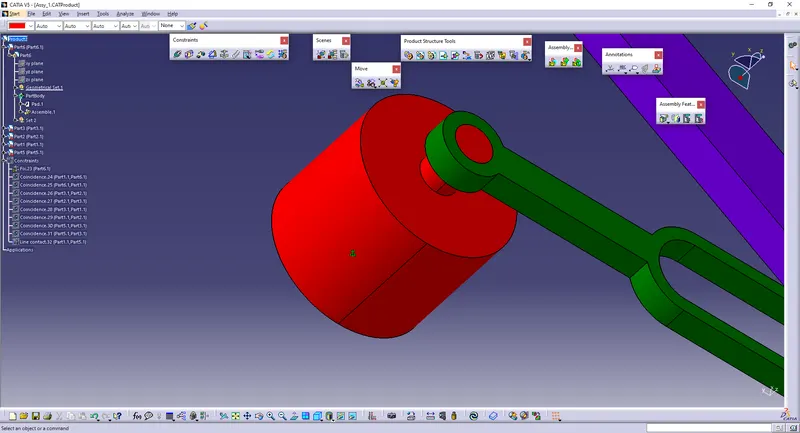
* Give Coincidence Constrain, and Select the Axis where the bodies are to be joined.
* Give LOCAL UPDATE So the components willl coincide with the same axis.
* Use MANIPULATE to move the component as to be moved according to required direction.
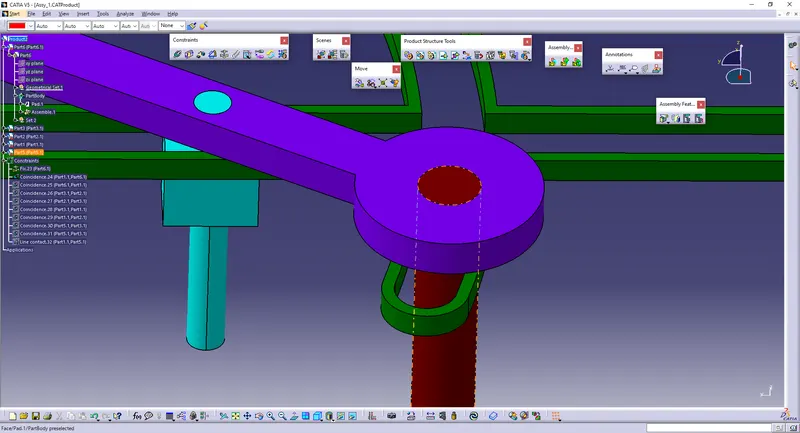
* To Constrain the movable parts, Give CONTACT CONSTRAIN and select the respective Faces and give OK.
* Give LOCAL UPDATE so that the comaponents will be fixed together.
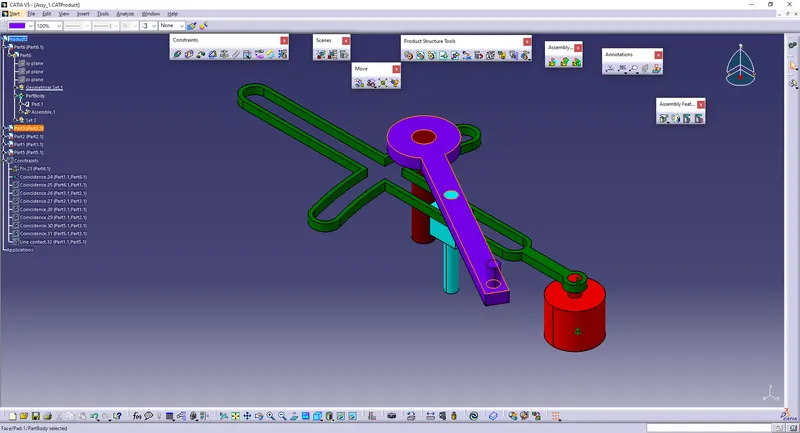
Drawing-2:
Draw the components as given in separate parts.
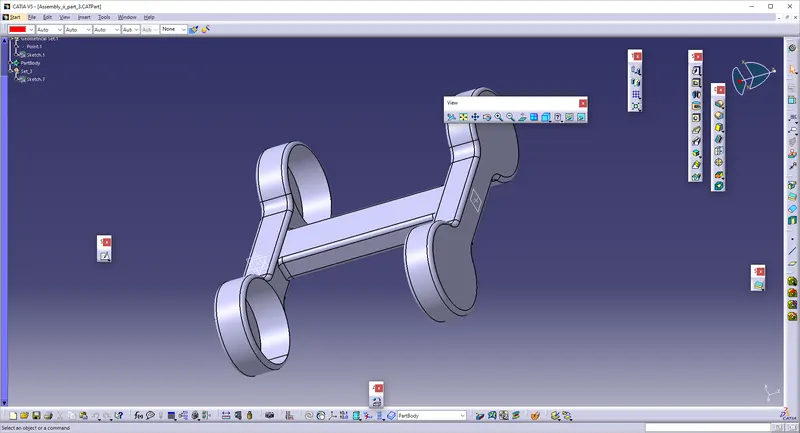
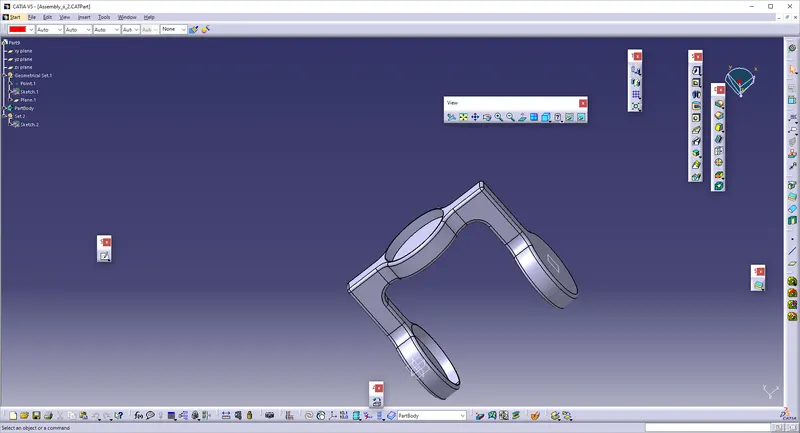
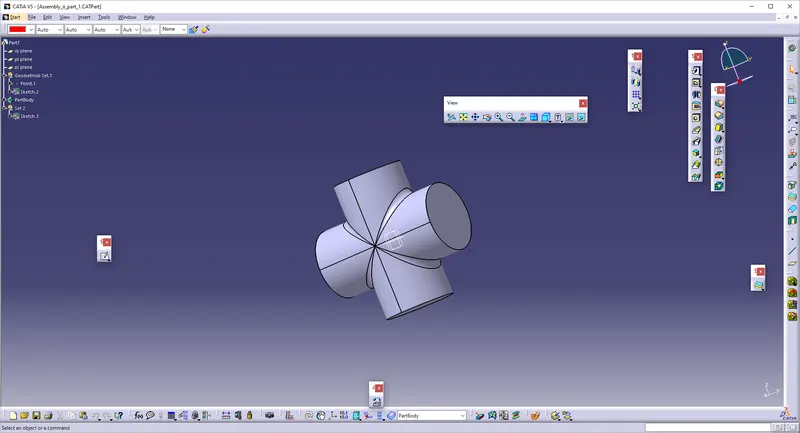
* Go to Assembly Workbench, and Double Click the Product, and click EXISTING COMPONENT, to upload the parts which are drawn above.
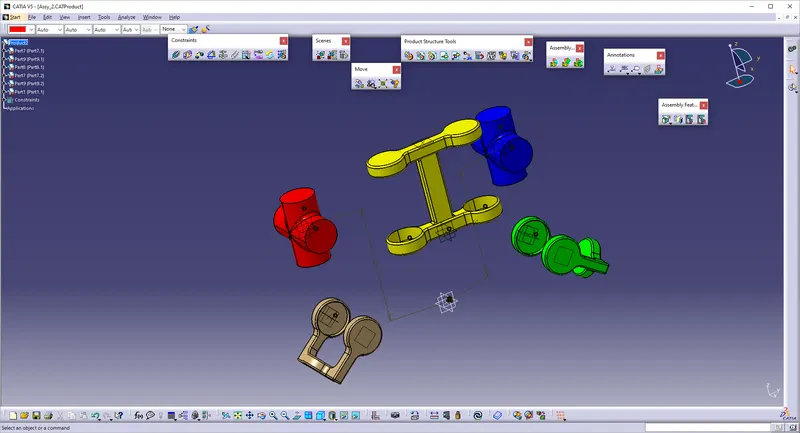
* Give FIX to the component which is remaining constant.
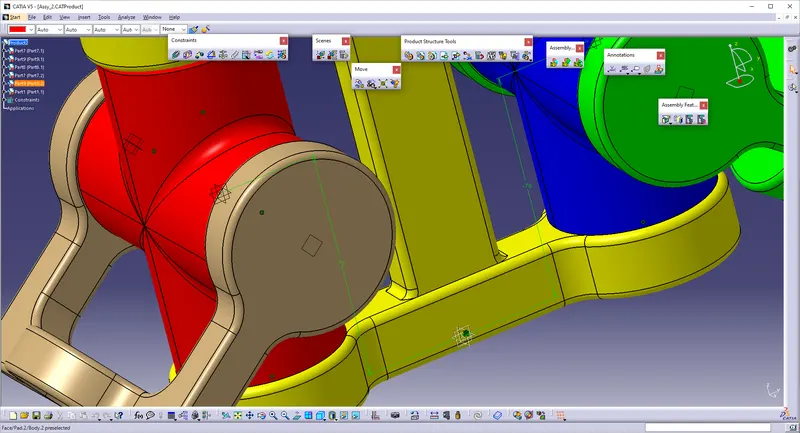
* Give Coincidence Constrain, and Select the Axis where the bodies are to be joined.
* Give LOCAL UPDATE So the components willl coincide with the same axis.
* Use MANIPULATE to move the component as to be moved according to required direction.
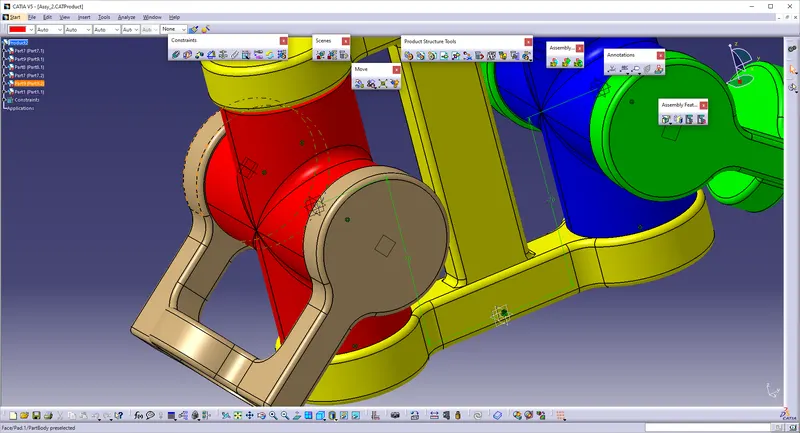
* Make sure that the axis of the components during Coincidence constrains should be coincide with each other.