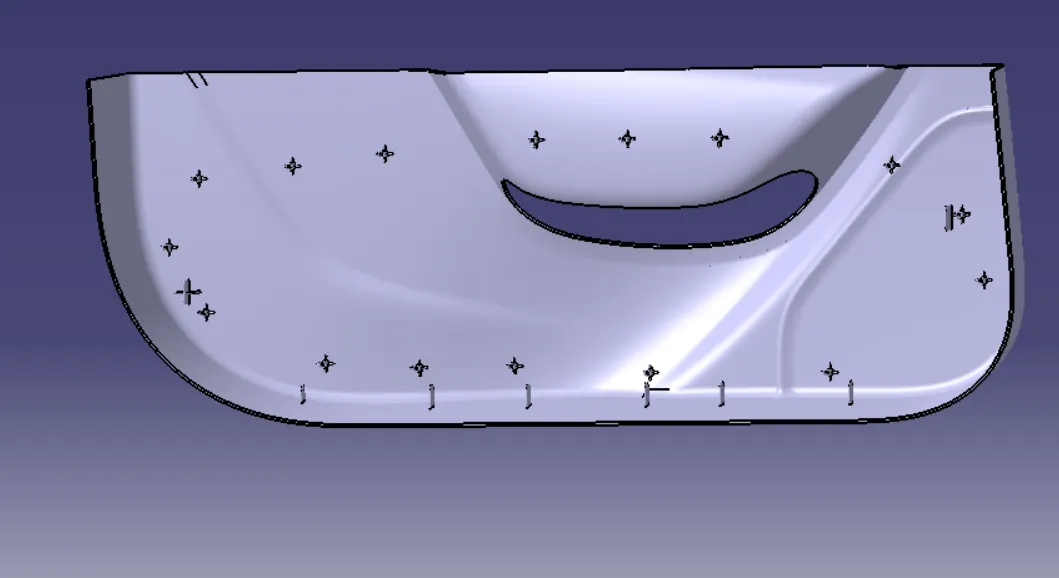
Week 10 - Challenge 3 - Door Trim Lower with Engineering Features
Create the Door Trim Lower Plastic component through the given Class-A surface. To begin with, the tooling axis for the given Class-A Surface should be created meeting the requirements of the draft angle and at the end perform the Draft analysis on the model.
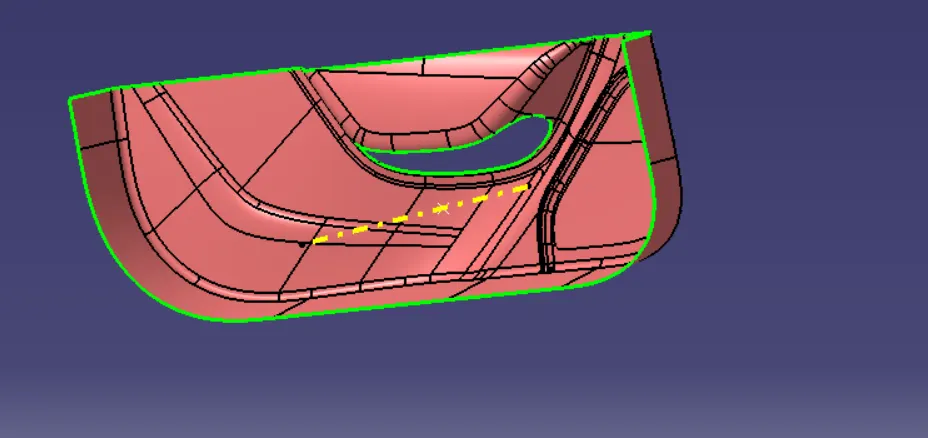
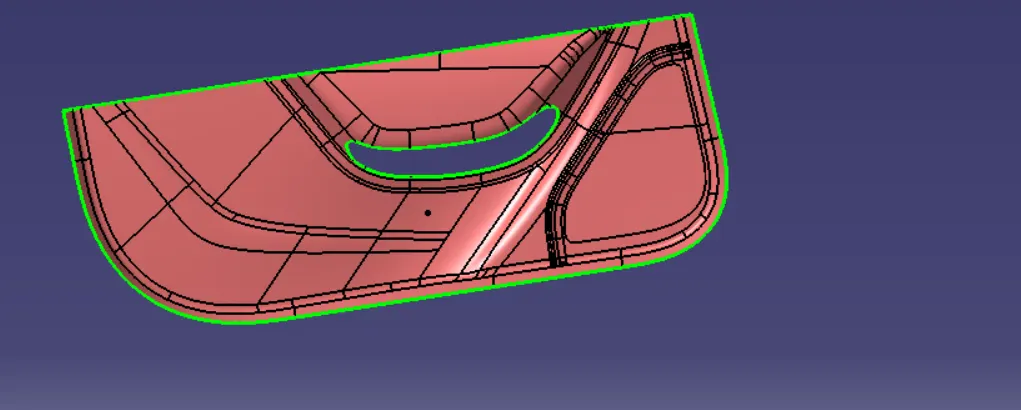
Class A Surface:
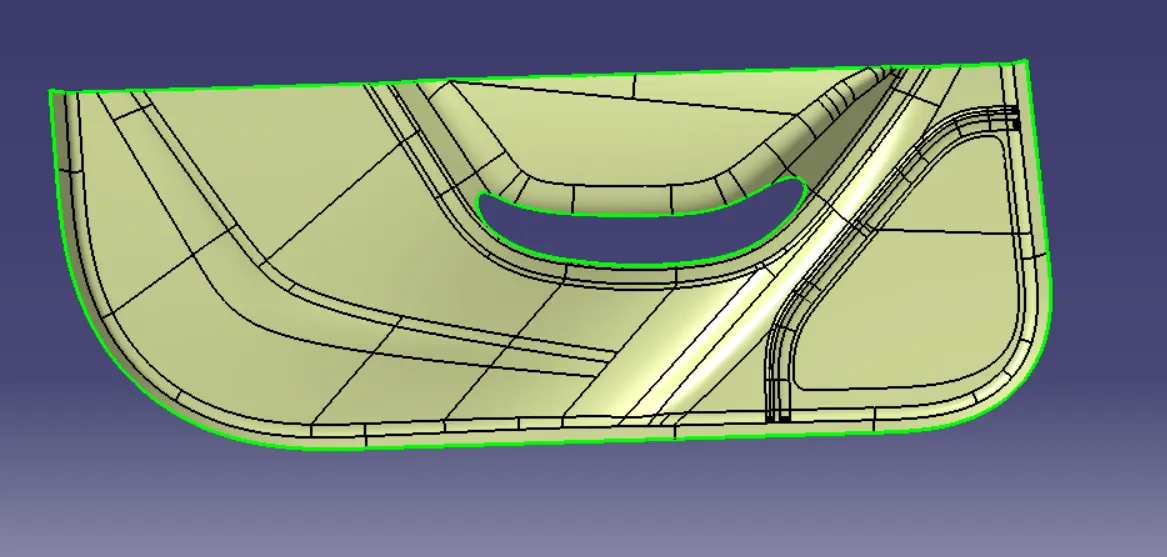
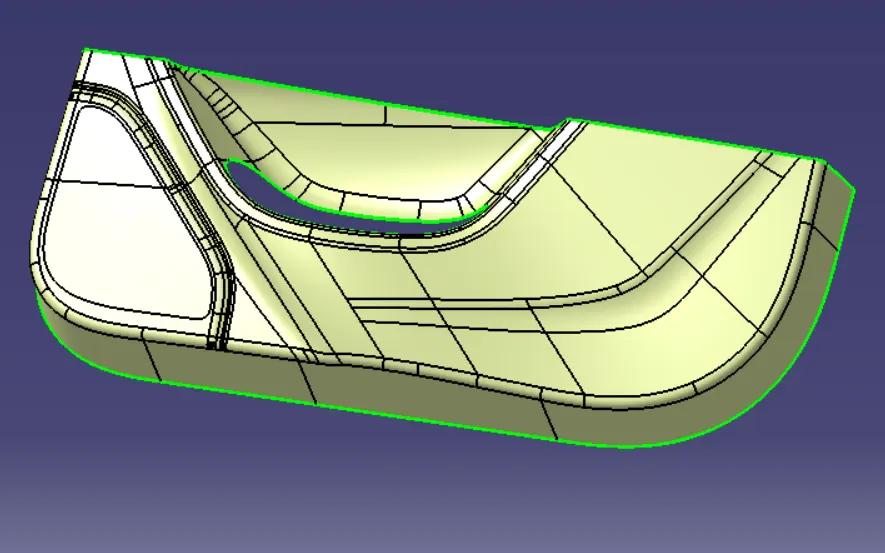
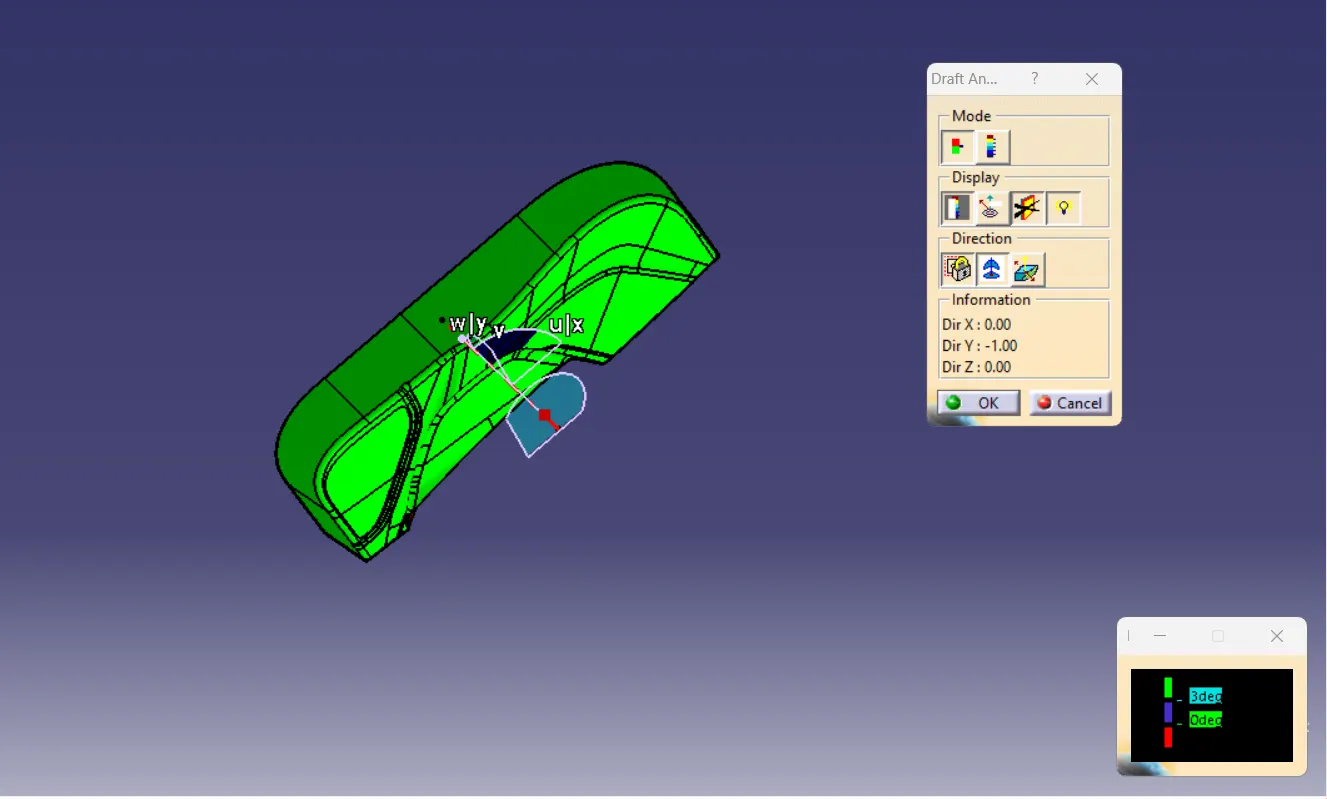
We need to check for Tooling Axis Direction and as checked we can see all the surfaces from the Y direction
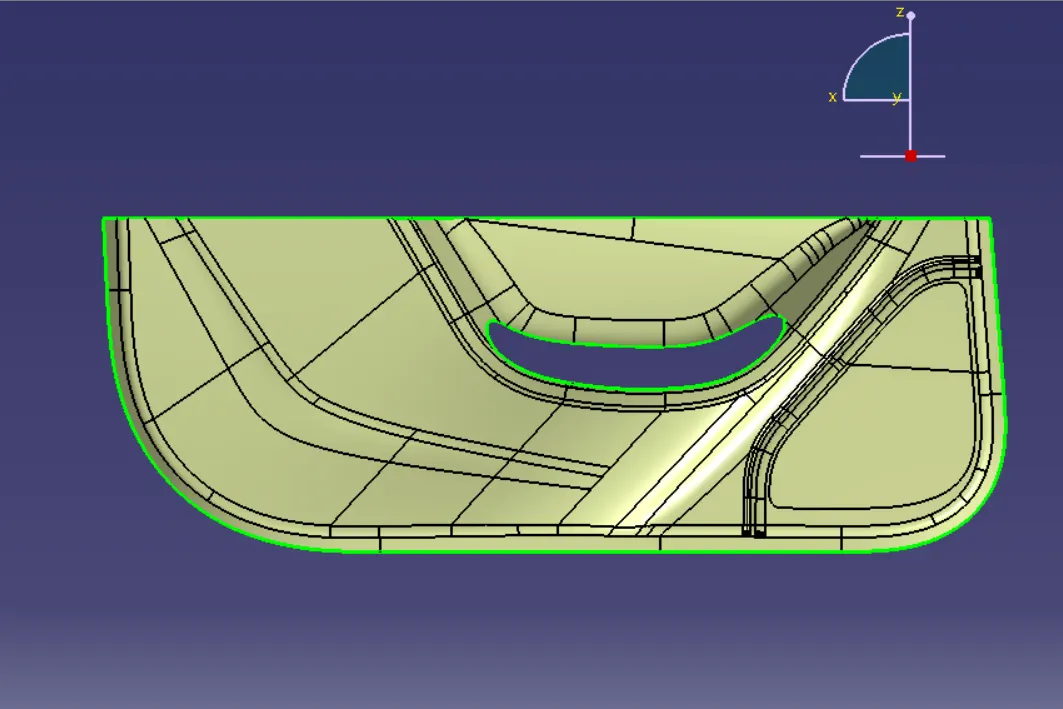
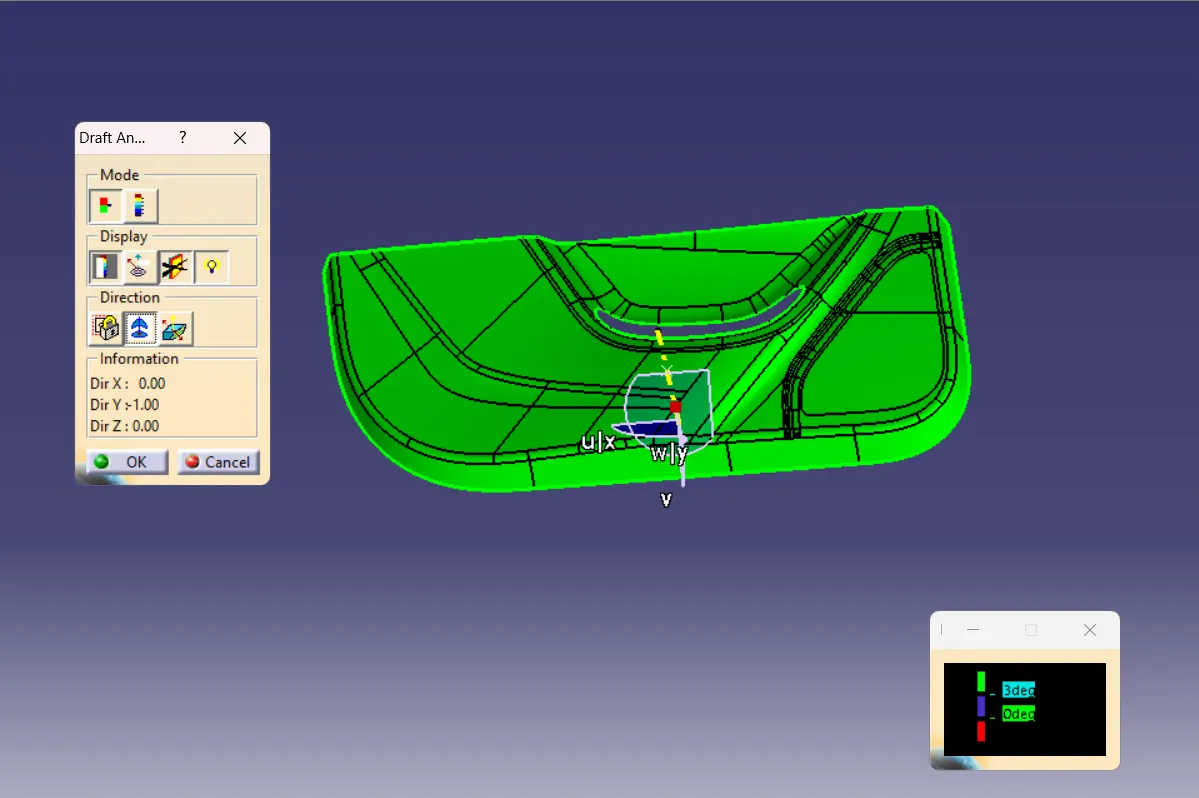
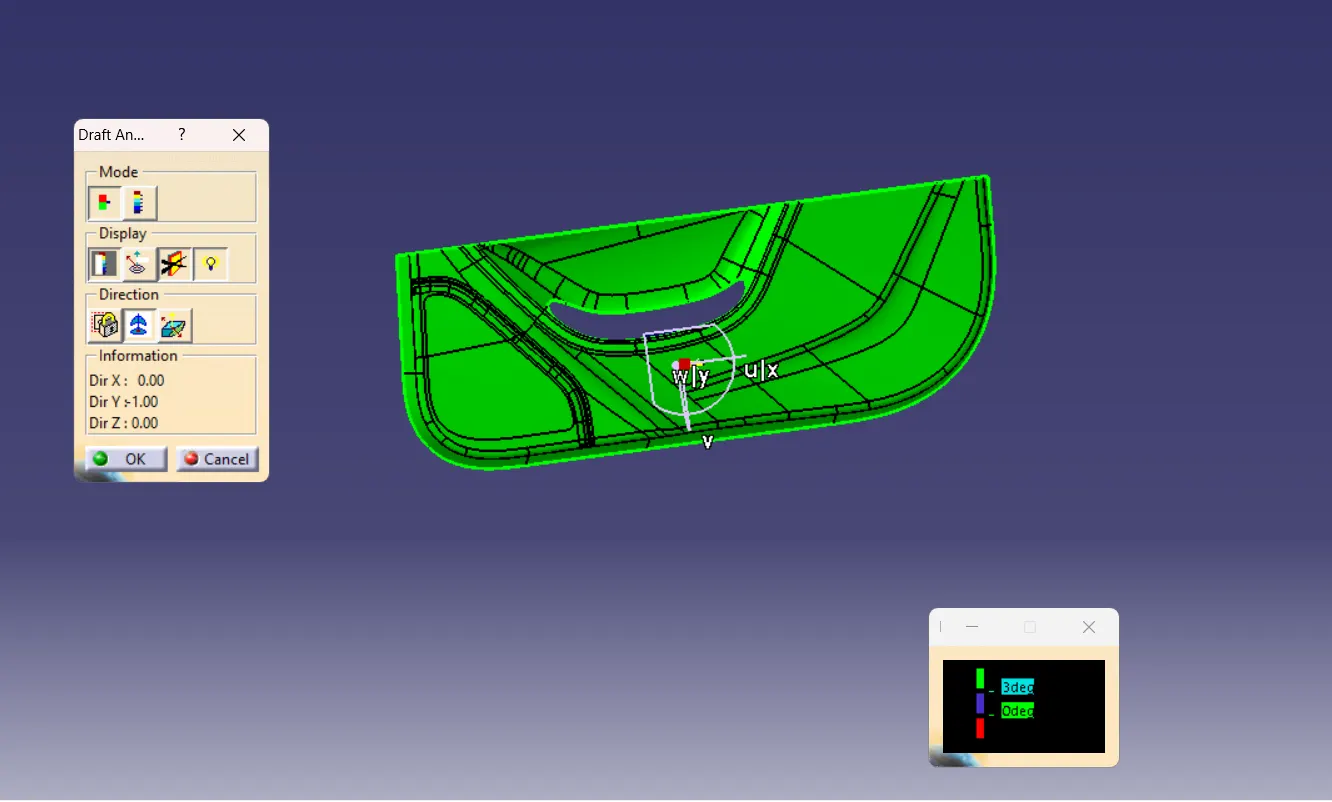
Now, we perform Draft Analysis on the Class A Surface
Now, we create the Class B Surface by offsetting the Class A Surface by the thickness value i.e. 2.5mm
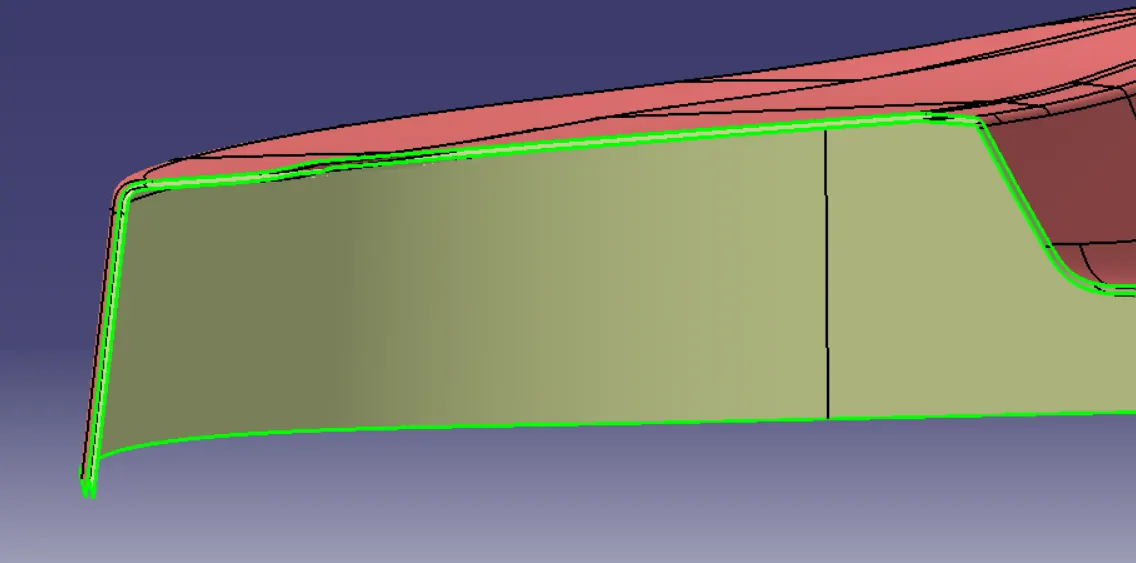
As checked, there are multiple patches in the Class B surface which we need to repair
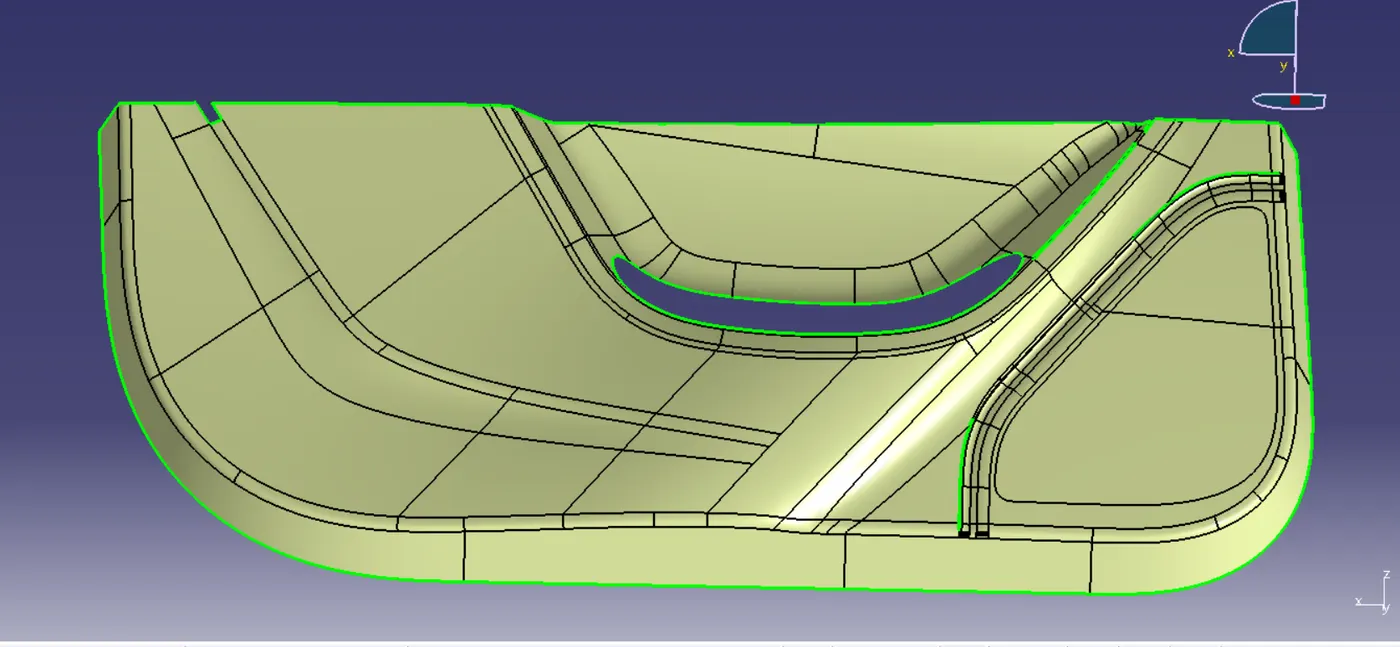
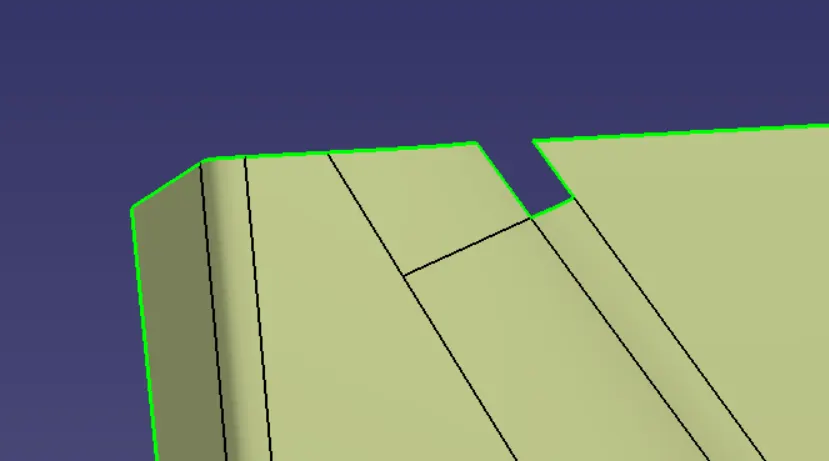
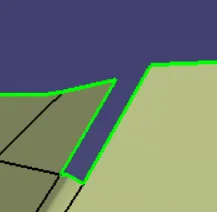
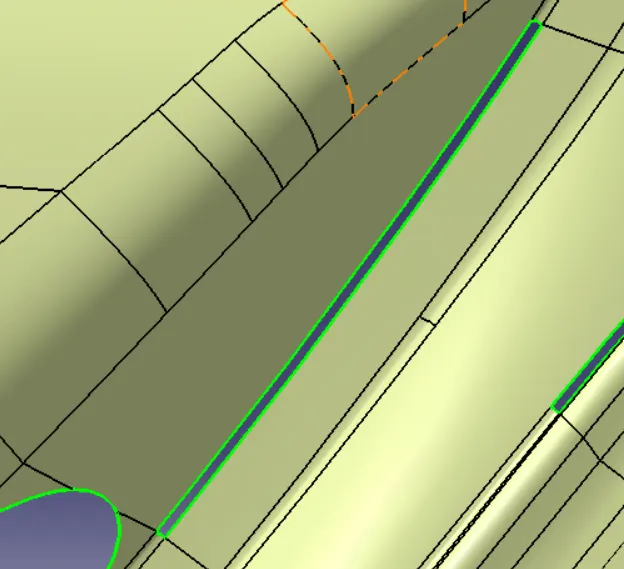
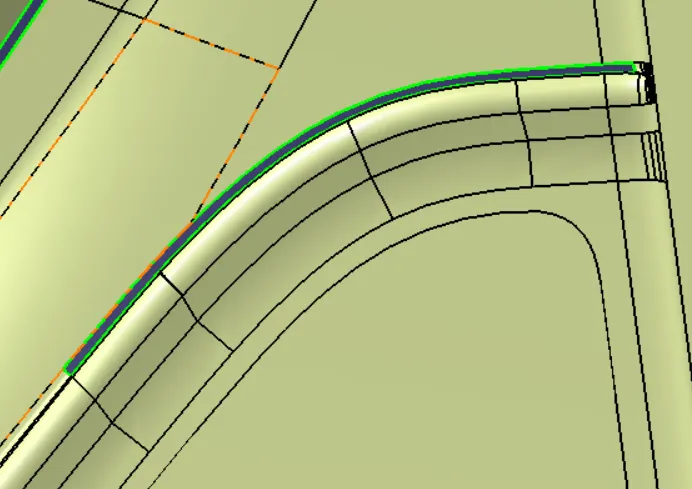
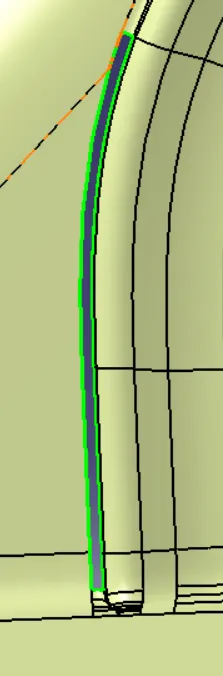
We will extract each portion by using Multiple Extract command and then extrapolate them and trim them to join again and then apply necessary fillets
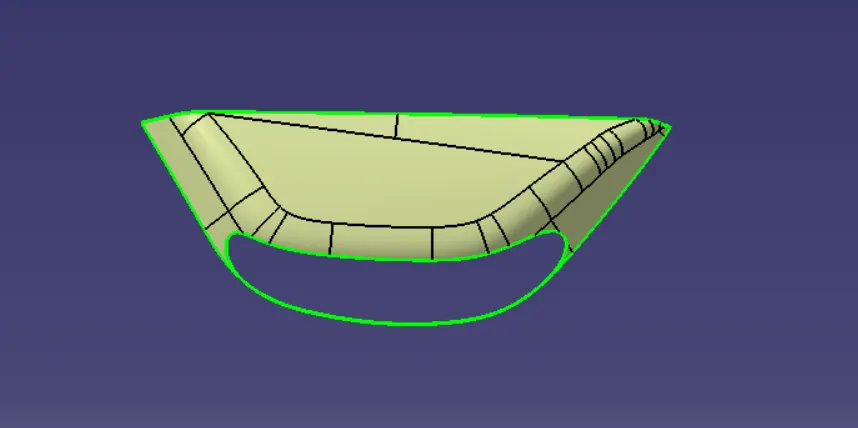
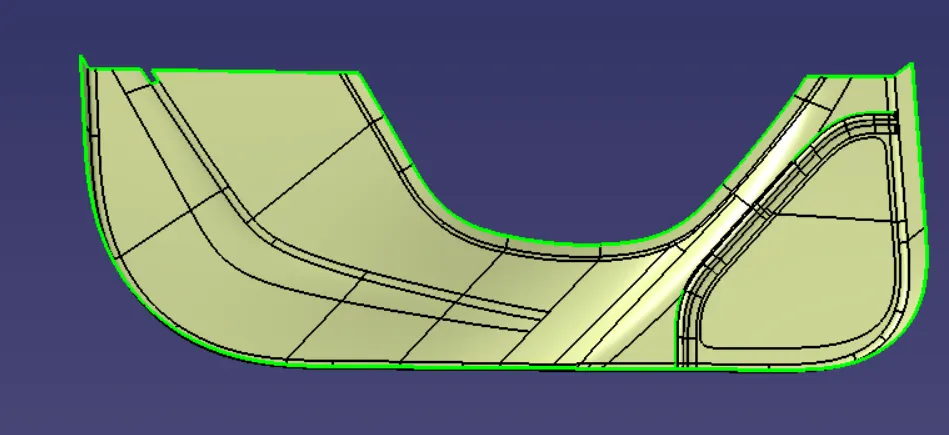
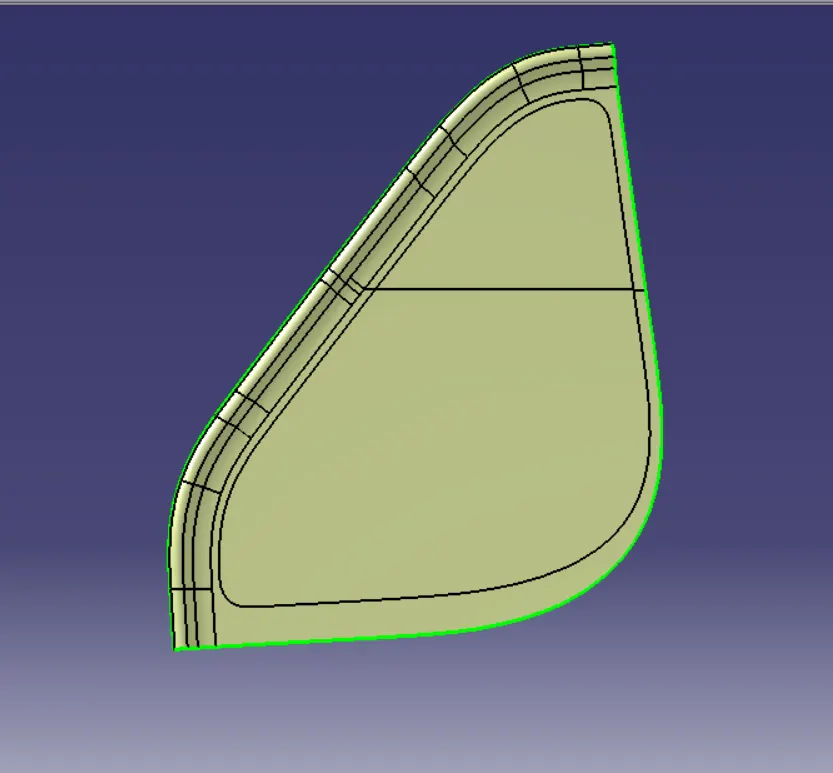
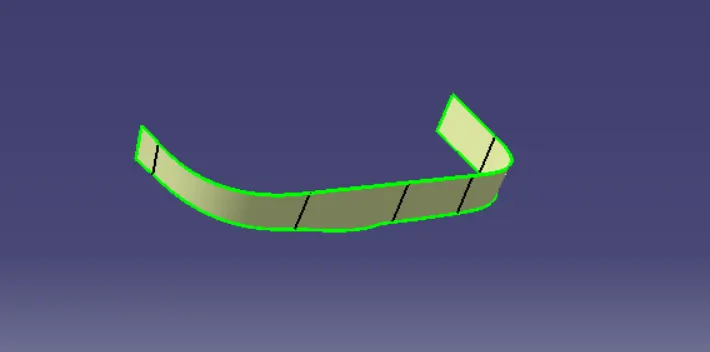
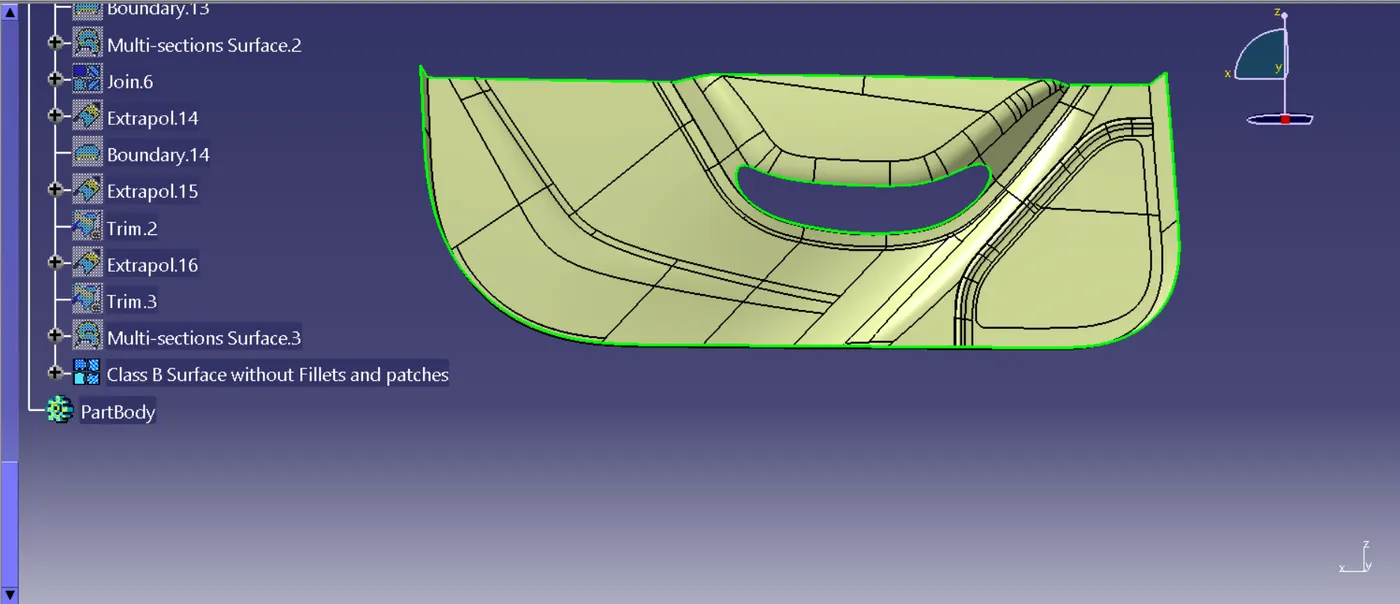
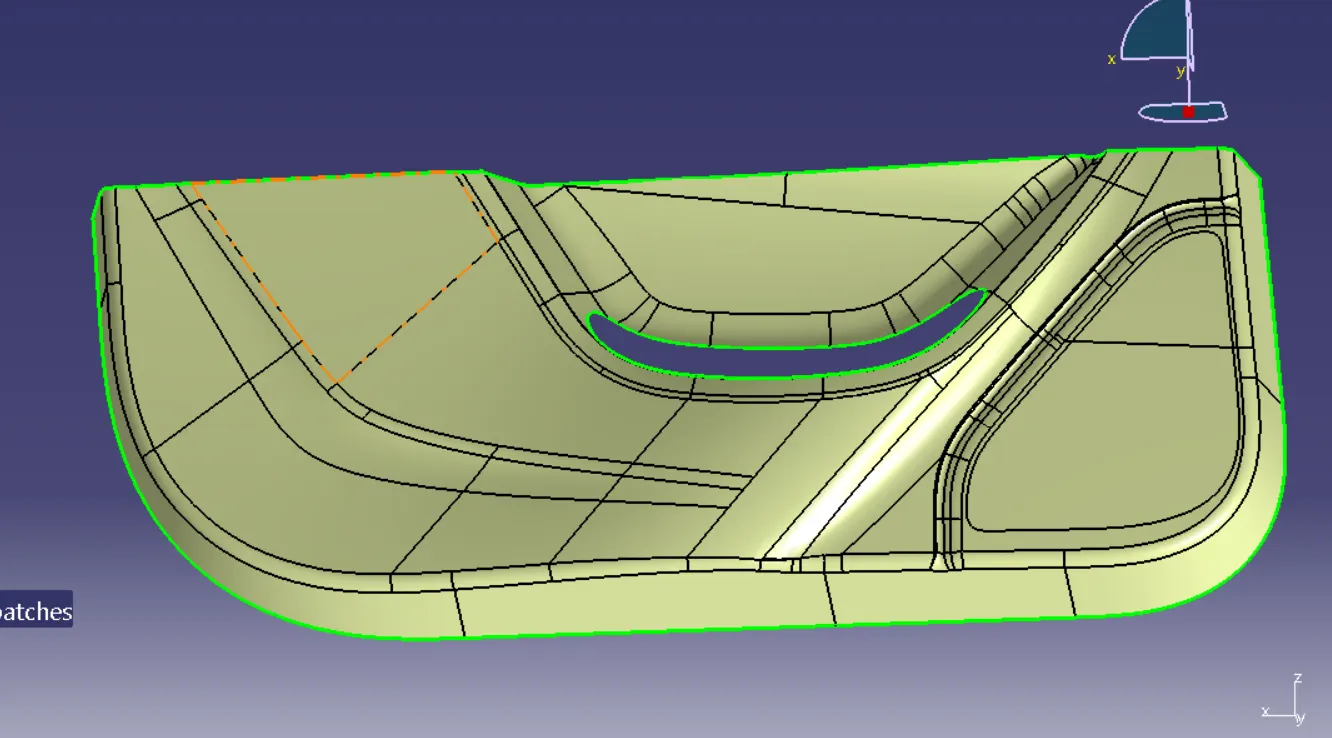
Now, we will create the class C Surface with reference to the Class A Surface by using the sweep command
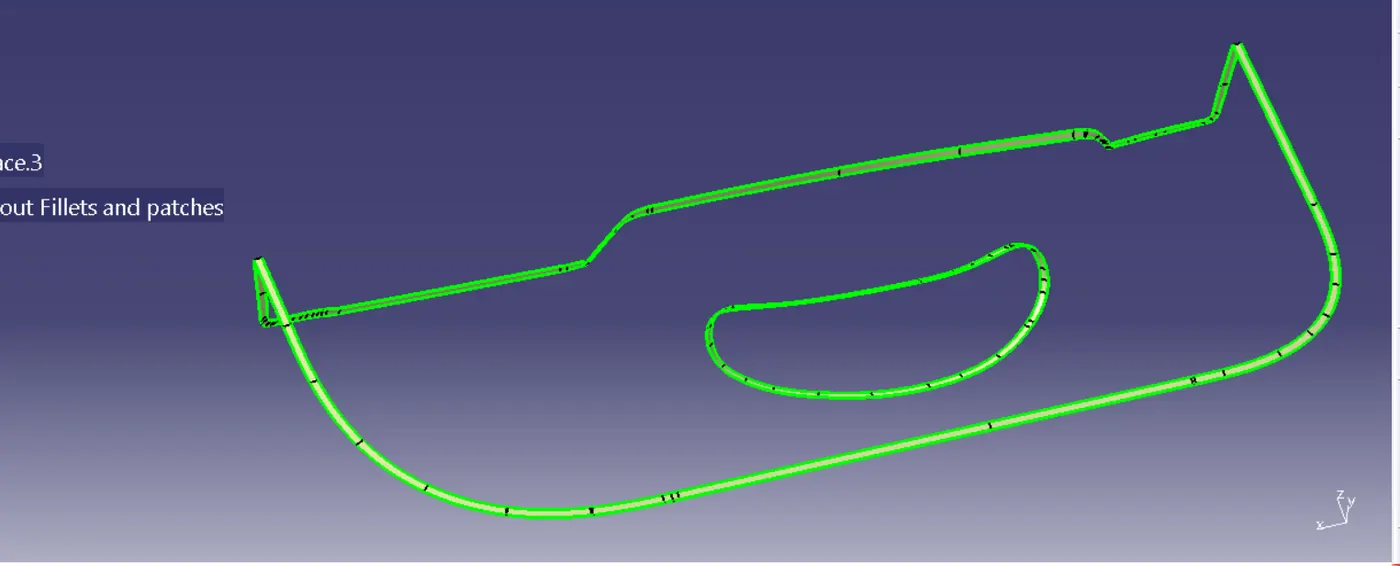
Now, we will join Class A and Class C Surface
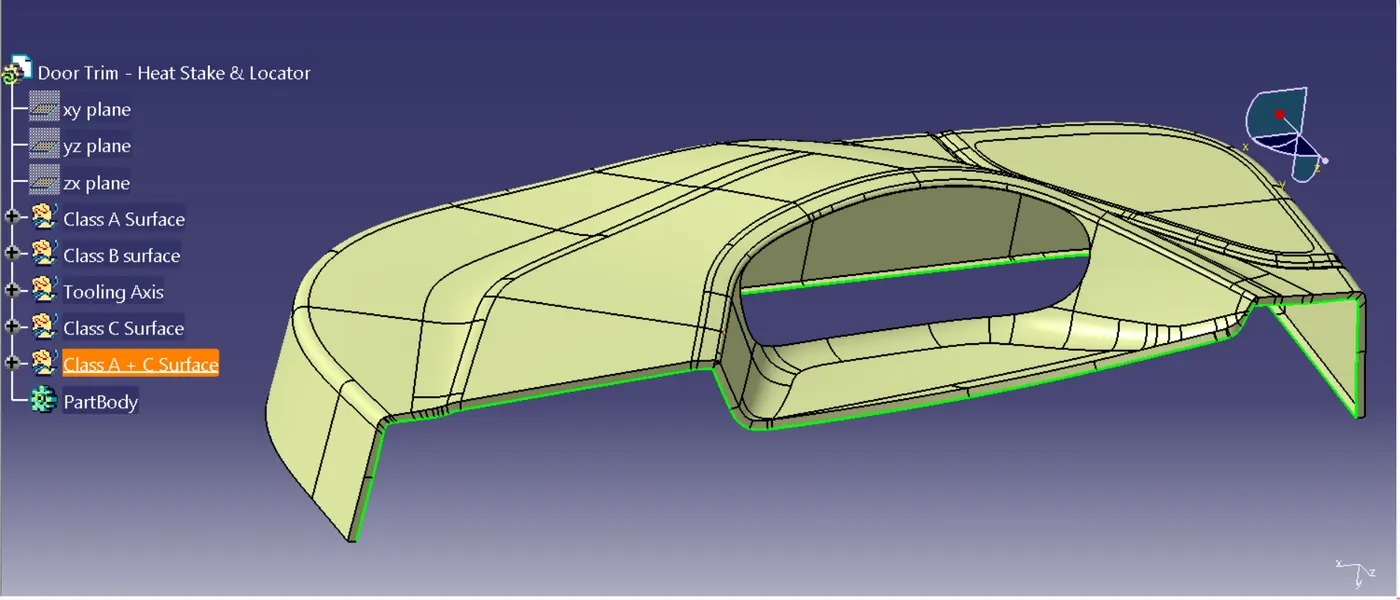
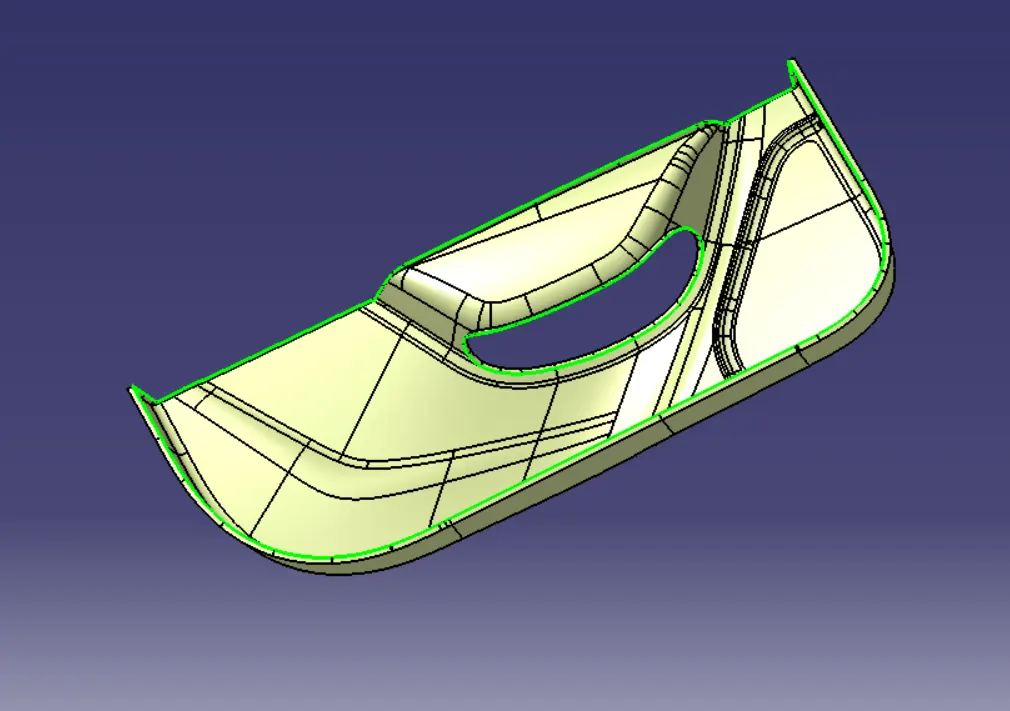
Now, we will trim the Class B Surface with the Class A+C surface and check for open boundaries
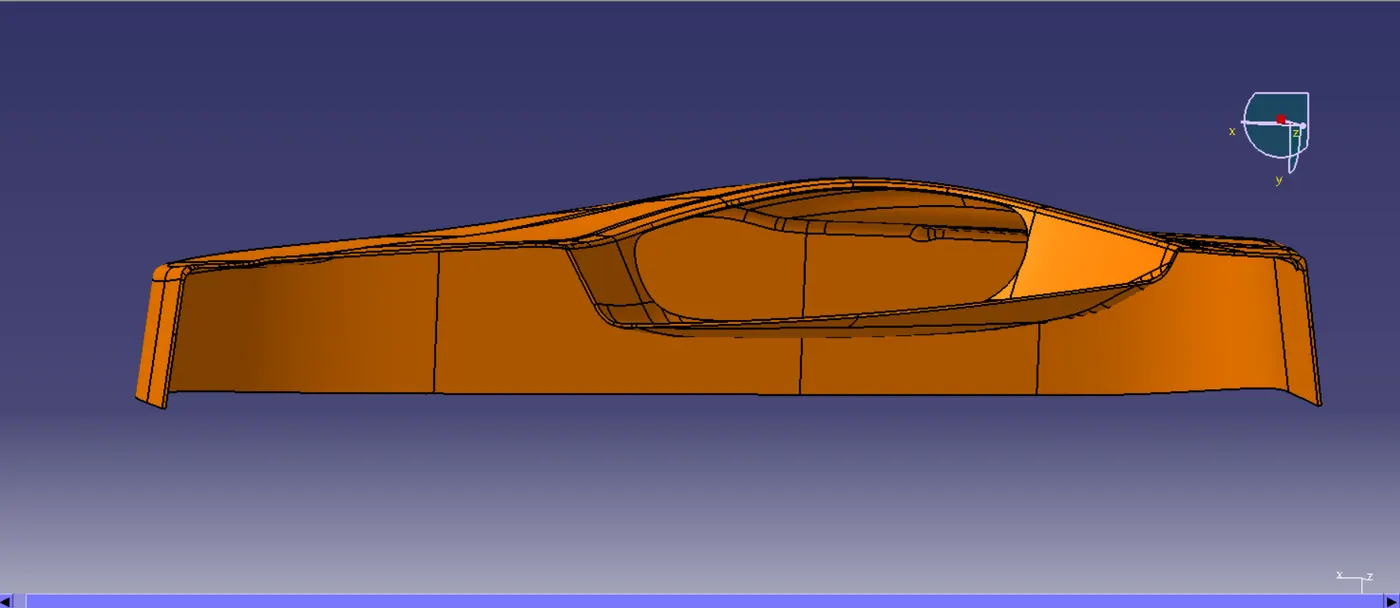
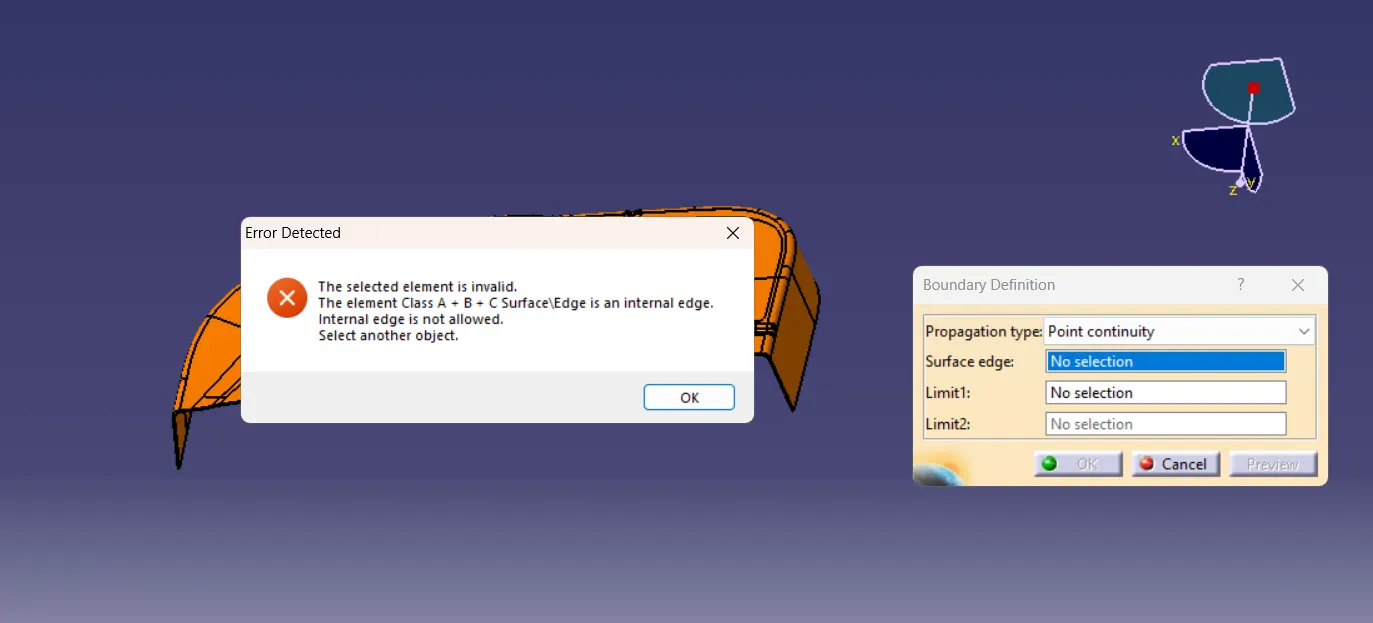
Now, switch to Part Design and select the Closed Surface command to close the body i.e. Class A + B + C Surface and perform Draft Analysis
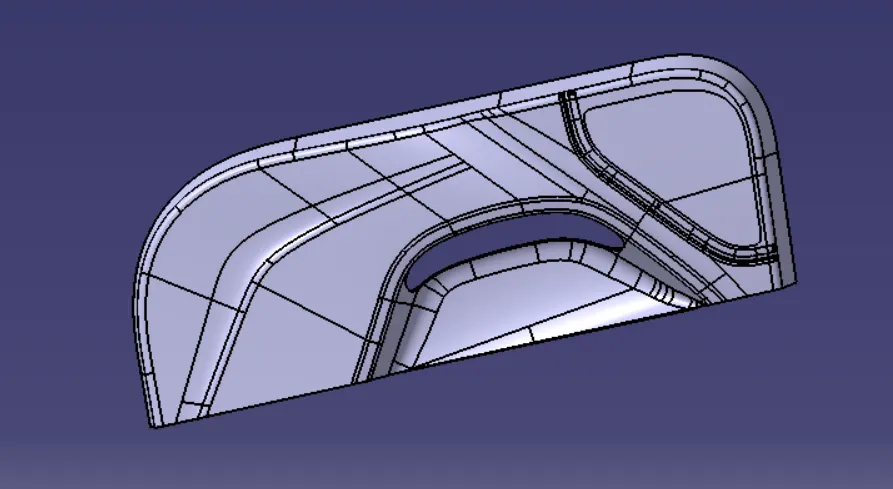
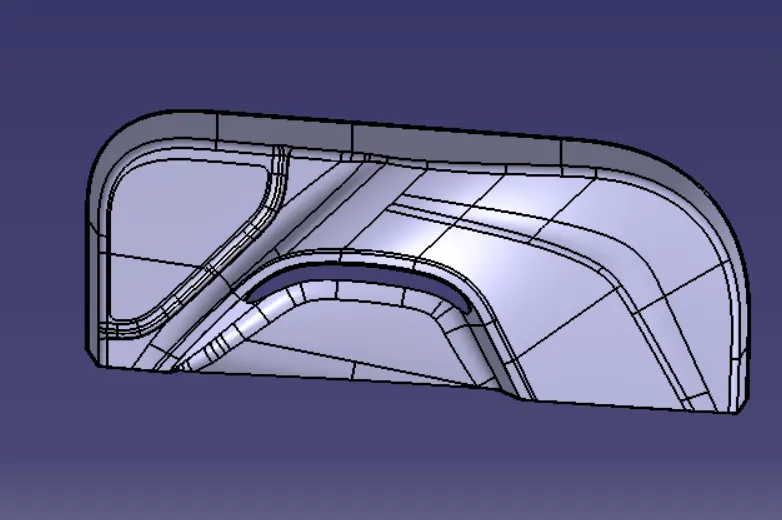
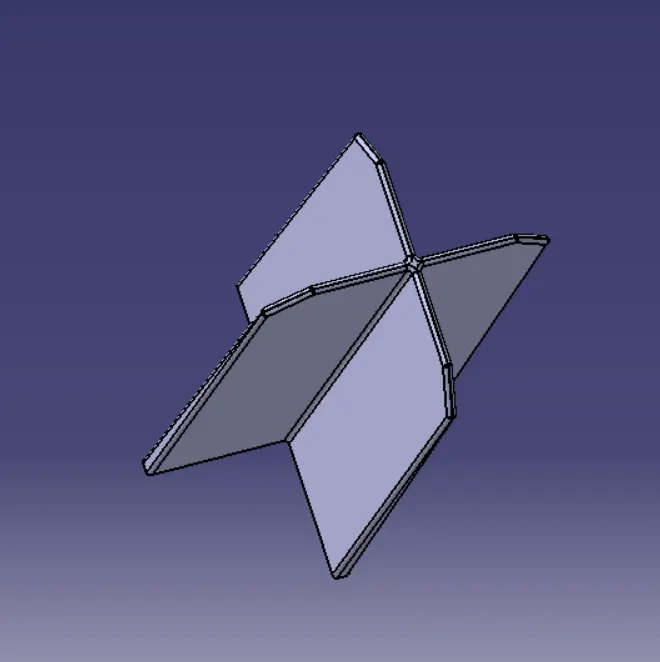
Now, we create Heat stakes and locaters
4-Way Locator:
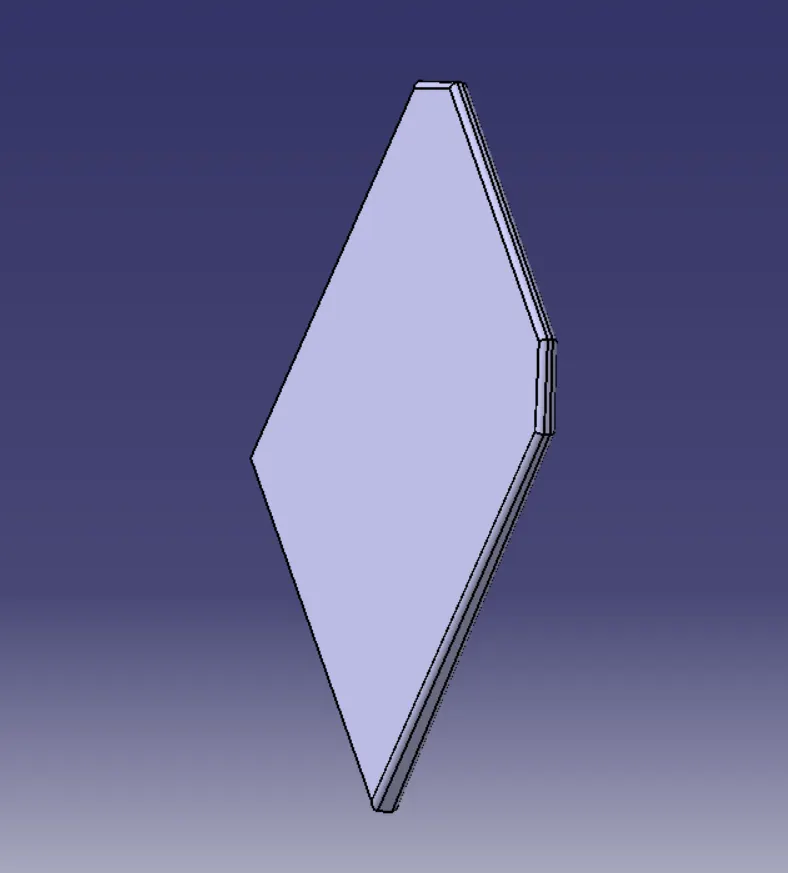
2-Way Locator:
Heat Stake:
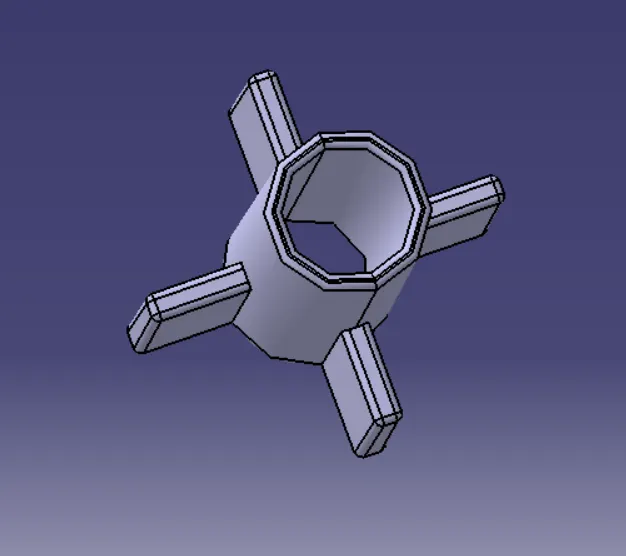
Now, use the Translation command by switching to Part Design and position the heat stake and 4-way and 2-way locator on the specified points.
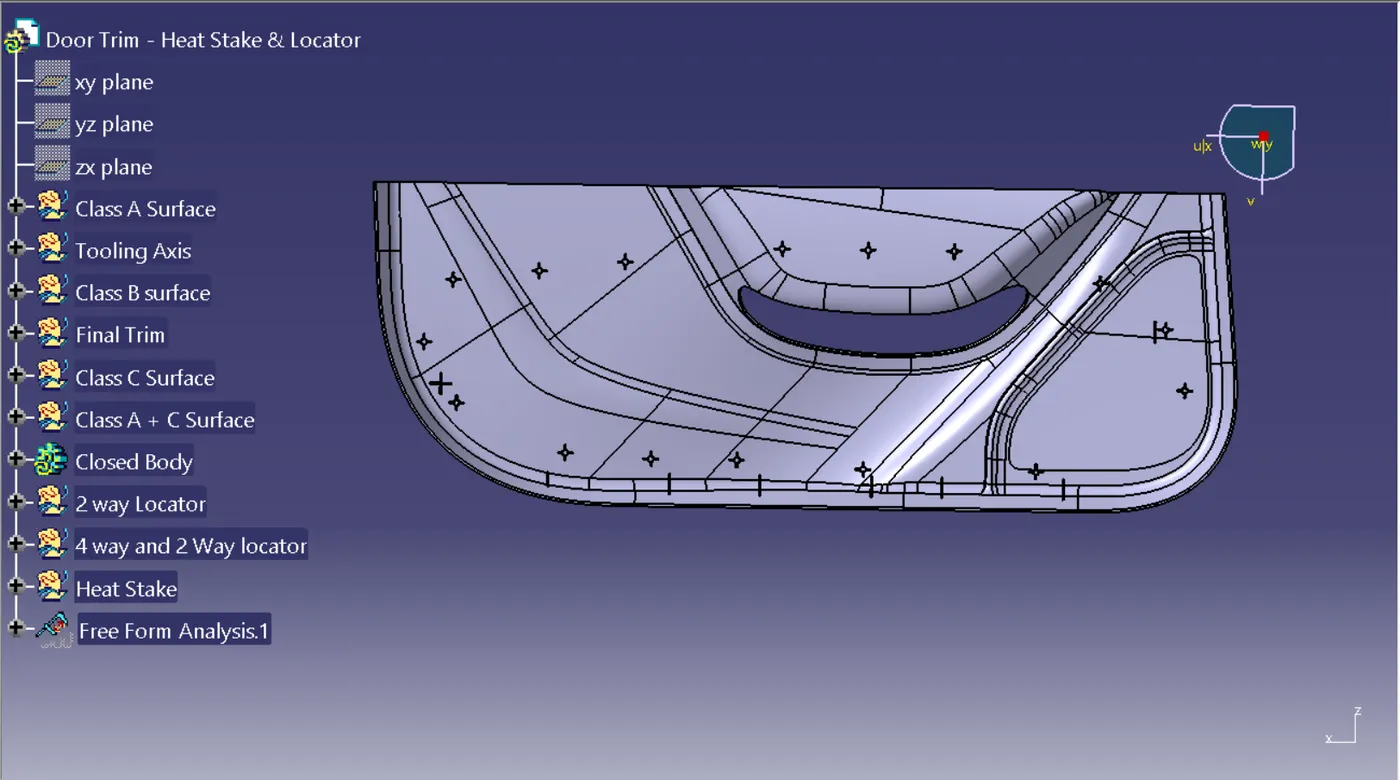
Perform Draft Analysis on the final closed body with the heat stake and locators assembled
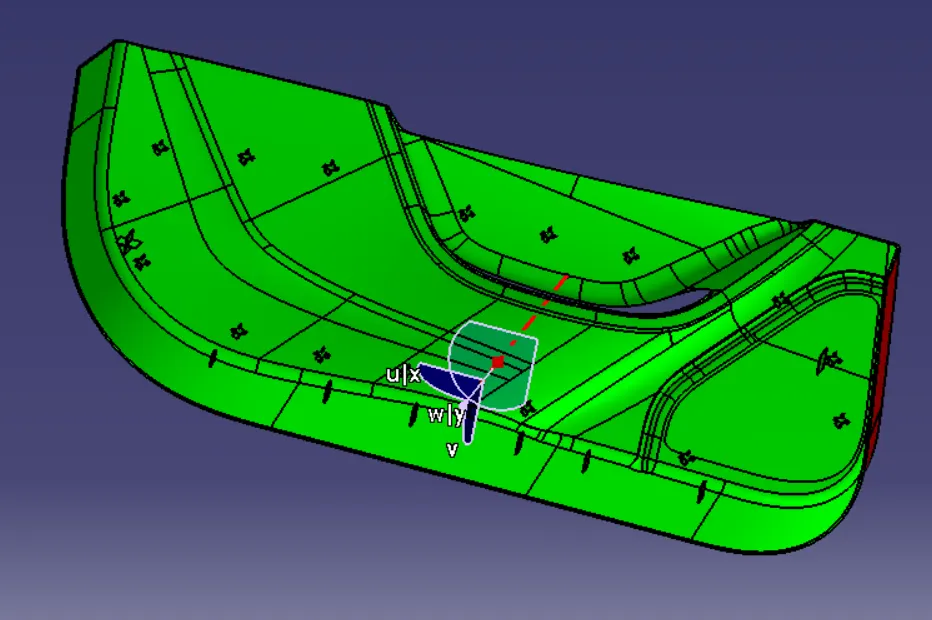
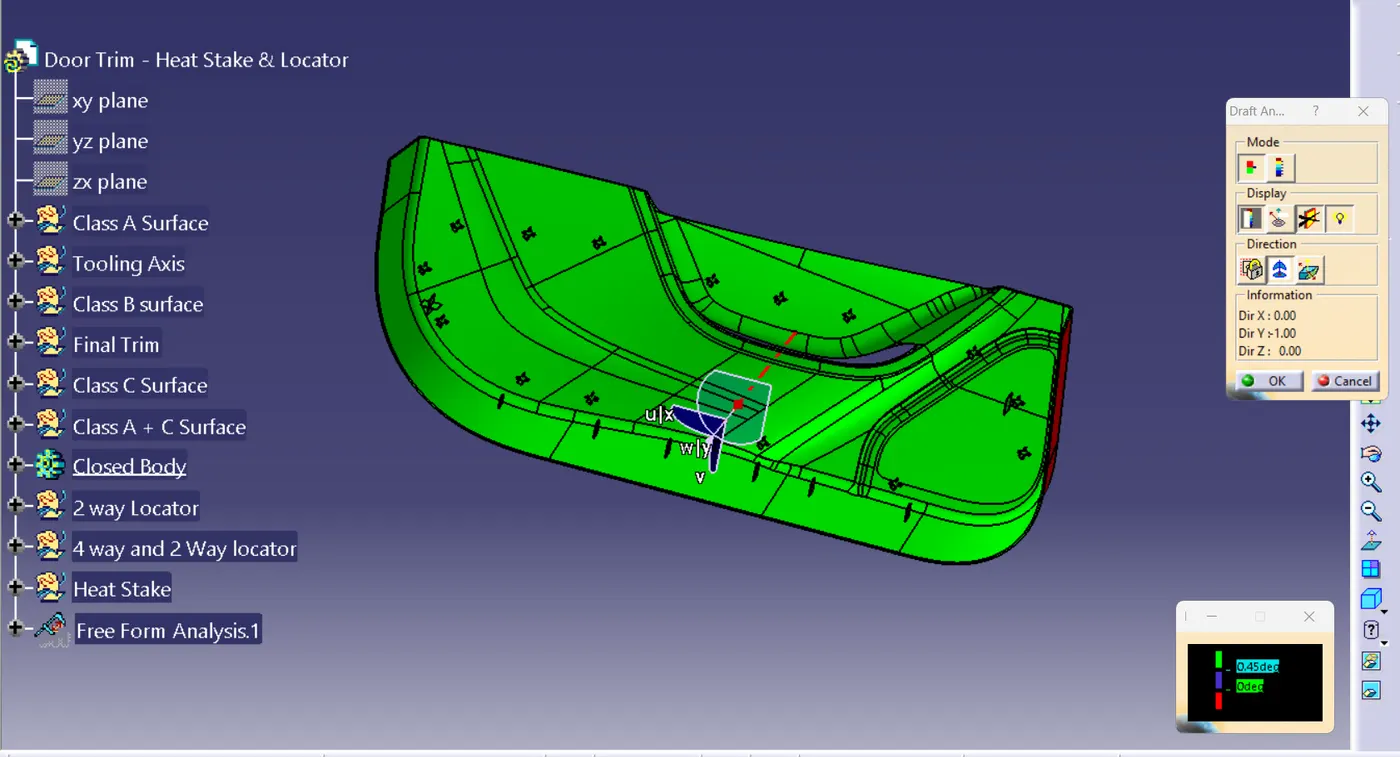
Final Body: