Week 10 - Challenge 3 - Door Trim Lower with Engineering Features
Week 10 - Challenge 3 - Door Trim Lower with Engineering Features
Aim:
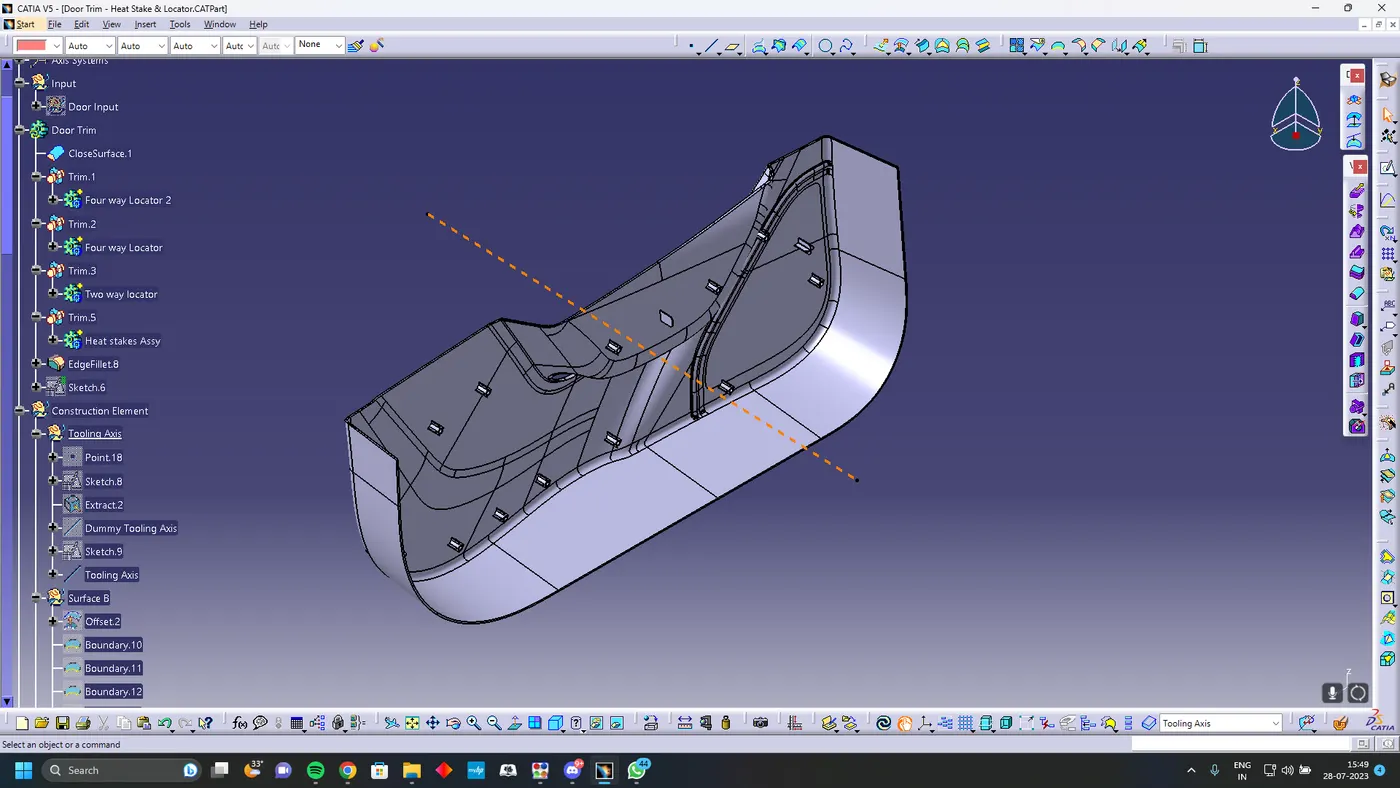
The main aim of this challenge is to create a solid body of 'Door Trim Lower' with the help of the closed surface method by using the 'Generative shape design' workbench in CATIA V5. Performing the 'Draft Analysis' on the solid part body of the Door trim
Tooling Axis Creation
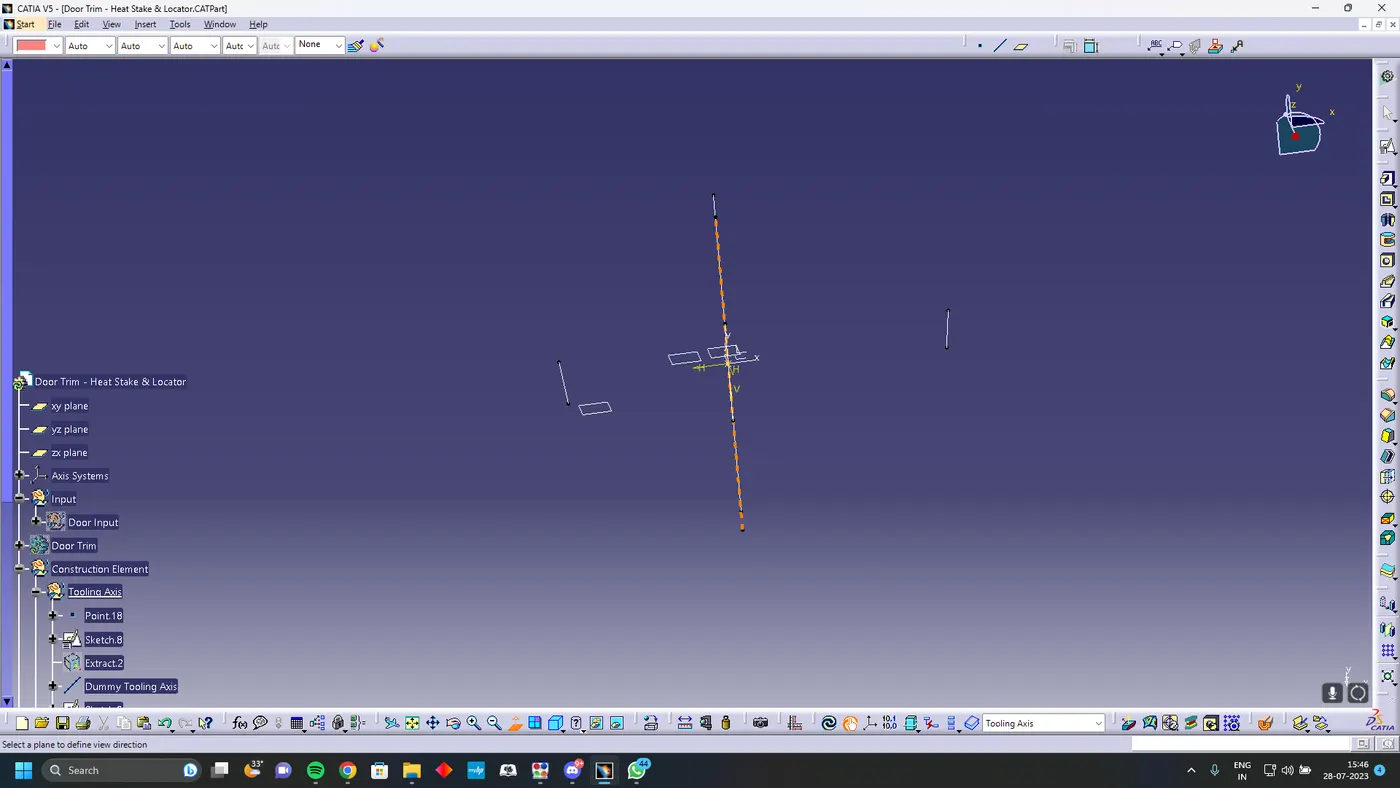
Using section tool in Sketch create two lines to create a bisecting dummy tooling axis for one plane and similarly create another dummy tooling axis for another plane and bisect both tooling axis to get the real tooling axis
Class B Creation
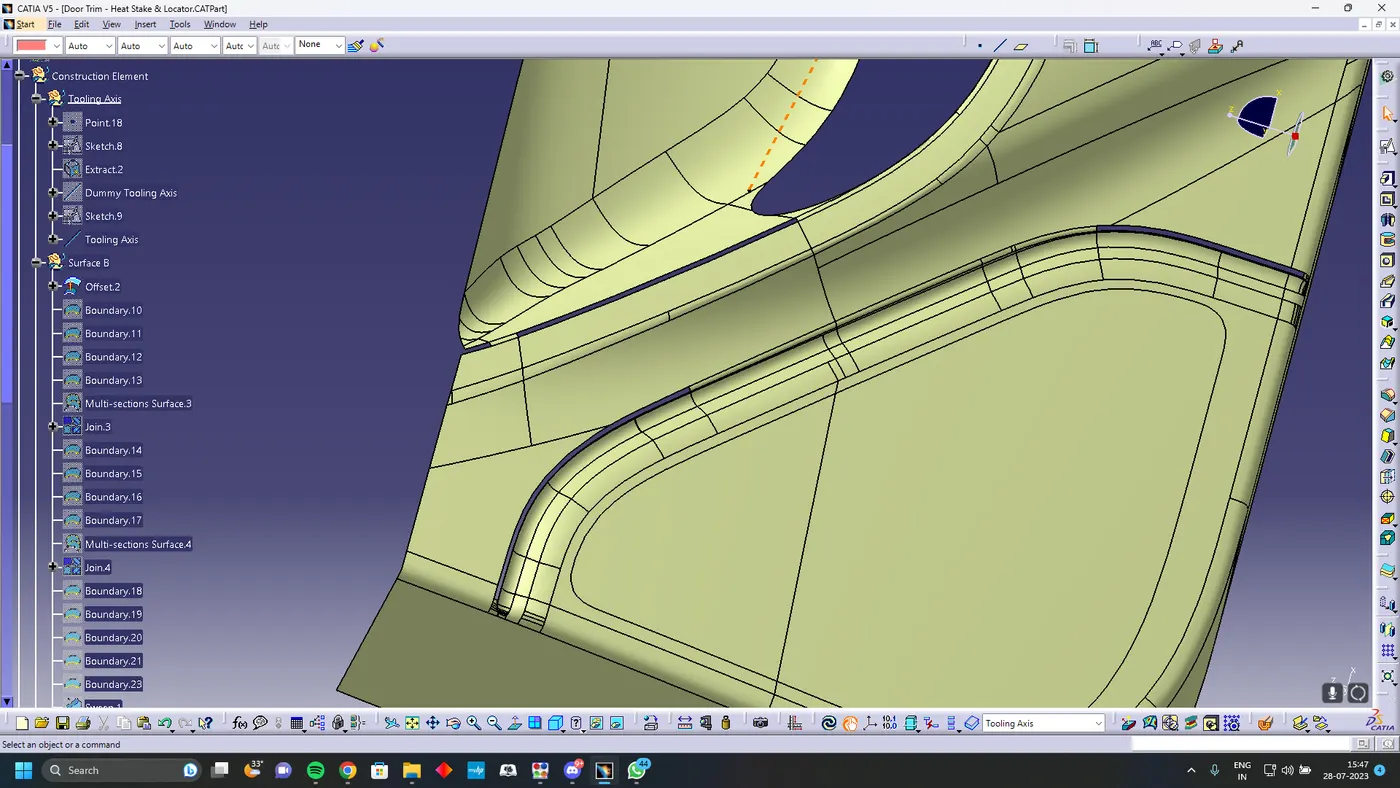
To create class b you need to offset the class A for 2.5 mm which will create some patches in the class B you should close the patches using the surface commands
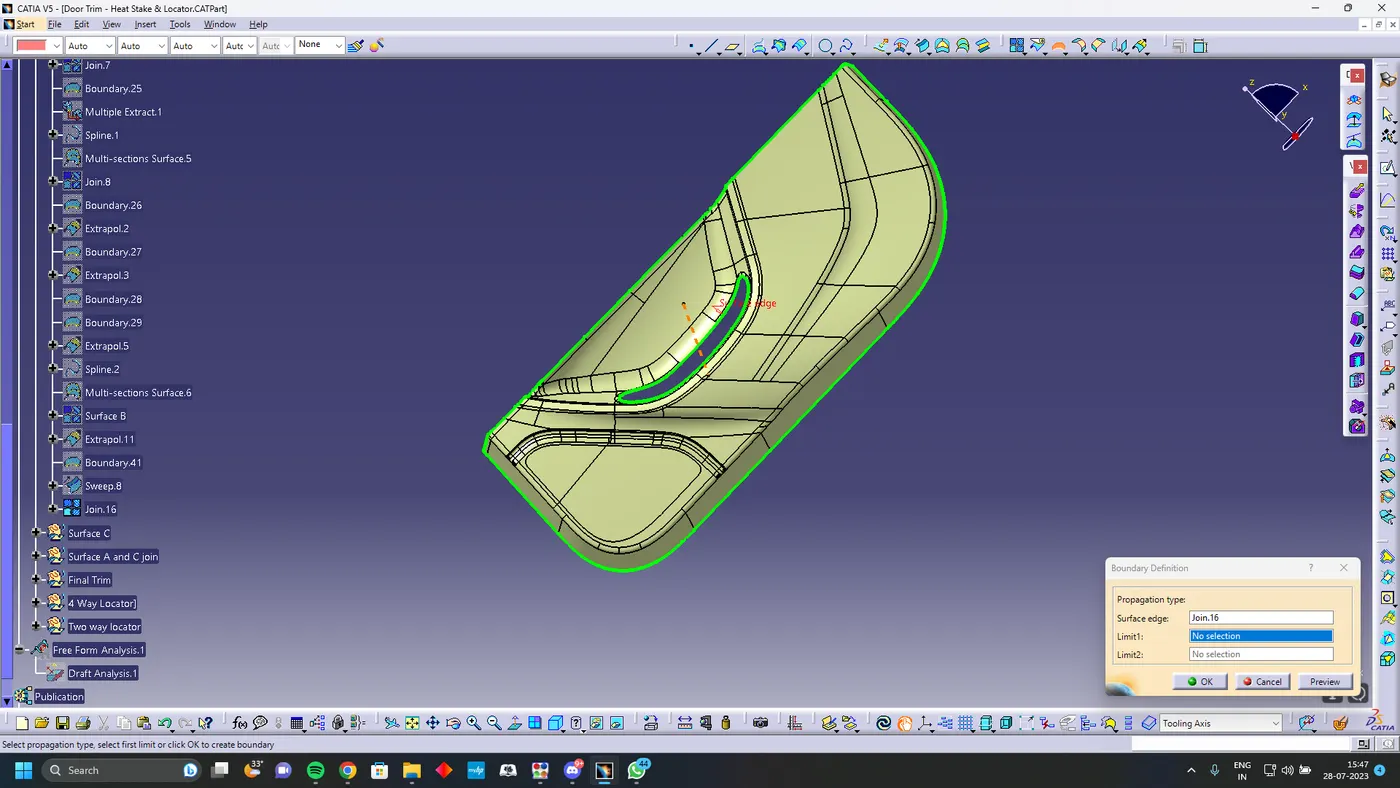
Class C creation
I used the sweep command to create the class C surface concerning the boundary of the class A surface.
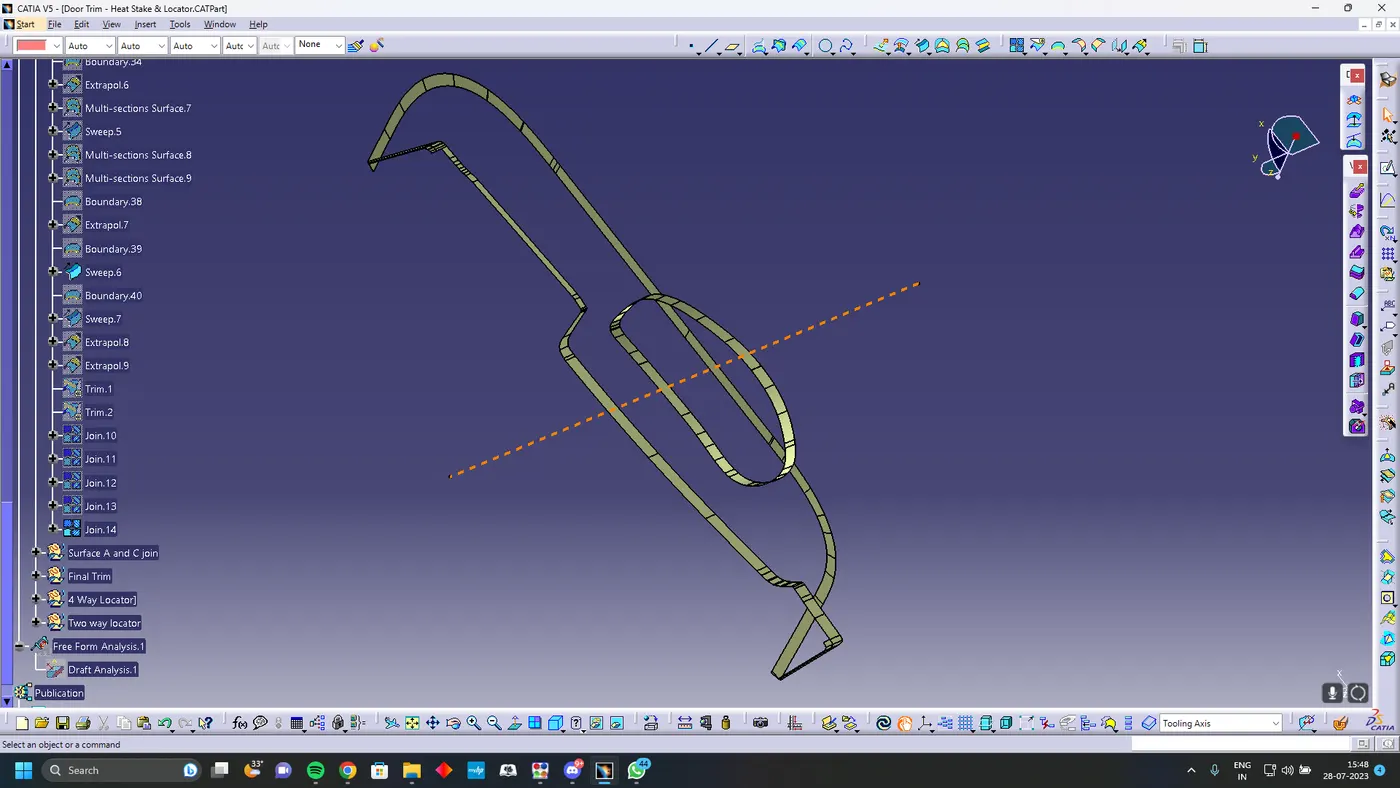
Class A and C join
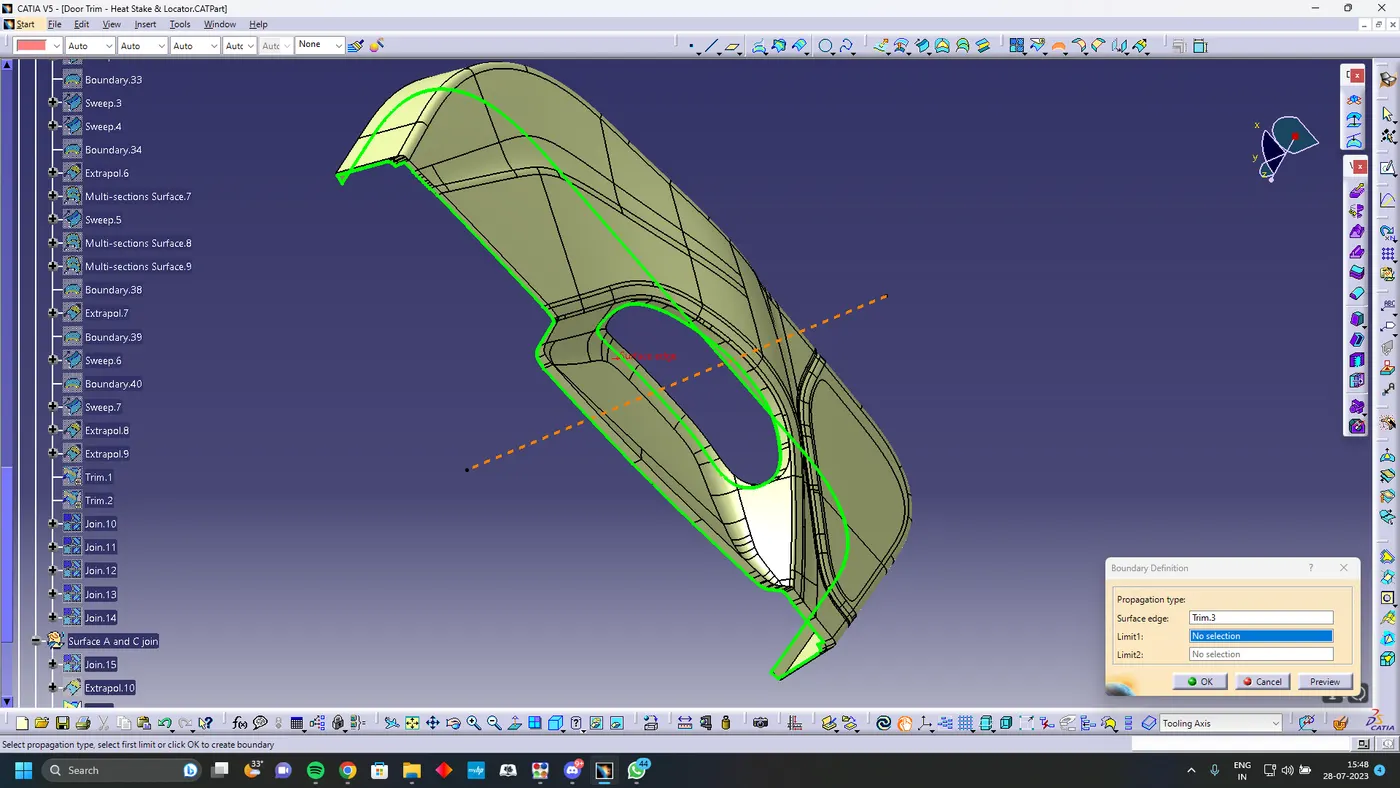
Final Trim
Trim class A and C join with Class B to get a closed surface using closed surface command in part workbench
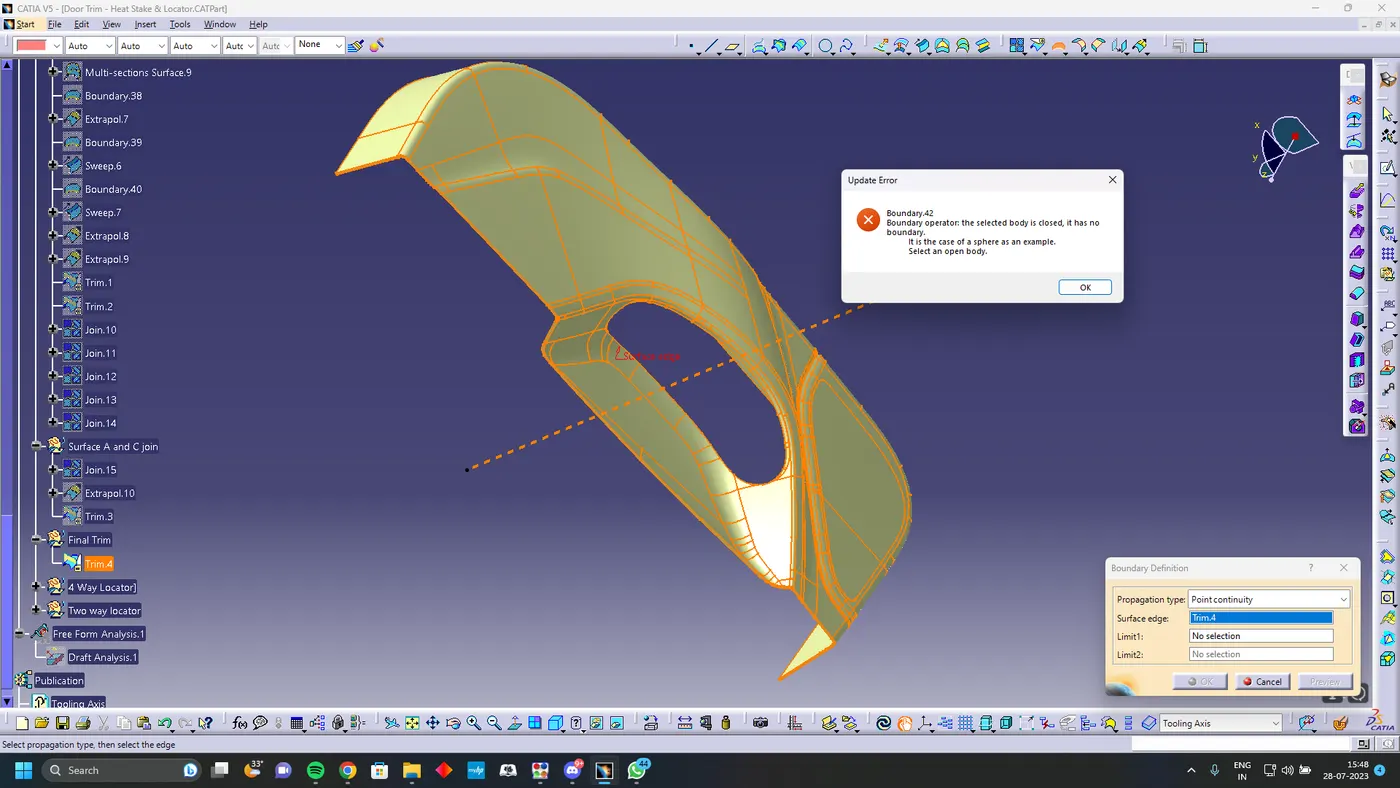
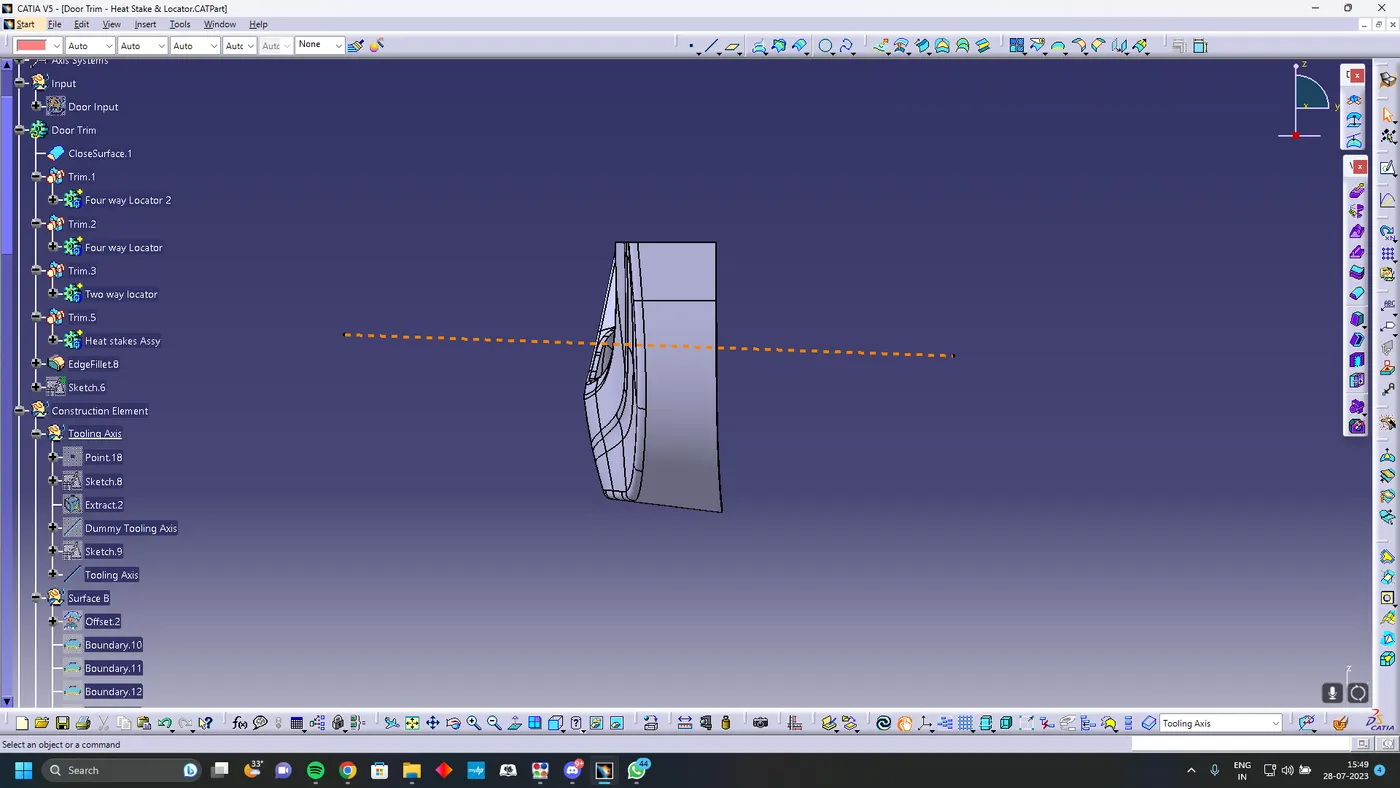
Creation of Engineering Feature
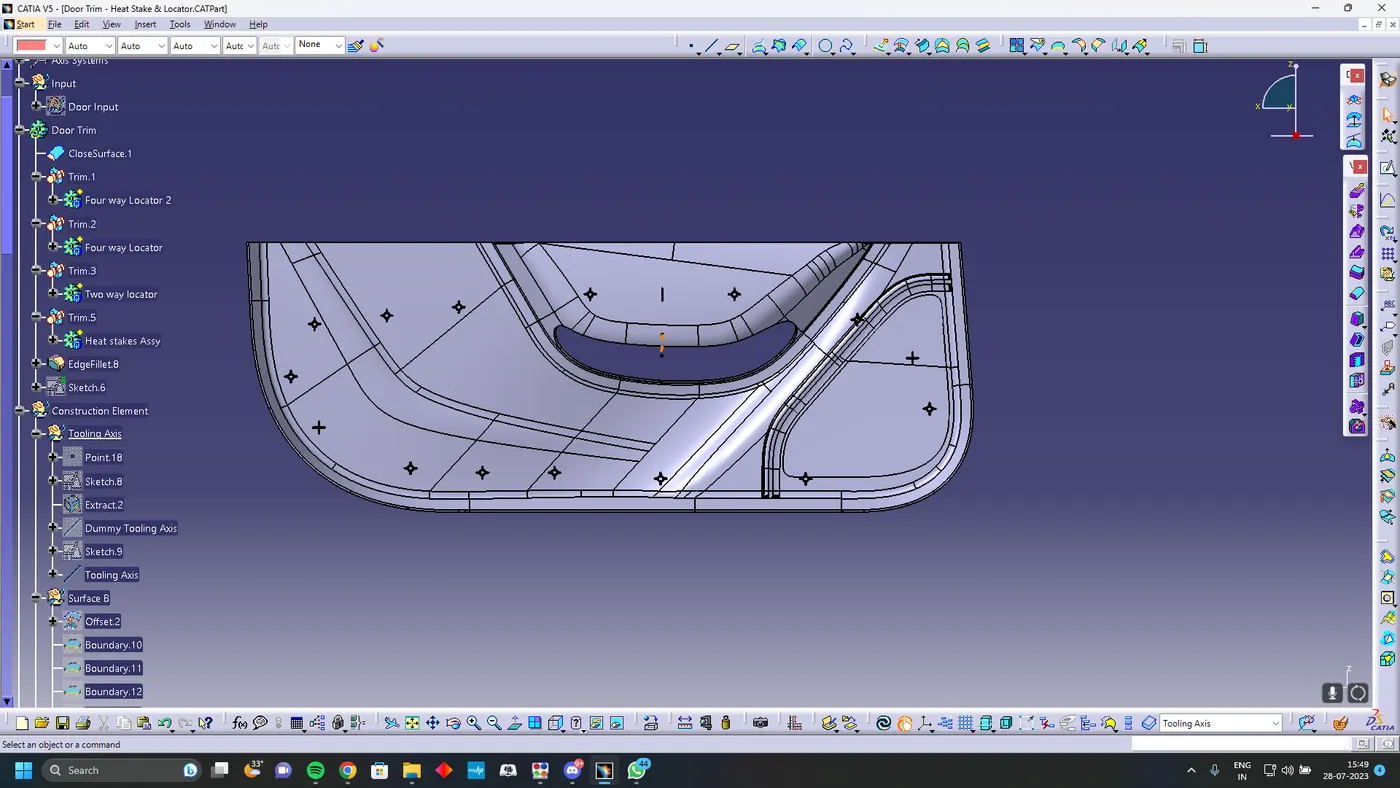
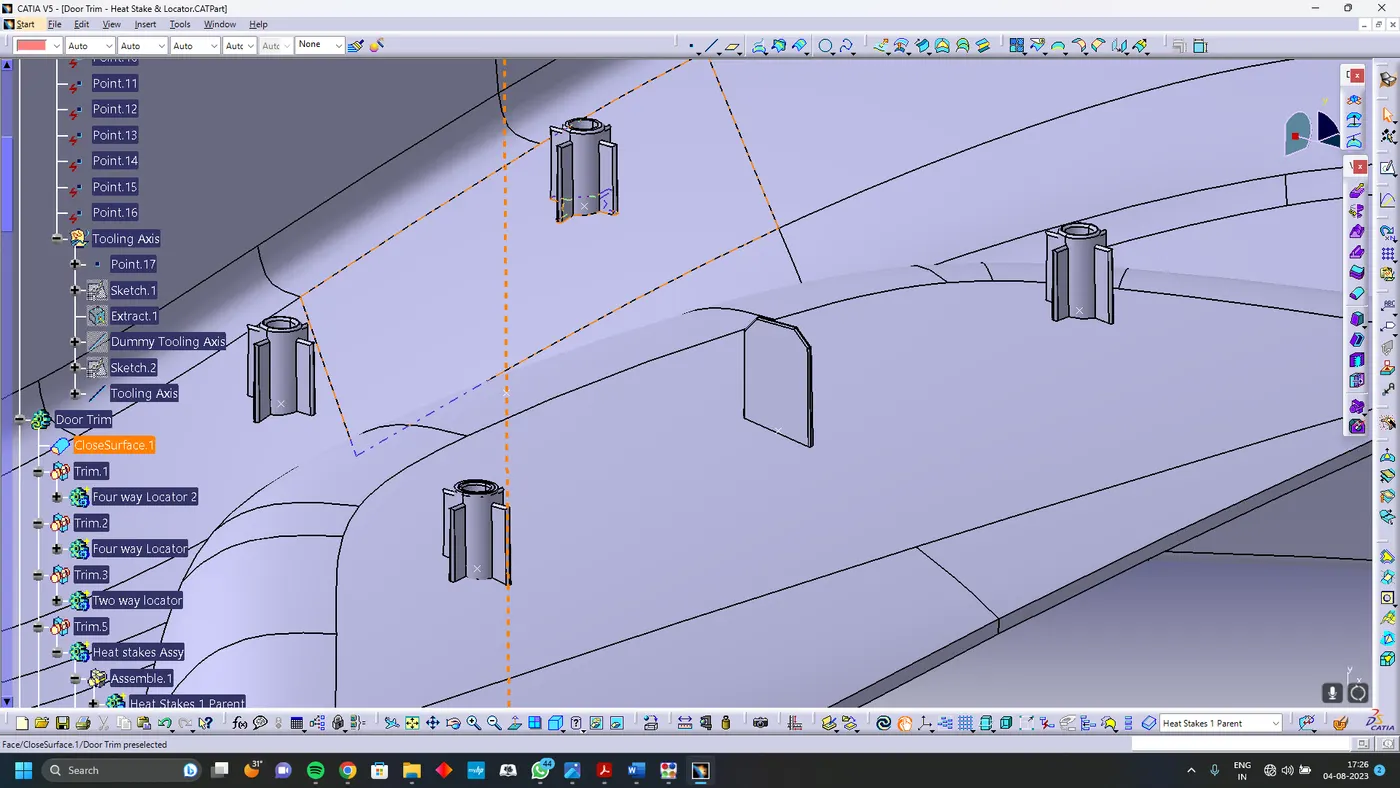
Create one way , two way locator and heat stakes with the given dimessions and assemble to the points
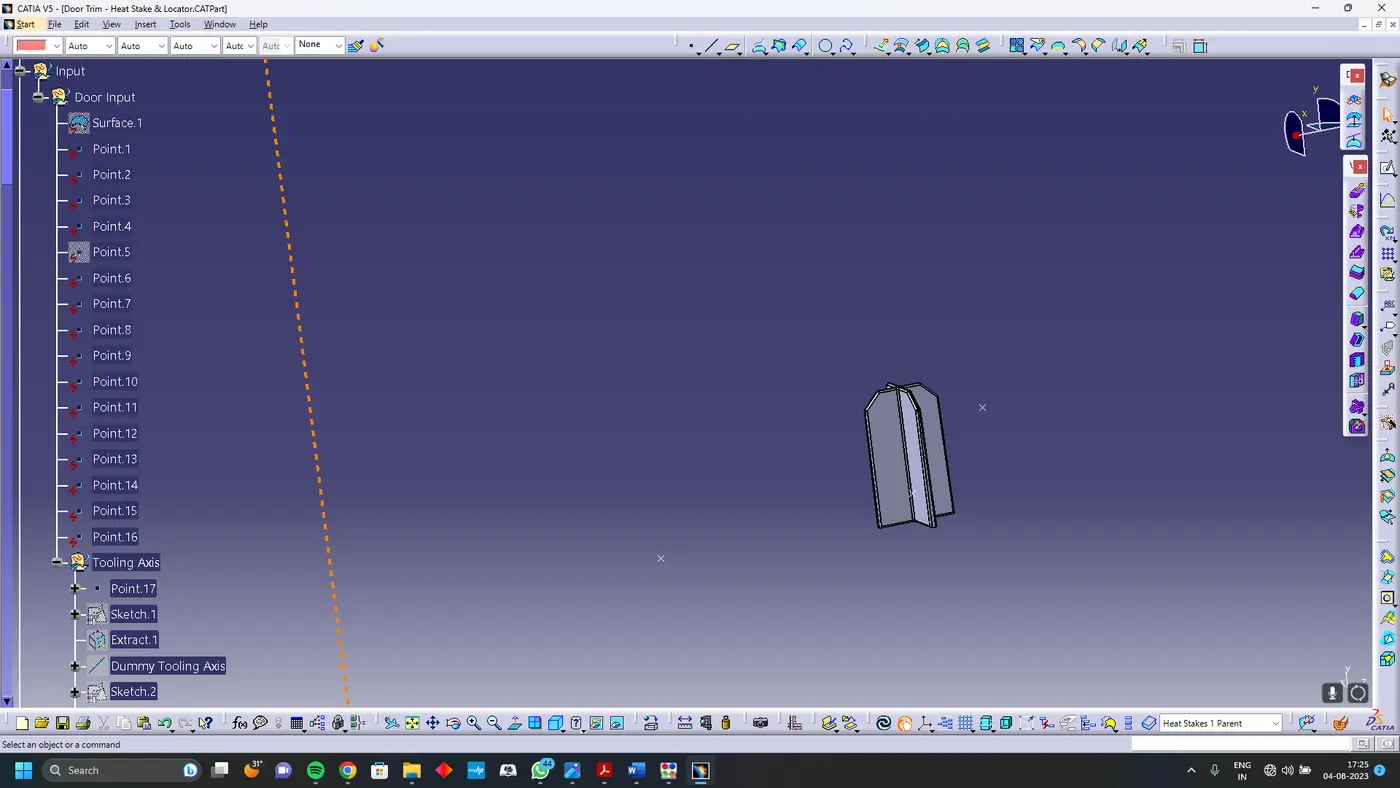
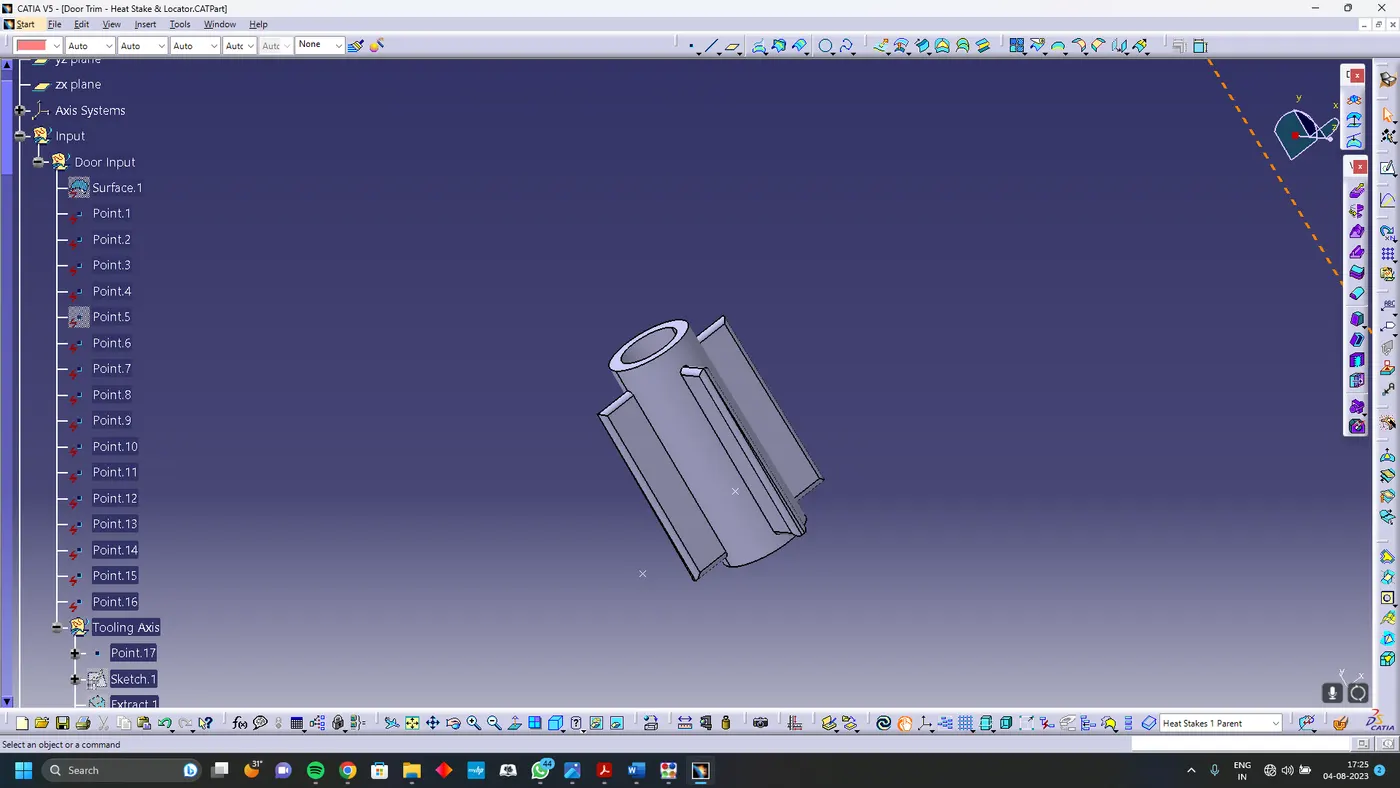
Draft Analysis
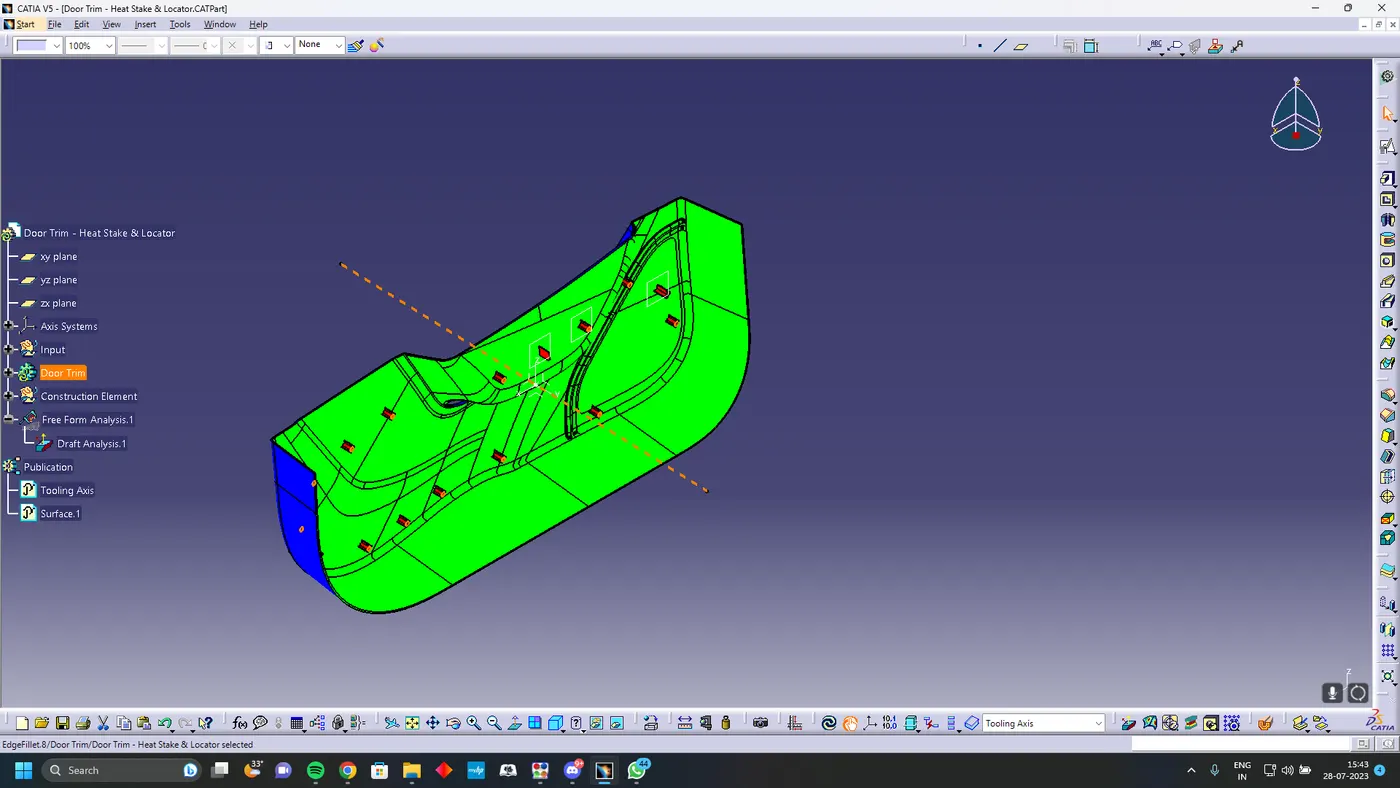
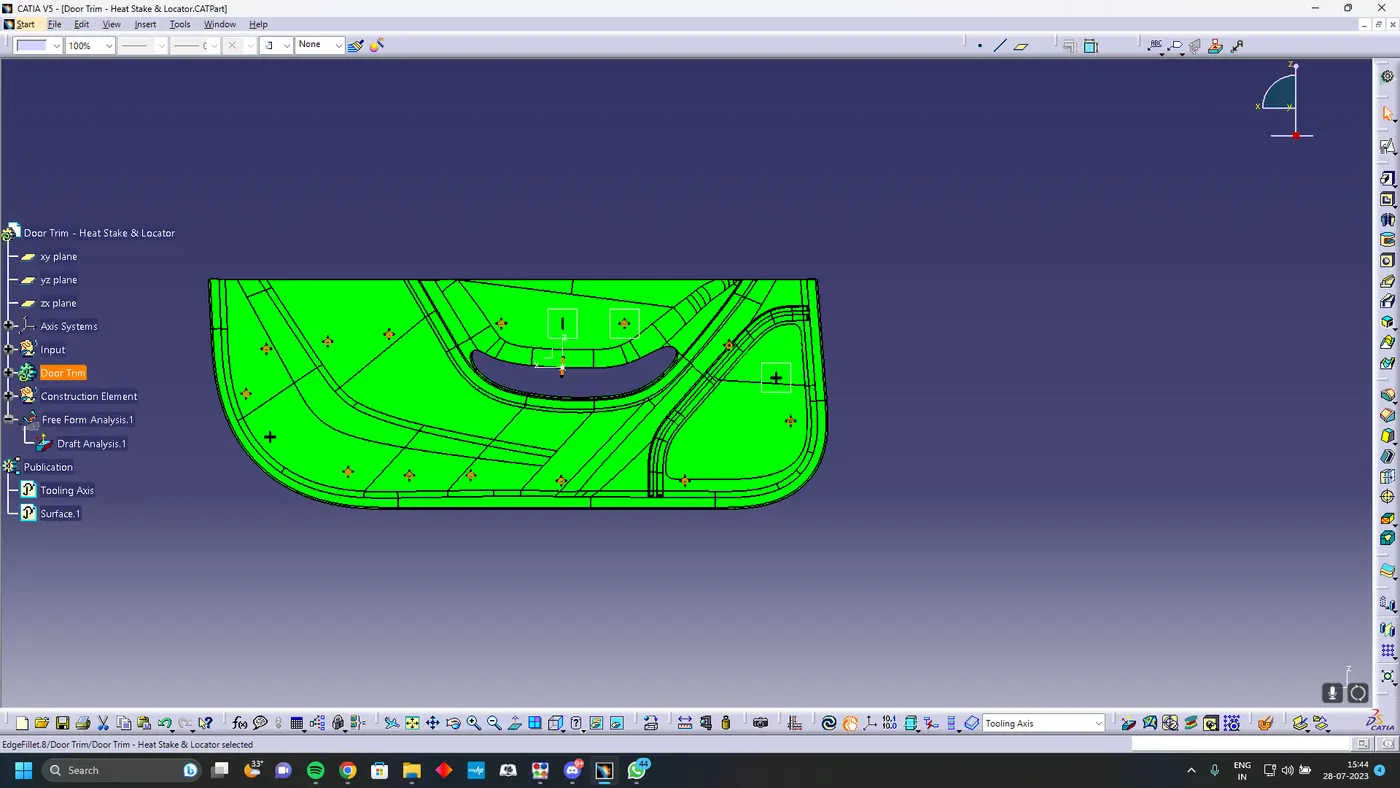
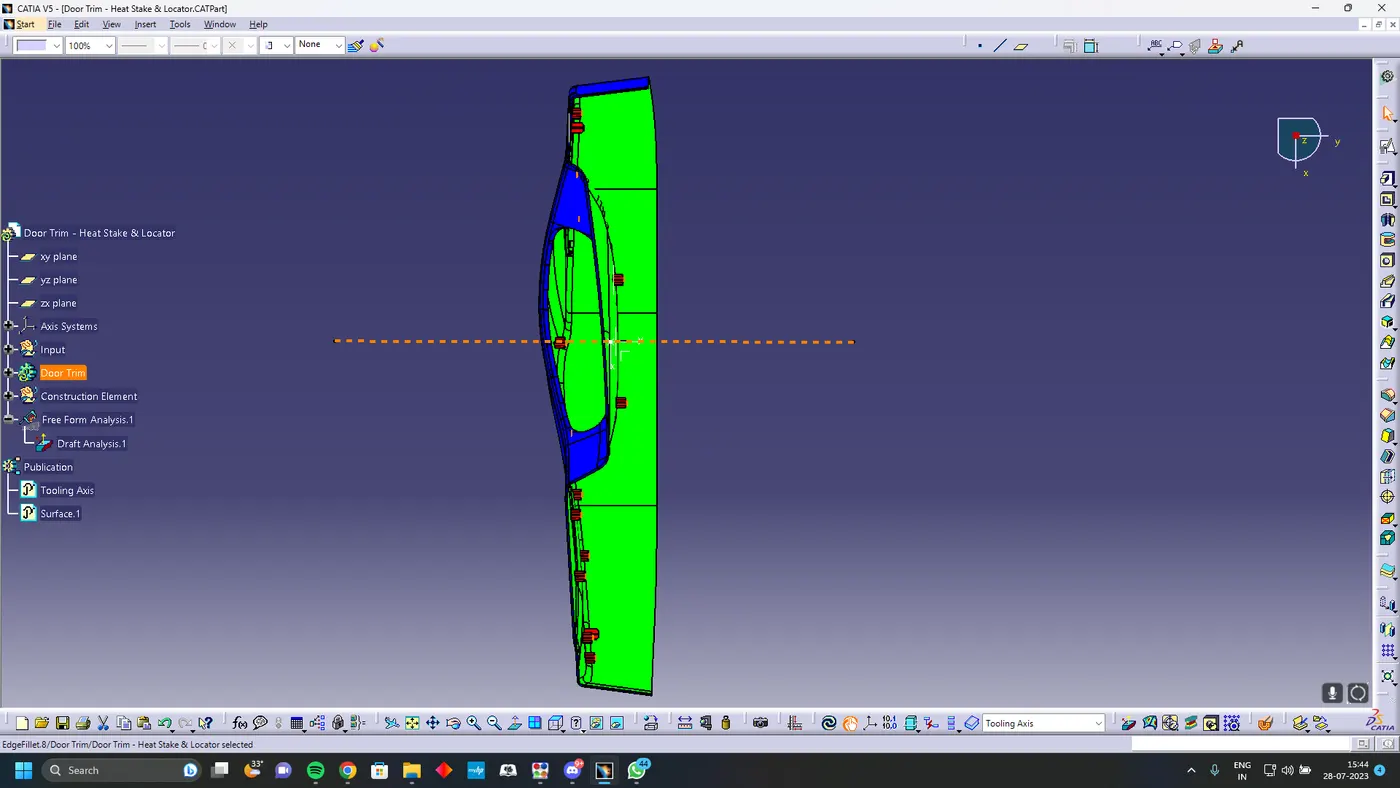
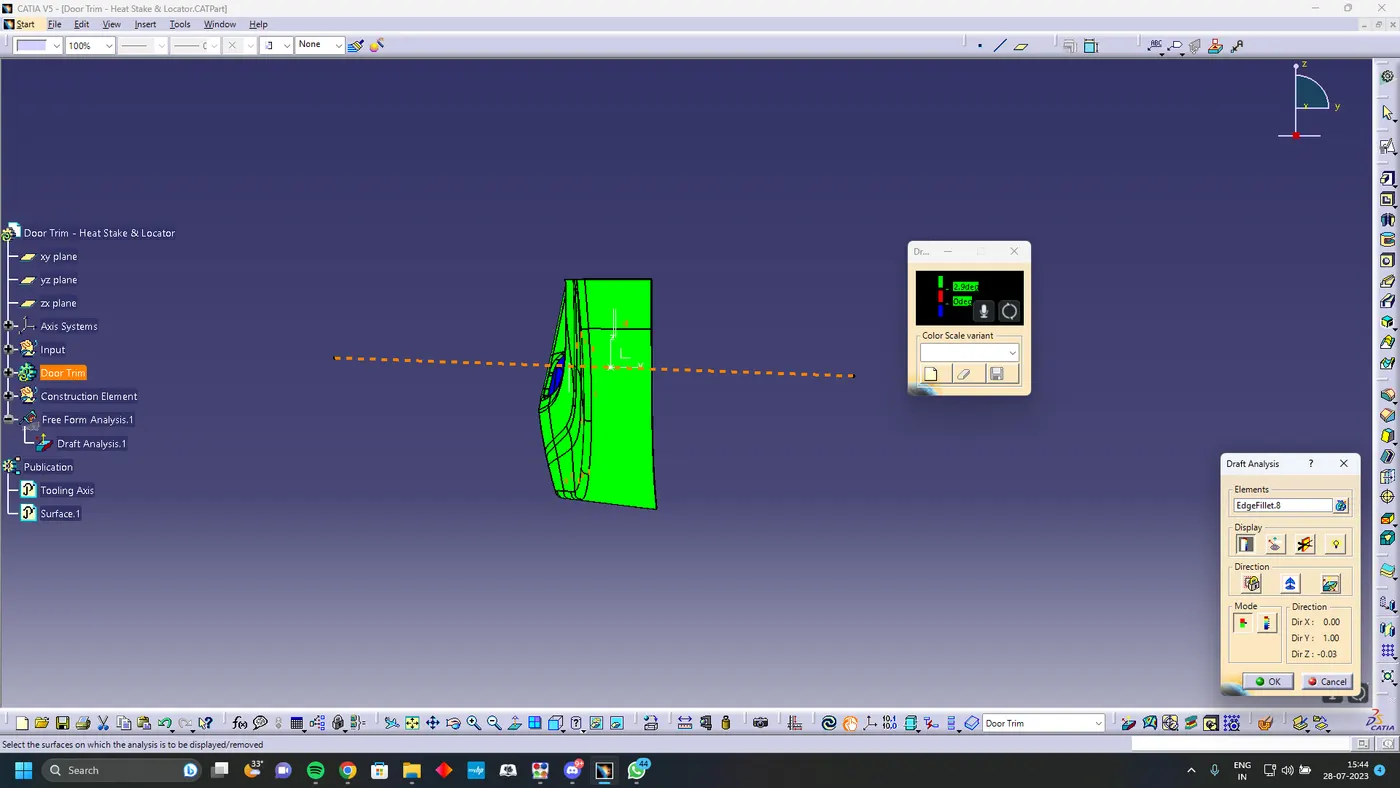
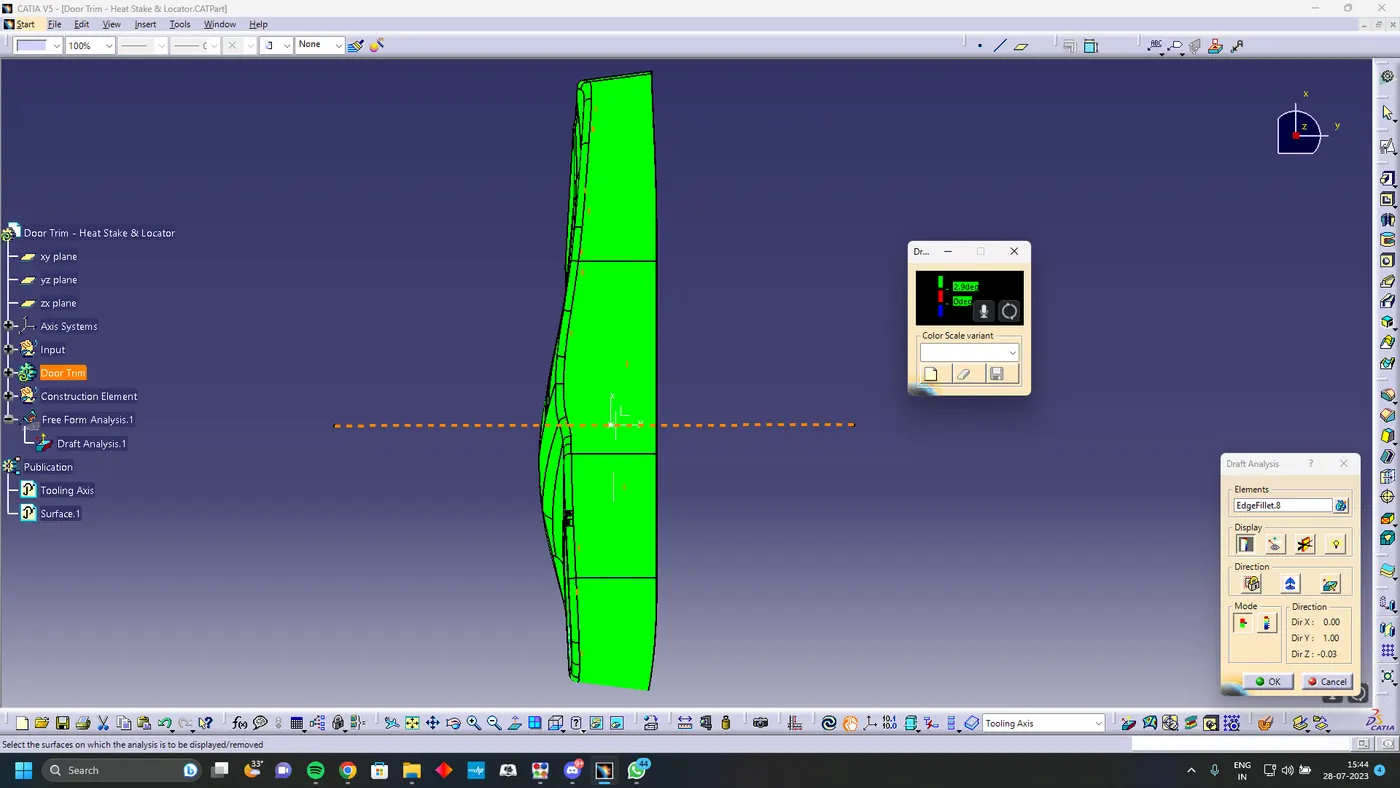
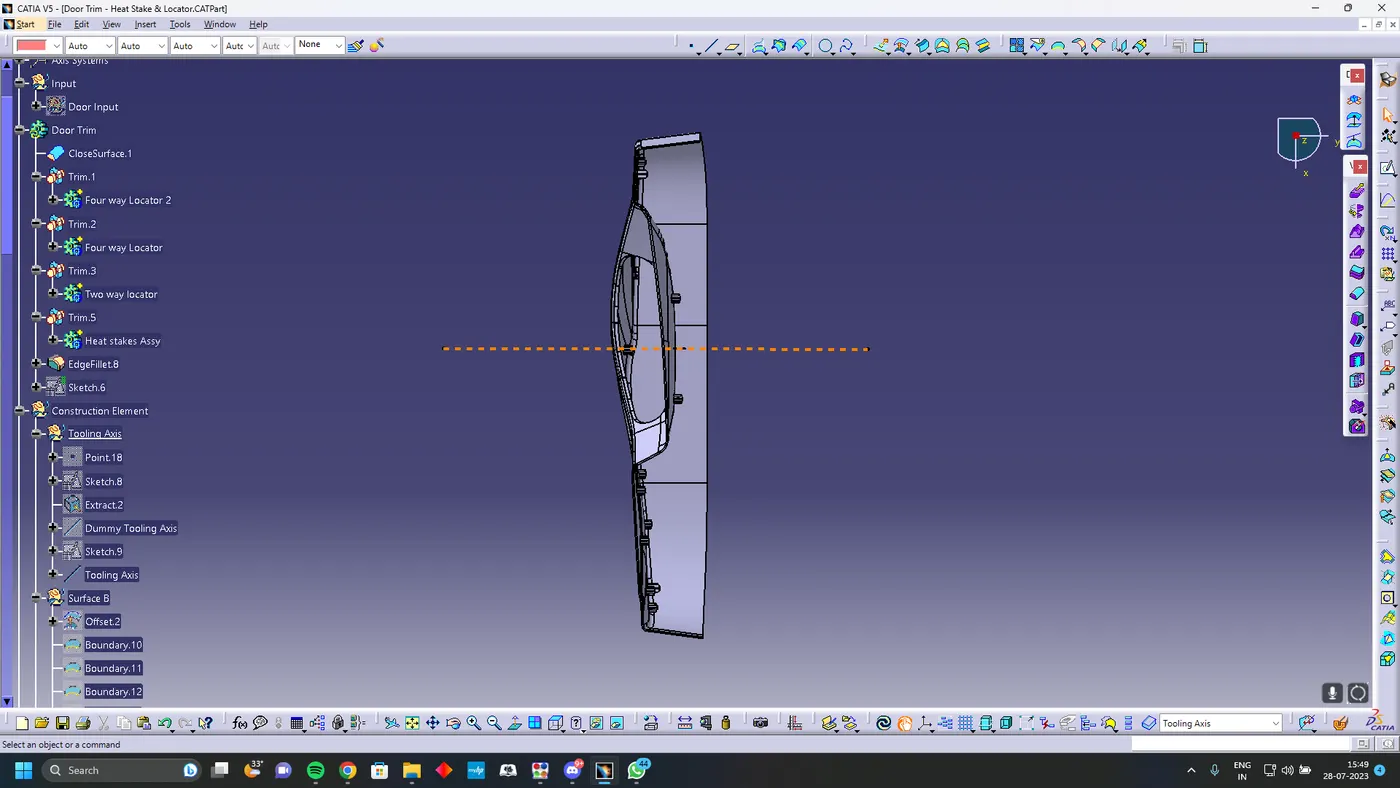
Draft Analysis for Locators
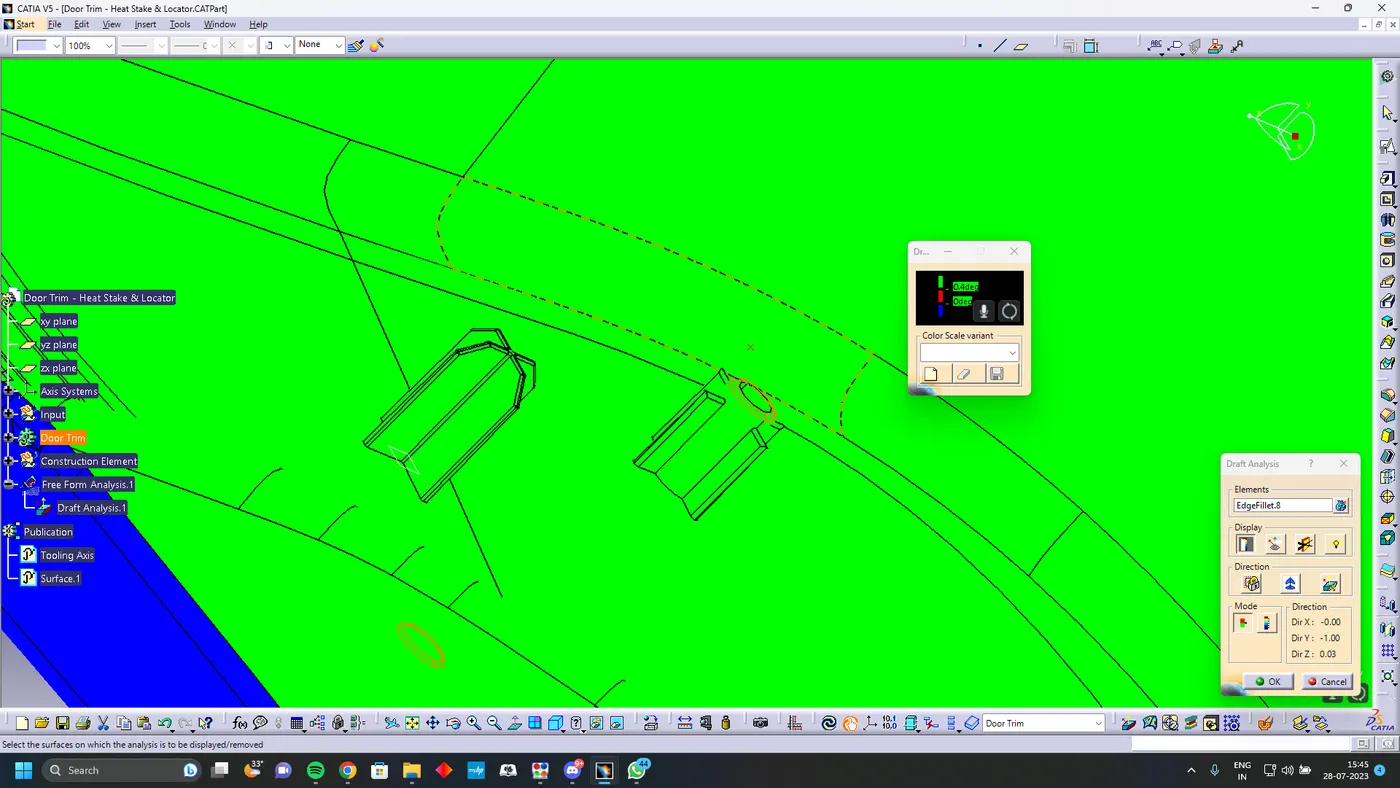
Final Solid Body