Week 10 - Challenge 3 - Door Trim Lower with Engineering Features
Draft Analysis of CLASS-A surface
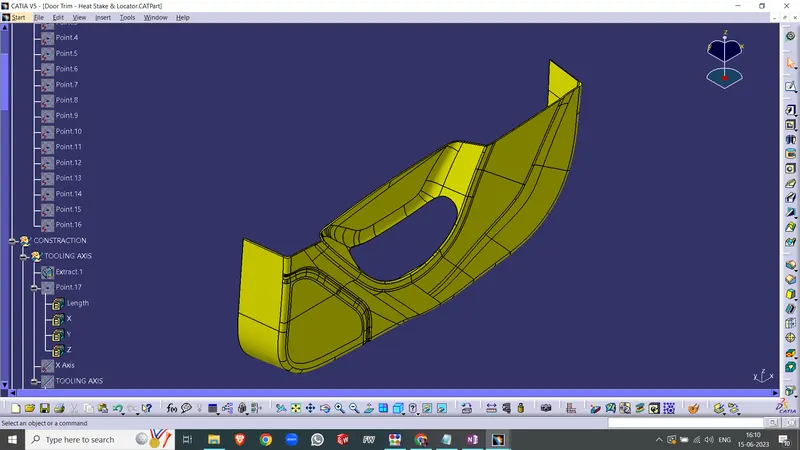
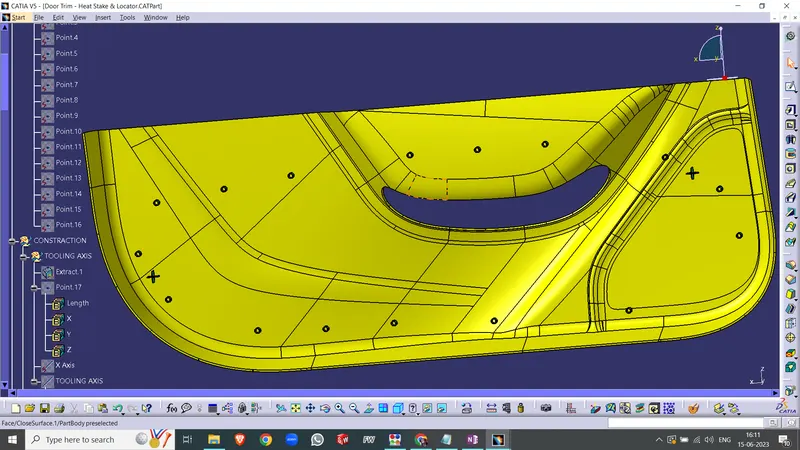
completed design in various orientations
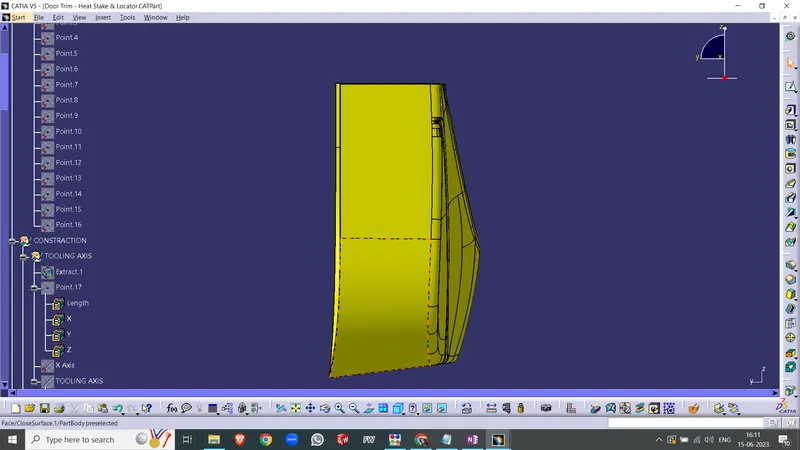
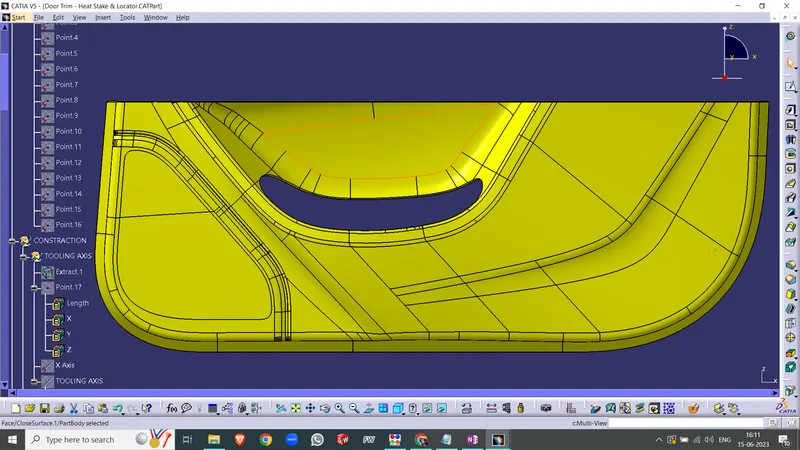
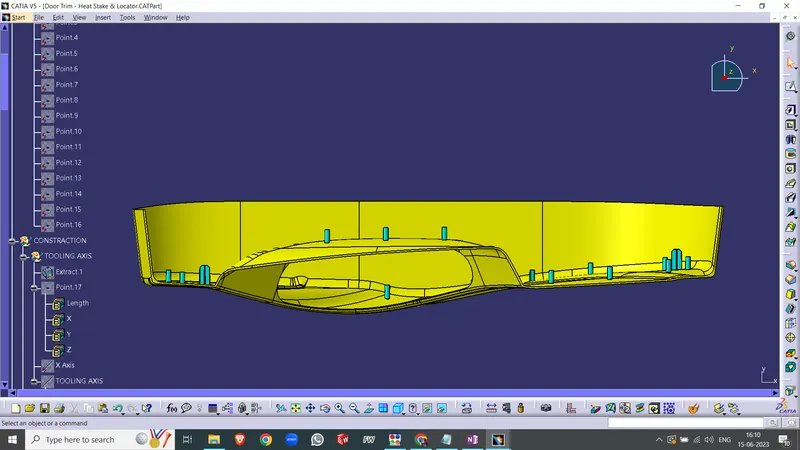
Draft Analysis
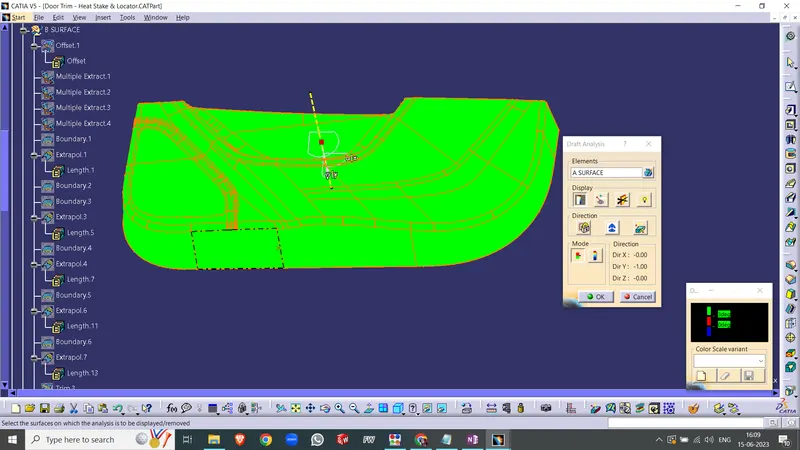
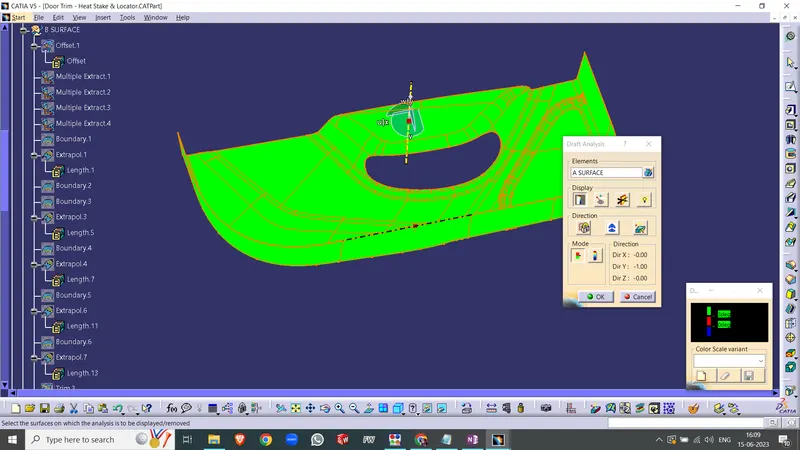
Before creating the solid and incorporating B-side features, we conduct a draft analysis check specifically for the class A surface. The process begins by aligning the compass with the tooling axis and setting a 3-degree draft angle for the green color on the color bar. If the surface is entirely highlighted in green, it indicates that the draft angle has been correctly applied to the class A surface. However, if the class A surface is not fully highlighted in green, it suggests that the draft angle for that surface may be the issue.
Creating tooling axis
To establish the tooling axis, I followed these steps: Firstly, I extracted a surface from the class A section. Then, using the point command, I created a midpoint on the surface. Next, I drew a line passing through that midpoint along the x-axis. To verify the accuracy of the tooling axis position, I conducted a draft analysis check using this line. If the analysis highlights the surface with green color on both sides, it indicates that the tooling axis is correctly positioned and aligned.