Week 10 - Challenge 2- Attachment Feature Creation (Dog House)
Aim:- To create a Plastic component with given class A surface and create dog house on the plastic component.
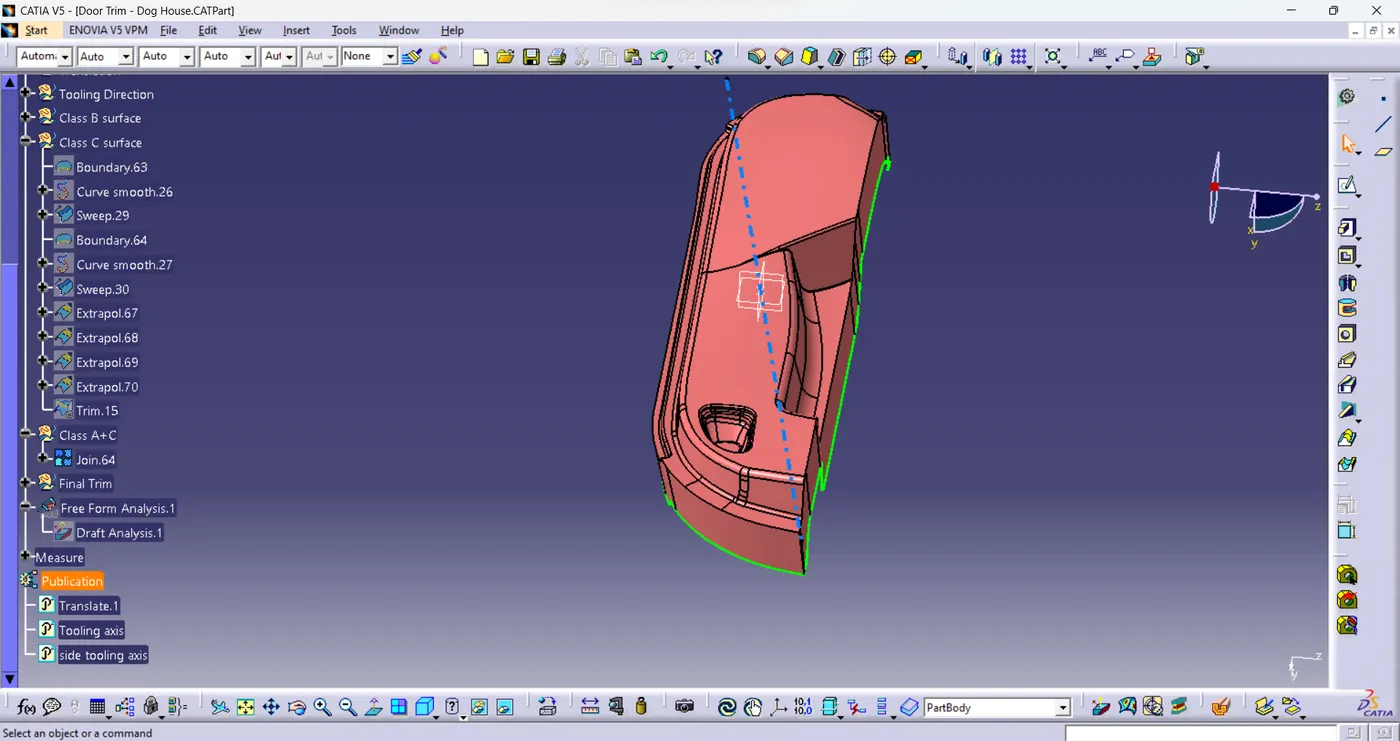
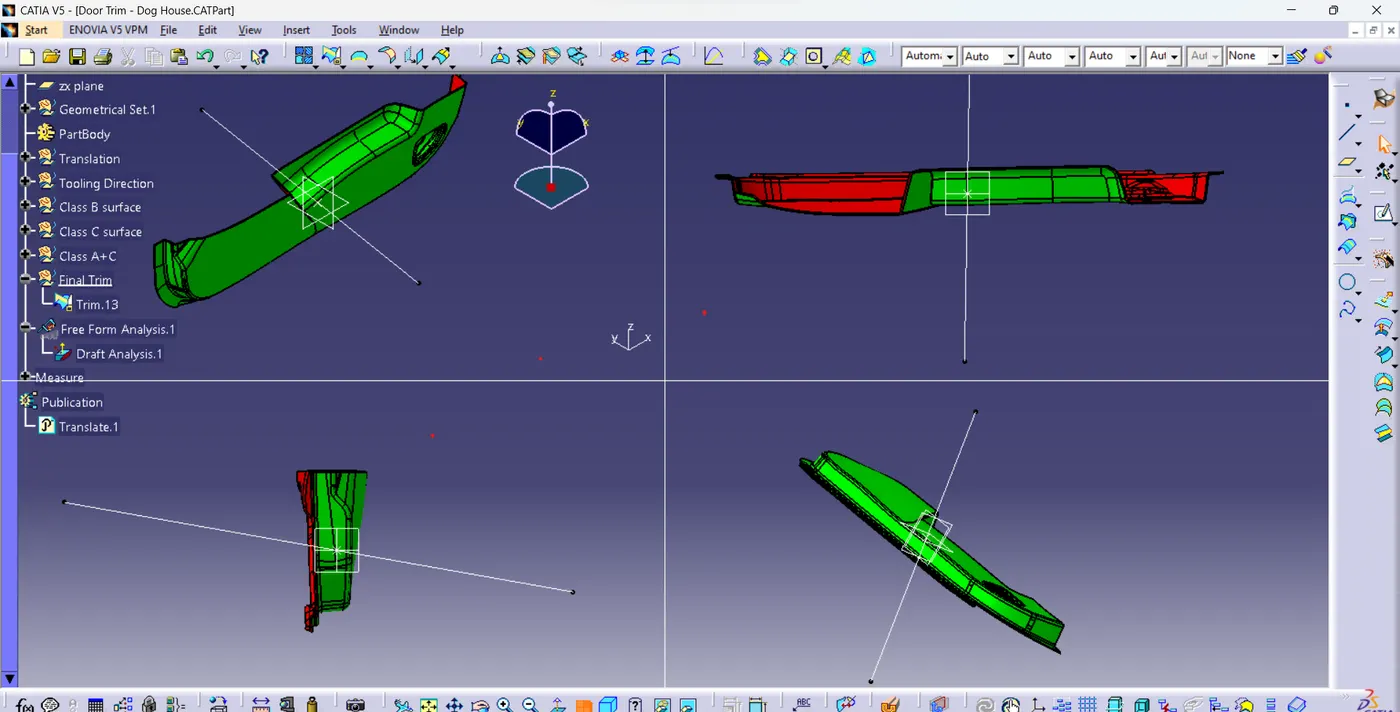
- Finding the Tooling axis:- After performing visual inspection the component shows the maximum clearance in y-axis, hence a line created perpendicular z-x plane and on that draft analysis is performed on the body.
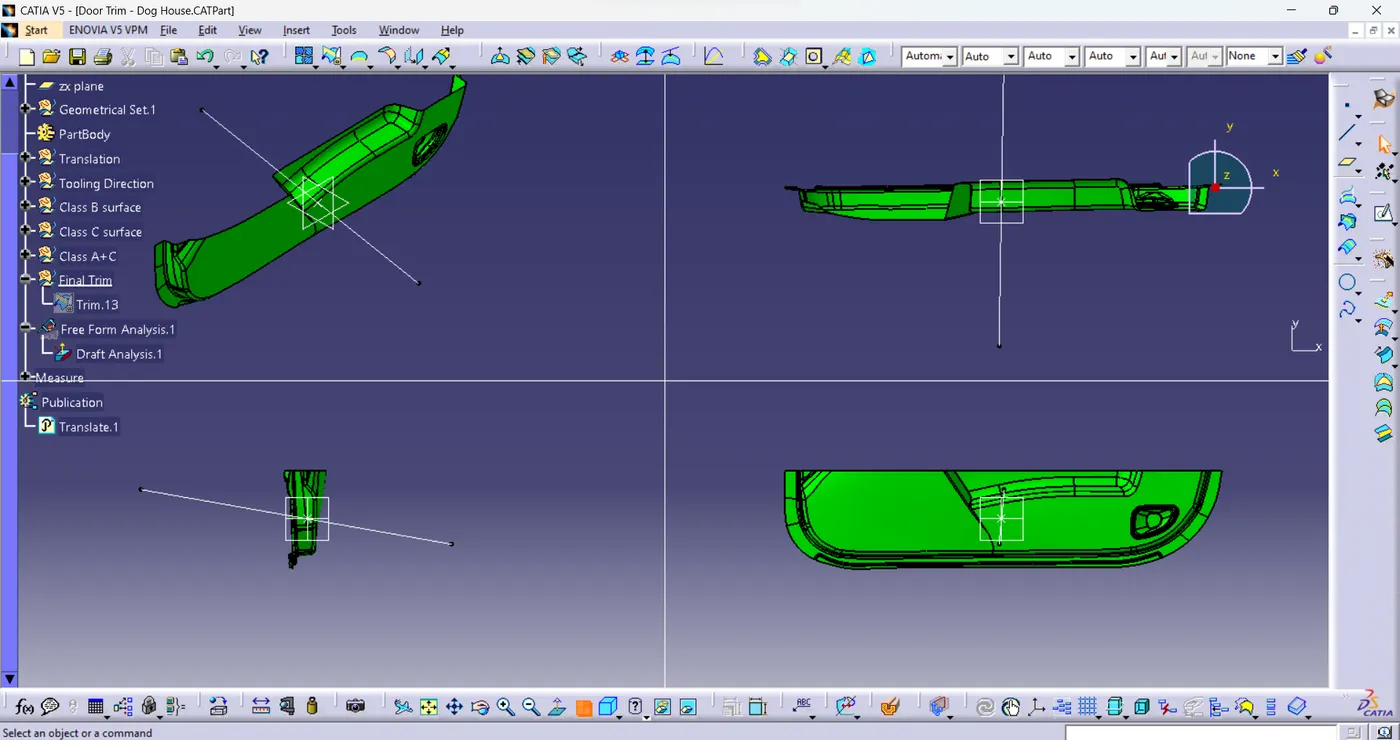
The tooling axis created doesn't clear the whole body as there are faces where draft has not been given in order to compensate the these faces the tooling axis had to be inclined to a certain few degrees in order to clear the surfaces and still some faces are still not cleared.
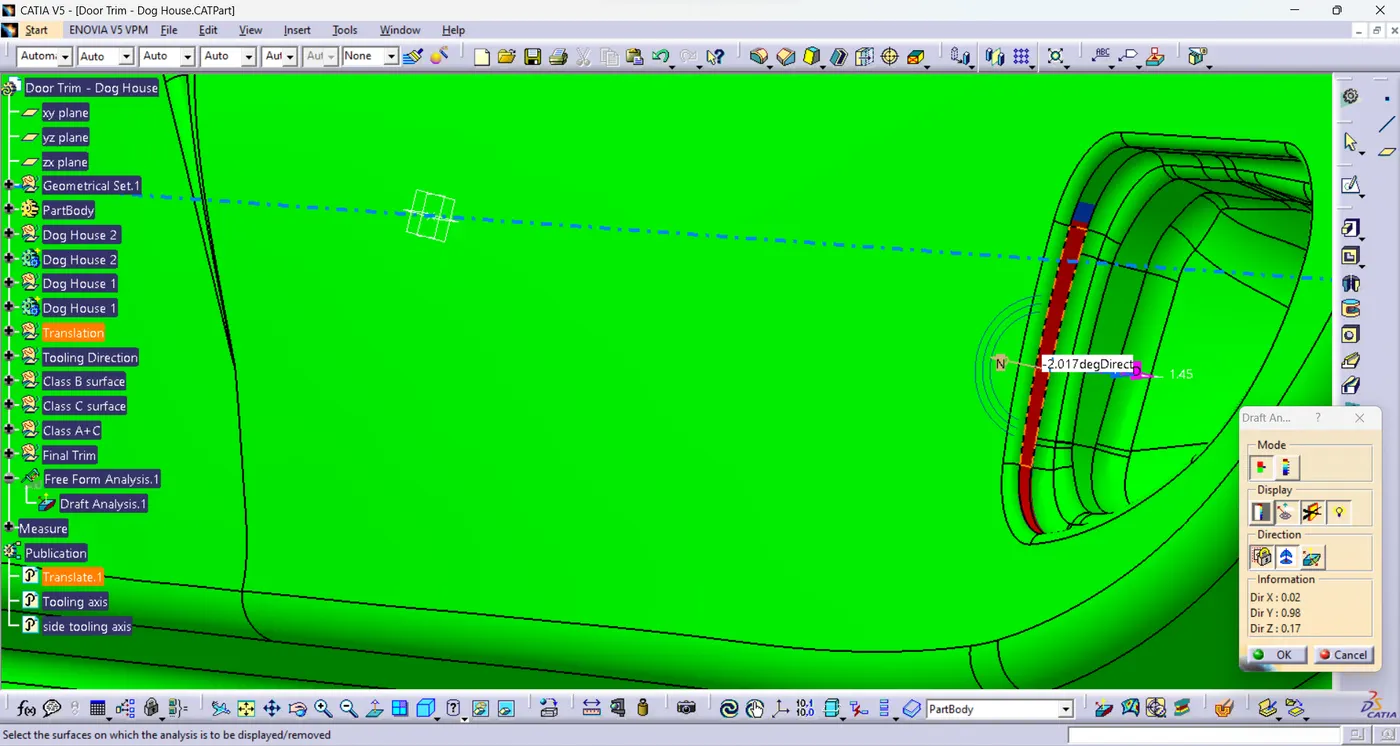
as we can see in the above image there's a negative draft given hence the complete clearances in using the tooling axis could not be achieved.
2.Class B surface creation:-
The clas B surface is created with an offset of 2.5 mm by using commands like extract, multiple extracts, untrim, join,extrapolations, multisurface and also trims and split command. After providing the fillets to sharp edges we achive the Class B surface.
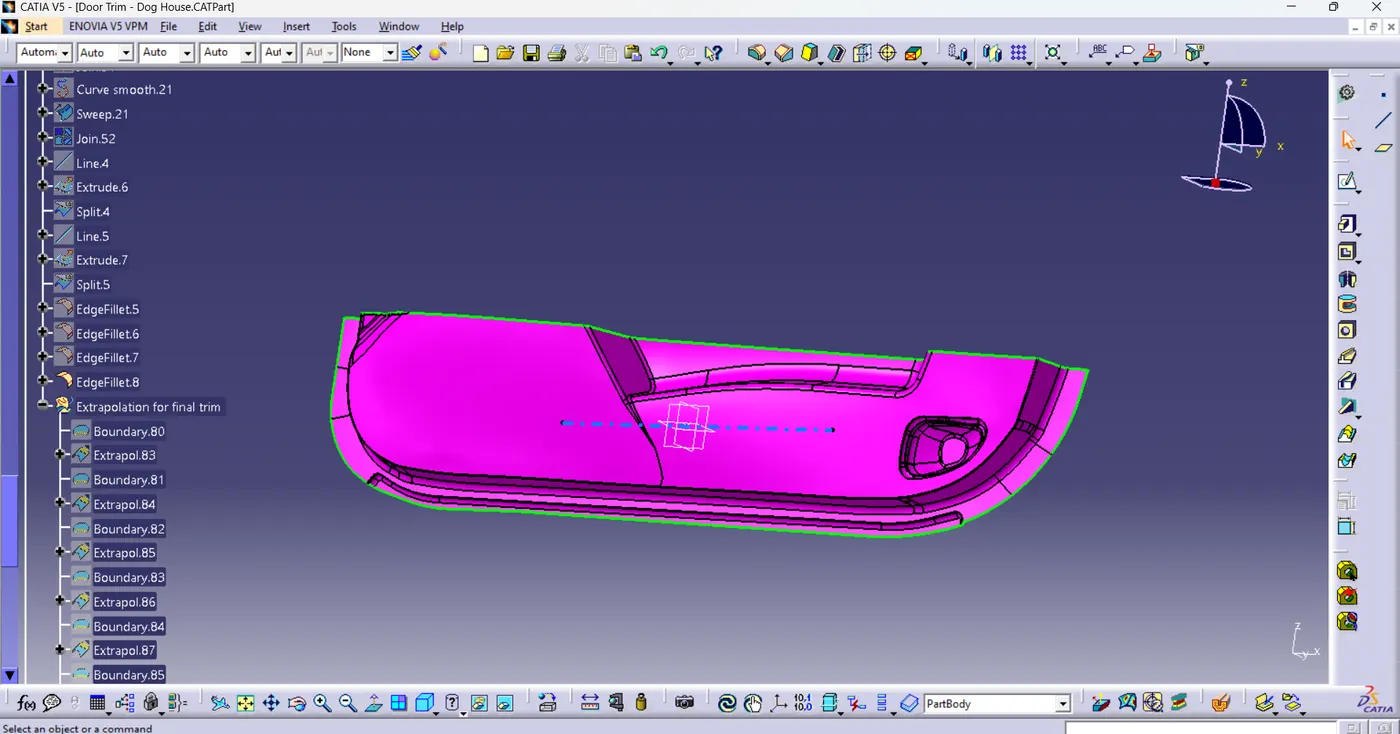
3. Class C surface:-
Class C surface is created from class A surface using the Sweep along the draft directions and outside edges are selected then sweep surfaces are created.
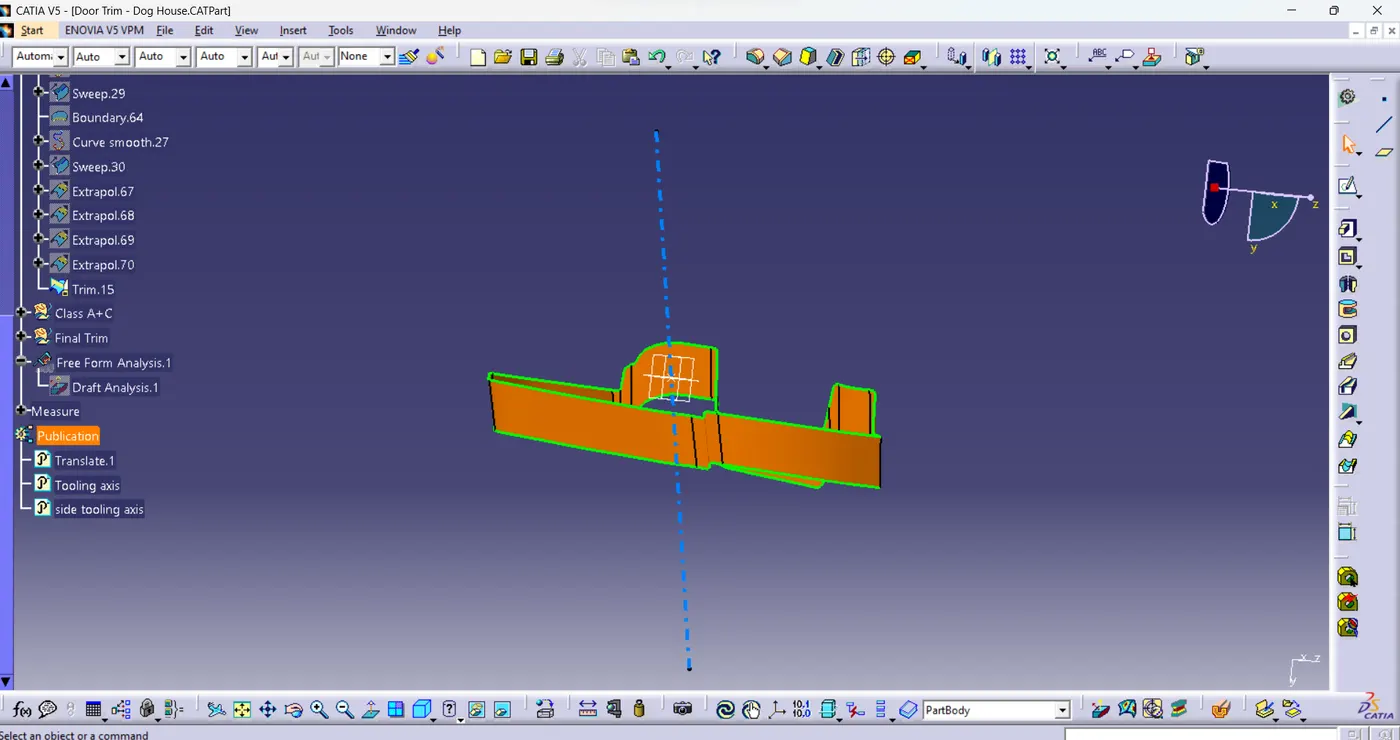
4. Class A+C Joined
Class A and C is joined using the join command.
5.Final plastic product
The final plastic product is created by trimming the Joined Class A+C surface to Class B surface and creating a closed surface then using the closed surface command.
6. Dog House
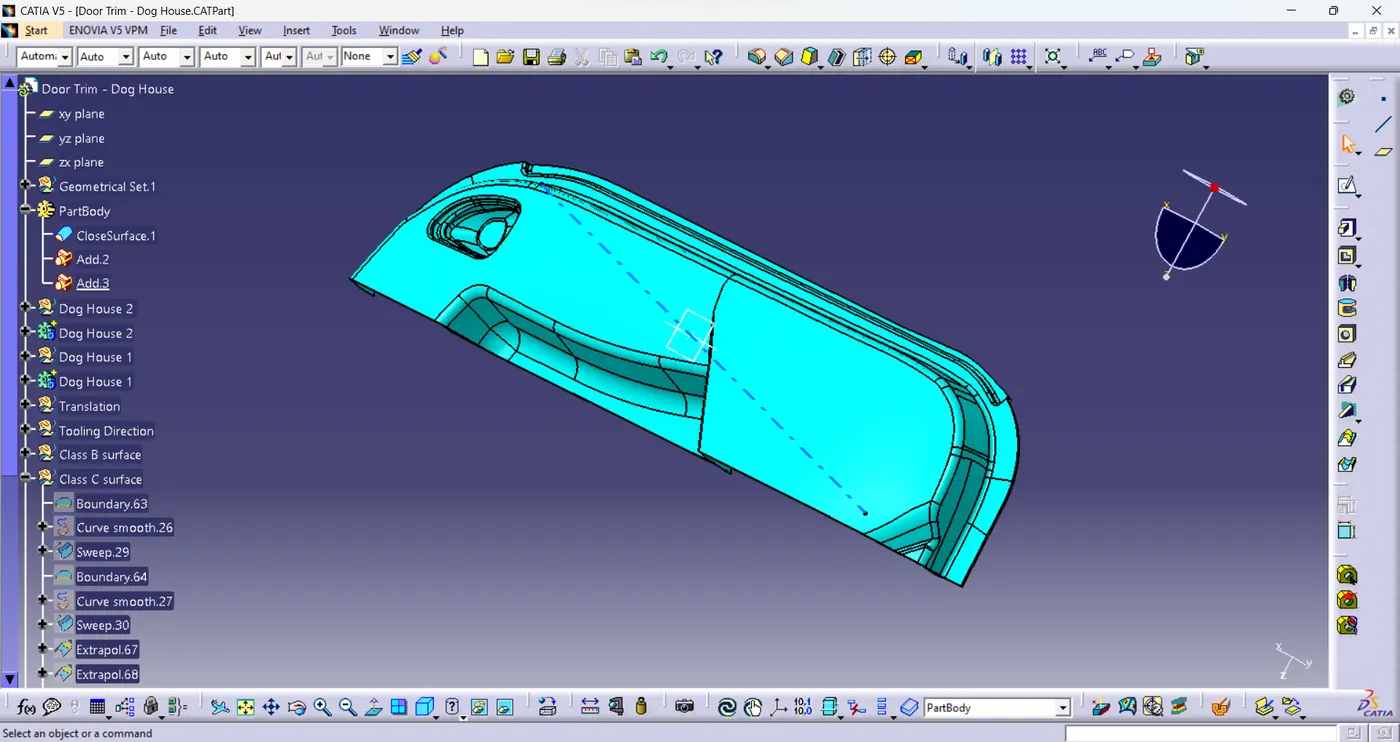
The Dog house is created based on the points given and drafts are provided by using the tooling axis and side core axis (due to the inclination of main tooling axis in y axis the draft for the dog house are done only two outer surface hence a slightly one side is thicker than the other side) nominal fillets are given to the dog house and boolean operation is performed on them.
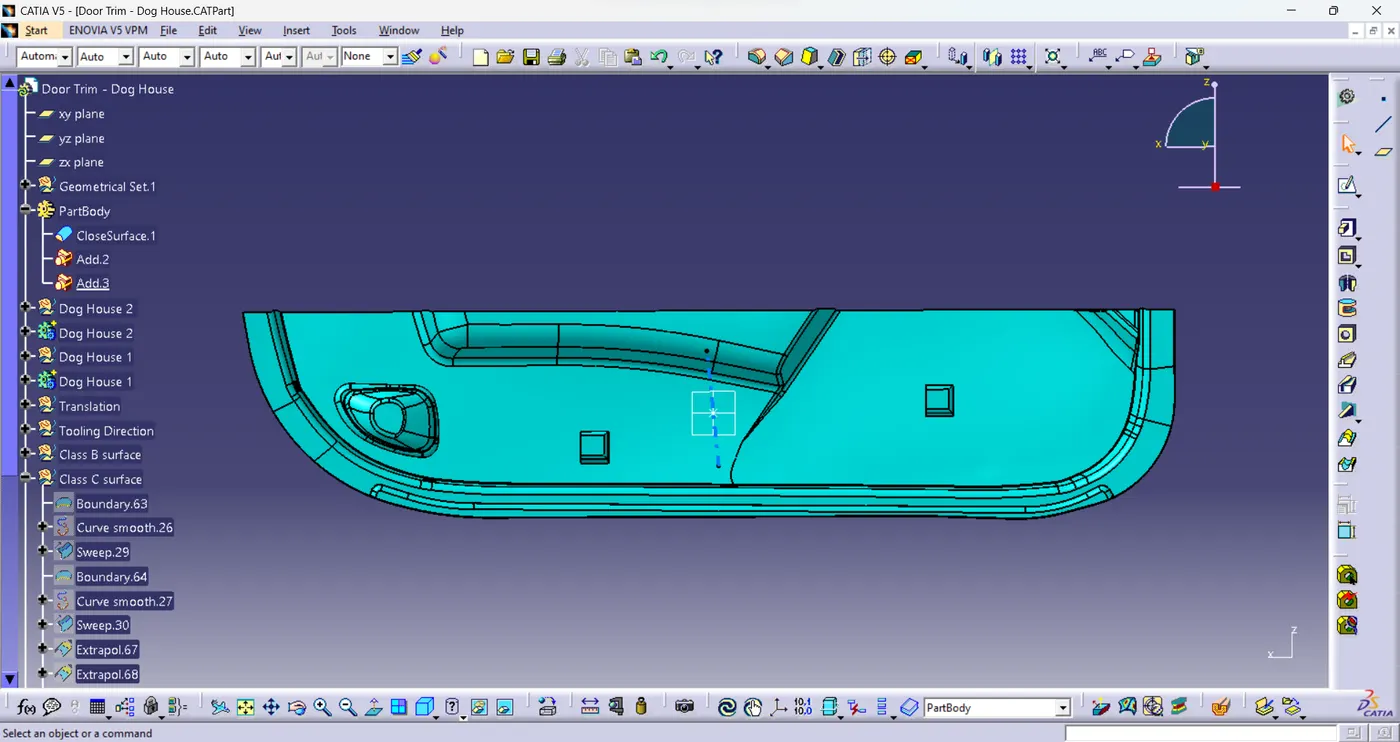
The final product is hence completed.