Week 10 - Challenge 2- Attachment Feature Creation (Dog House)
OBJECTIVE:Create the Dog House for the Door Trim considering the design rules mentioned.
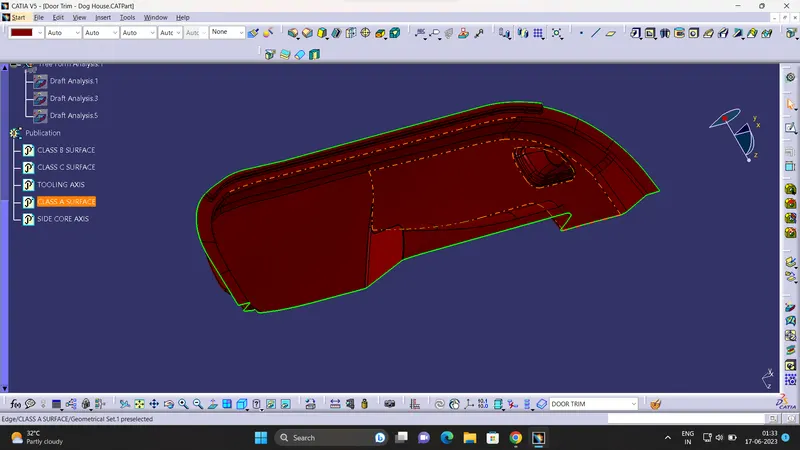
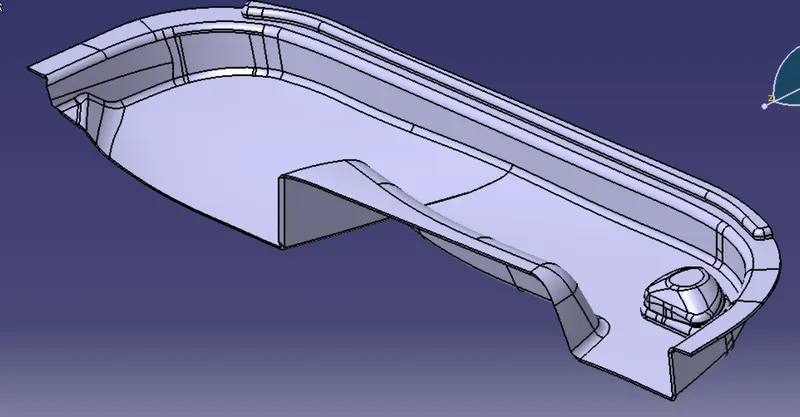
GIVEN CLASS A SURFAE:
PROCEDURE FOLLOWED:
1.TOOLING AXIS CREATION
The Tooling Direction is basically the direction that the mold pulls a part. The mold is built in two separate pieces, basically. You have a Cavity side and you have the Core side. The Core pulls apart from the Cavity and that's the Dye line or the Tooling Direction.
- Visually check the possible tooling direction .In this case y direction is the suitable tooling direction.
- A point is created at the flat class a surface and created an axis sysytem at that point.
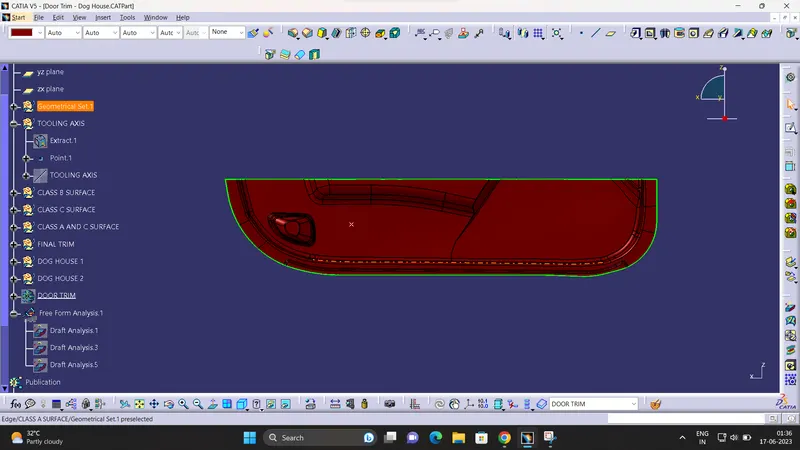
- An line is created through the point , the line considered asdummy tooling.
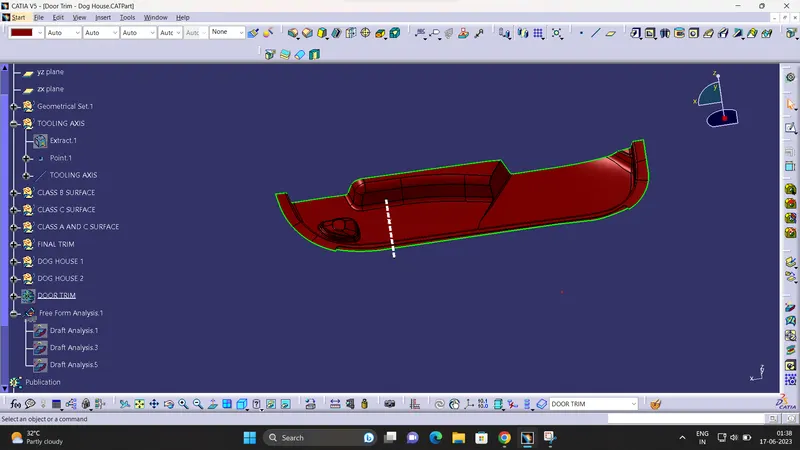
- To check the tooling axis is right or not use draft analysis.in this case the tooling axis clear the draft anaalysis do the created dummy axis is considered as the main tooling axis
2.DRAFT ANALYSIS OF CLASS A
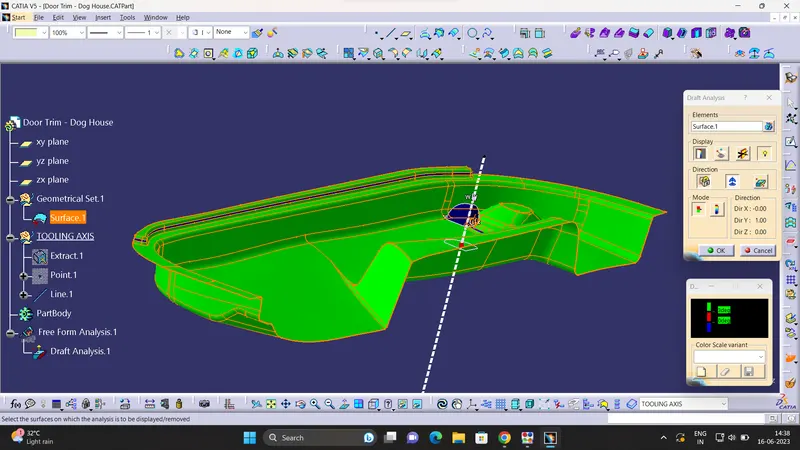
The draft angle is the amount of taper perpendicular to the parting line for molded or cast parts. It is measurable in degrees. Because plastic shrinks and sticks on molding surfaces as it cools, we draft the walls of the plastic part so that it ejects or breaks free from the molding surfaces more easily and without dragging. To reduce the risk of damage to the elements and ensure ejection, a functional injection molding part must have drafts on both the cavity and core sides.
PROCEDURE:
- First change the created part into material.
- Click on the compas and plase in the tooling direction.
- Use the lock command to fix the compass
- Click on the surface and apply the draft angle
3.CLASS B SURFACE:
- The A-surface is offsetted by 2.5 mm as it is the thickness required.
- The Areas where the B-surface has issues are corrected by closing them using commands like Multi section,Sweep,Offset and extract.
4.CLASS C SURFACE:
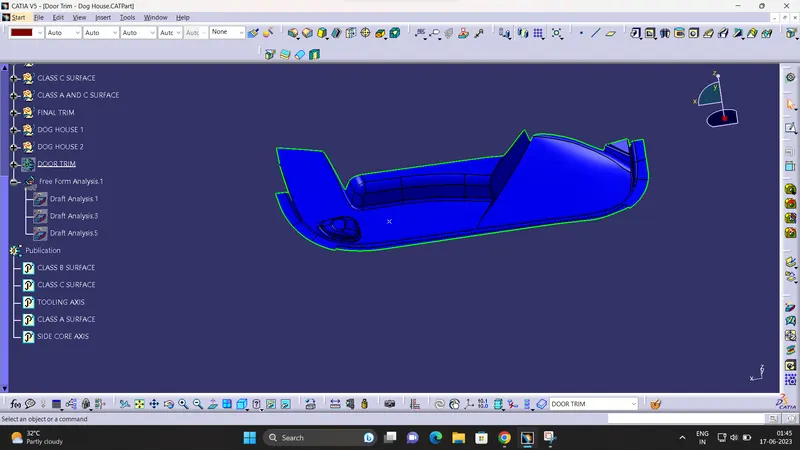
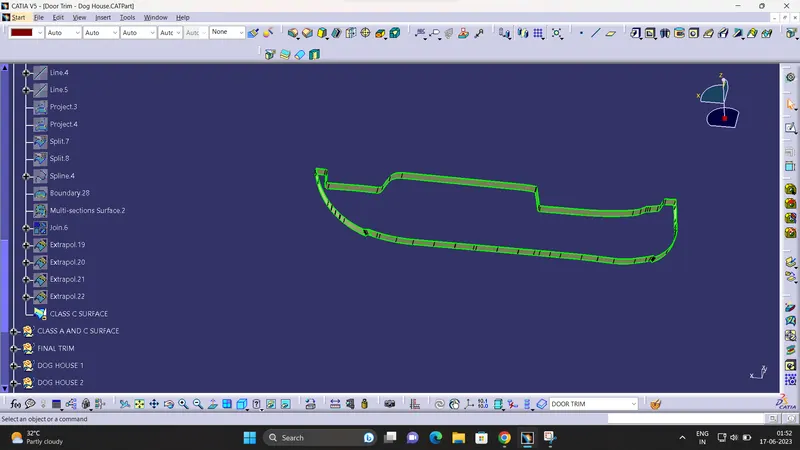
- The A and B surfaces are connected by another single surface which is called the C surface
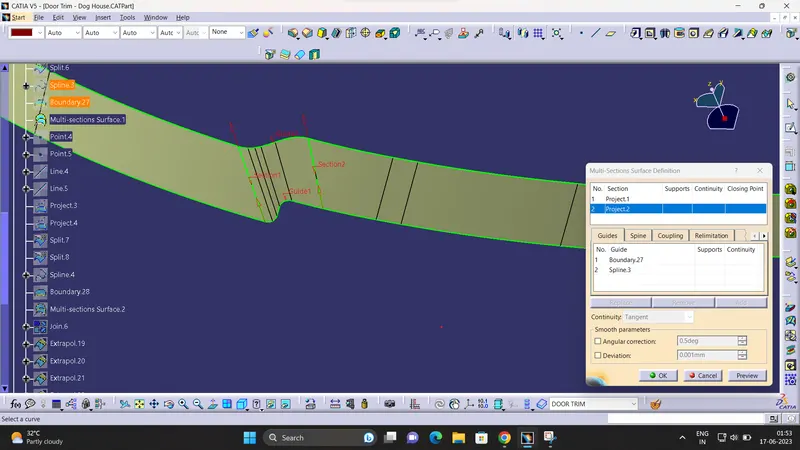
- Class c is created using sweep command
- Here the sweep done in draft ditection.
- The portion not sweeping is connected using multiple surface tool.
5.CREATION OF SOLID BODY:
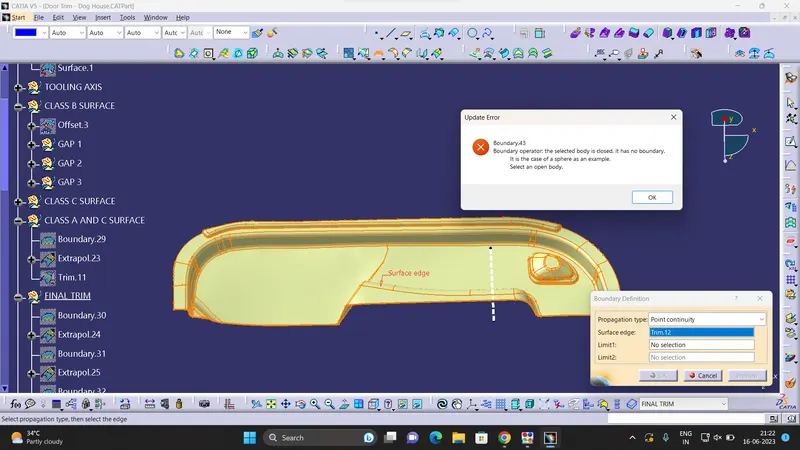
- The solid body is created using close surface feature.
- Boundary is selected and the body is picked. Since an error popped up it can be understood that all surfaces are joined with each other to form a proper closed surface body.
6.DOG HOUSE CREATION:
- Lets assume,
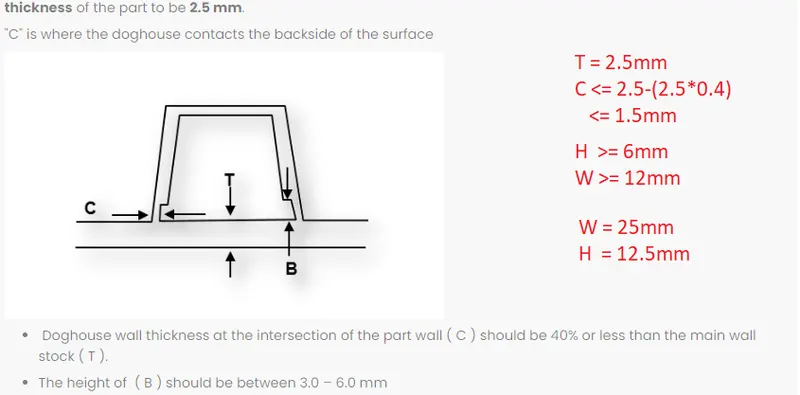
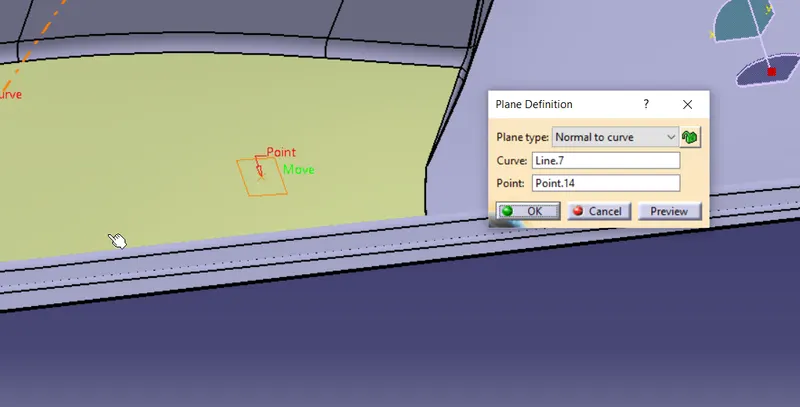
- First extracted the surface and created an point on the surface.
- create a refrence plane normal to tooling axis
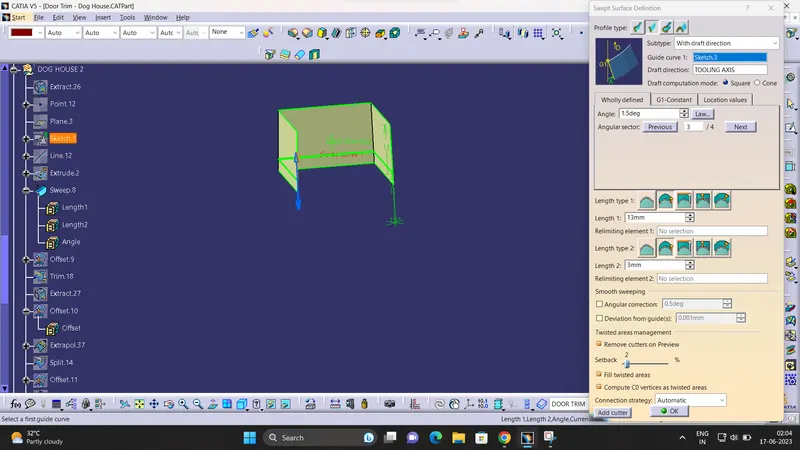
- create a sketch an sweep at an angle of 1.5 degree.
- create an closed top surface.
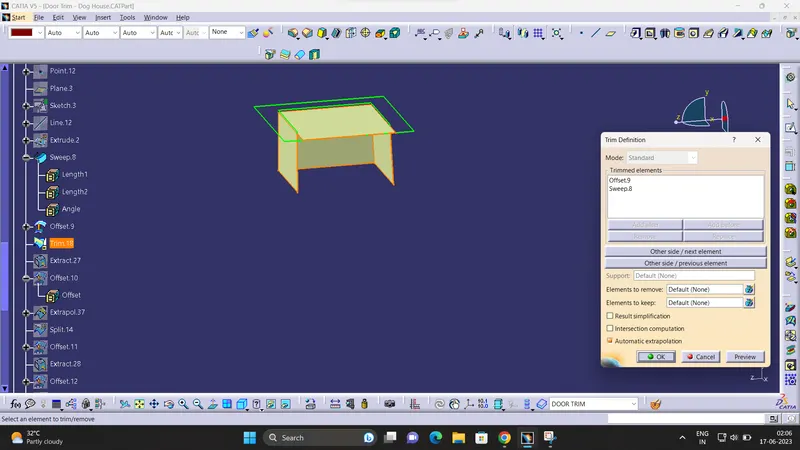
- Thicken the surface and create solid body
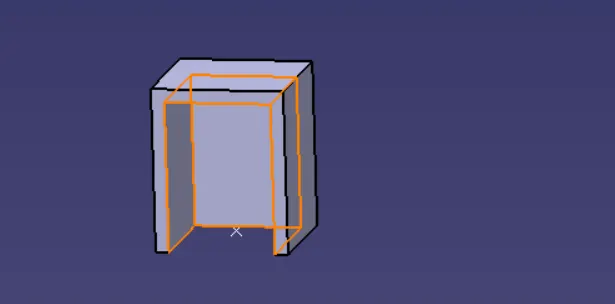
- Draft provide to the inner surface also.
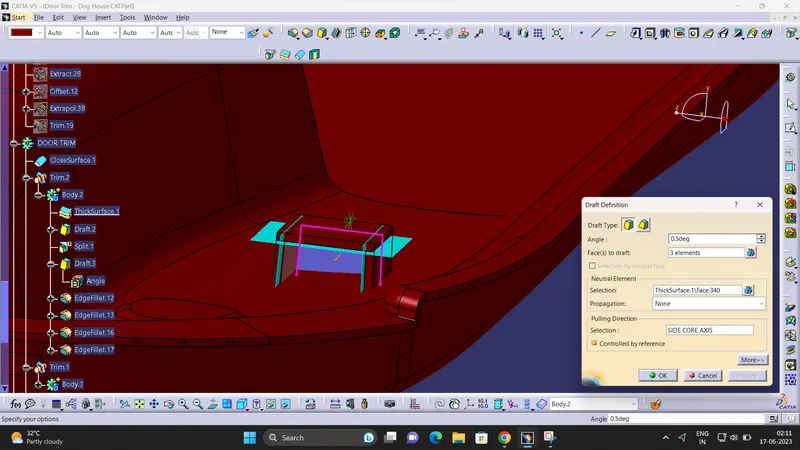
- To provide the cut section at bottom to maintain 1.5mm thick a surface is created an using split command the cut section created on the dog house
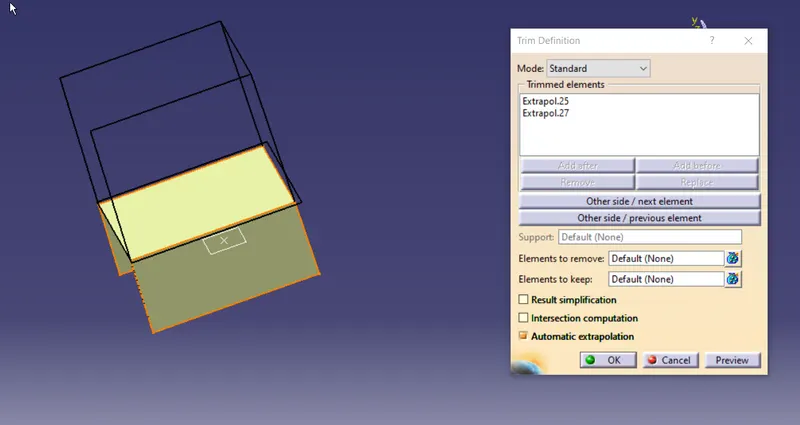
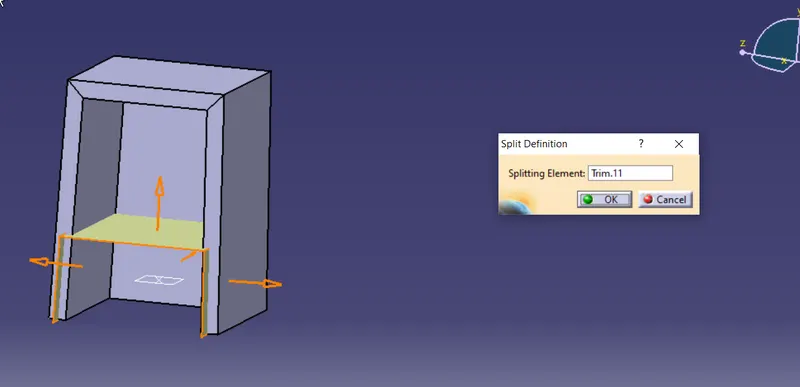
- Similarly dog house created ath the other position also.
- Using the boolean operation door trim and dog house connected togother.
7.DRAFT ANALYSIS OF DOG HOUSE:
- For doing the draft analysis an side core axis is created perpendicular to the tooling axis
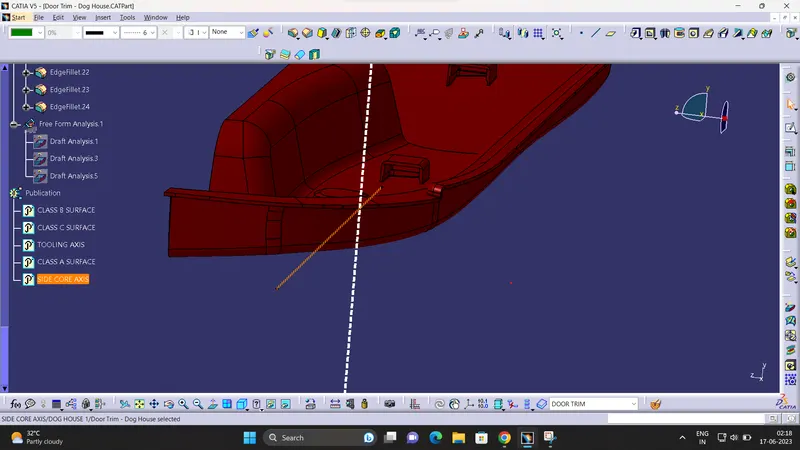
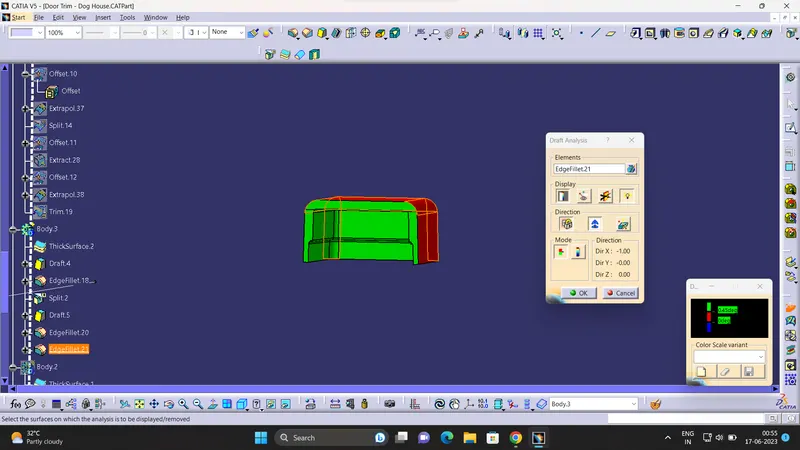
"
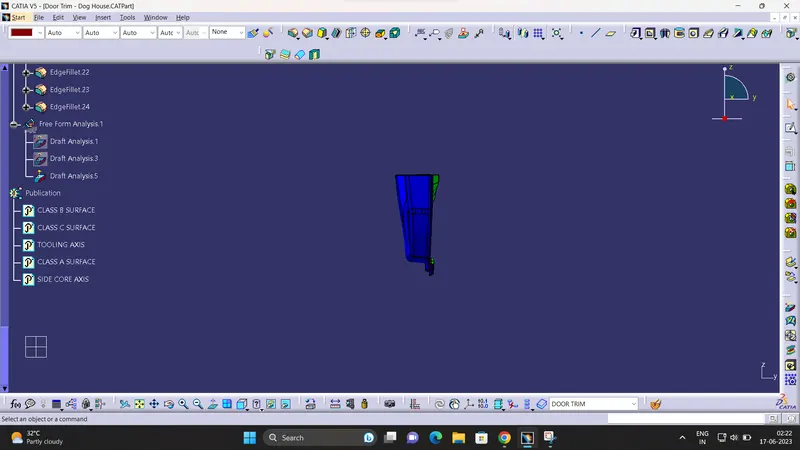
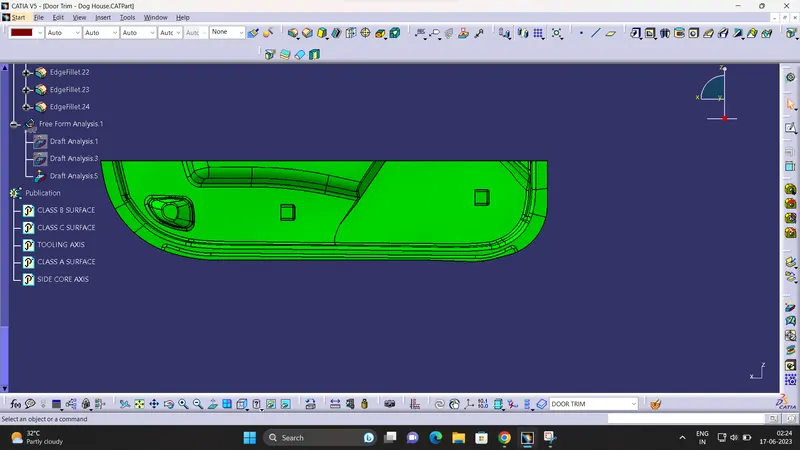
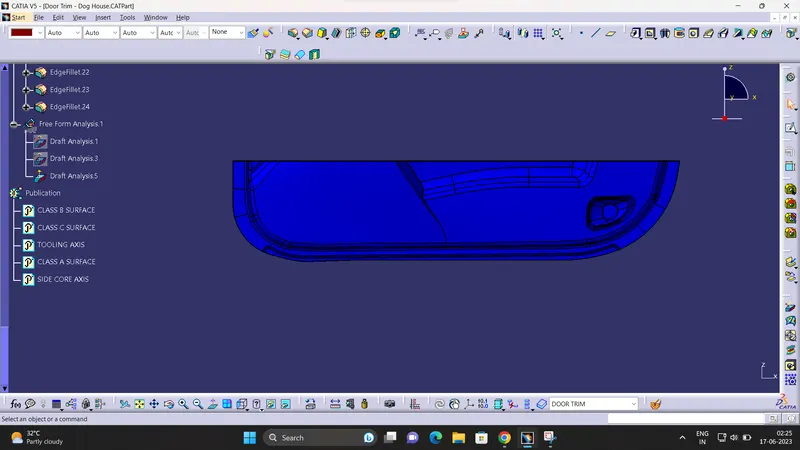
8.FINAL BODY DRAFT ANALYSIS:
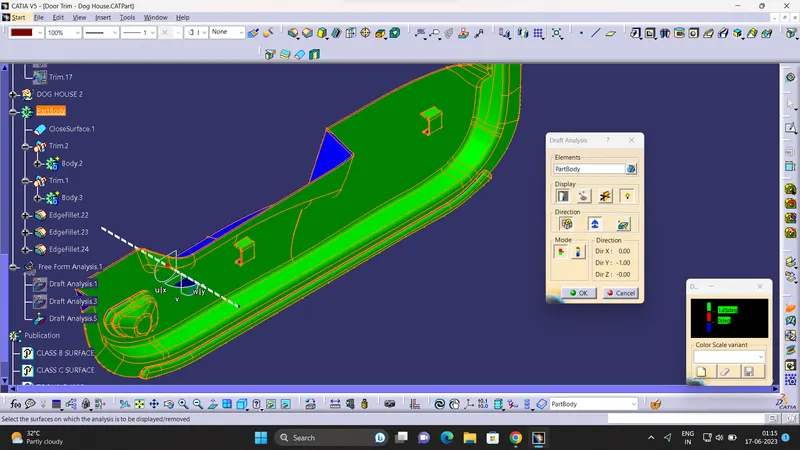
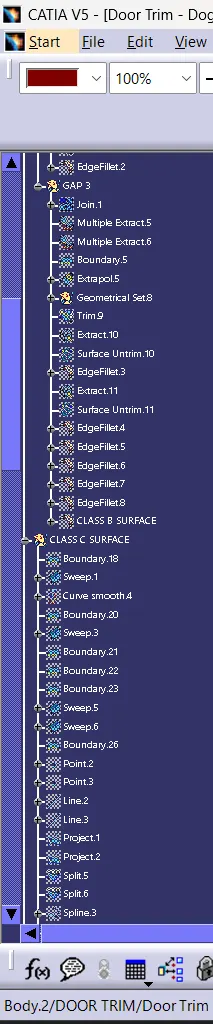
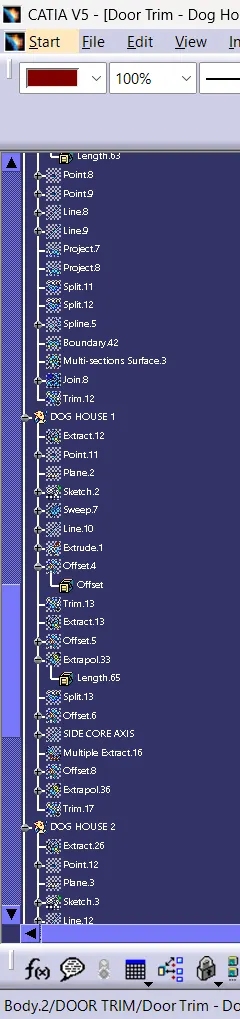
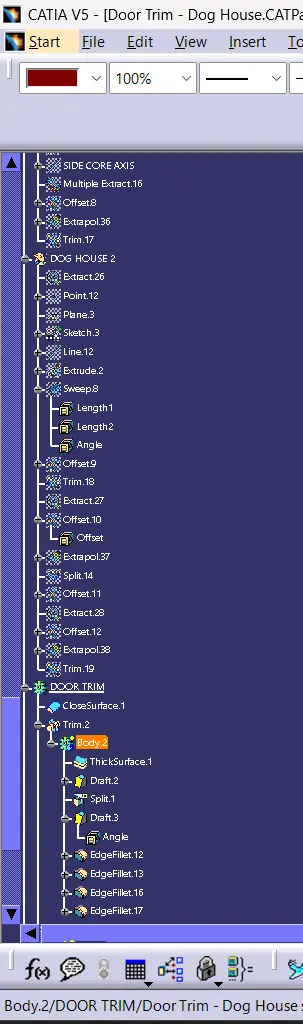
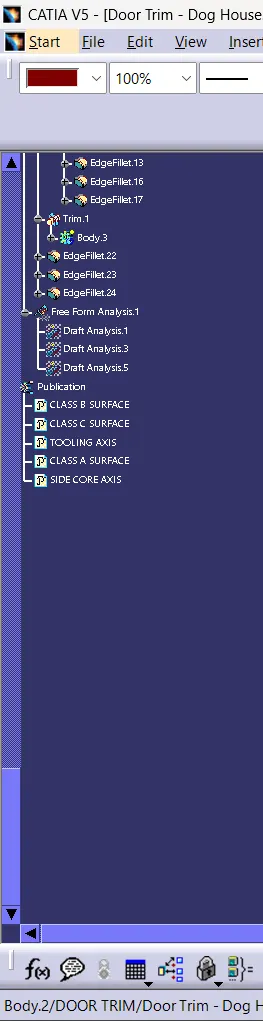
TREE STRUCTURE:
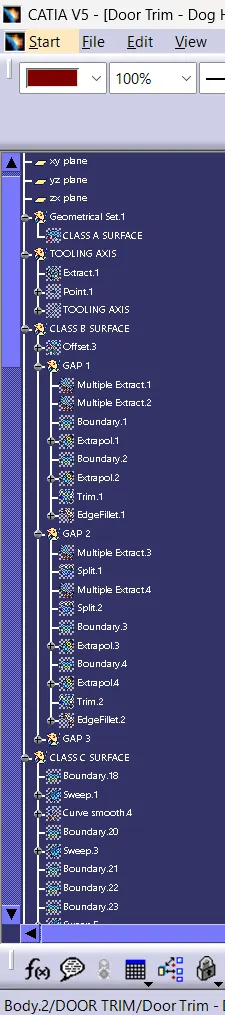

CONCLUTION:The Dog House for the Door Trim created by considering the design rules mentioned.