Week 10 - Challenge 1- Attachment Feature Creation (Ribs & Screw Boss)
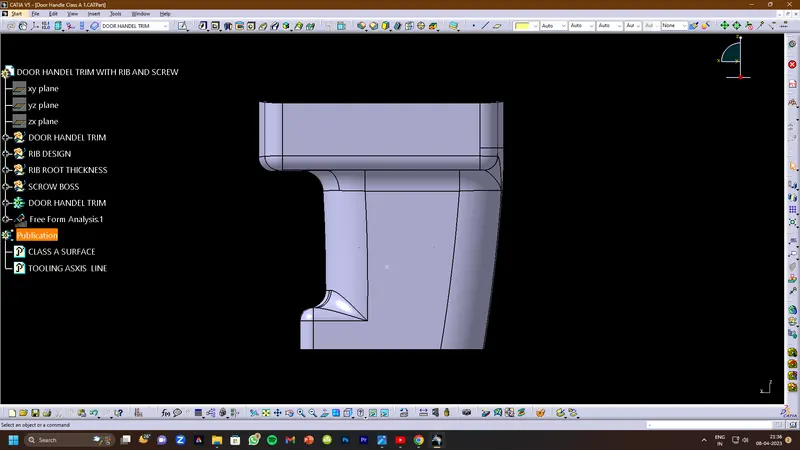
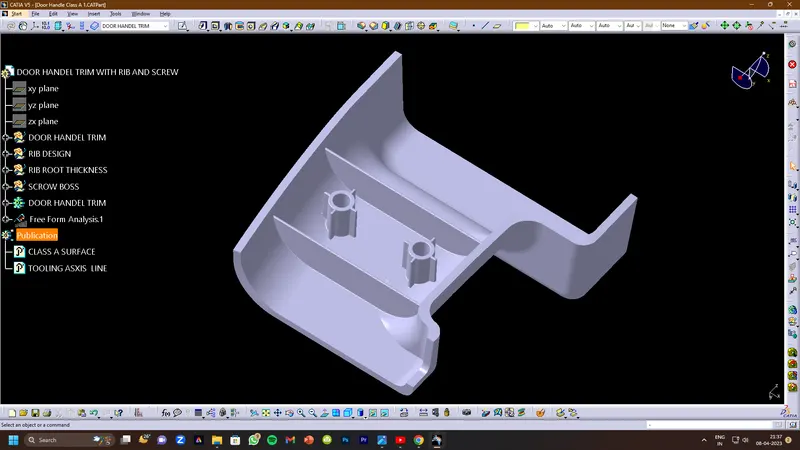
DOOR HANDLE :-
AIM:
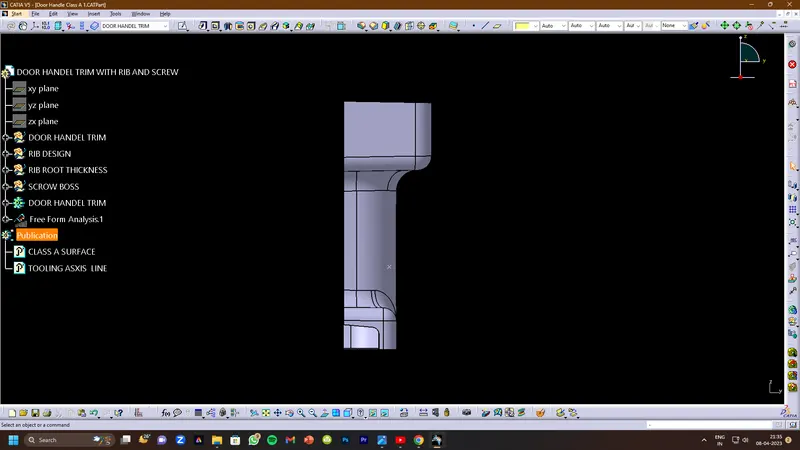
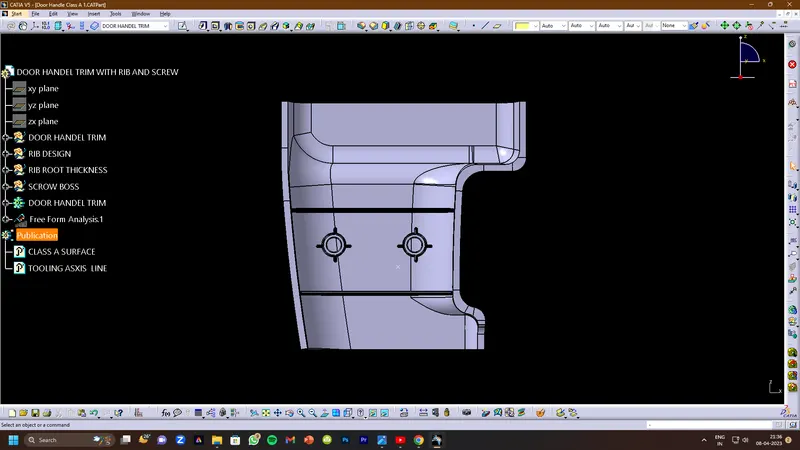
- To Create the Door Handle Component from the given Class-A surface.
- To Create the tooling axis for the given Class-A Surface.
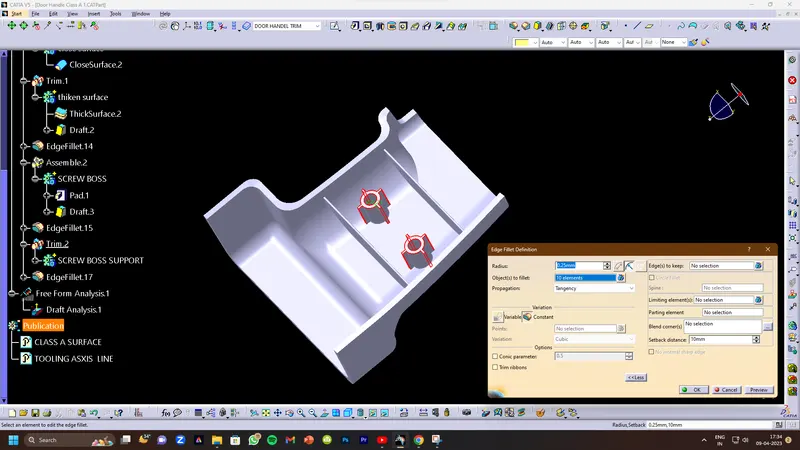
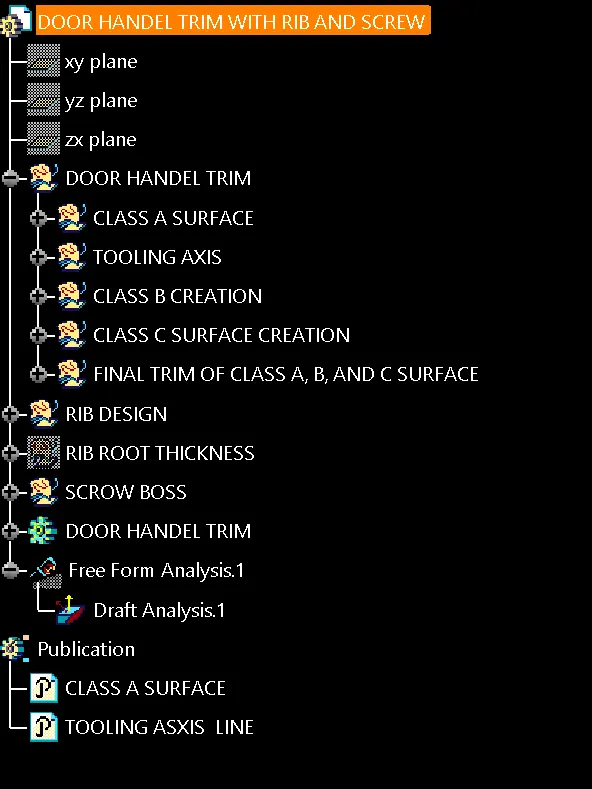
- To Attach B-side Features in the component.
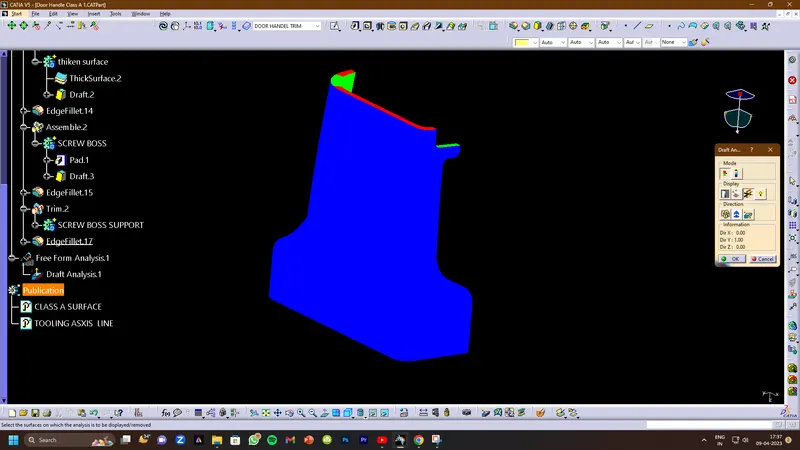
- To perform the Draft analysis on the model.
PROCEDURE:-
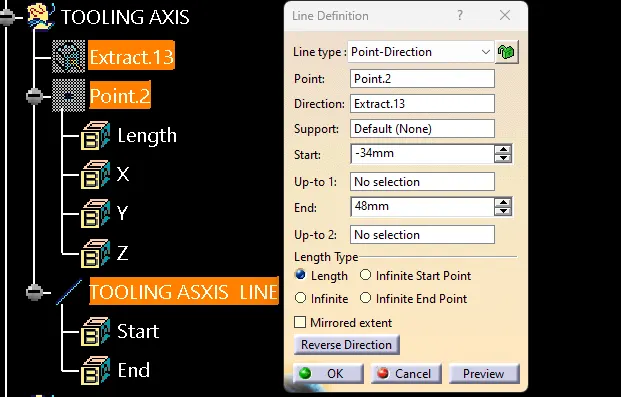
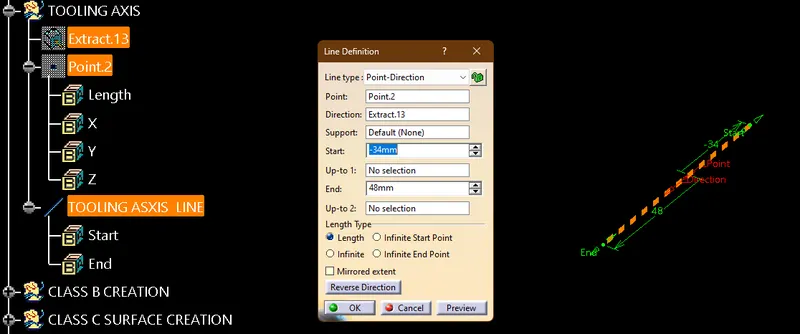
1. CREATING TOOLING AXIS -
- EXTRACT THE THAT SURFace where you want to make a tooling axis
- creating the point on the extracted surface through the print command
- create the line through the help of the point which are you create on the surface
CREATING CLASS B SURFACE:-
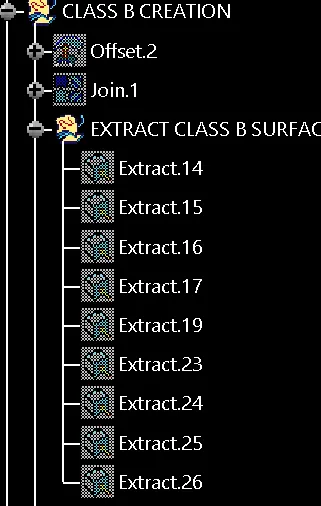
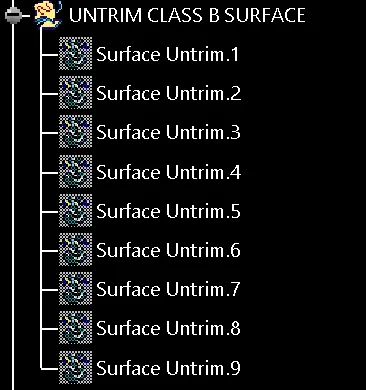
- Extract the surfaces from class A using multiple extracts and untrim them.
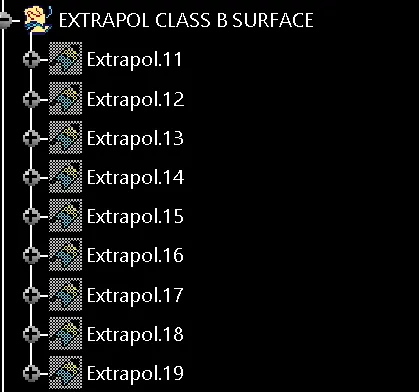
- Use Extrapolate to make sure that all the untrims are properly intersected to trim and offset the surfaces to 2.5 mm to create the thickness.
- Fill the patches which are not offered by using the commands like extract, boundary, and multi-section surface.
- Then join the patches to the offsetted surface using the command. So will get the complete class B.
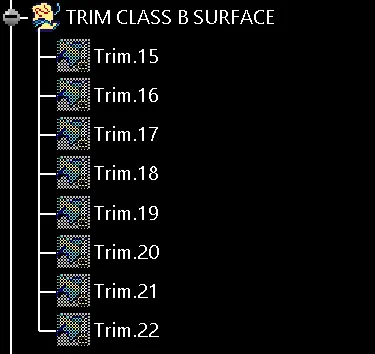
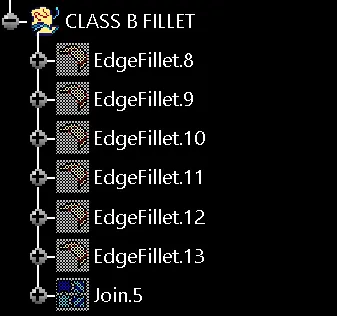
CREATING CLASS C SURFACE:-
- apply the join command on class a surface
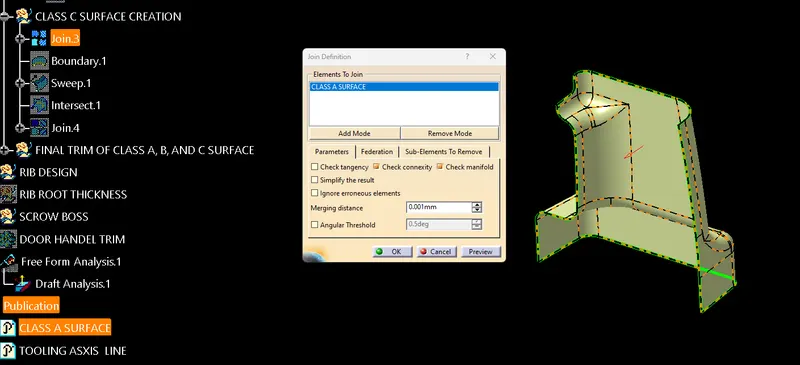
- apply the boundary command on the joining surface
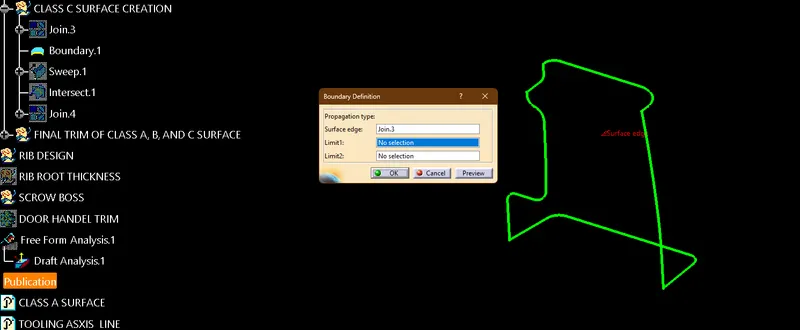
- make a c surface with the help of the sweep command
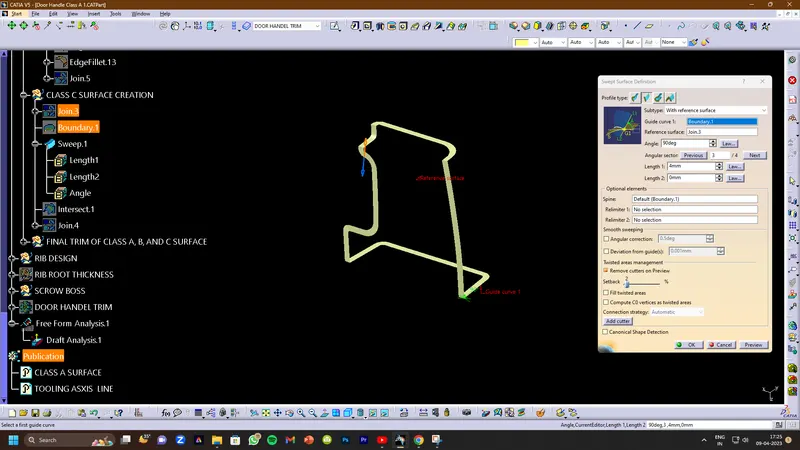
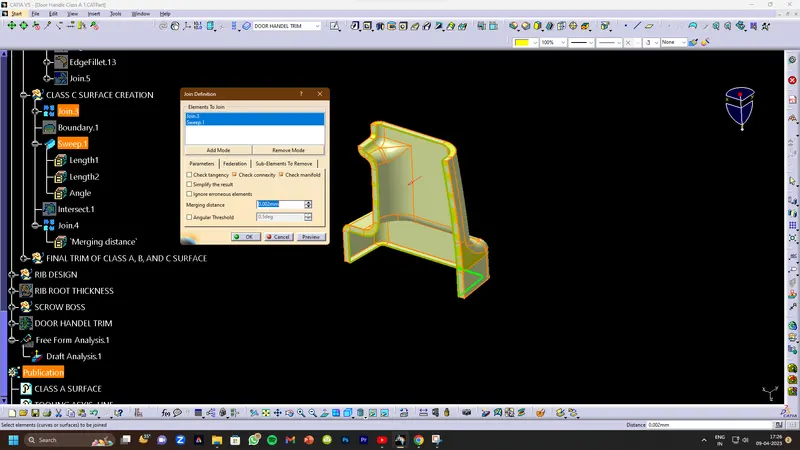
- at last, joined that surface
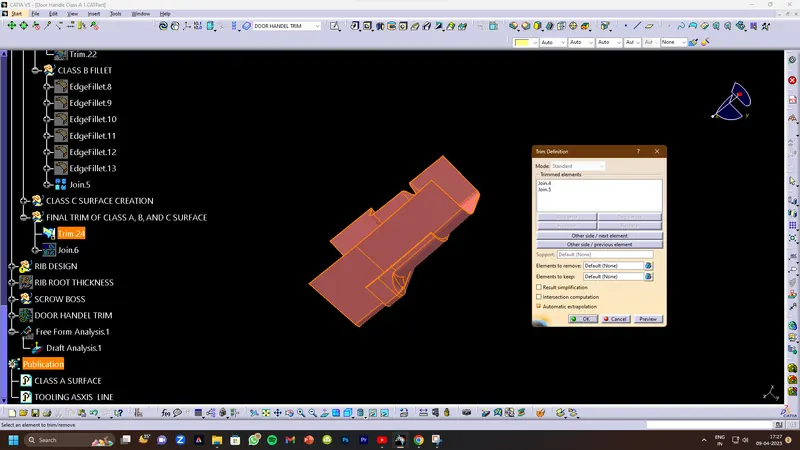
last trim
join the trim surface
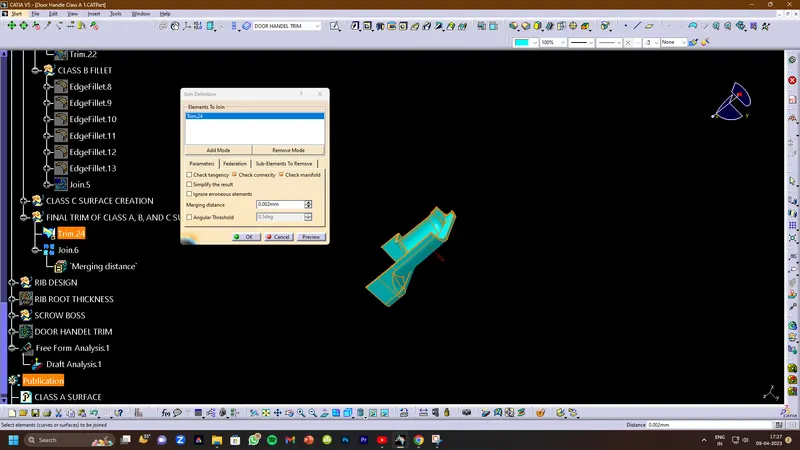
- Now open the part design workbench and use a closed body surface to create a solid the component.
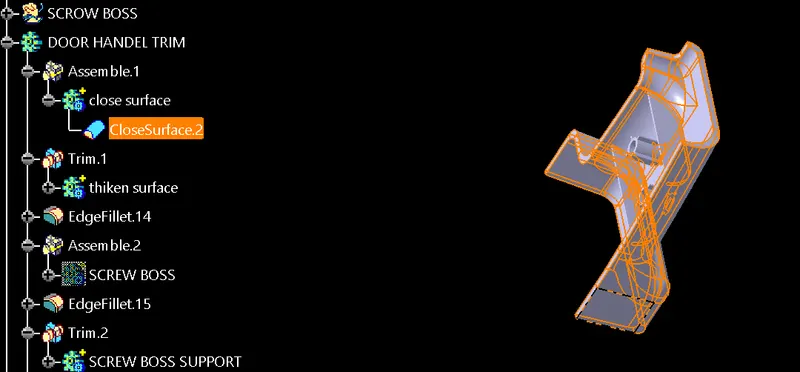
CREATING B-SIDE FEATURES:-
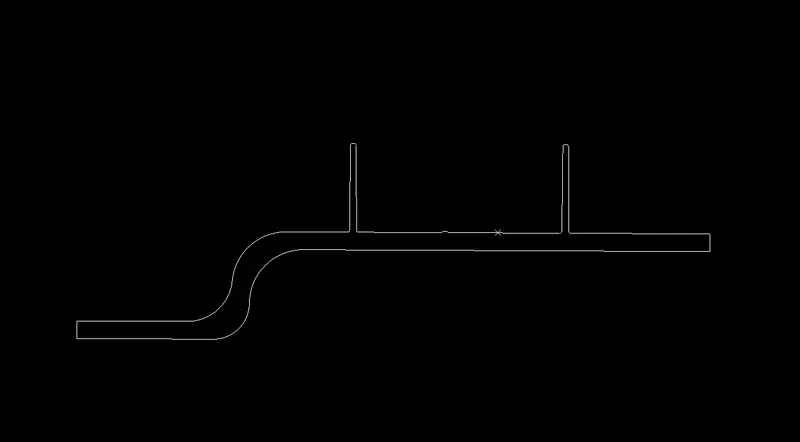
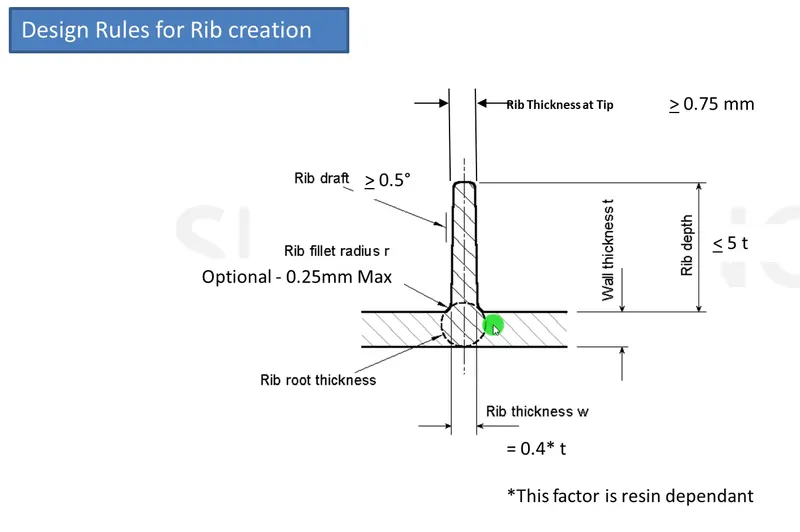
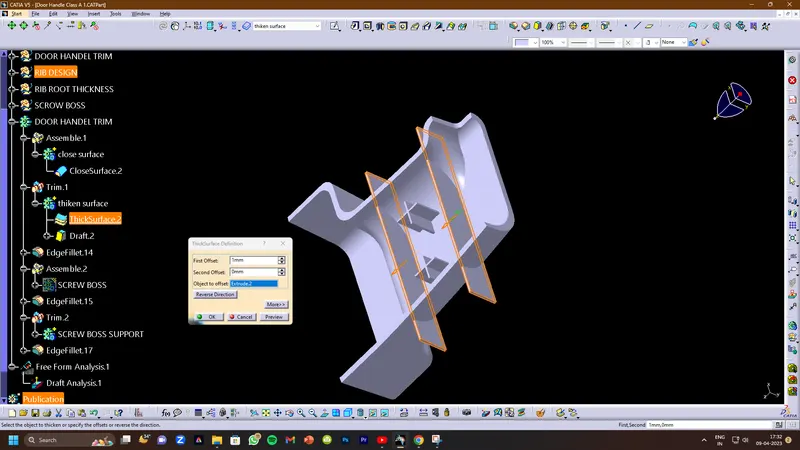
1)RIB CREATION:-Ribs are a feature in plastic injection molded parts. They are thin extensions that run perpendicular to a wall or plane. They are commonly used to provide additional support and strength to a part.
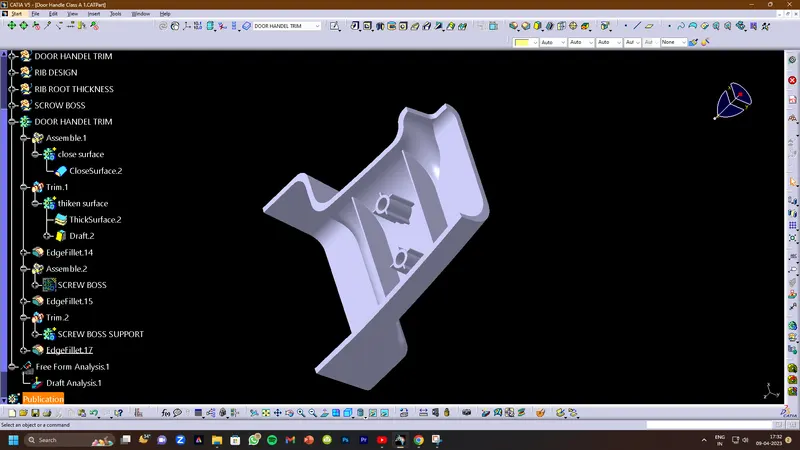
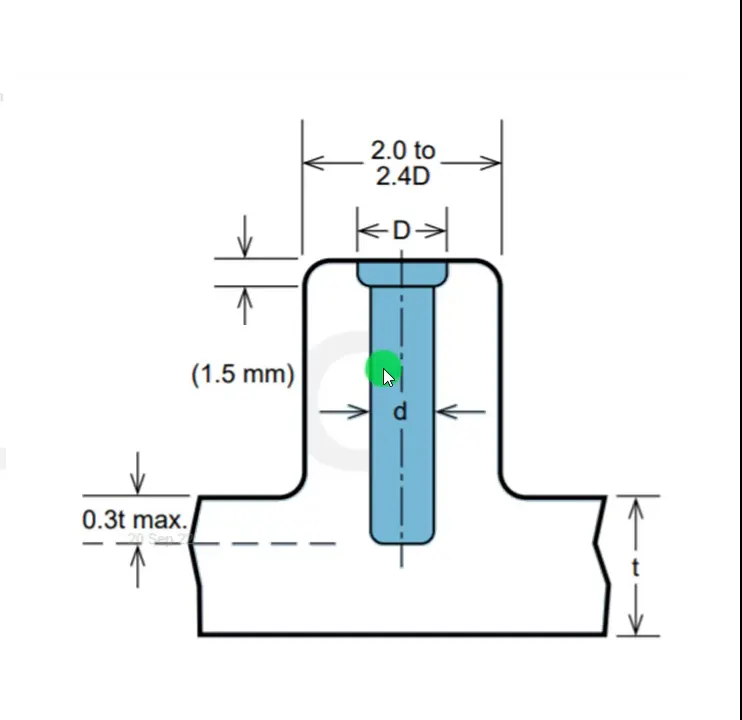
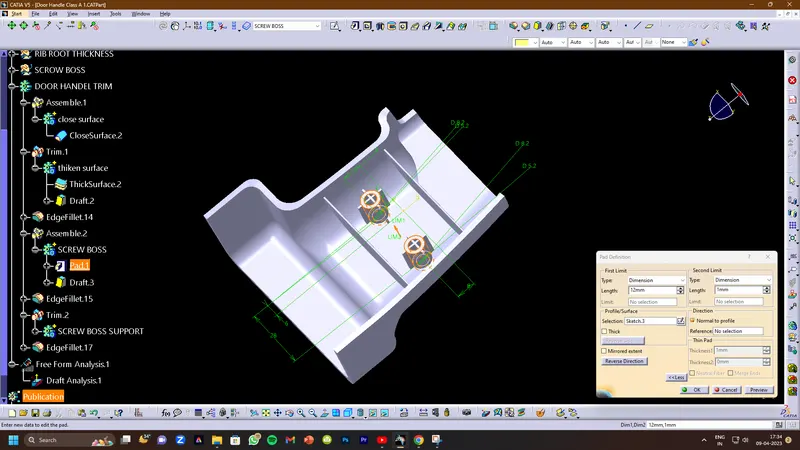
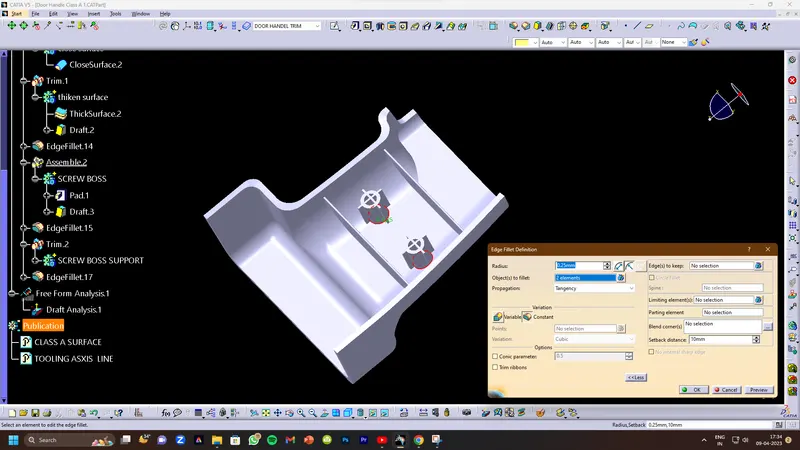
CREATION OD SCREW BOSS:-Boss features are commonly found in injection molding designs. They are used to aid in the assembly of molded parts by providing a channel for a screw.