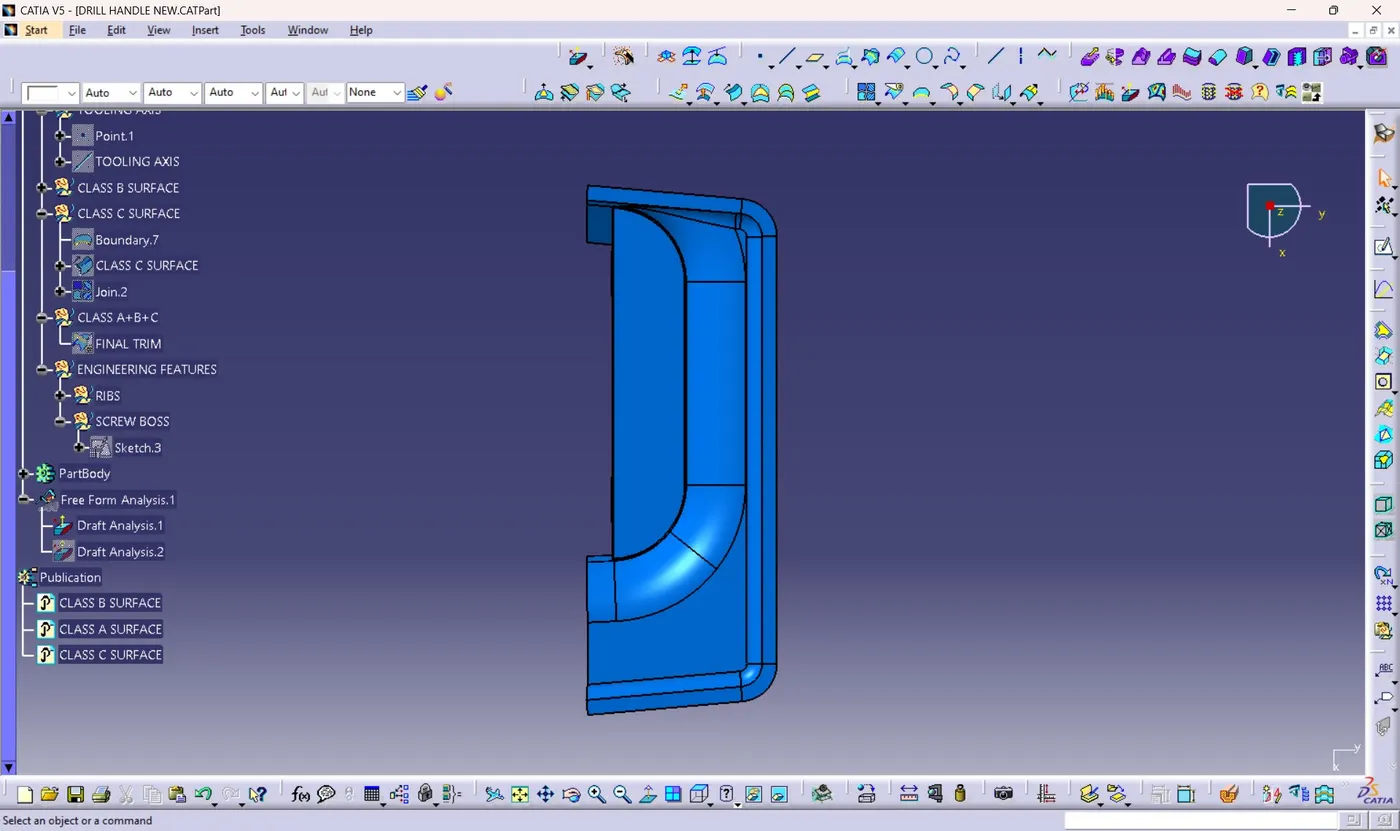
Week 10 - Challenge 1- Attachment Feature Creation (Ribs & Screw Boss)
ATTACHEMENT CREATION (RIB & SCREW BOSS) TO DRILL HANDLE
CREATION OF TOOLING AXIS
1) First check for all the possible way of tooling visually.
2) After visaual inspection we can see that tooling is clearly possible through Y axis direction.
3) Create a point on the center of class A surface which has a wide flat surface area.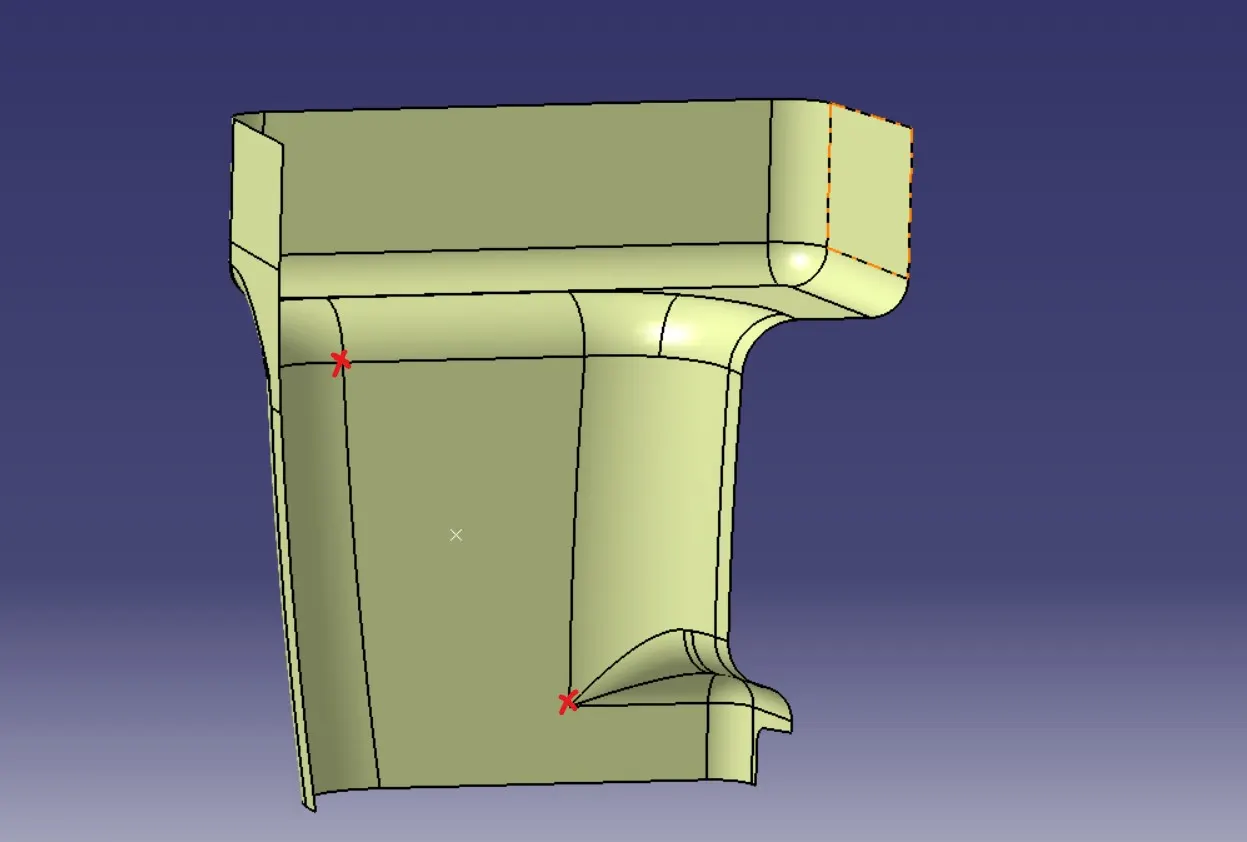
4) Here for getting a point on the center am creating a point using between option from the point table and I selected 2 corner points as marked on the above image.
5) After creating point Create a line through that point in Y axis direction. 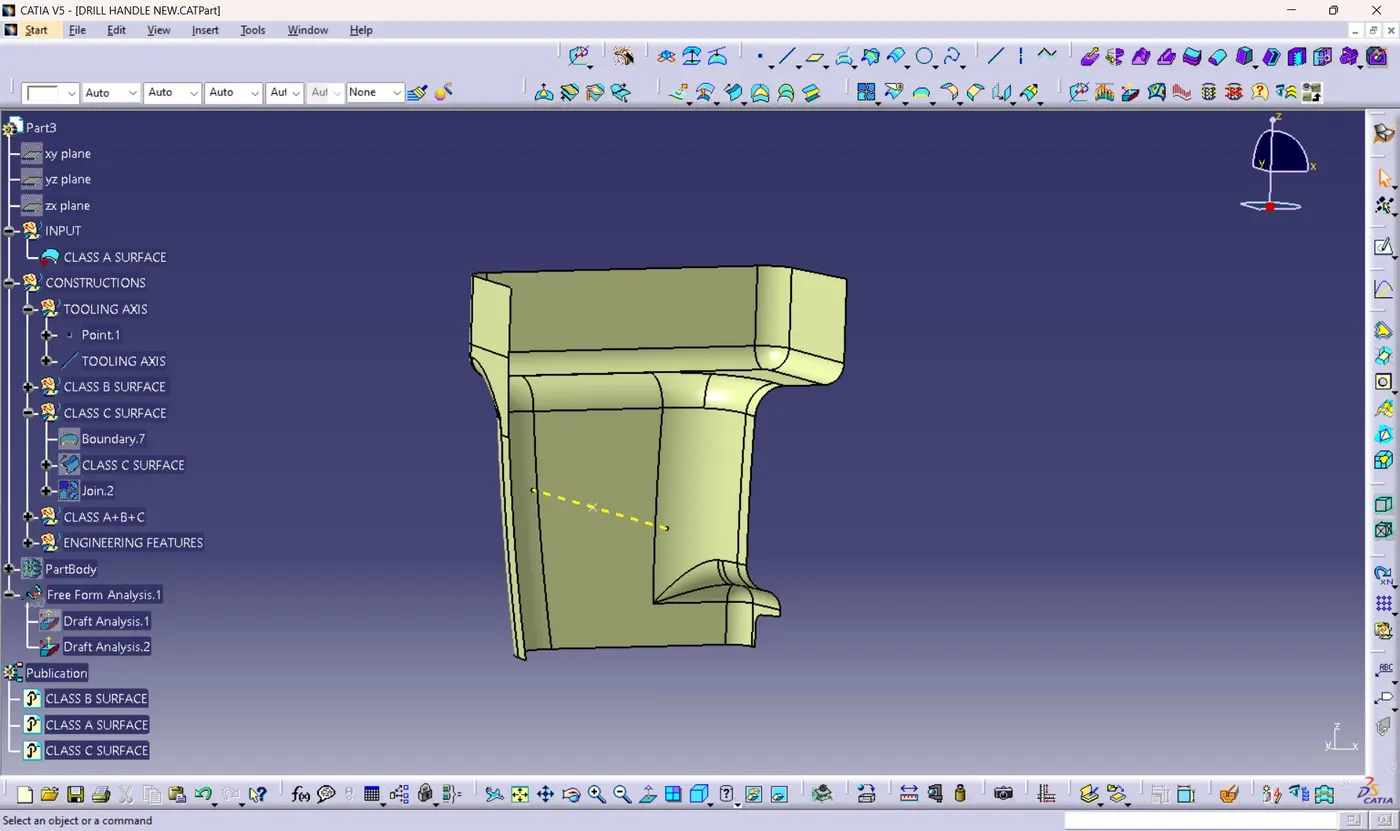
6) Rename the line as Tooling axis.
DRAFT ANALYSIS OF CLASS A SURFACE
1) Click on the Feature Draft Analysis option from analysis toolbar.
2) Click on the compass menu.
3) Drag the compass towards tooling axis by clicking on red dot on compass.
4) Align the Z axis towards tooling axis direction.
5) Click on lock option which will lock the compass on its position.
6) select the class A
7) Class A will appear in draft angle colour codes.
8) If the colour is appeared in blue then click on inverse option beside the compass on draft table. Then it will appear in green colour. 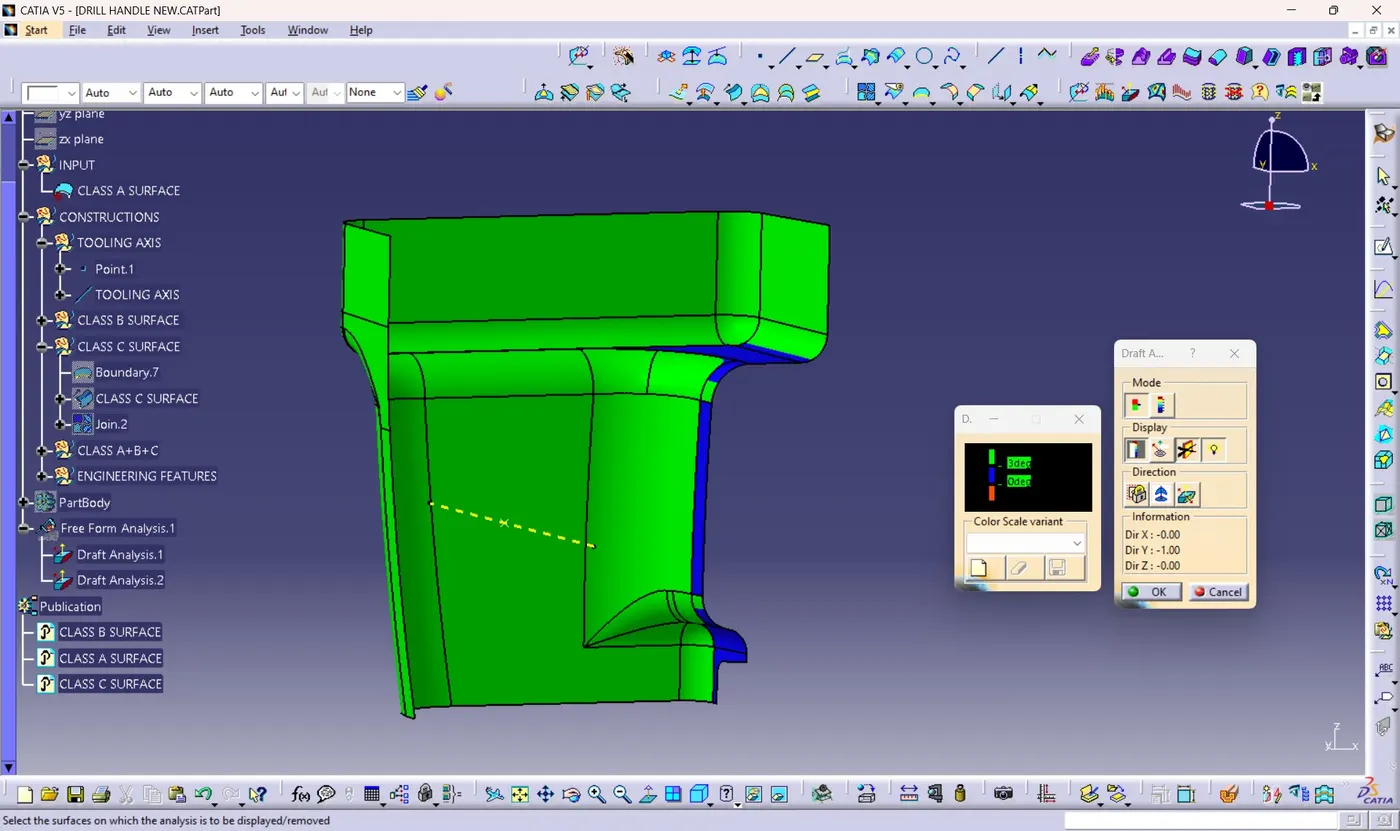
9) Here some portions appears in blue colour that is, the angle in these area is 1 degree which doesn't make a postive draft analysis. But it can be neglected as the ribs and screw bosses will come with a draft angle of 0.5 degrees.
DRAFT ANALYSIS OF FINAL PRODUCT
1) After creation of ribs and screw bosses. Add those elements to the part body to make the final component.
2) Change the material mode
3) Click on draft analysis option from analysis toolbar.
4) Click on the compass menu.
5) Drag the compass towards tooling axis by clicking on red dot on compass.
6) Align the Z axis towards tooling axis direction.
7) Click on lock option which will lock the compass on its position.
8) Click on the final component. 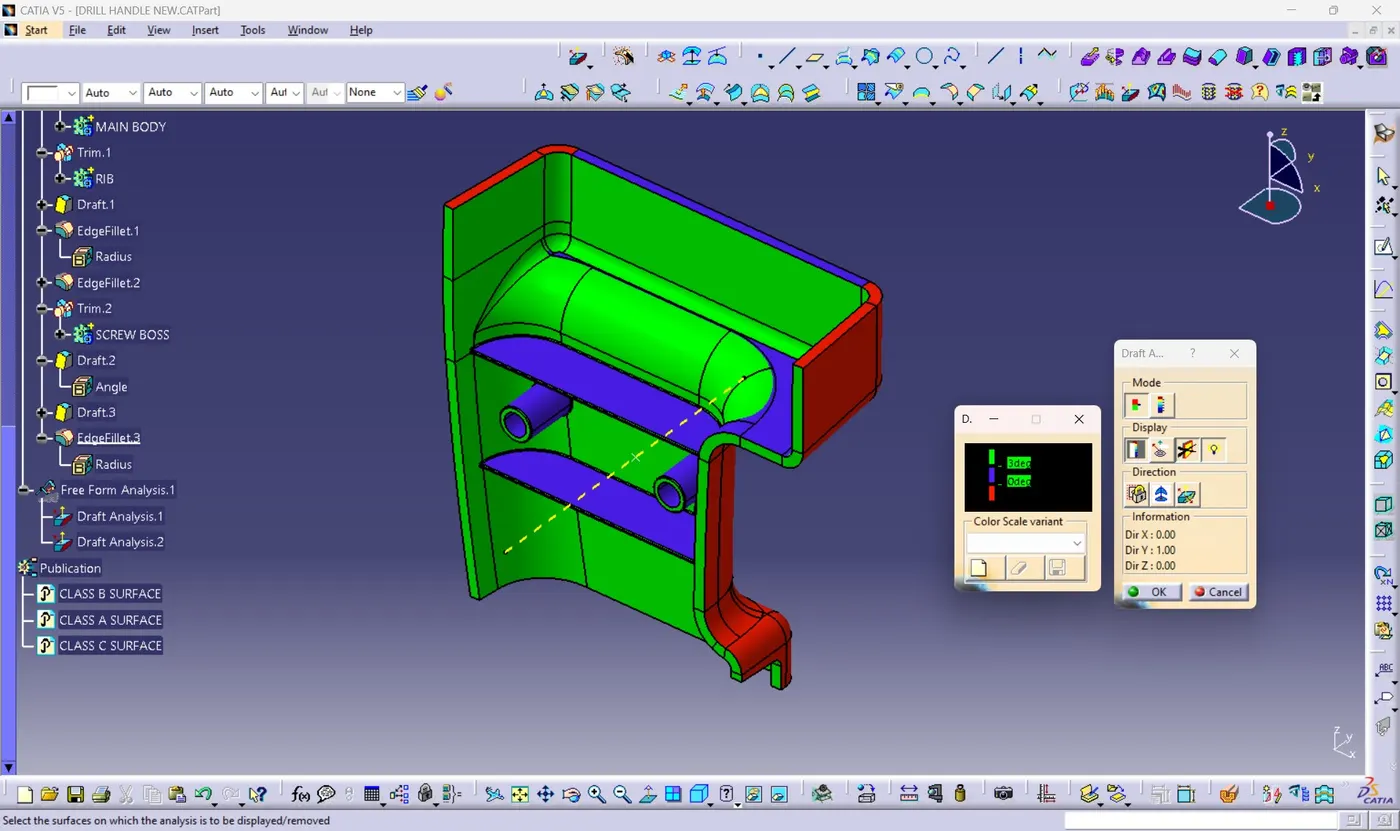
9) Here some areas appears to be blue colour as they makes an angle which is between 0 and 3 degrees.
10) But this areas are mostly Ribs and screw bosses which makes minimum draft angle of 0.5 degrees with tooling axis.
COMPLETE DESIGNS IN VARIOUS ORIENTATION
1) ISOMETRIC VIEW 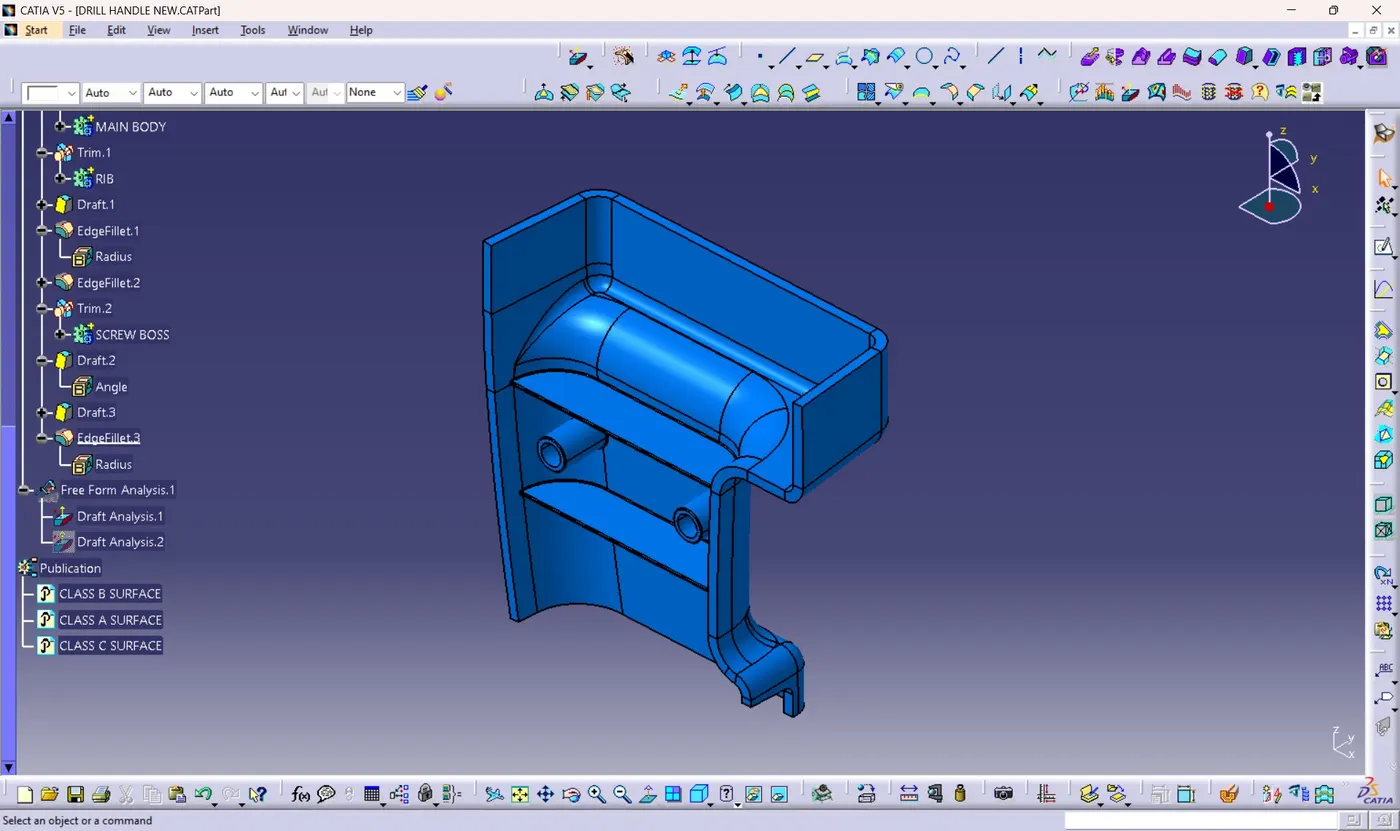
2) FRONT VIEW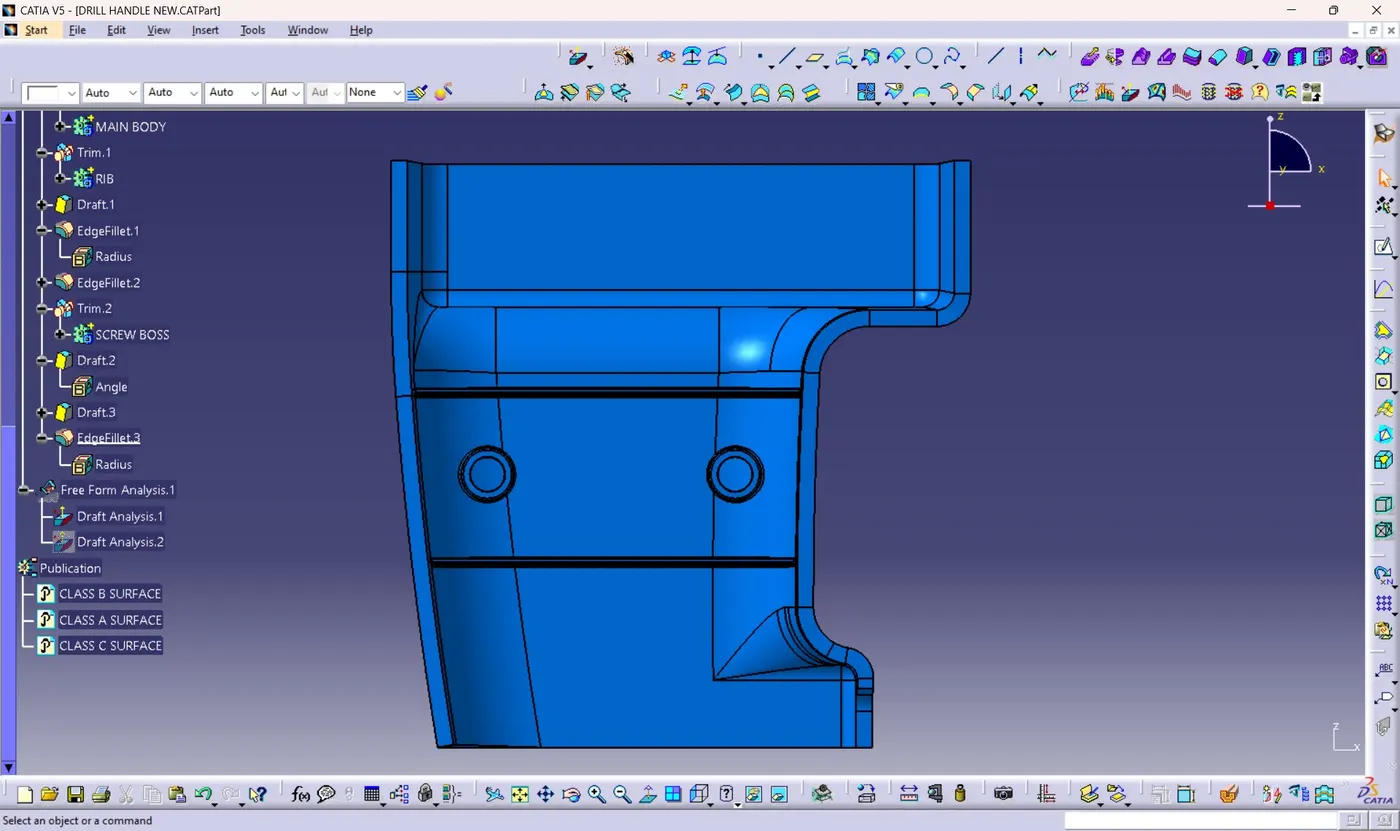
3) SIDE VIEW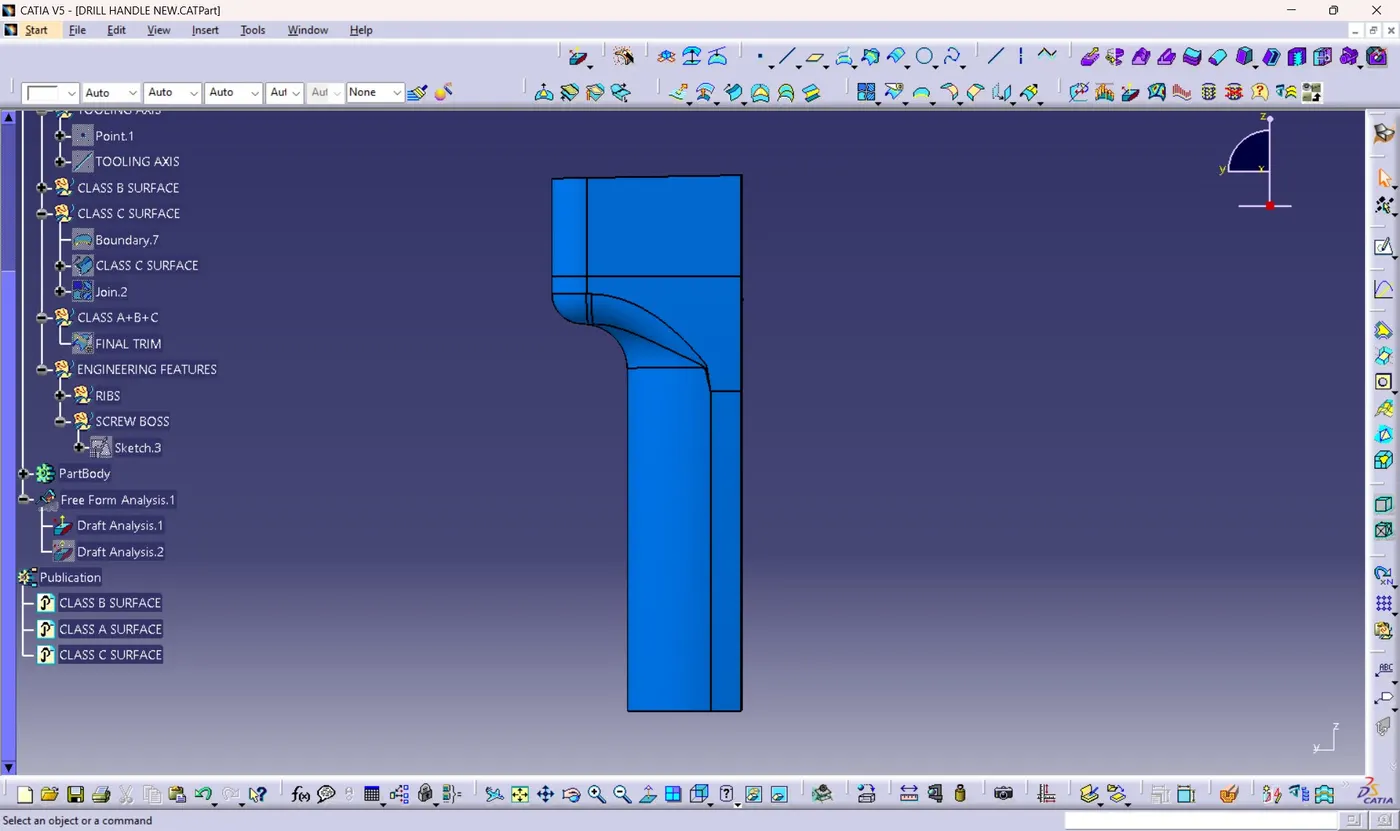
4) TOP VIEW