Week 10 - Challenge 1- Attachment Feature Creation (Ribs & Screw Boss)
Attachment Features Creation (RIB & SCREW BOSS)
AIM:
To create the door handle from the given Surface A.
To create the tooling axis from the given Class A surface meeting requirement of the draft angle.
To attach B side features in the component
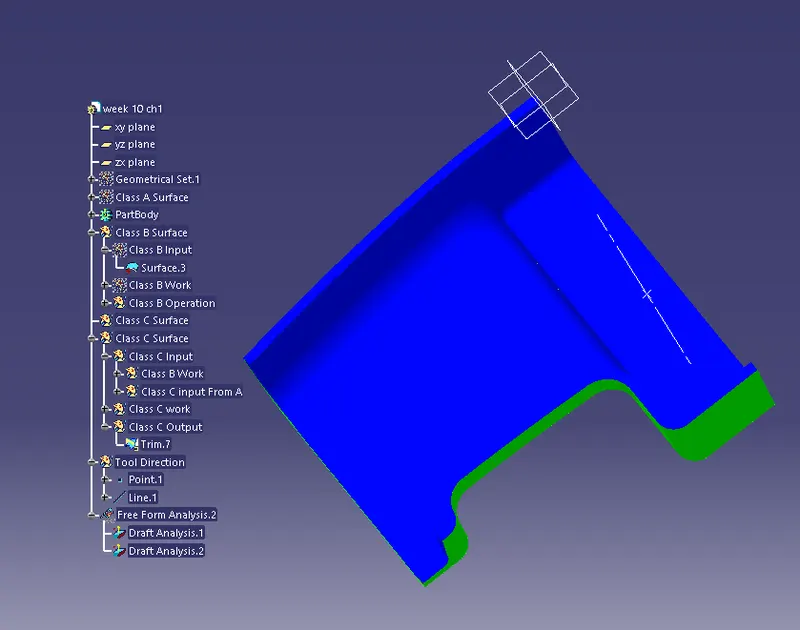
To perform Draft Analysis in the model
TOOL USED:
Boundary
Multi Section
Offset
Sweep
Trim
Intersect
Draft Analysis
Closed body surface
Description:
Class A Surface
They already given the class A surface to create entire sketches with the help of Class A surface.
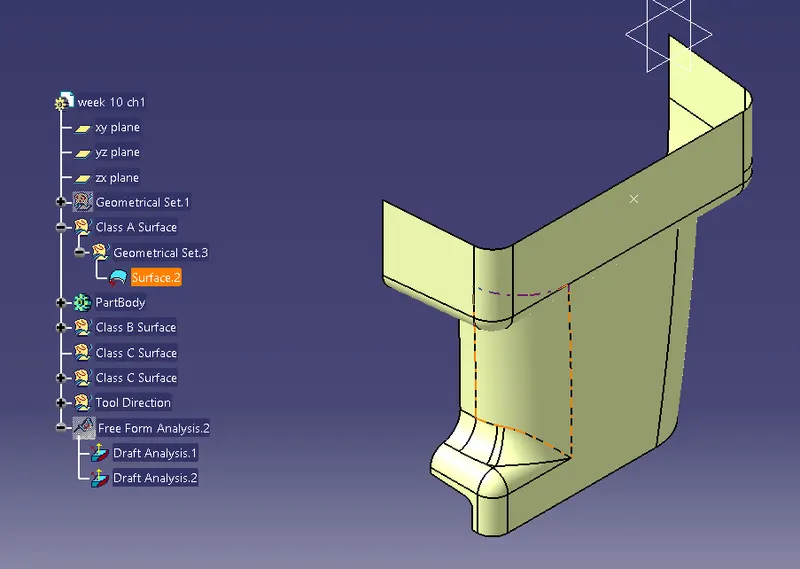
when the Class A surface is ready with their referance then we can start creating the Class B surface.
Class B Surface:
To create the Class B surface by using the Class A surface.
Using the help of Offset we can create B surface as shown down in the picture
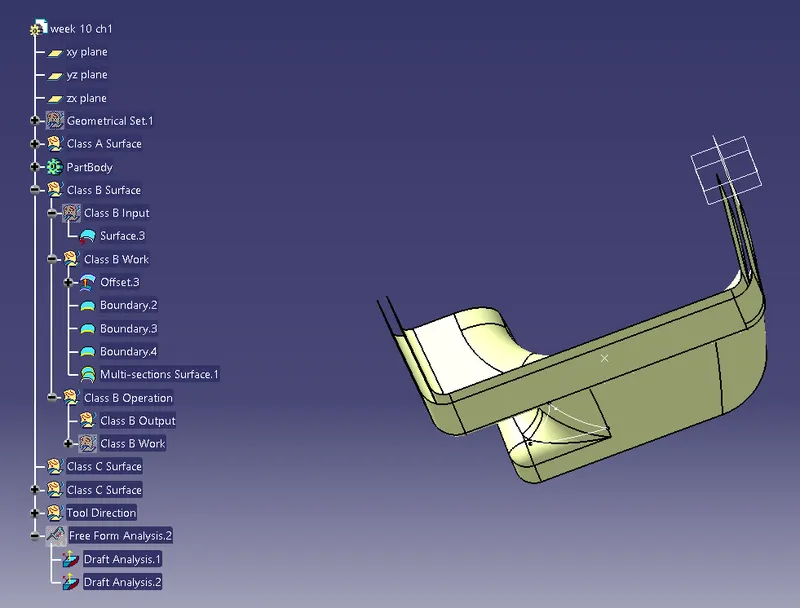
After creating the Offset there will an hole created for using of Offset so that we need to clear that first by using with the help of Boundary and Multi-Section.
And now the created hole will be closed as shown in picture
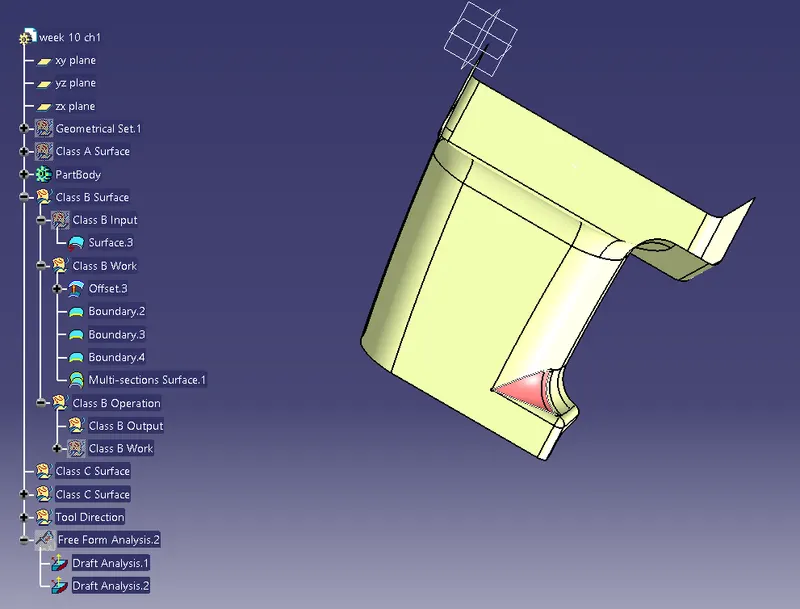
By completing the B surface we can do Class C surface by followed.
Class C Surface:
To create Class C surface with the referance of A surface and Sweep the corners to create C surface
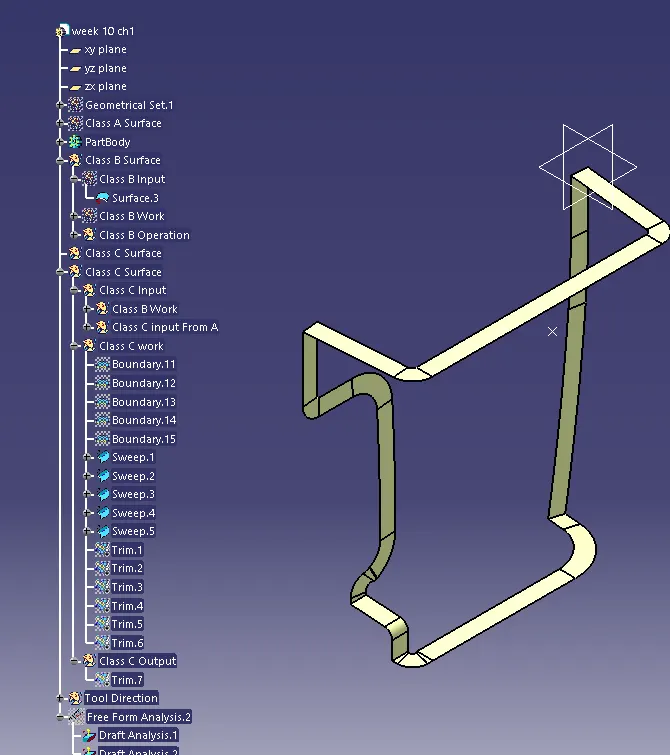
Then we need to trim all of these Boundary referance with A surface
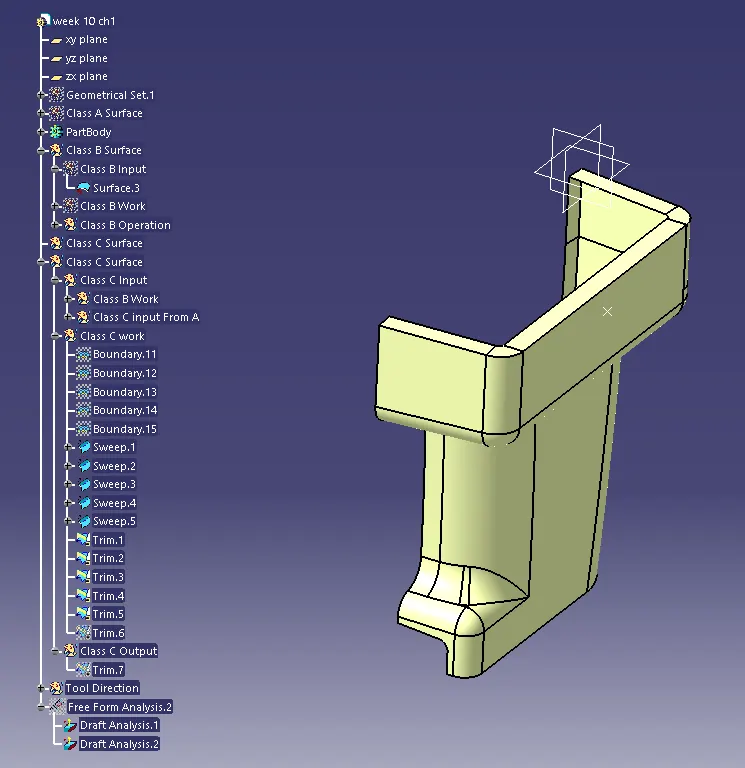
Then the Trim between C and B Surface is the Output of C surface
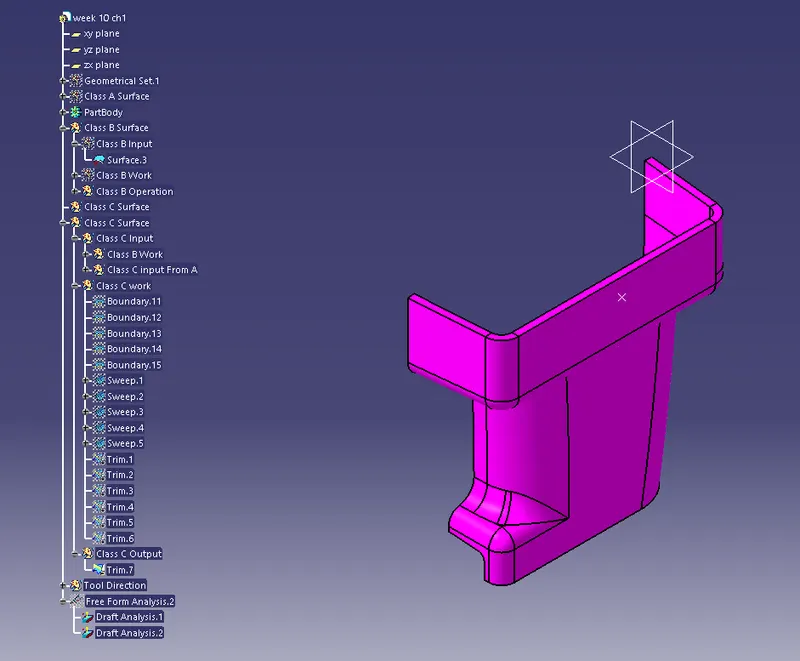
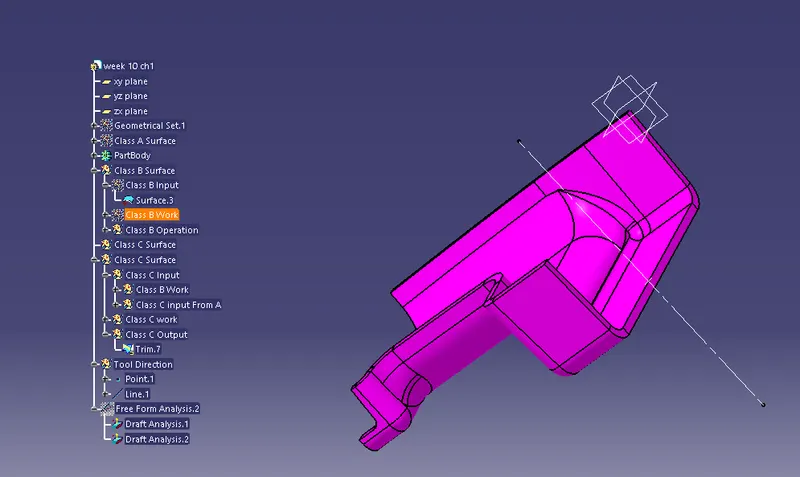
TOOLING DIRECTION
Tooling direction is more important which helps us to create draft angle
DRAFTING ANALYSIS OF C SURFACE
RIB AND BOSS SURFACE
For creating Rib and Boss Surface take the referance as the C surface and we can create Rib first
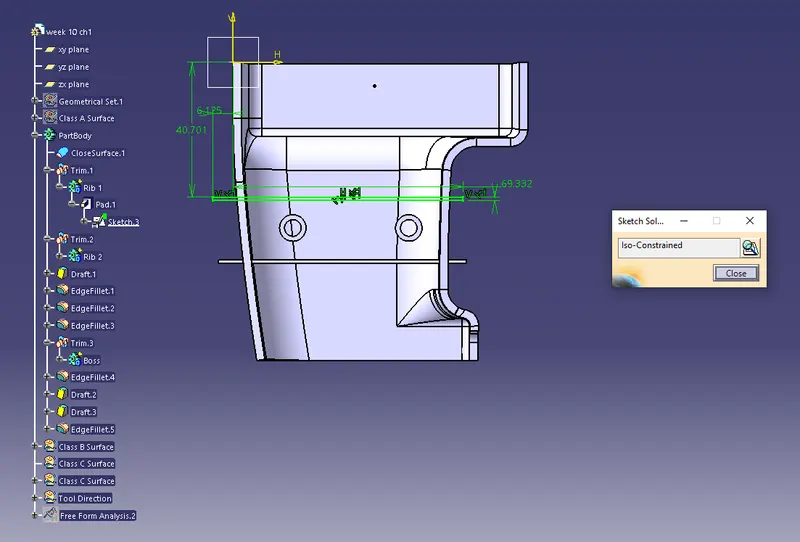
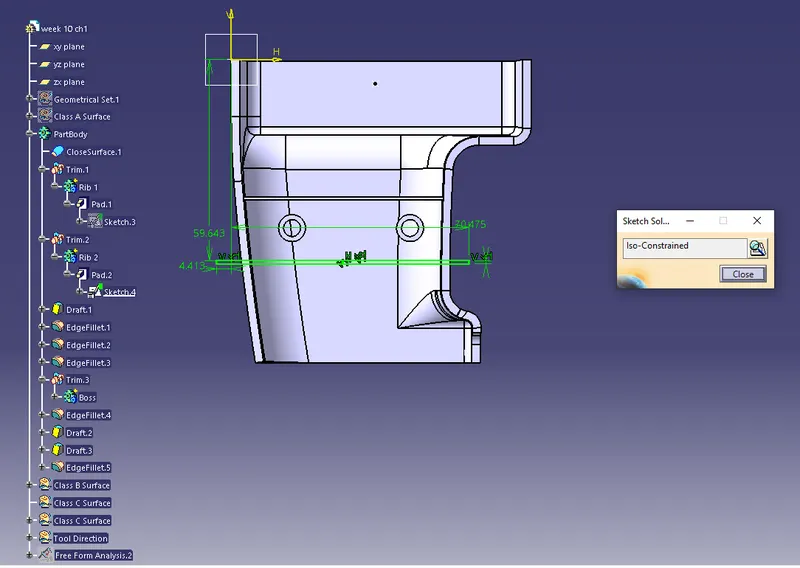
After creating sketches of Rib we need to apply the formulas and we can go doing with Pad,Draft,Fillets and Trim
Creating the Boss Surface
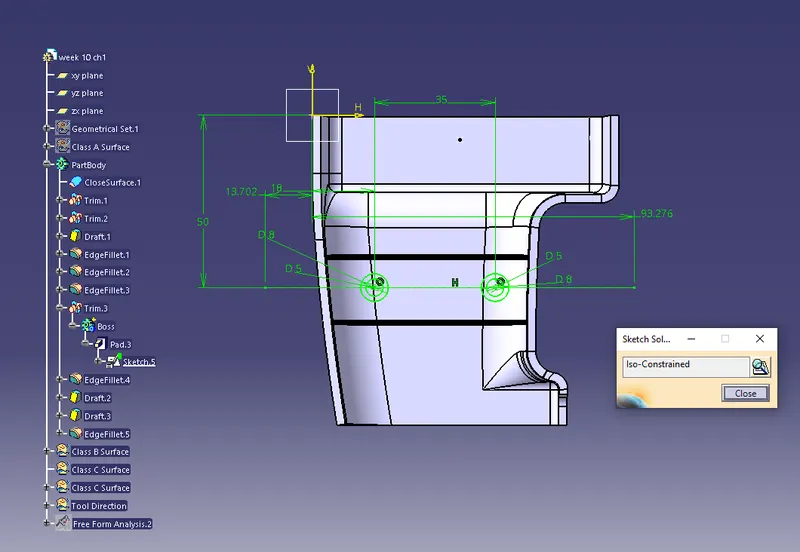
SURFACE MODEL OF RIB AND BOSS
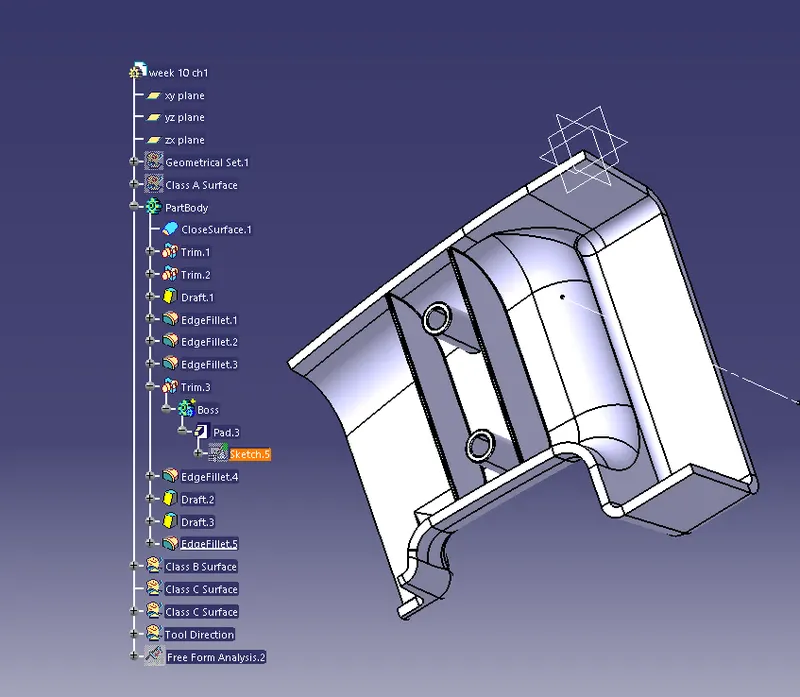
DRAFT ANALYSIS
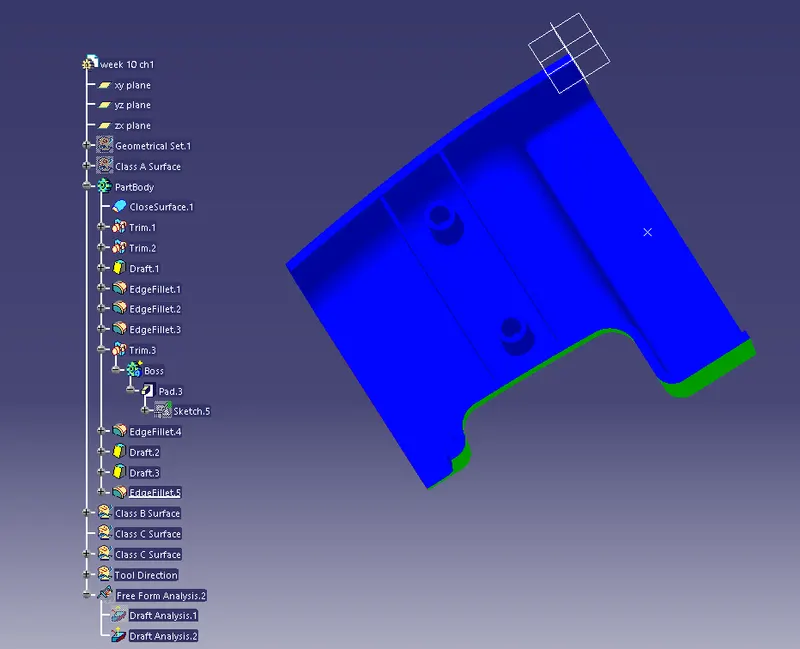
VARIOUS ORIENTATION VIEW
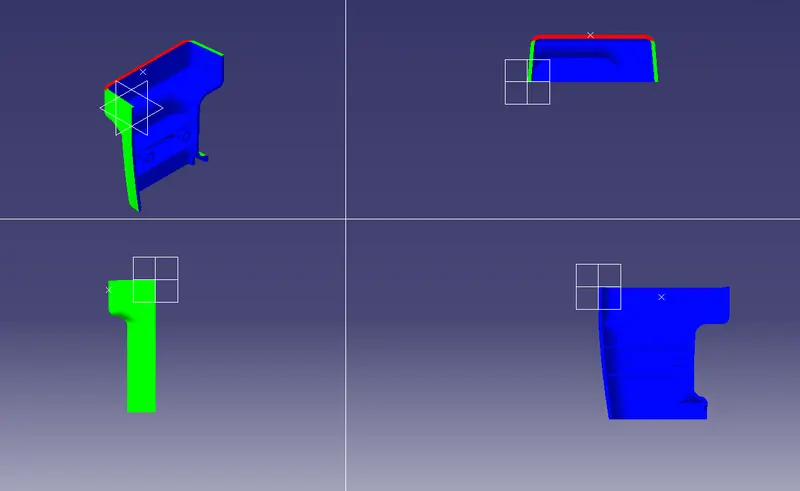
Isometric view