Week 10 Bullet penetrating a Bucket Challenge
Objective:
You have to simulate a bullet penetrating into a bucket. You will need to use 3 different non linear materials for the bucket and analyse their behaviour for the same velocity of bullet.
Solution:
-First, we need to open ANSYS workbench and drop down the Explicit Dynamic.
-Now, we need to add materials into the directory which we need to run analysis on
-After doing that we need to import geometry to spaceclaim and see if there are any abnormalities to the geometry.
-If there are any then fix those and open the geometry in mechanical module.
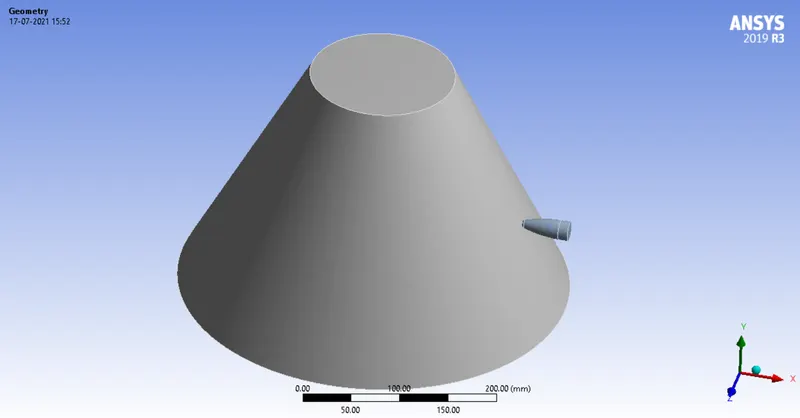
-Now, we have to assign the case-1 material to the bucket.
-After that we need to assign rigid stiffness behaviour to the bullet.
-After that we see if there are any default connections made to the geometry. If there are any we have to delete that connection.
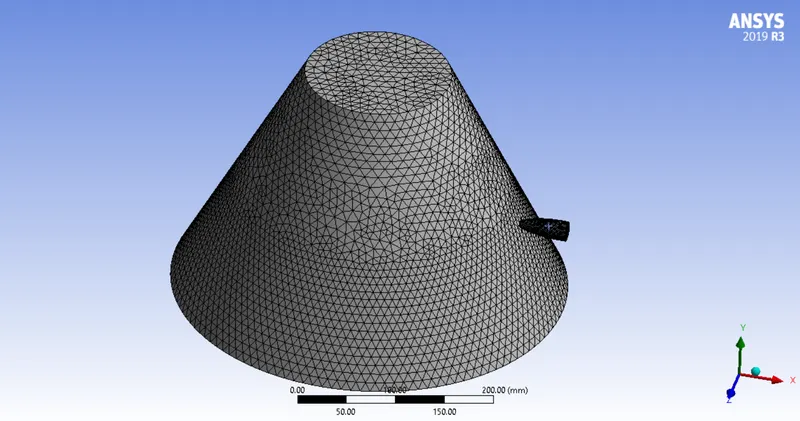
-Now, we need to mesh the geometry with appropriate element size to get best results.
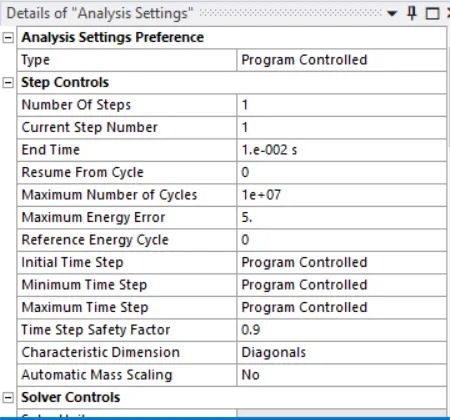
-Now, we need to add boundary conditions to run the analysis in analysis settings.
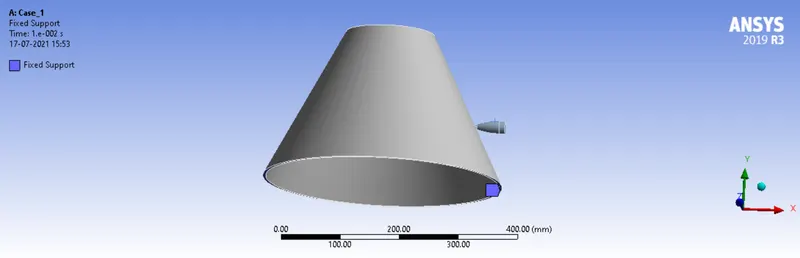
-Now, we need to assign fixed support to the bucket in order to let the bucket stay at that position.
-After that we have assign velocity to bullet.
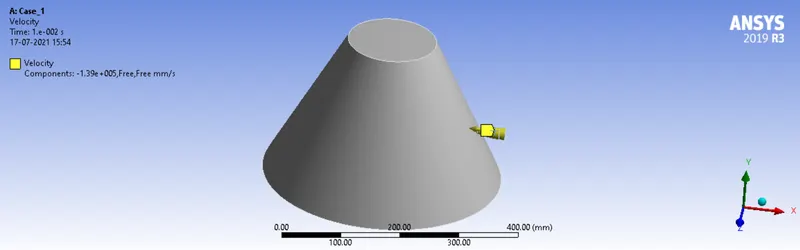
-Now, we have given all the required parameters to run the simulation. Now, we have to give the required output parameters.
Case-1: Aluminium Alloy NL
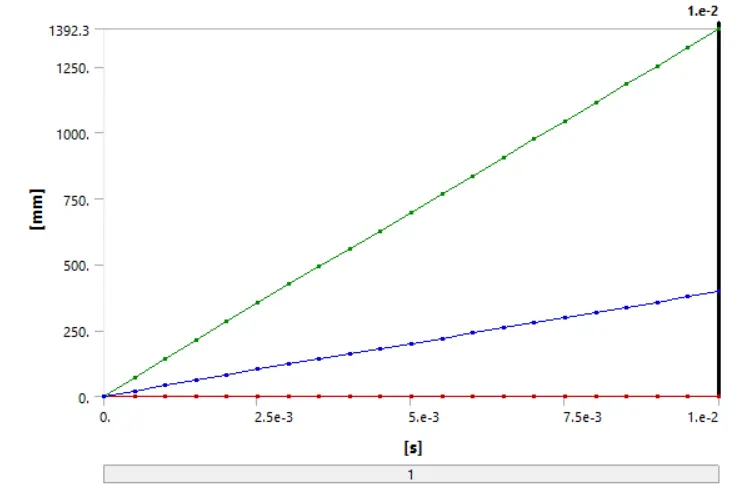
Deformation:
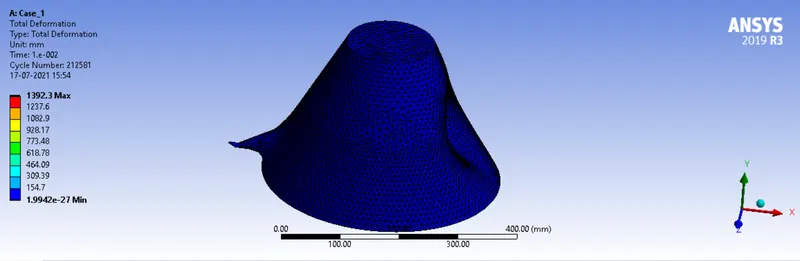
Deformation graph:
Equivalent Stress:
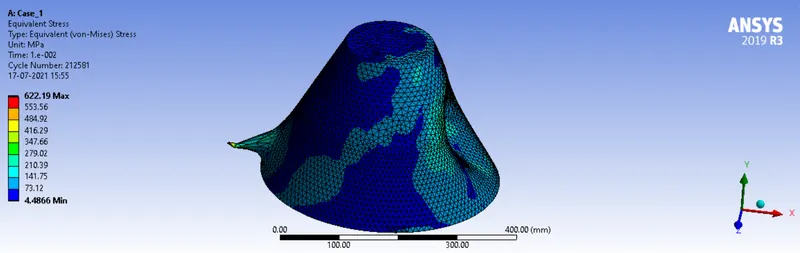
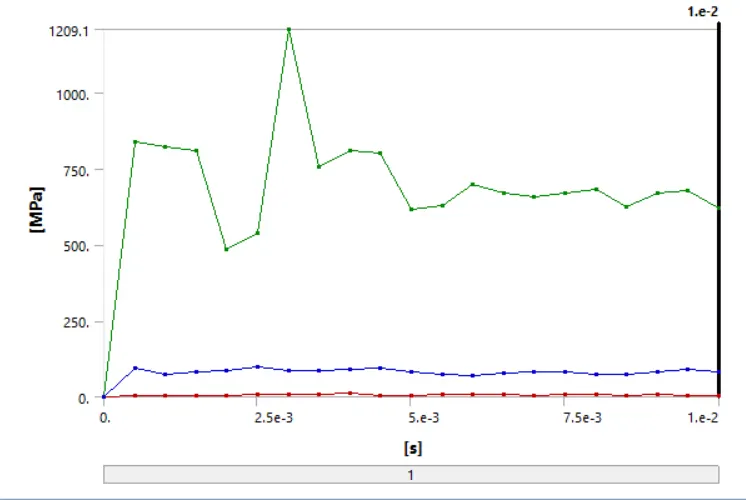
Equivalent Stress graph:
Case-2: Copper Alloy NL
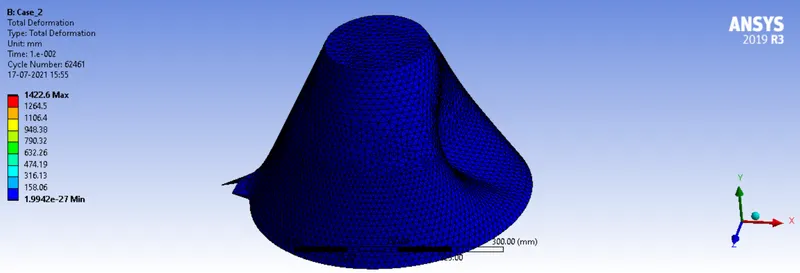
Deformation:
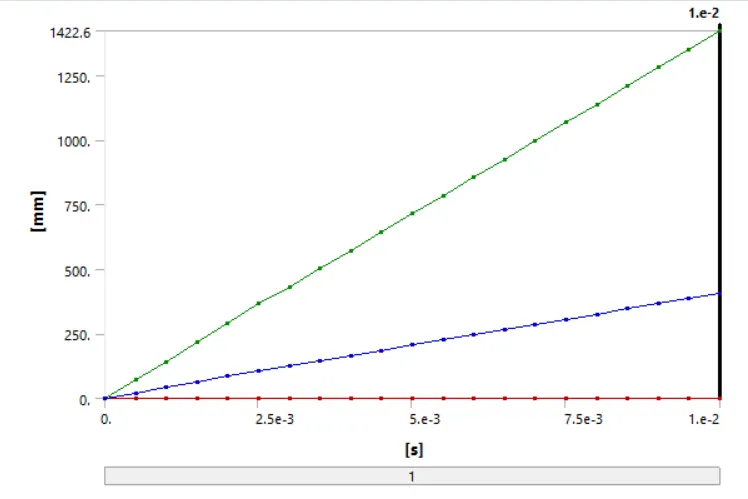
Deformation graph:
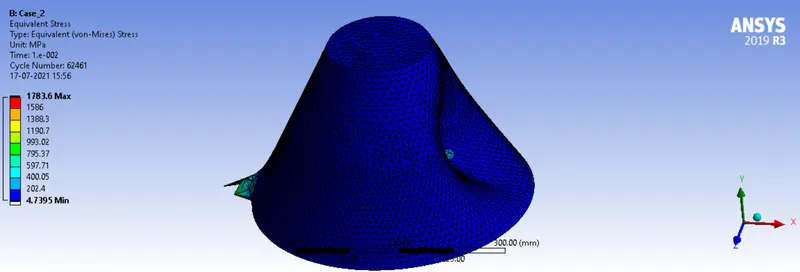
Equivalent Stress:
Equivalent Stress graph:
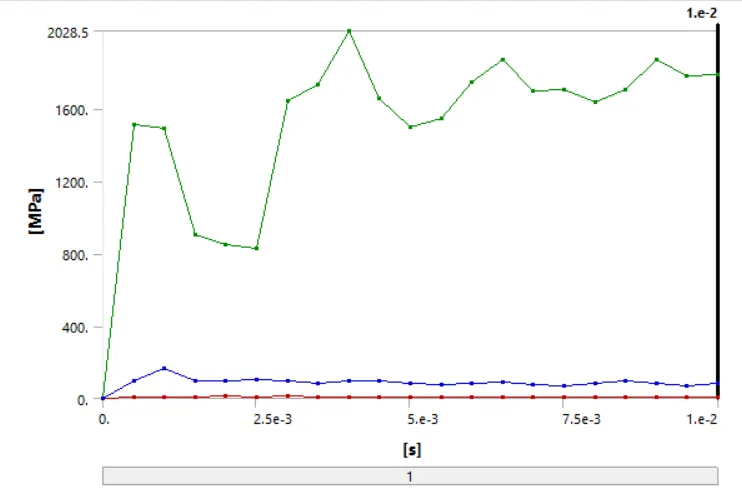
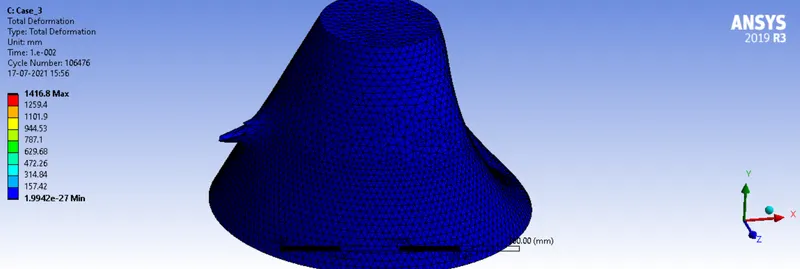
Case-3: Titanium Alloy NL
Deformation:
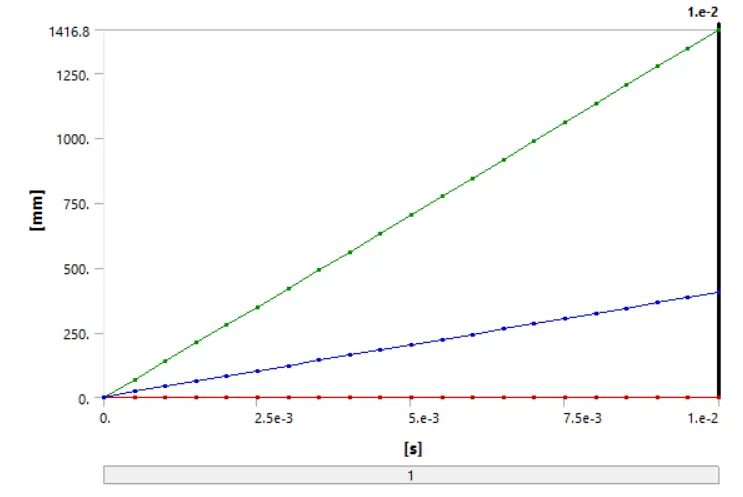
Deformation graph:
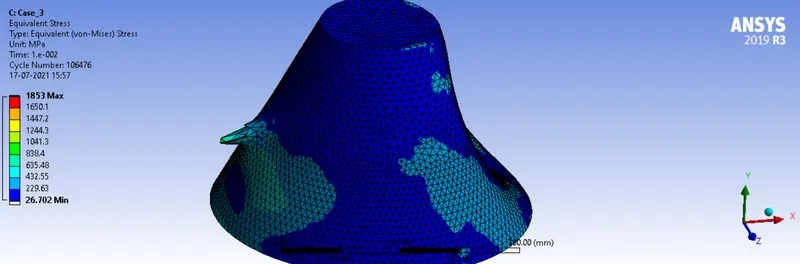
Equivalent Stress:
Equivalent Stress graph:
Comparision Table:
Aluminum Alloy NL Copper Alloy NL Titanium Alloy NL
Deformation(mm) 1392.3 1422.6 1416.8
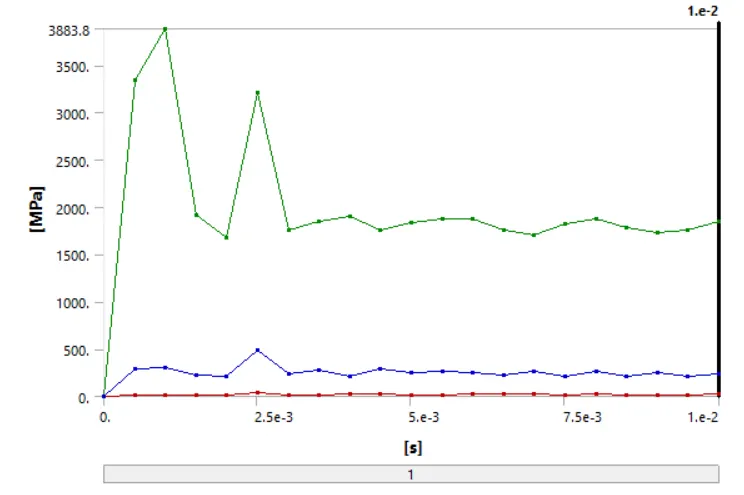
Equivalent Stress(MPa) 622.19 1783.6 1853
Simulation Animation:
Conclusion:
From the above table we can see that Deformation values are Copper Alloy NL> Titanium Alloy NL> Aluminium Alloy NL.
The Equivalent Stress values are Titanium Alloy NL> Copper Alloy NL> Aluminium Alloy NL.