Week 10- Assembly Workbench
Week 10- Assembly Workbench
Aim:
- To create 2 assemblies according to the content covered in the course videos.
- Provided with 2D diagrams of the components, create the individual part files and then create a complete assembly of those part files in the assembly workbench.
- After creating the assembly make use of the drafting tools to create a 2D drawing similar to the one given in the assignment folder.
MODEL 1:Quick Return motion Mechanism
Using part design or generative shape design lets procied making the individual solid bodies
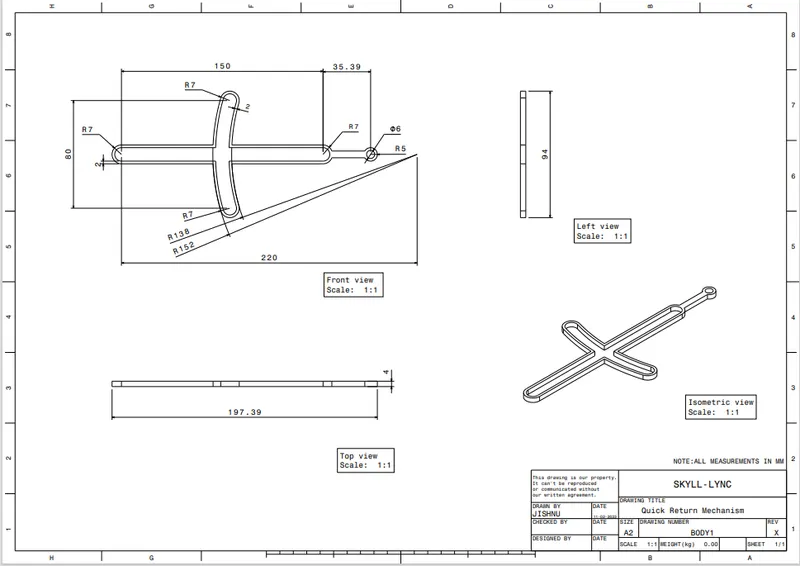
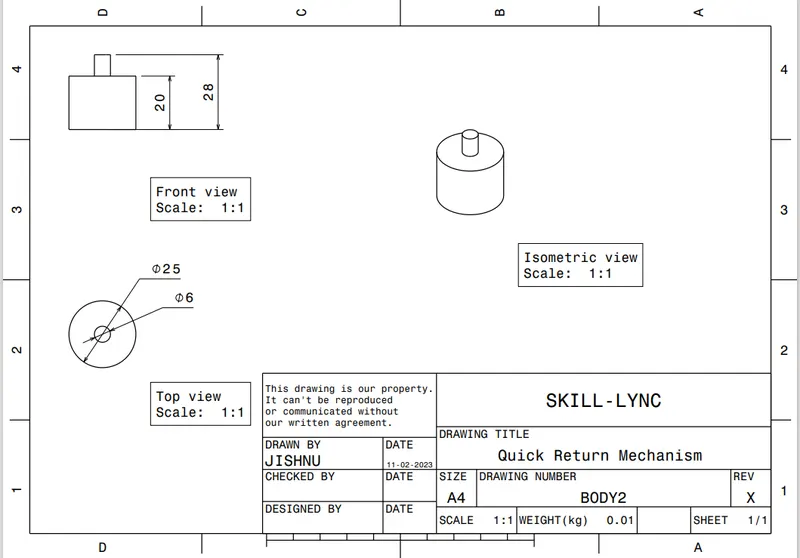
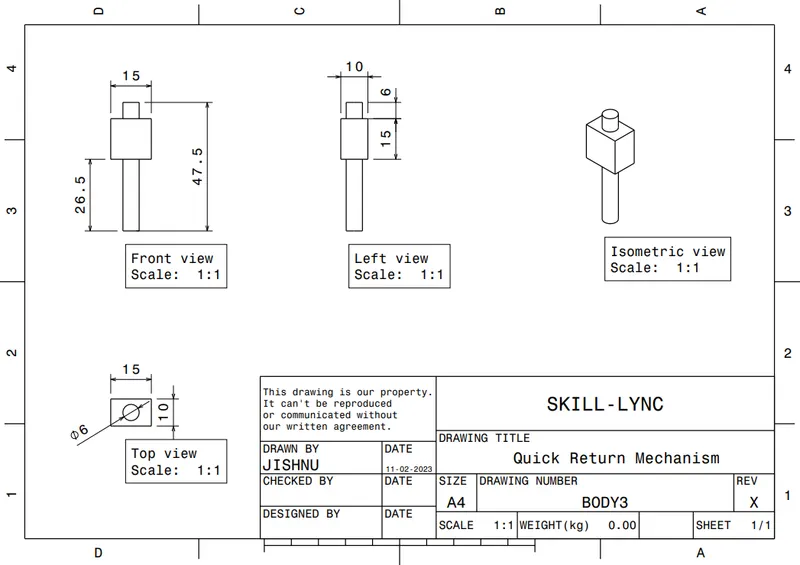
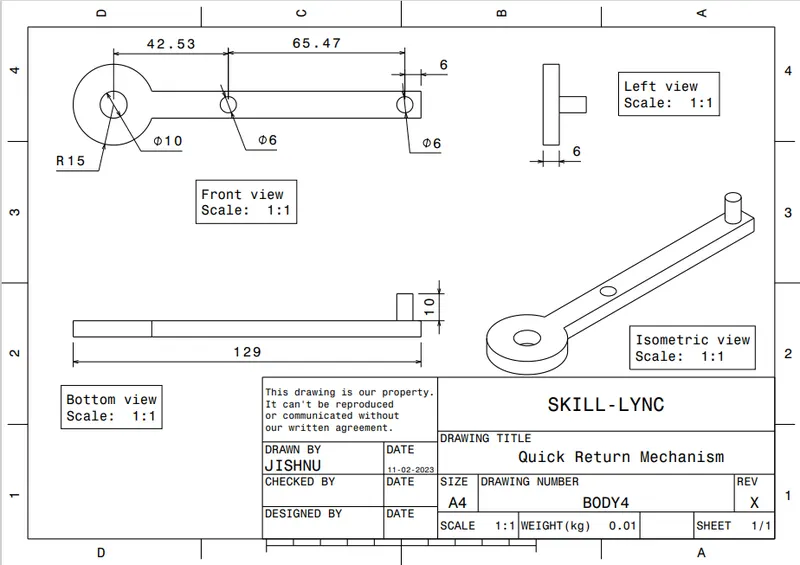
Following are the diagram provided for construction of solid parts and its creation:
Part name: BODY1
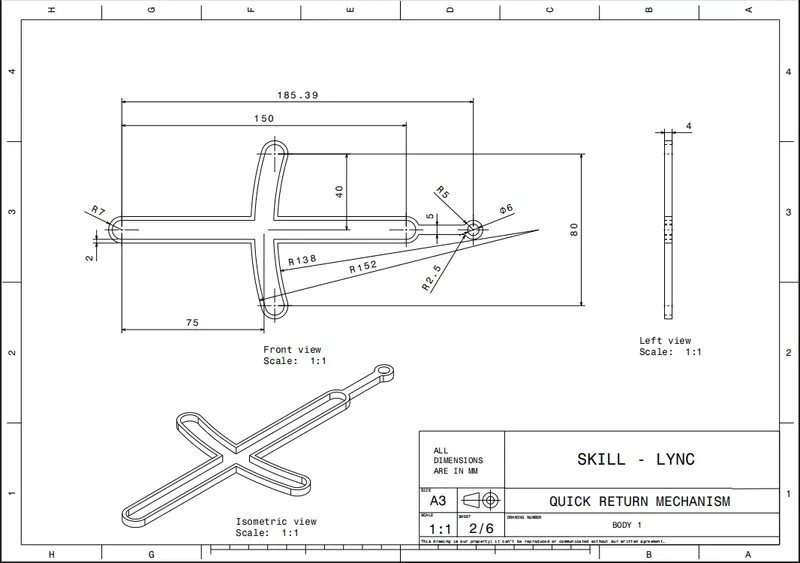
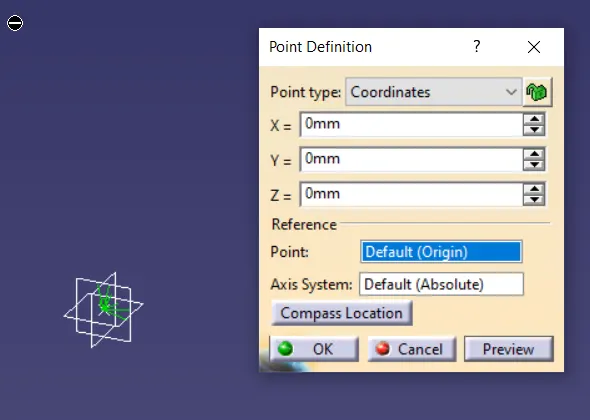
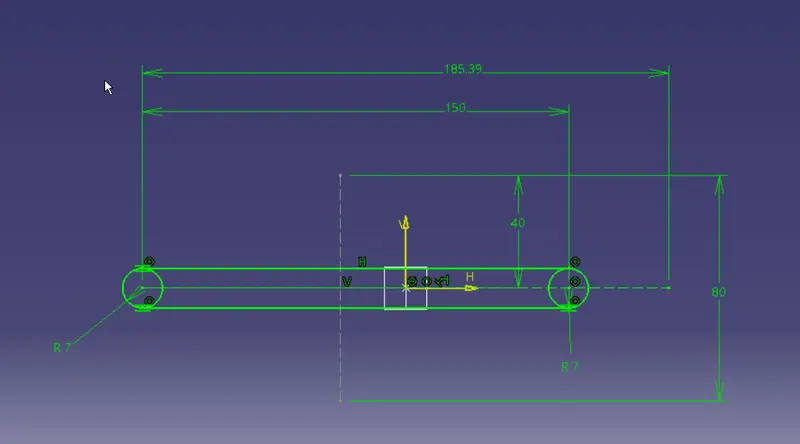
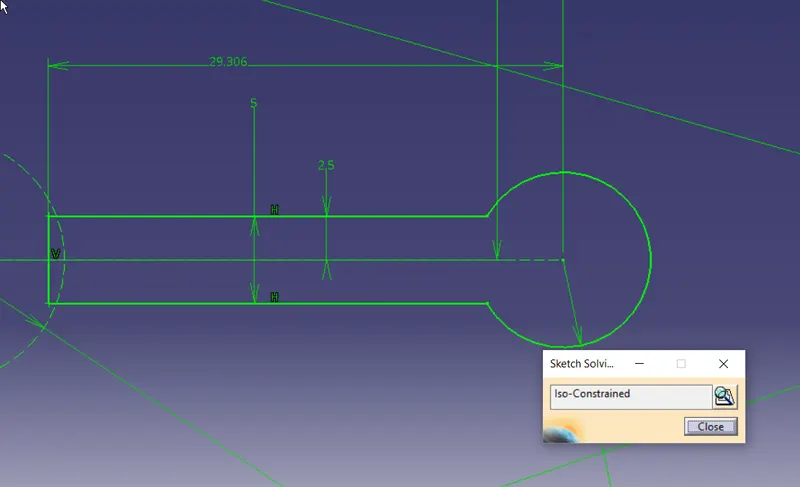
create a sketch as per the given data and pad it as shown below
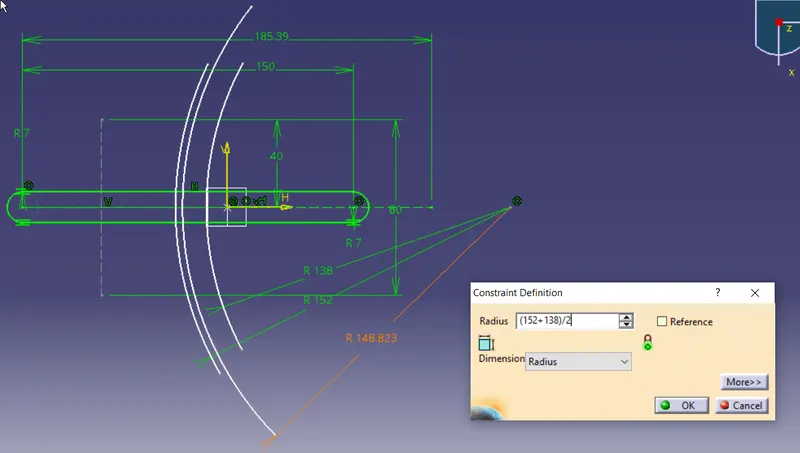
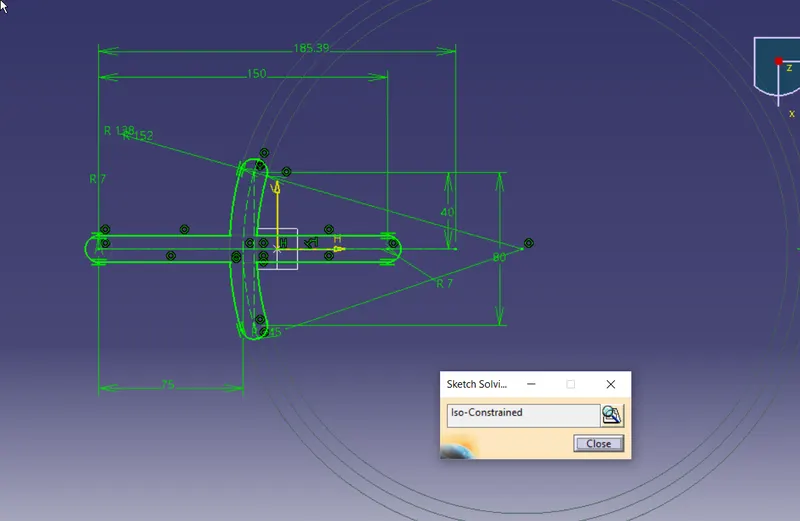
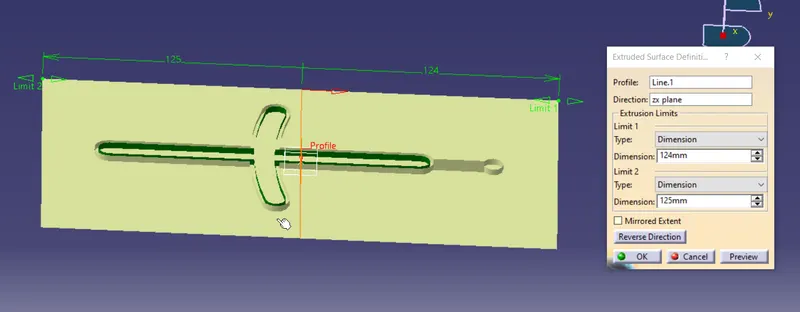
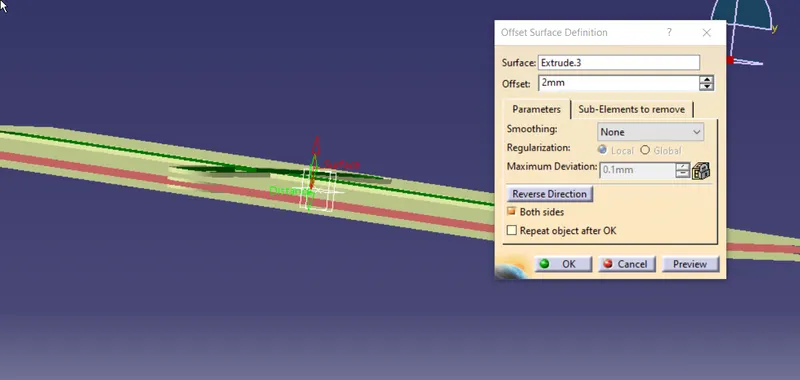
extrude it, create offset, cut by plane. as showntake excess to trim
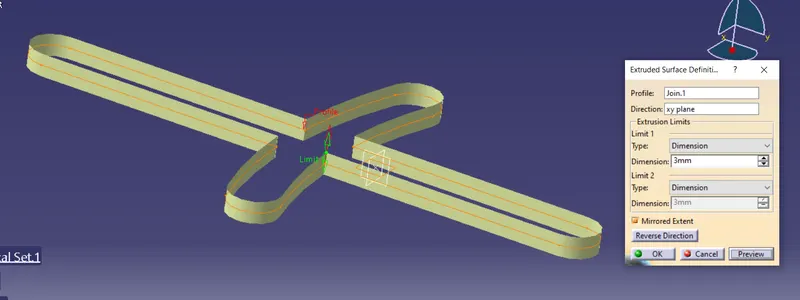
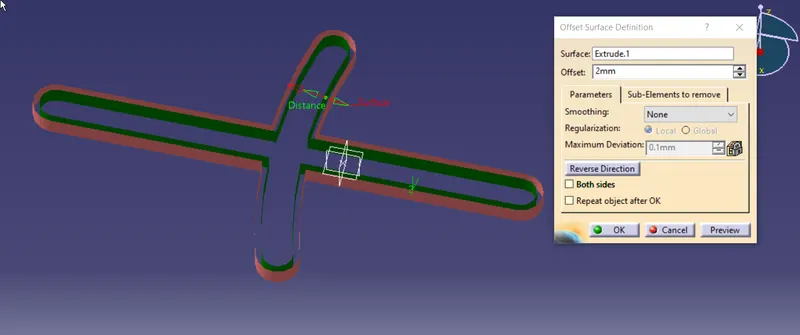
copy paste all sketch and covert it to costruction element and work on the hinge side
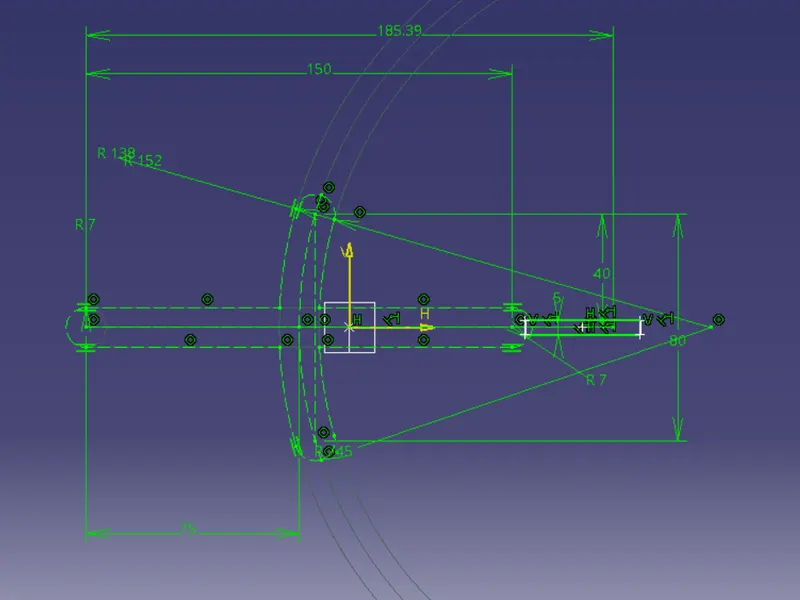
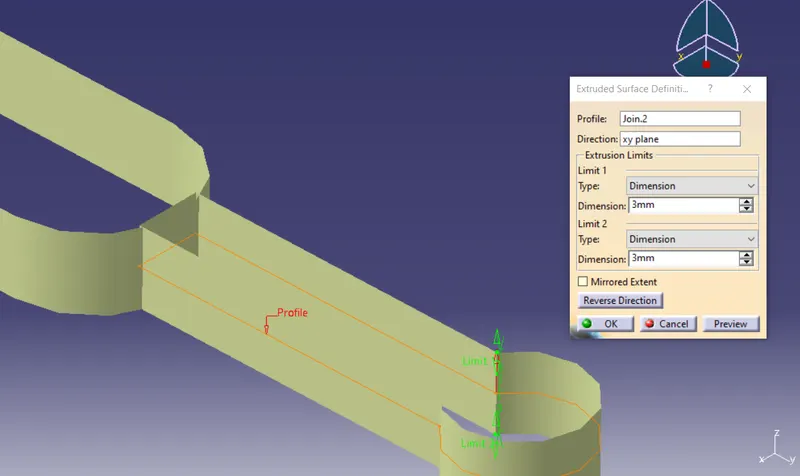
extrude
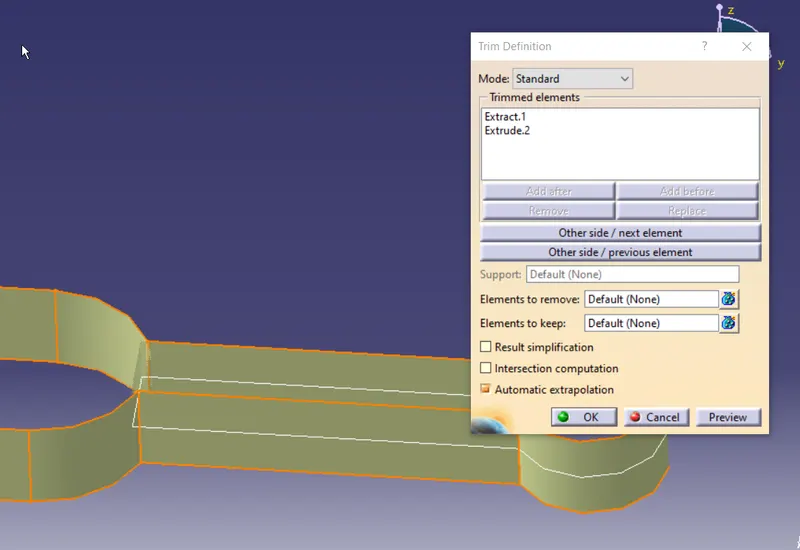
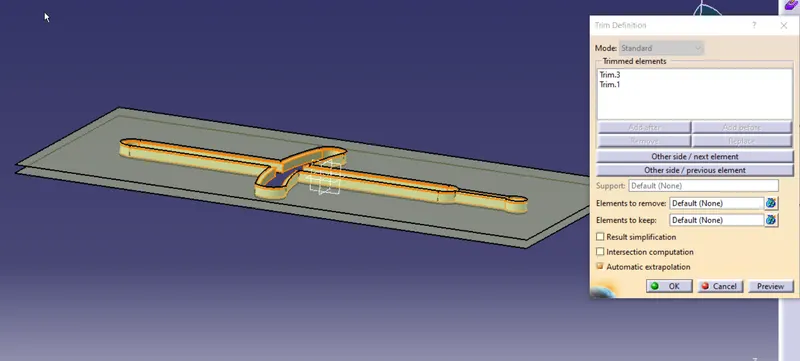
trimm
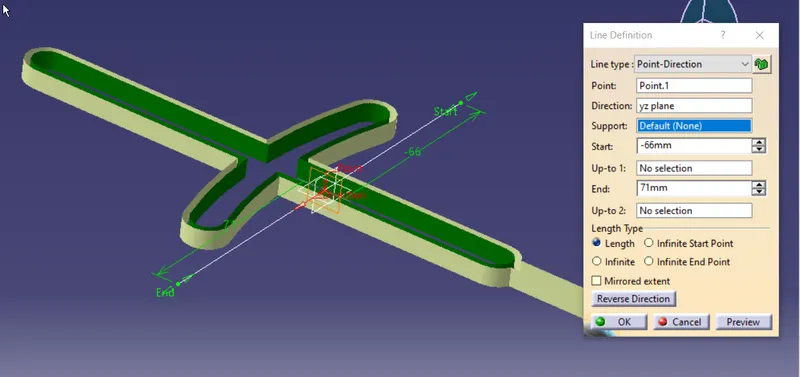
now trimm to get the closed surface
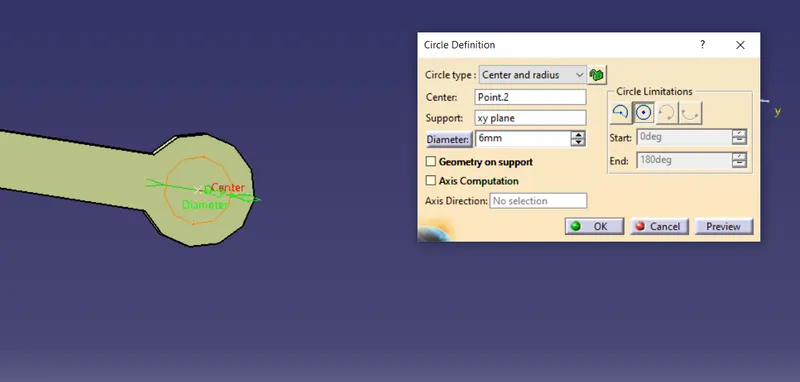
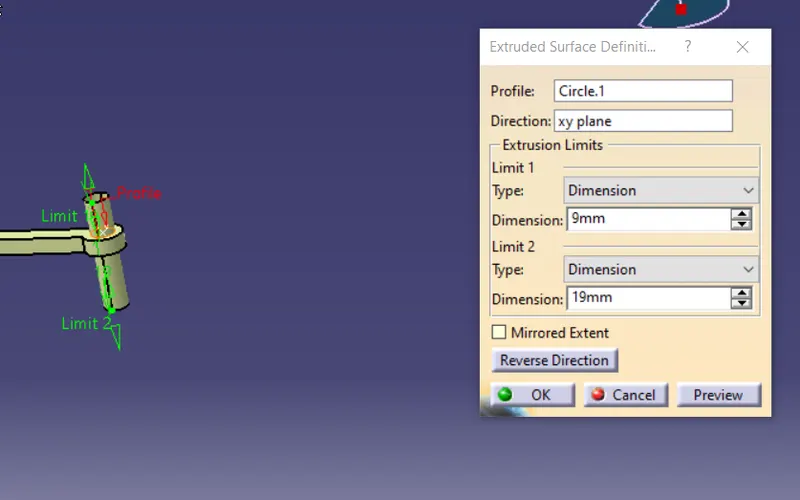
create a centerpoint and extrude a circle
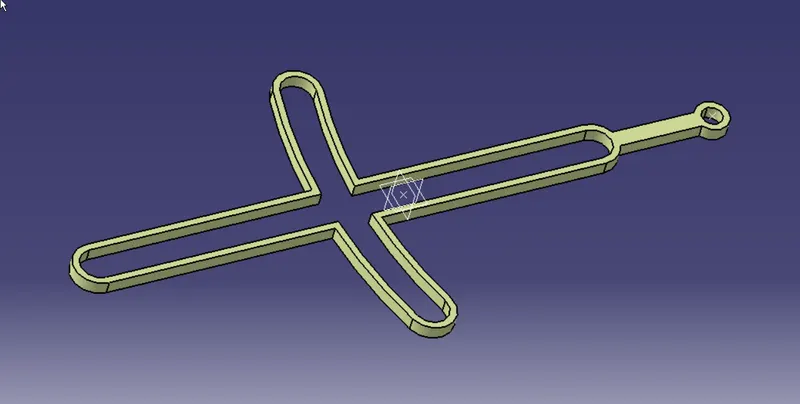
convert to solid
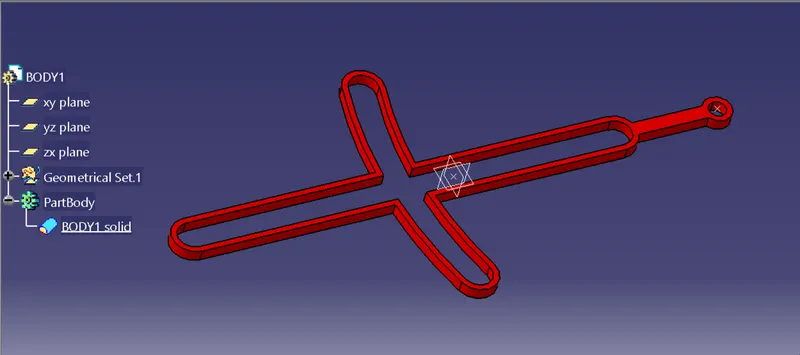
Part name: BODY2
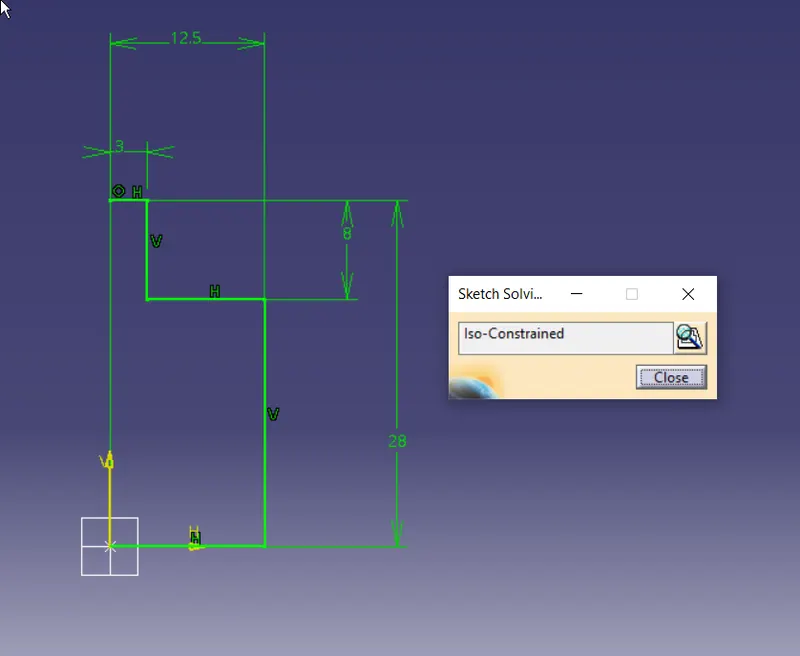
rotate to create solid
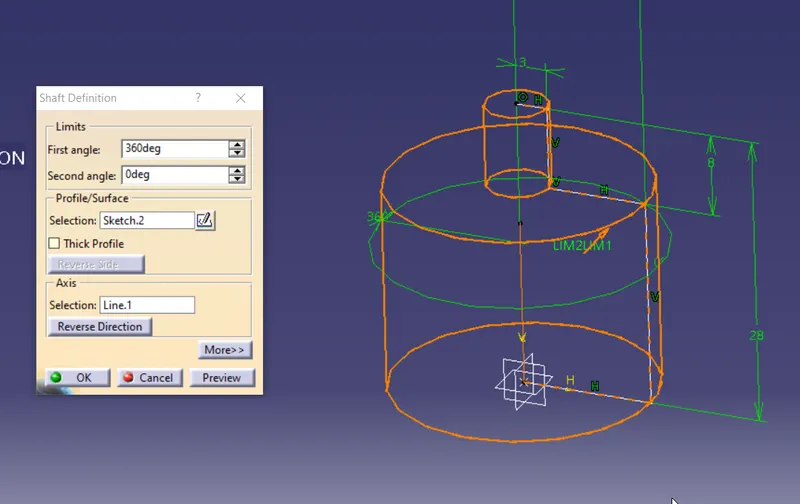
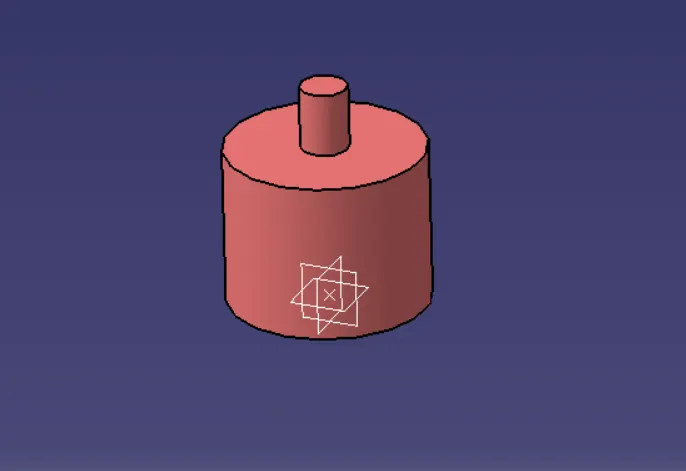
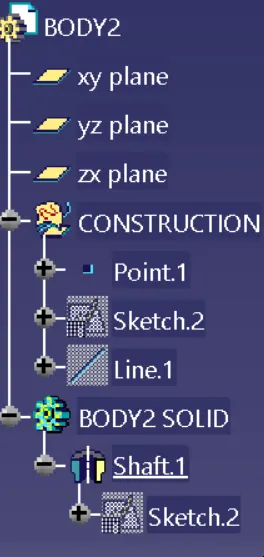
treestructure
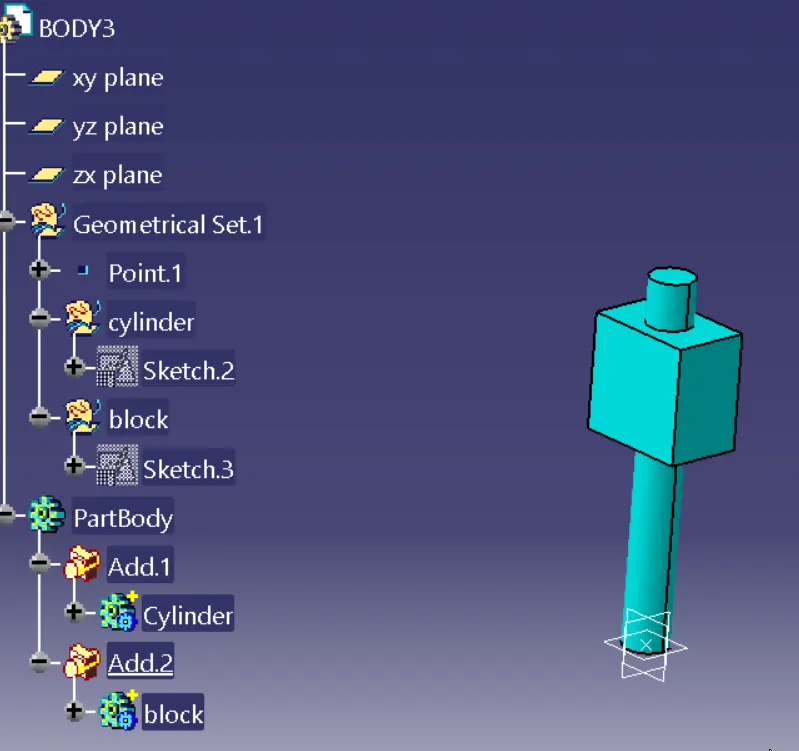
PART NAME : BODY3
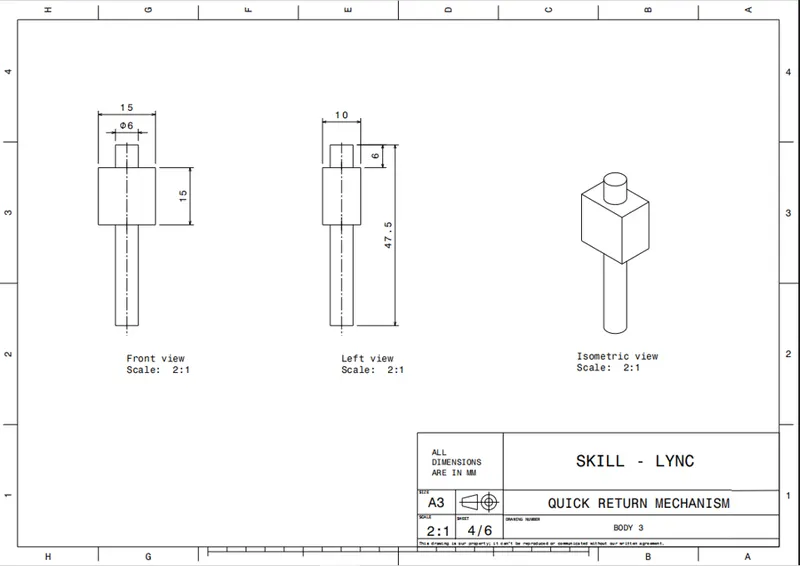
create a cube cylinder solids asper the constrais given and use boolian operation to add them
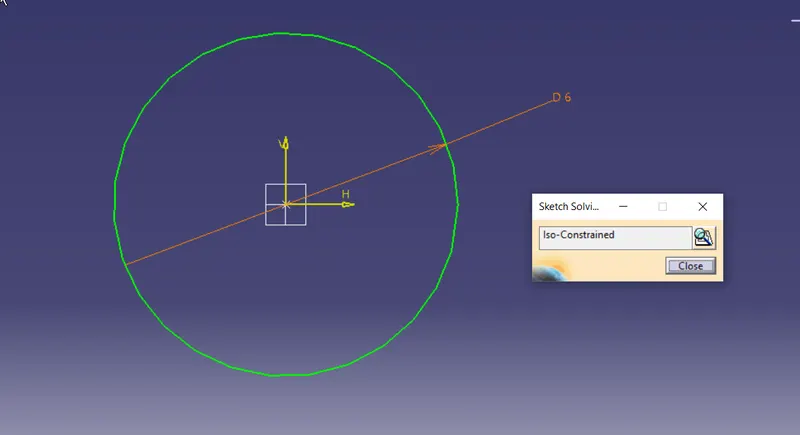
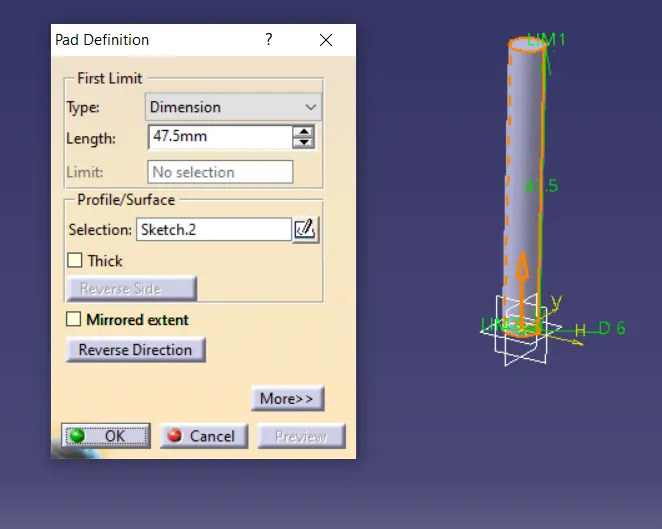
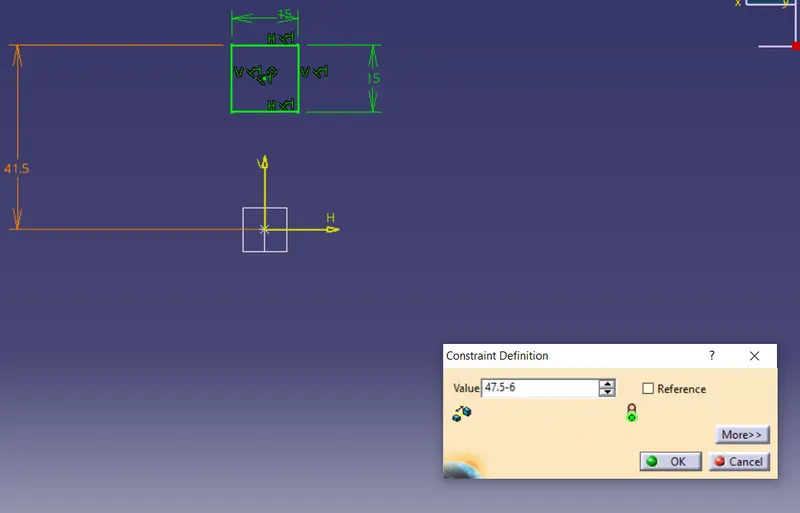
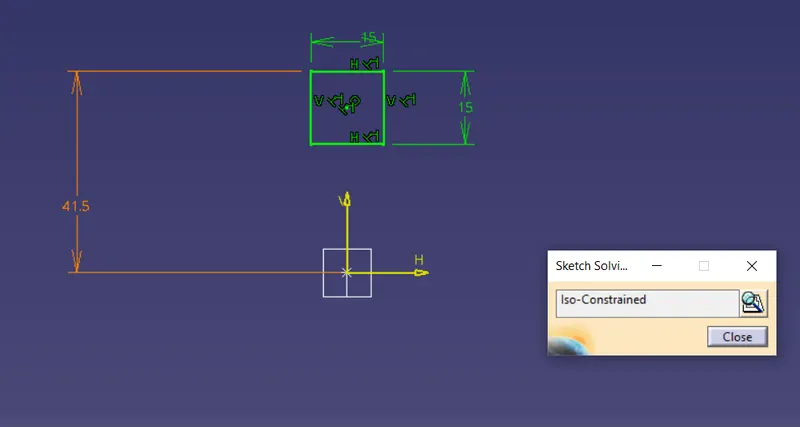
solid and tree structure
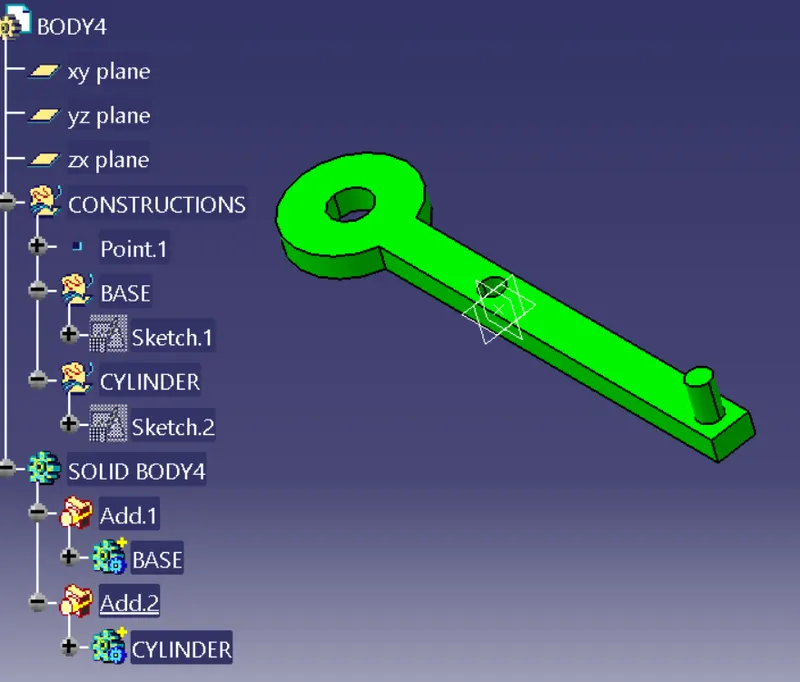
PART NAME : BODY4
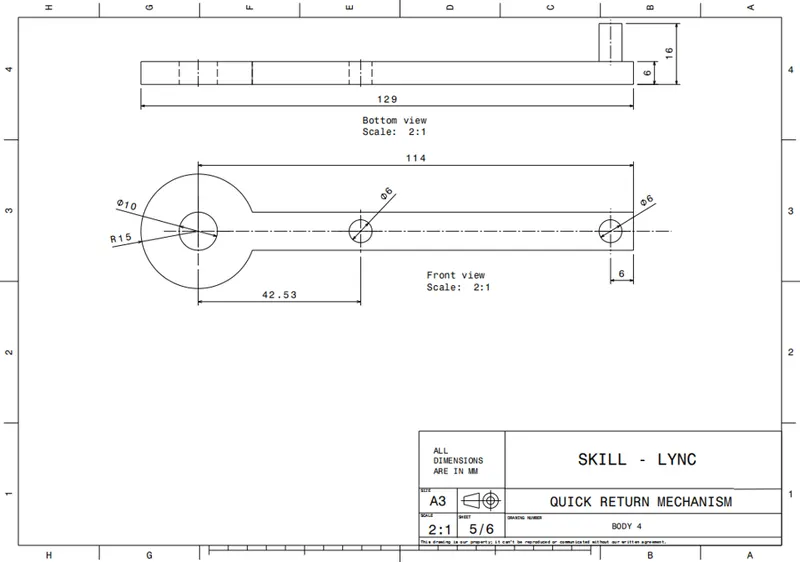
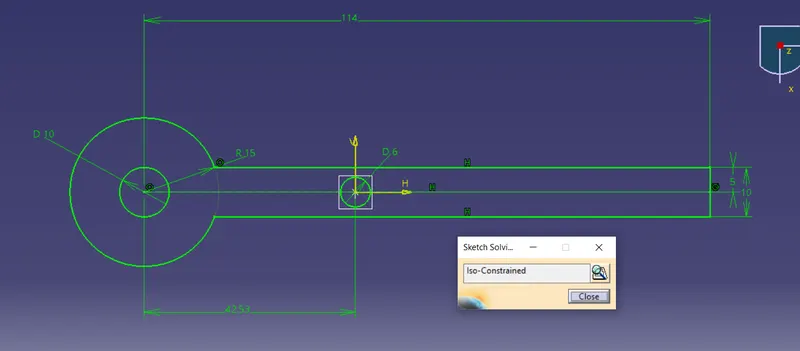
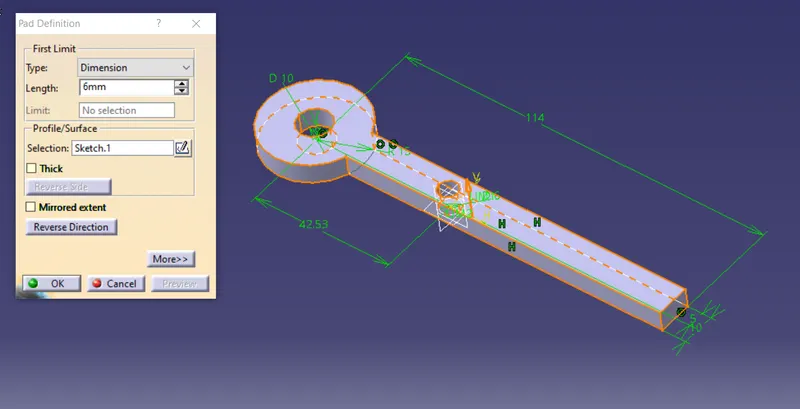
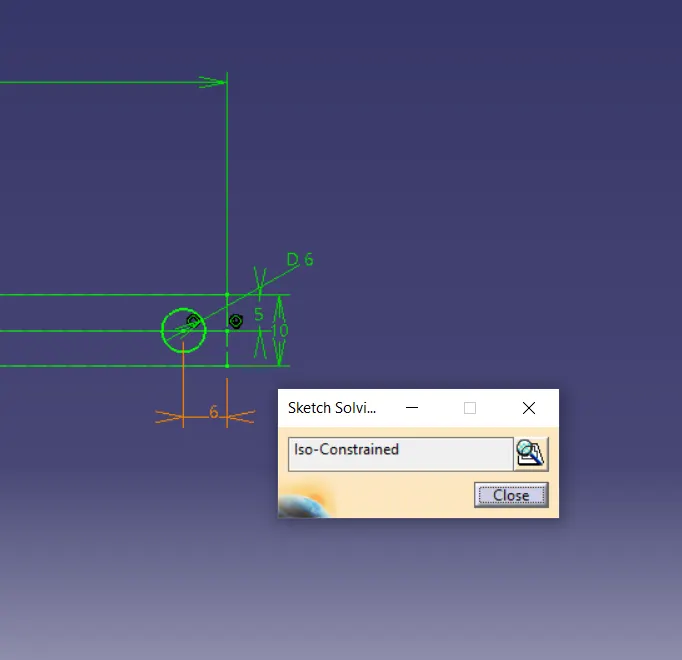
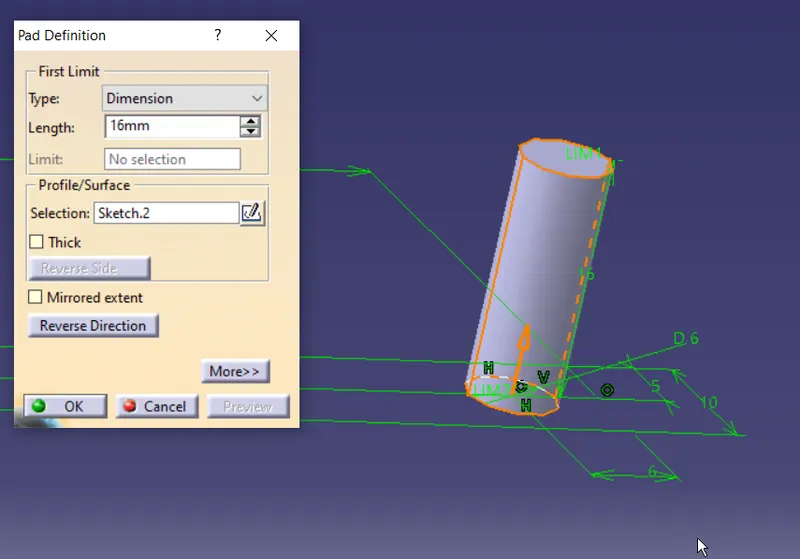
use boolian operation to join
tree structure and solid
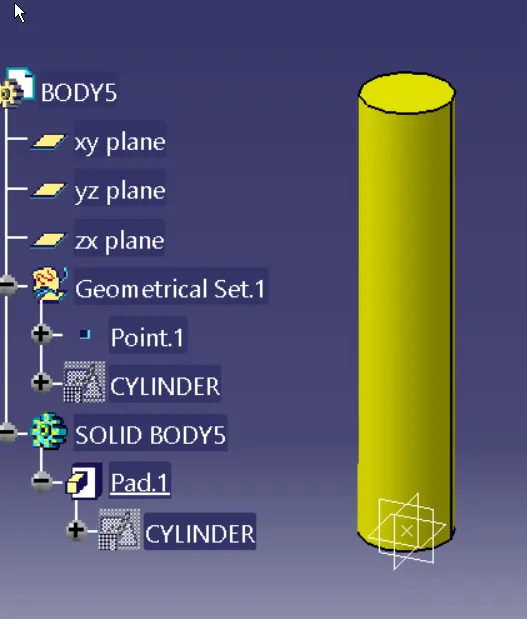
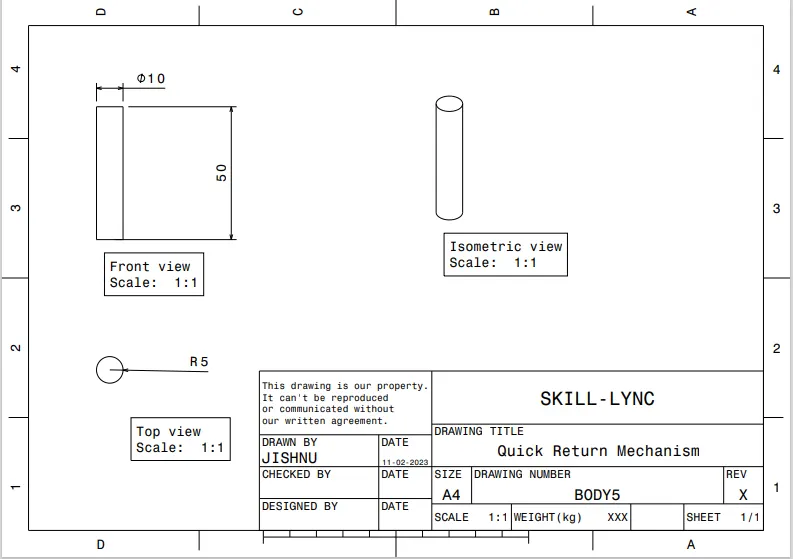
PART NAME : BODY5
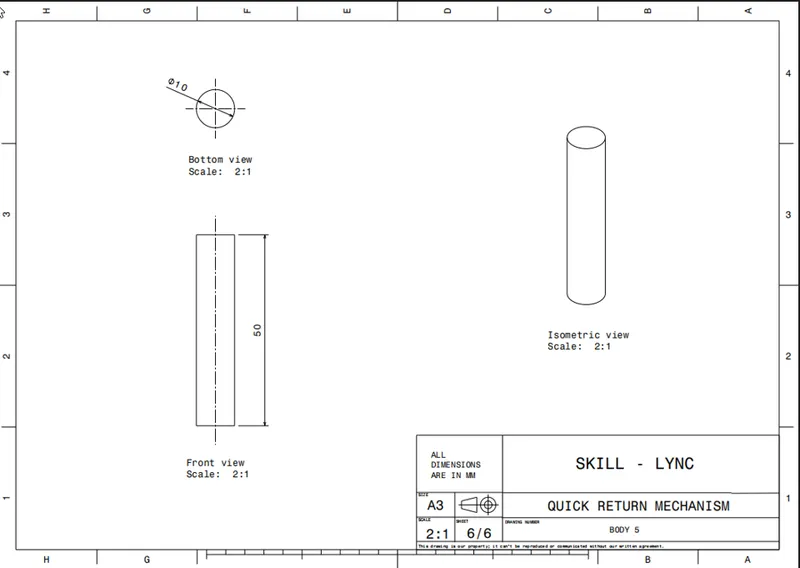
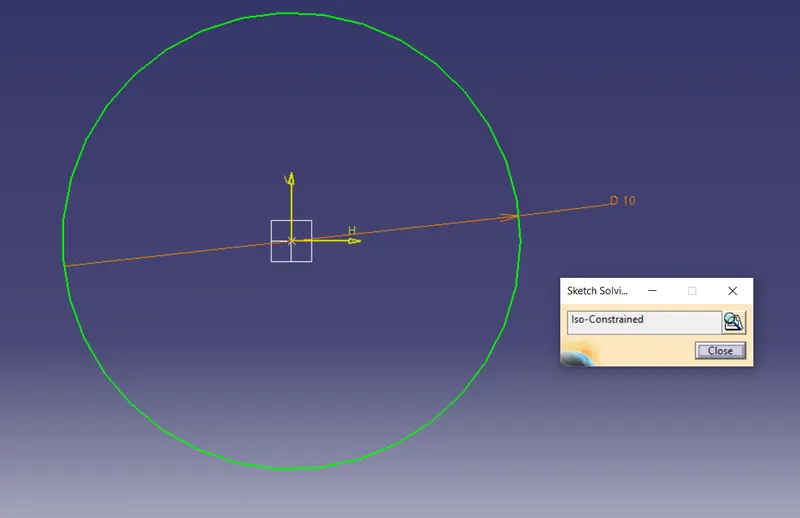
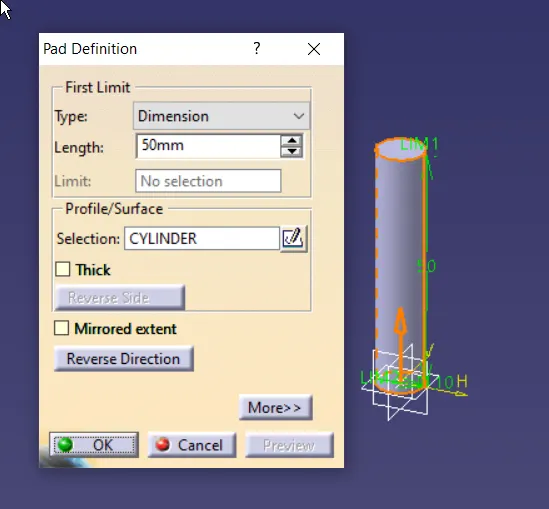
TREESTRUCTURE AND SOLID
CREATING ASSEMBLY
add all body to the product assamly tree
create reference points and axis as shown in below image for all parts
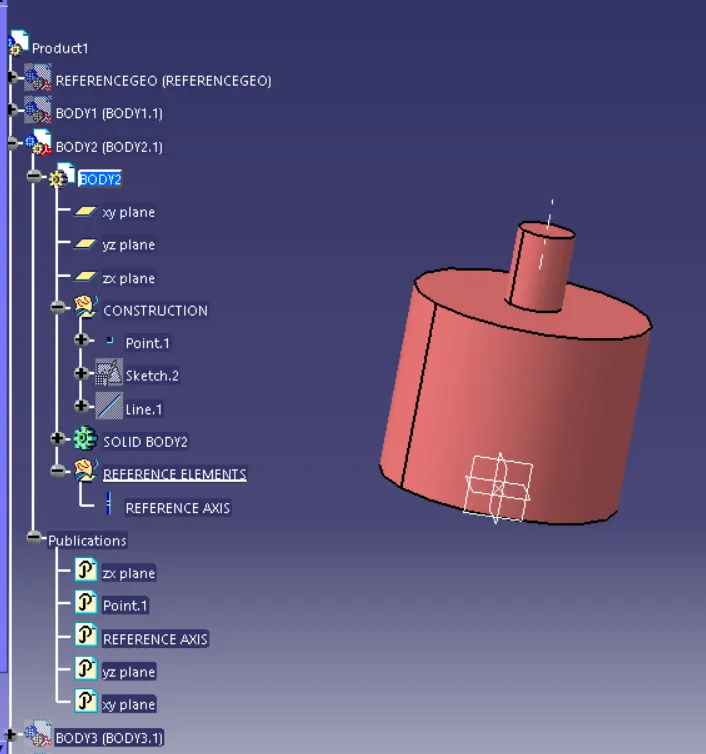
now to start assambly, fix the reference geometry
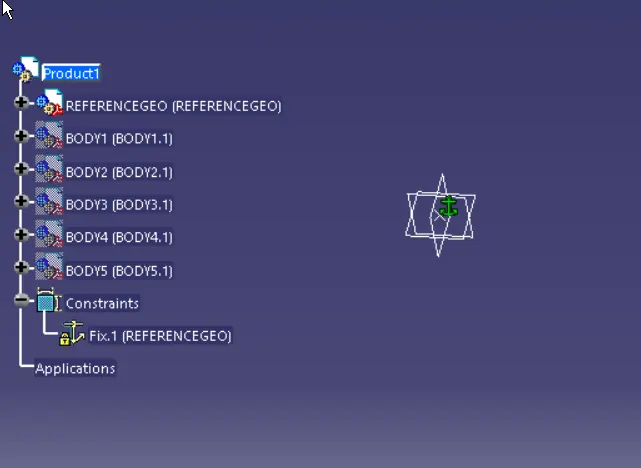
now attach the parts .with proper constraints
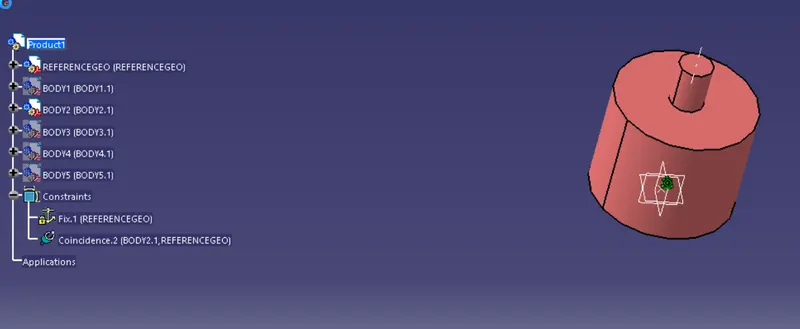
created and publish the poins made new, then attach
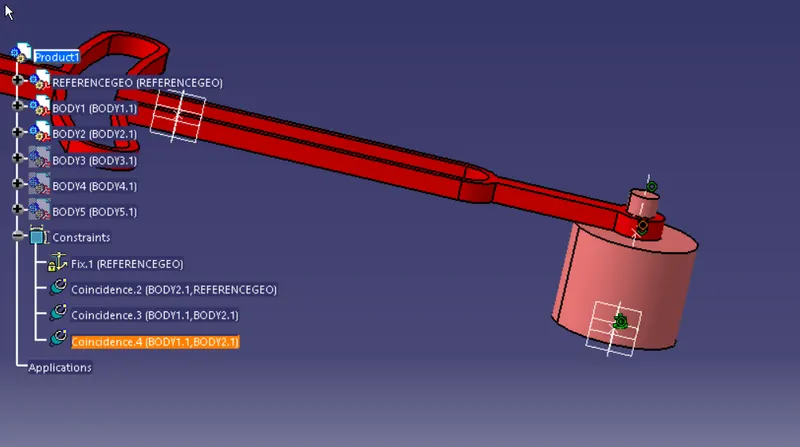
as body3 has a sigle direction of motion ie y axis , constrain the rest as per the motion
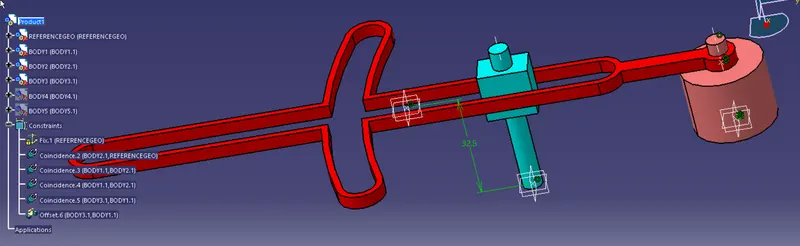
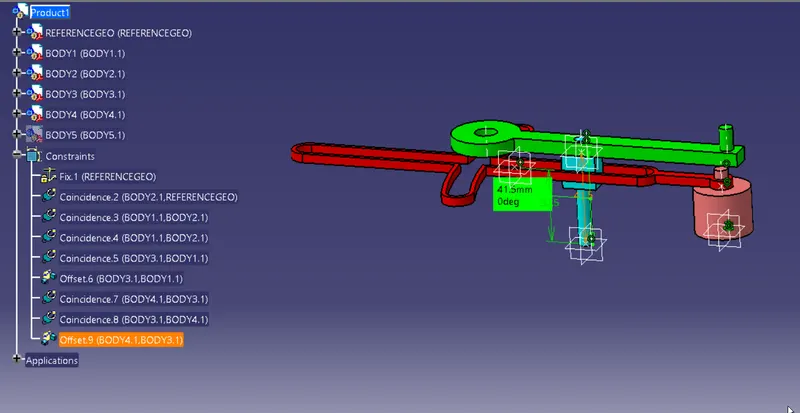
cREATE A NEW PRODUCT ADD AN IMAGINARY LINE , THIS IS TO CREATR PATH FOR ROD TO MOVE
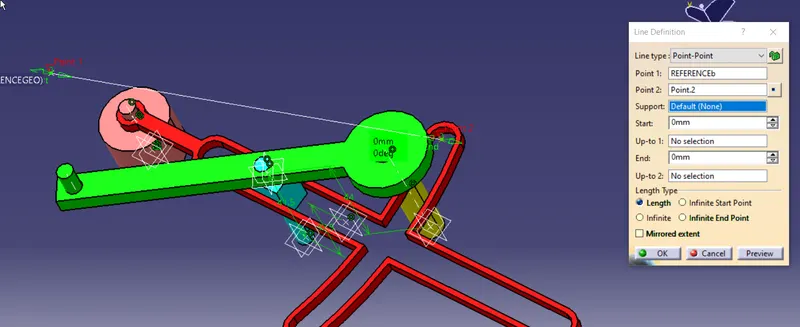
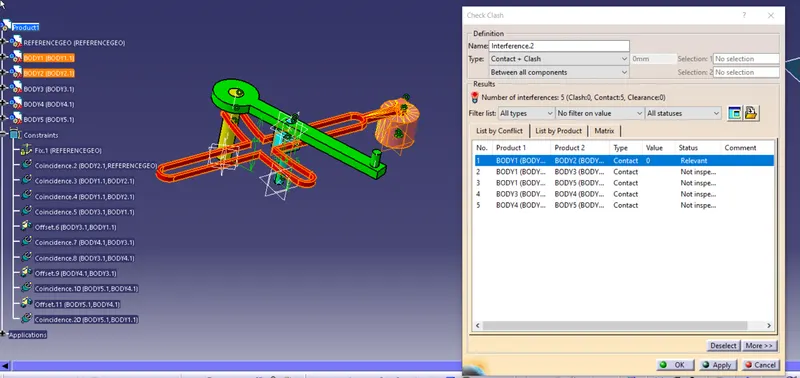
All body are in contact
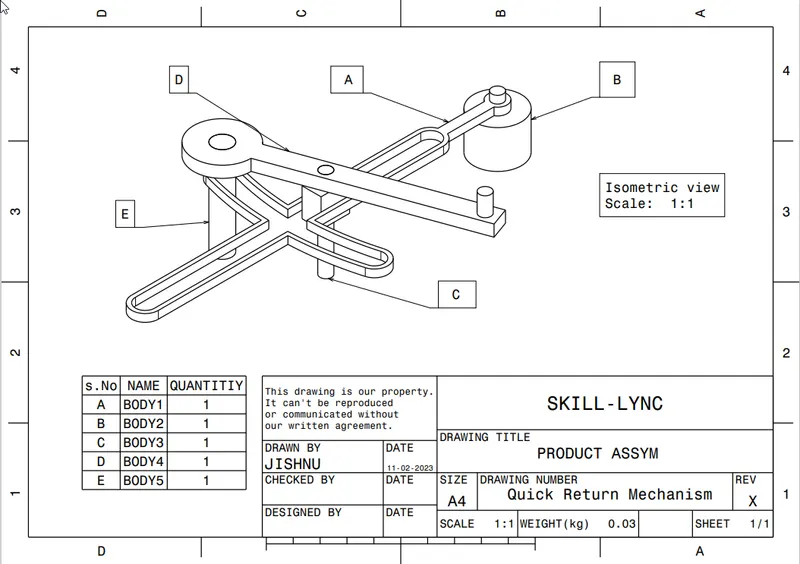
create drawings
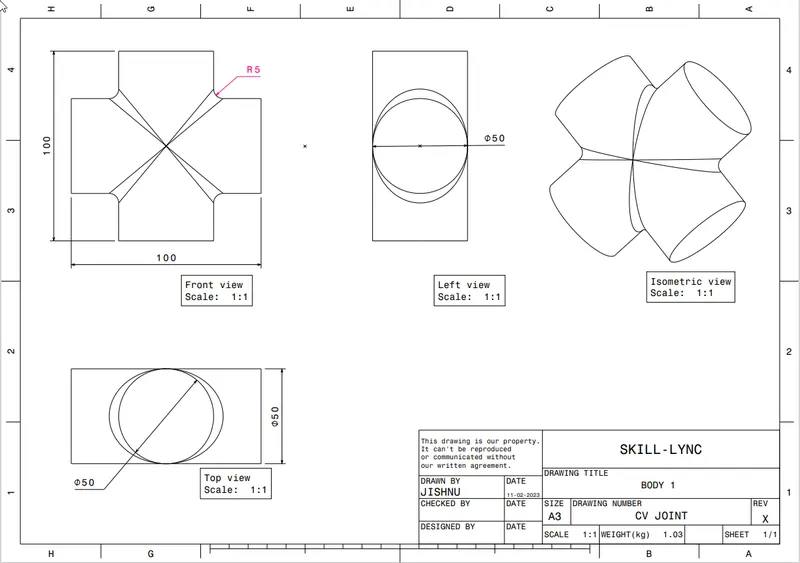
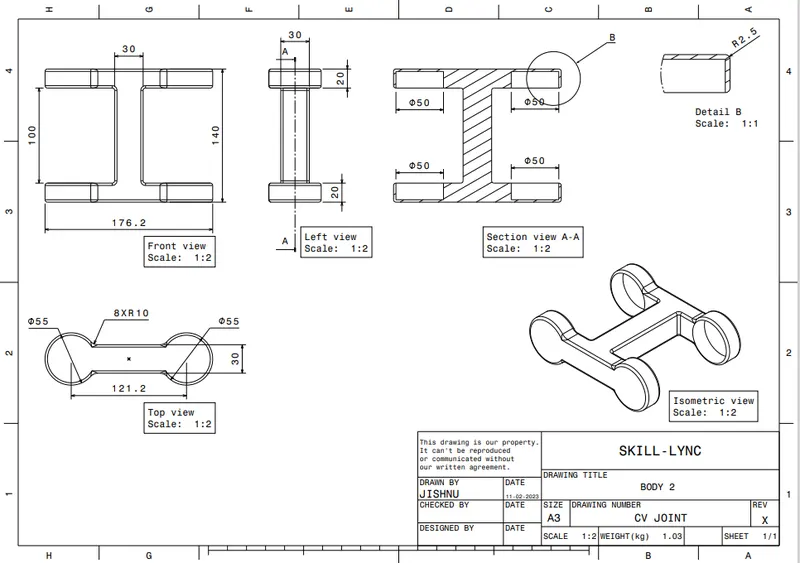
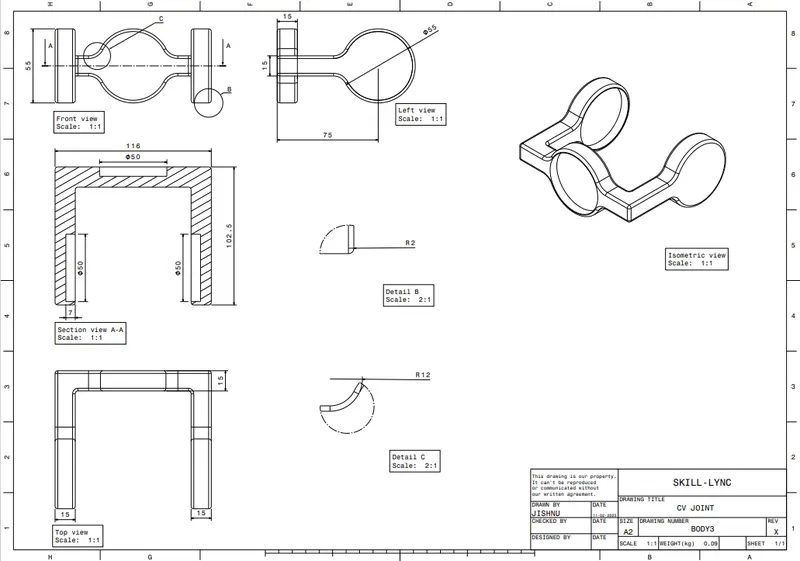
MODEL 2:CV JOINT
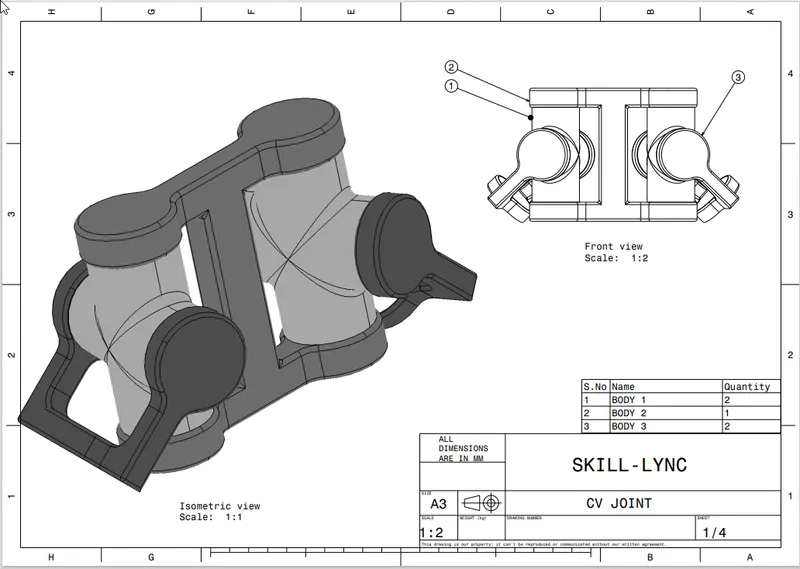
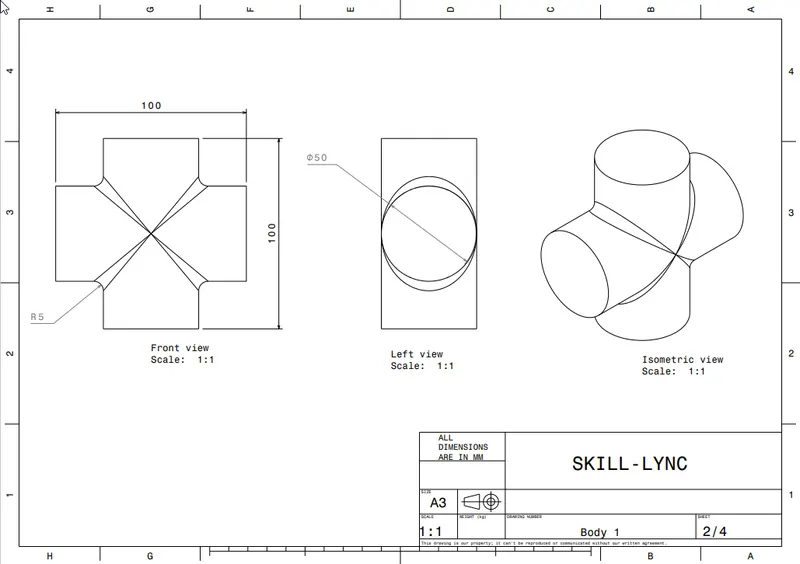
PART NAME : BODY1
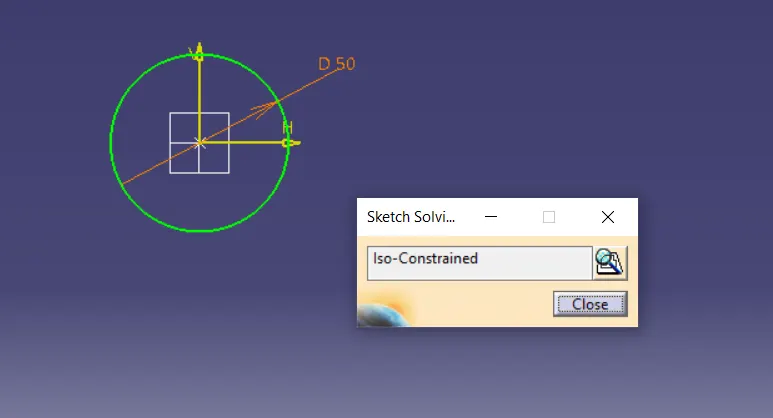
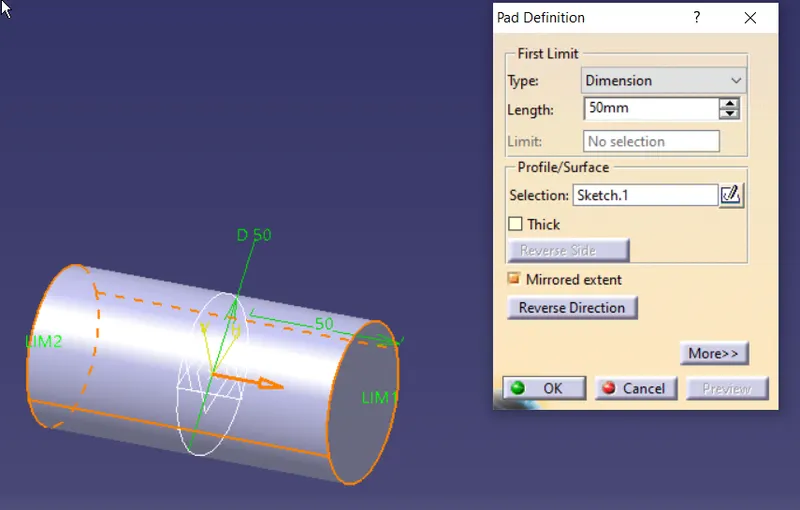
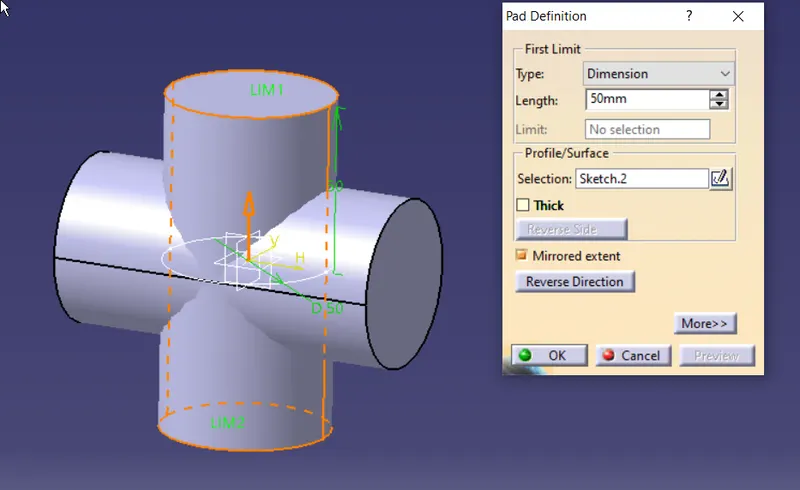
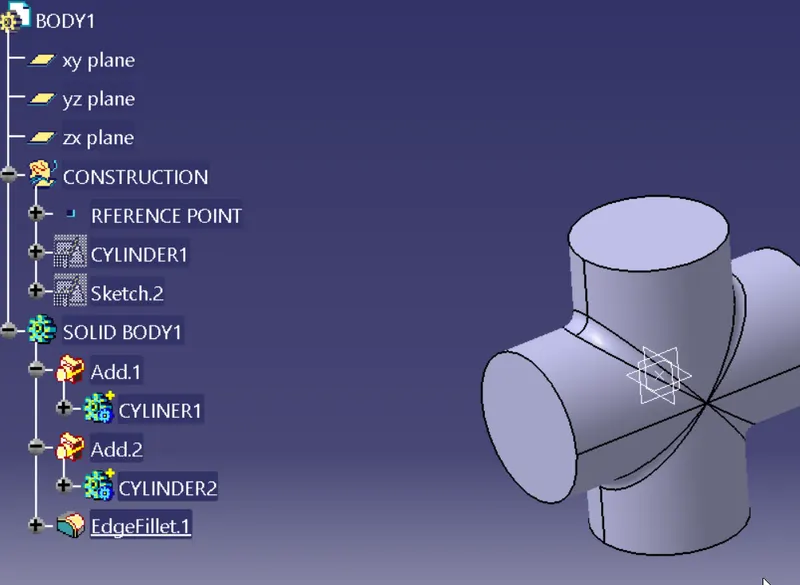
PART NAME : BODY2
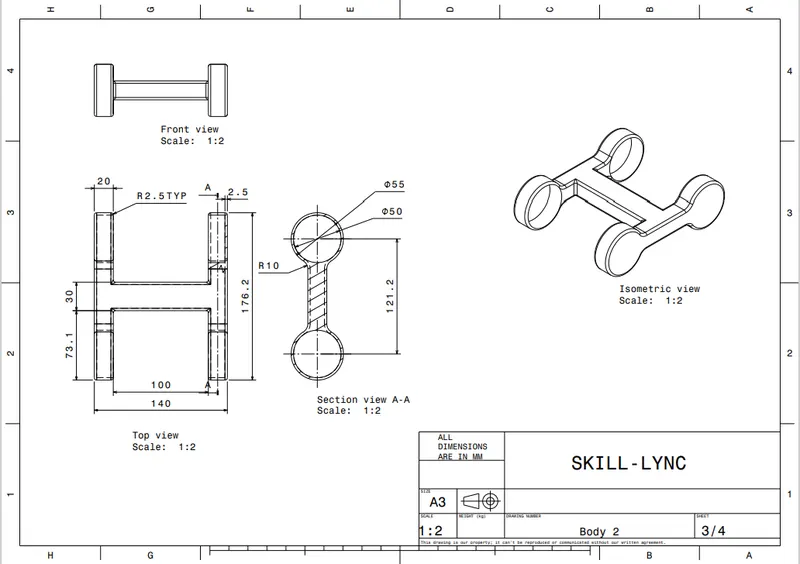
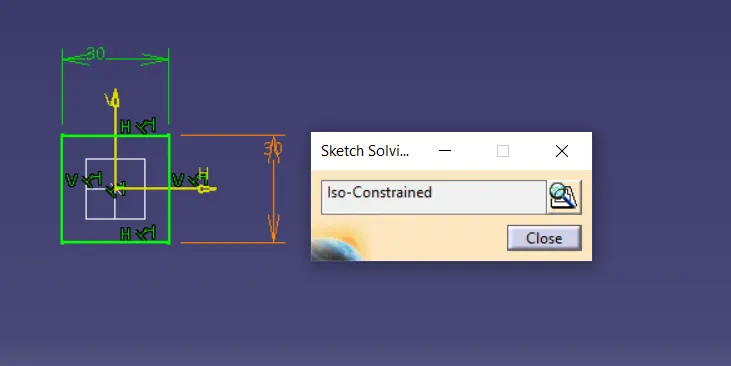
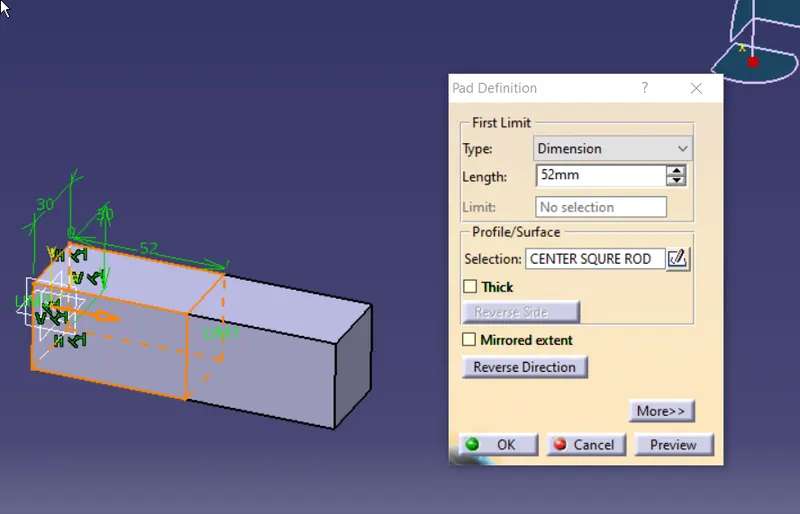
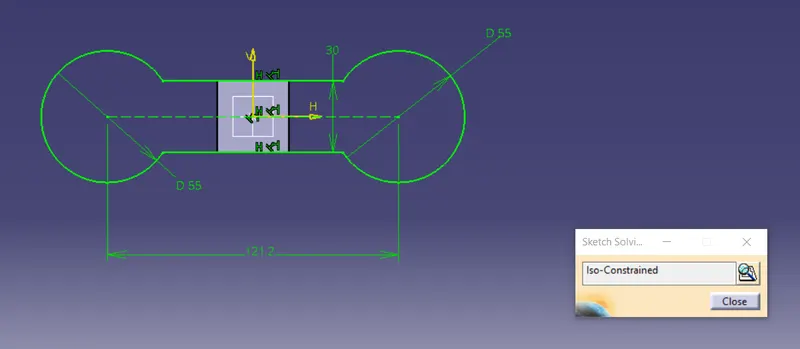
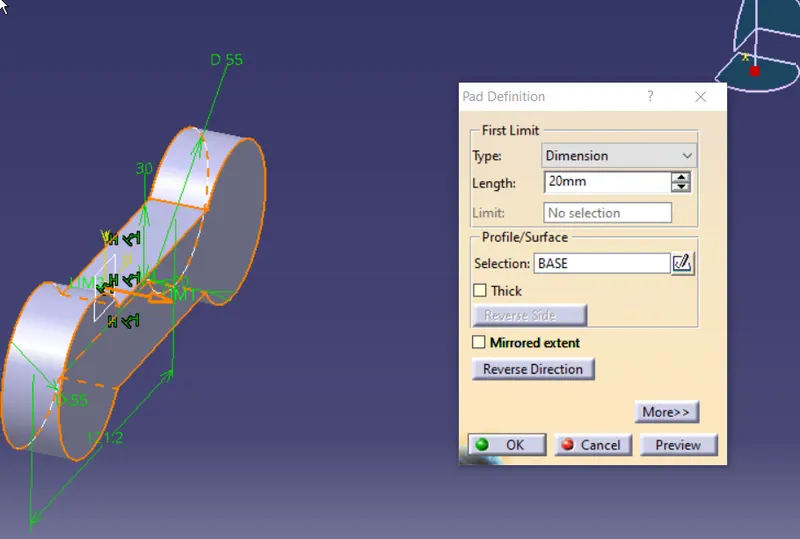
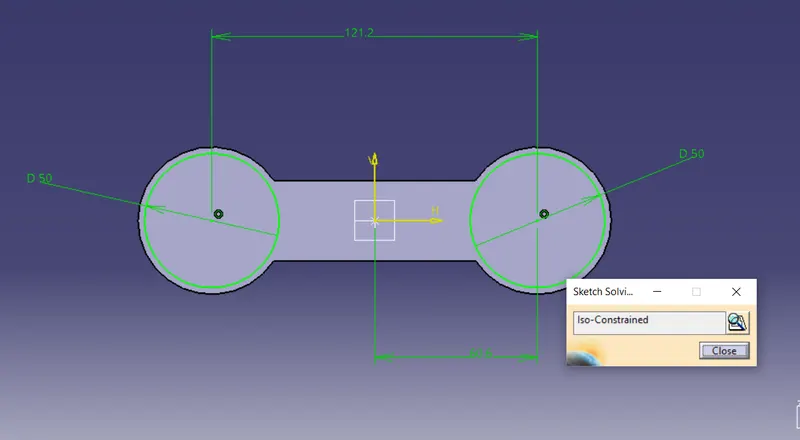
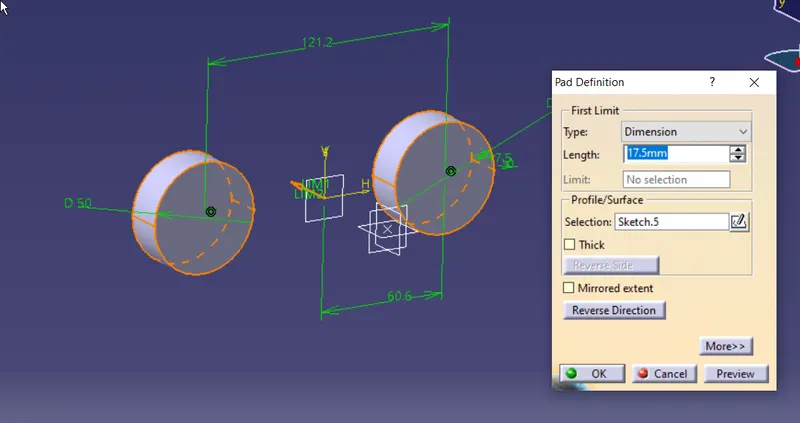
USE boolian and connext rest
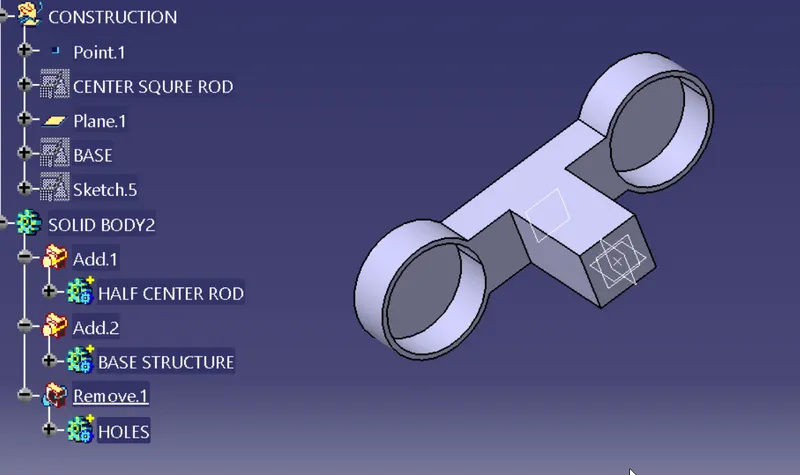
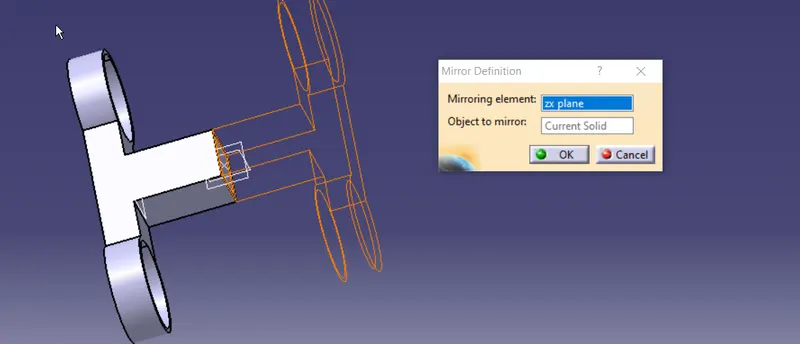
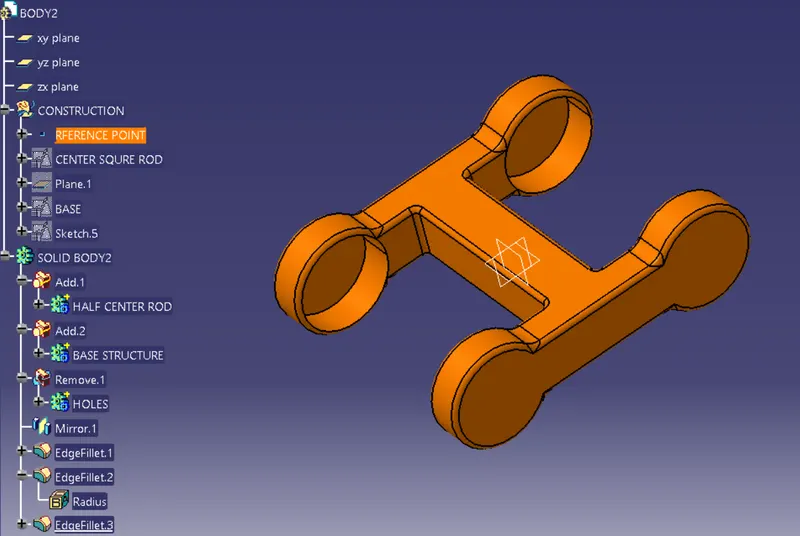
PART NAME : BODY3
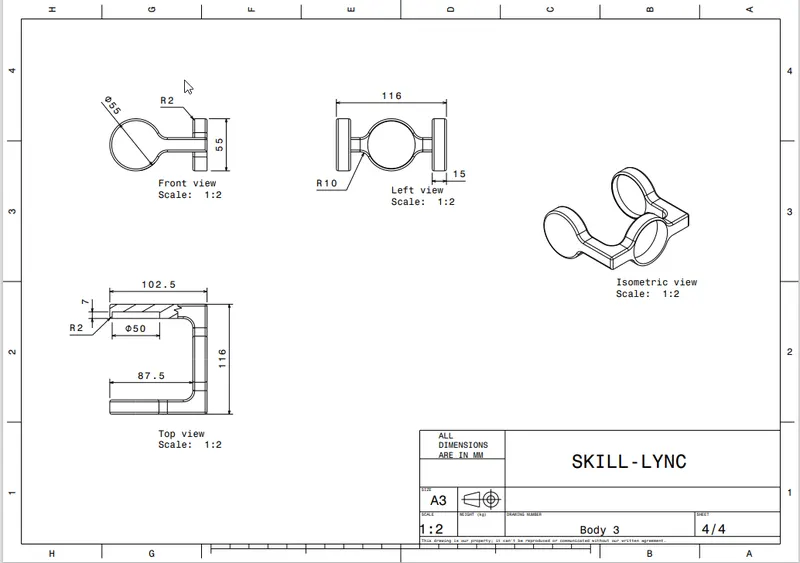
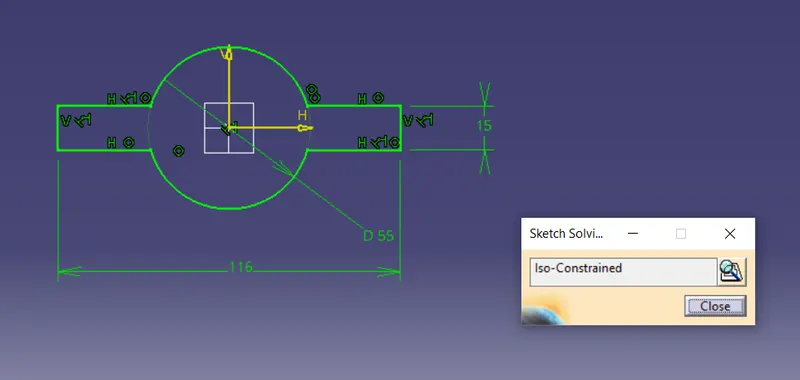
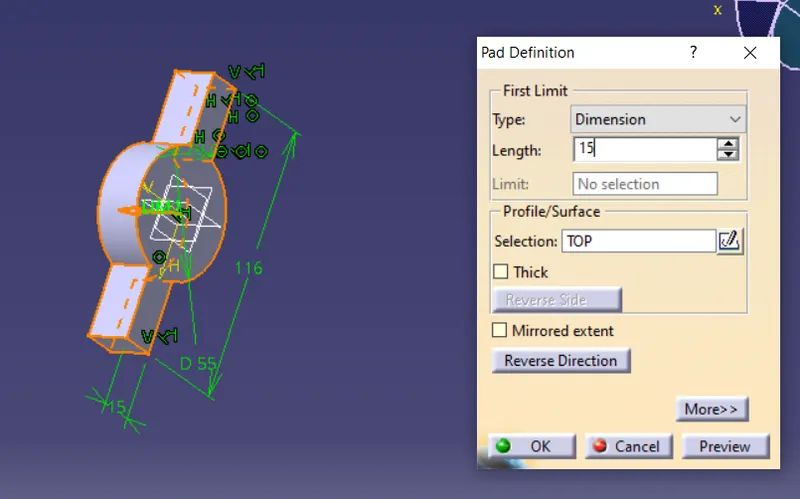
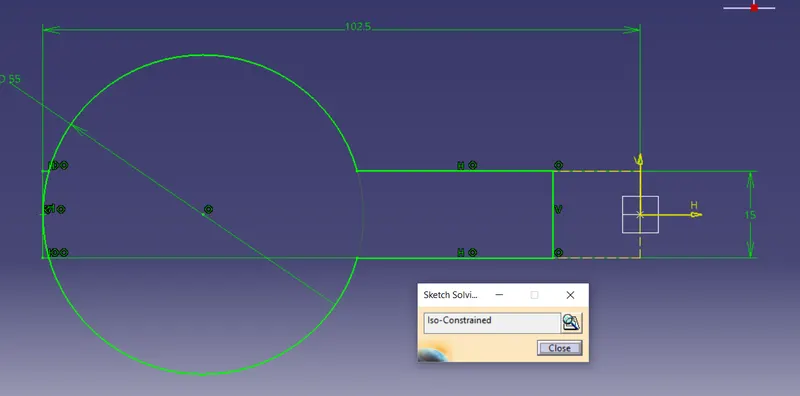
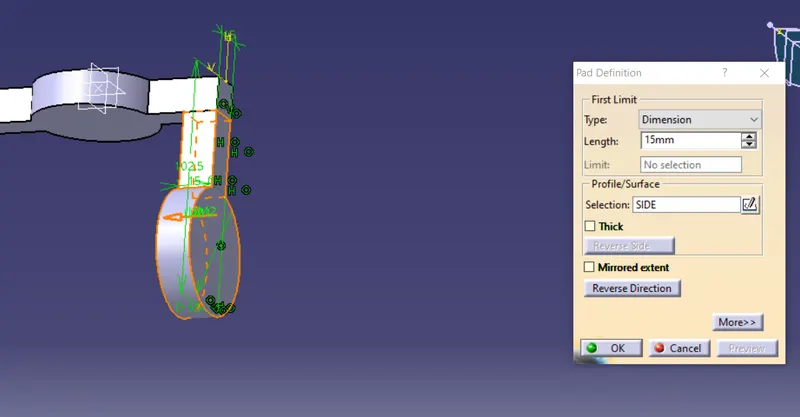
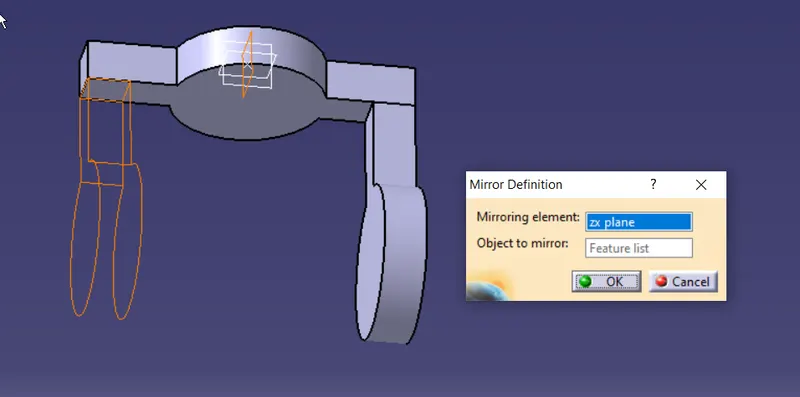
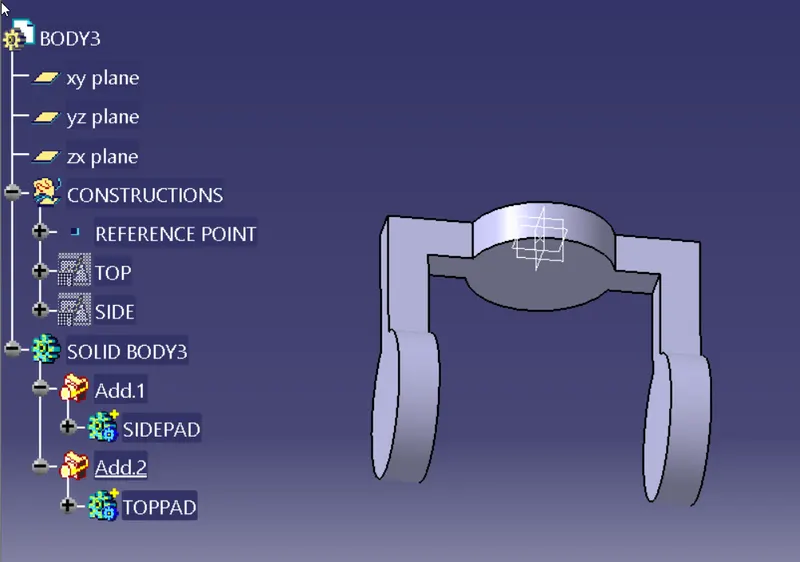
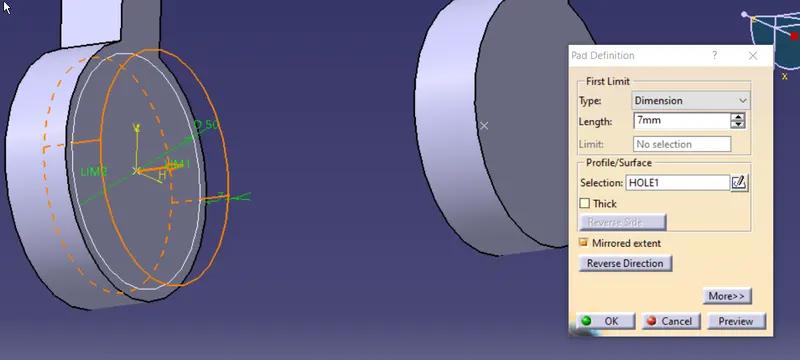
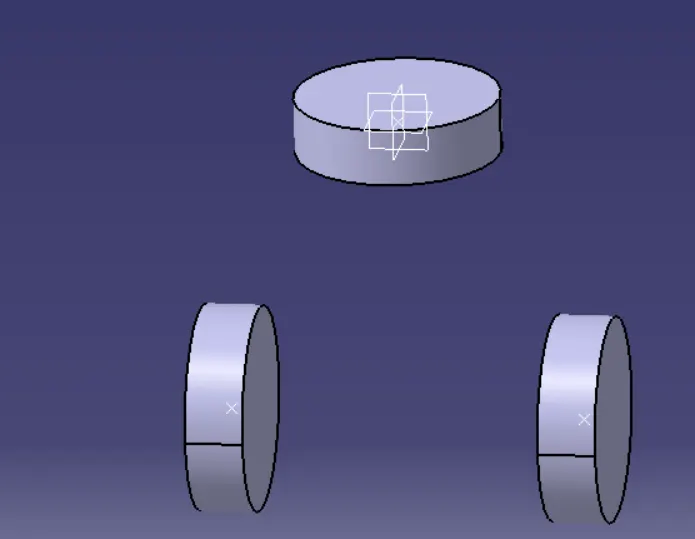
boolean command to remove pads
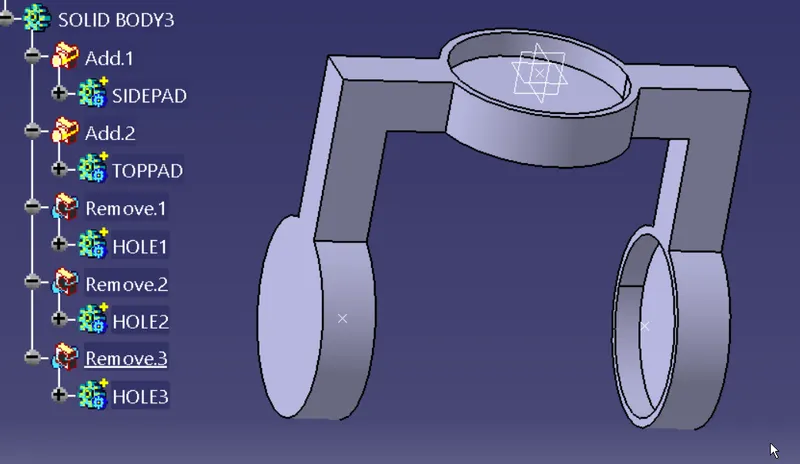
adding fillets
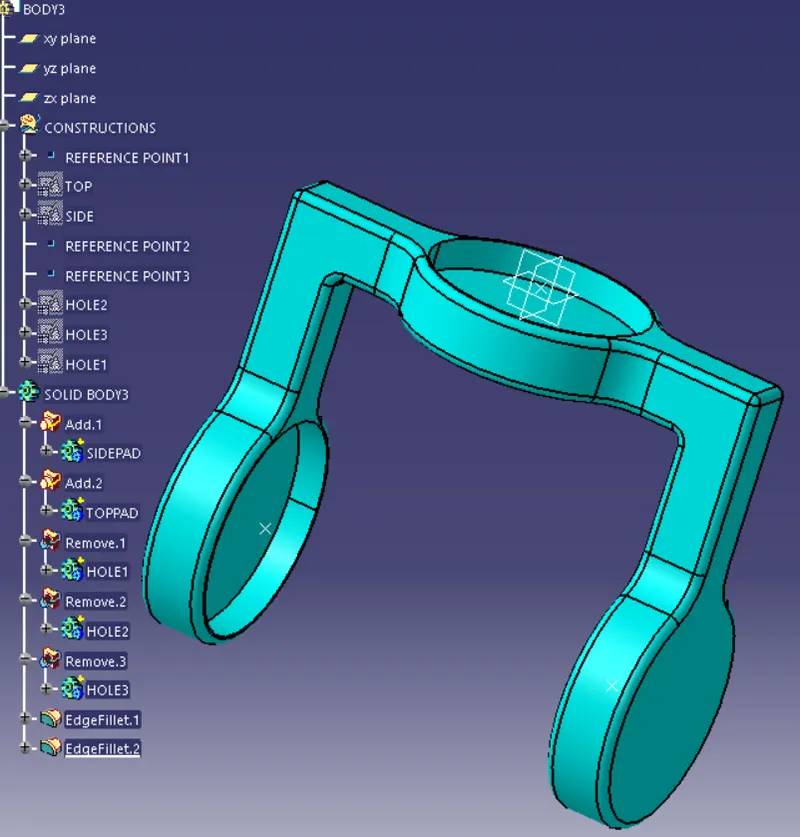
now create an assembly file adding parts andreferenc elements
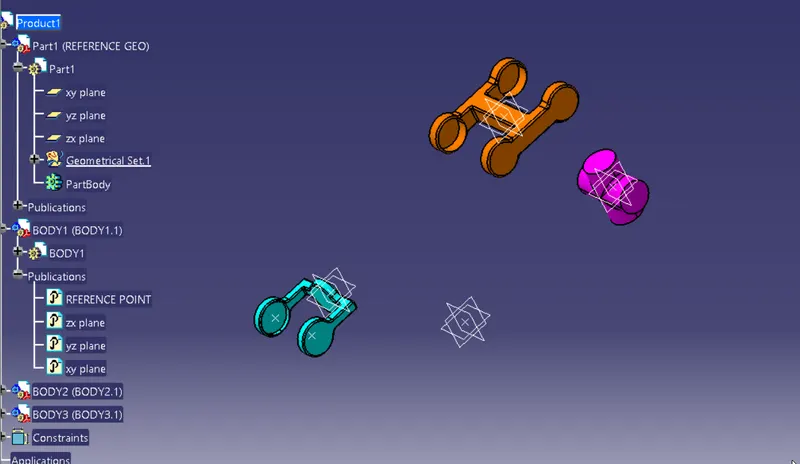
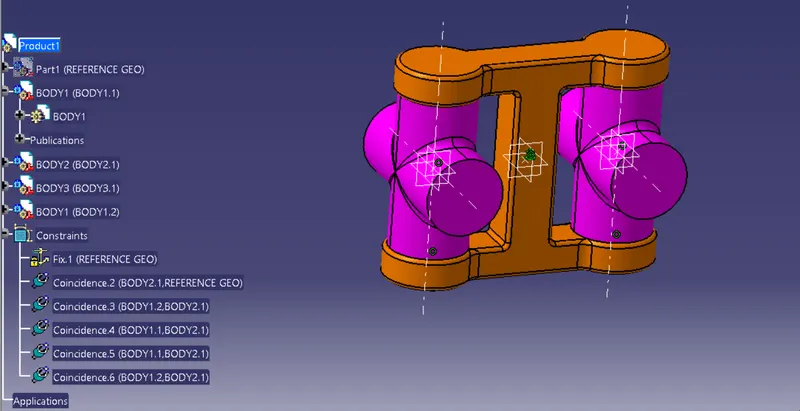
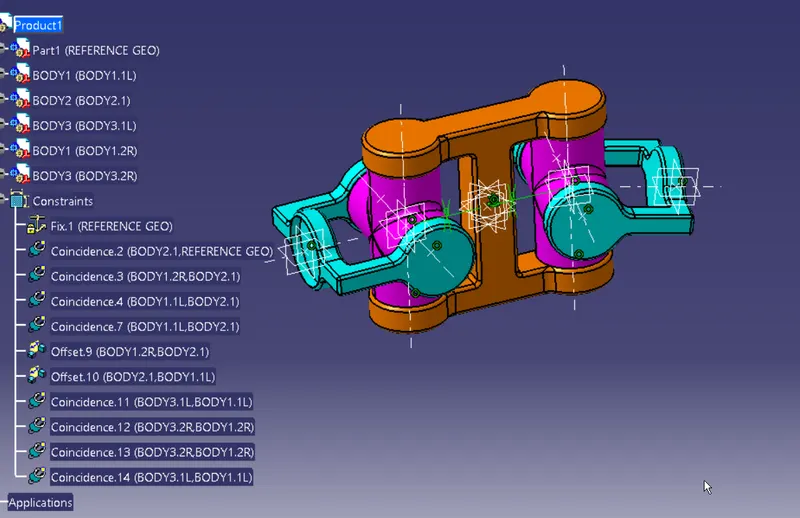
Now to create 2d drawing
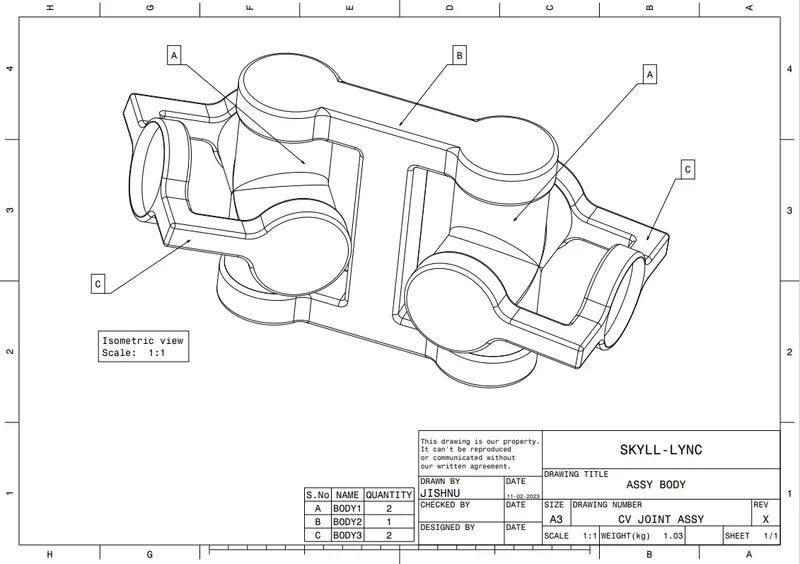
#NOTE: ALL PDF,ASSEMBLY AND PARTFILE OF BOTH NODELS ARE ATTACHED AS SUBFOLDER IN PROVIDED ZIPPED FILE