Week 10- Assembly Workbench
Challenge- 31 Assembly workbench
Aim:
Create the Part models and assembly for the given drawings below with a report.
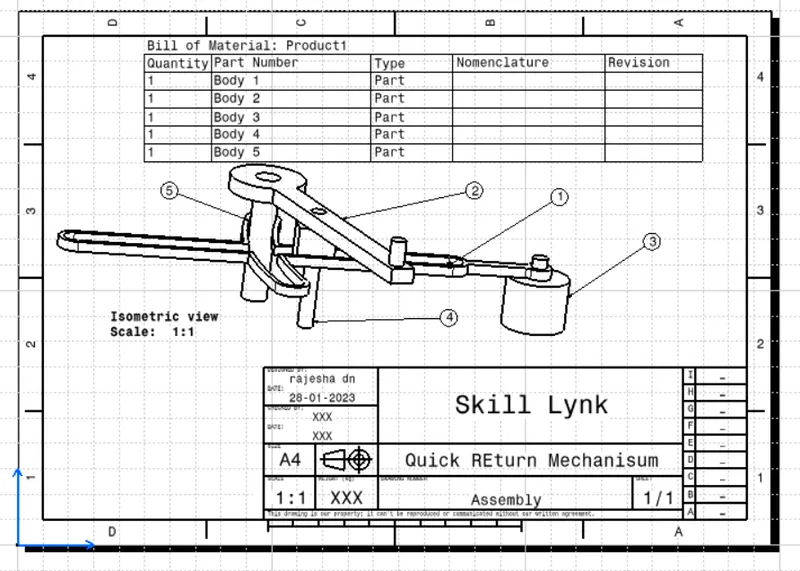
Drawing-1 (Quick Return Mechanisum)
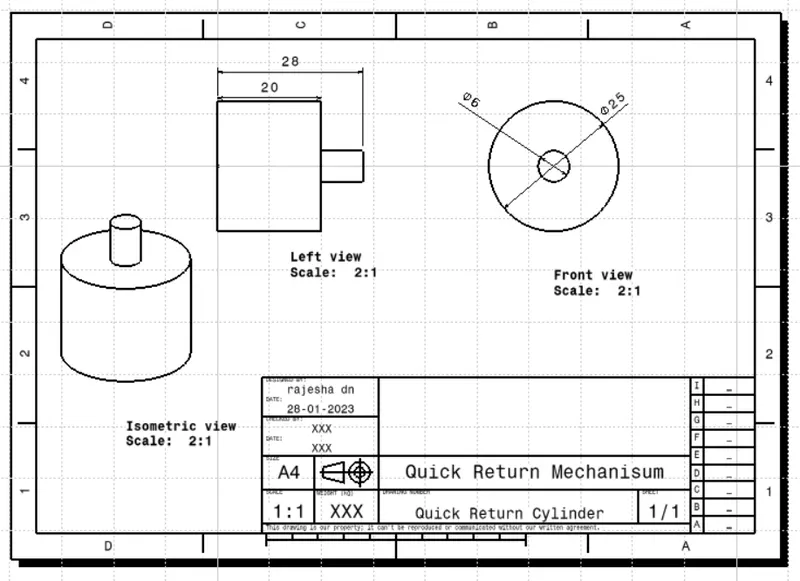
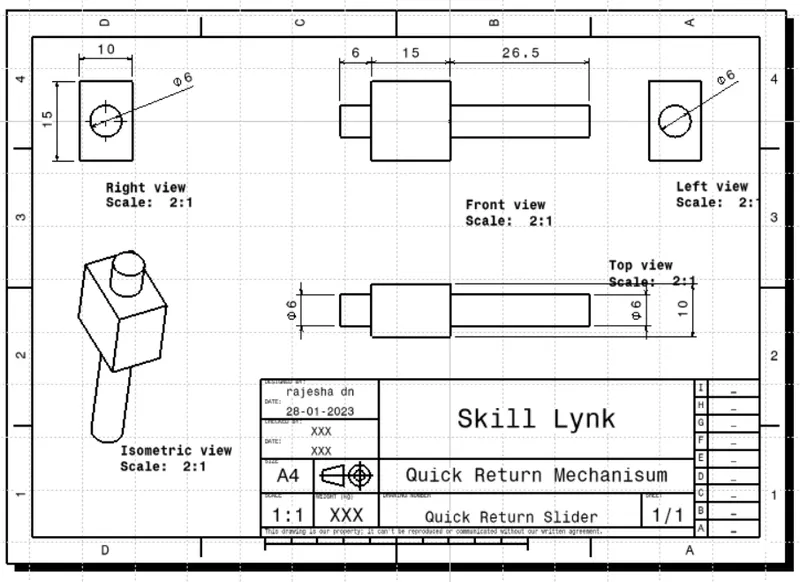
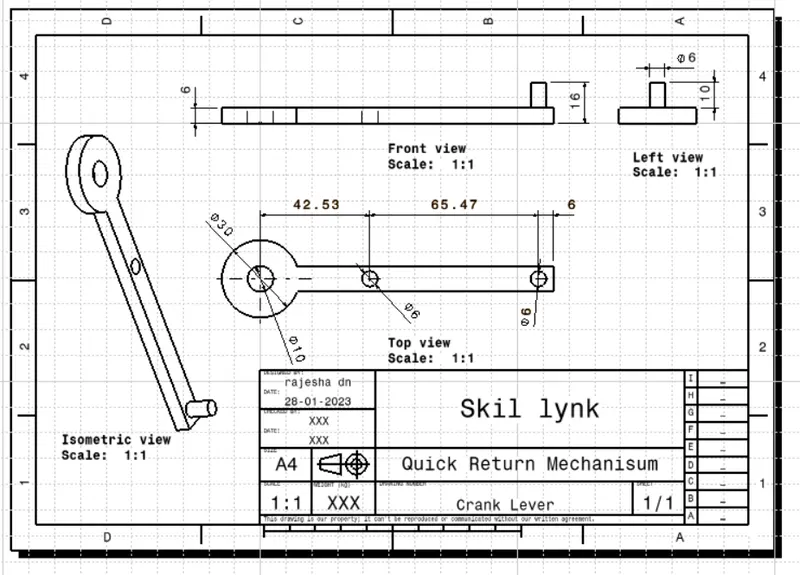
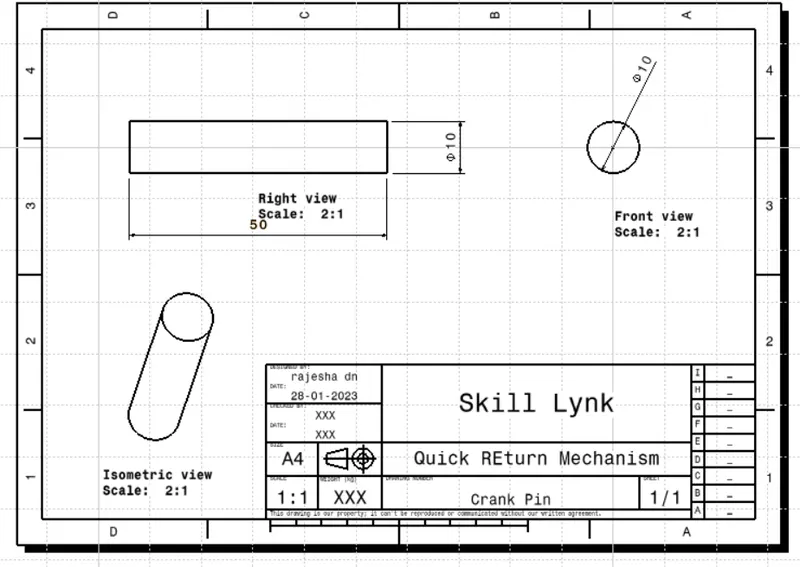
- Initially created the part of the drawing in the part workbench.
Sketches and Cad Report.
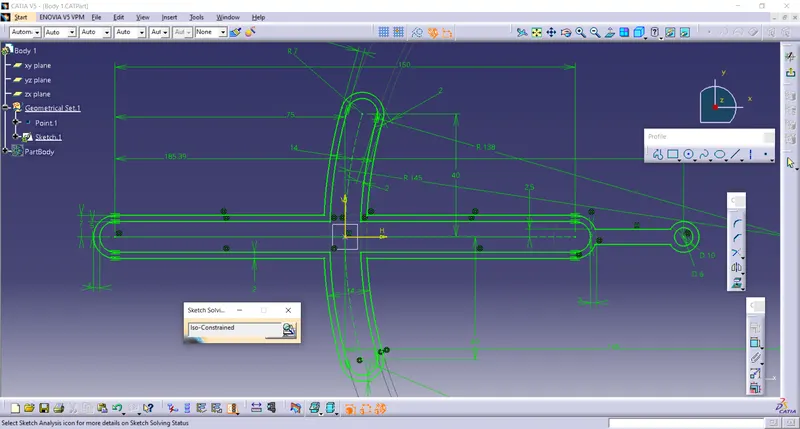
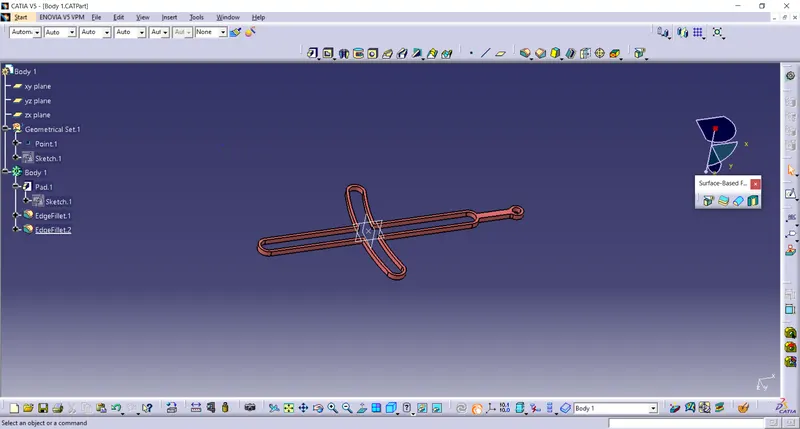
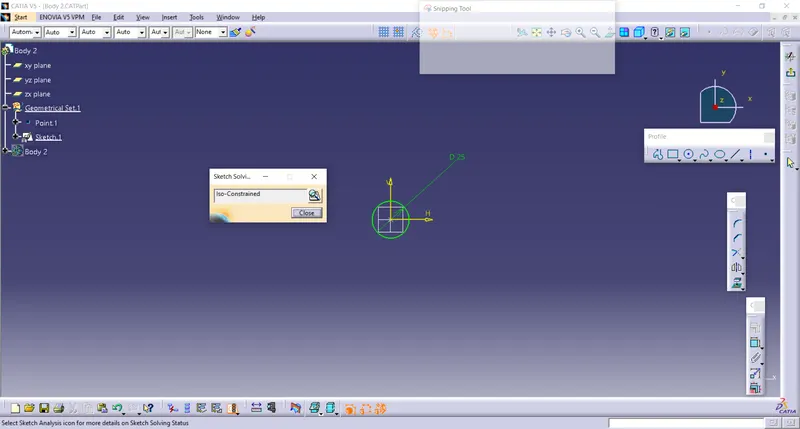
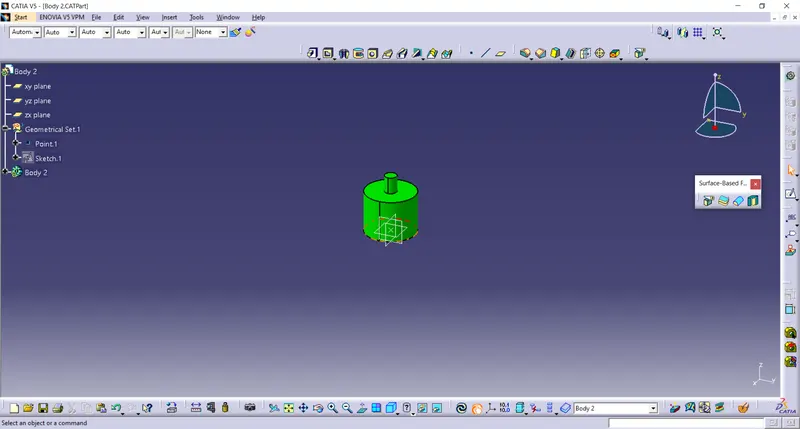
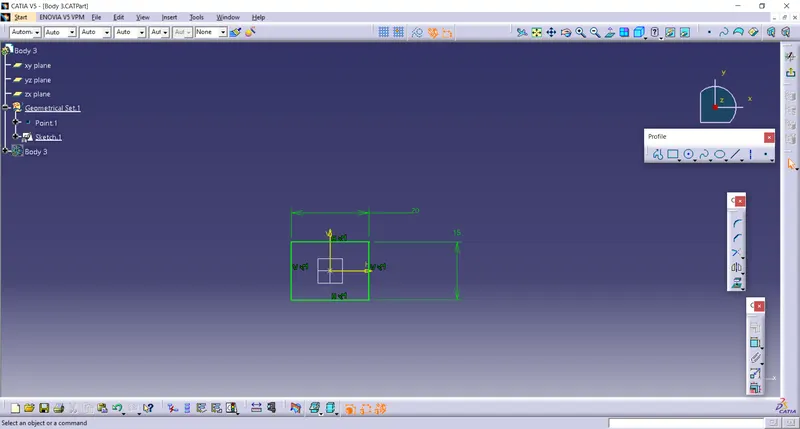
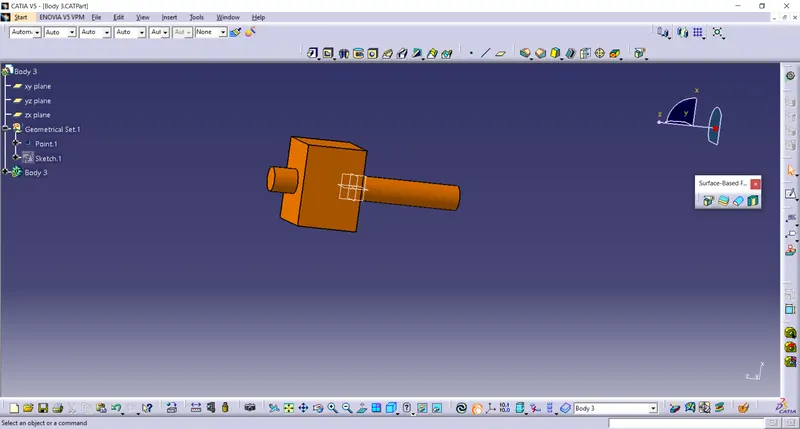
- fter Creating All the parts go to the assembly workbench and insert evert part to the assembly workbench
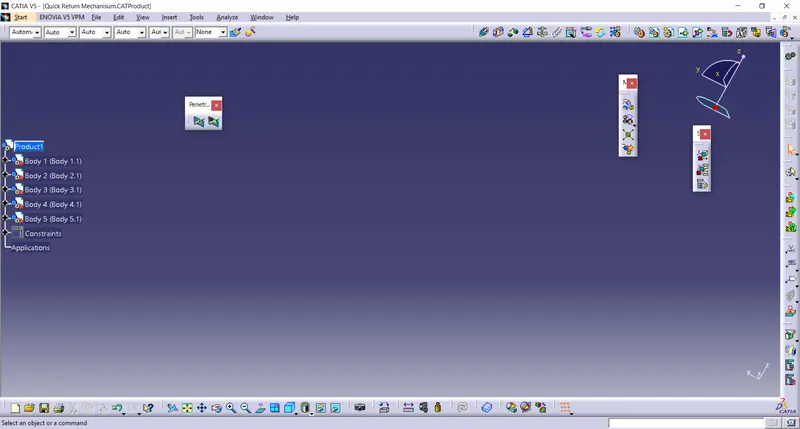
- Start the Assembly as per assembly Drawing
- Fix the base part of mechanisum
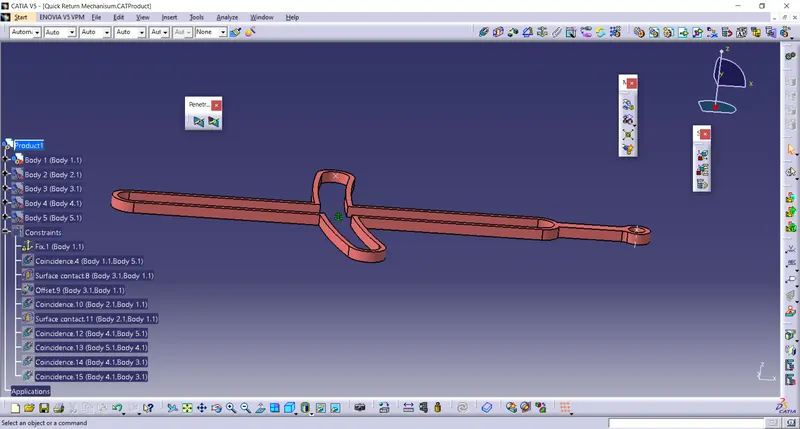
- Base Body and Body 2 assembly is don by using Coincidence Constrain and Offset Constrain,
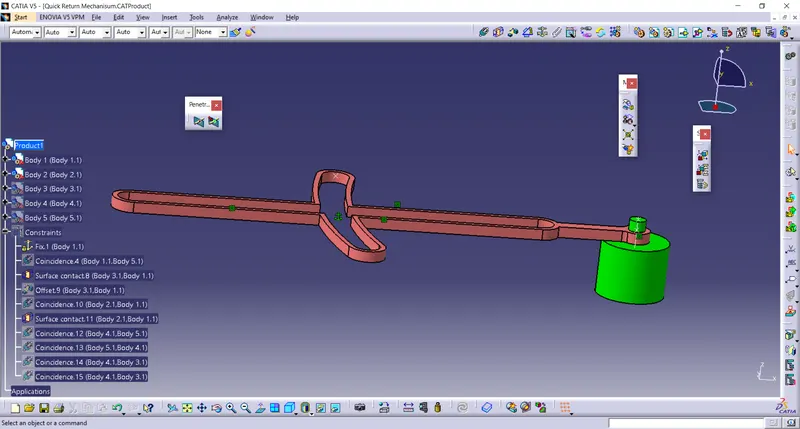
- Base Body and Body 4 i Assembly is done by using Conntact Constrai and Offset Constrain
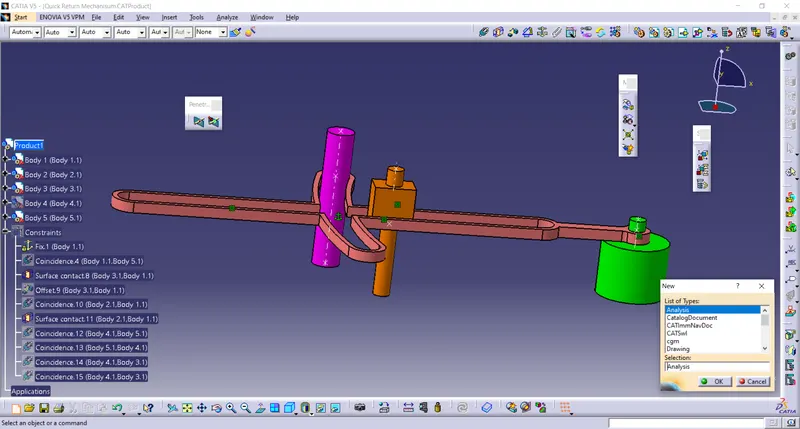
- Body 5 and Assembly Body is Assemblre by using Coincidence Constrain and Offset Constrain
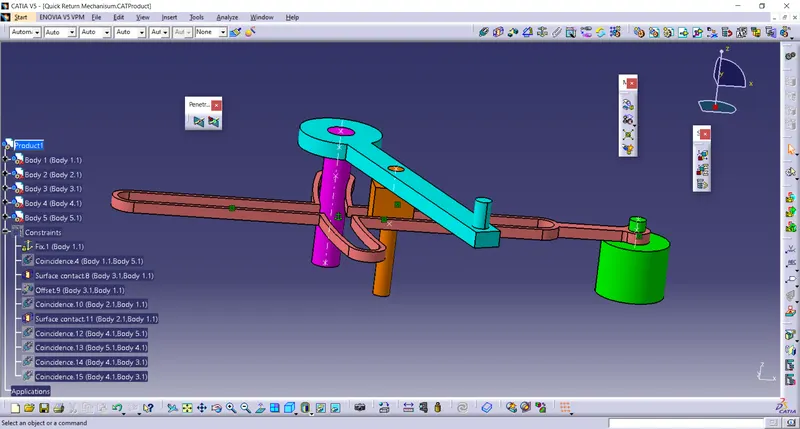
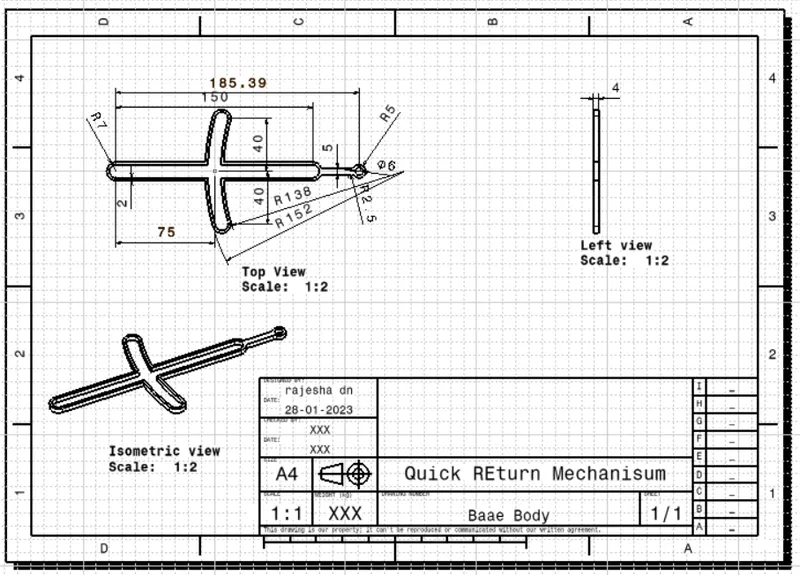
2D drawing using drafting tool:
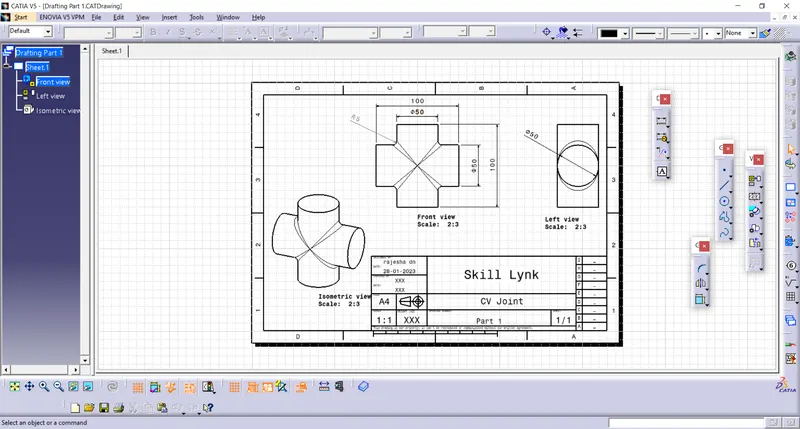
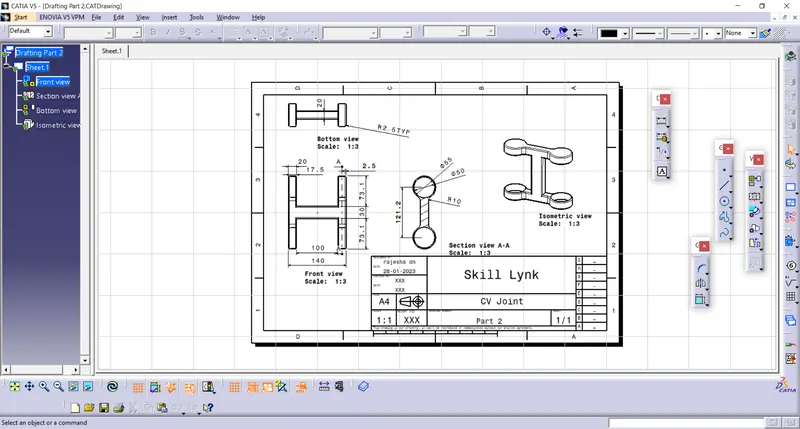
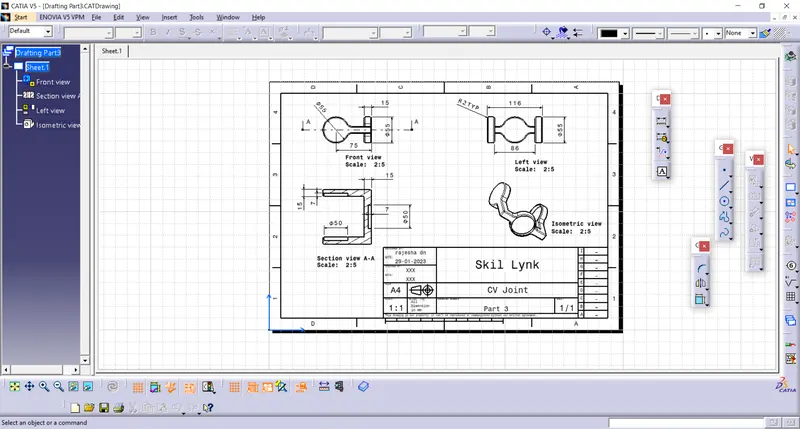
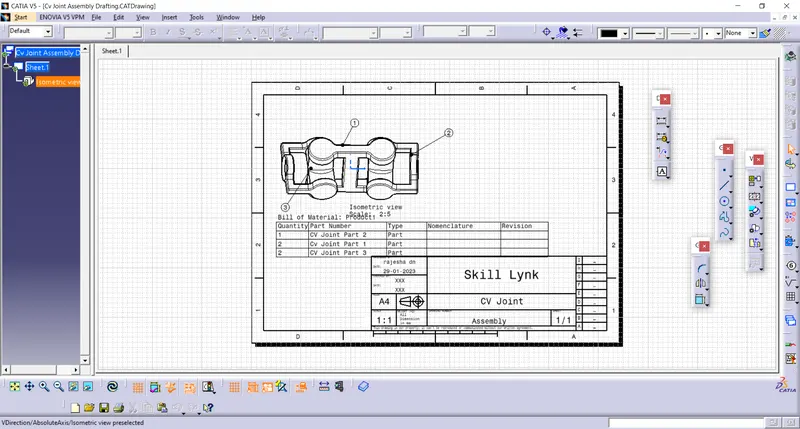
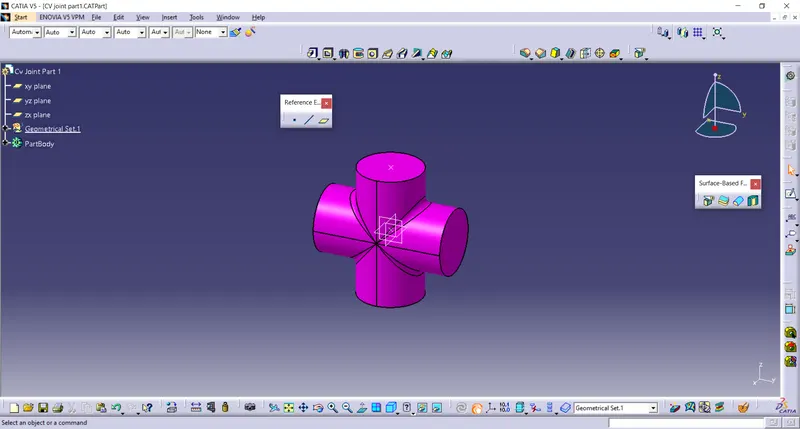
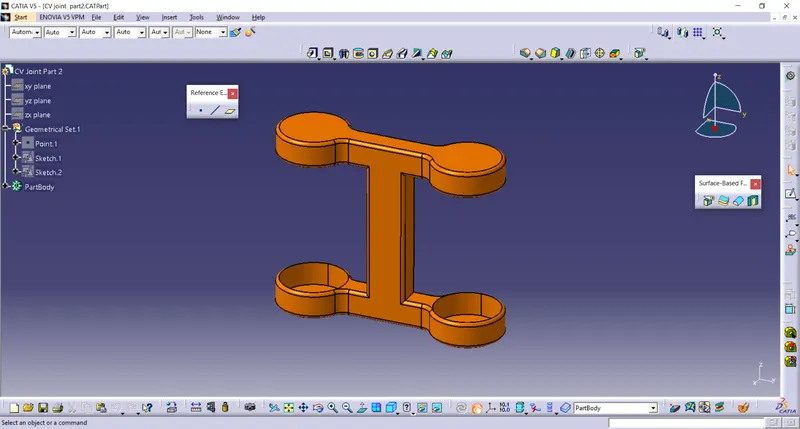
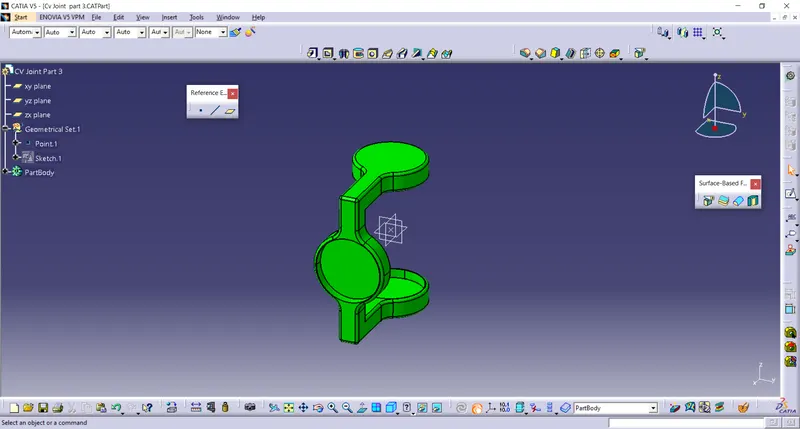
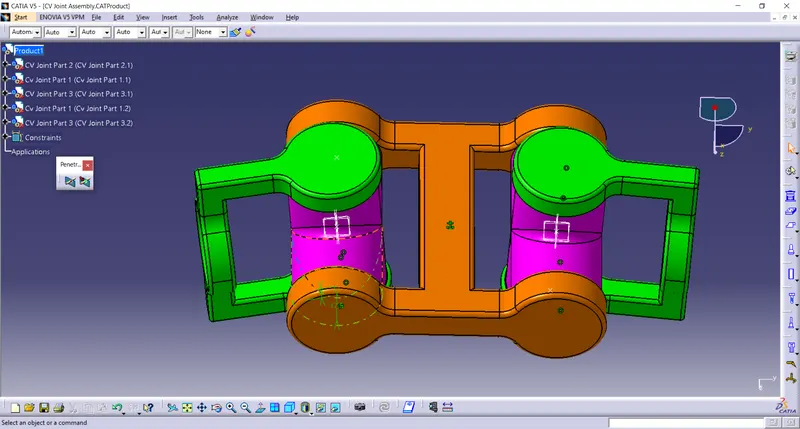
Drawing 2 (CV Joint)
Report Analysis:
Initially created the part of the drawing inthe part workbench.
Sketches and Cad part
2D Drawing Using Drafting Tool: