Week 10- Assembly Workbench
Aim: Project Tiltle : Week 10- Assembly Workbench
Objective:
To create Quick return mechanism and CV joint parts in part workbench or generative work bench Of Catia V5 and Assemble them Then create drawing files of same using drafting
In this week’s assignment, you will have to create 2 assemblies according to the content covered in the course videos. You will be provided with 2D diagrams of the components and you will have to first create the individual part files and then create a complete assembly of those part files in the assembly workbench. After creating the assembly make use of the drafting tools to create a 2D drawing similar to the one given in the assignment folder.
The diagrams for the assignment are provided in the link mentioned below. Assume all the unmarked dimensions as you see fit.Submit the files in the .CATPart and .CATProduct so that the support engineers can see the steps you used to create the model. Also, submit a report explaining the procedure you followed while working on this assignment.NOTE : Send all your part models(.CATPart), assembly file (.CATProduct) as a single ZIP file folder. Submitting only .CATProduct file (assembly file) will result in mark deduction.
Description:
1. QUICK RETURN MECHANISM: A quick return mechanism is an apparatus to produce a reciprocating motion in which the time taken for travel in return stroke is less
than in the forward stroke.
It is driven by a circular motion source (typically a motor of some sort) and uses a system of links with three turning pairs and a sliding pair.
There are three types of Quick return mechanism:
Whitworth Quick Return mechanism.
Crank and Slotted Link Mechanism and.
Hydraulic Drive.
Procedure of creating parts:
1. First create all parts of CV joints and QRM with help of drawings provided
2. All parts to be created separately in part work bench
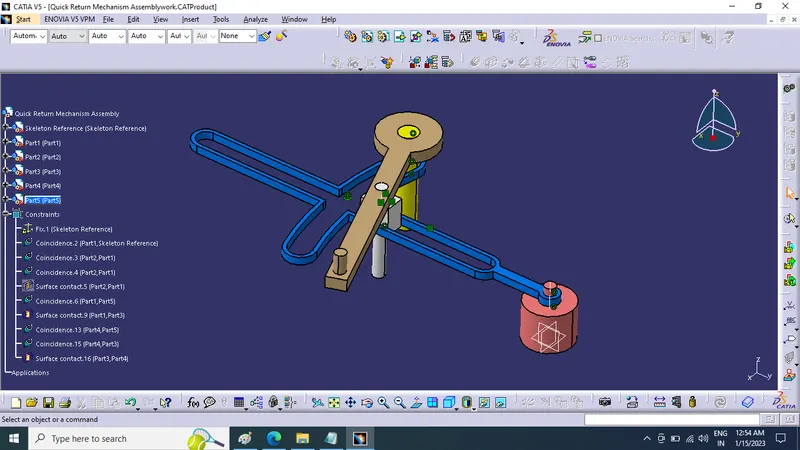
3. After creating all parts individualy we assemble them together in single product in assembly workbench
4. Using constriants we assemble all parts together and create CV joint and QRM.
2D Sketches:
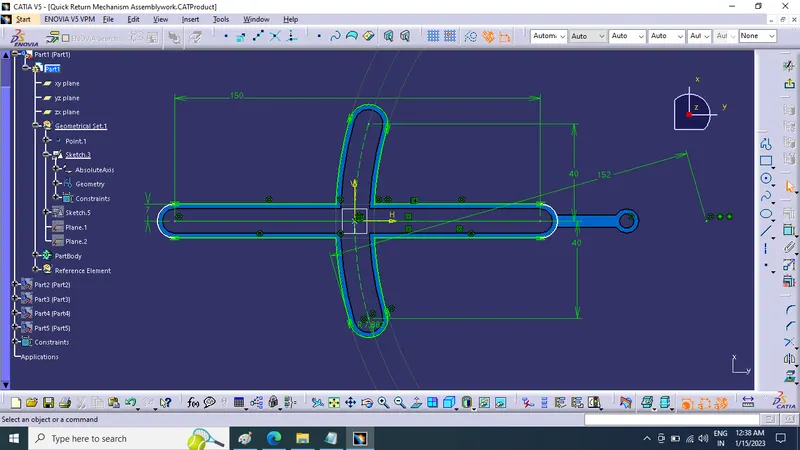
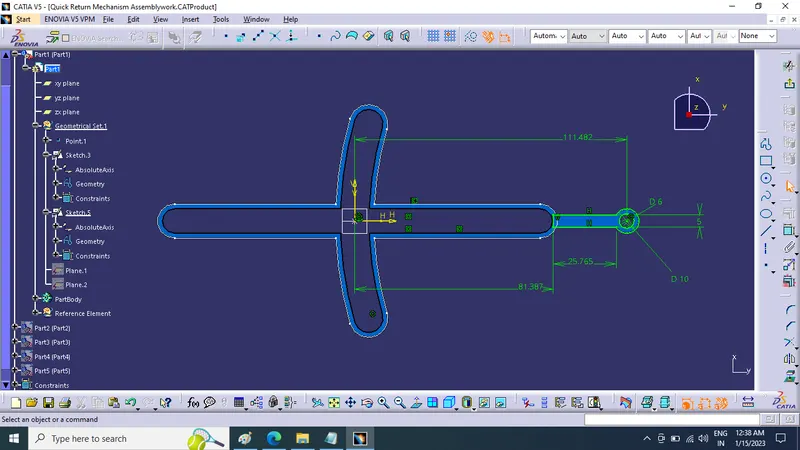
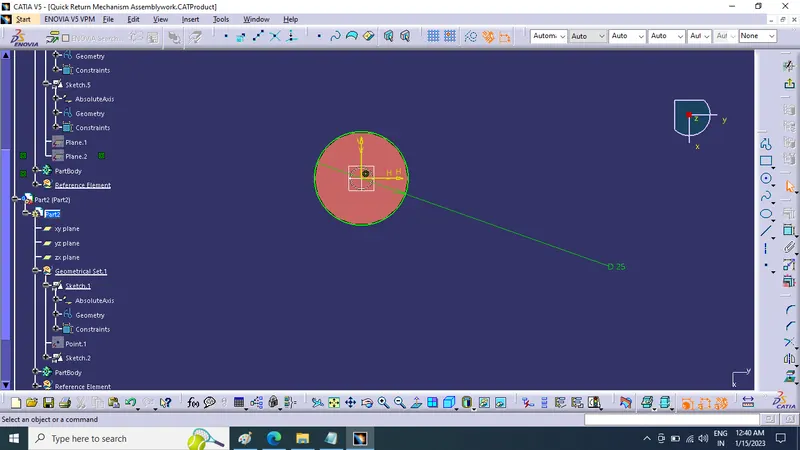
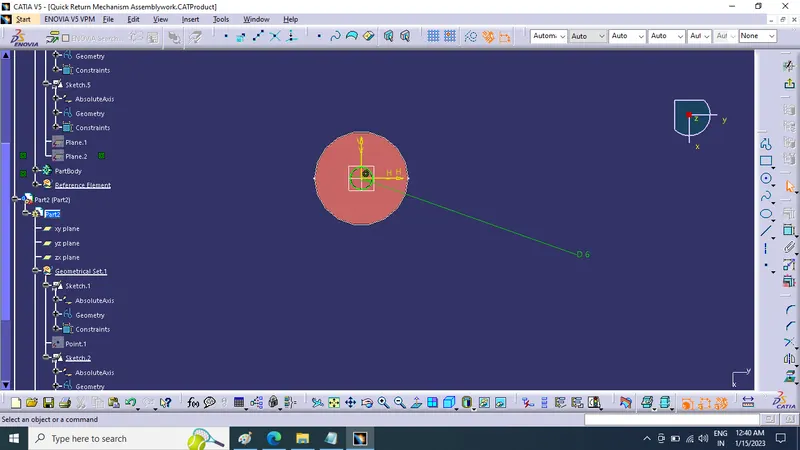
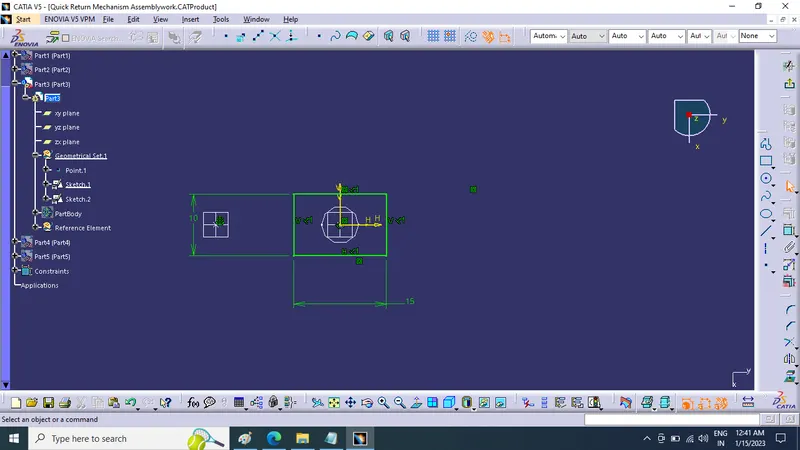
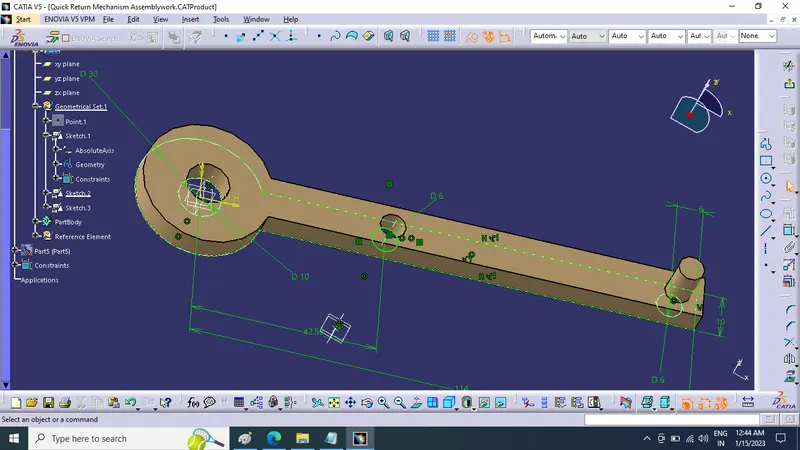
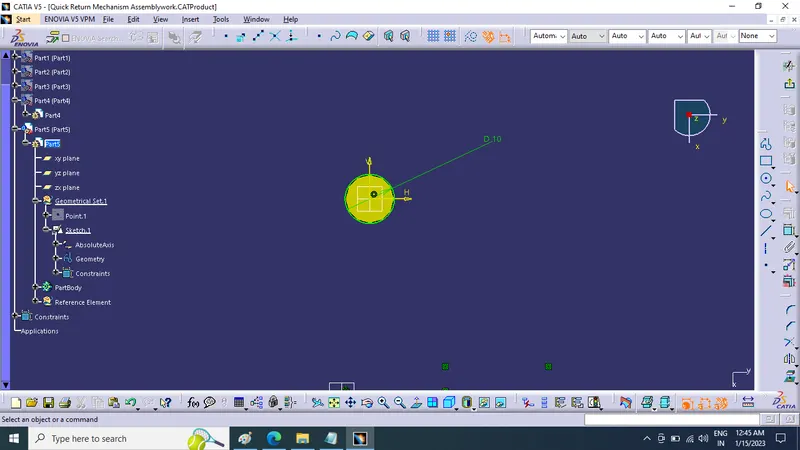
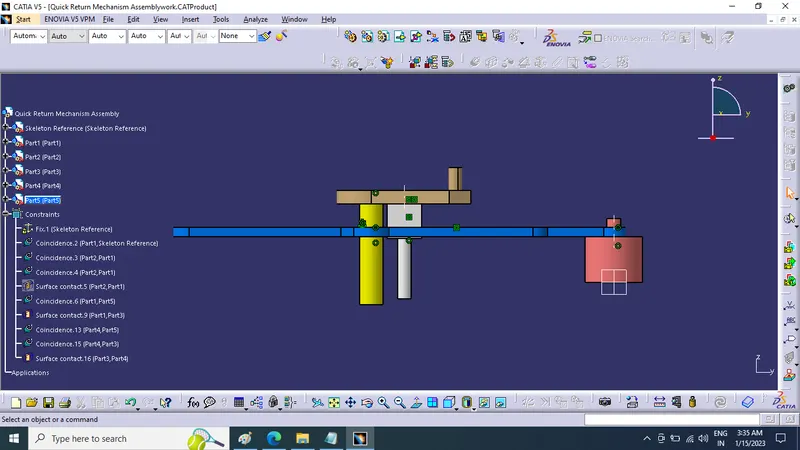
Tree Structure:
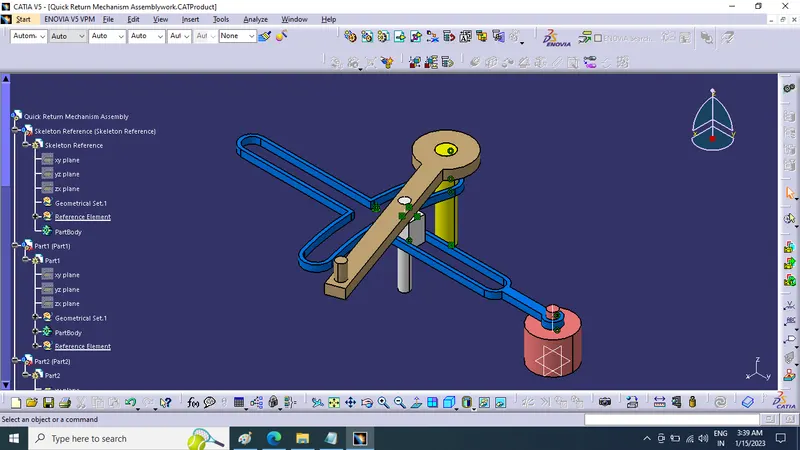
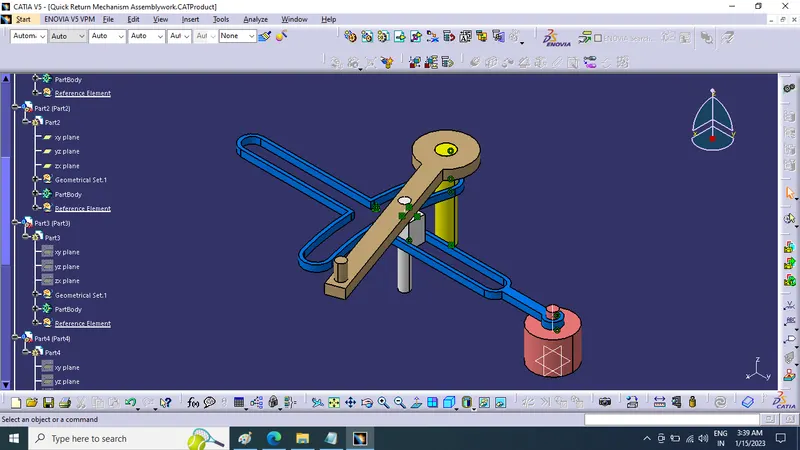
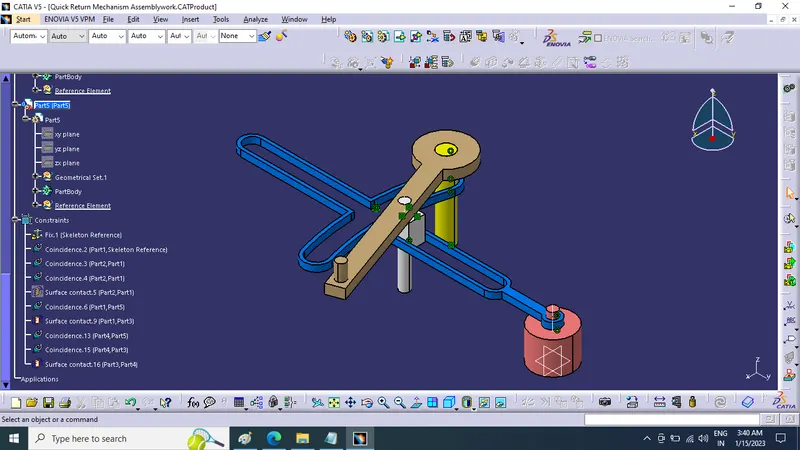
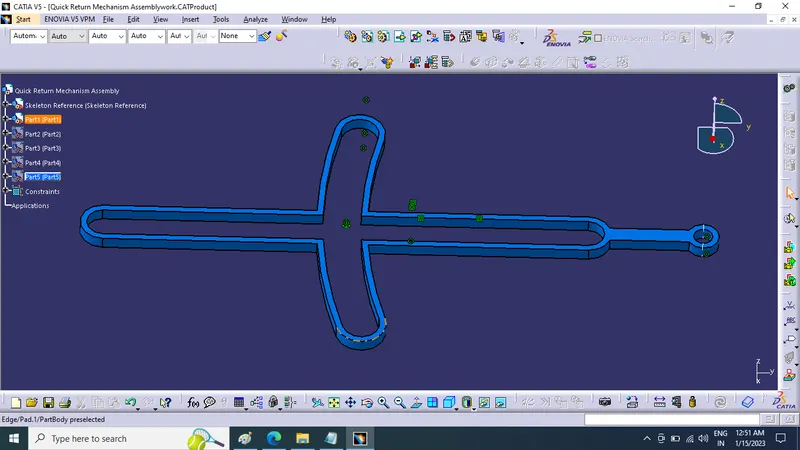
Part modeling :-
- Body-1
- Body-2
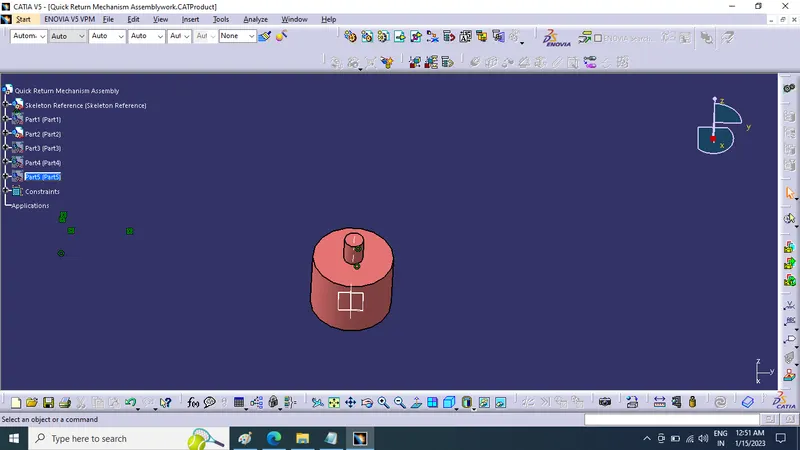
- Body-3
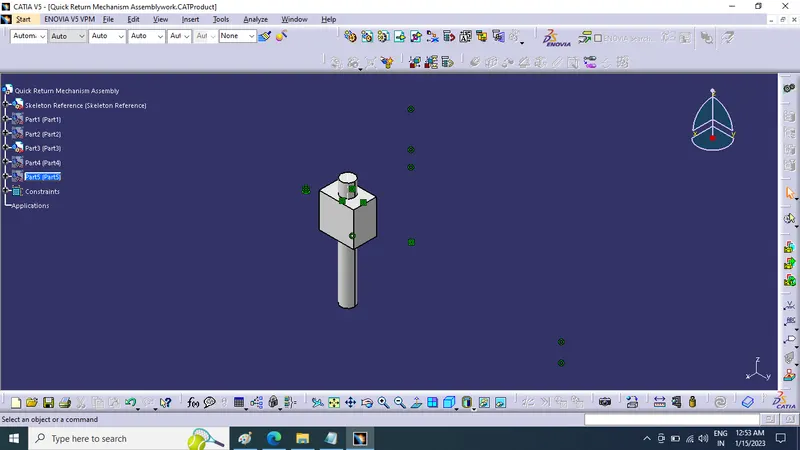
- Body-4
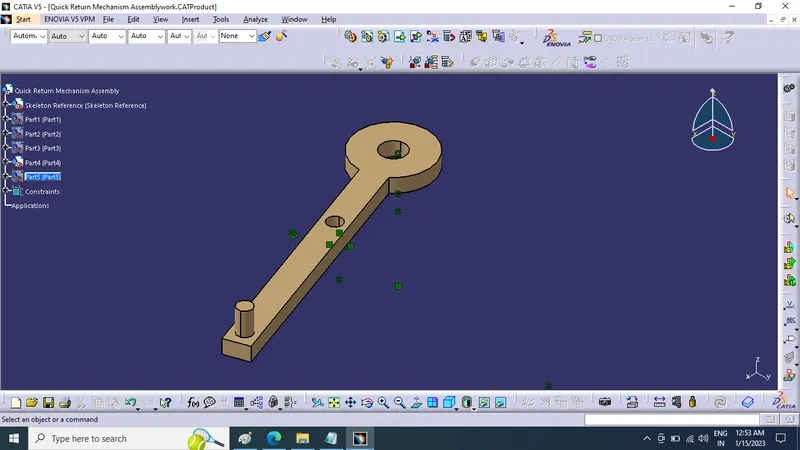
- Body-5
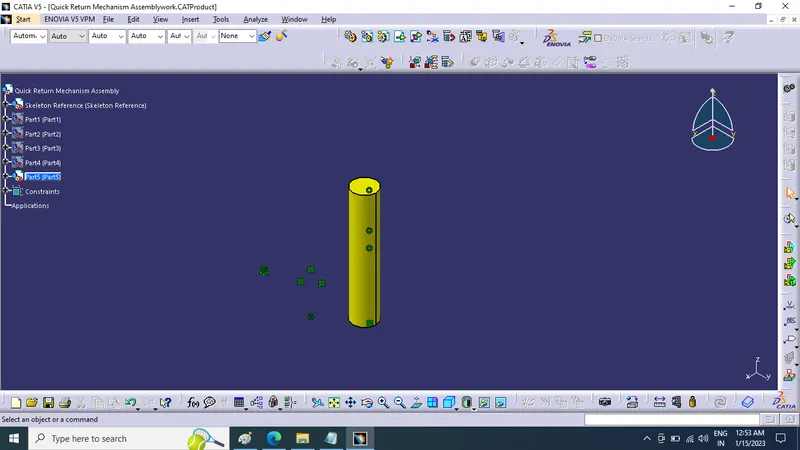
Diagram Details of Assembly :-
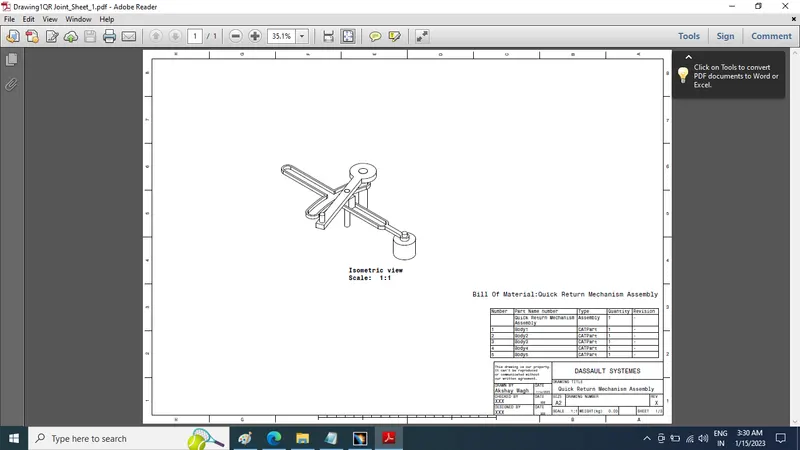
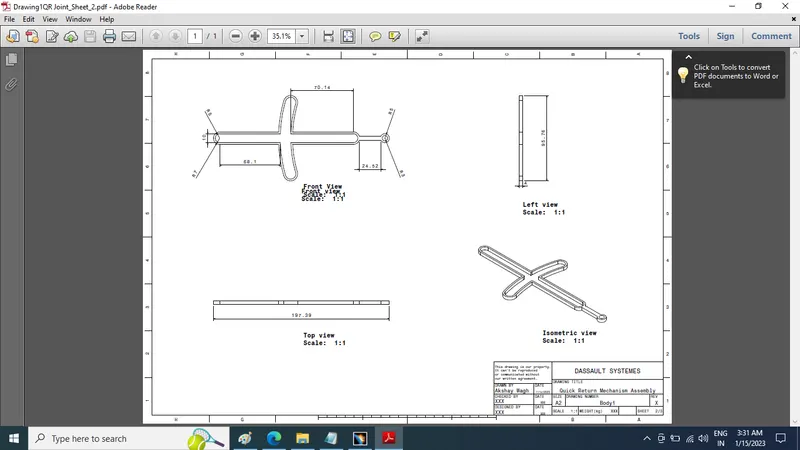
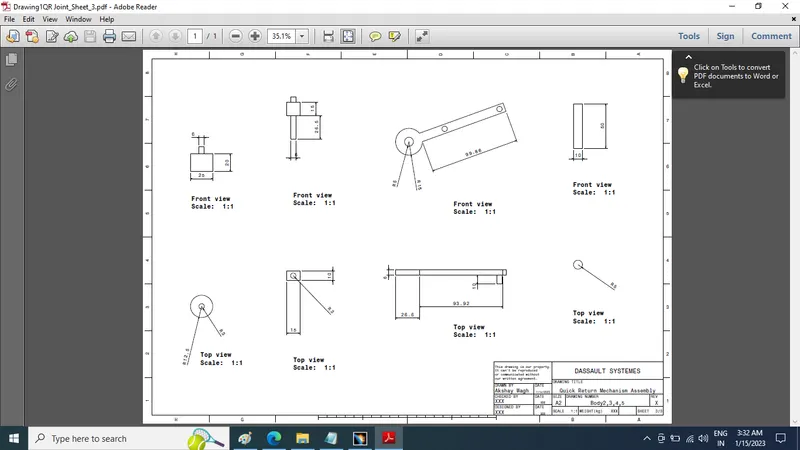
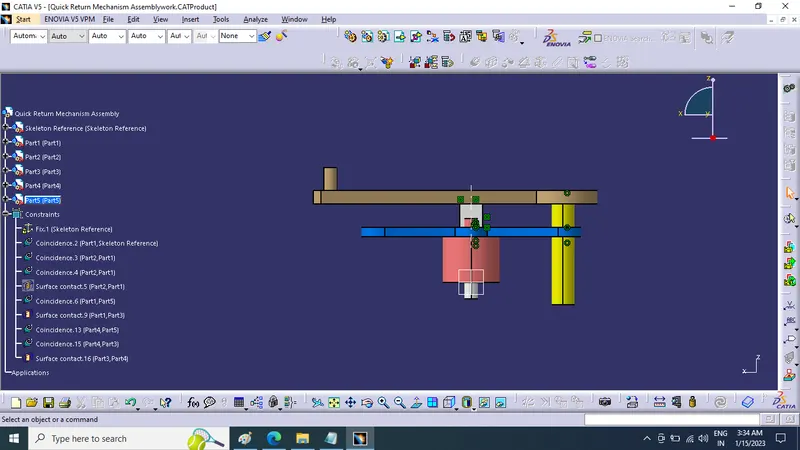
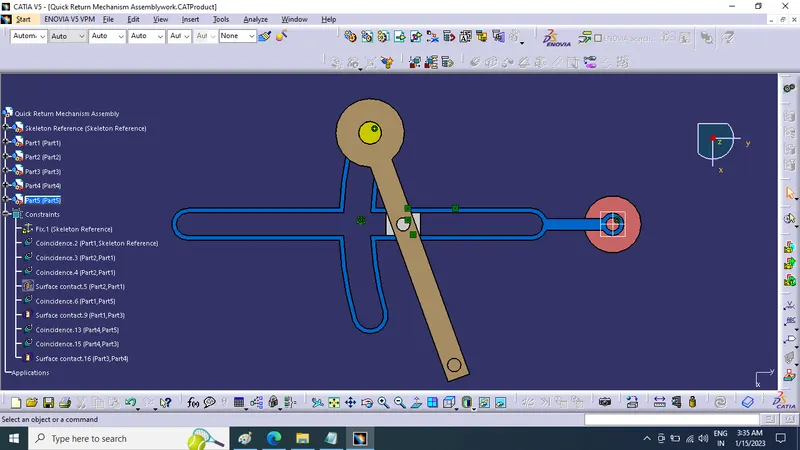
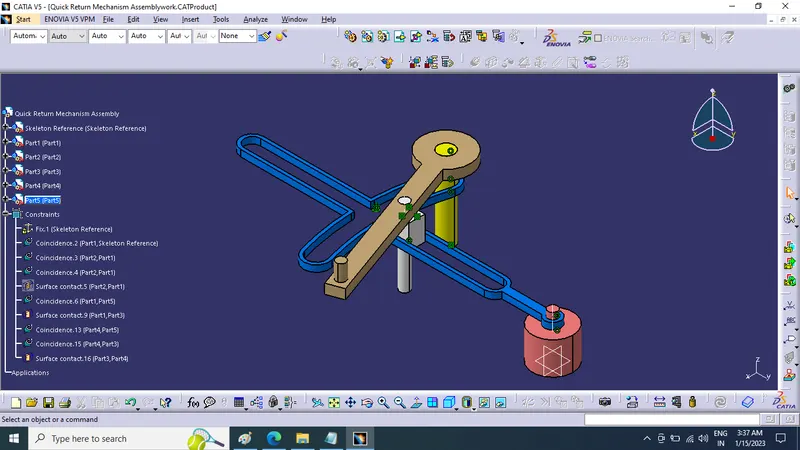
Views of Quick Return Mechanism Assembly :-
Front View
Right Side View
Top View
Isometric View
2) CV Joint :
Desscription
Constant-velocity joints (also known as homokinetic or CV joints) allow a drive shaft to transmit power through a variable angle, at
constant rotational speed, without an appreciable increase in friction or play.
They are mainly used in front wheel drive vehicles. Modern rear wheel drive cars with independent rear suspension typically use CV joints at the ends of the rear axle halfshafts and
increasingly use them on the drive shaft.
Function
Besides just holding the drive shaft in place, the CV joints also transfer power to the wheels from the transmission.
Basically, they ensure that when you press on the gas, your wheels will turn. If the CV joint is not working properly, it may affect the way your vehicle
handles.
Often you will hear a popping or a clunk sound when shifting, which indicates something is wrong.
If the joint breaks, it can stop the car from moving and can cause severe damage, making it essential component in your vehicle that needs to be kept in
good condition.
Procedure of creating parts:
1. First create all parts of CV joints and QRM with help of drawings provided
2. All parts to be created separately in part work bench
3. After creating all parts individualy we assemble them together in single product in assembly workbench
4. Using constriants we assemble all parts together and create CV joint and QRM.
2D Sketches:
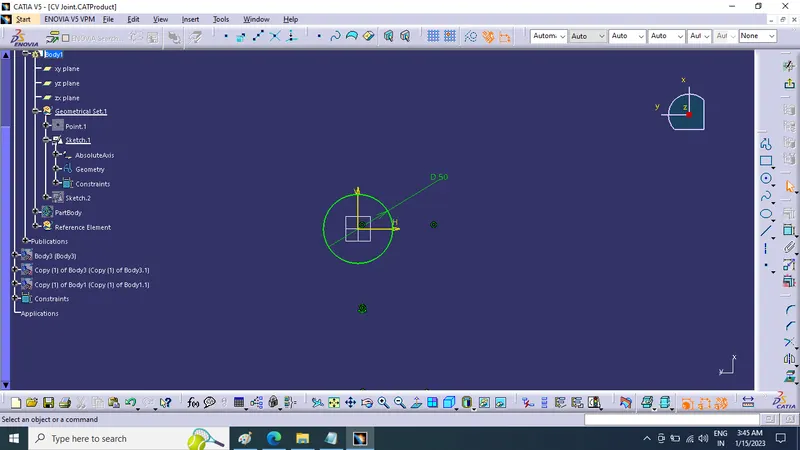
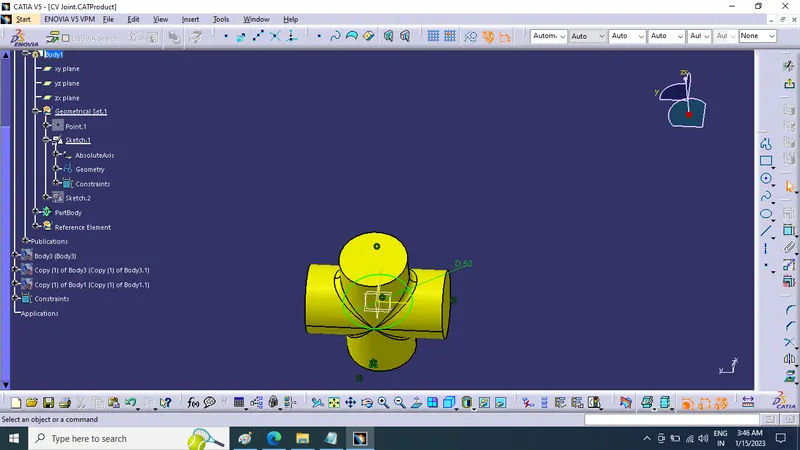
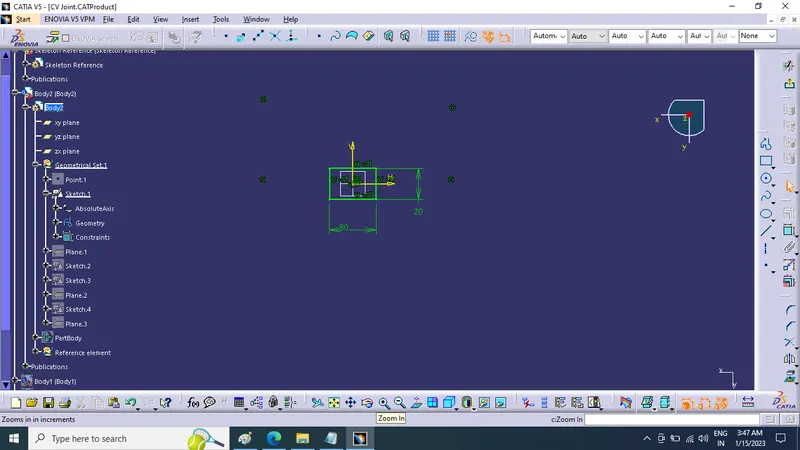
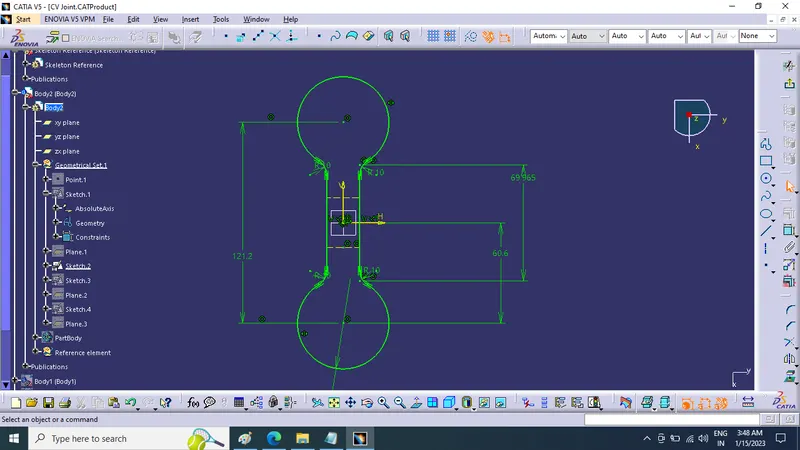
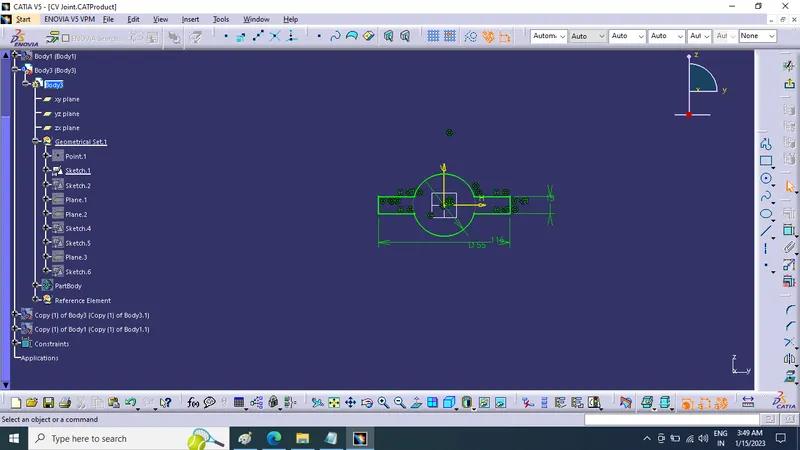
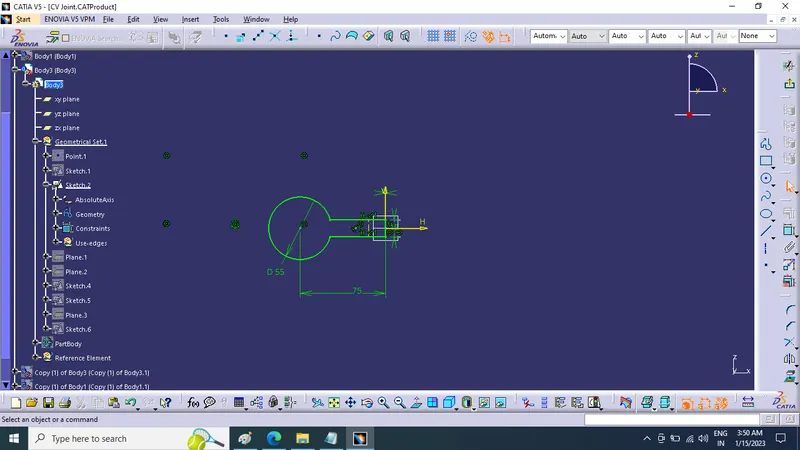
Tree Structure:
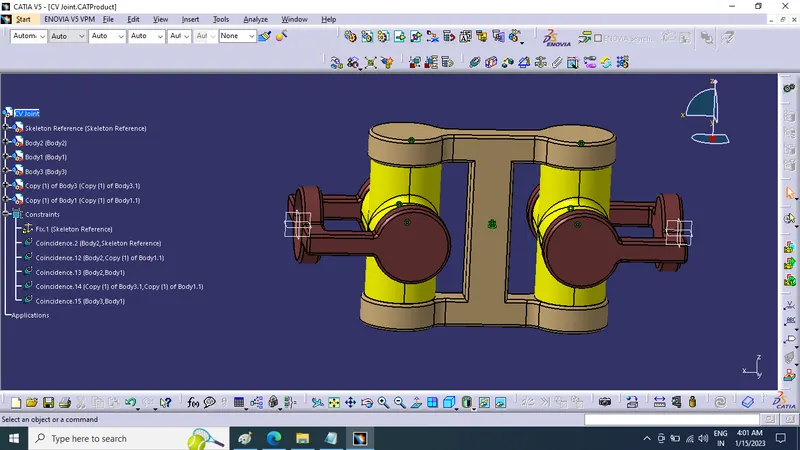
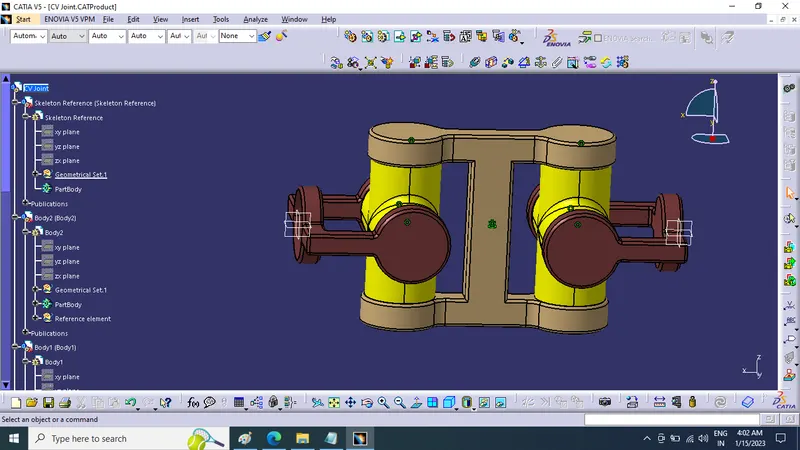
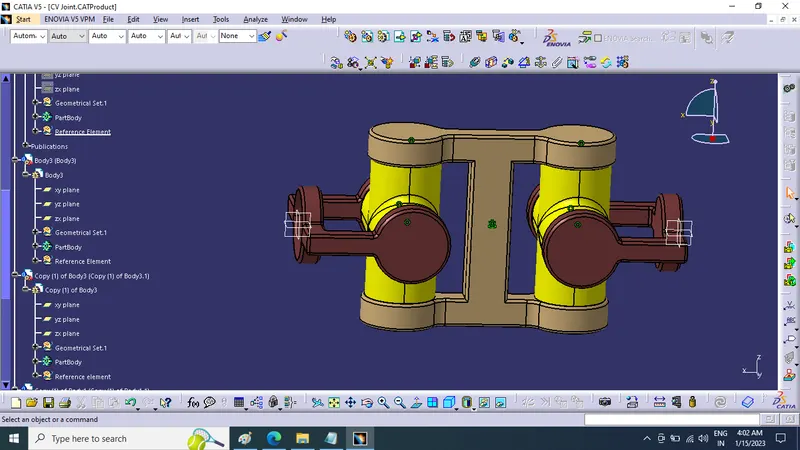
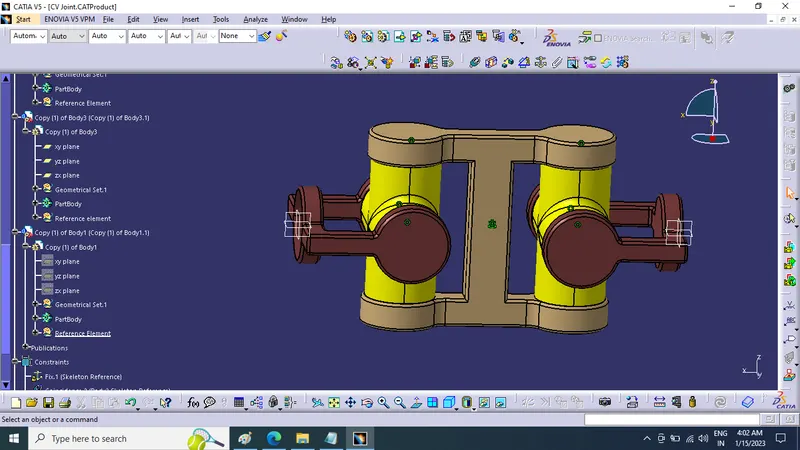
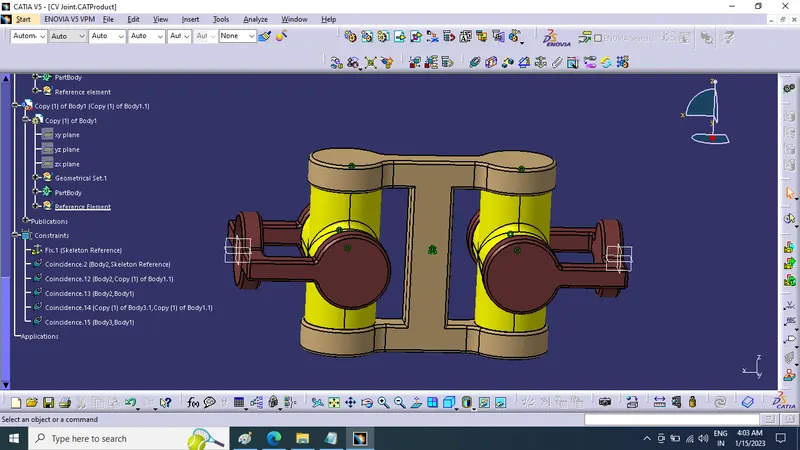
Part modeling :-
- Body-1
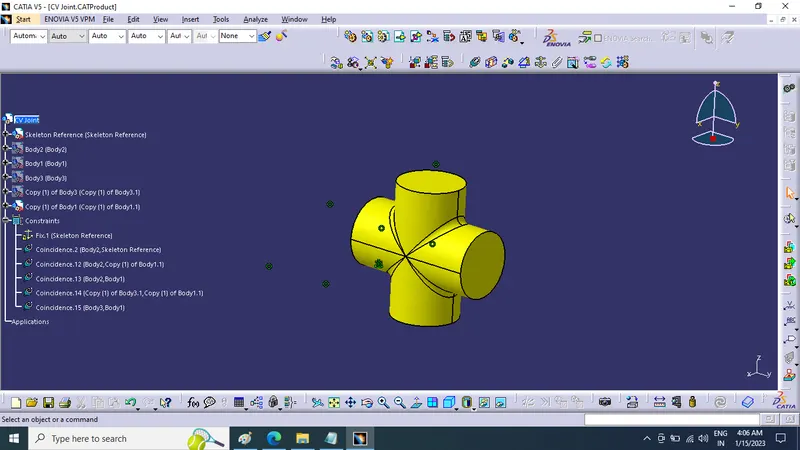
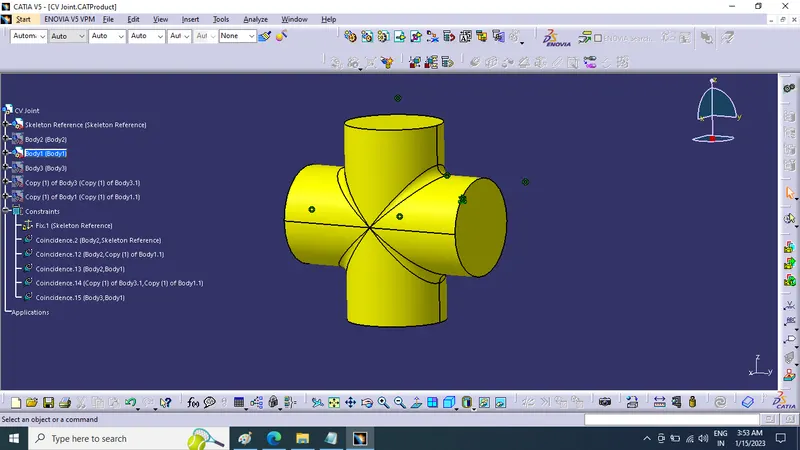
- Body-2
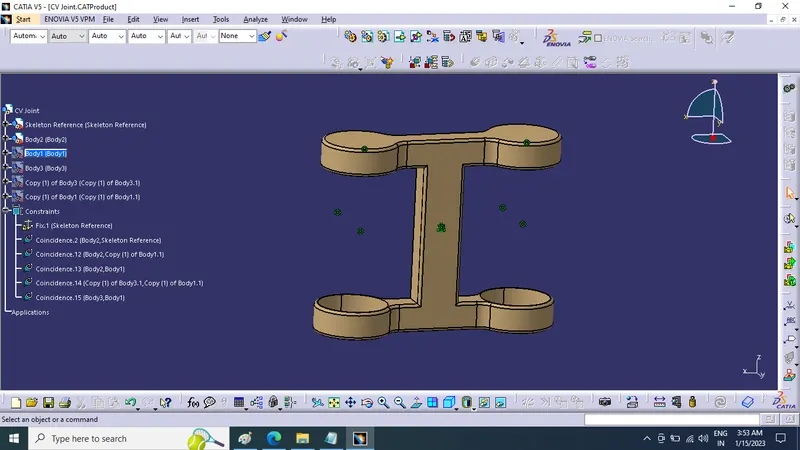
- Body-3
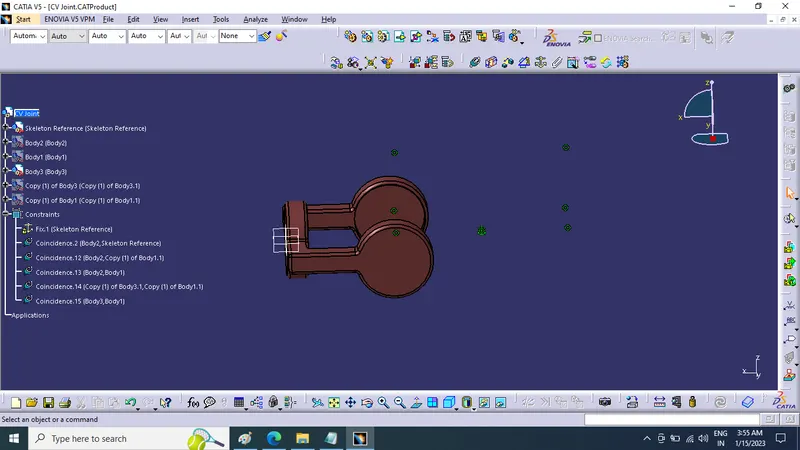
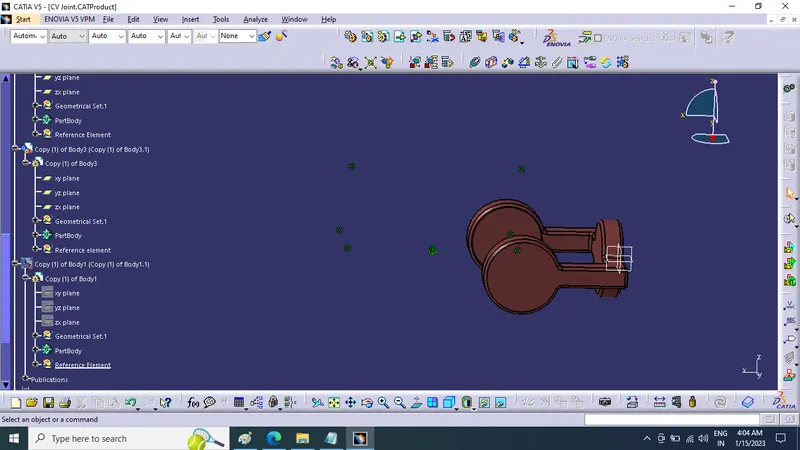
Diagram Details of Assembly :-
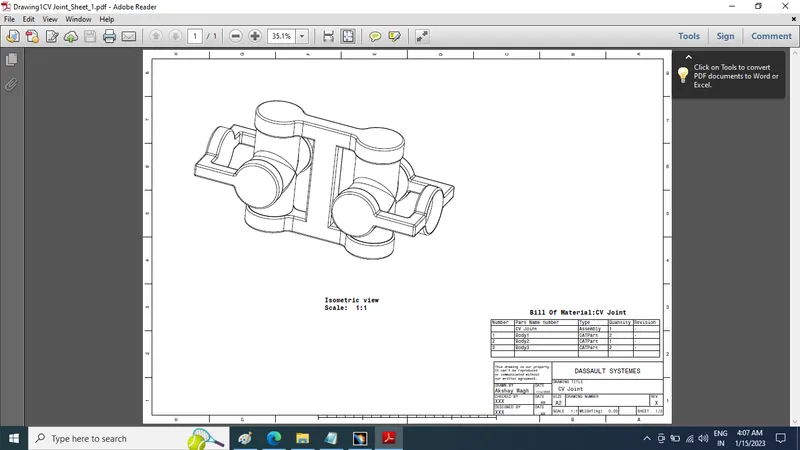
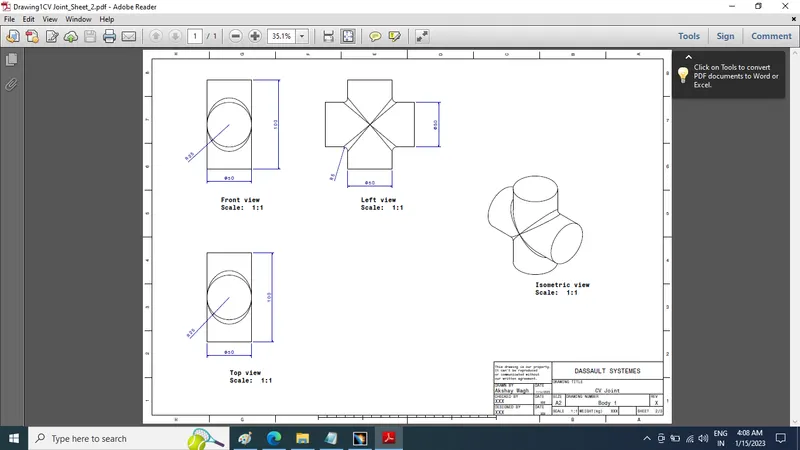
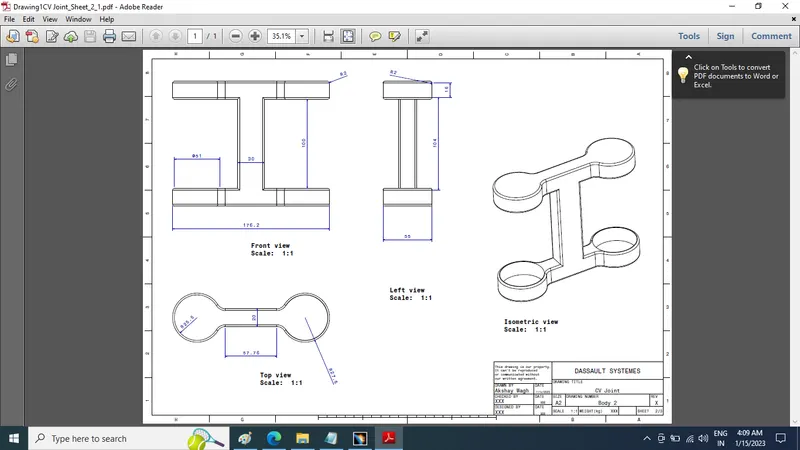
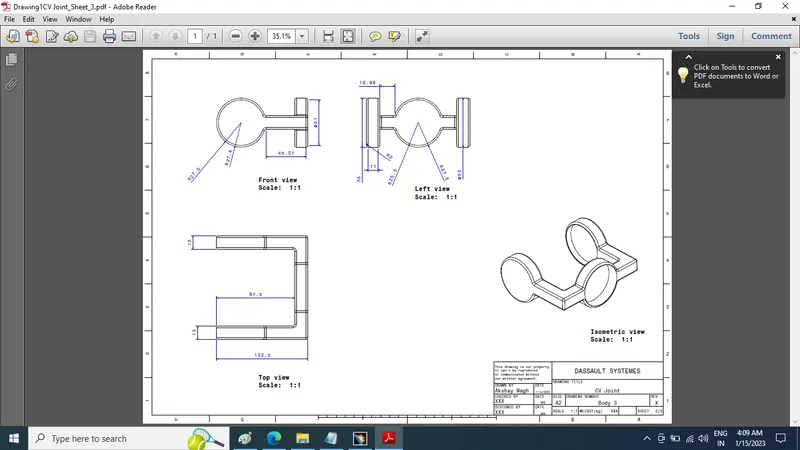
Views of CV Joint Assembly :-
Isometric View
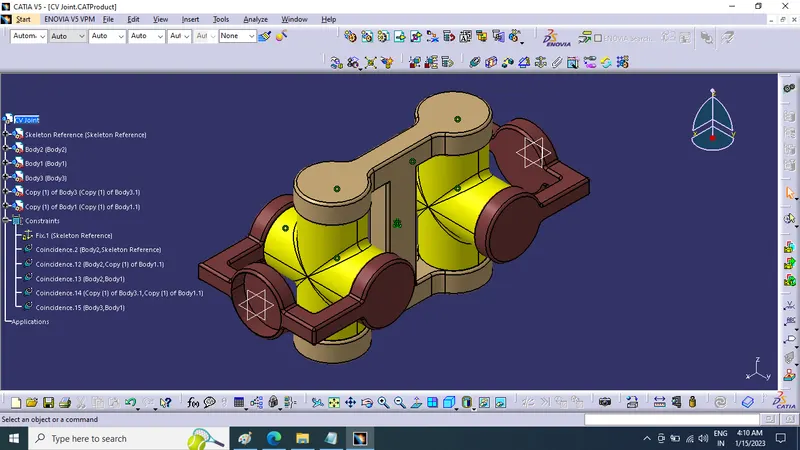
Front View
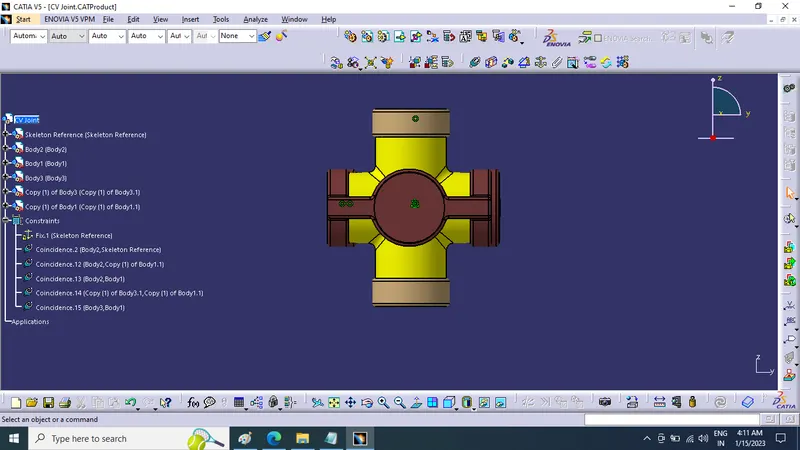
Right Side View
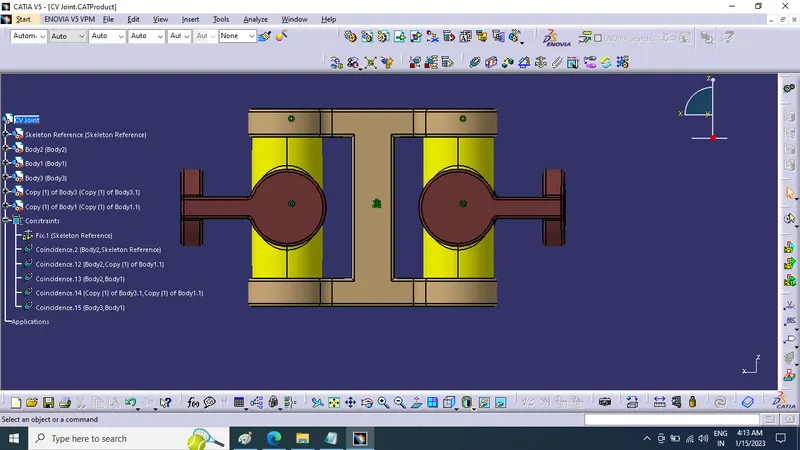
Top View
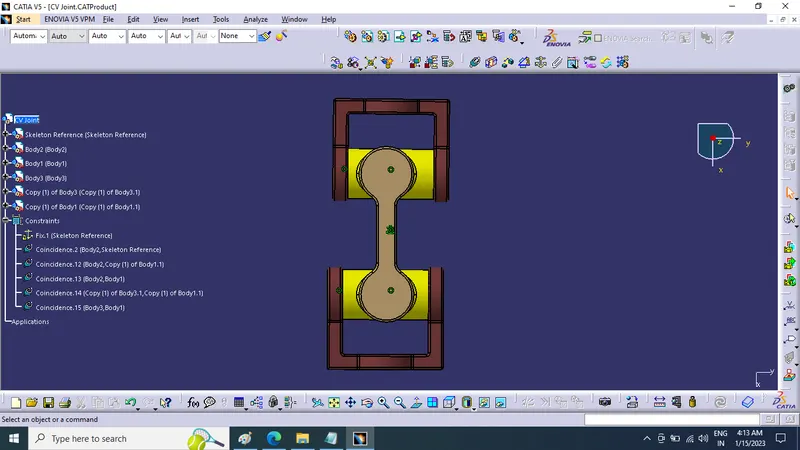
Isometric View
Note***All part file (.CATPart), assembly file (.CATProduct) and 2D Drawing from drafting(.CATDrawing) are attached as a single ZIP file folder plz find it
Conclusion : In This Project Challenge Week 10- Assembly Workbench we learned To create Quick return mechanism and CV joint parts in part workbench or generative work bench Of Catia V5 and Assemble them Then create drawing files of same using drafting