Week 10- Assembly Workbench
ASSEMBLY WORKBENCH
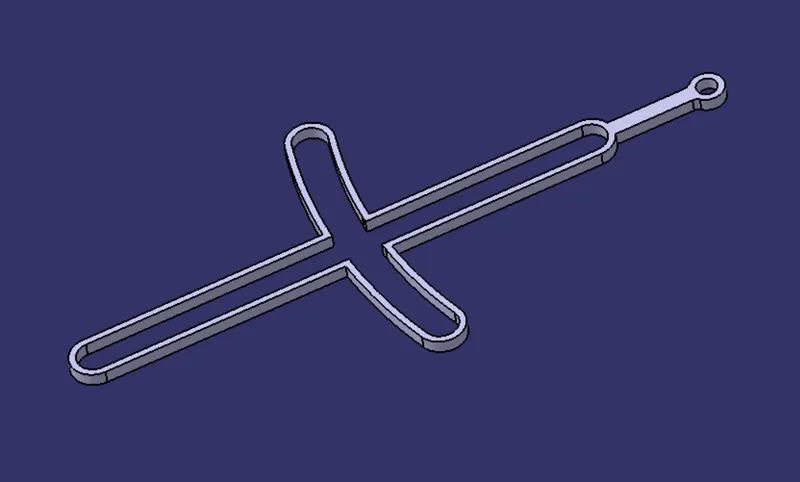
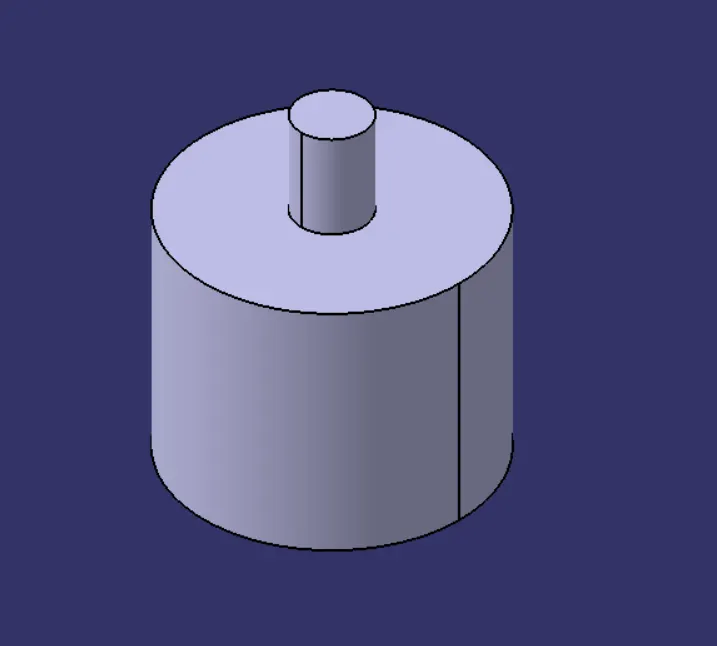
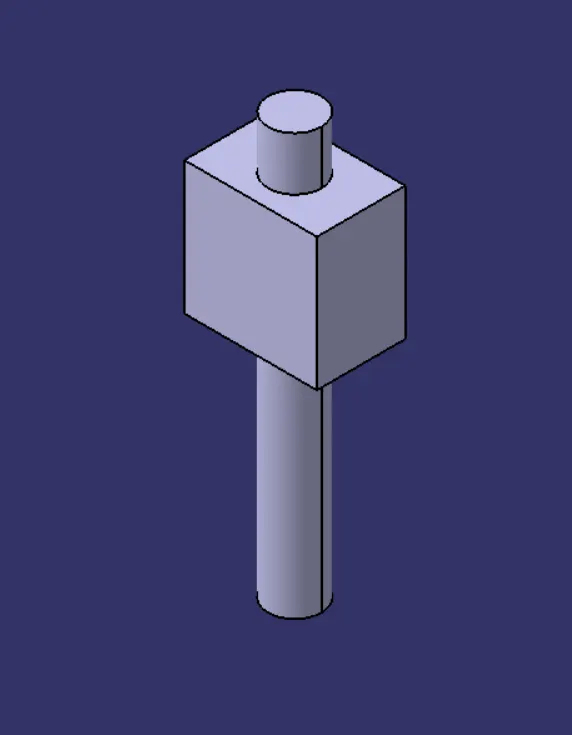
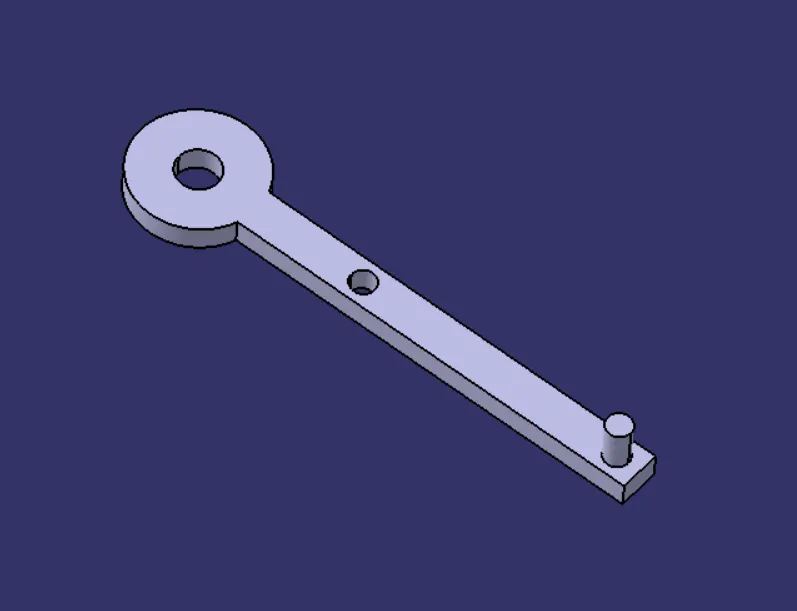
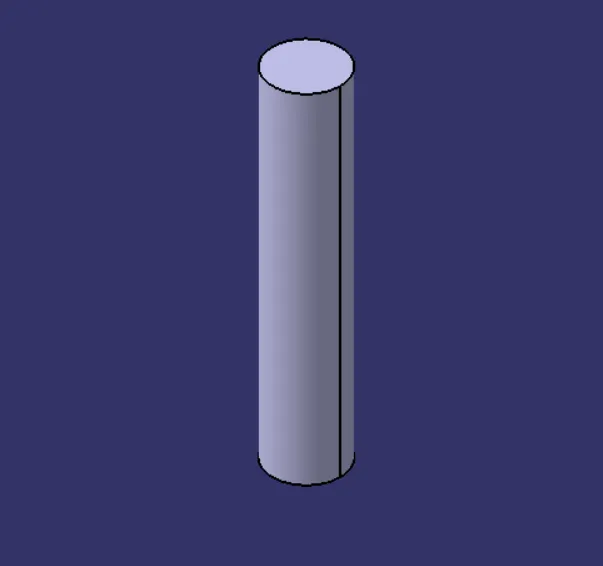
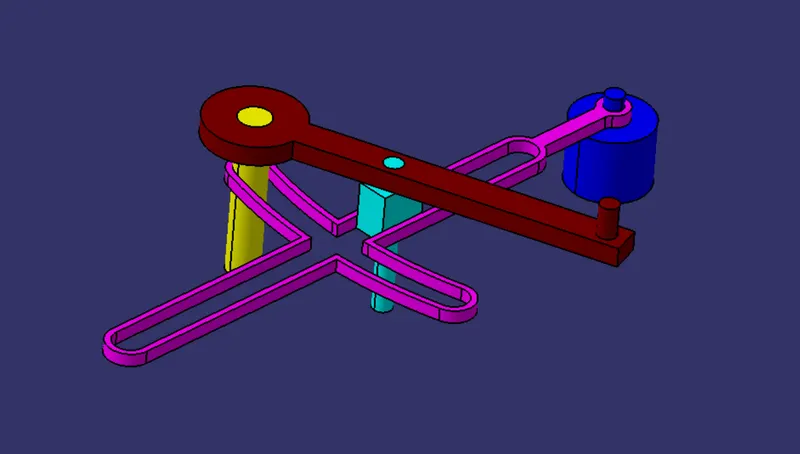
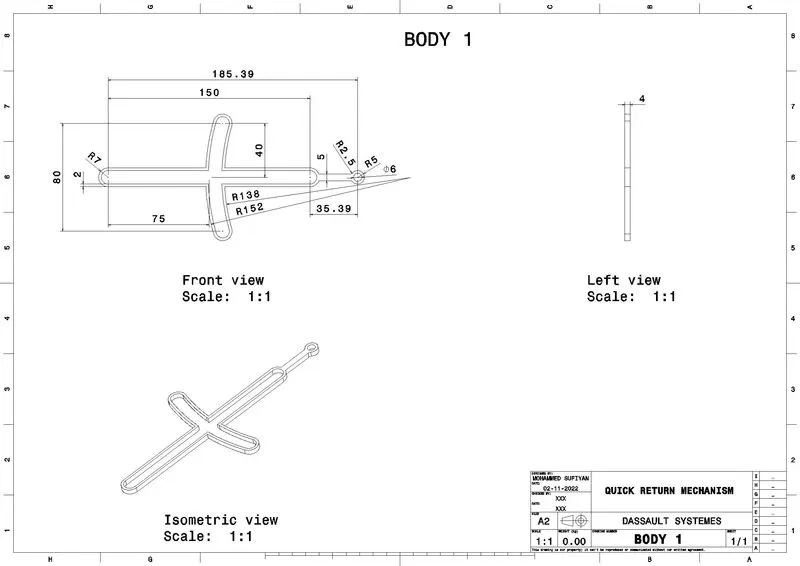
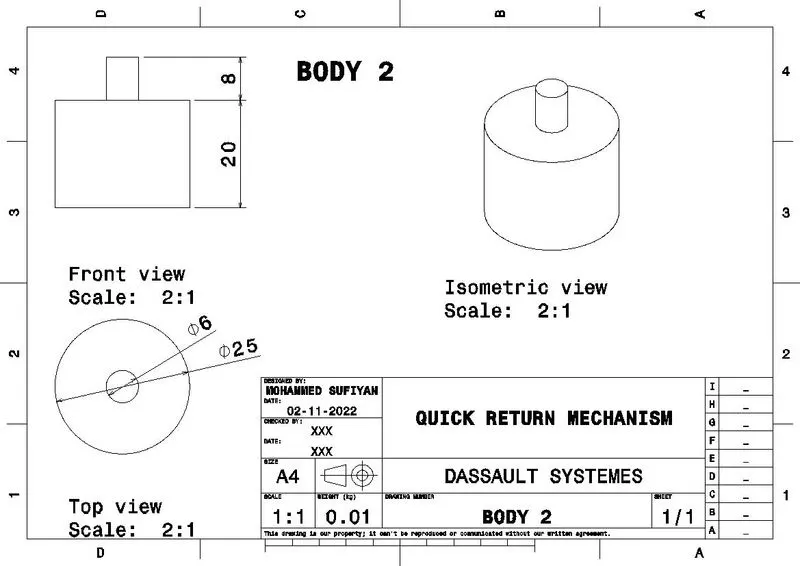
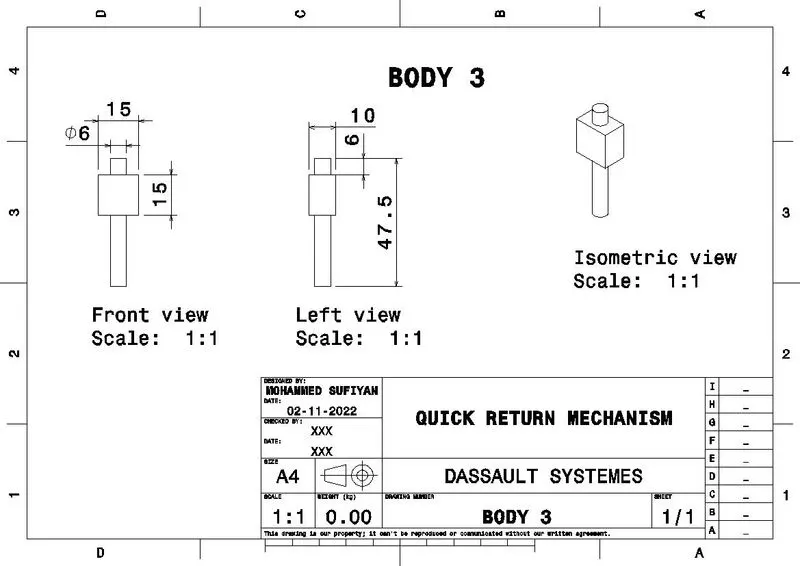
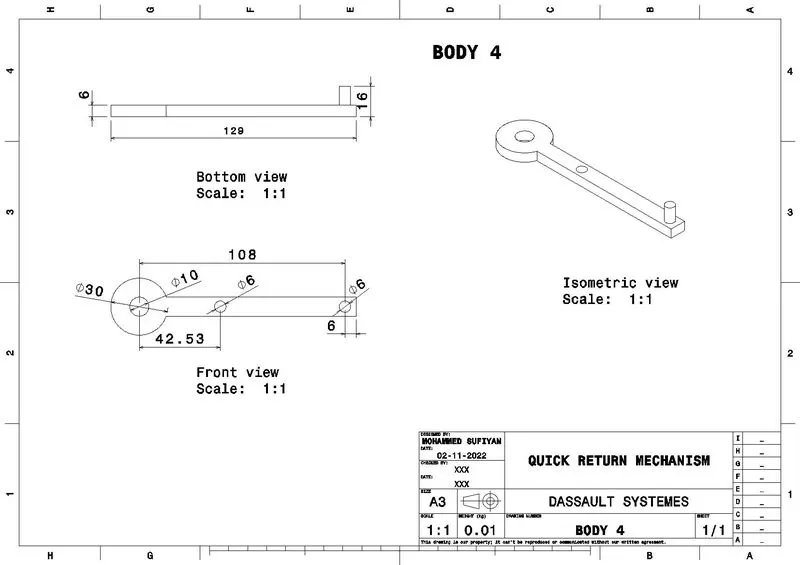
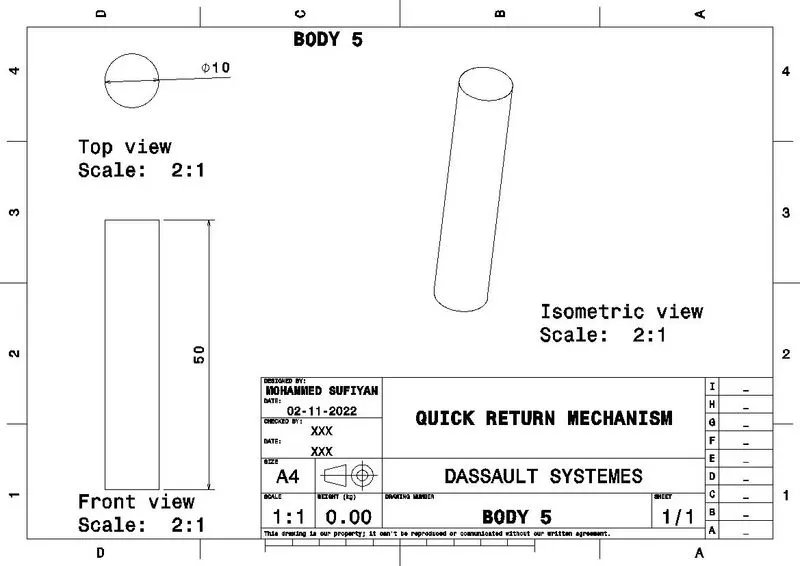
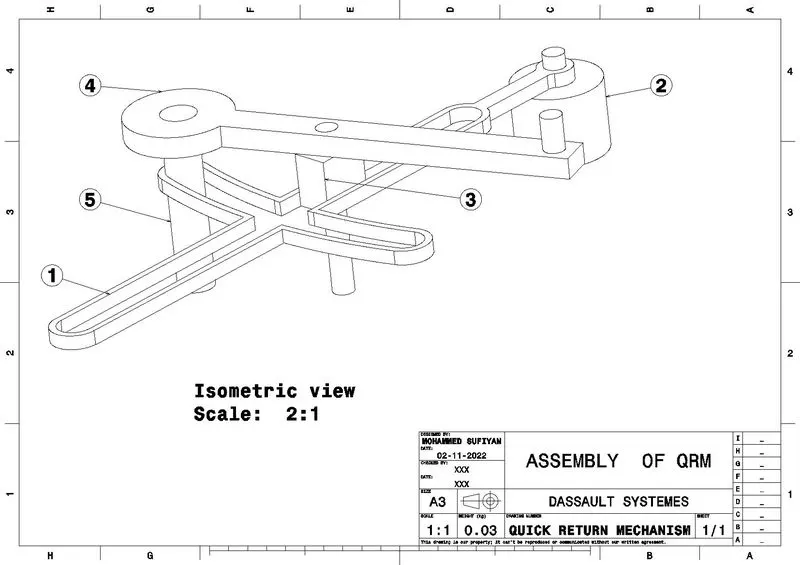
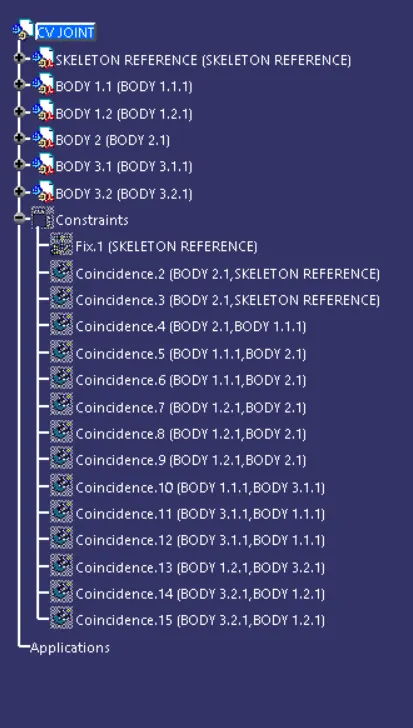
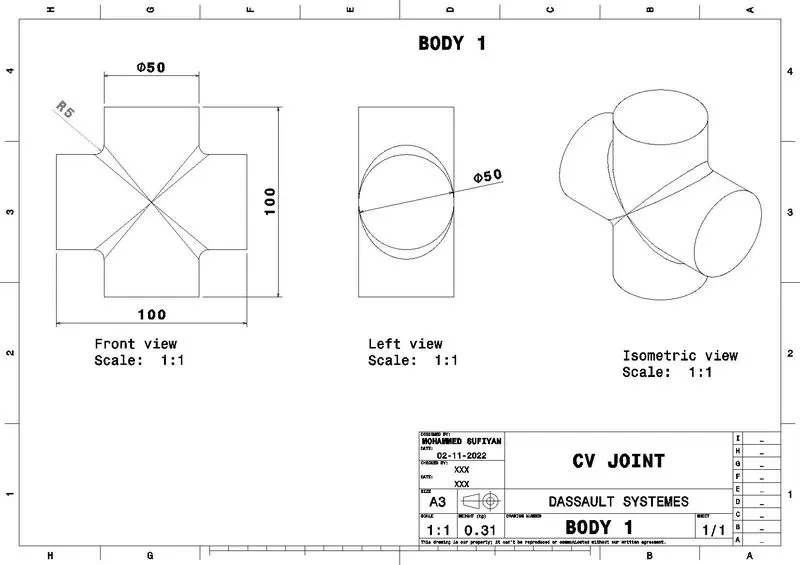
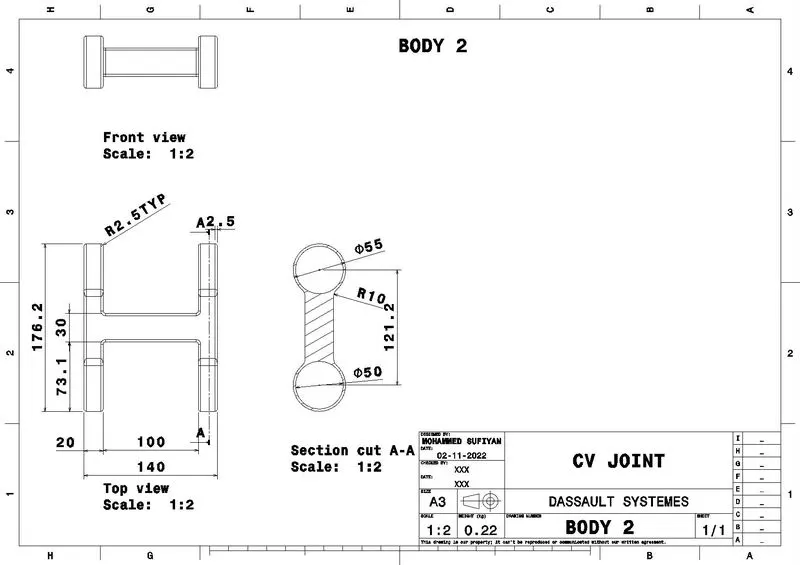
First of all, I created a part body for all the components which have been given in the 2d drawing. Then I assembled it in the assembly workbench and fixed them with respective constraints. Then I created drafting for every individual part. The images below are the results.
1. QUICK RETURN MECHANISM:
PART:
BODY 1:
BODY 2:
BODY 3:
BODY 4:
BODY 5:
ASSEMBLY:
DRAFTING:
BODY 1:
BODY 2:
BODY 3:
BODY 4:
BODY 5:
ASSEMBLY:
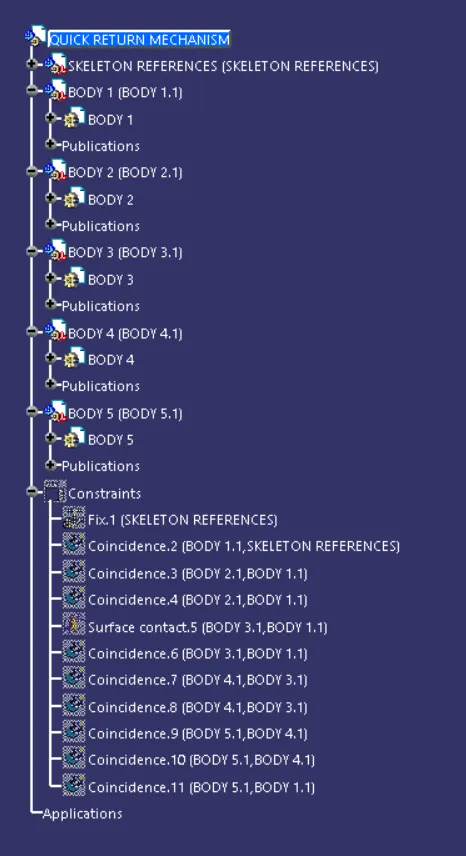
GEOMETRICAL TREE:
2. CV JOINT:
PART:
BODY 1:
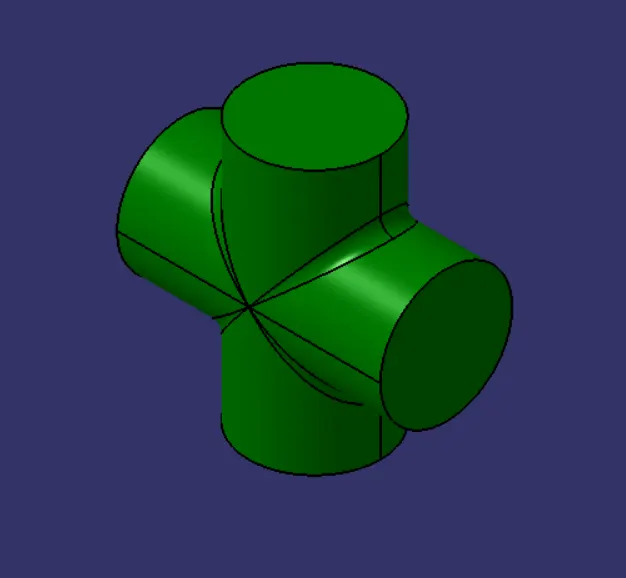
BODY 2:
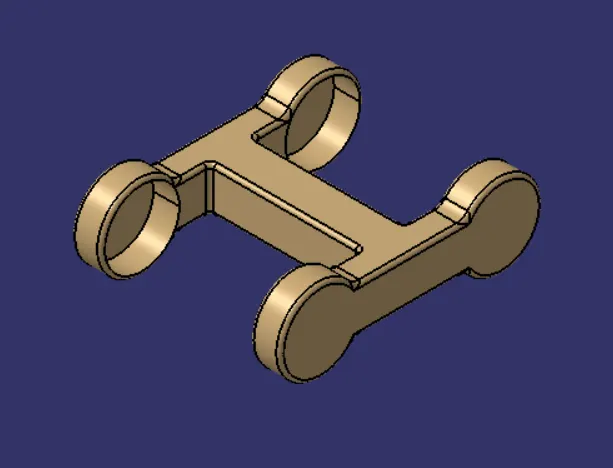
BODY 3:
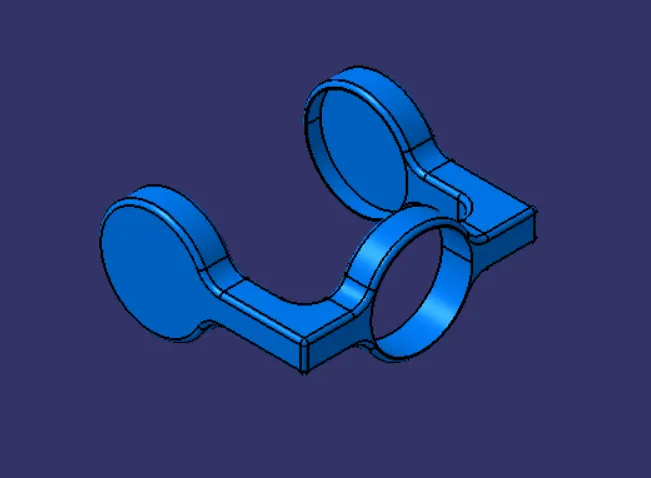
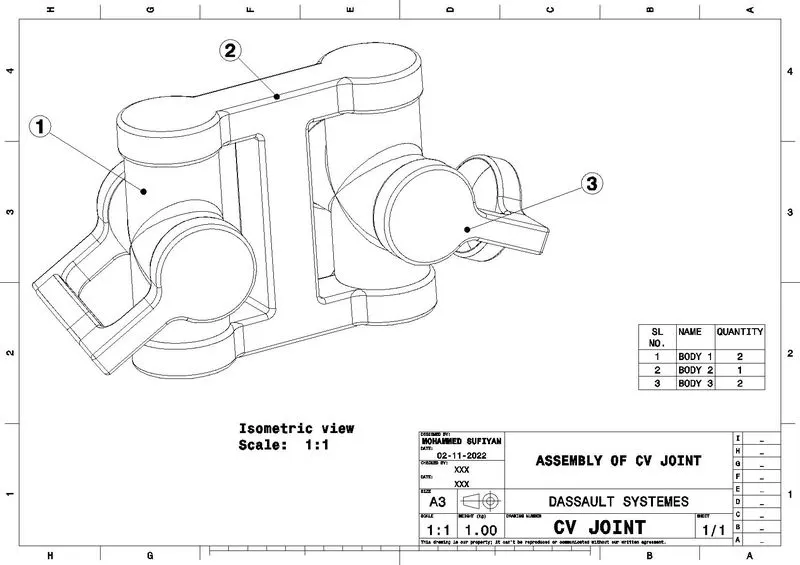
ASSEMBLY:
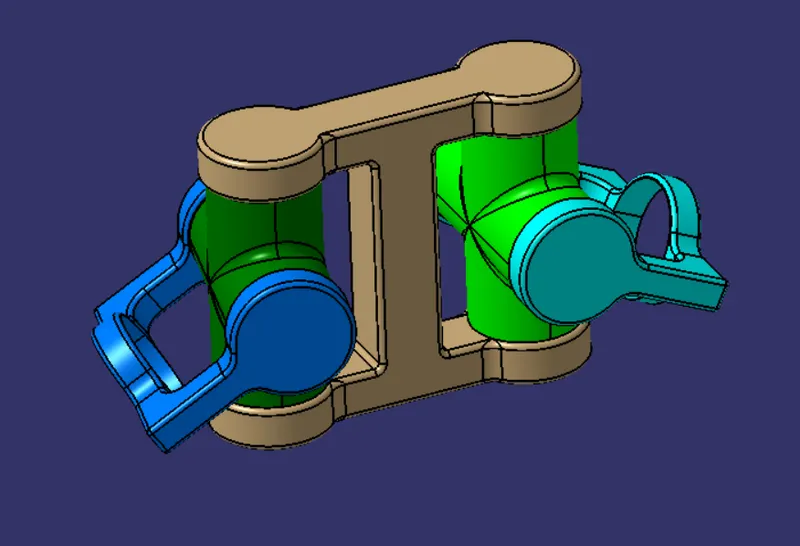
GEOMETRICAL TREE:
DRAFTING:
BODY 1:
BODY 2:
BODY 3:
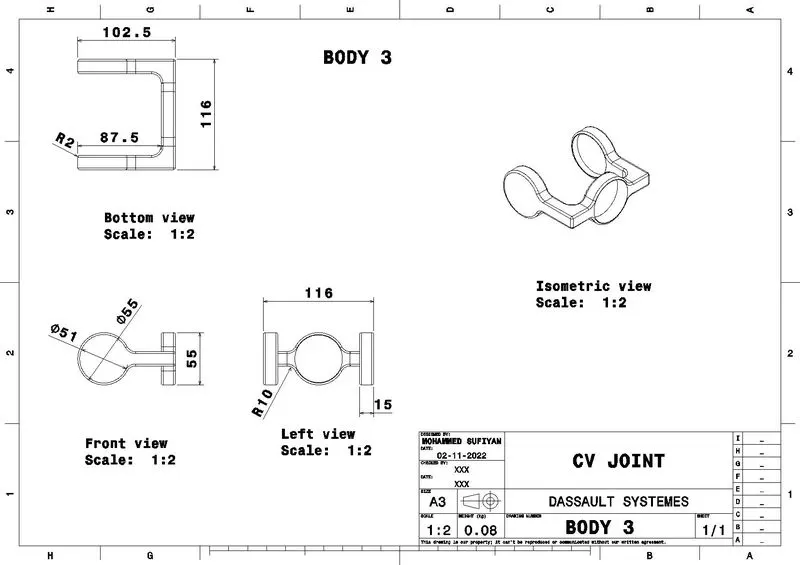
ASSEMBLY:
NOTE: I have submitted these files in zip file in that i have created folder of quick return mechanism and cv joint. In that folder i have created different folders like .CATPart is a different folder in that only part files are there. the files can be easily understandable. So please consider this. Thank you...