Week 10- Assembly Workbench
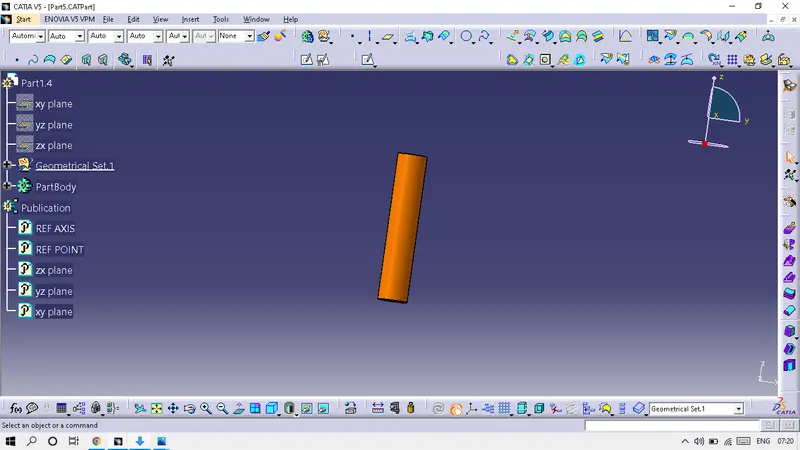
1. PART DRAWING-
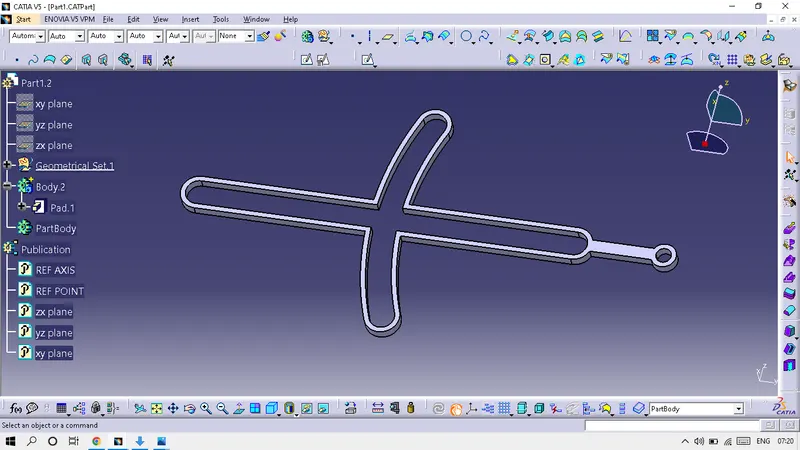
2. PART DRAWING-
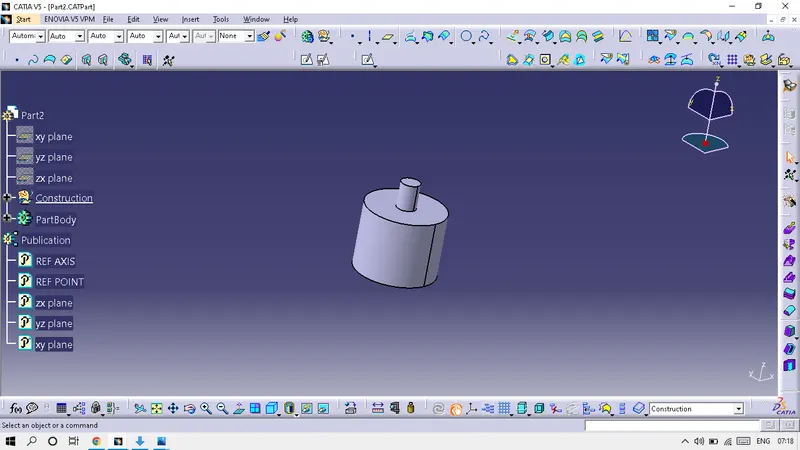
3. PART DRAWING-
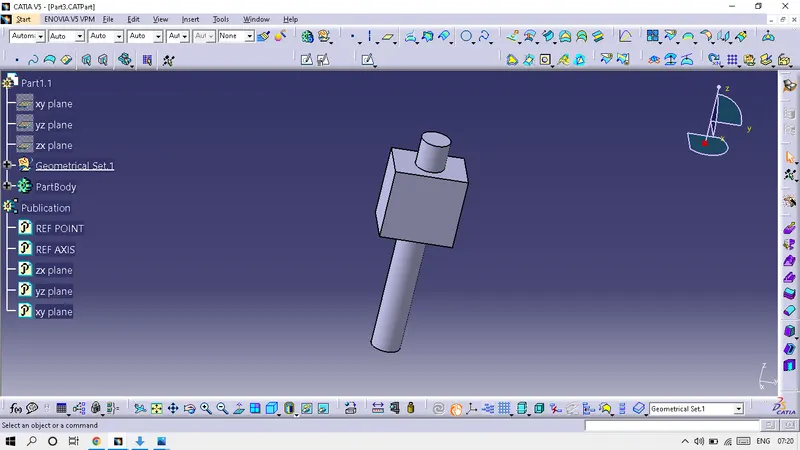
4. PART DRAWING-
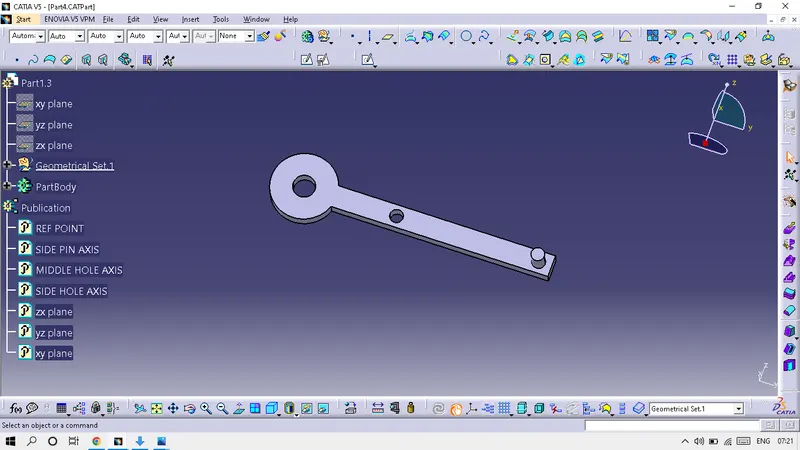
5. PART DRAWING-
6. ASSEMBLY DRAWING-
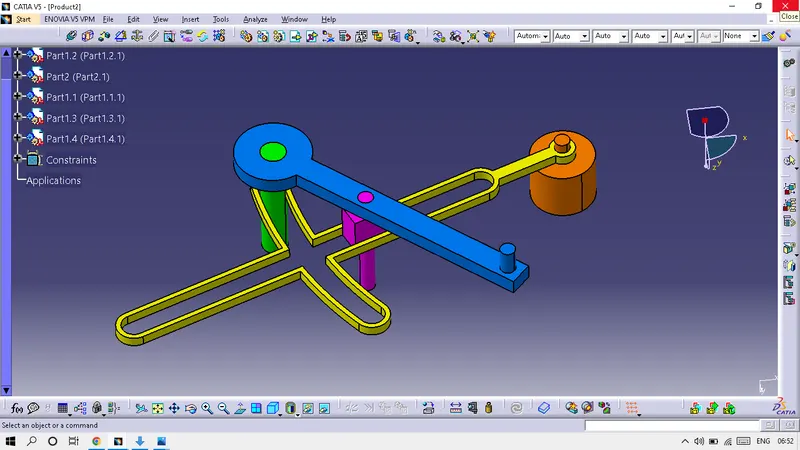
REPORT- Create all part in part design and then go to assembly design and click the exiting componant
select the all part and open.
we have saprate all part with the help of manipulation
First fix command used for fix the 1st part ( block). All part joint with the help of coincidence and surface contact. pin offset with the block .
then we have click the Manipulation command and click the drag around any axis and then click pin surface and then we can rotate it.