Week 10- Assembly Workbench
REPORT:
PROCEDURE FOR MAKING QUICK RETURN MECHANISM AND CV JOINT:
- Create all the parts separately in the part work bench.
- First create the sketch of the part in sketch work bench and sketch is Iso constraint.
- Then pad that sketch using pad feature in part work bench.
- Used Boolean operations to obtain the required output.
- Create all the parts seperately and save the CAT. Part.
- Then go to the assembly work bench and open the all the parts that created using “open existing component” feature.
- Then assemble them accordingly using the constraint tool box and move the parts in various directions as need using move tool bar.
- After completing assembly, create 2D drawing using drawing workbench.
- In drafting workbench created the 2D drawing as per the assignment given.
CORRECTION IN CV JOINT DRAWING
In CV joint drawing there is one miss match of the dimention in shaft section. kindly see the images below
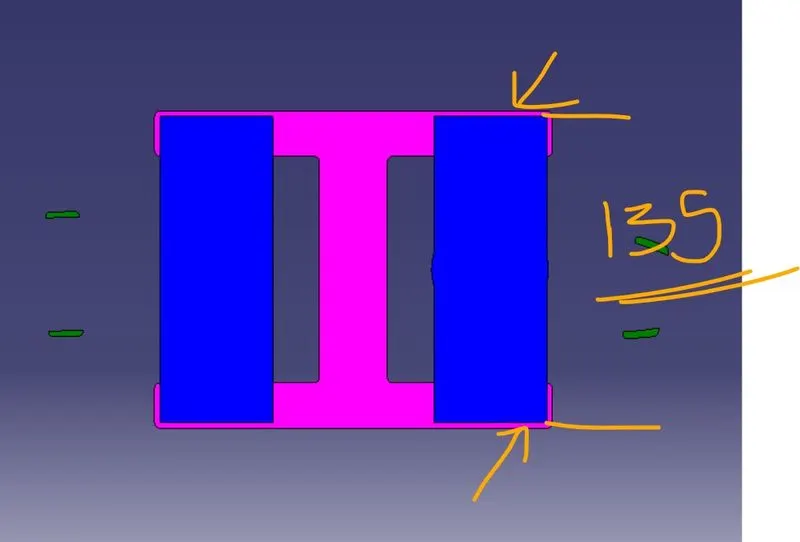
Above images are corrected one. The given length of the shaft is 100 mm which is not goint to align in the base. So i modified the length into 135 mm.
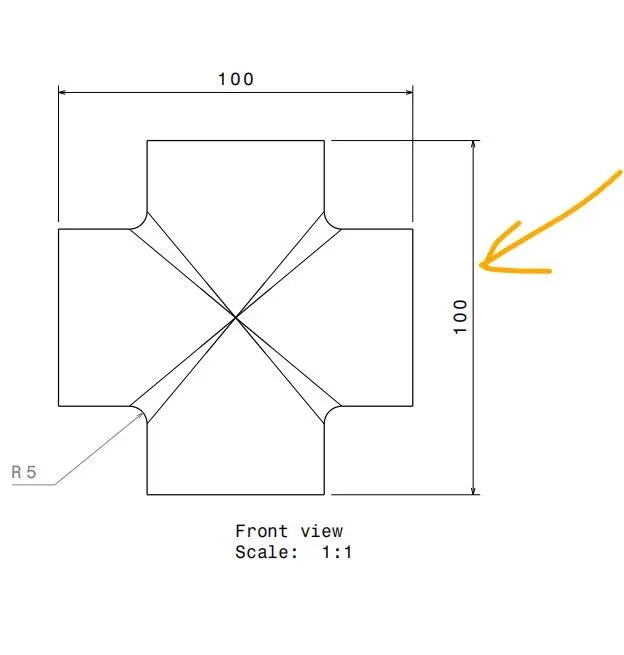
2D drafting cat file also attached in the zip file.