Week 10- Assembly Workbench
Aim:- To create 2 assemblies according to the content covered in the course videos. You will be provided with 2D diagrams of the components and you will have to first create the individual part files and then create a complete assembly of those part files in the assembly workbench. After creating the assembly make use of the drafting tools to create a 2D drawing similar to the one given in the assignment folder.
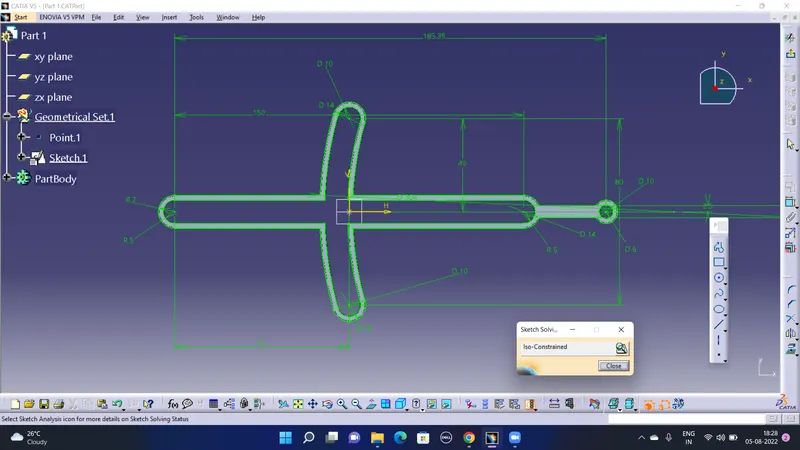
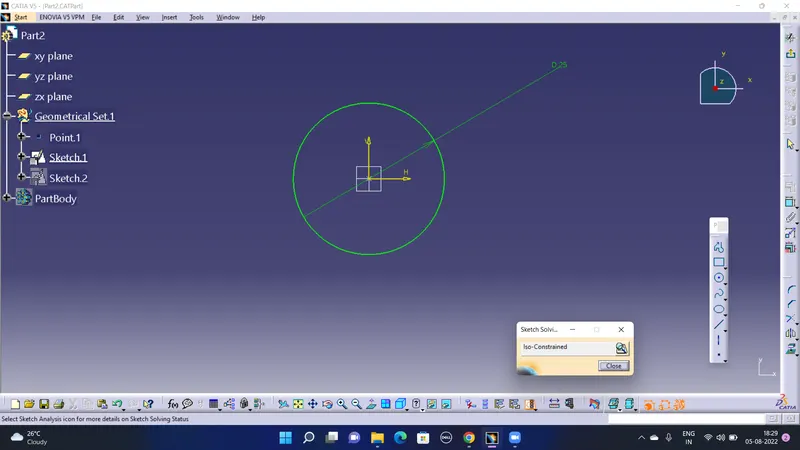
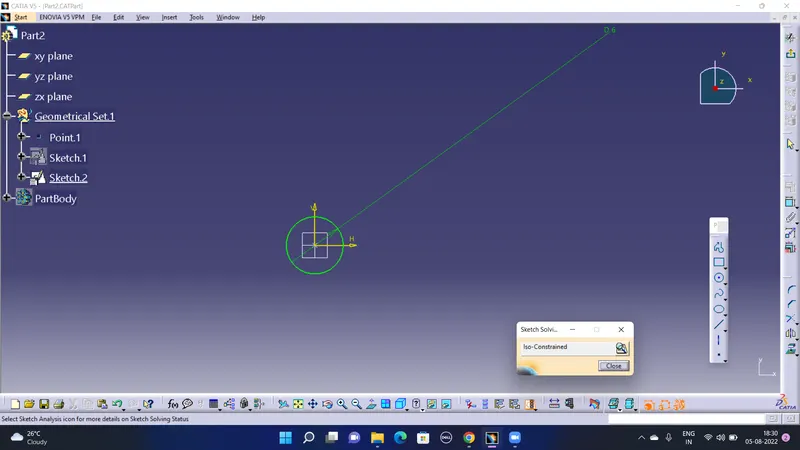
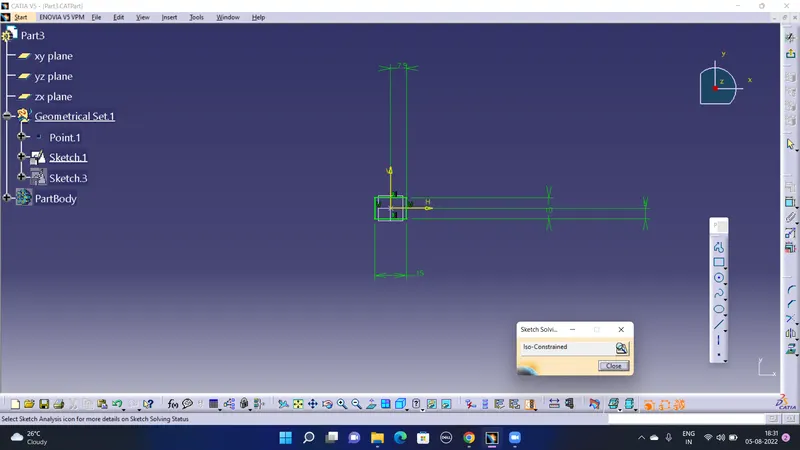
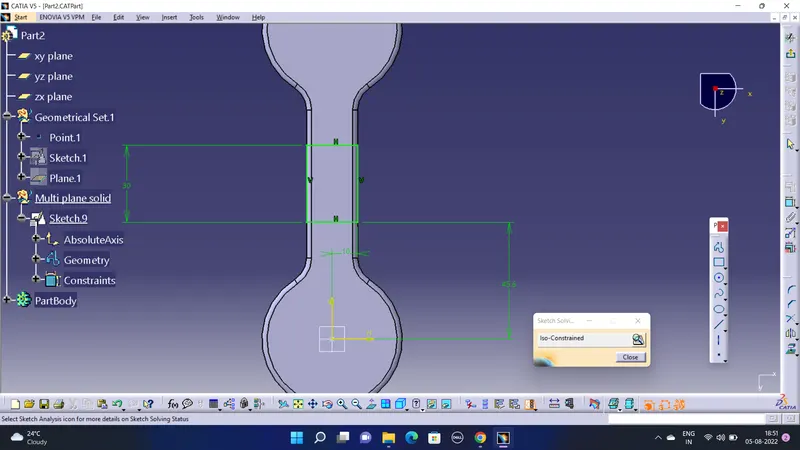
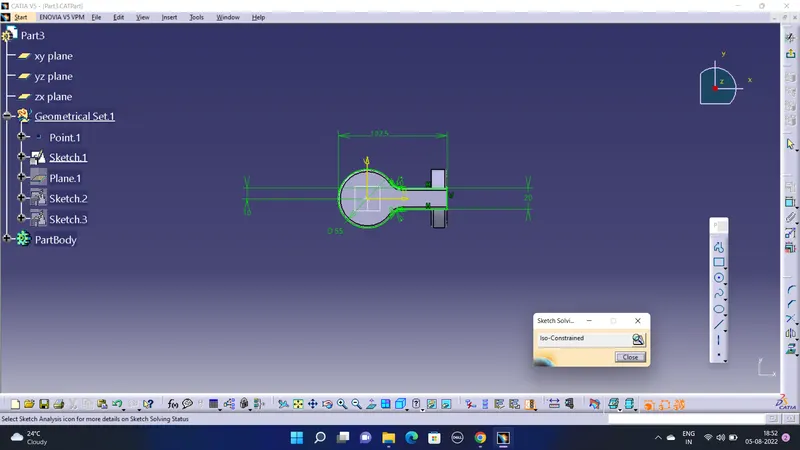
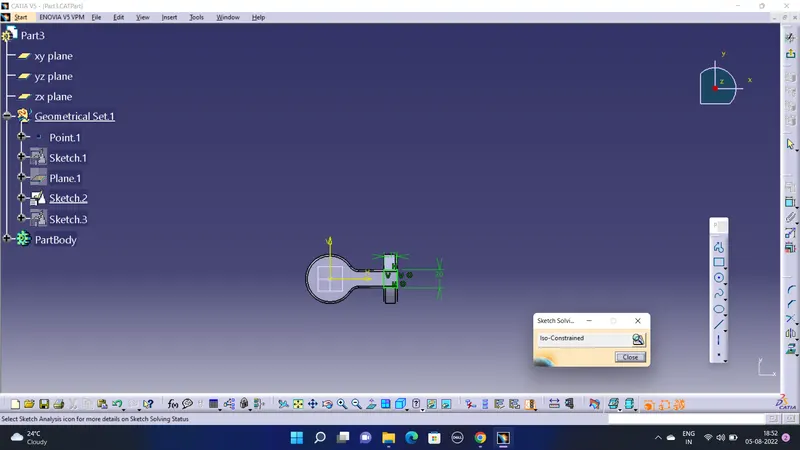
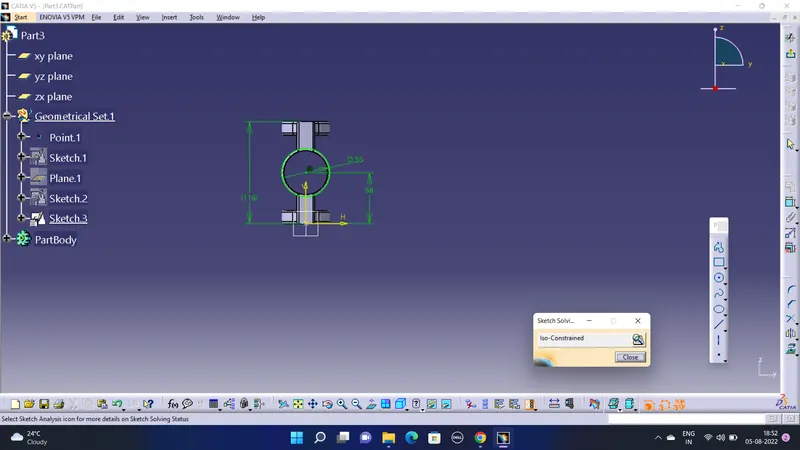
Screenshots of iso constrained Sketches:-
For Drawing 1:-
Part 1:-
Part 2:-
Part 3:-
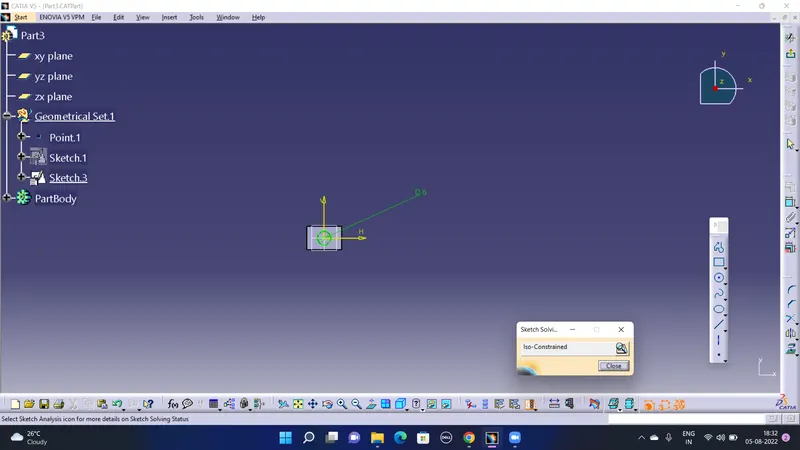
Part 4:-
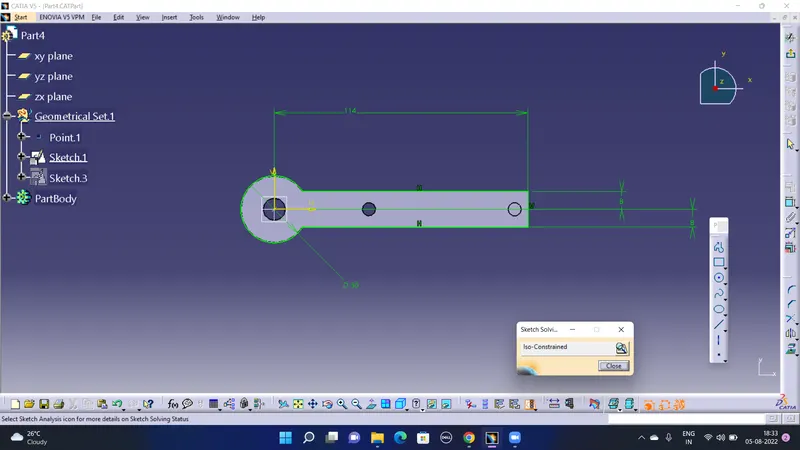
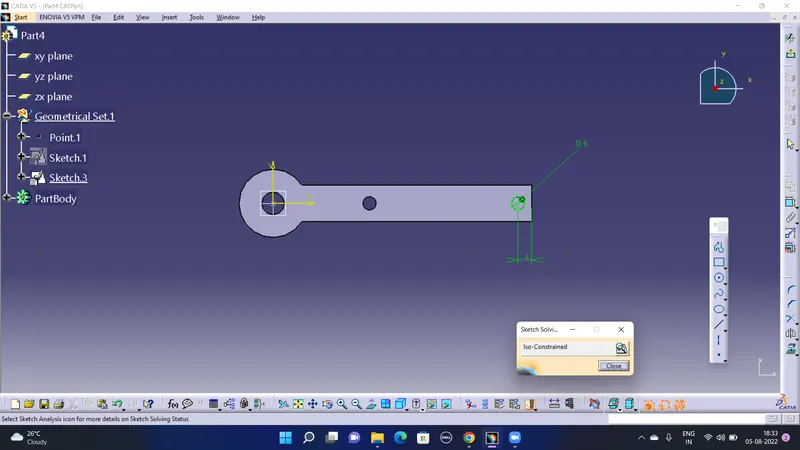
Part 5:-
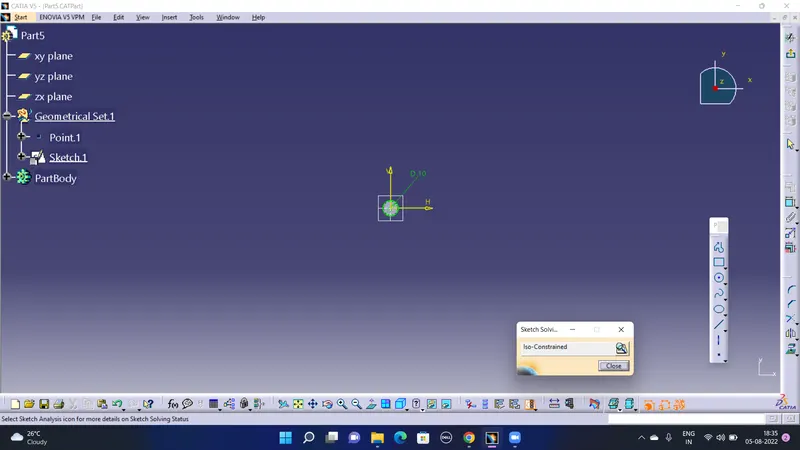
Assembly 1:-
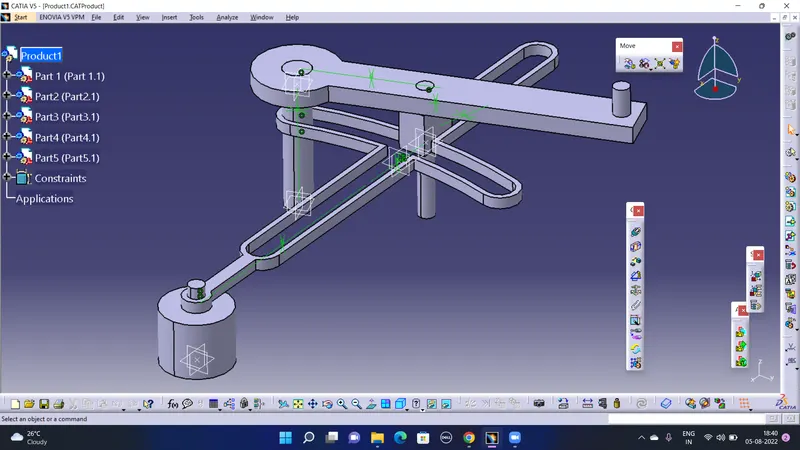
Axis of separate parts were taken coincidence withe the respective part to be assembled, one part was made fixed to which the rest of the part were assembled with. The position was constrained with the help of offset constraint tool.
Screenshots for Drawing 2:-
Part 1:-
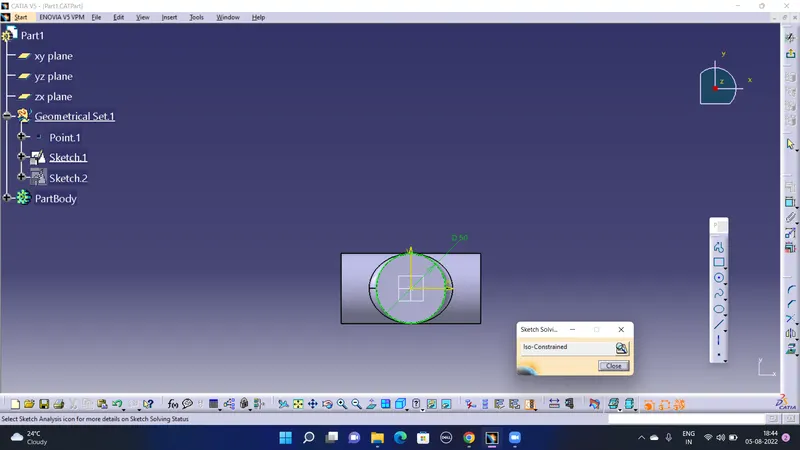
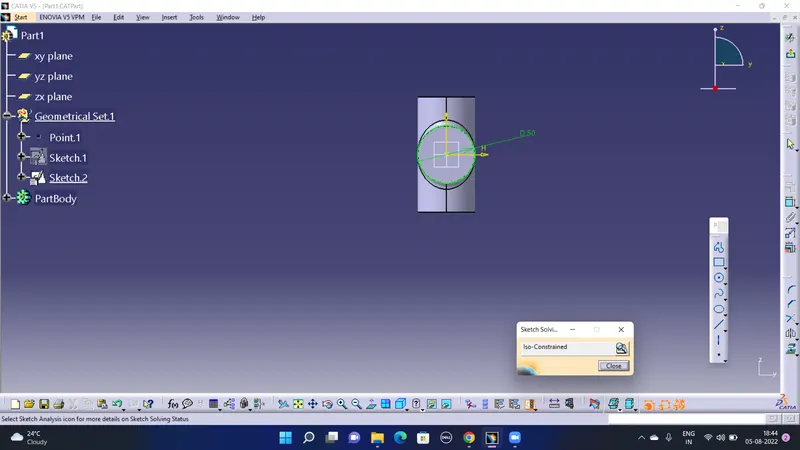
Part 2:-
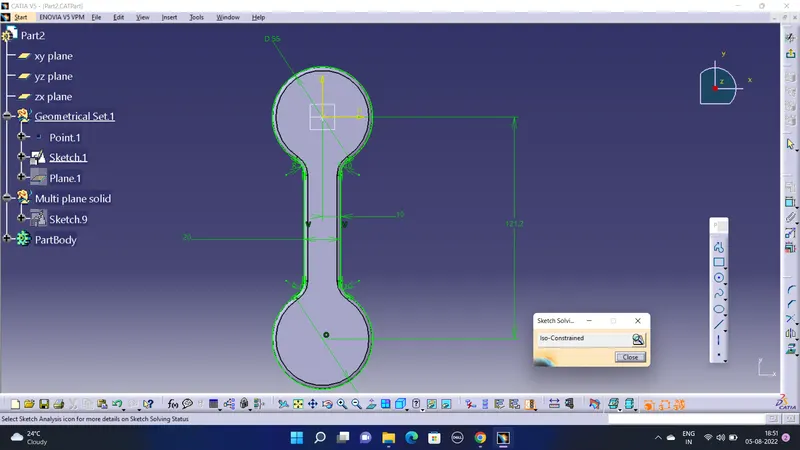
Part 3:-
Assembly 2:-
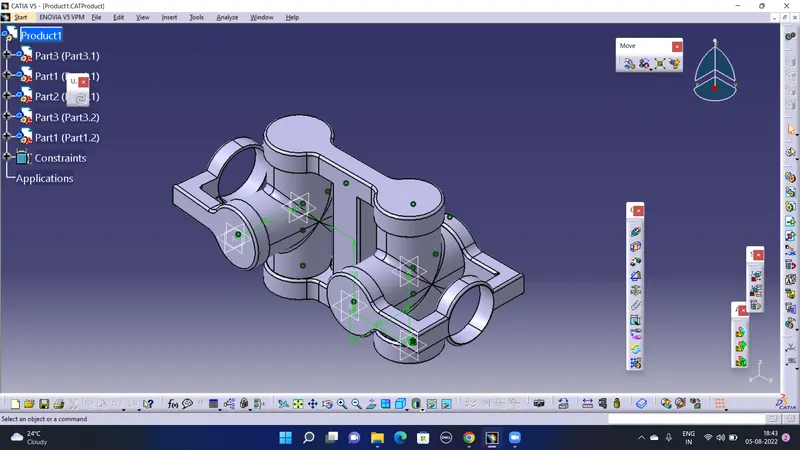
Axis of separate parts were taken coincidence withe the respective part to be assembled, one part was made fixed to which the rest of the part were assembled with. The position was constrained with the help of offset constraint tool.
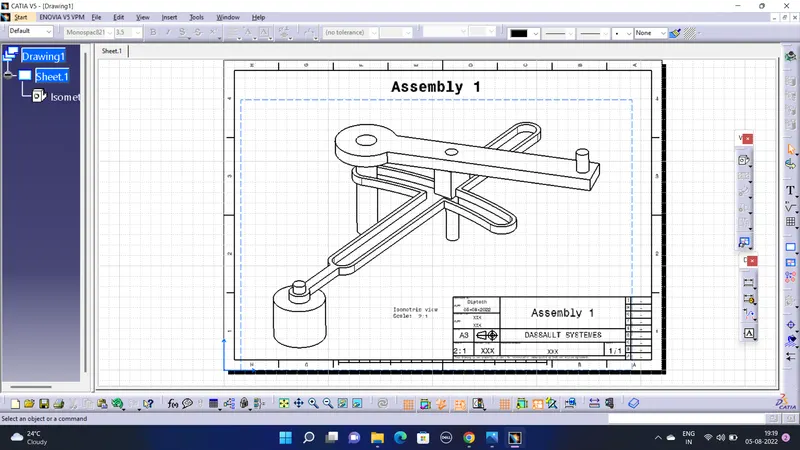
Drafting For Drawing 1:-
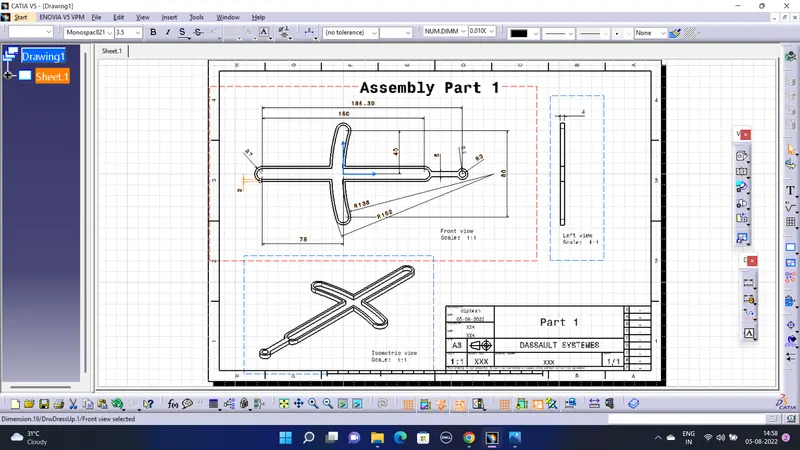
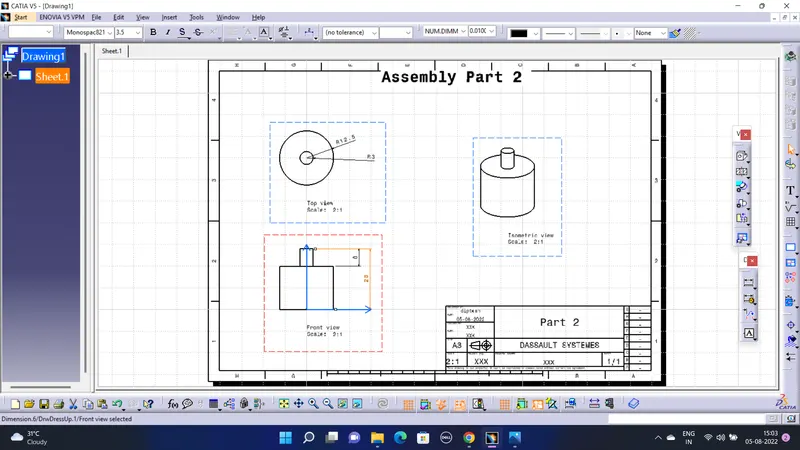
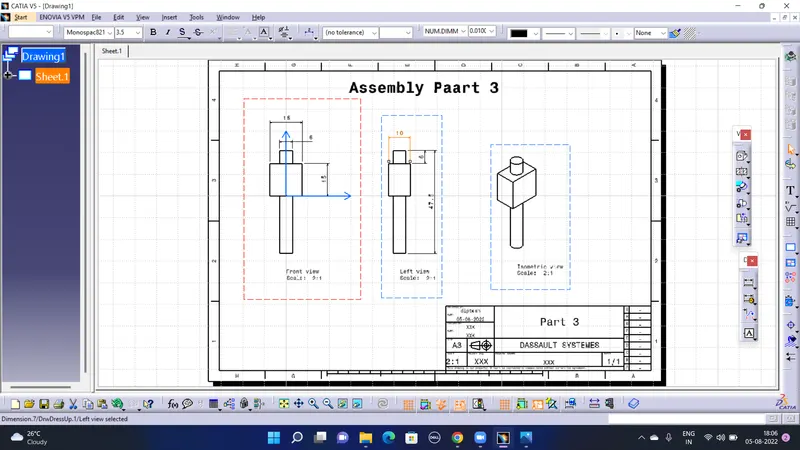
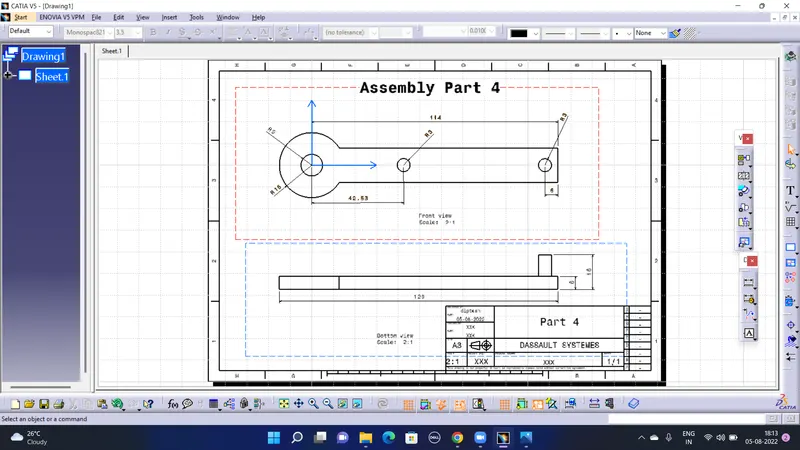
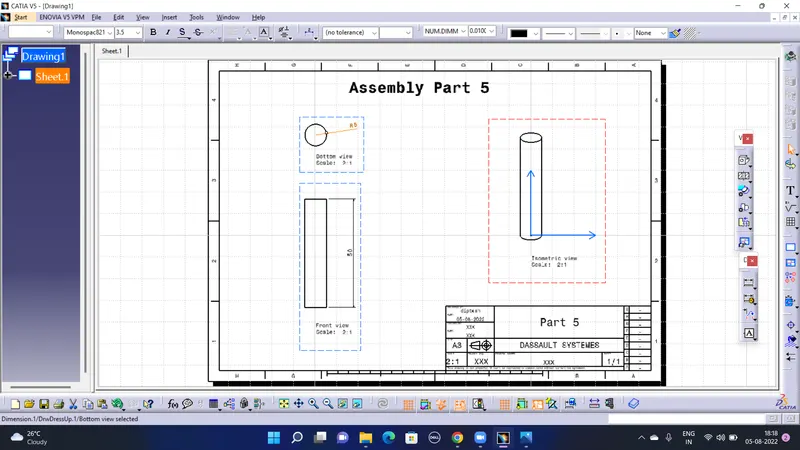
Drafting For Drawing 2:-
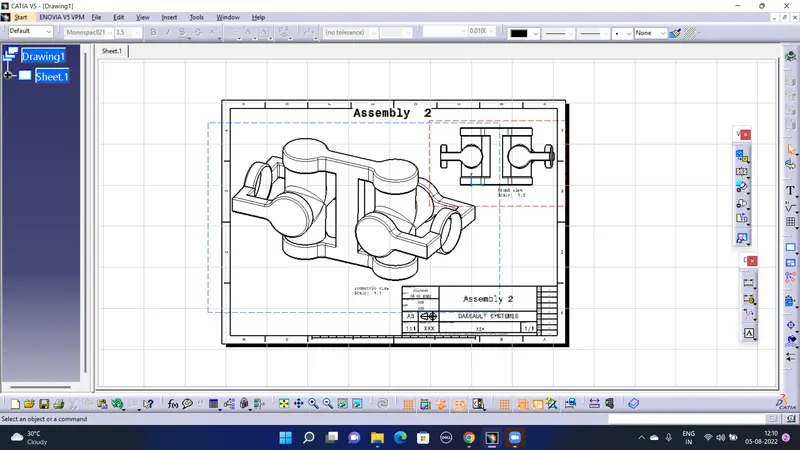
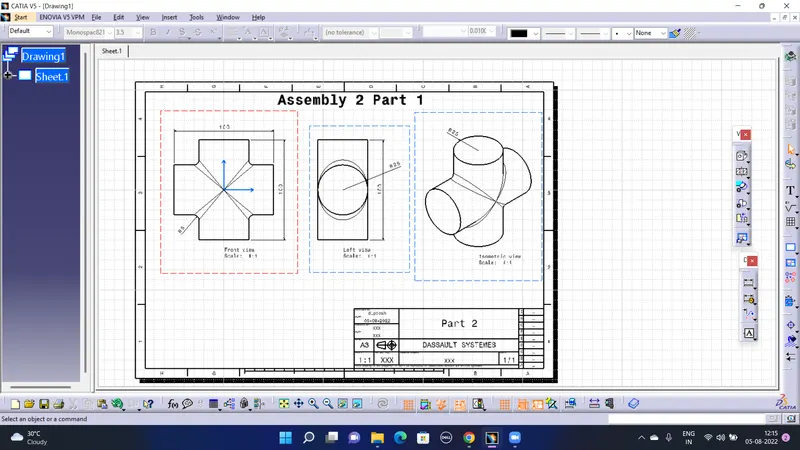
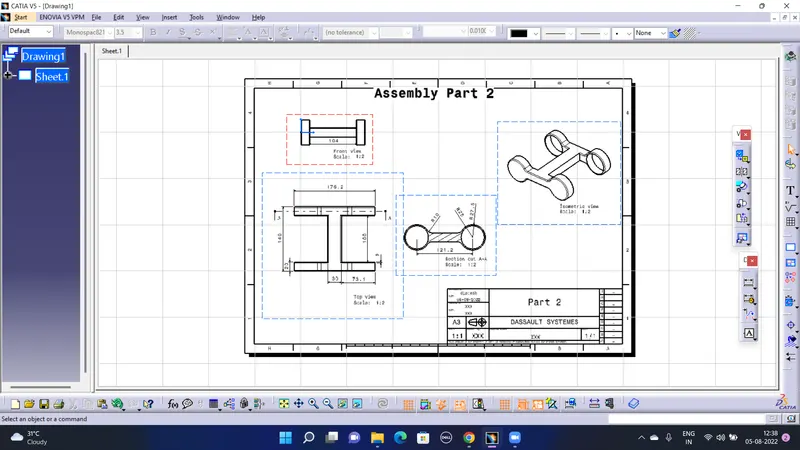
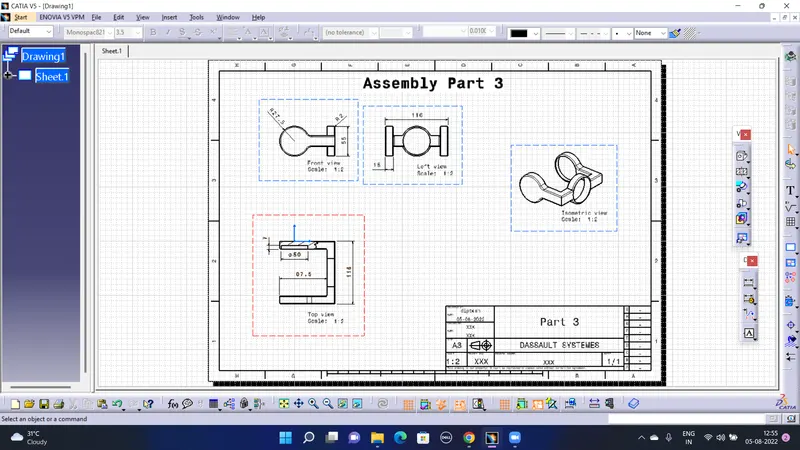
Conclusion:- All the Screenshots for part sketches, Assembly and Drawings are added to the report. A zip file containing part file , assembly file and drawing files is attached to the report.