Week 10- Assembly Workbench
QUICK RETURN MECHANISM
MODEL FOR QUICK RETURN MECHANISM
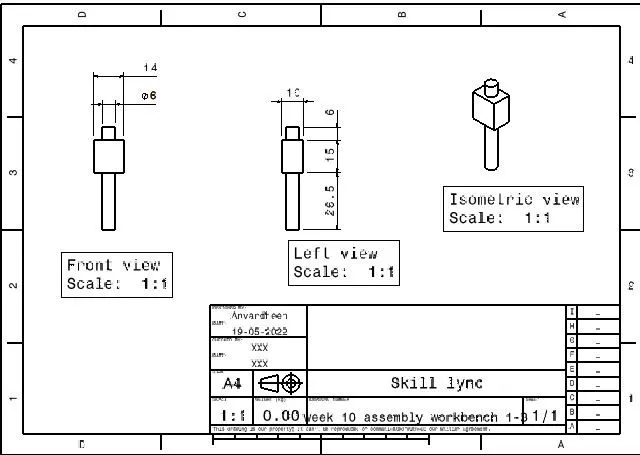
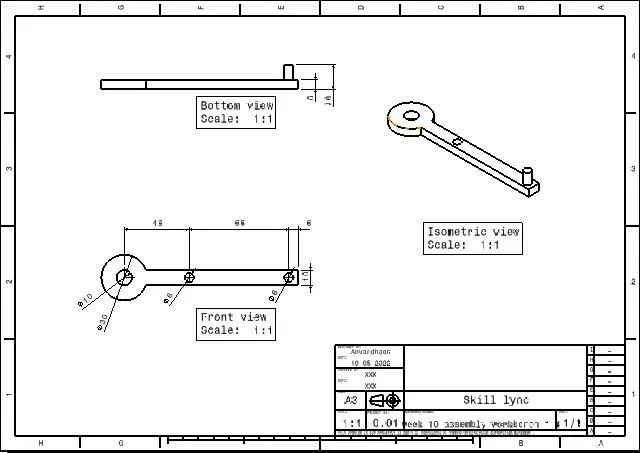
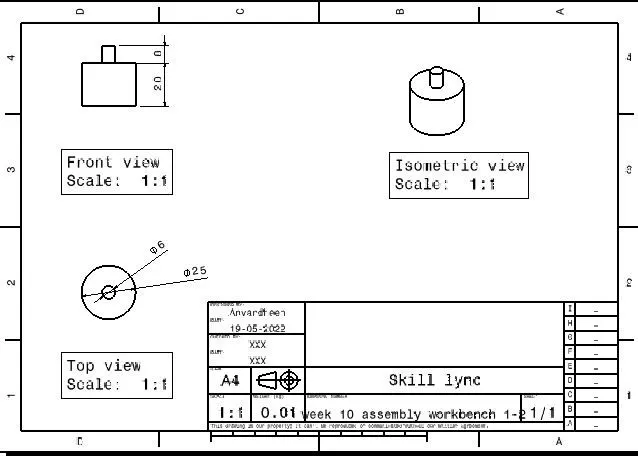
Part model are done using the part work bench for the various models of the quick return mechanism, images of the part models are given below.
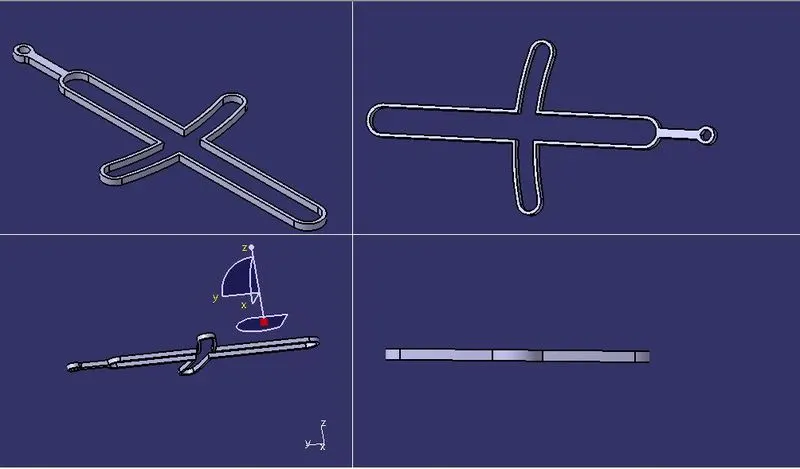
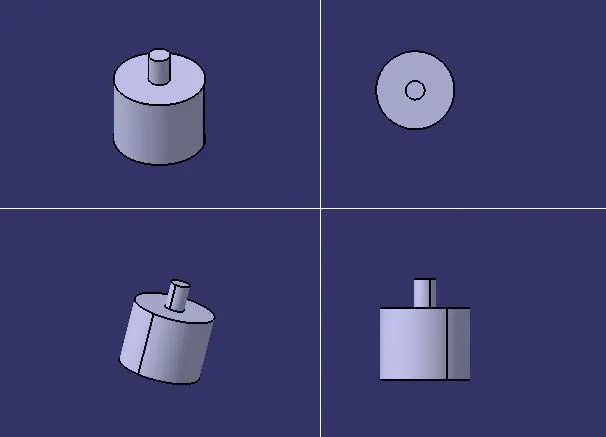
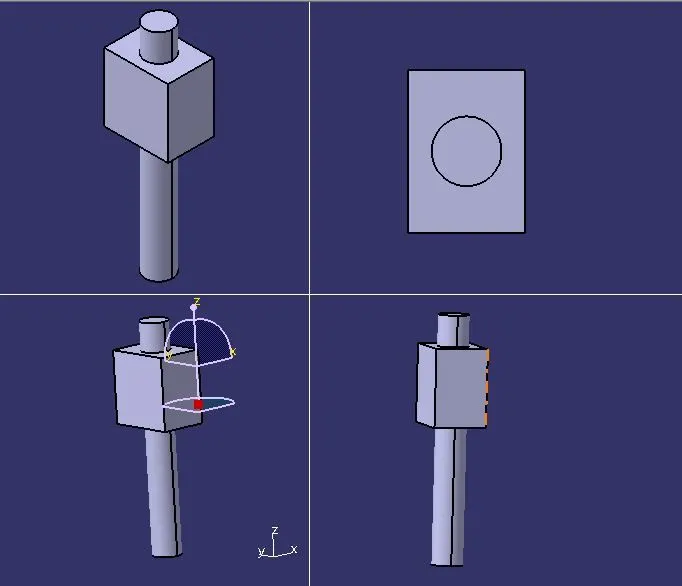
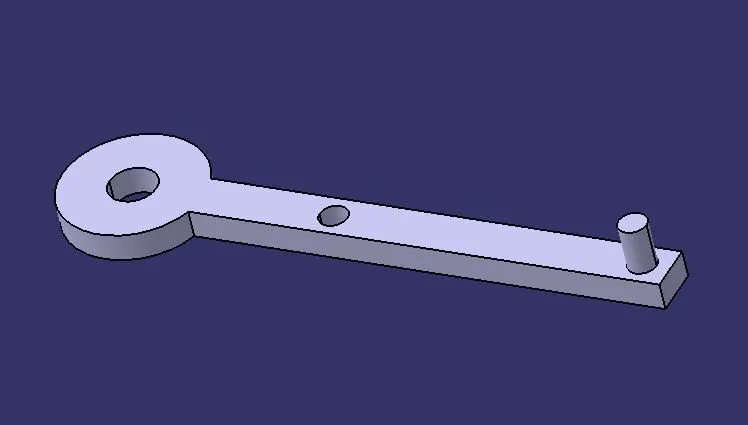
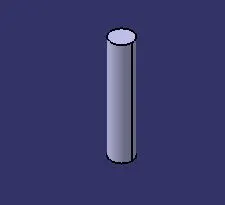
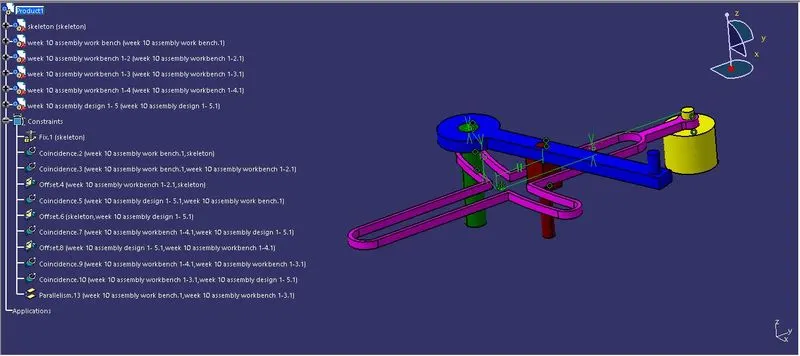
The modeled parts are opened in the assembly workbench and using the propper constraints these parts are assembled together to form the quick return motion mechanism.
Here various constraints are used to make the propper assembly they are also given below.
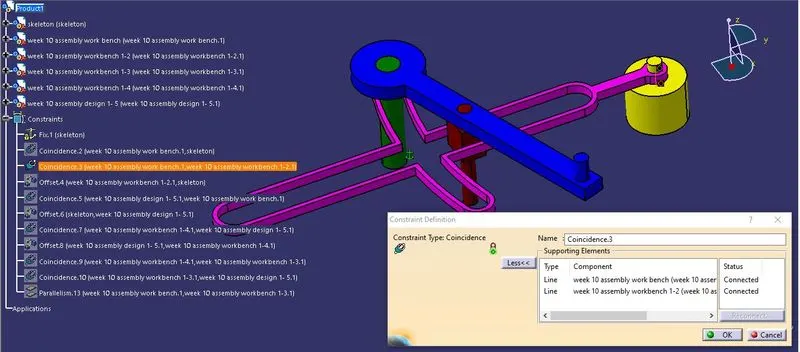
Coincidence constraint is used to make two planes or axis, alligned to gether. It is shown in the above image, here two axis are alligned using this coincidence command.
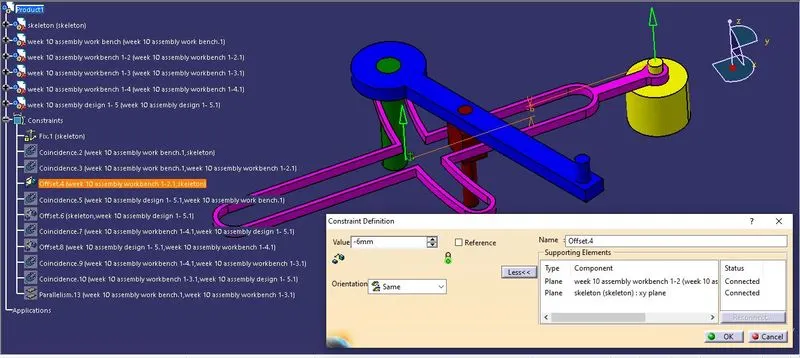
This command is used to give an offset value between planes of two different objects.
Angle constraint is used to specify the angle between two planes, that may be parallelism or perpendicularity.
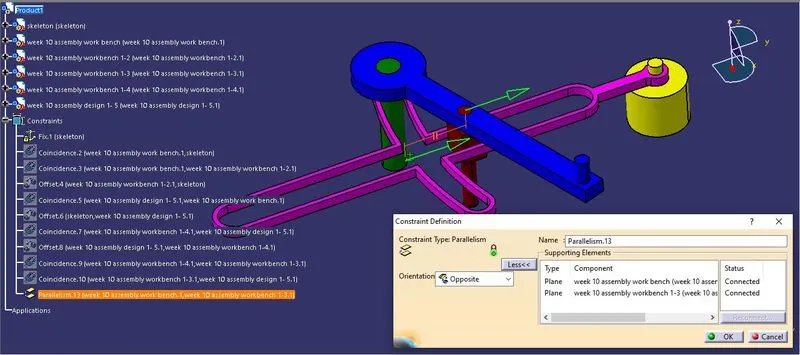
and the final assembly is done using the above commands.
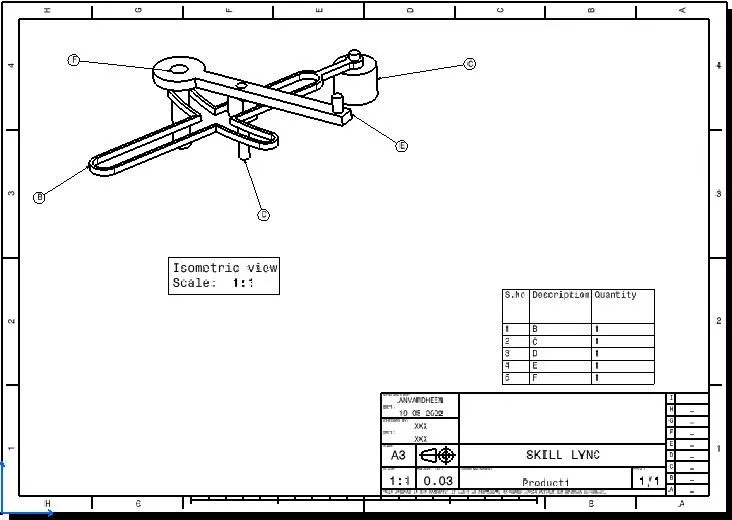
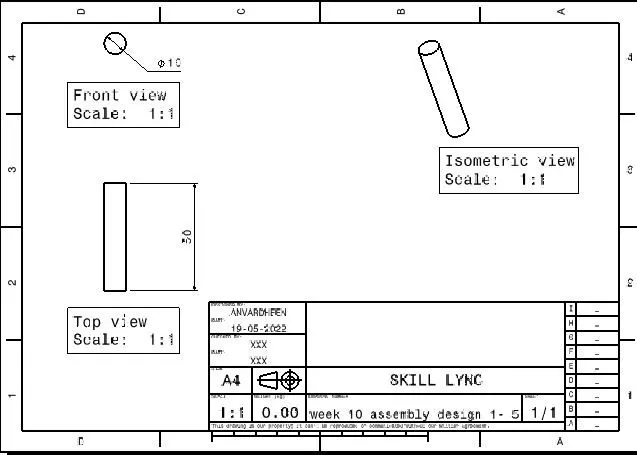
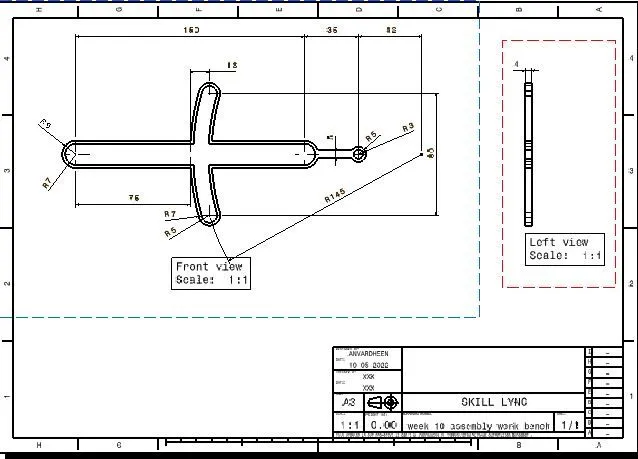
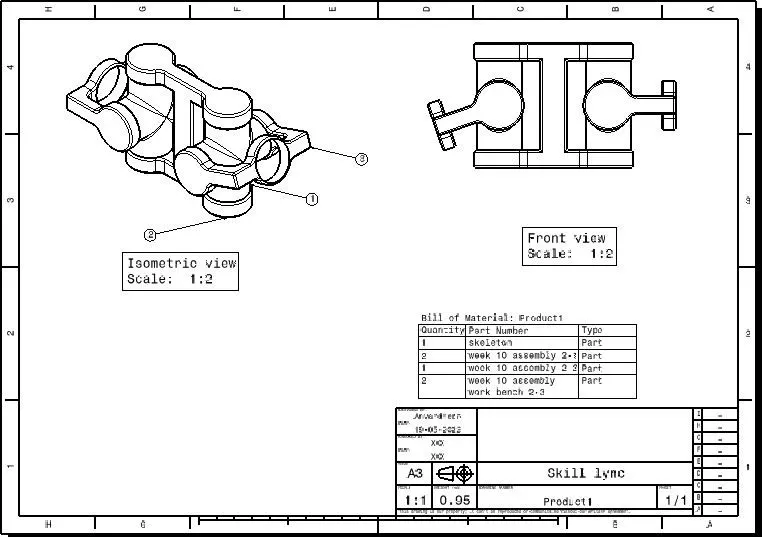
then detailed drafting is also done for the above assembly in assembly level as well as part level.
Also followed the same steps for creation of the cv joint model.
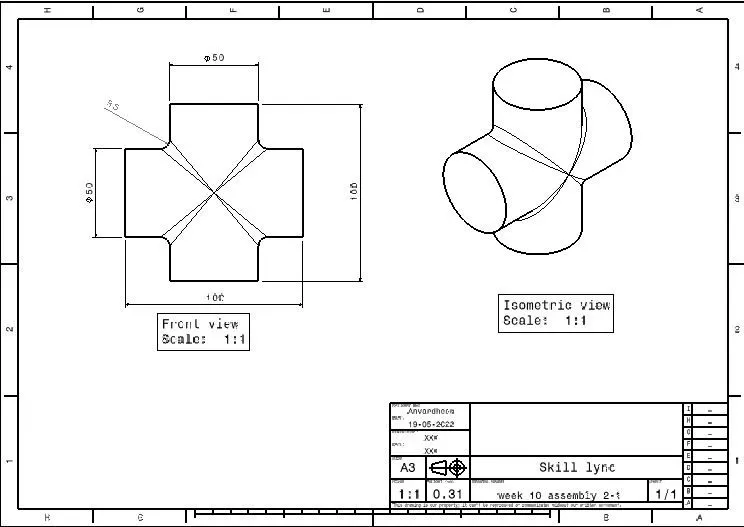
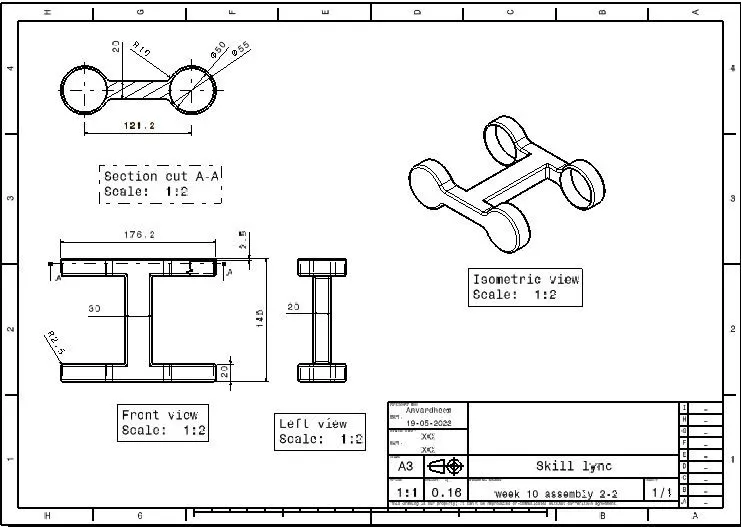
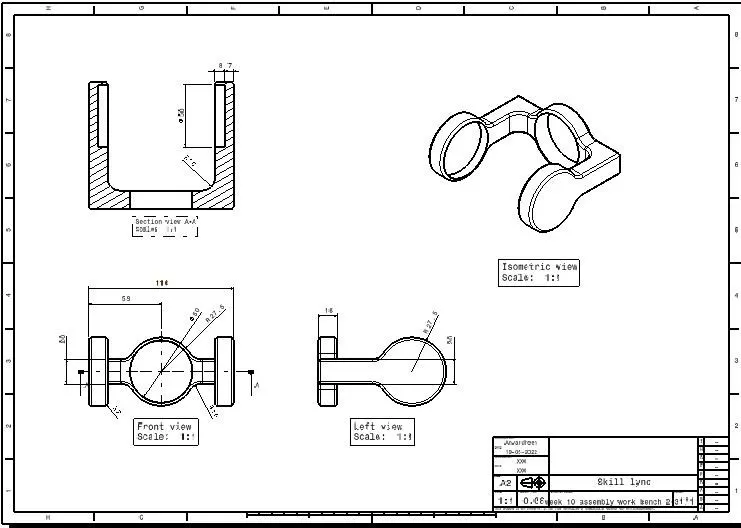
Part model are done using the part work bench for the various models of the CV Joint, images of the part models are given below.
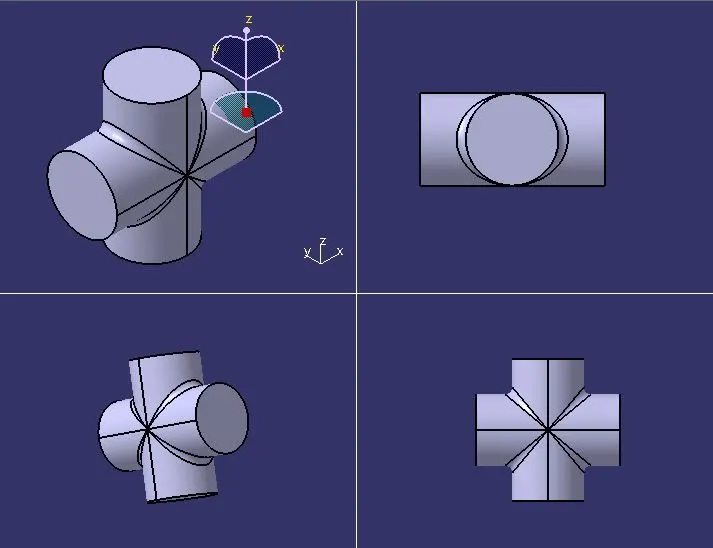
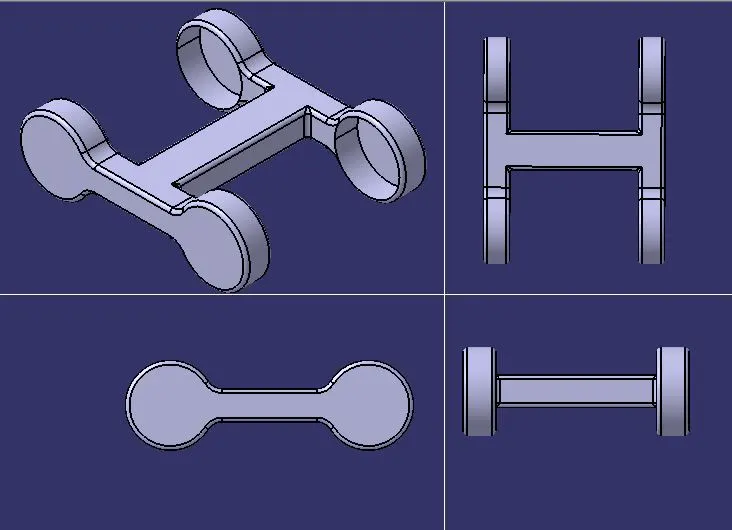
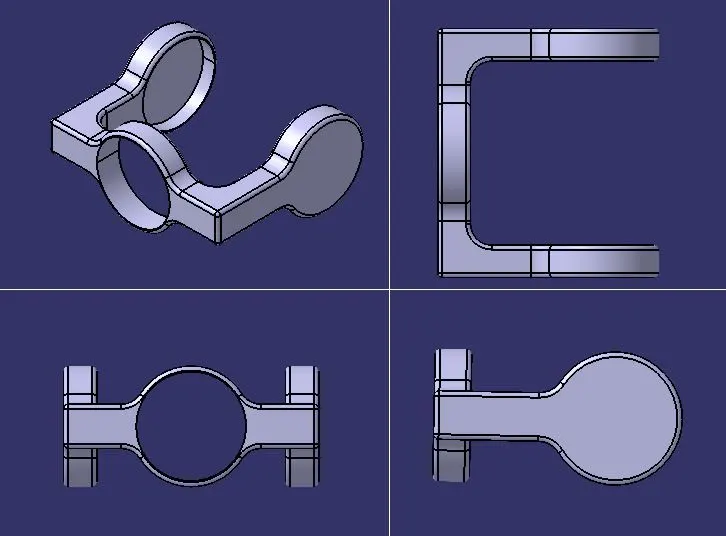
The modeled parts are opened in the assembly workbench and using the propper constraints these parts are assembled together to form the CV Joint.
Here various constraints are used to make the propper assembly they are also given below.
Fix command is shown above, it is used to fix an object in the specified location.
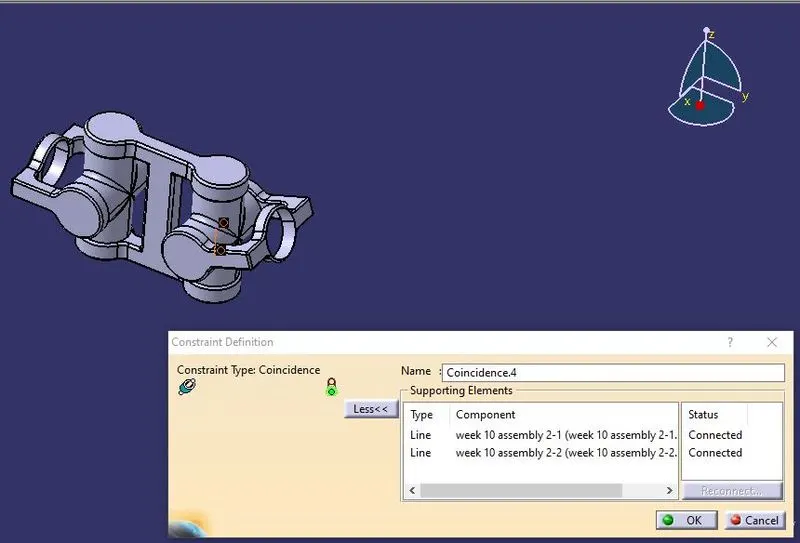
Coincidence constraint is used to make two planes or axis, alligned to gether. It is shown in the above image, here two axis are alligned using this coincidence command.
 .
.