Week 1 : Exploring the GUI of GT-POWER
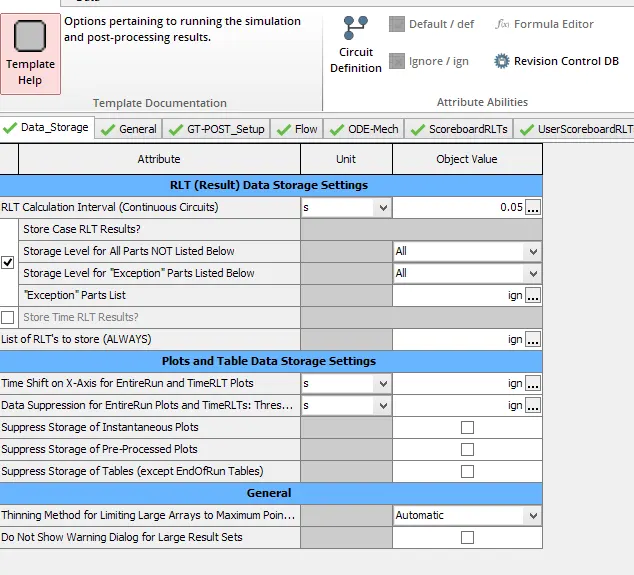
1. GUI of GT SUITE and list down modules available with brief description :
GEM3D is a graphical 3D tool used to build and discretize flow systems for use with GT-SUITE. It provides the ability to build models using component templates, import shapes from an STL file, connect complete flow systems, dimension the model, and automatically discretize. The resulting discretized model from GEM3D is compatible with GT-SUITE and can be opened directly using GT-ISE.
GT-ISE : Starting with v2016, the design of the GT-ISE toolbar is changed to ribbon style. This will potentially result in less cluttered drop-down menus and easy-to-find context sensitive items on the toolbar.
GT-POST is a plotting and data-handling tool used by GT-SUITE. Several uses of GT-POST are shown in this tutorial through consecutive sections analyzing the results of a basic engine simulation.
GT-SPACECLAIM is used to aid the user in converting from their existing CAD formats to a format and geometry that can be read by the other GT-SUITE preprocessing tools, GEM3D and COOL3D.
2. LOCATION OF
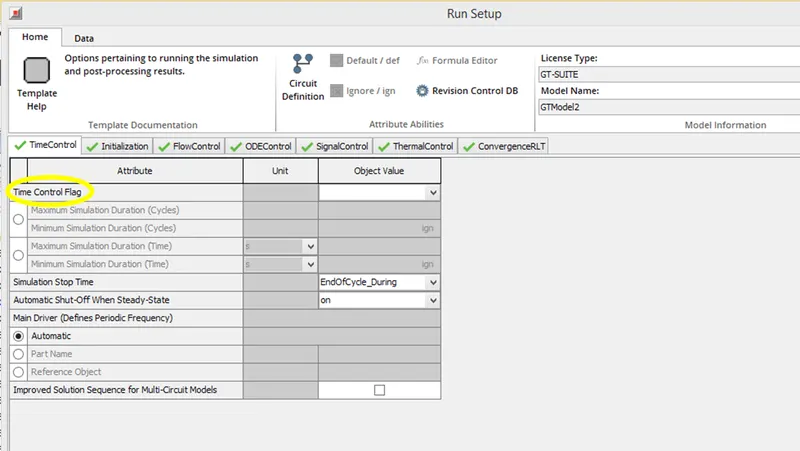
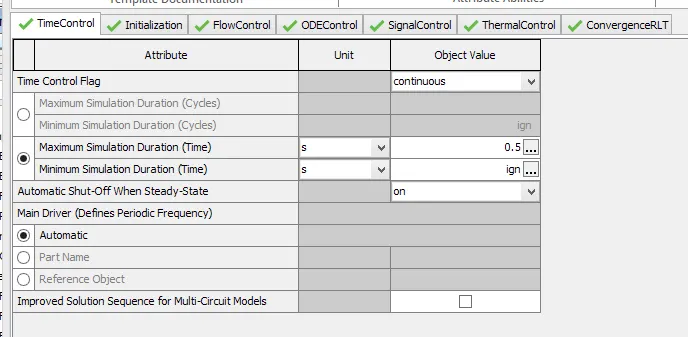
TIME CONTROL FLAG : Run Setup -> TimeControl folder.
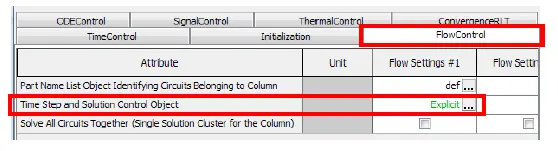
TIME SETUP & SOLUTION CONTROL : Home Run Setup and Output Setup
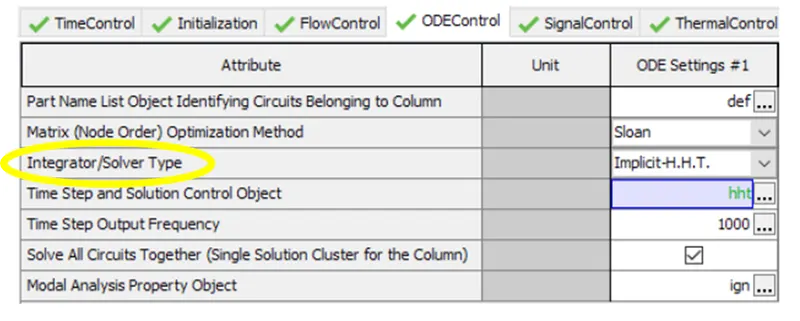
Integrator/Solver type :
4.
Given
- Diameter of cooler inlet and outlet pipe= 50 mm
- Length of the CAC= 1000 mm
- Inlet mass flow rate = 1200 kg/ h at 100 degC
- Outlet pressure 2 bar at 30 deg C
Calculate the Average heat transfer at Charge air cooler = 6.288kw
Calculate pressure drop across CAC = 7.09E-6 bar
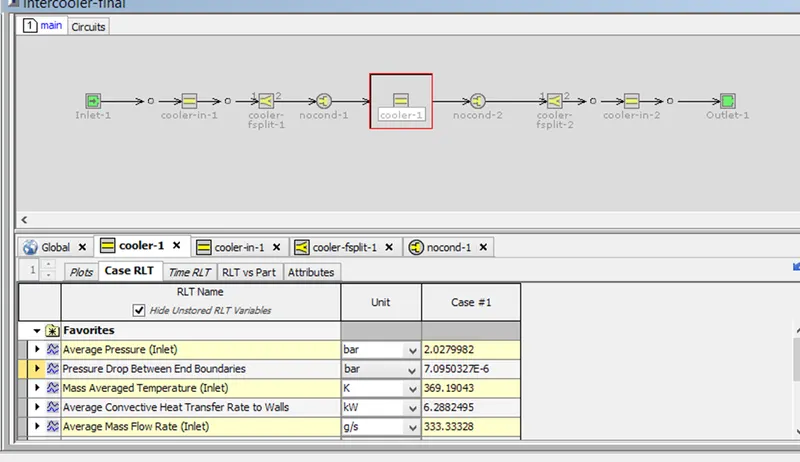
3. All settings of intercooler
Run Setup
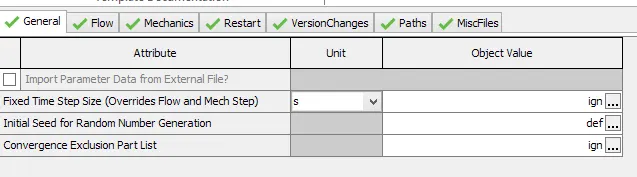
Advanced Setup
Plot Setup
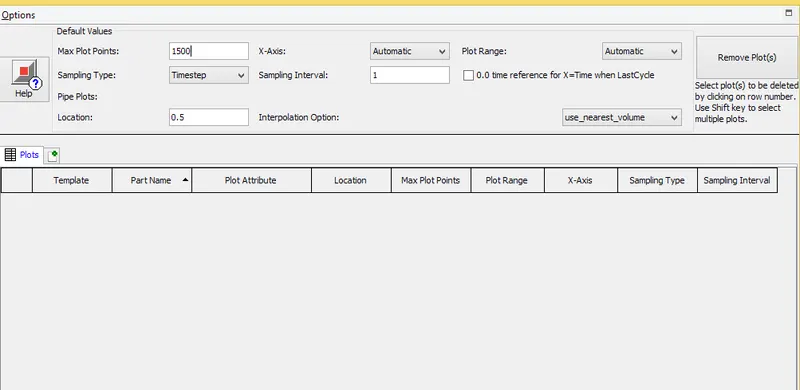
Output setup