Week 1 Challenge
AIM:
To calculate the dead load and apply it in STAAD pro and do structural analysis.
GIVEN DATA:
- Span of the bridge is 12m
- Pier size is 2.5m
- Width of the bridge desk is 10.2m
PROCEDURE:
To calculate the self-weight of each structural element (RCC is 25kN/m3)
I consider as half section and calculate the half section self-weight and then multiple in two.
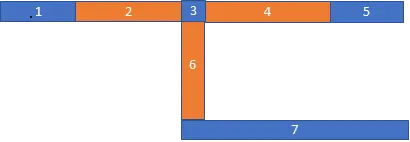
- 900*225*25/1000000 = 5.06
- 1370*350*25/1000000 = 11.9
- 269*350*25/1000000 = 2.3
- 1200*350*25/1000000 = 10.5
- 1361*225*25/1000000 = 7.6
- 1850*250*25/1000000 = 11.5
- 2010*200*25/1000000 = 10
TOTAL = 58.86
58.86*2 = 117.72 kN/m
To using STAAD pro
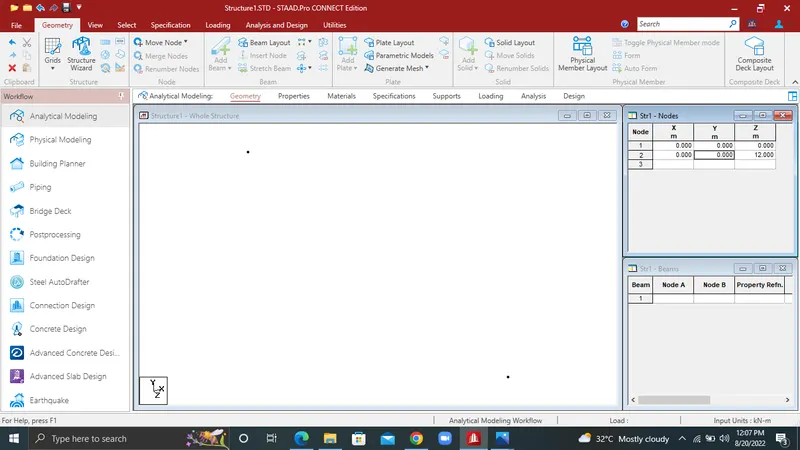
- Selected the geometry section and then enter node
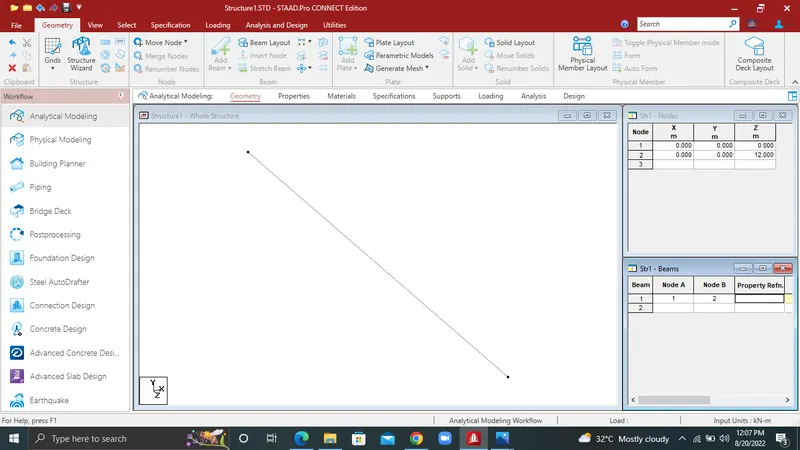
- Enter the beam
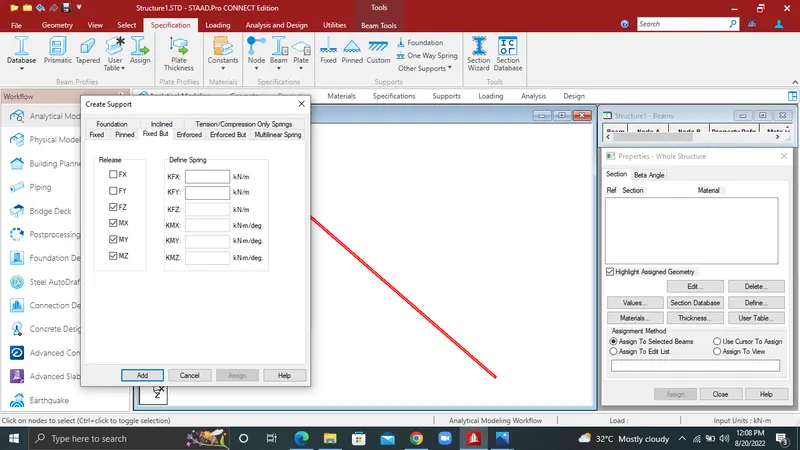
- Next go the specification section to selected the custom >to click FZ,MZ,MY, MX> Add>support 2> Assign to selected nodes.
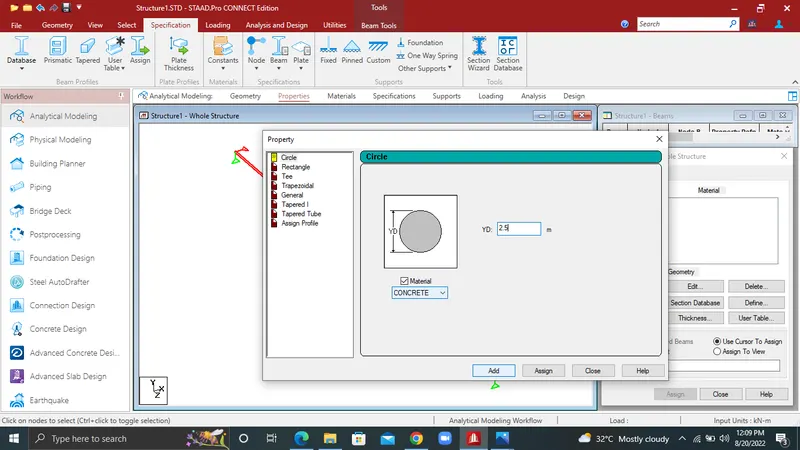
4.Next selected the prismatic>circle>2.5m dia>material CONCRETE>Add
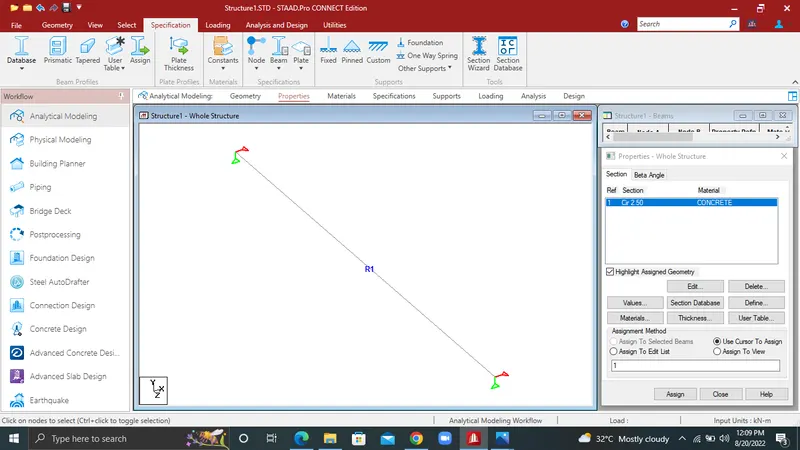
5.To selected the cr2.5>assign to selected beam.
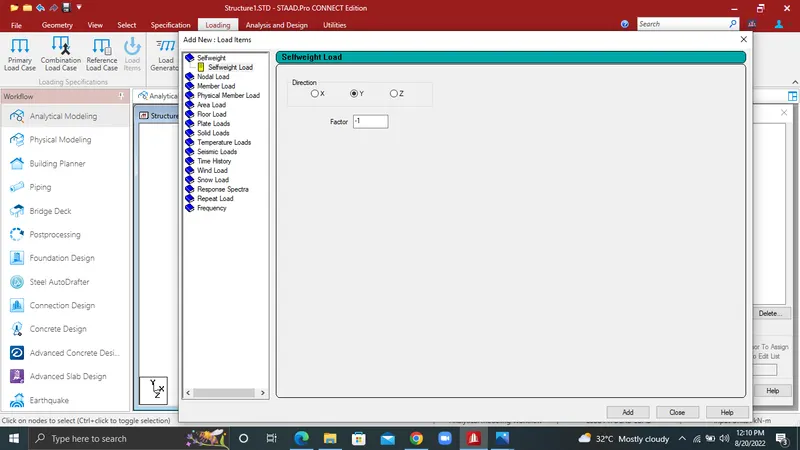
6.Next go the Loading>To create the deadload>Add>self-weight>Y>-1>Add
7.And then already to calculate the deadload and to selected the member load.
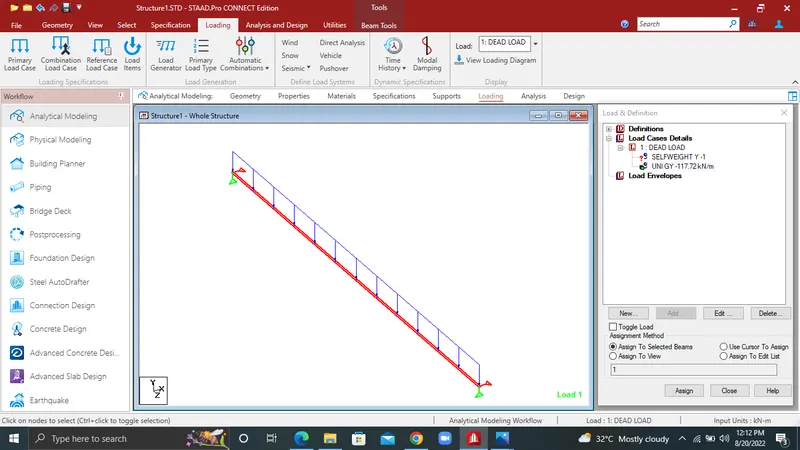
8.Next one is analysis and design section>Analysis commend>Add
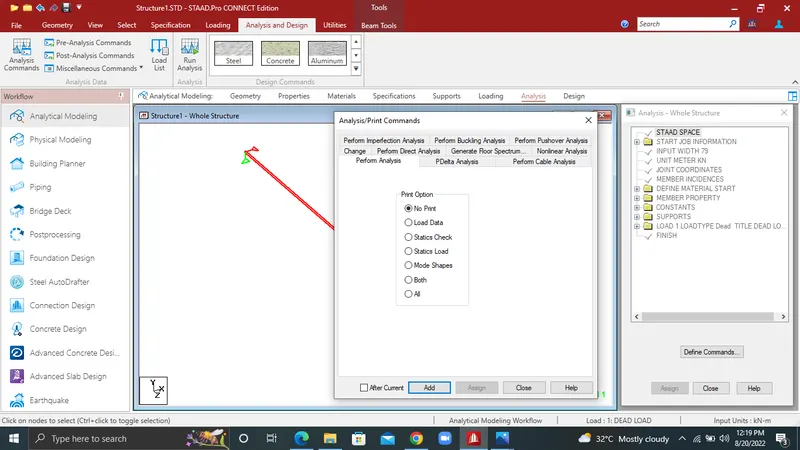
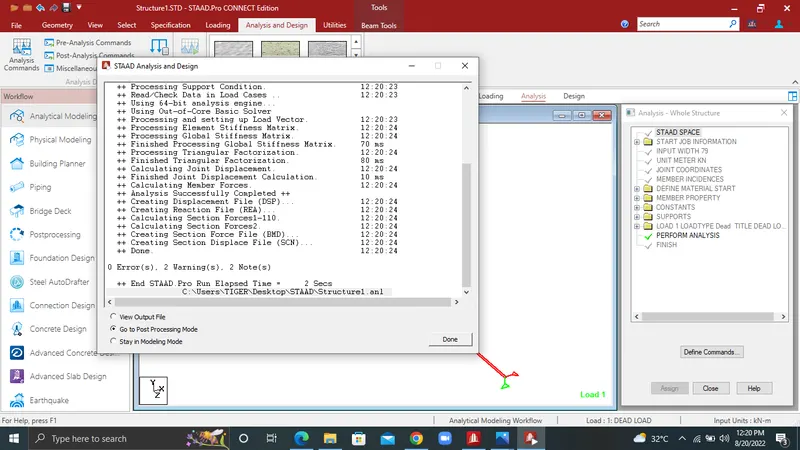
9.Perform analysis>Run analysis>Go to post processing mode.
10.Envelope of load cases in selected list>ok.
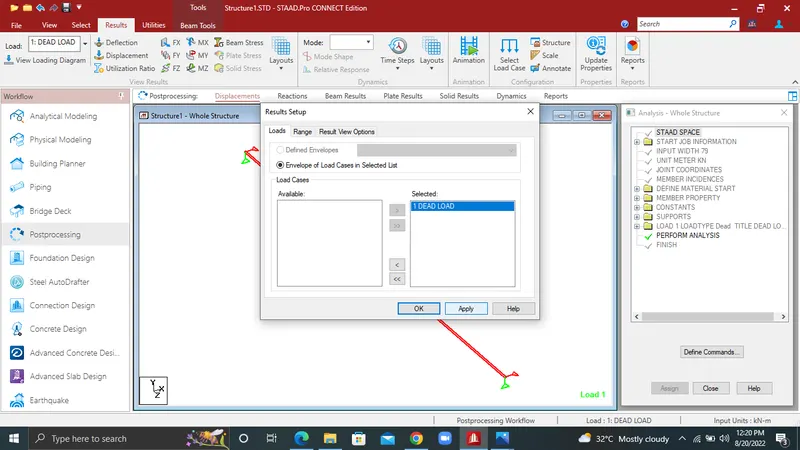
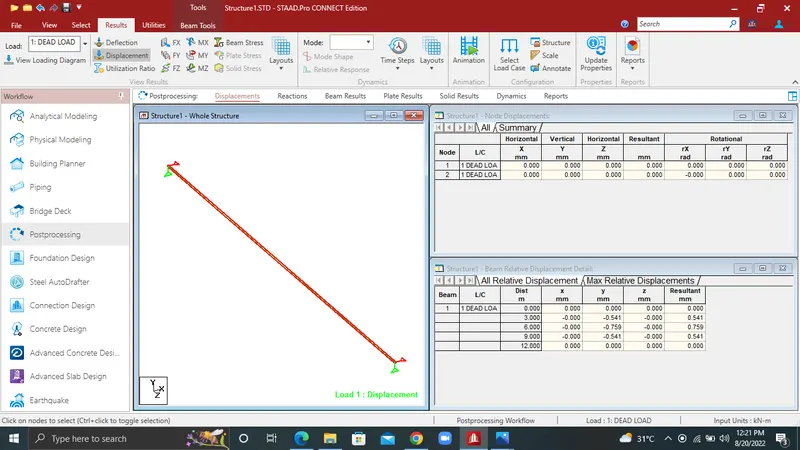
11.Displacement
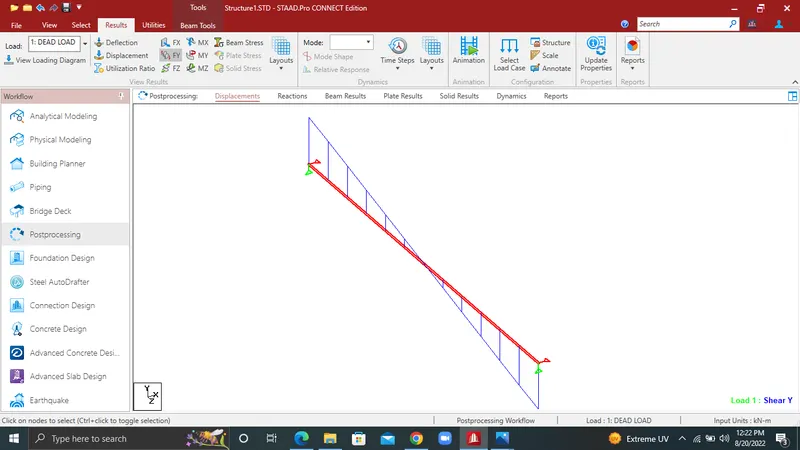
12.Shear Y
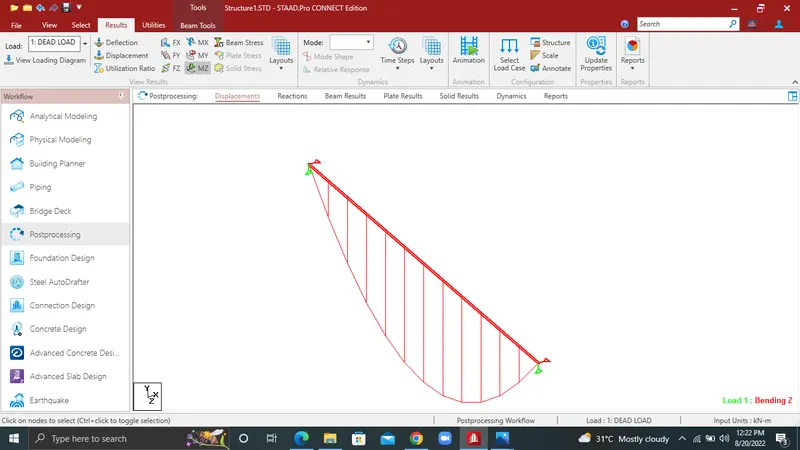
13.Bending moment
Result:
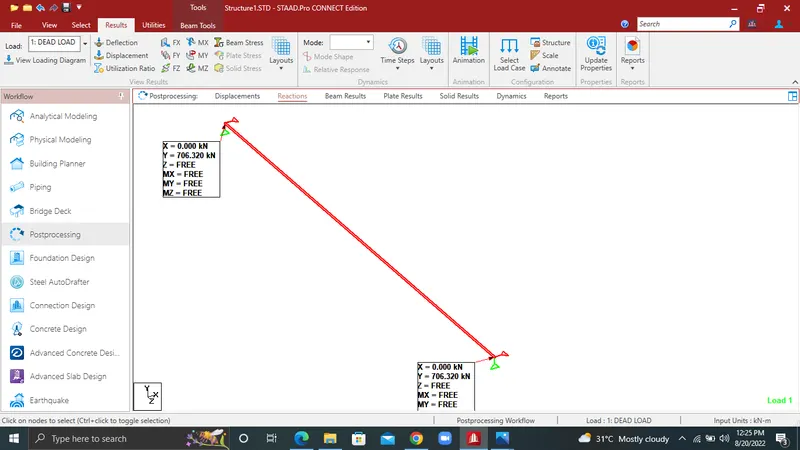
SF = WL/2
= 117.72*12/2
= 706.32 kN/m