Week 1 Challenge
AIM: TO CREATE STAAD MODEL WITH THE FOLLOWING INFORMATION.
Q1 1. 1. Write the steps involved to upload a .std file through web mail?
2. Name the different materials that can be designed using STAAD Pro.
3. Is it possible to capture images in STAAD Pro? If yes how?
4. Name the three ways by which you can create a model.
5. Write the steps followed to assign properties in a model.
ANS: FOLLOWING ARE THE STEP FOR DOWNLOADING STD FILE
2. materials that can be designed by staad pro.
a steel,concrete ,aluminium and timber.
3.yes it is possible to capture the image
a. by snapshot
b. go to tab UTILITIES AND SELECT TAKE PICTURE.
4. WAYS BY CREATING MODEL
a. analytical b.physical c. building
5.following are the steps to assign properties in a model
GO TO MATERIAL AND SELECT THAT PARTICULAR MATERIAL AND ASSIGNED.
2. 1. Name any six design parameter involved in RCC design.
2. What are the different cursor types available in STAAD Pro?
3. How will you generate different views for a model? State the steps involved.
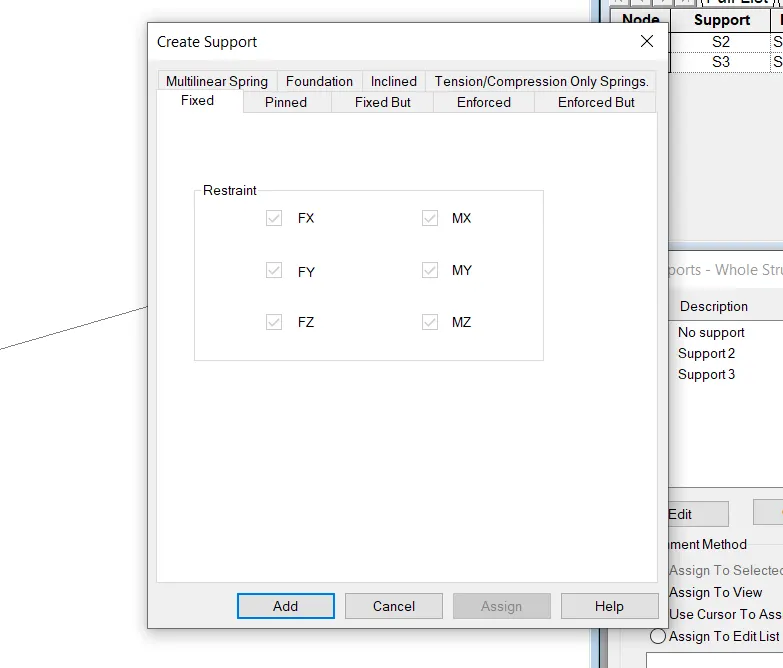
4. Explain the procedure to define a “Simply Supported” condition in STAAD Pro
5. Name any five topics that you will include while creating DBR.
6. Describe the term “Multi material design” of STAAD Pro.
1.six design parameter involved in RCC design
1. geometry
2. property
3. materials
4. support
5. loading
6. analysis
3. DIFFERENT VIEW FOR A MODEL
GO TO VIEW. a isometric view,top view, back view, front view,left view, right view.
4.For simply supported condition
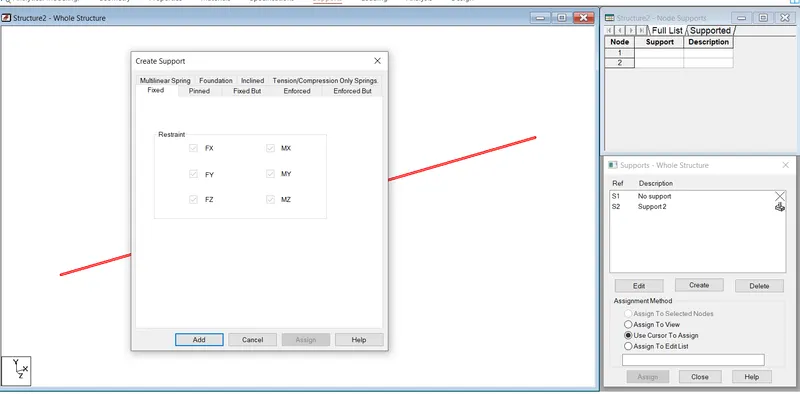
go to support ,click on create ,open dialog box click on fixed ,add and assigned on the beam.
5Five topic that is included in DBR
a area of zone b. wind speed, c. material specificitation,d. soil type, e. loading condition
3. 1. Name the structure systems in STAAD Pro? Explain each system?
2. Explain the coordinate system adopted in STAAD Pro software.
3. Elaborate DBR and its uses.
4. Explain the different types of analysis options in STAAD pro.
5. Explain the difference between Fixed and Fixed But condition
1.Name OF the structure system
a. SPACE whose geometry is 3D and loading can be from 3 direction and joints may be any
b. PLANE whose geometry is 2d and loading in 2 direction and even deformation in 2 direction.
c. FRAME. whose geometry is 2d ,loading is perpendicular to the horizotal axis and jointa may be any
d TRUSS whose geometry is 3d and loadind in 3d, but joints is pinned.
2. Which coordinates system adopted in staad pro.
GLOBAL COORDINATE SYSTEM adopted in staad pro.
3 uses of DBR
4.Types of analysis
a .perform analysis- it is linear static analysis and mainly used in building of primary load condition.
b. p delta analysis- it is 2nd order analysis ,used in seismic zone or windy area analysis.
c perform cable analysis - used in cable , mostly in bridges.
5. Difference between fixed and fixed butt condition.
fixed - in this condition body will not move in translational as well as rotational motion. i.e restrain
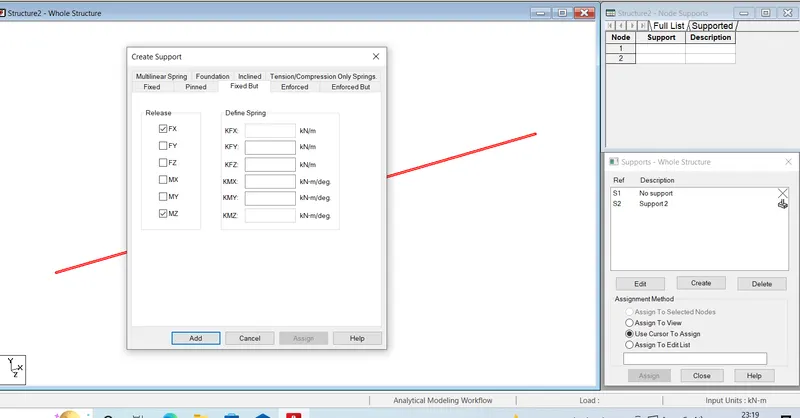
fixed but-in this condition body will move in horizotal ,so release in Fx and Mz.
Practical
1. Create a STAAD Model with the following Specification
a. A beam of span 16m
b. Support : Fixed on one end and Roller support(Horizontal) on the other end
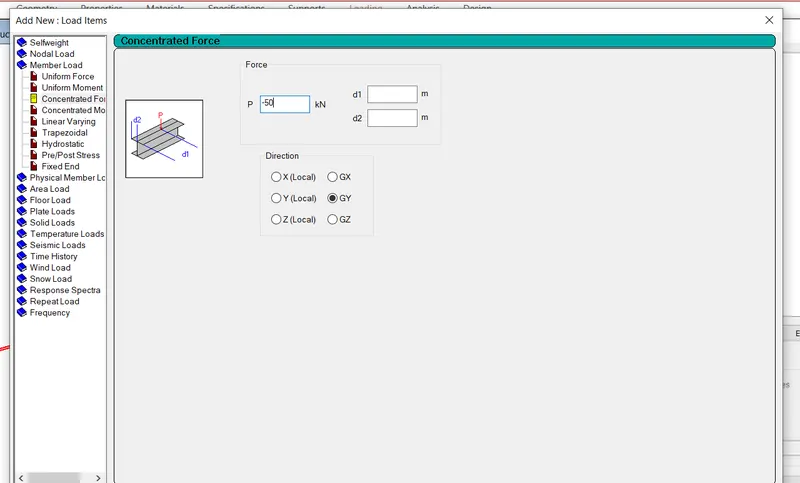
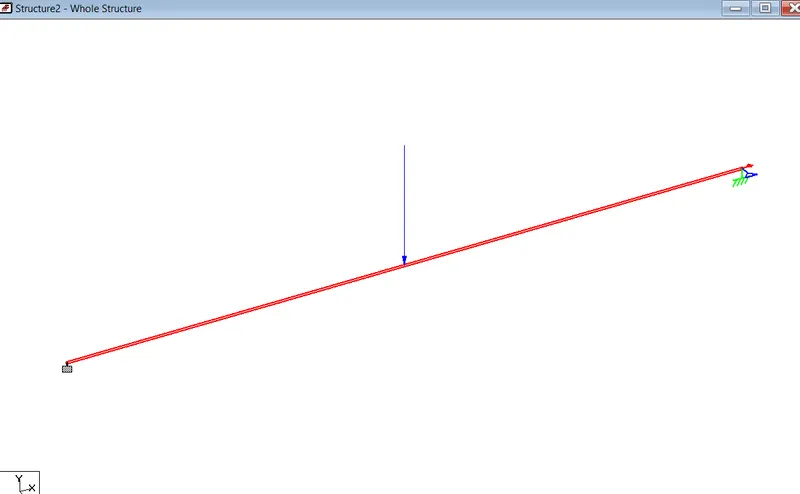
c. A point load of 50 kN at the mid-point
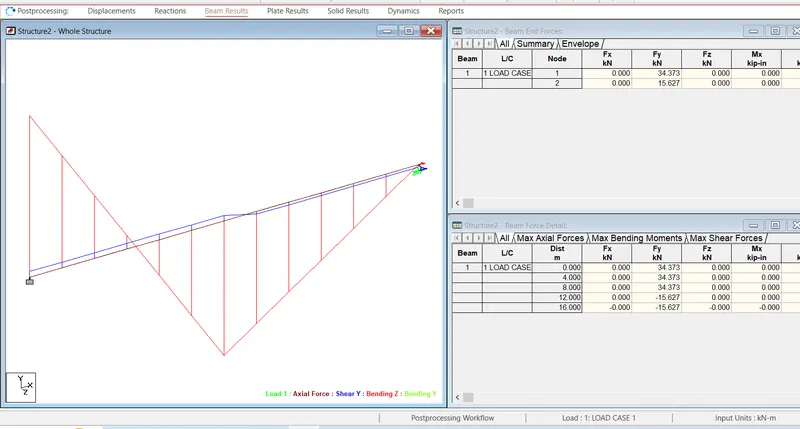
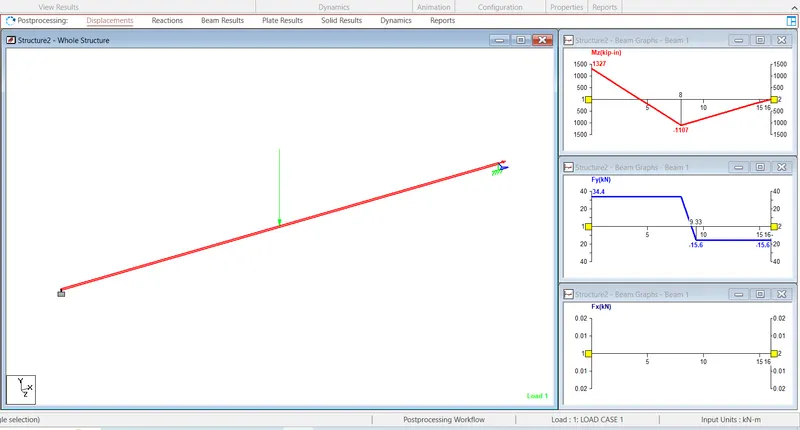
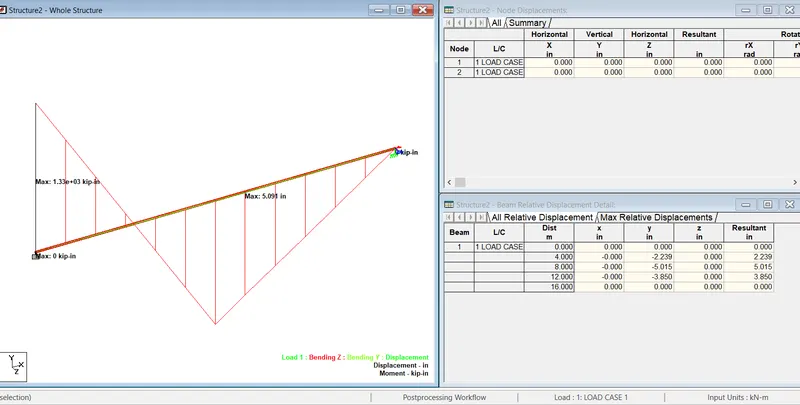
d. Draw SFD and BMD using software
open staad software
click new
create beam of length 16m
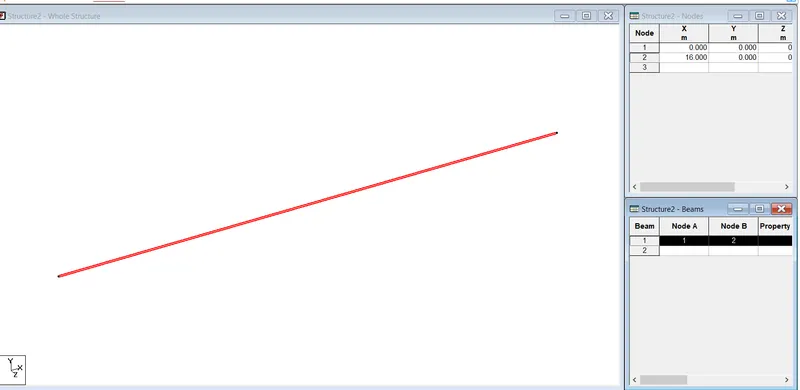
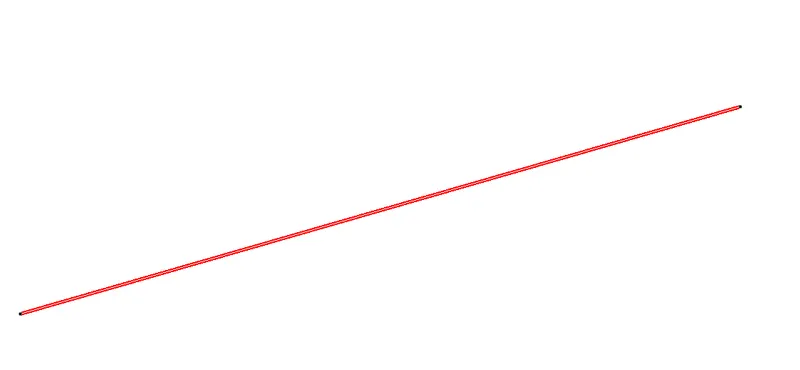
go to properties and define properties
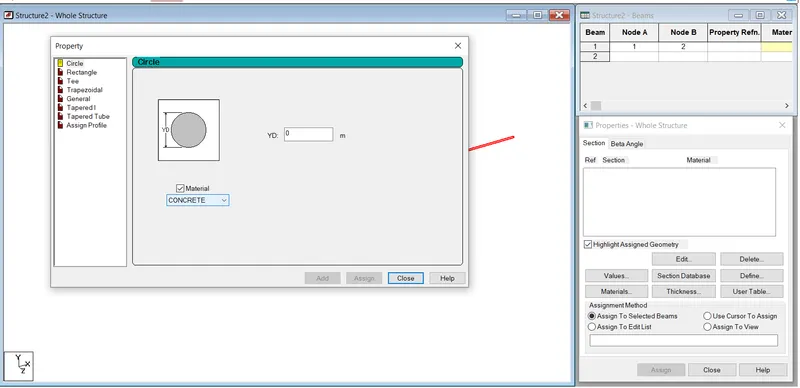
assign it
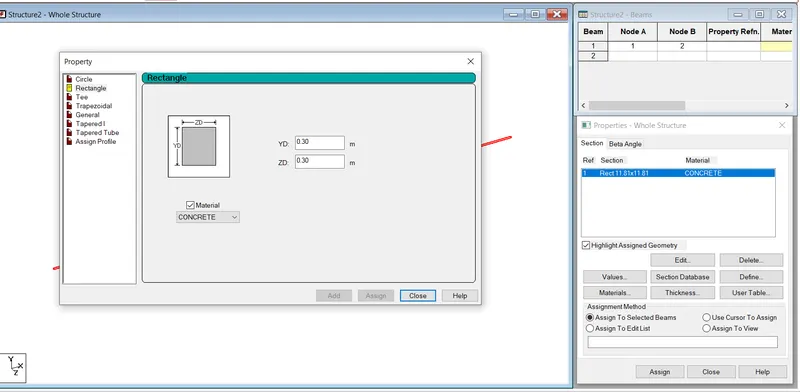
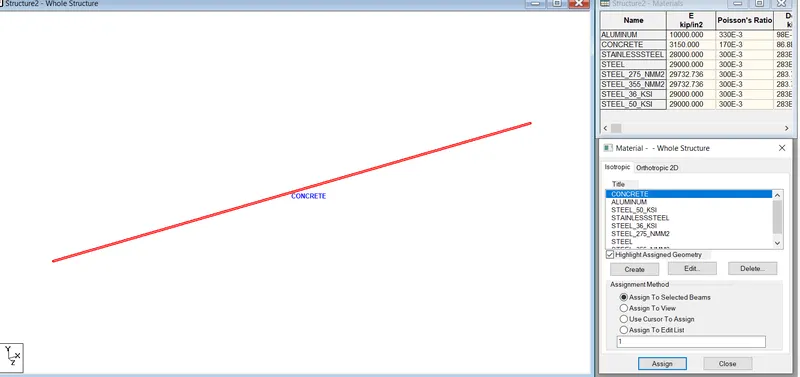
now go to material and assign concrete
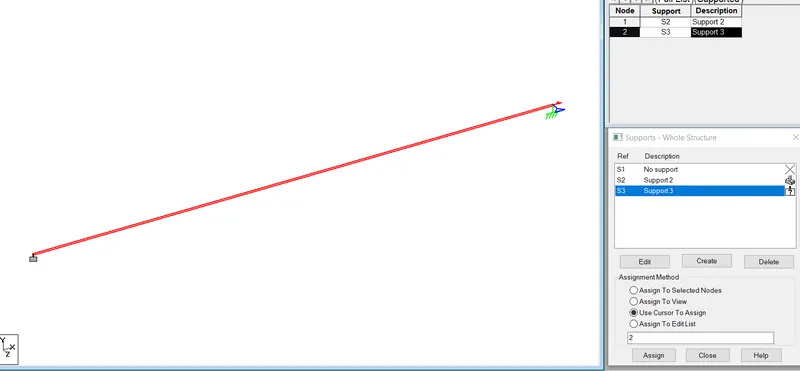
go to support and assign -one end fixed and other roller support
roller support
go to loading
add load case
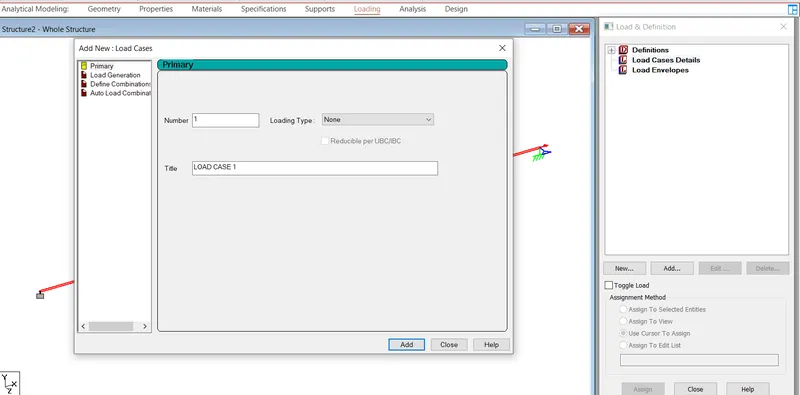
concereted load of 50 kn
now go to analysis ,
add perform analysis
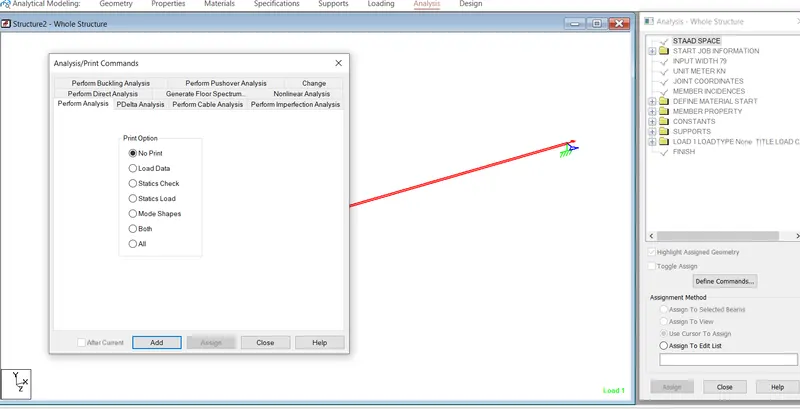
run analysis
0 error 0 warning
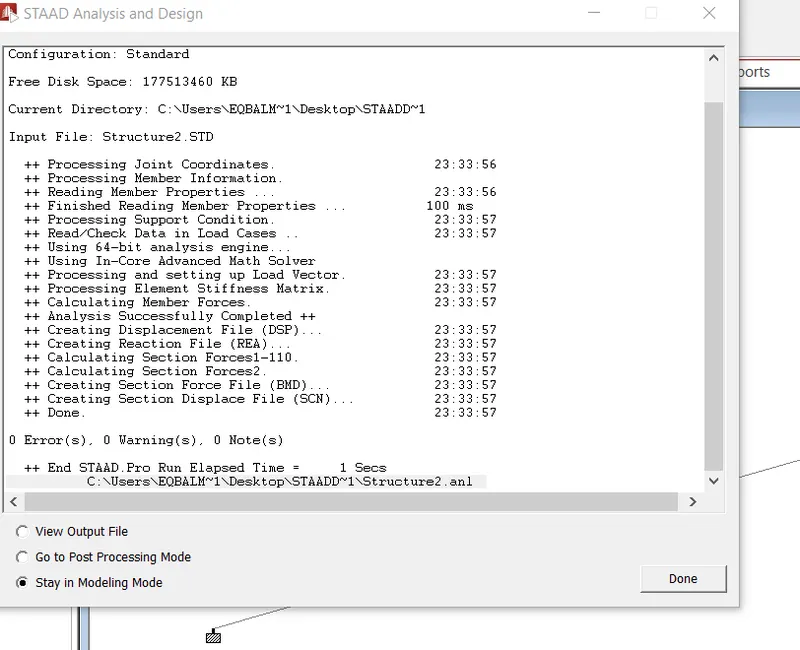
run analysis
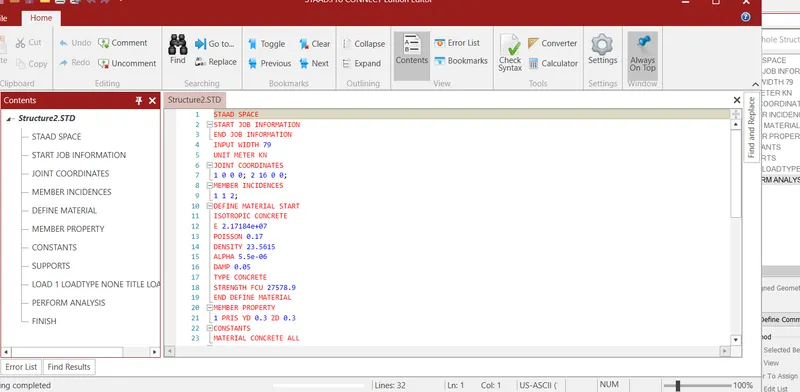
sf diagram
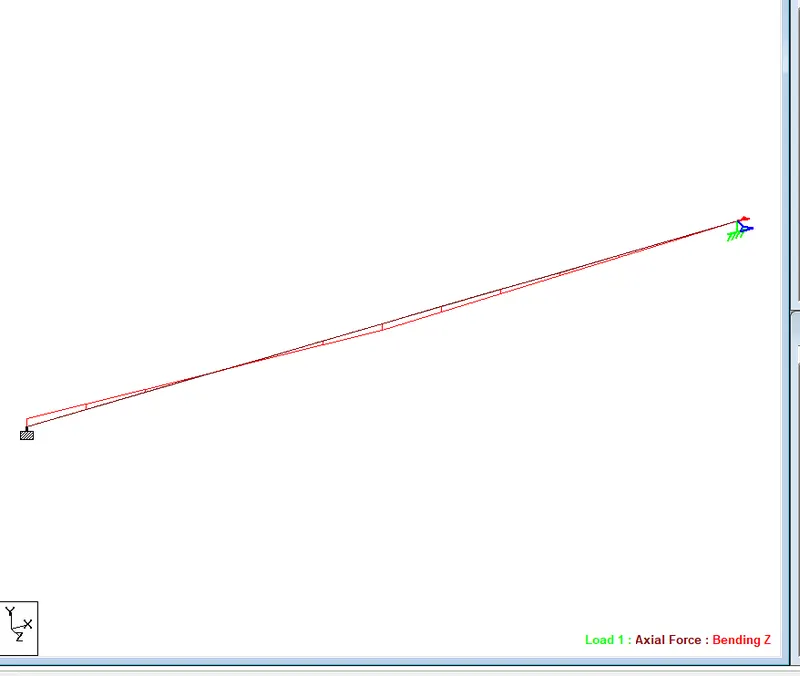
b.m diagram