Week 1 Challenge
1 Answer
Project Workspace:
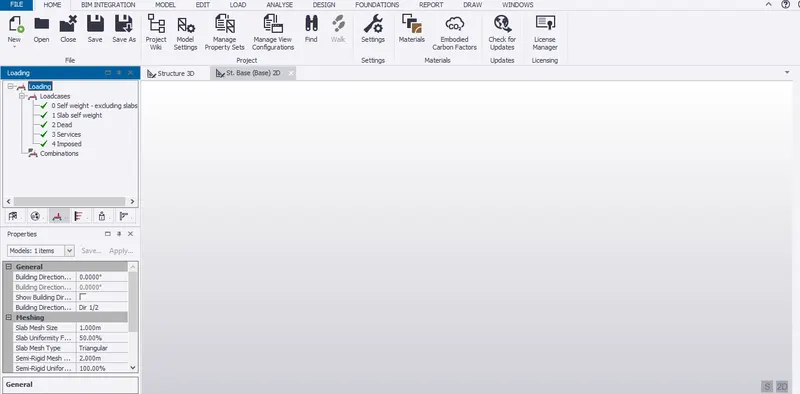
Opening the new TEKLA file and we get the project workspace
Scene content:
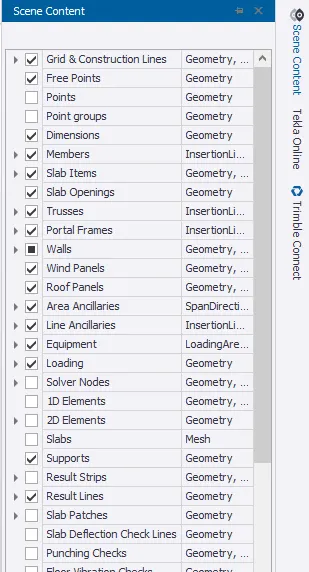
In TELKA new file on right edge we get a tool called scene content it is used to check or uncheck different options in TEKLA.
Create two scene views:
On new file we get to toggle between 2D and 3D dual screens
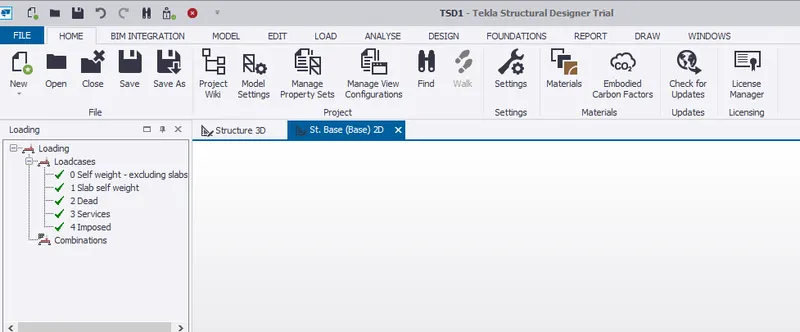
Drop list:
On left edge of project interface we see droplist where it shows different loads and load combinations
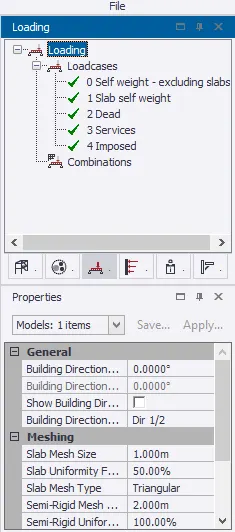
Properties window:
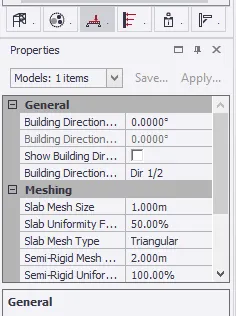
On project interface below we can see properties where we can change different types of user settings
2 Answer
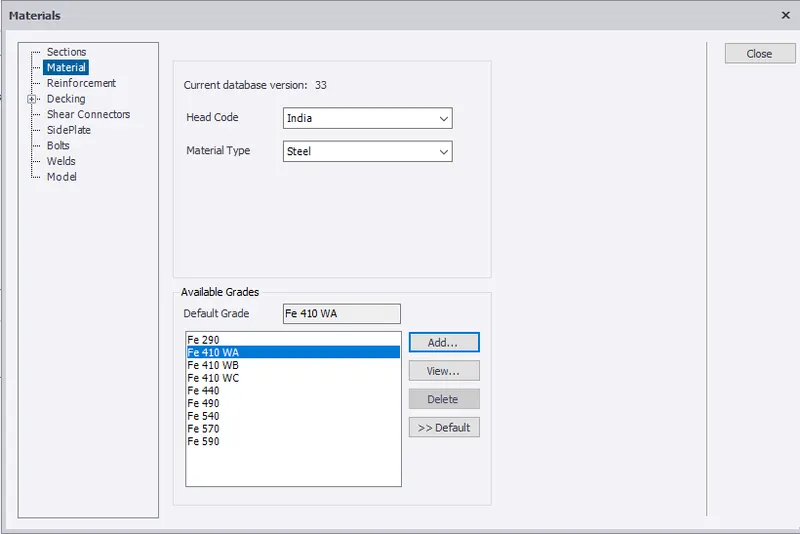
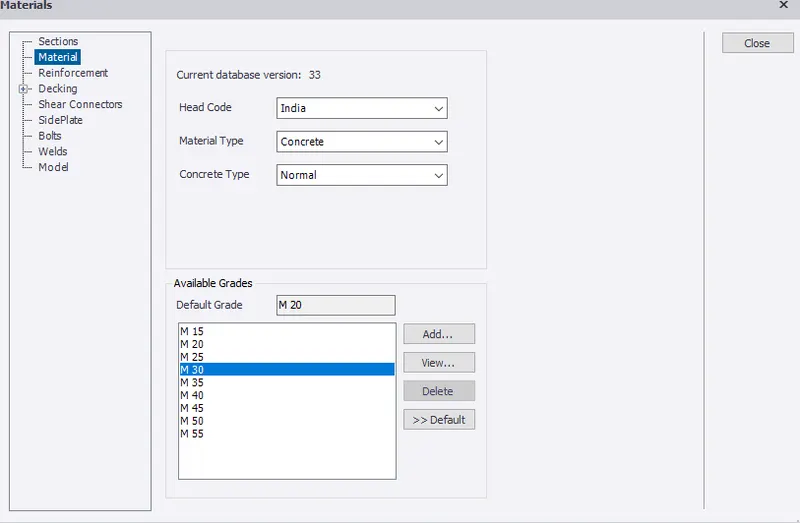
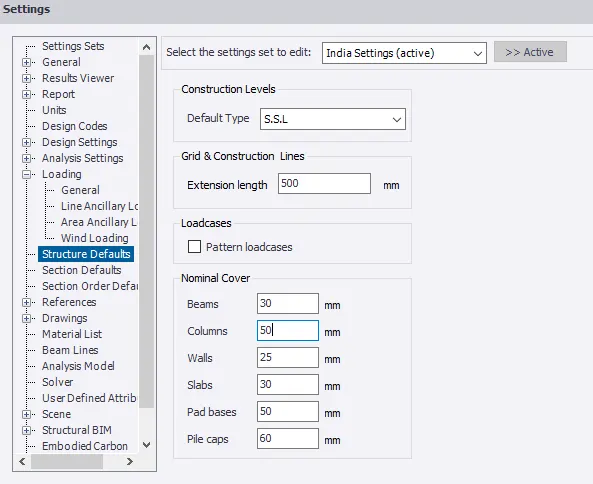
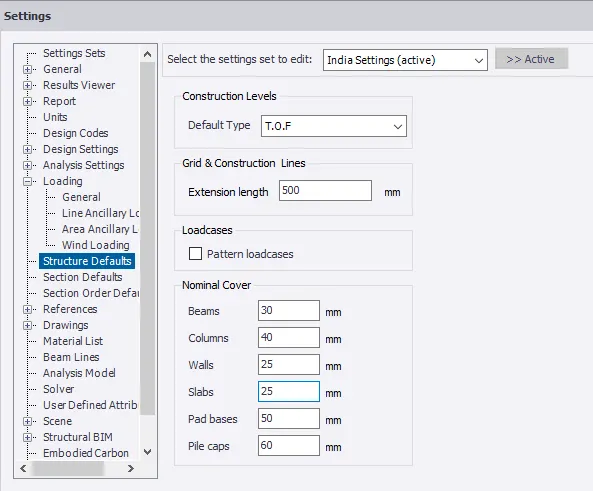
Opening TEKLA and clicking material ribbon and adding FE410 and M20 grade and in settings in structure default changng the cover as per the requirements
3 Answer
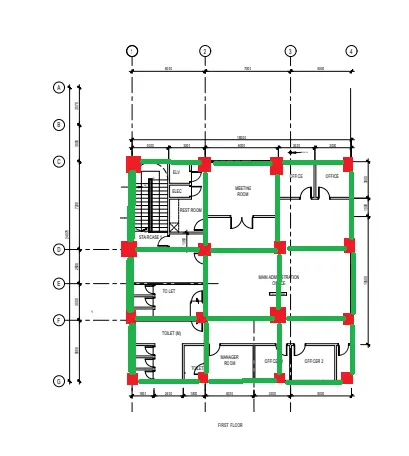
Drawing the Rough columns and beams in the plan given
1.1
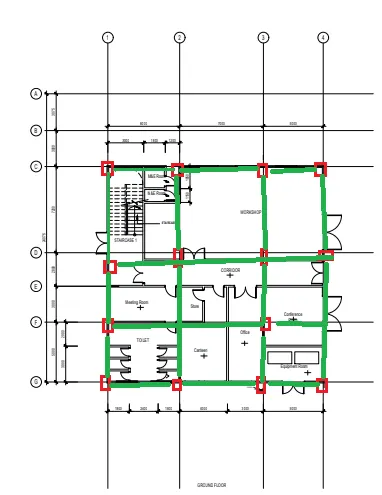
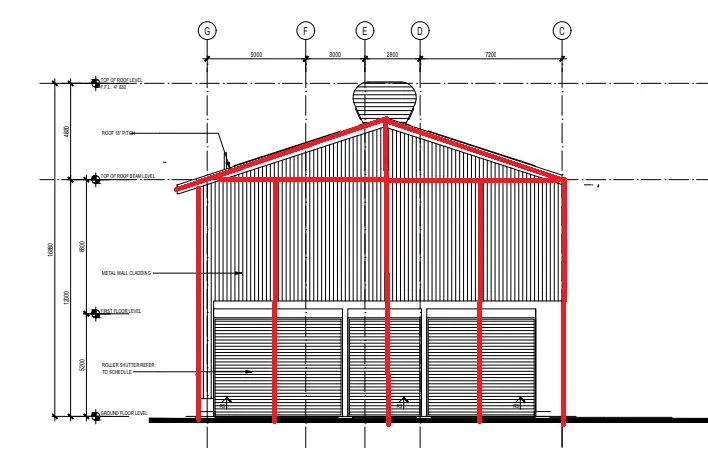
1.2
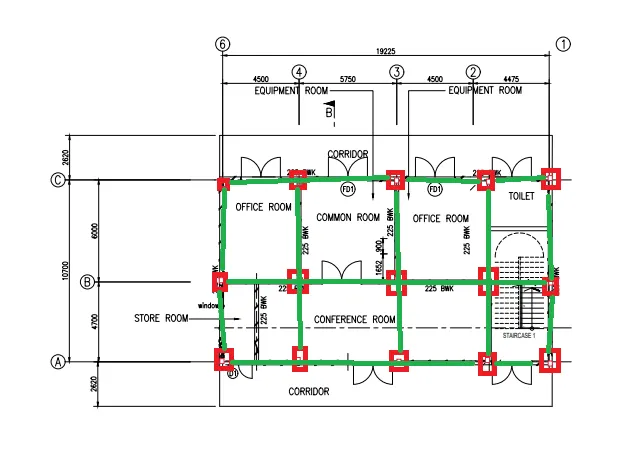
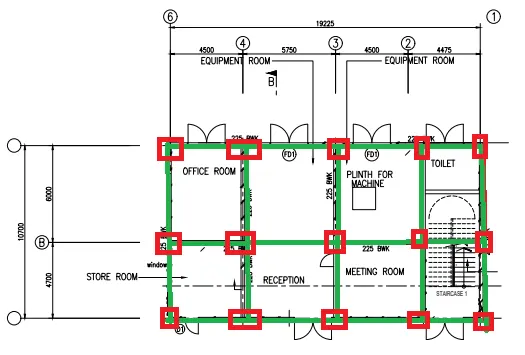
4 Answer
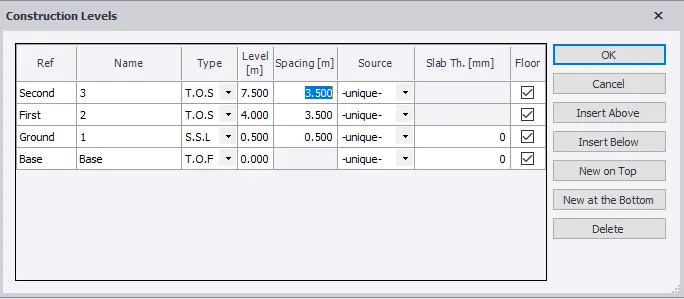
Open TEKLA in Model selecting construction levels and changing the base level to 500mm below ground level
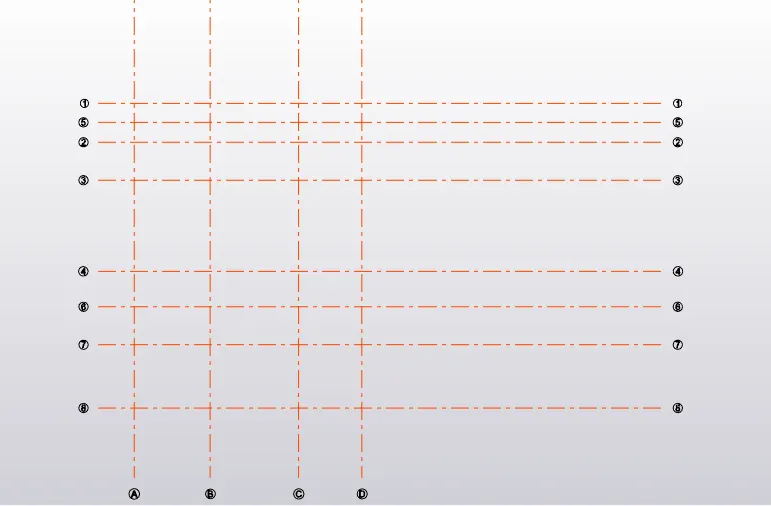
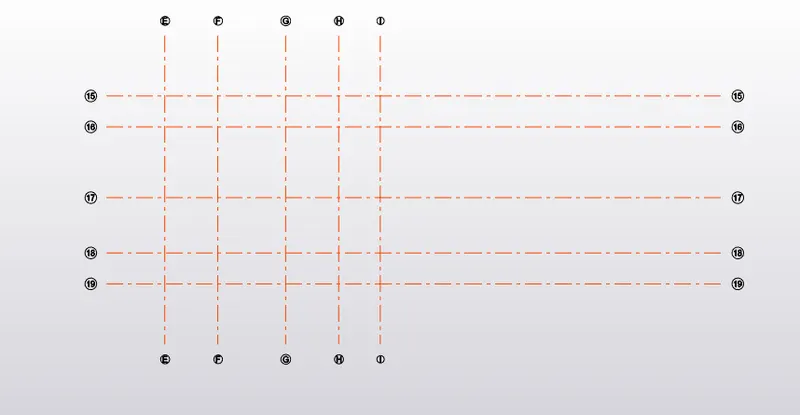
Drawing the Grid line for 1.1 and 1.2