volumetric tetra mesh of rearview mirror using ANSA software
model name:-
rearview mirror
AIM:-
volumetric tetra mesh of rearview mirror in preprocessing ANSA software.
methodology:-
1)Geometry cleanup
2)tetra meshing as per given criteria
3)assigning relevant pid
4)volume meshing on entire body
1)Geometry cleanup:-
-first of all model created by design engineer based on requrement but engineer is not understand about model is good or bed, then ANSA software required for the check the quality criteria.
-for that first of all import a file of rearview mirror.igs
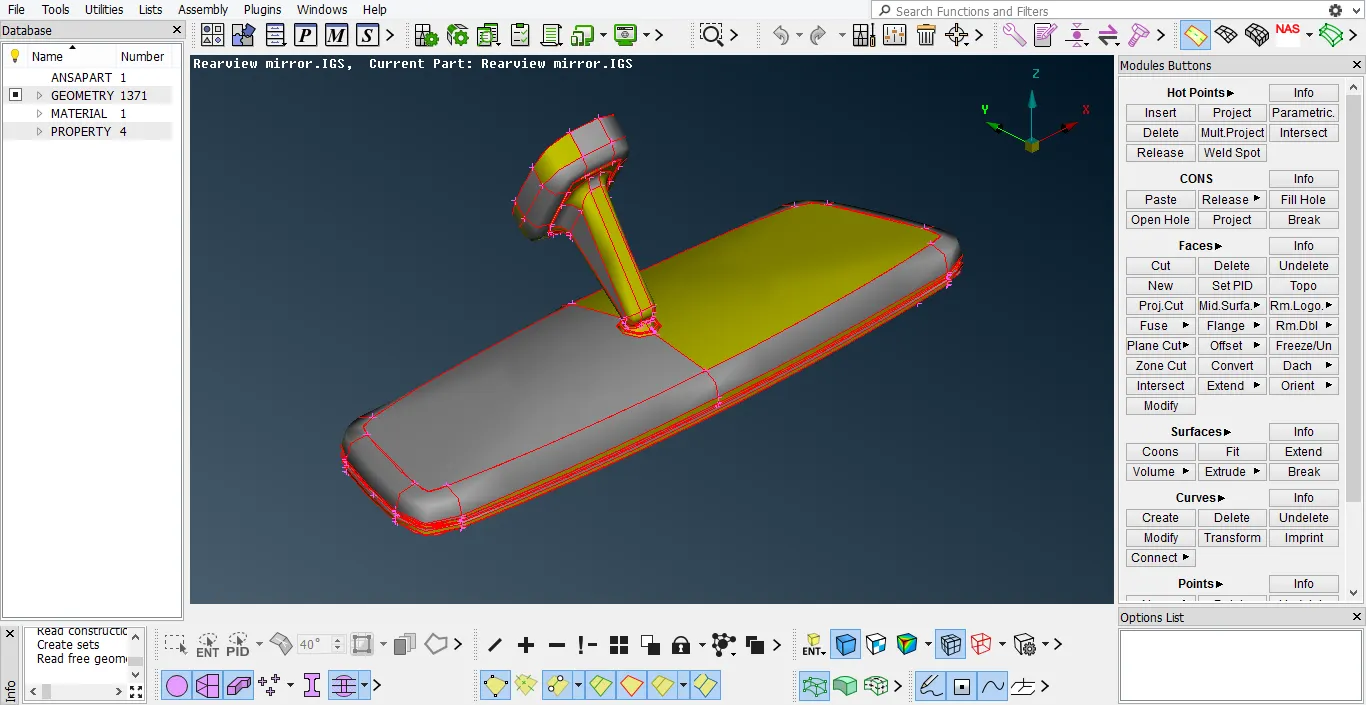
(fig-1)
-after that change the perimeter length to 1 mm. this command is available at mesh>perimeters>length
this change is required for better(fine) geometry.
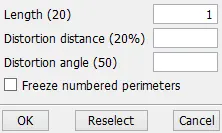
(fig-2)
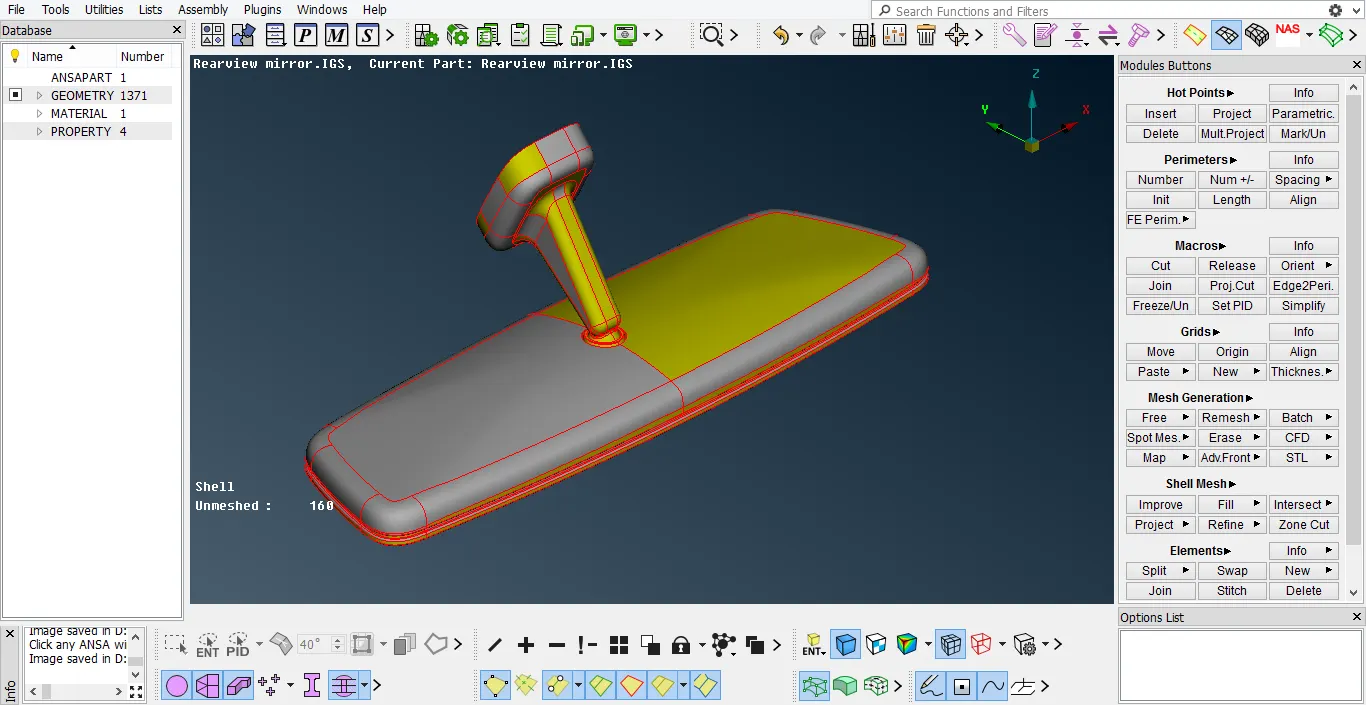
(fig-3)
-for remove topological errors we use topo command and it select for all over geometry. if we topo command selected then full geometry is remove the geometrical error ike two single cons(red line) are connected and convert to double cons(yellow line).
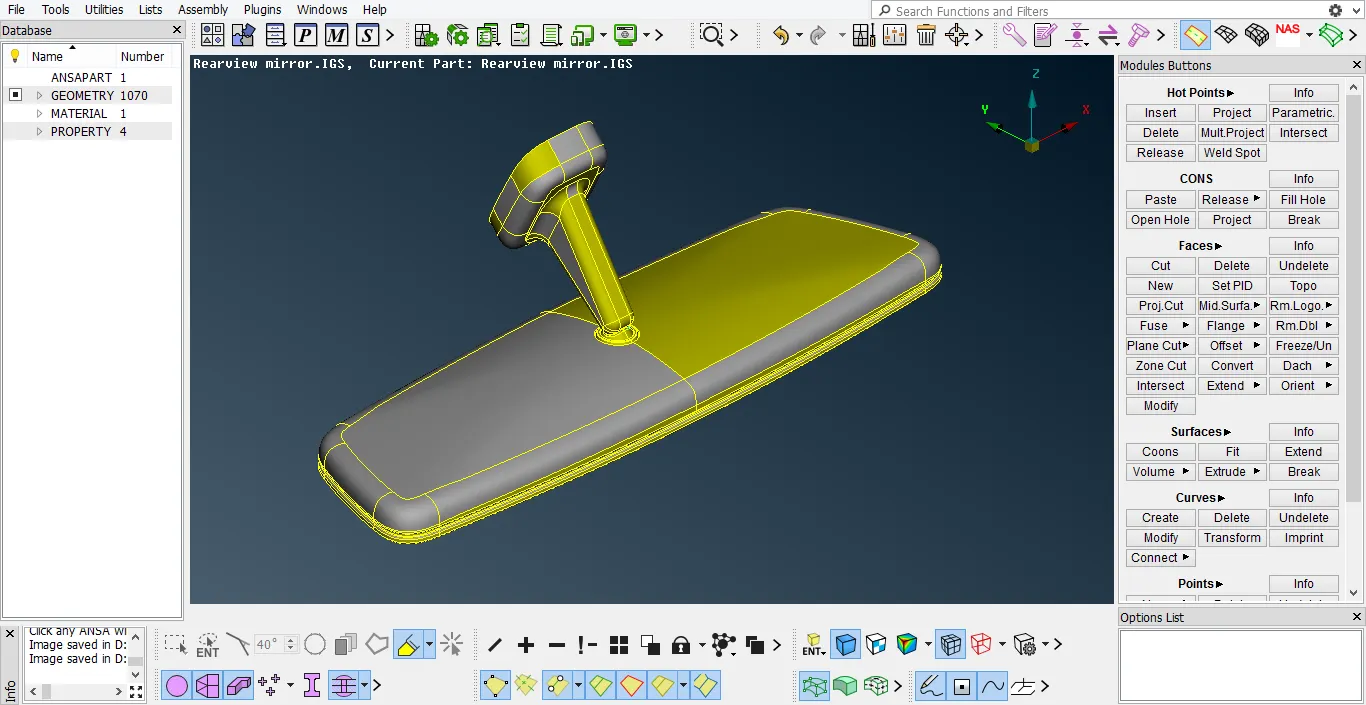
(fig-4)
-after that use orint command for negative(gray color) at one side and positive(yellow color) at another side.(TOPO>faces>orient)
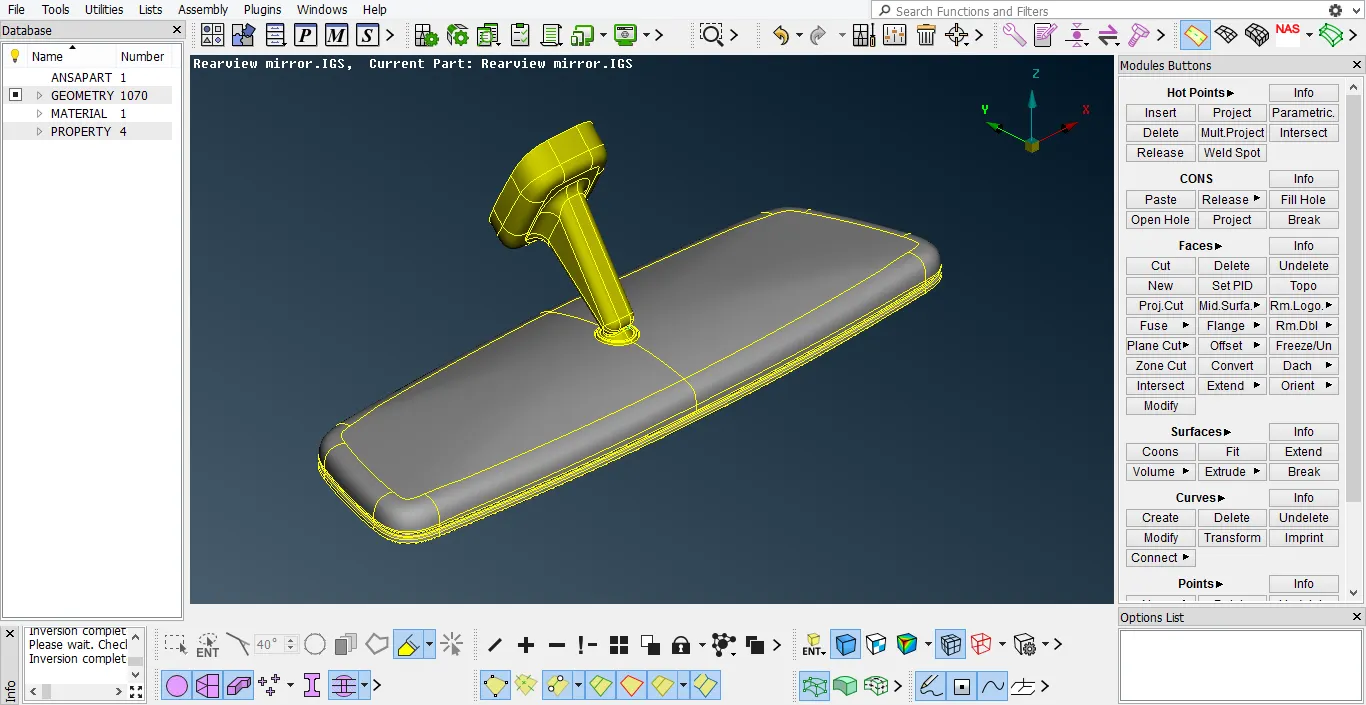
(fig-5)
-for remove errors like triple cons, single cons, cracked faces, needle faces using the geometry. this opction available at tools>checks>geometry
the remove this error using autofix opction, if we use auto fix opction then some time not remove error that time we remove this error use of mannual.(note:- most of triple cons error are not remove and another error ae removed)

(fig-6)
2)tetra meshing as per given criteria:-
put different value of quality criateria available is under.for open quality criteria window use f11 short-cut key.
| numer | Quality criteria | value |
| 1 | targeted/average length | 1 |
| 2 | minimum length | 0.5 |
| 3 | maximum length | 2 |
| 4 | Tetcolapse | 0.2 |
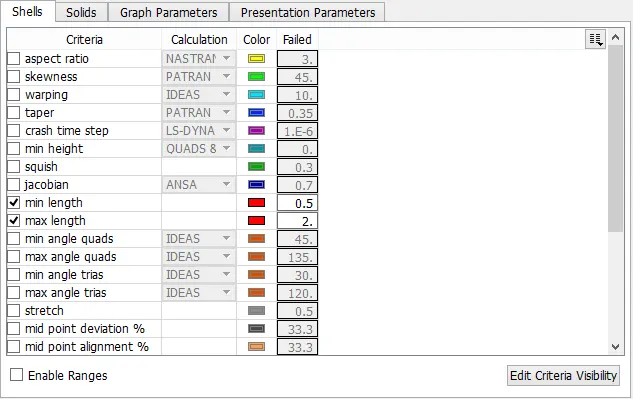
(fig-7)
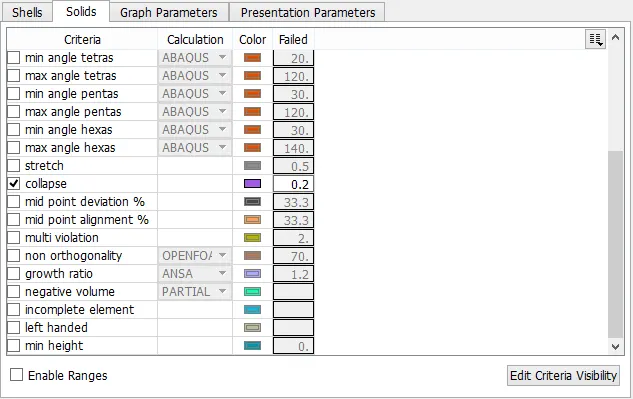
(fig-8)
-we also value put in the mesh parameters.in mesh parameters there are three values are most important:-
1) target length(average)
2)minimum target length
3)maximum target length
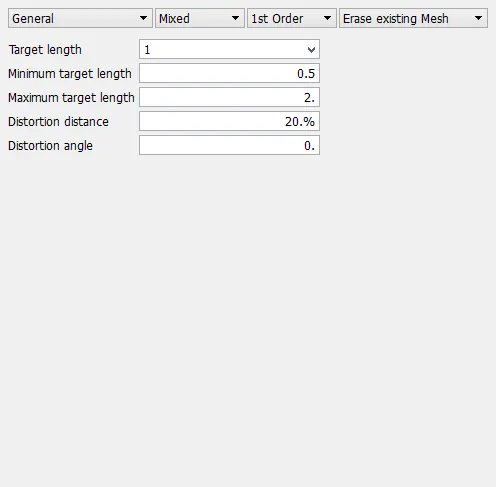
-here, there are 4 volumes are available,we lock them separately for future reference. becuase we create tetra meshing one by one each volume.
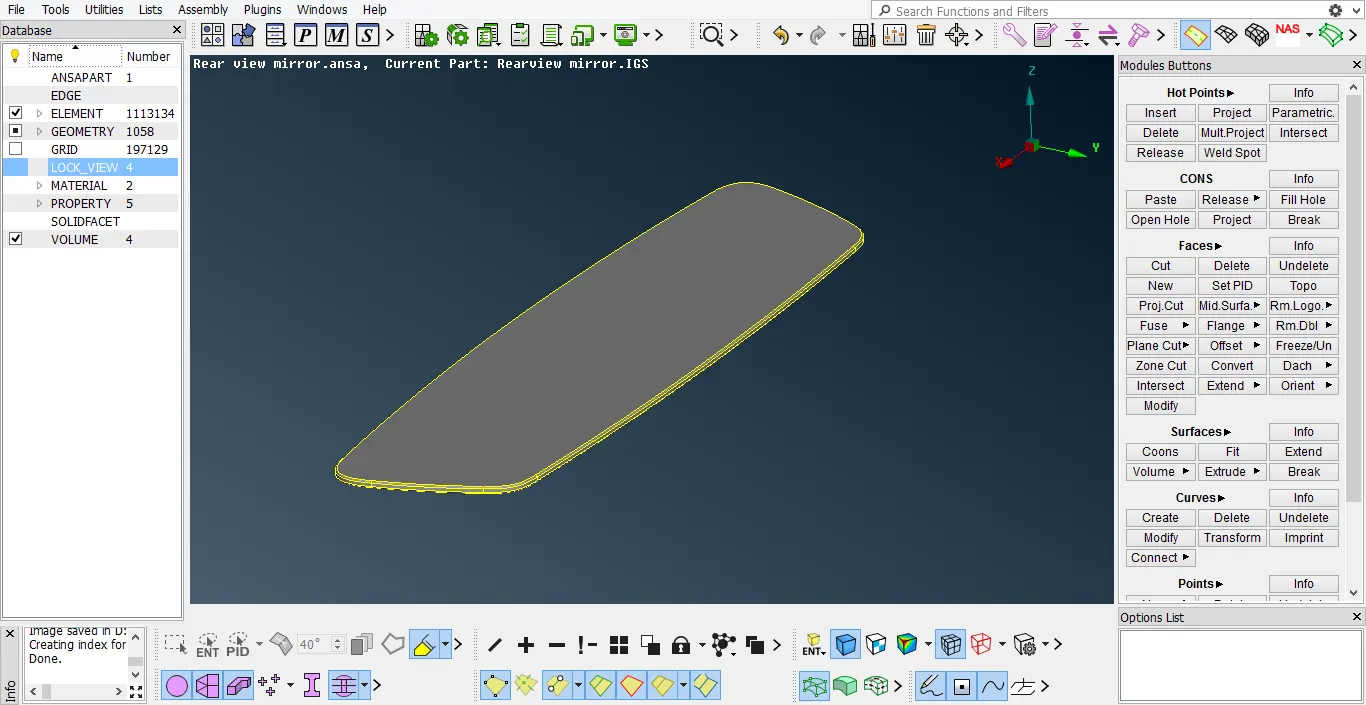
(fig-9)
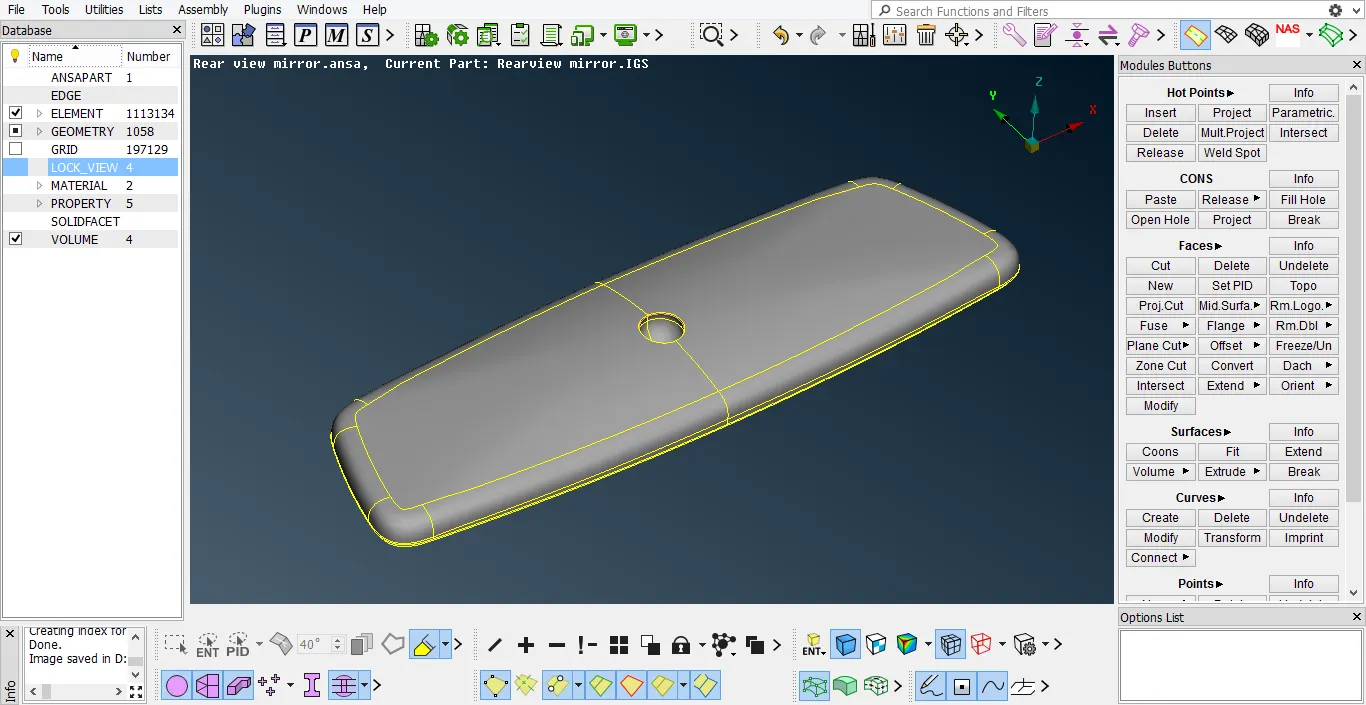
(fig-10)
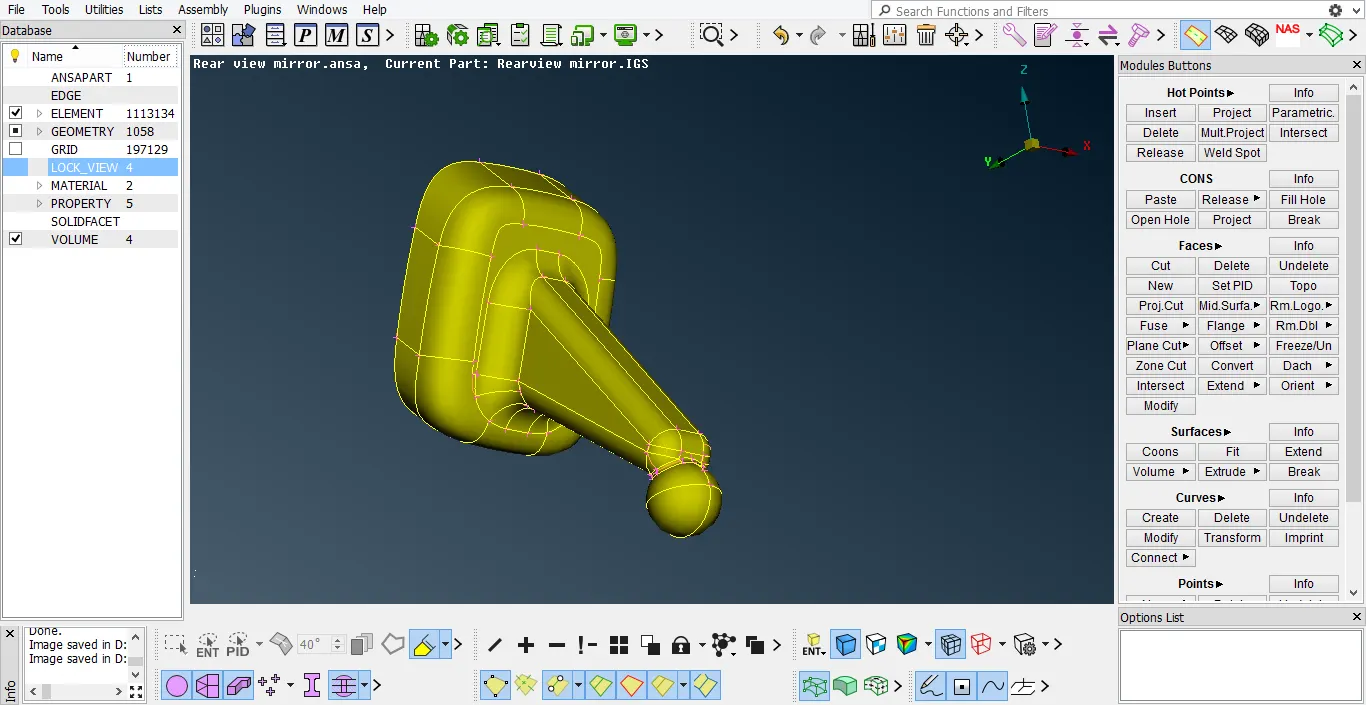
(fig-11)
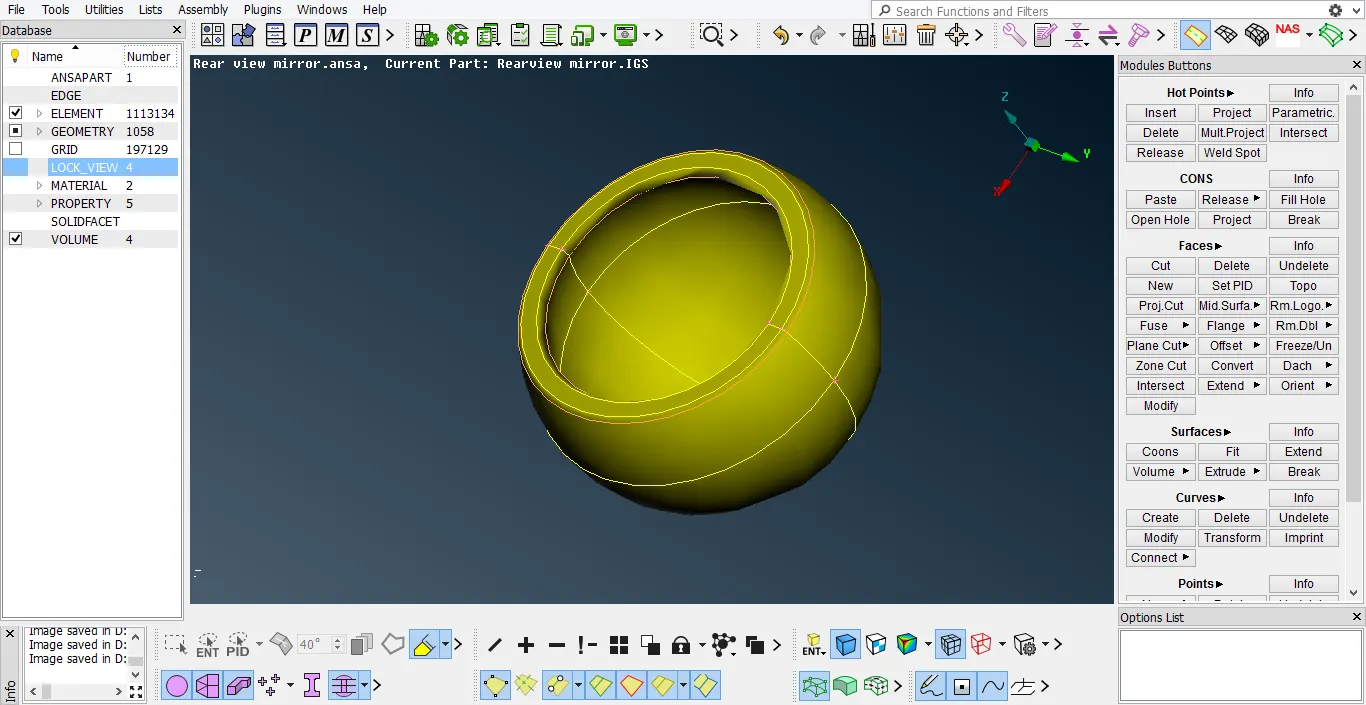
(fig-12)
-after that tetra meshing on all faces of the every volumes.
shadow mode:-
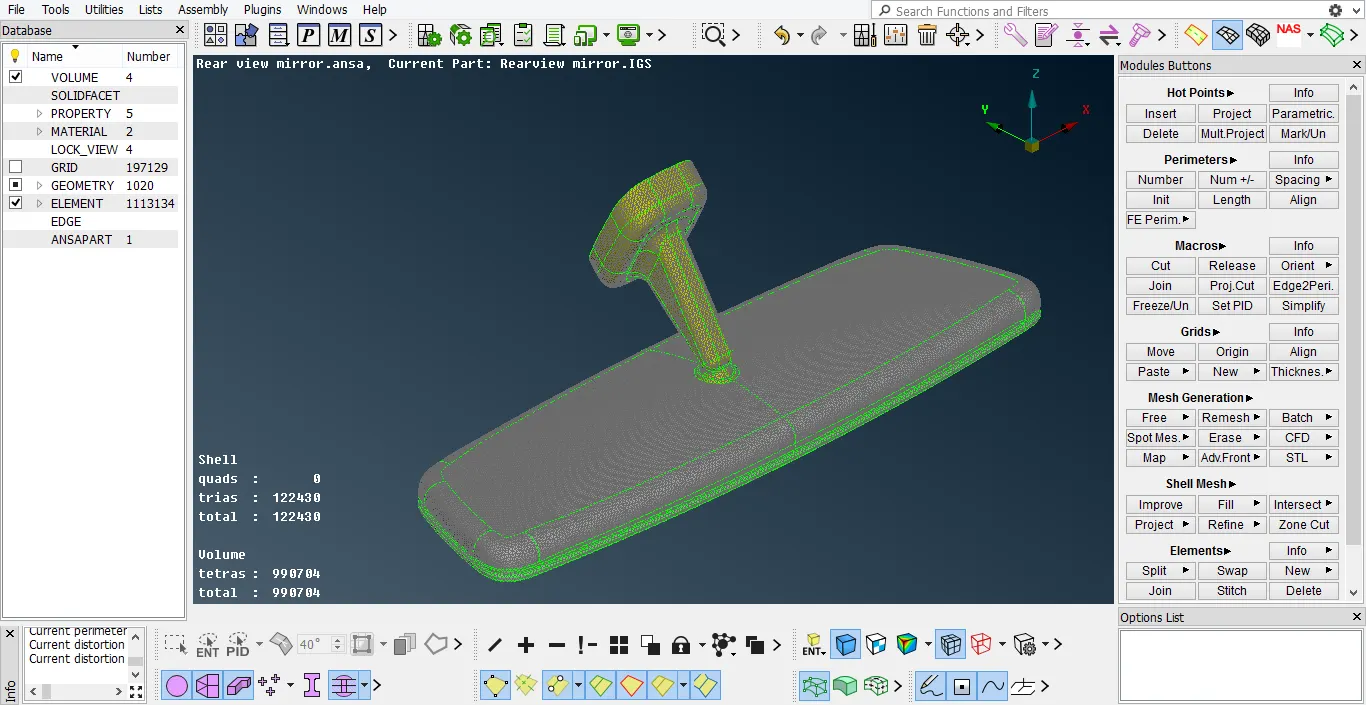
(fig-13)
hidden mode:-
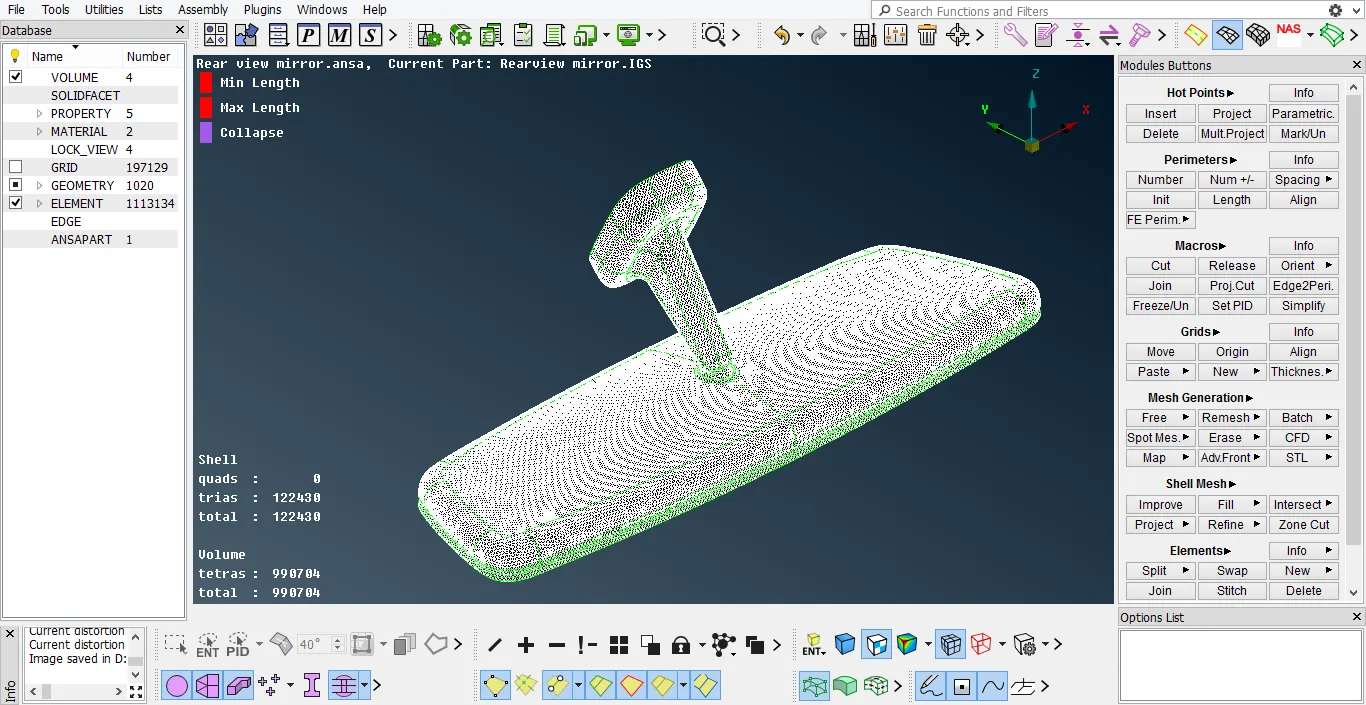
(fig-14)
3)assigning relevant pid:-
-here, volumes are available then we use psolid pid.
-for that we use to defines command.(volume mesh>volumes>defines>manual)
-we create one by one each volumes of psolid id.
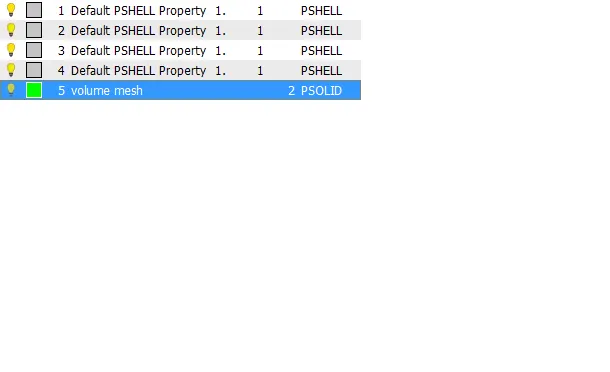
(fig-15)
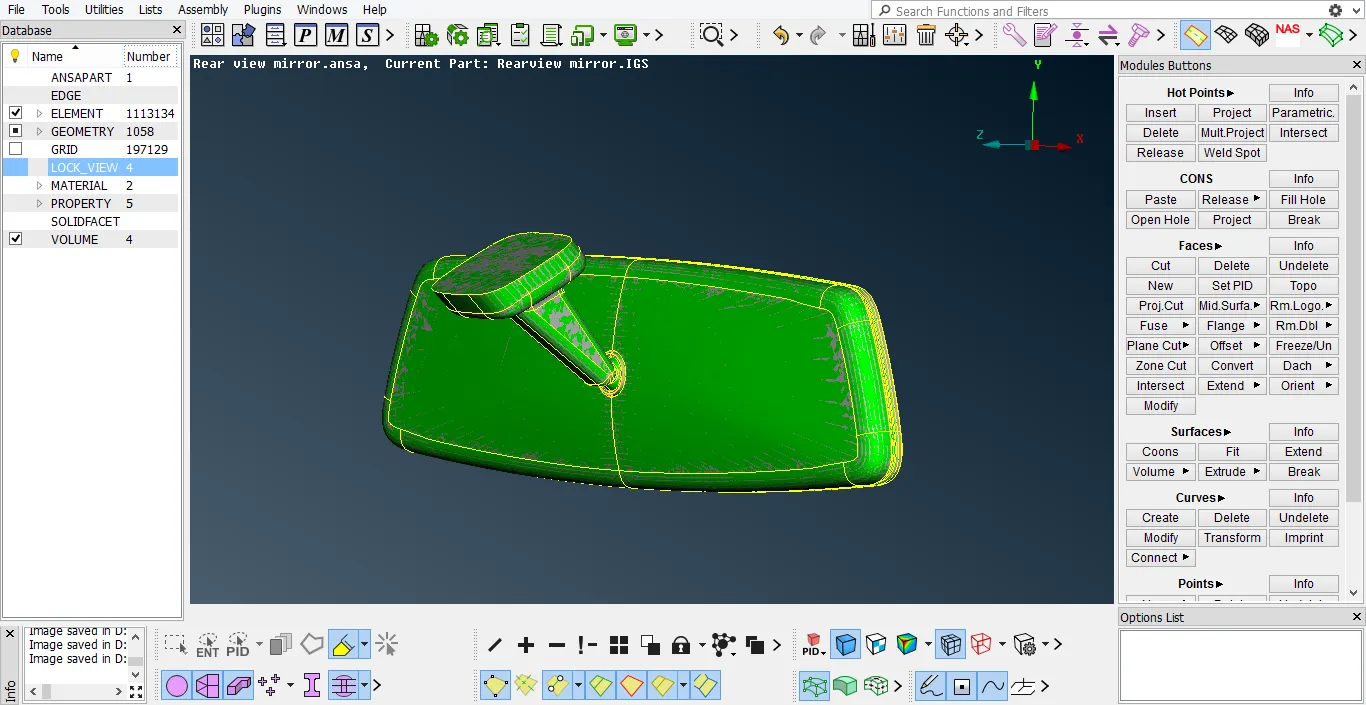
(fig-16)
4)volume meshing on entire body:-
-after that we seen list command and we select Tetra FEM command for tetra mesh to convert volume tetra mesh.
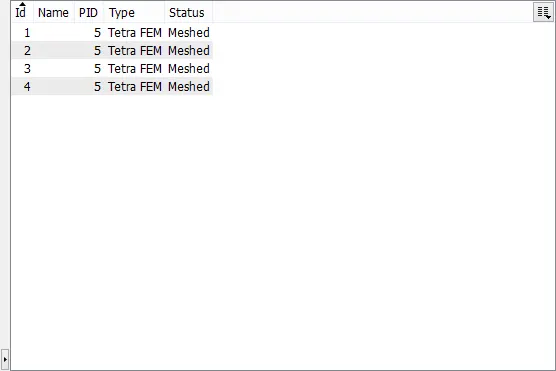
(fig-17)
now, model is perfectly solid at inside. we notice that first 2-3 outside layers are perfeclty stucture, but after that inside layers are not perfectly stutured, then tetra mesh is also called unstructured mesh.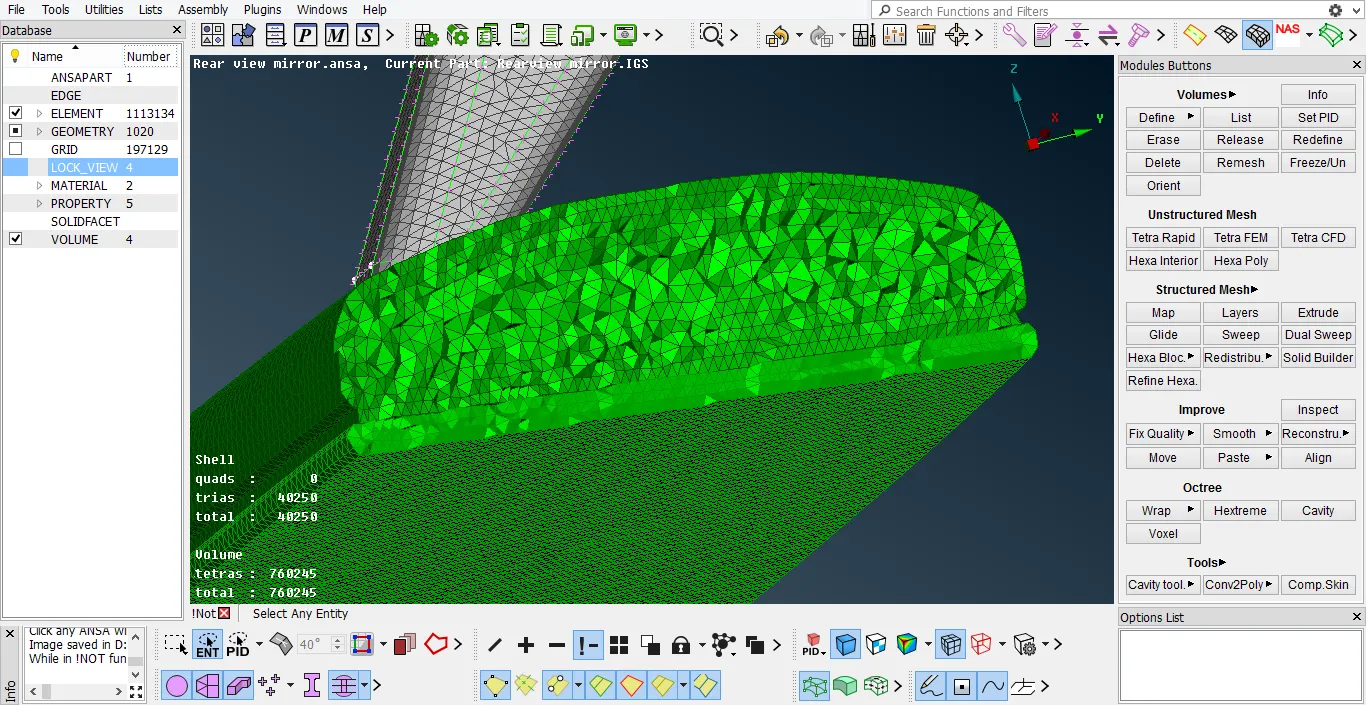
(fig-18)
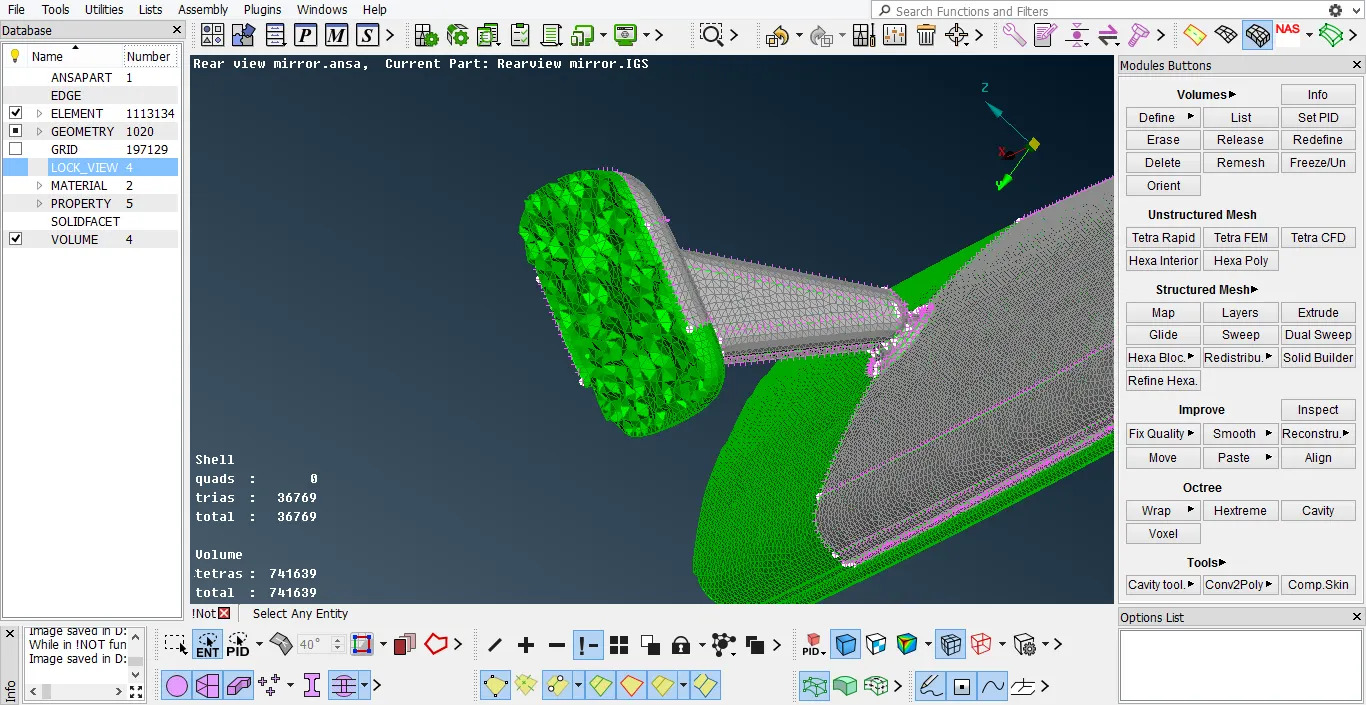
(fig-19)
conclusion:-
we create volume mesh of the component with given criteria and it is a good in design.