batch meshing on fender model
*AIM:-
create meshing of the model using batch-meshing as per given quality criteria, also assign the non-linear material propetry .
*what is a batch-meshing:-
-if there ate no inuff time available for manual meshing, that time we use batch-meshing.
-if we satisfied with 60-70% of quality,at that time it's use.
-it is not a exast meshing, due to that after the batch meshing we required to remesh the model elements by elements for better result, and this process is hard comapare to manual meshing.
*Model name:-
Fender
*methodology:-
1)Import the model
2)put a value of quality criteria
3)batch-meshing of the model
4)Assign the non-linear material property
1)Import the model:-
-first of all select the user profile is radiosis
-The format of the file is igs, then first of all select import solver deck command, choose import geometry type and select file type is iges.
-Now select the file from our folder and import it.
-But it is not visible on our screen due to graphical issue , for that use f key and then its visible.
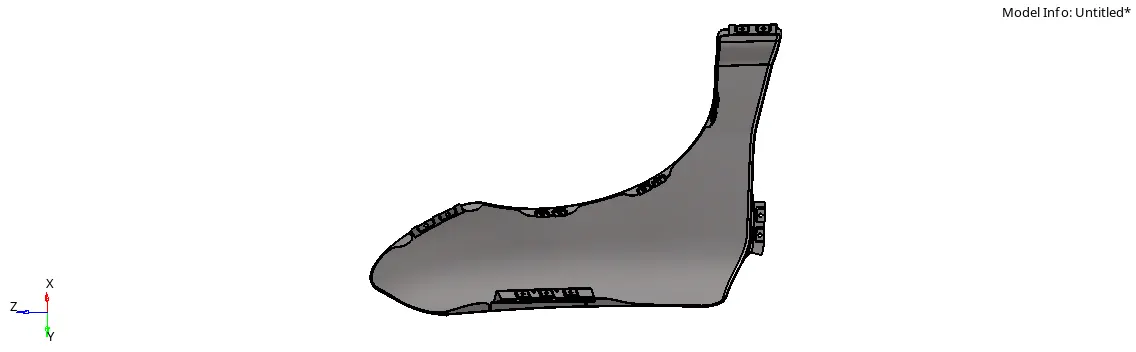
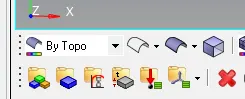
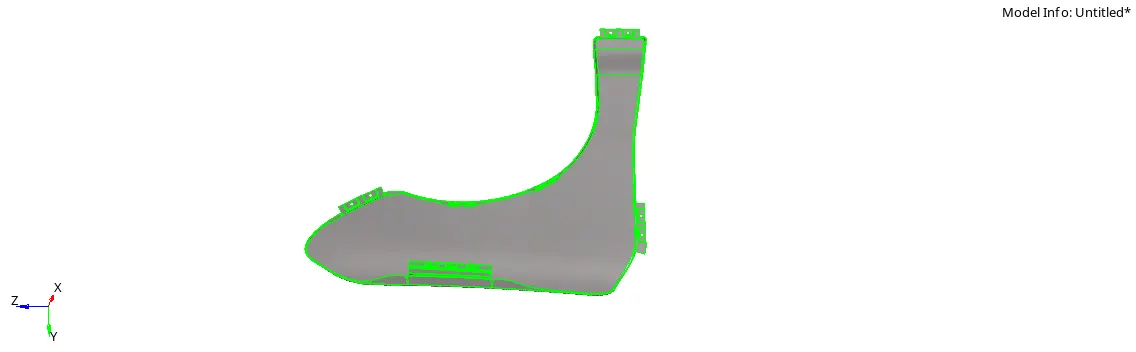
-here not seen lines perfectly, it means not seen surfaces properly, for that use topo commnd.
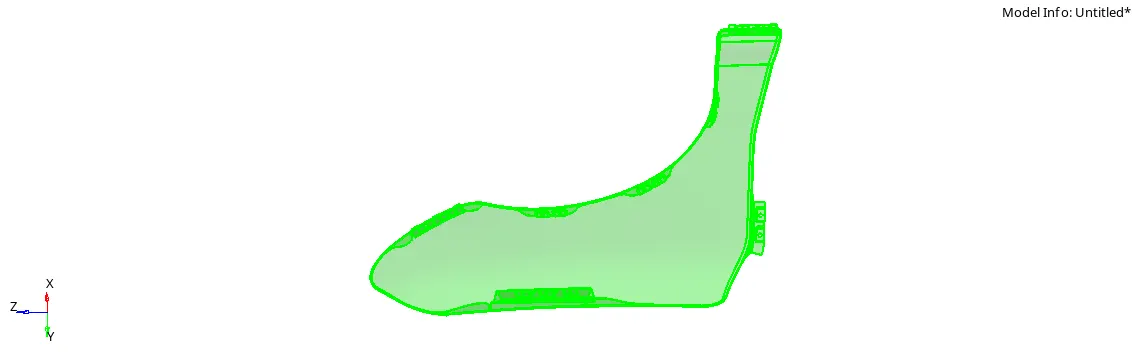
-but here we seen that, there are green color model is available due to solid, for that we delete the solid using delete command.
-after that model see like this:-
2)put a value of quality criteria:-
-After that first of all put the value of quality criteria.
-for that choose criteria file settings opction.(preferences>criteria file settings)
-here, 2D mesh are present, then we choose typen of quality is 2D.
-the given criteria is:-
Targeted element length: 5 mm
| S.N | Quality Criteria | Value |
| 1 | Aspect Ratio | 5 |
| 2 | Skewness | 45 |
| 3 | Warping | 15 |
| 4 | Taper | 0.5 |
| 5 | Min. Length | 2mm |
| 6 | Max. Length | 8mm |
| 7 | Min angle Quad | 45 |
| 8 | Max angle Quad | 135 |
| 9 | Min angle Tria | 20 |
| 10 | Max angle Tria | 120 |
| 11 | Tria % | 10 |
-after the put all data of quality, we requird to save the file as criteria for future references.
-we provide the name is Fender.criteria
3)batch-meshing of the model:-
-for the batch meshing first of all choose automesh commmand and select surface opction.(2D>automesh)
-after that select batchmesh/Qioptimize opction.
-Element size:- 5 mm
-parameters file:-
here, targeted length is 5 mm and we use radiosis solver due to crash analysis, due to that we choose crash_5mm.param file.(this file is provided by hypermesh)
-Criteria file:-
-here, we select the quality criteria file from folder, where we save it.(Fender.criteria)

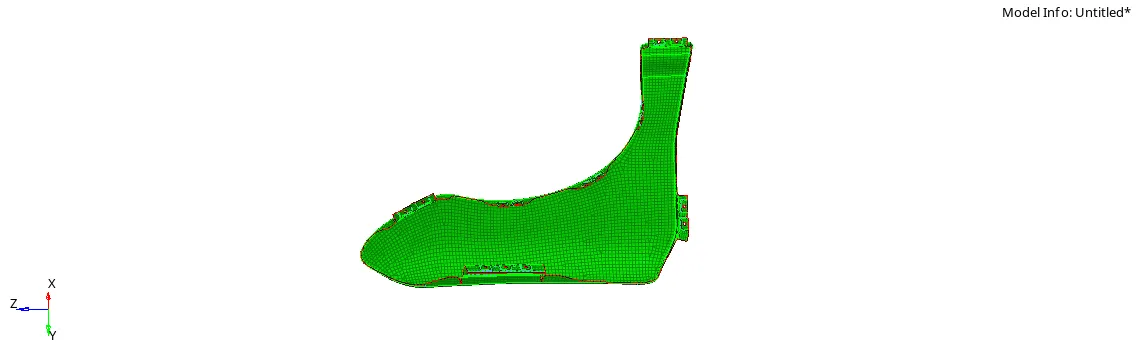
-here, main point is we mesh the model not directly, it is mesh component by component.means here 5 components are available, then we first of all select one component and mesh it, after that select another one.
4)Assign the non-linear material property:-
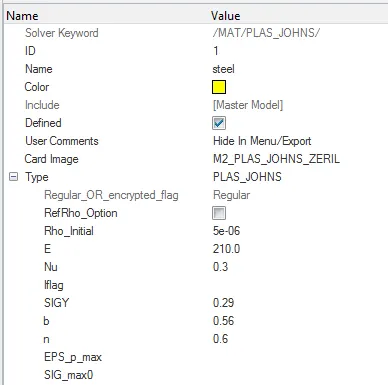
-first of all create a new non-linear material.
-for that right click on tab bar and choose create>material opction.
-after that input the various properties of material.

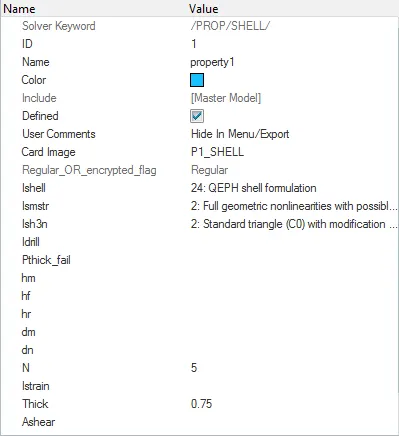
-after that create a new proerty for a model.
-the number of properties are depends on number of variation in thickness in the model, but here same thickness are available of all over the model. then we create only one property.

-after the creation of proprty and material, next step is it is assign to our components.
-for that right click on our mid surface component and select assign opction.
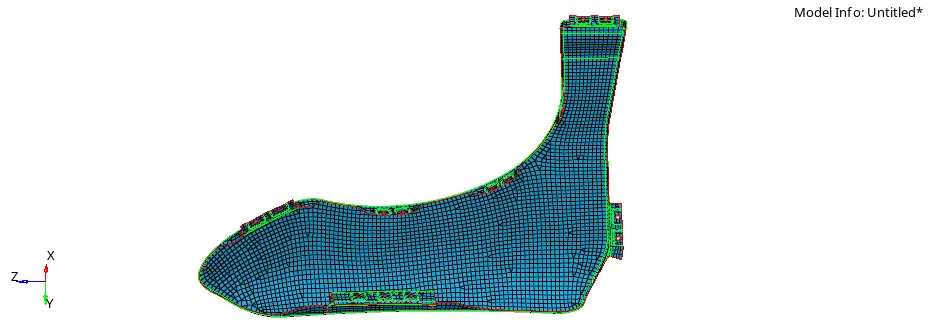
-now our component is assign the property are correctly or not, for check that element color mode are change component to property.

-now model color is same as a color assign in property,means it is correct.
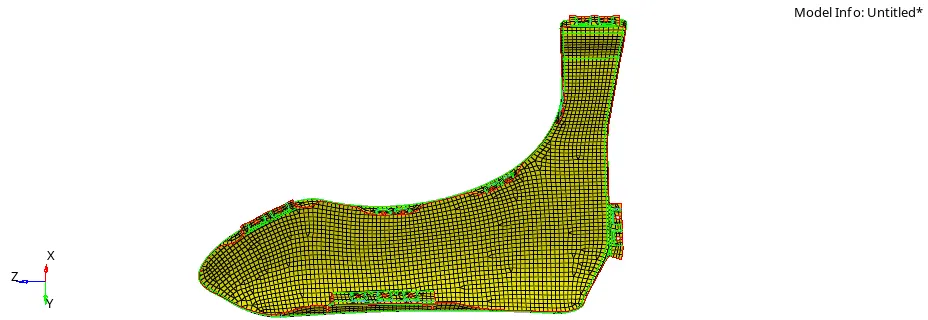
-similarly we check for the material.
*Learning outcome:-
-after finishing of this week challange learning outcome is:-
i)we understand about how to mesh the model if not more time are not available.(Batch-meshing)
ii)how to create non-linear materials and properties in radiosis solver.