V-Block Assembly : Week 4 Challenge
PART-1
AIM: To construct the part which is given in the 2d sketch and convert it into 3d parts.
Procedure:
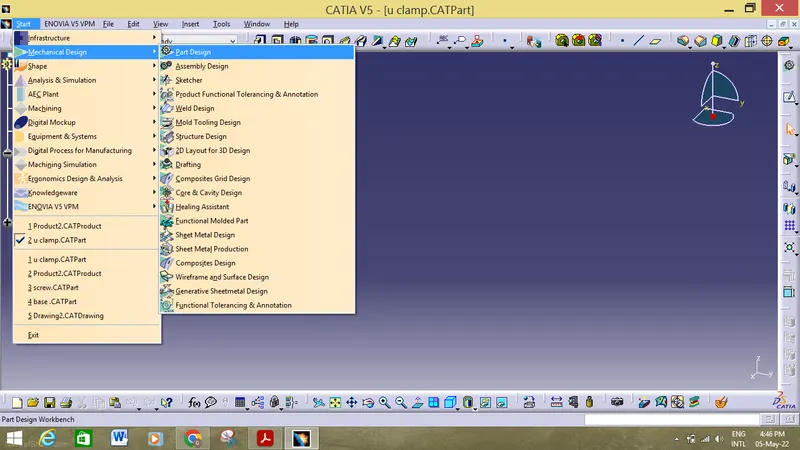
1. First we must open the catia v5 , then start>mechanical design>part in order to begin the designing of the part according to the pre determined dimensons.
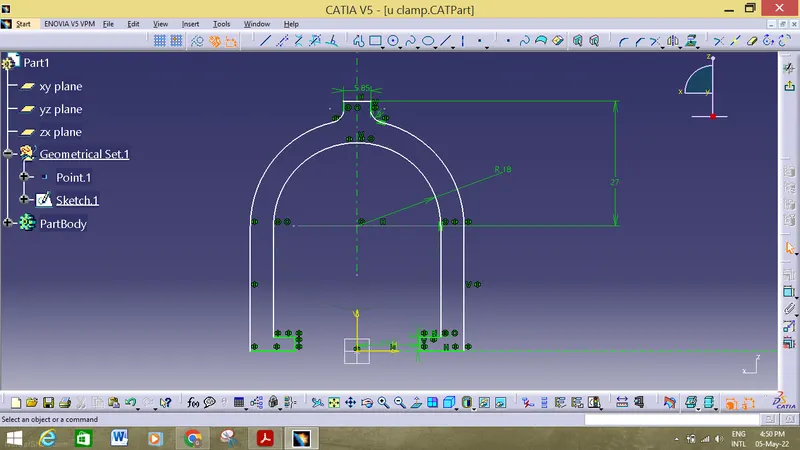
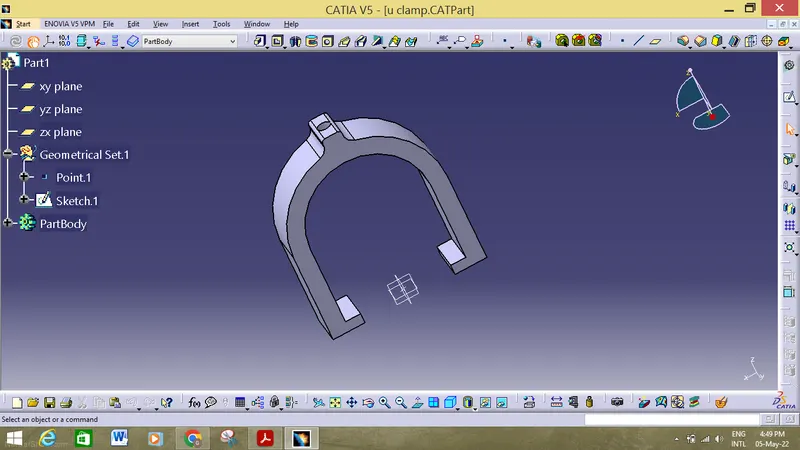
2. Then with the help of the different operations we must draw the 2d sketch in the work bench, then reflect the parts so that we can finish the diagram which are similar and then use the pocket option of 19mm.
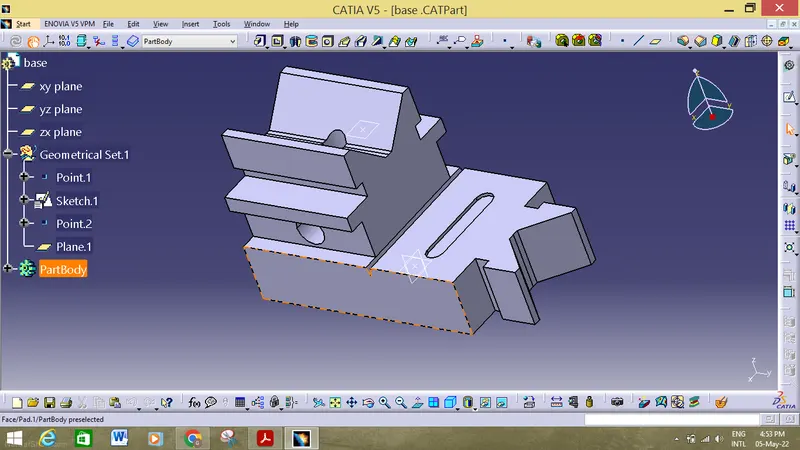
3.Then with the help of the different operations we must draw the 2d sketch in the work bench according to the dimensions which are given and name the product as base so that we can easily identify it properly.
4. Then with the help of the different operations we must draw the 2d sketch in the work bench according to the dimensions which are given and name the product as screw which is present above the u clamp at a perticular offset distance.
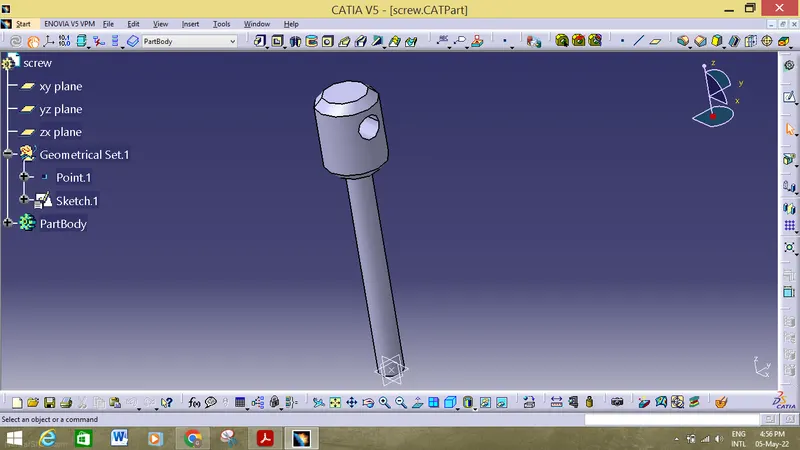
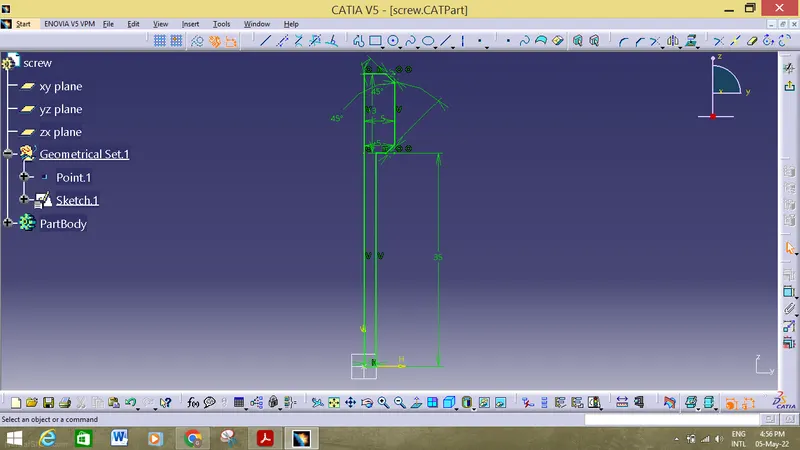
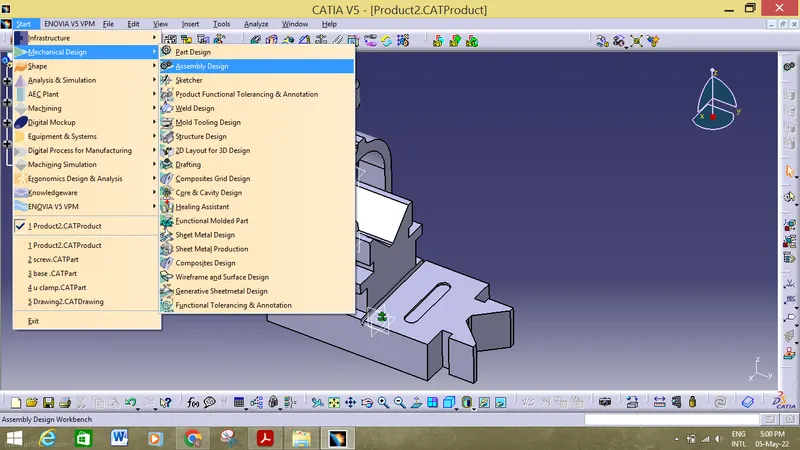
5. Then after that we must enter into assembly workbench by start>mechnical design>assembly and then we must import all the parts into the workbench.
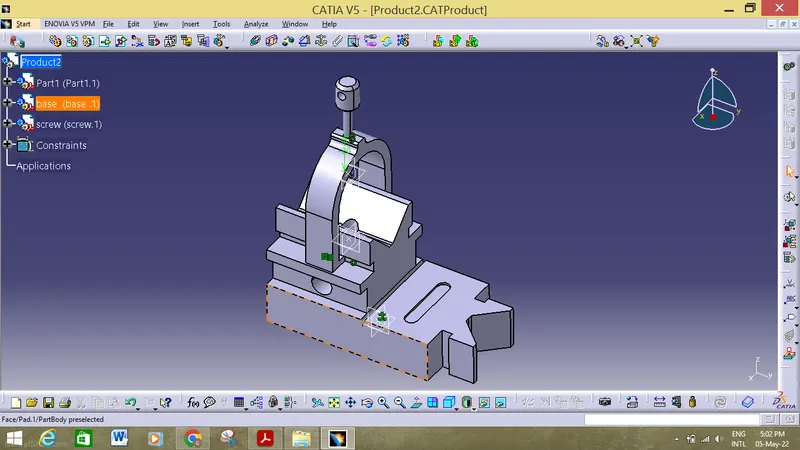
6. After entering the parts into the workbench we must use the below options to constrain the components with each other.

7. After assembling all the parts inti one part, then we must active the numbering option to perform the baloon operation in the drawing area and at the same time we must perform the sectional and individual component view and bill of material in the drawing area.
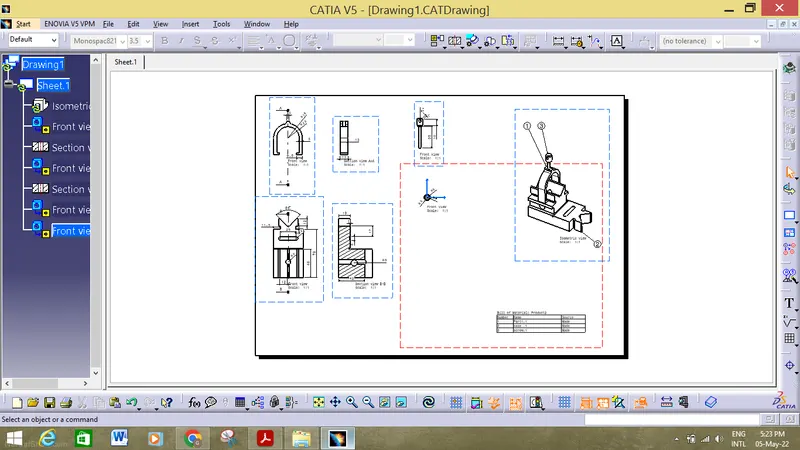
Conclusion: Hence the parts has been assembled, drafted in the catia workbench using various operation.