Stock Bracket Assembly : Week 4 Challenge
ASSEMBLY MODEL
AIM: To constuct the 3d model uding the 2d sketch which is already given.
Procedure:
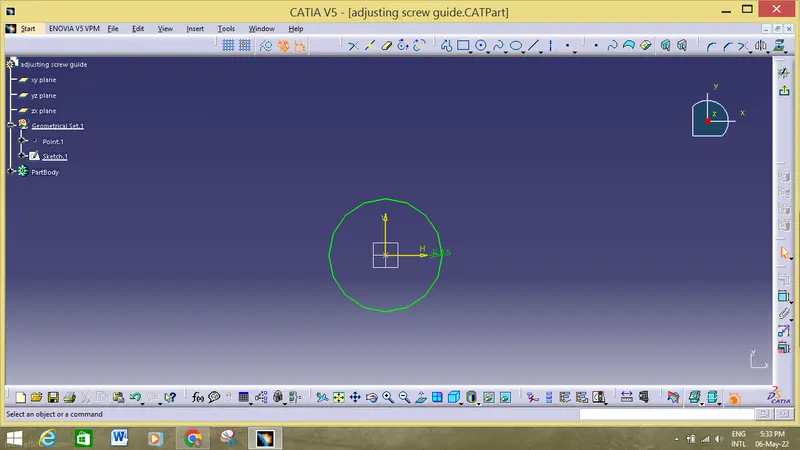
1. First we must open the catia v5 workbench to sketch part by clicking start>mechanical design>part design.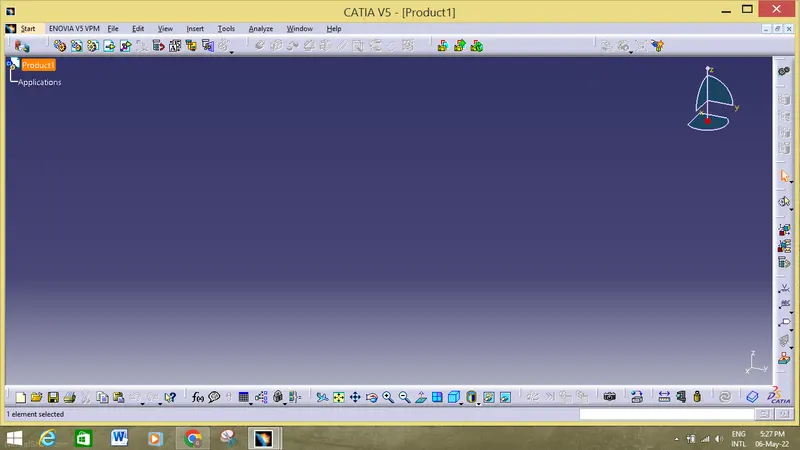
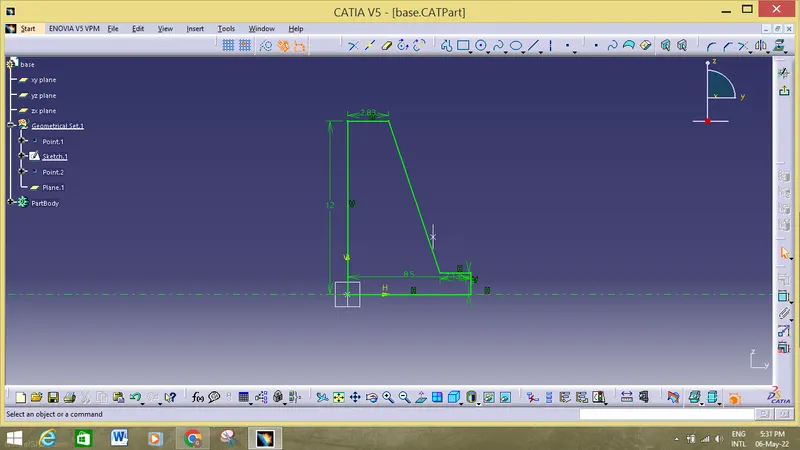
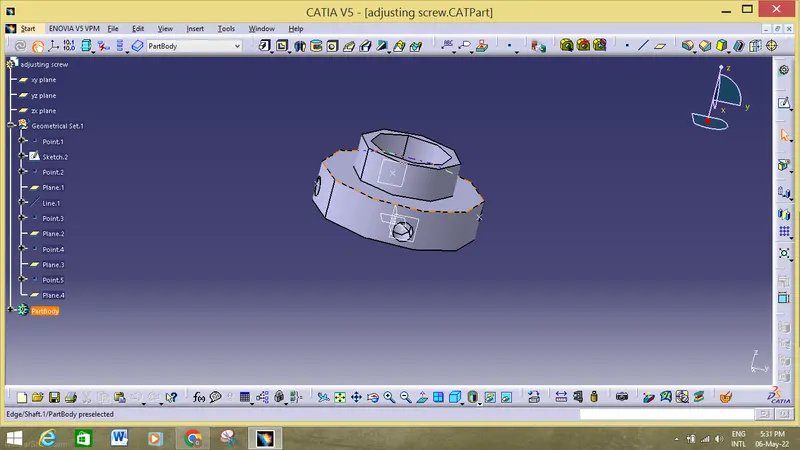
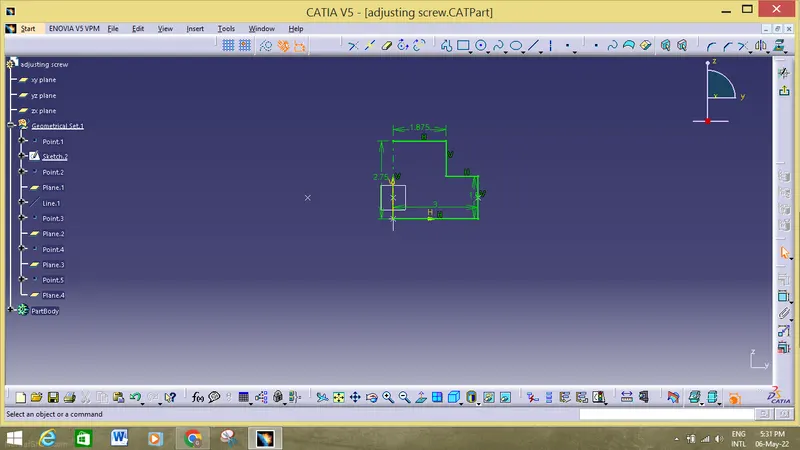
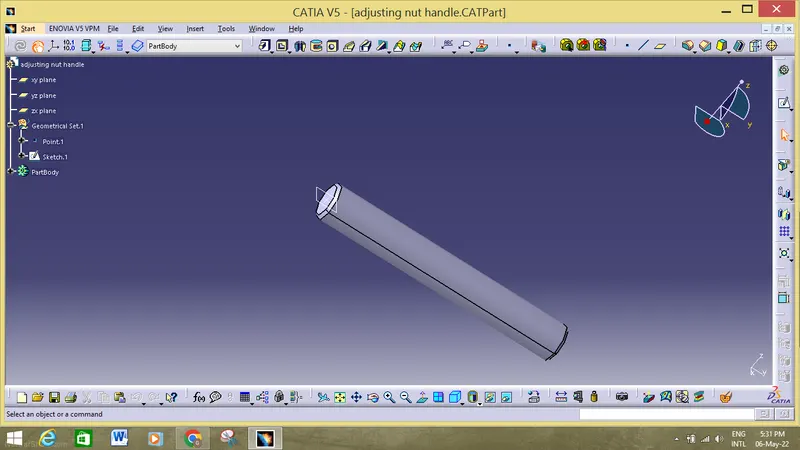
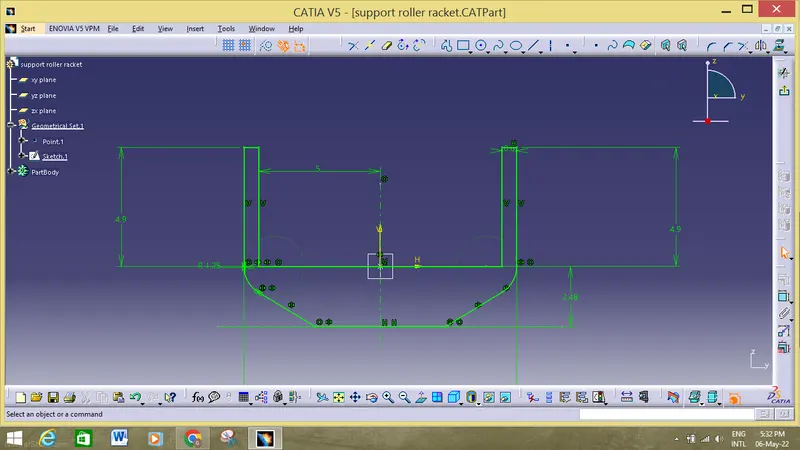
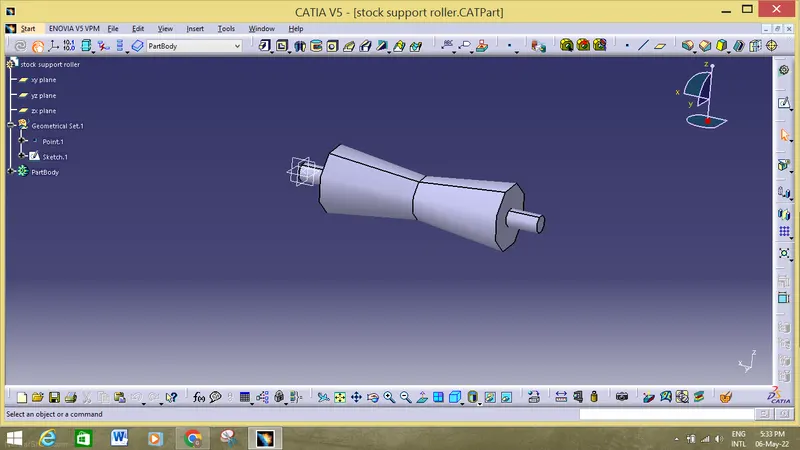
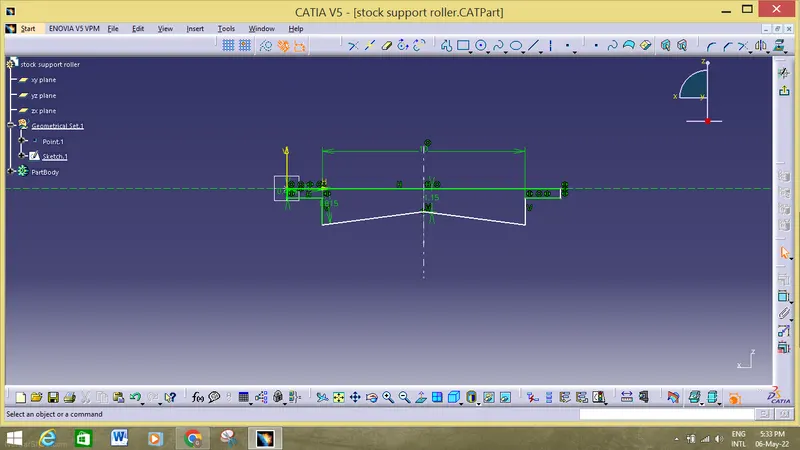
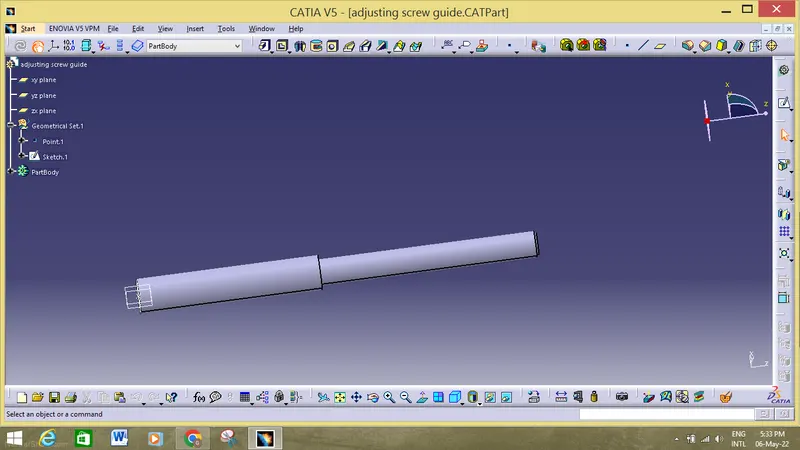
2. First we must start the 2d sketch of each and every parts and use options like pocket and pad to convert them into 3d parts in the catia v5 workbench.
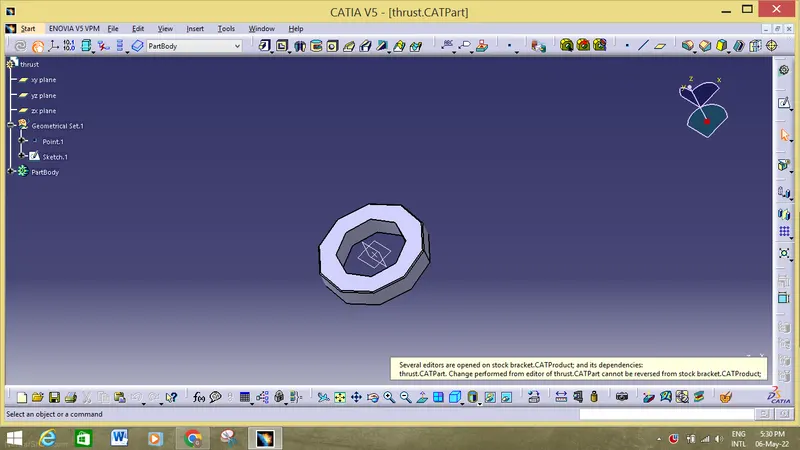
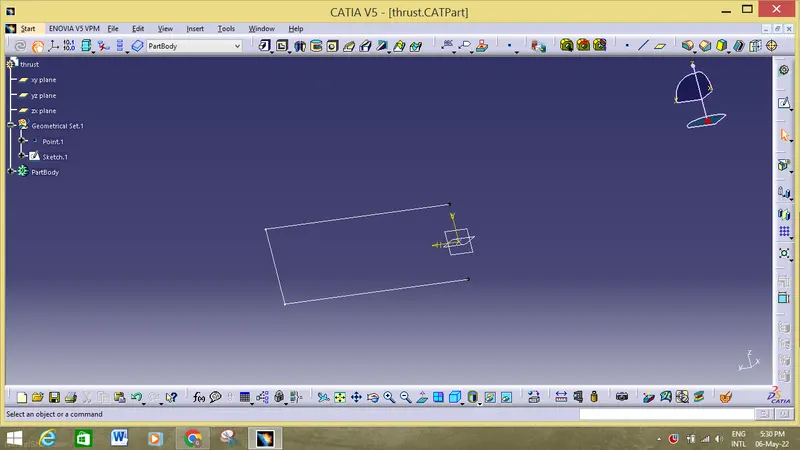
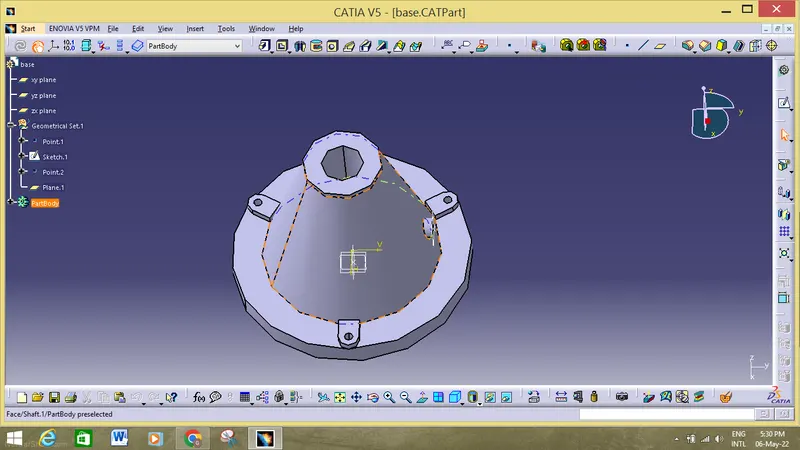
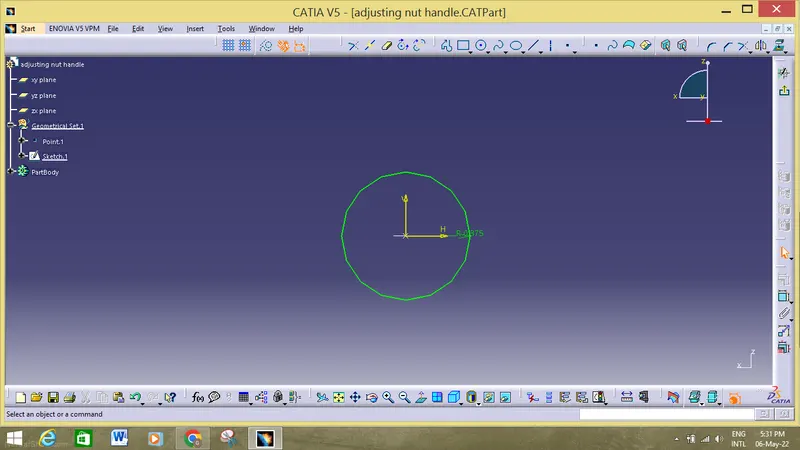
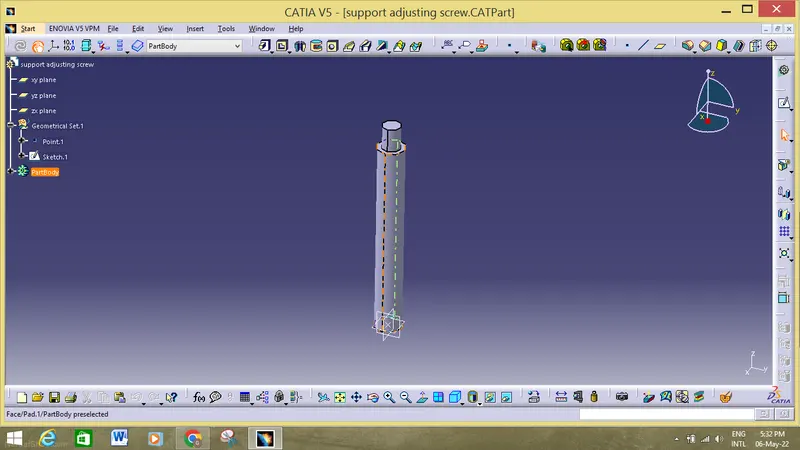
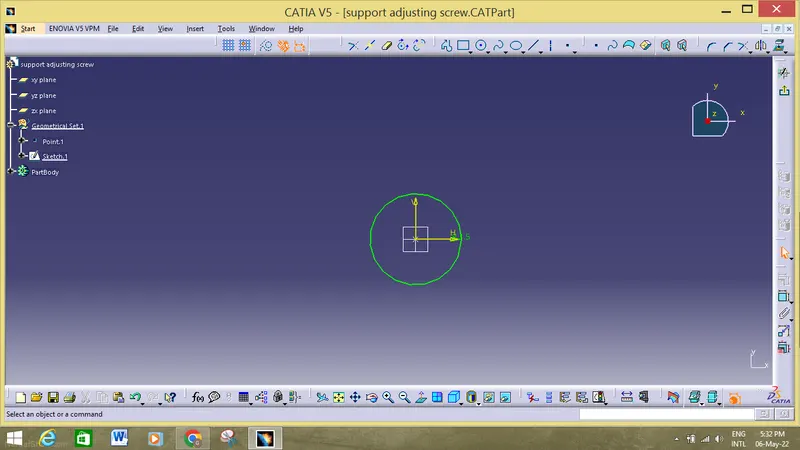
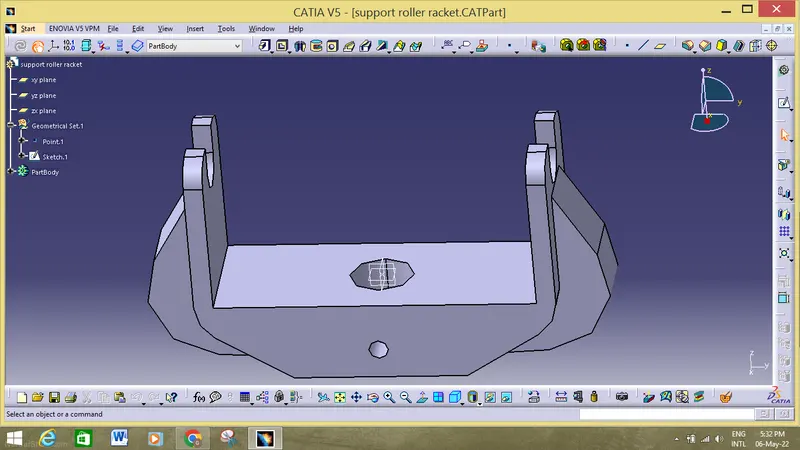
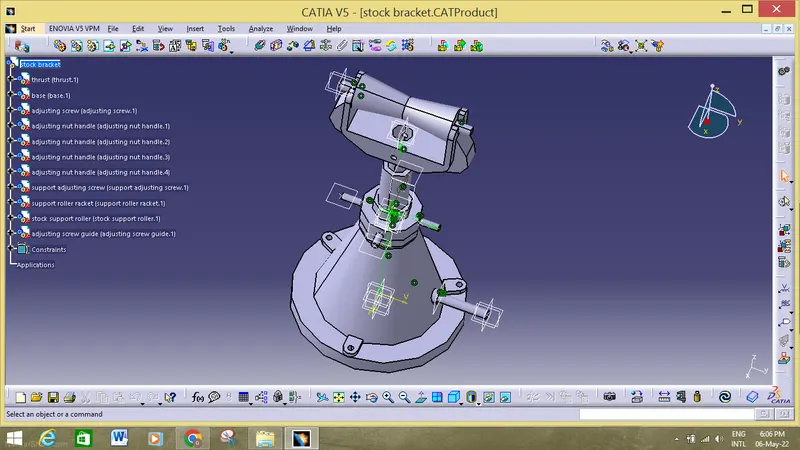
3. After constructing all the parts, we must go to the catia work assembly by start>mechanical design>assembly.
4.Then use many operations like co incidine constrains, offset and contact constrains to assemblw the parts in the desiered position and palce them according to the input data.
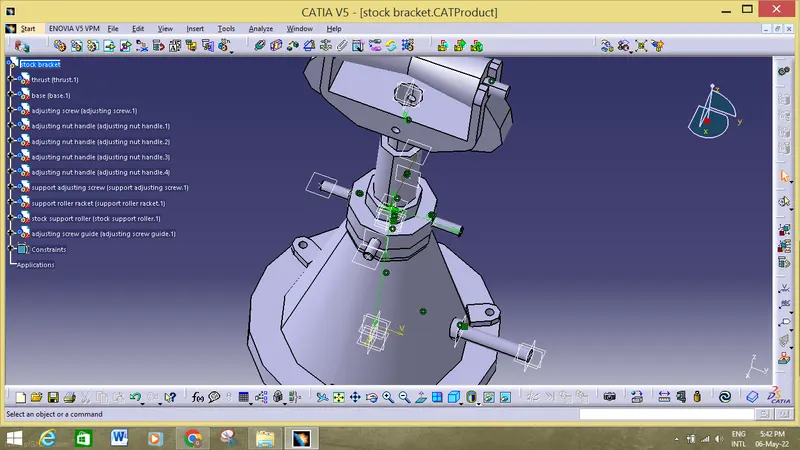
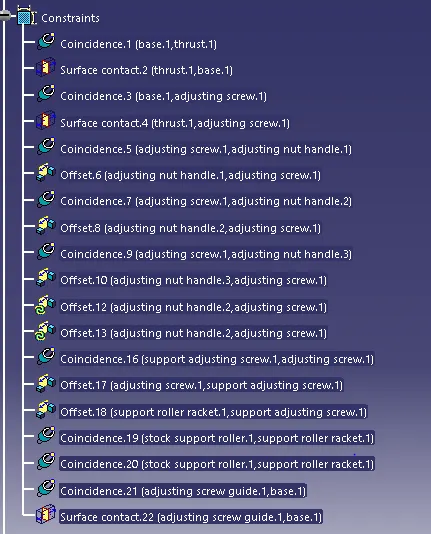
4. After the completion of the constraints , now must draft the components and individually so that the reader can properly have the view of the component. In this operation we must use isometric view, baloon operation, and many other operations in order to make the all components dimensioned.
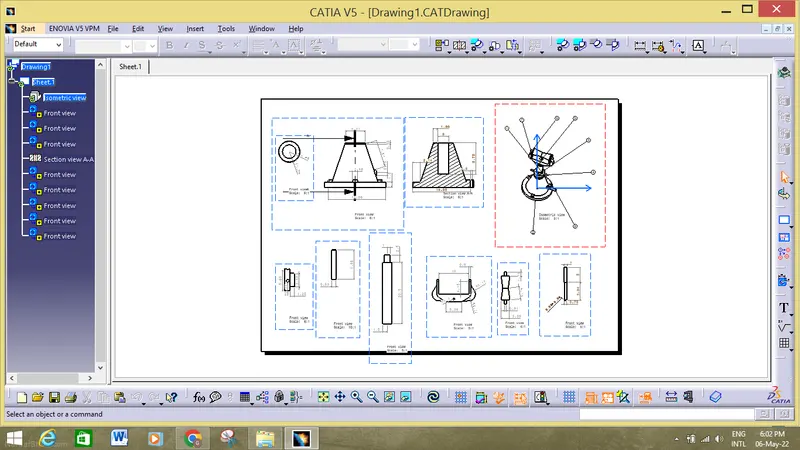
5.In this operation we must use isometric view, baloon operation, and many other operations in order to make the all components dimensioned.
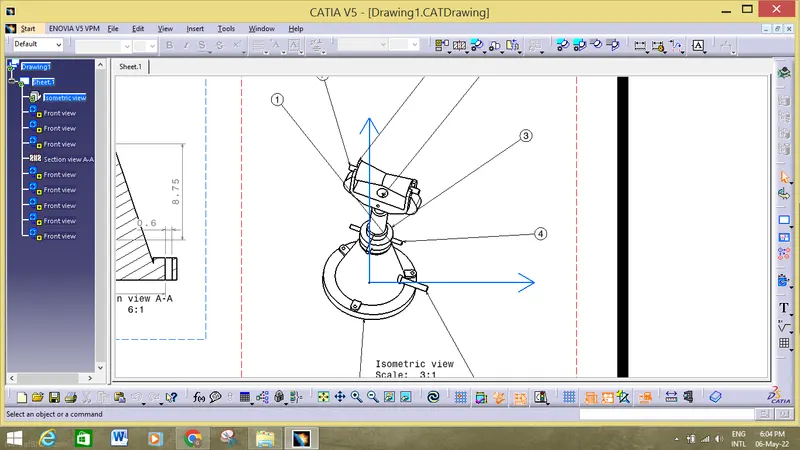
6. After the finishing of the components we must store the components individually with cad drawing and make sure that all the components are properly being constrinted.
conclusion:
Hence the operation has been done properly and all the cad drawing are been meaured with the help of the catia v5 workbench.